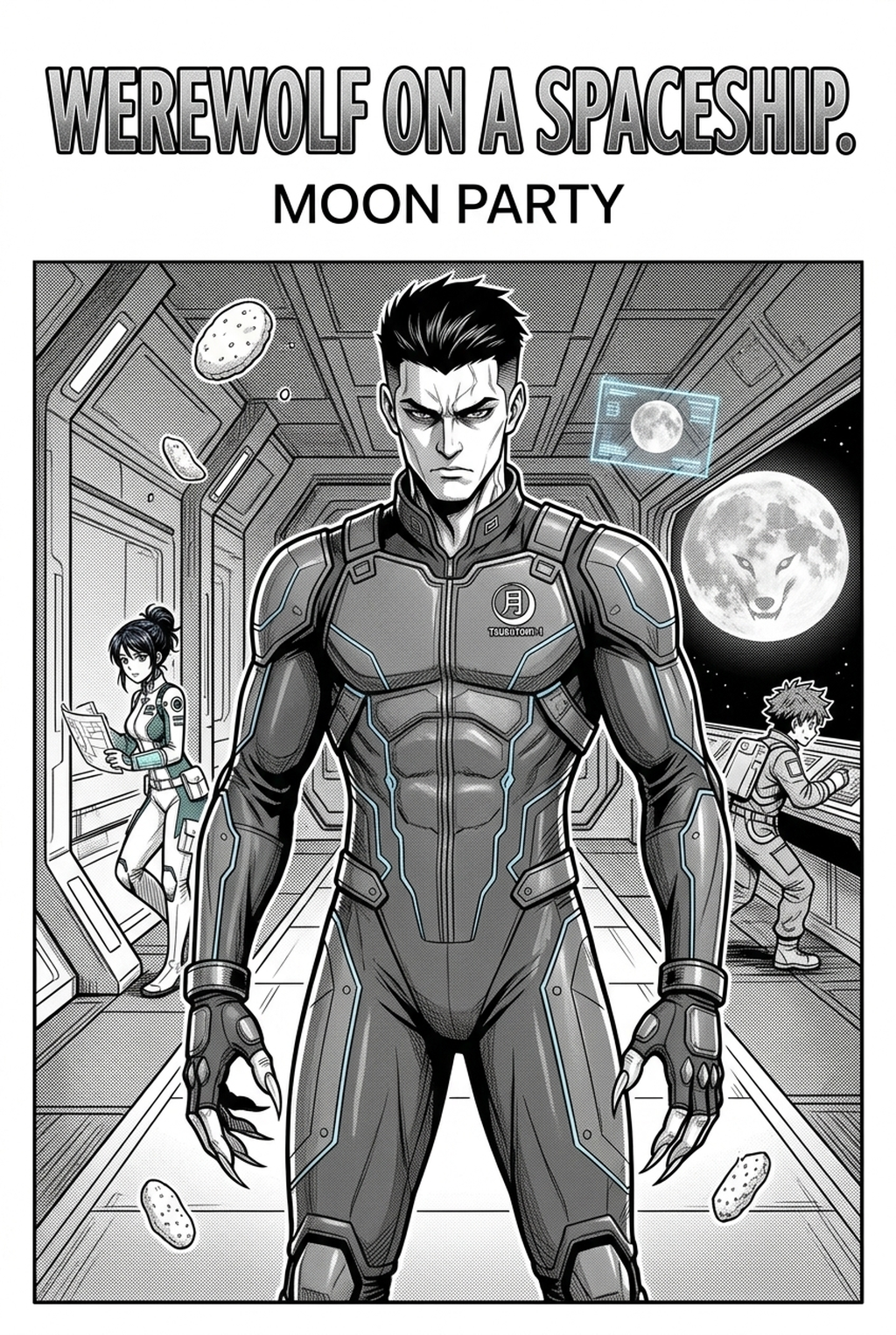
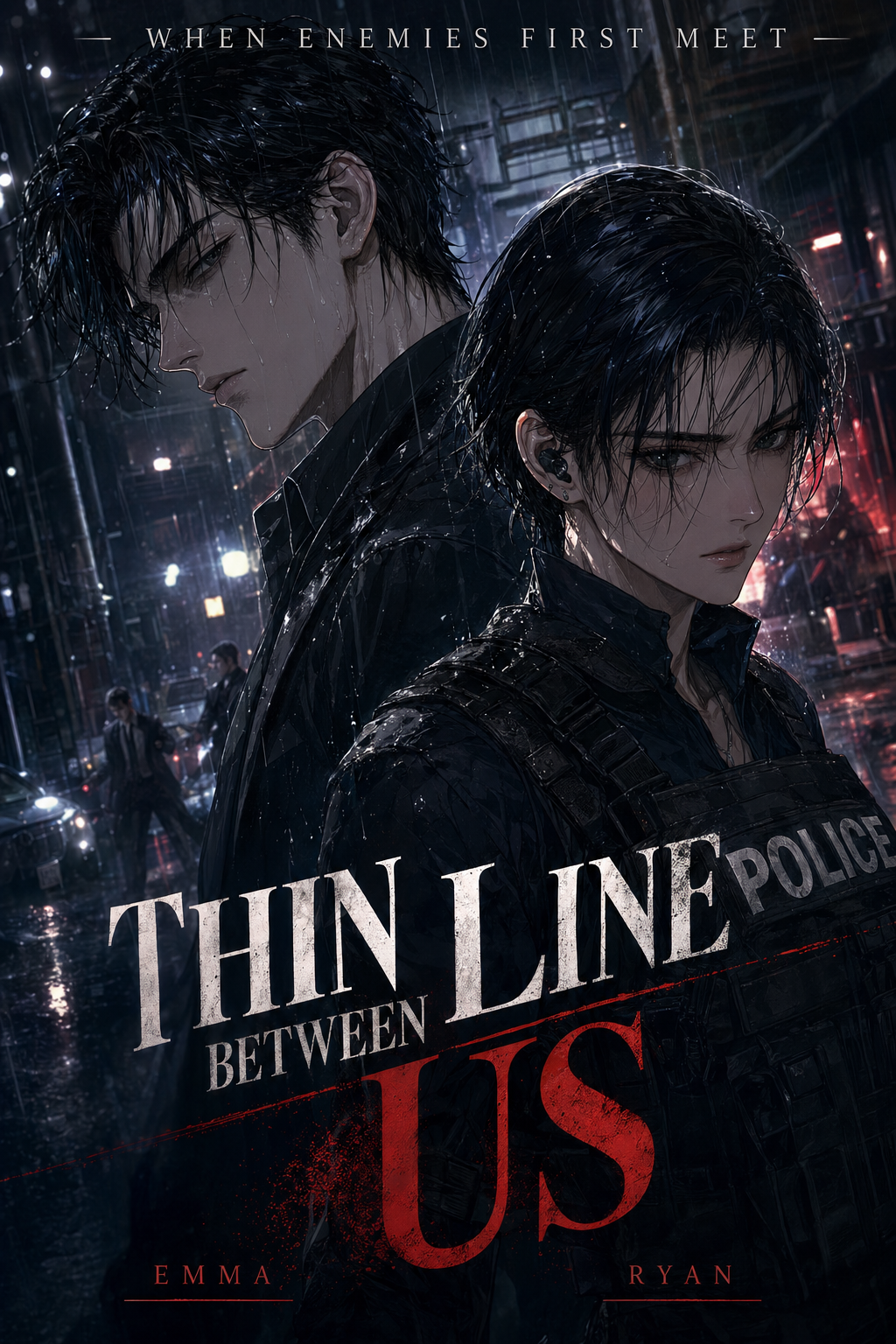
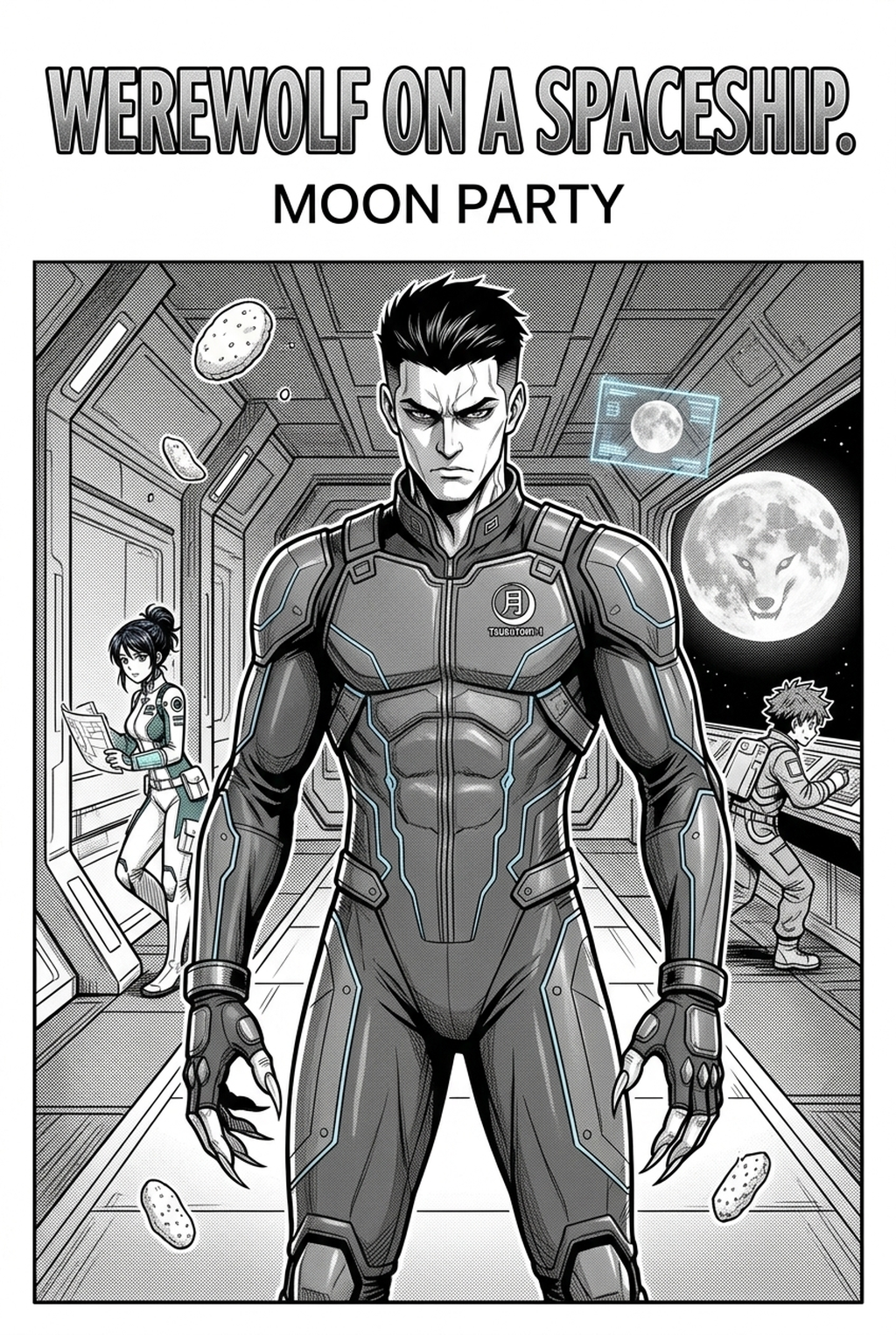
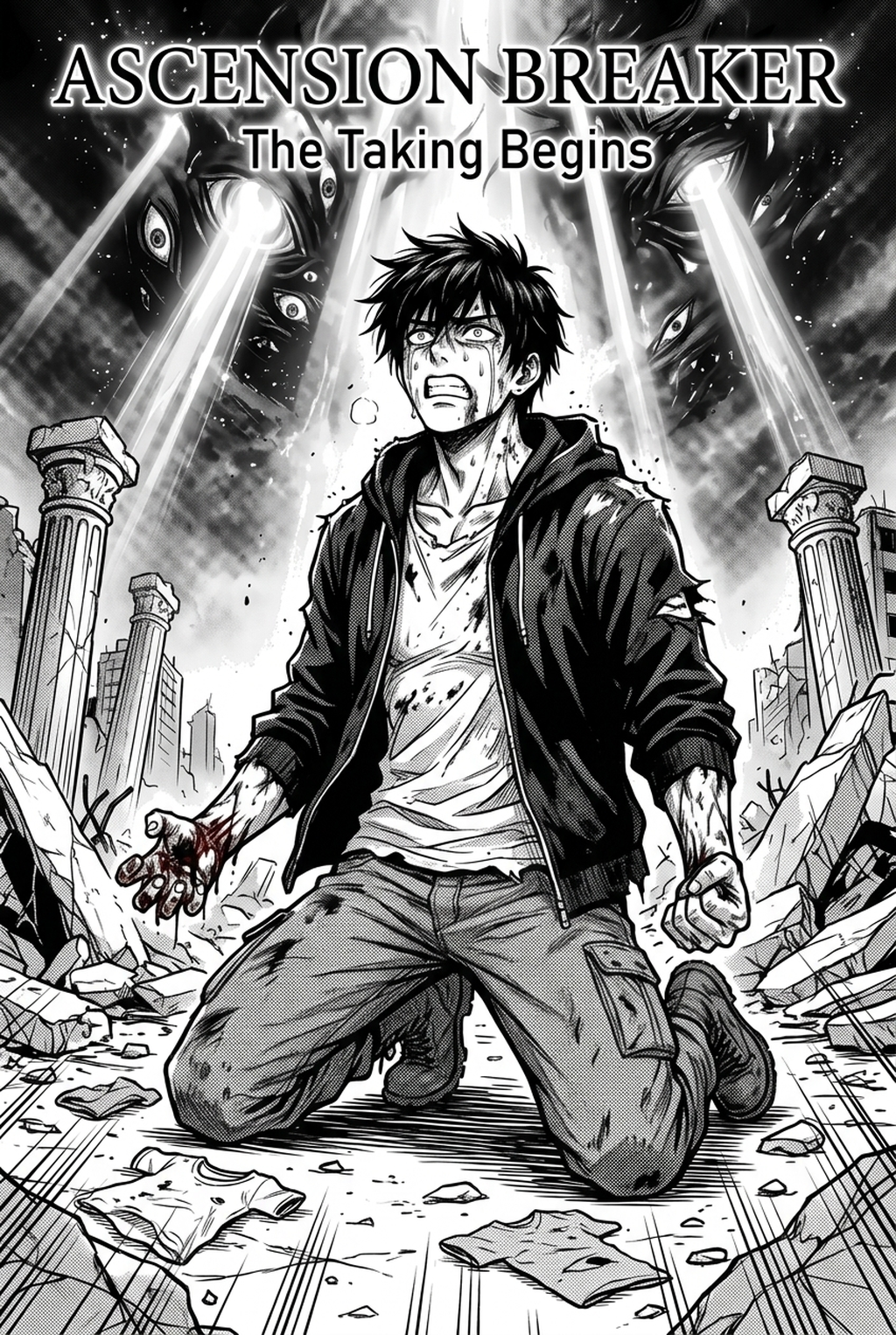
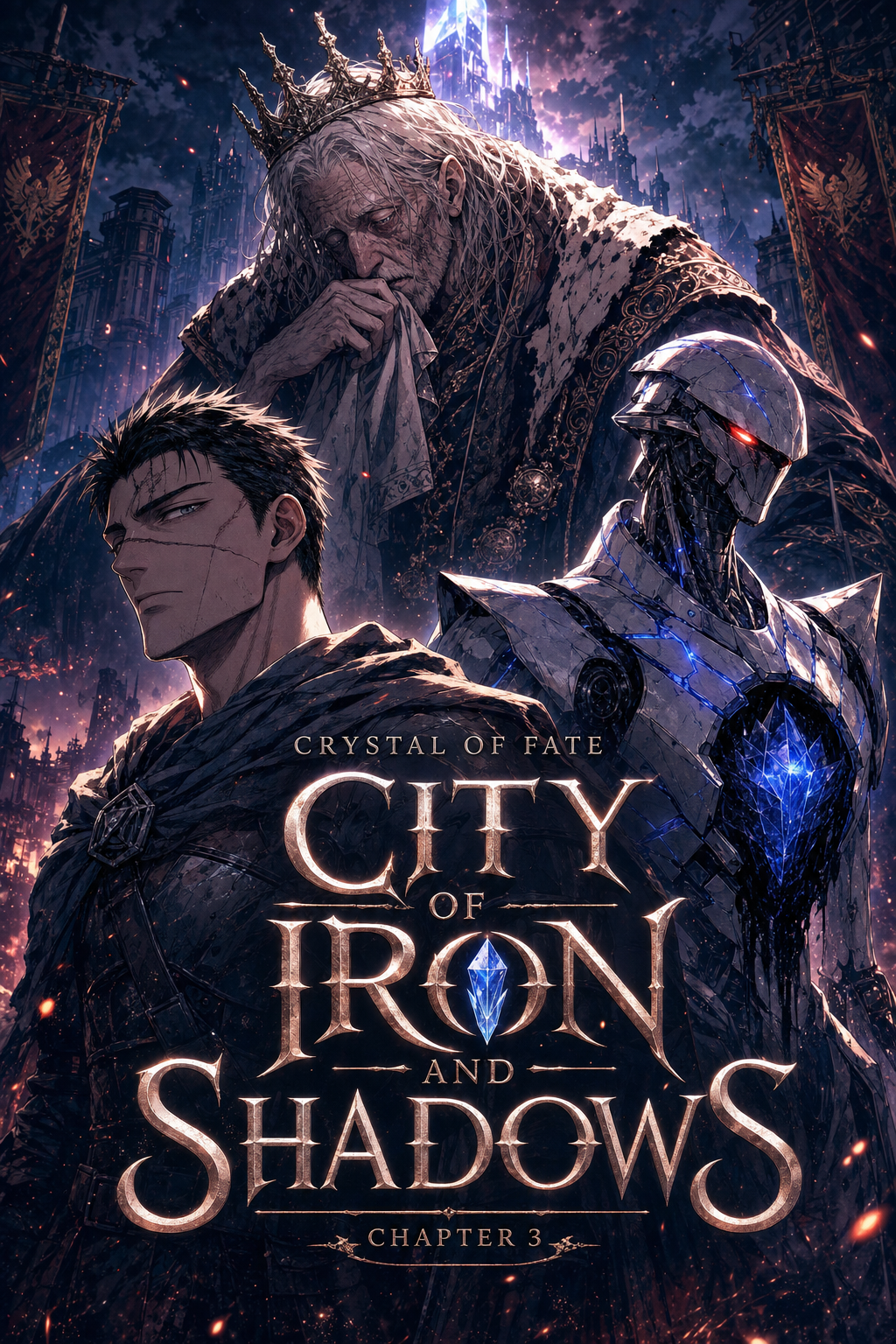
An AI comic generator is an artificial intelligence-driven creative software that transforms text scripts, narrative outlines, and story prompts into multi-panel comic strips, graphic novels, or webtoons. Unlike generic text-to-image generators that render disconnected single images, an AI comic generator manages sequential visual continuity—locking character facial models, hair silhouettes, and costume details across consecutive panels while structuring dynamic camera angles and speech balloon layouts.
If you are a writer, web novelist, or content creator, turning a written story into a visual comic has historically required either years of illustration training or thousands of dollars to commission an art studio. Modern sequential AI generation bridges this gap, allowing you to direct camera angles, dialogue pacing, and scene composition directly from plain text.
In this comprehensive guide, you will learn how an AI comic generator works, how modern engines maintain character consistency across panels, and the exact step-by-step workflow to turn your written story into a publishable comic.
What Is an AI Comic Generator?
An AI comic generator is a specialized production tool designed specifically for sequential visual storytelling. While standard AI art tools generate isolated illustrations based on single-sentence prompts, an AI comic maker understands that panel 2 must logically follow panel 1 in narrative context, lighting, character identity, and visual flow.
+-------------------------------------------------------------------------+
|                  TRADITIONAL IMAGE AI vs. AI COMIC GENERATOR            |
+-------------------------------------------------------------------------+
| Feature                     | Generic Image AI (Midjourney/Flux)        | Dedicated AI Comic Engine (Mangaka) |
|-----------------------------+-------------------------------------------+-------------------------------------|
| Character Persistence       | Face/hair changes across prompts          | Locked character models across arcs |
| Script Breakdown            | Manual prompting per single image         | Automatic prose-to-panel beats      |
| Panel Layout (Komawari)     | Requires external Canva/Photoshop         | Built-in dynamic panel grids        |
| Typography & Dialogue       | Scrambled text baked into pixels          | Vector speech bubbles & captions    |
| Reading Flow                | Standalone canvas                         | Left-to-Right or Manga Right-to-Left|
+-------------------------------------------------------------------------+
How Does an AI Comic Generator Maintain Consistent Characters?
The single greatest frustration creators face when attempting to make comics with AI is character drift. In panel one, your protagonist has shoulder-length black hair and a brown trench coat. In panel two, the same prompt produces someone with different facial proportions, altered clothing, and a modified art style.
Modern AI comic engines solve this character continuity bottleneck through three distinct architectural mechanisms:
- Character Model Anchoring (Identity Seeds): The generator locks facial proportions, eye shape, nose structure, and distinctive hair silhouettes into an internal reference vector. When generating new angles—whether a high-angle action shot or an extreme close-up—the engine projects the same identity vector into the scene.
- Costume and Asset Profiles: Creators can define default wardrobe anchors (such as a school uniform, combat armor, or casual attire) that persist across panels until a narrative costume change is explicitly prompted.
- Turnaround Reference Sheets: Professional tools generate a 3-angle model sheet (front, 3/4 view, and profile) before page creation begins, establishing ground truth references for the rendering pipeline.
How to Turn Your Story into a Comic: A Step-by-Step Workflow
Creating a polished sequential comic from a script follows a structured four-stage creative pipeline:
Step 1: Establish Your Character Model Sheets
Before generating your first comic page, create reference profiles for your primary characters:
- Facial Architecture: Eye style, jawline, expression defaults (calm, intense, smirking).
- Silhouette Identifiers: Unique hairstyles, accessories (glasses, scars, earrings), and clothing color palettes.
- Style Consistency: Select your overarching artistic aesthetic—crisp Shonen action, intricate Shoujo screen-tones, gritty Seinen inkwork, or vibrant full-color Webtoon tones.
Step 2: Structure Your Written Script into Visual Beats
You do not need to format your text like a complex screenplay. A clean breakdown of narrative beats and dialogue is sufficient:
Panel 1 (Establishing Wide Shot):
Location: Neon-lit alleyway in a cyberpunk city. Rain reflects off wet asphalt.
Visual: Ren stands under a flickering holographic streetlamp, pulling his coat collar up.
Caption: Neo-Shinjuku, 2048.

Panel 2 (Medium Shot):
Visual: An operative steps out from the shadows behind Ren, gripping a high-frequency blade.
Dialogue (Operative): "You shouldn't have come back, Ren."

Panel 3 (Dynamic Close-Up):
Visual: Ren glances over his shoulder with a calm smirk, blue cybernetic eye glowing.
Dialogue (Ren): "You're thirty seconds late."
Step 3: Choose Your Panel Layout and Reading Flow
Select your output format depending on your target distribution platform:
- Traditional Manga Layout: Structured rectangular and diagonal panels with traditional right-to-left (RTL) reading momentum and screentone shading.
- Western Graphic Novel: Left-to-right (LTR) multi-tier grid with full color or American comic inking styles.
- Vertical Webtoon Scroll: Continuous vertical mobile scroll with wide gutter spacing designed for Tapas or Webtoon Canvas readers.
Step 4: Position Vector Dialogue Balloons and Sound Effects
Never rely on raster images to render speech. Dedicated comic engines provide editable vector speech bubbles:
- Tails and Anchors: Point bubble tails accurately toward speaking characters.
- Sound Effect (SFX) Lettering: Add dynamic onomatopoeia (SWOOSH, CLANG, BOOM) on dedicated layers that can be resized without distorting the underlying art.
- Localization: Editable text layers allow you to translate dialogue into Spanish, French, Russian, or Japanese without redrawing page panels.
How Mangaka.app Solves the Comic Creation Workflow
If you want to turn your own stories into visual comics without spending years learning illustration or thousands on outsourcing, Mangaka provides a purpose-built workspace engineered specifically for writers and creators:
- Character Identity Locks: Build your character model once and deploy that exact hero across dozens of pages without facial distortion.
- Text-to-Panel Storyboard Engine: Paste raw prose, script outlines, or dialogue beats, and let the system arrange dynamic panel breakdowns automatically.
- Vector Speech Balloons & Pacing: Fine-tune dialogue bubble tails, narrative captions, and typography directly on canvas.
- Commercial Publishing Rights: Retain full commercial rights to self-publish your finished comics on Amazon KDP, Webtoon, or physical print formats.
Frequently Asked Questions (FAQ)
What is the difference between an AI image generator and an AI comic generator?
An AI image generator produces single, standalone illustrations with no contextual memory of preceding images. An AI comic generator is built for sequential art—it maintains character facial consistency across multiple panels, breaks scripts into visual storyboards, and integrates vector speech bubbles and page layout grids.
Can I create an entire multi-page comic book with consistent characters?
Yes. Dedicated comic AI platforms use persistent character embeddings and reference seeds to ensure that your protagonist's facial features, hairstyles, and outfits remain identical from page 1 through page 30.
Can I convert an existing written novel into a comic with AI?
Yes. You can import story excerpts or chapter summaries into an AI comic maker. The tool analyzes descriptive prose, extracts spoken dialogue, and suggests a multi-panel visual storyboard layout representing the scene beats.
Do I own the commercial rights to comics created with an AI comic maker?
When creating original stories with platforms like Mangaka.app, you retain commercial ownership of your original scripts, worldbuilding, and exported visual pages, permitting distribution on self-publishing platforms, Patreon, or digital comic stores.