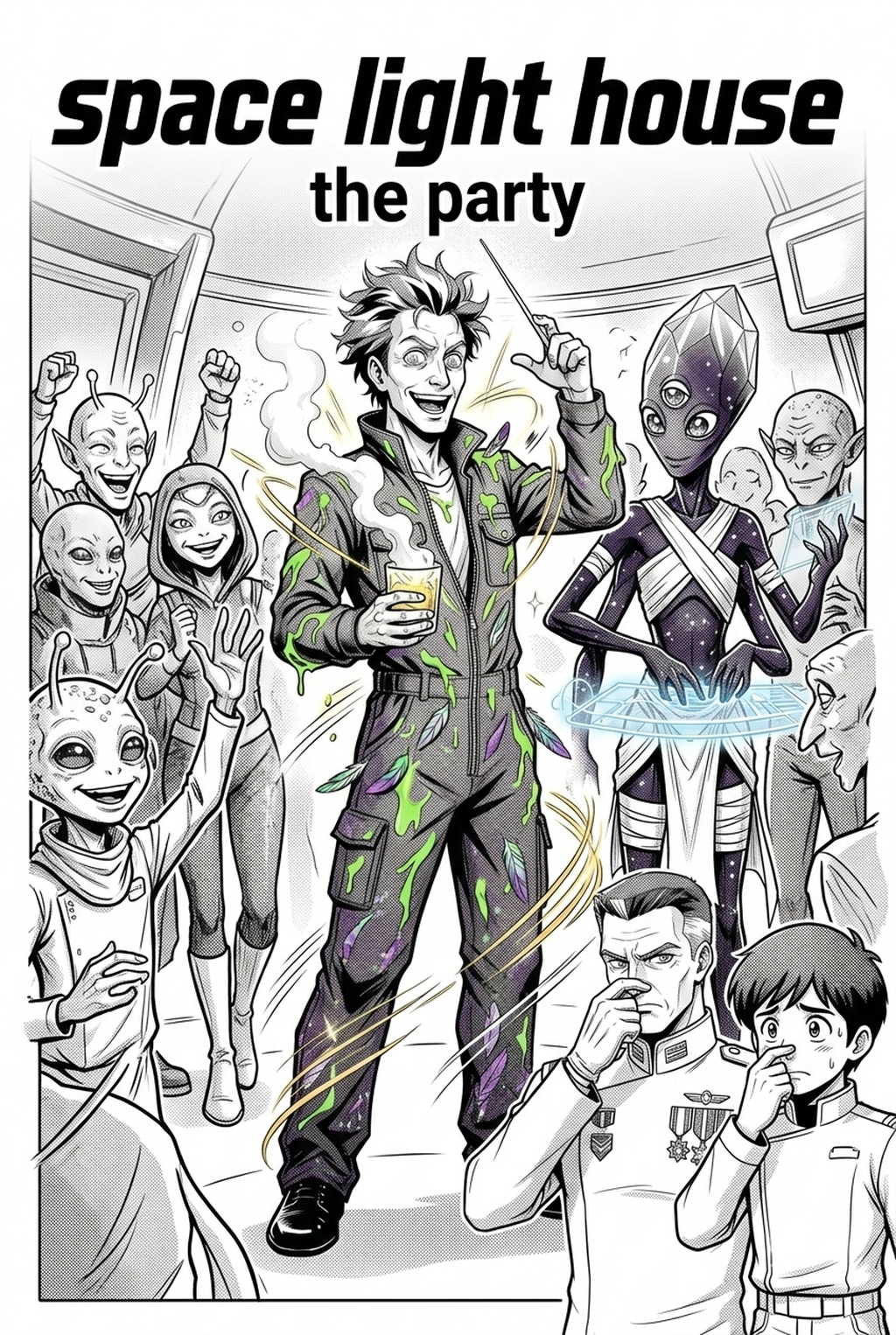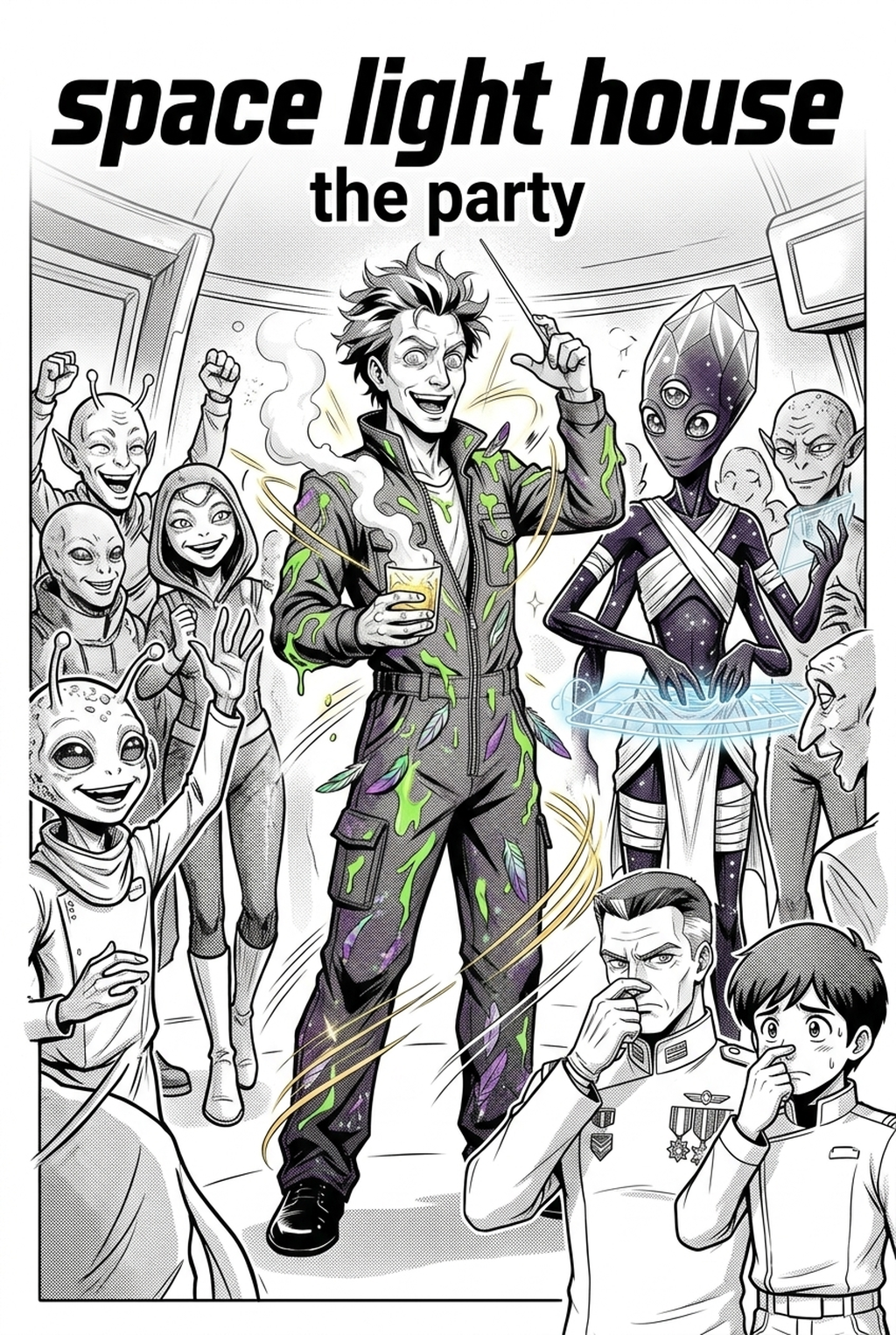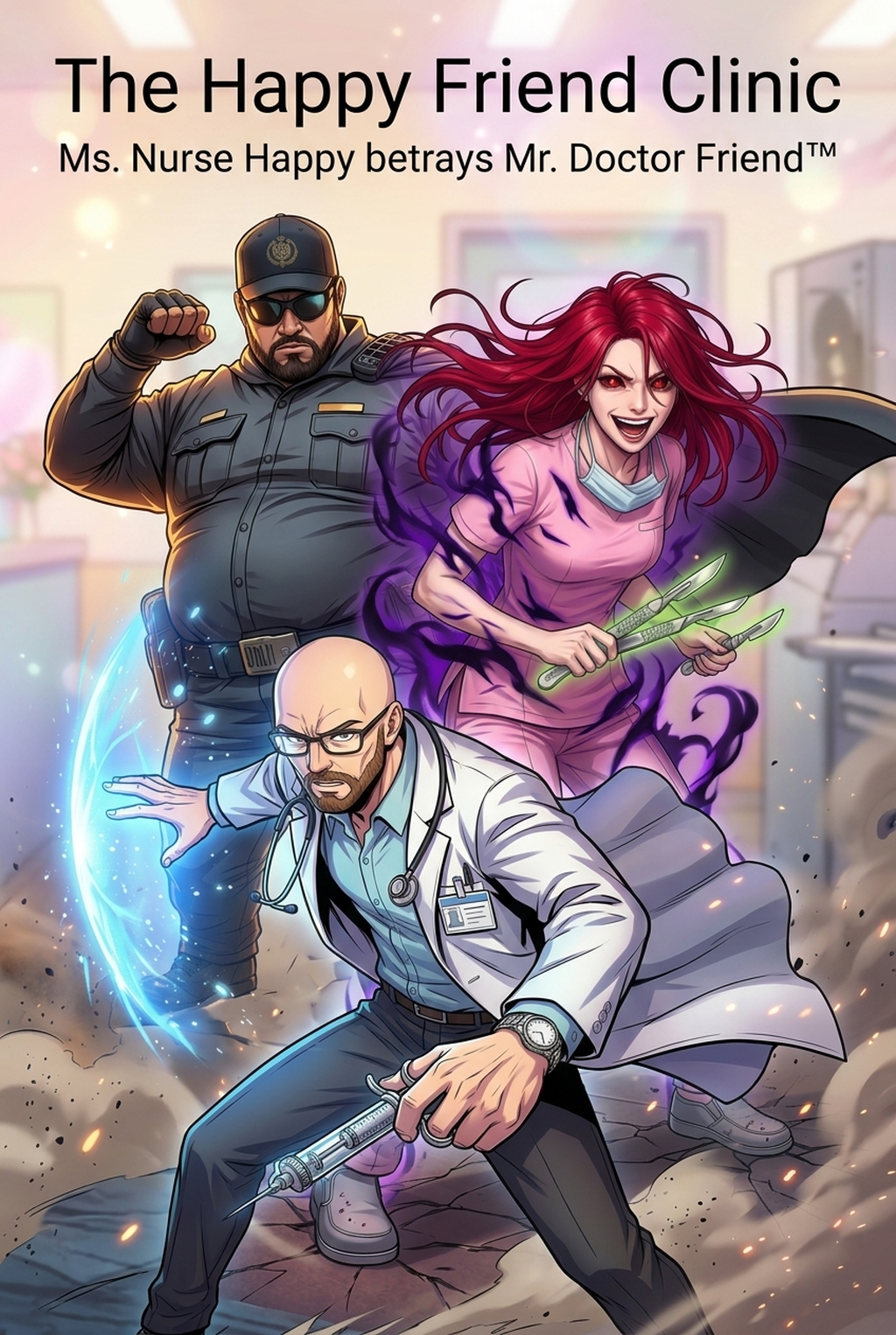
What Is AI Manga Character Designer for Shonen Manga?
Reader expectations should shape how creators review pacing, expression, and genre clarity after generation. MyAnimeList manga news keeps that audience context visible, so Shonen pages should be judged by whether readers can follow the action, character role, and visual rhythm.
A useful manga workflow ties setup, review responsibility, and export conditions to the page a creator needs to finish. That keeps the decision focused on sketch cleanup, character intent, panel readability, and the publishing handoff. An AI manga character designer is a specialized creative tool that translates descriptive natural language into static, model-accurate character sheets and action poses.
Why AI Manga Character Designer Matters for Shonen in 2026
How AI Manga Character Designer Works for Shonen in Dynamic Color Panels
You typically operate these tools by establishing a "source" character model that the AI uses as a reference for all subsequent panel generation. To ensure your characters look consistent within AI Manga Character Designer for Shonen manga with Mangaka , you must focus on defining clear visual anchors—such as distinctive eye shapes, recurring color palettes, and specific combat accessories—which the tool preserves even when changing the camera angle or kinetic pose. Workflow Steps for High-Energy Panels.
- Define the Model: Input a comprehensive description of your lead character, focusing on the specific Shonen tropes" like spiky hair, layered garments, or distinct combat stances.
- Generate Anchors: Create a character sheet that includes at least three views: front, side, and "power-up" or combat-ready.
- Panel Injection: Use the AI to place your established model into high-energy composition panels, focusing on dynamic lighting and perspective shifts.
- Manual Touch-up: Finalize the linework or add specific FX layers—like lightning or aura bursts—that define the high-stakes energy of modern manga .
- Visual Continuity: Always keep your base character sheet open while generating new panels to cross-reference proportions. * Layering: Treat AI output as your "under-drawing" or color base, then add your own personal ink style over the top to unify the aesthetic. * Lighting Control: Maintain a consistent light source across your color panels to ensure the shading on your hero’s costume doesn't clash between sequential images.
Use Cases for AI Manga Character Designer
Use cases are strongest when the story goal, genre expectation, visual risk, and final export format are clear. A useful example names the page detail a creator checks before the page moves into lettering, coloring, or publishing. For the indie creator, these tools are not just for full-page art but for solving specific production hurdles that previously required hours of tedious drafting.
- Complex Costume Refinement: If your protagonist has a detailed hero suit, the AI can generate consistent iterations of that suit in various battle-damaged states, saving you the pain of tracking every strap and buckle. * Transformation Sequences: Rapidly prototyping the stages of a power-up or a mid-transformation state, ensuring the "after" version still shares the same identifying marks as the "before" version. * Dynamic Panel Storyboarding: Quickly visualize your action sequences in full color to test which camera angles provide the most impact before you commit to final, high-resolution line art.
Step-By-Step Guide to Start with Mangaka
Hands-on drawing control still matters after an AI first pass because creators may need to adjust line weight, cleanup, and export settings. The Wacom comic and manga creation guide anchors that review in practical art production rather than broad AI-image claims. Mangaka Features and Export Review.
Start by preparing the creative brief, reference notes, character constraints, and export target before generation. The setup matters because a clearer brief gives the review pass something specific to judge: silhouette, expression, panel readability, and file readiness. Getting your project off the ground is a straightforward process designed to integrate seamlessly into your existing creative stack.
- Sign Up: Create your account to access the dedicated character modeling dashboard.
- Paste/Upload: Input your character's physical description or upload a rough sketch to act as the primary visual foundation.
) for final assembly in your illustration software. Export quality depends on whether the creator can still adjust cleanup, line weight, and handoff settings after AI assistance. Creators should define the scene goal, character references, page count, reading direction, and target Dynamic color panels.
That gives AI Manga Character Designer enough context to support the story instead of producing disconnected panels. For visual quality, creators should check line weight, facial expression, pose clarity, panel order, and space for dialogue before export. Those checks matter more for Shonen pages because action beats and emotional pauses need to read quickly.
a useful tool should save time without flattening the creator's style. The best choice keeps the first pass editable, makes revisions visible, and leaves final judgment with the artist. Creators can use each revision decision to clarify panel readability, character consistency, and export quality before publishing or sharing.
Creators should keep a small reference sheet for recurring characters, outfits, props, and backgrounds. That makes it easier to compare generated pages and decide which panel needs a redraw. For export, creators should confirm the final PNG, PDF, or editable file can move into lettering, coloring, or layout cleanup without rebuilding the page.
A clear export routine keeps the next chapter faster. For manga creators, the practical value comes from reducing redraw loops before the artwork reaches a reader-facing page or reusable asset. For team review, creators should separate story feedback from art feedback. One pass can focus on pacing, another on panel readability, and a final pass on file quality before publishing or sharing.
- Production context. Anime News Network's manga production feature describes manga as staged work from rough draft to finished page. Use it to judge whether AI inking helps cleanup without weakening review.
Create Iconic High-Impact Battle Shonen Heroes with Mangaka.app
Shonen manga relies on unforgettable spiked silhouettes, emotive determined eyes, dynamic power-up evolutions, and high-energy rival designs. Mangaka.app provides the dedicated sequential production engine built specifically for shonen manga and comic creators:
- Instantly Recognizable Silhouette Geometry: Design sharp, punchy character contours and iconic hairstyles that pop even in crowded battle spreads.
- Power-Up & Awakening Form Consistency: Seamlessly transition characters from base outfits into intense awakened states without losing facial identity.
- High-Action Combat Flexibility: Position characters in extreme kinetic angles, dynamic punches, and airborne leaps with intact anatomy.
- Pristine Vector Line Art for Commercial Print: Export ultra-crisp 600 DPI vector linework ready for weekly serialisation or graphic tankōbon volumes.
The Bottom Line
A useful creator workflow keeps the story goal, visual style, and review step clear before export. AI Manga Character Designer gives creators a faster first pass without removing the final human review. Creators can use each revision decision to clarify panel readability, character consistency, and export quality before publishing or sharing. Start creating with AI Manga Character Designer for Shonen manga when you are ready to turn the reviewed idea into finished manga pages. Test it with one real page goal, one reference boundary, and one export requirement so the decision stays tied to production quality.