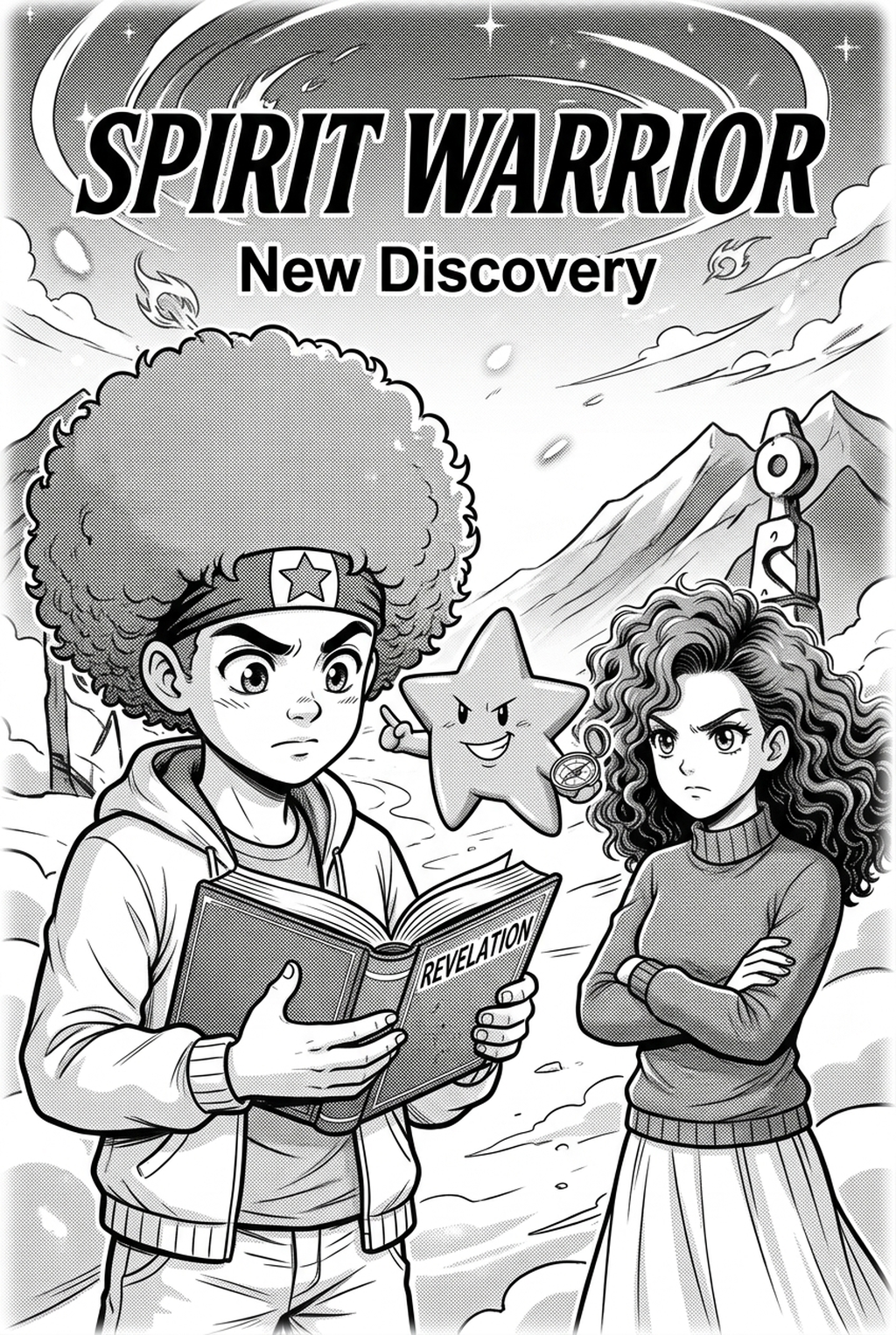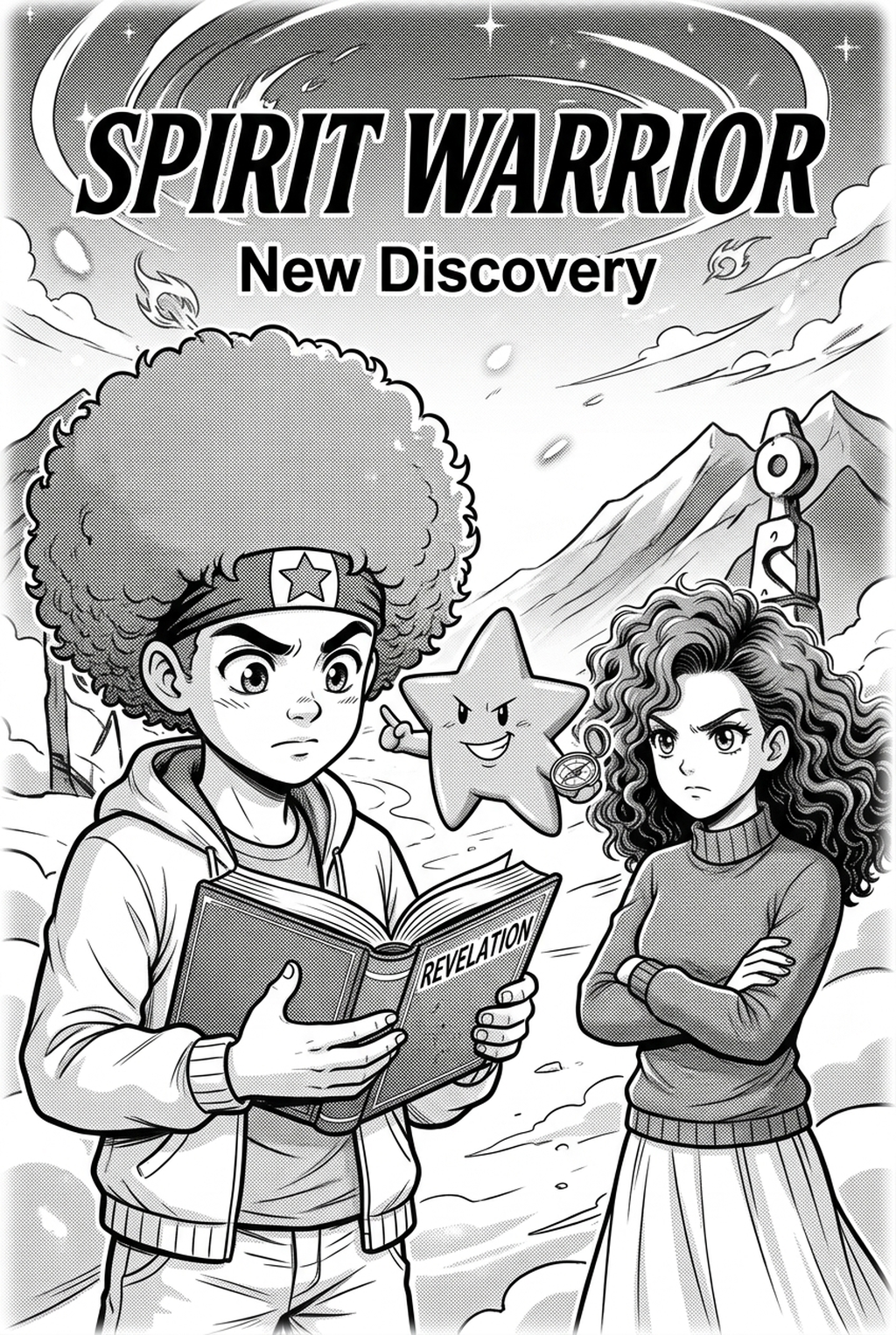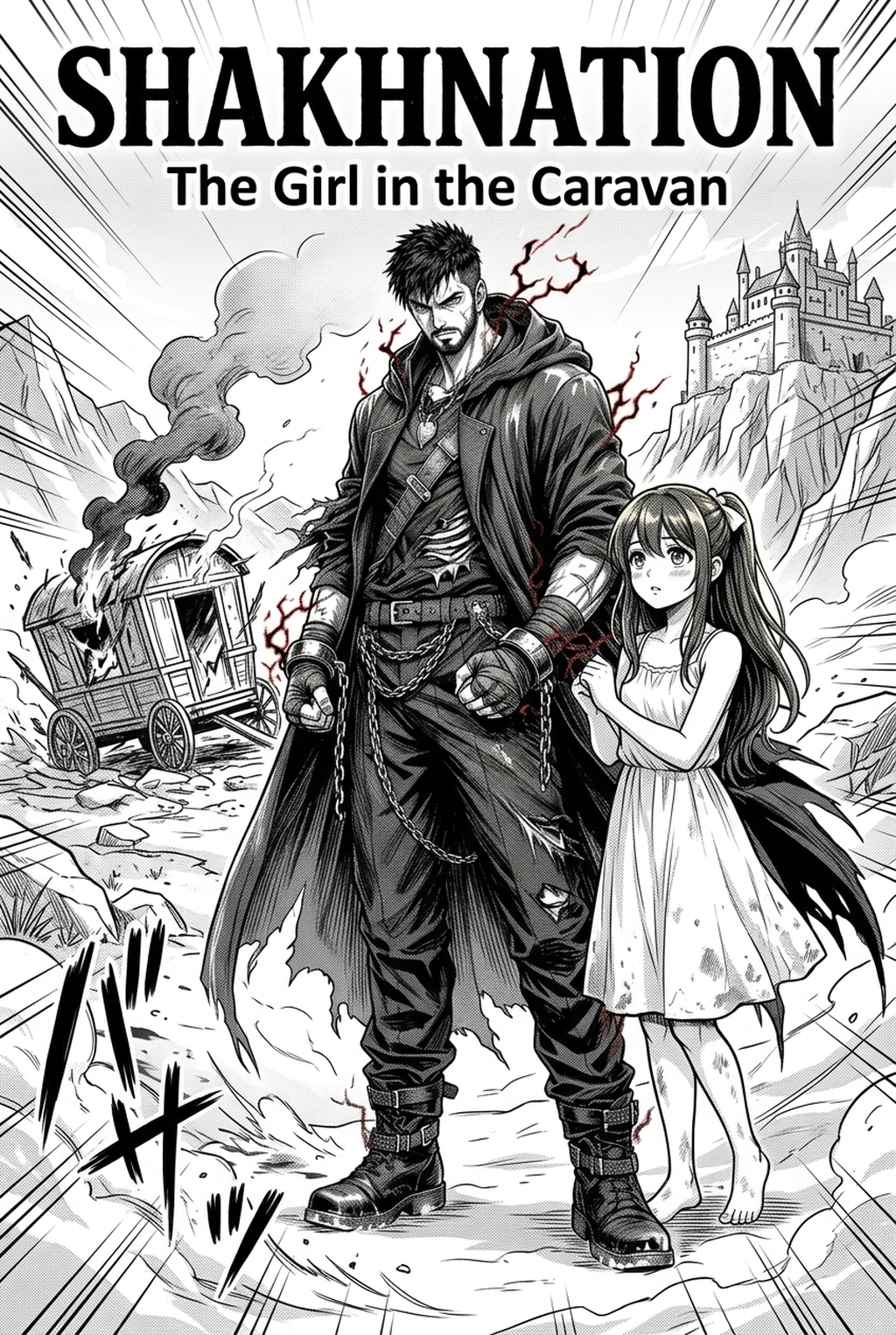
AI Manga Colorist for Shonen manga helps creators choose the right Mangaka workflow for cleaner pages, steadier style, and review-ready output. The comparison starts with production speed, manual control, line quality, and export readiness because those factors shape whether a page can move into final review. Creating a compelling manga series requires a deep understanding of the production process, from initial sketches to final export. With the rise of digital tools, mangaka can now streamline their workflow, focusing on the creative aspects of storytelling. In this guide, we will explore the benefits of using AI Manga Colorist for Shonen manga creators, highlighting its features, and providing tips on how to integrate it into your production pipeline.
AI Manga Colorist: Pre-Production Setup with Mangaka
AI Manga Colorist for Shonen manga helps creators choose the right Mangaka workflow for cleaner pages, steadier style, and review-ready output. The comparison starts with production speed, manual control, line quality, and export readiness because those factors shape whether a page can move into final review.
When you move your production into color, the way you prepare your sketches and line art becomes the foundation for your final output. You need to ensure your files are optimized so that automated coloring systems can accurately distinguish between character outlines, background architecture, and dynamic action speed lines.
Mangaka Features and Export Review
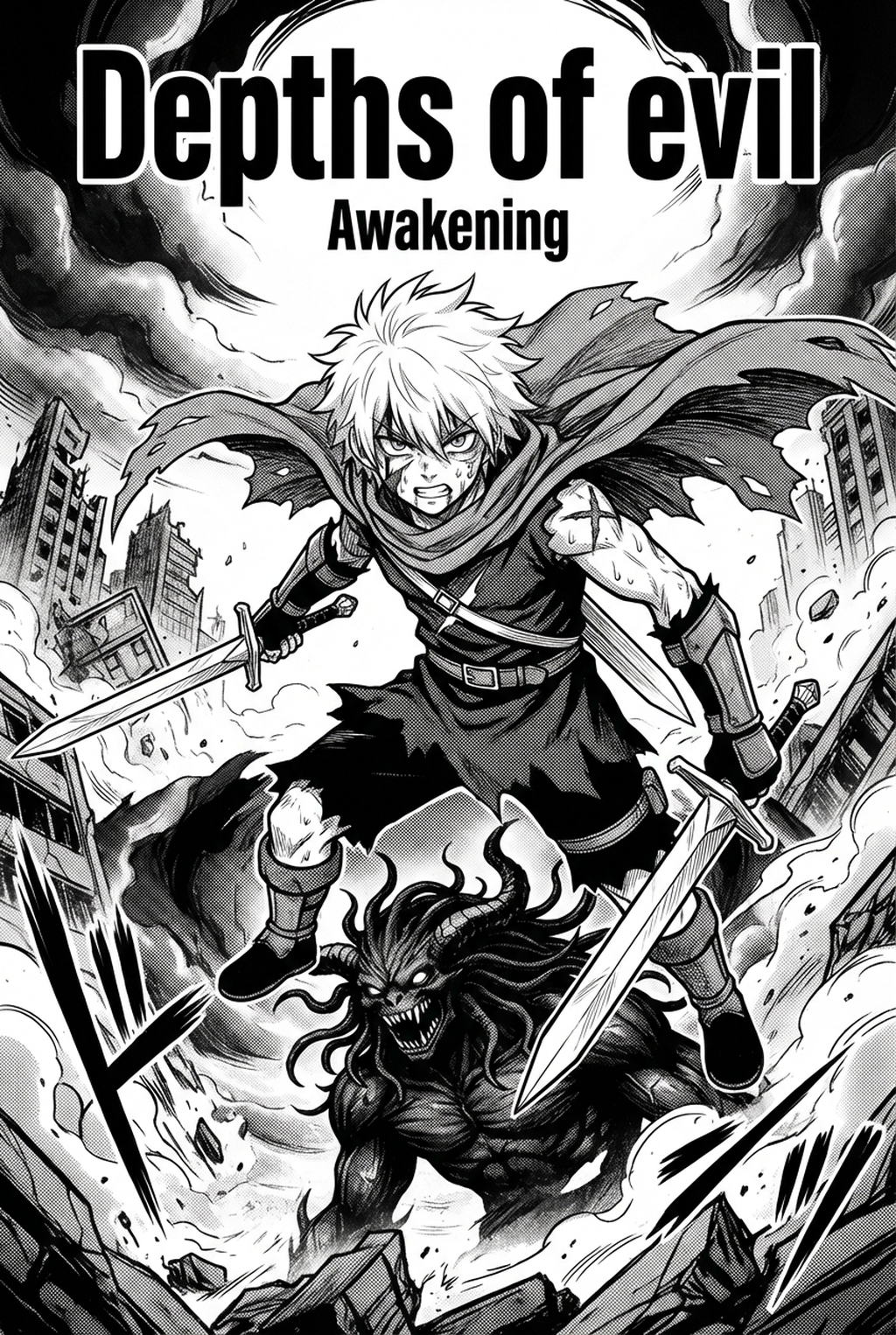
Creators producing shonen often struggle with the "clutter" of high-intensity line art, such as exploding debris or complex character transformations. Mangaka is built to recognize these specific technical needs by anchoring color fills to your existing line work. Because it focuses on preserving the integrity of your original ink, you can maintain the grit and weight that define your specific art style while allowing the AI to handle the time-consuming process of base coloring.
Quality Checks Before Export
Before Processing Your Pages Through the Tool. Verify your file preparation with these checks:
- Closed Paths: Ensure your lines are fully connected; gaps in line art lead to "color bleed" where the fill ignores boundaries. * Layer Separation: Keep your lines on a high-contrast, transparent PNG layer to allow the engine to process the linework cleanly. * Resolution Density: Stick to standard 300-350 DPI to ensure the AI doesn't misinterpret line weight as intentional shading.
Drafting the Full Series in Color Vertical Comic Platforms
Transitioning to a color vertical comic platforms format requires a shift in how you plan your narrative flow, specifically regarding how color interacts with the reader's eye. As vertical comic platforms reading habits show, color serves as a guide, leading the reader through vertical panels and signaling transitions between flashbacks and the present.
Creative Decisions and Export Quality
You can utilize specialized software like Clip Studio Paint to manage your final compositing. While Clip Studio Paint provides an exhaustive suite of manual painting tools, brushes, and layer effects, it can be slow for bulk coloring. The advantage here is that the manual approach gives you total control over complex lighting scenarios, like a character’s glow during a special technique.
Workflow Fit and Review Needs
When finalizing drafts in manual painting software, prioritize these technical standards:
- Color Palette Consistency: Use a defined color script for your main characters to ensure that their costume colors don't fluctuate between chapters. * Layer Grouping: Organize your files by Character," Background," and Effects" to facilitate easier adjustments during the final review. * File Weight: Keep your exported vertical comic platforms panels under 2MB where possible to prevent lag during platform uploads.
Using AI Manga Colorist Across Pages
The bottleneck in a weekly series is almost always the repetitive coloring of base layers. By integrating an AI assistant into your production process, you regain hours of creative time that can be better spent on storyboarding or refining character expressions.
Workflow Fit for Creator Output
Using AI Manga Colorist for Shonen manga with Mangaka allows you to automate the initial color pass across entire chapters. Unlike manual painting which is done panel-by-panel, the AI handles the base colors across the entire page, letting you focus on the "hero panels" where dynamic lighting and shadows define the scene's emotional tone. By automating the base, you eliminate the risk of missing a color region on a minor character or background object.
Review Controls Before Export
Before Moving Your Output to the Final Stage. Perform these sanity checks:
- Color Drift: Scan the page for any inconsistencies in eye or hair color caused by complex line overlapping. * Contrast Balancing: Check if the AI-applied colors mute your intended ink weight and boost the opacity of your linework layers if necessary. * Output Consistency: Ensure all pages exported from the tool are saved in the same color profile (sRGB for web display) to avoid jarring color shifts when published.
Publishing on Serial Publishing and Beyond
Once your pages are colored, the final step involves preparing them for the specific technical requirements of your host platform. Every platform, from international vertical comic platforms portals to indie manga sites, has its own compression algorithms and file size limits.
Reader Impact Before Publishing
Adobe Photoshop remains the industry standard for final polish and export. It excels at complex color grading, allowing you to unify the AI-colored elements with your manual effects. It is the tool that ensures your color palette remains vibrant even after the platform’s compression software takes its toll on the file.
Creative Decisions and Export Quality for Publishing on Serial Publishing an
When exporting for serial publication, run these final audits:
- Compression Check: Run a test export to see how the file looks at 70-80% JPEG quality to ensure your line art remains sharp. * Platform Formatting: Verify that your vertical scroll segments (often 800px wide) meet the specific requirements of your chosen host. * Metadata: Ensure your files have proper tags for accessibility, such as including alt-text for characters and action sequences.
Production Checklist for Shonen Creators
To ensure your production maintains momentum, follow this consolidated checklist throughout your process. This keeps the review focused on story intent, line weight, panel readability, and the export quality behind the final AI Manga Colorist output. Treat your coloring process as a distinct phase separate from the inking phase. Mixing them often leads to sloppy line work and fragmented color schemes. Using a tool like Mangaka allows for a clean break between these stages, as it allows you to upload your finished ink work separately.
- Line Weight Assessment: Check that thick ink strokes aren't being "filled" by mistake. * Consistency Log: Keep a document with your character's official hex codes; don't rely on memory alone. * Final Proofing: Always view your page at 100% on a mobile device to see if the colors pop on a small screen, which is how most vertical comic platforms readers will experience your work.
Export quality depends on whether the creator can still adjust cleanup, line weight, and handoff settings after AI assistance. Wacom comic and manga creation guidance ties that point to drawing practice instead of broad AI-image claims.
- Setup Readiness. Creators should define the scene goal, character references, page count, reading direction, and target Color vertical comic platforms. That gives AI Manga Colorist enough context to support the story instead of producing disconnected panels.
- For Visual Quality. Creators should check line weight, facial expression, pose clarity, panel order, and space for dialogue before export. Those checks matter more for Shonen pages because action beats and emotional pauses need to read quickly.
- For Comparison. A useful tool should save time without flattening the creator's style. The best choice keeps the first pass editable, makes revisions visible, and leaves final judgment with the artist. Creators can use each revision decision to clarify panel readability, character consistency, and export quality before publishing or sharing.
- Before Export. Creators should compare the generated line art with the original sketch and confirm that facial expressions, props, speed lines, and speech-bubble space still support the scene. A repeatable review pass should cover character consistency, panel readability, background clarity, and whether the final file is ready for coloring, lettering, or editor feedback. For longer projects, creators should save approved examples of line weight, face detail, clothing folds, and background density. Those references keep later chapters closer to the intended style.
- Production context. Anime News Network's manga production feature describes manga as staged work from rough draft to finished page. Use it to judge whether AI inking helps cleanup without weakening review.
- Reader expectations. MyAnimeList manga news keeps genre expectations visible for readers who scan action, character acting, and page rhythm quickly. Shonen inking should preserve panel clarity, not just cleaner lines.
- Drawing practice. Wacom's comic and manga creation guide ties tool choice to brush control, cleanup effort, and export readiness. That keeps review grounded in creator workflow.
The Bottom Line
A useful coloring pass keeps the story goal, visual style, and review step clear before export. AI Manga Colorist gives creators a faster first pass without removing the final human review. That extra context helps the reader connect the creative choice to character consistency, composition, speech-bubble space, and final file format.
Start creating with AI Manga Colorist for Shonen manga when you are ready to turn the reviewed idea into finished manga pages. Test it with one real page goal, one reference boundary, and one export requirement so the decision stays tied to production quality.
Accelerate Shonen Manga and Webtoon Color Production with Mangaka
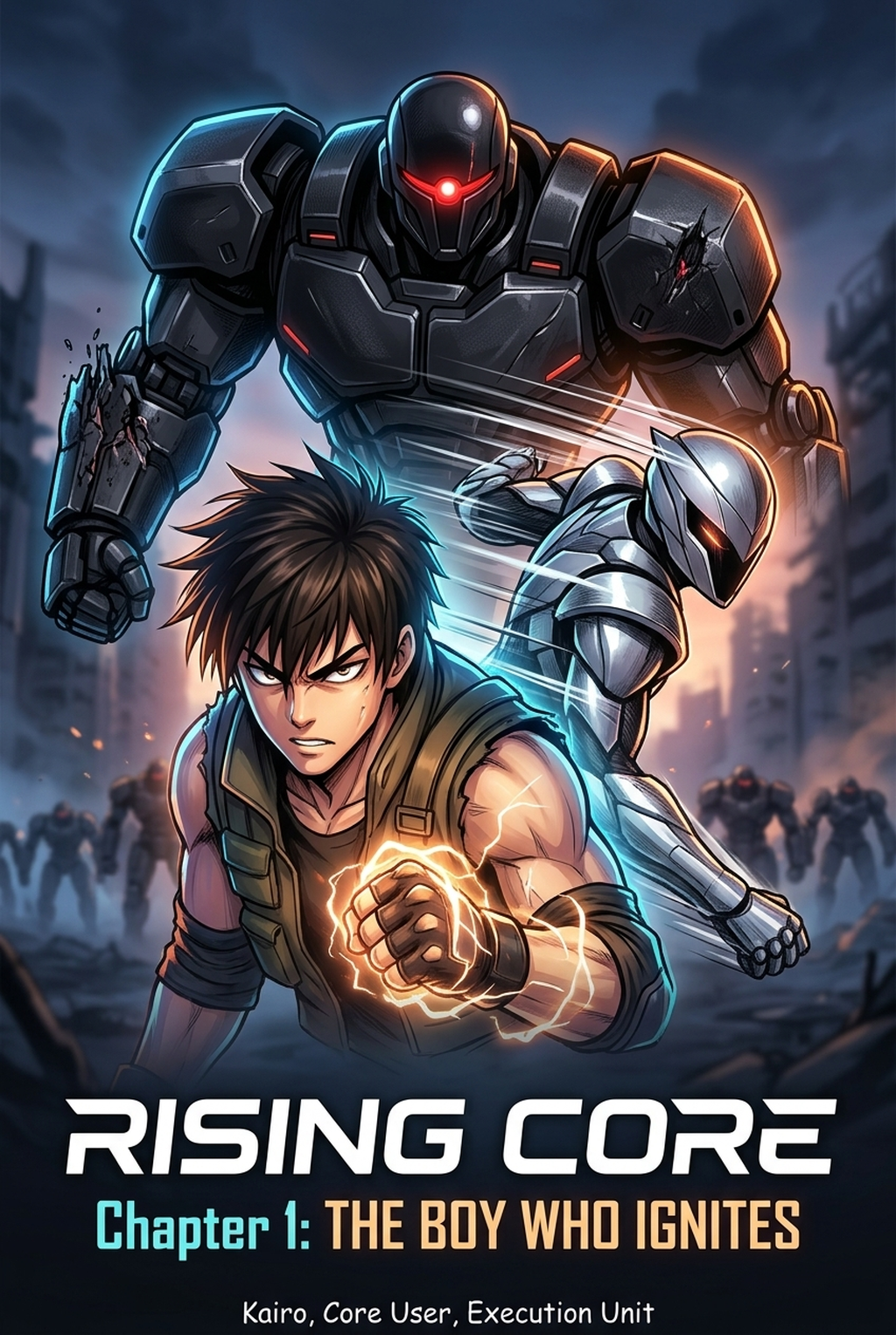
High-intensity shonen action sequences require high-contrast color schemes, explosive energy lighting, and speed-line clarity that pop on mobile webtoon screens. Manual frame-by-frame flatting creates severe bottlenecks.
- Dynamic Energy Aura & Lighting Effects: Render high-impact power auras, speed trails, and explosive special effects that heighten combat drama.
- Consistent Character Combat Palettes: Lock in hero hair, costume, and attack hues across dozens of consecutive fast-paced action panels.
- Mobile-Optimized Webtoon Polish: Deliver rich, high-contrast digital coloring calibrated for seamless vertical scrolling on reader devices.
Level up your action series production with Mangaka.app and publish serialized shonen chapters faster.