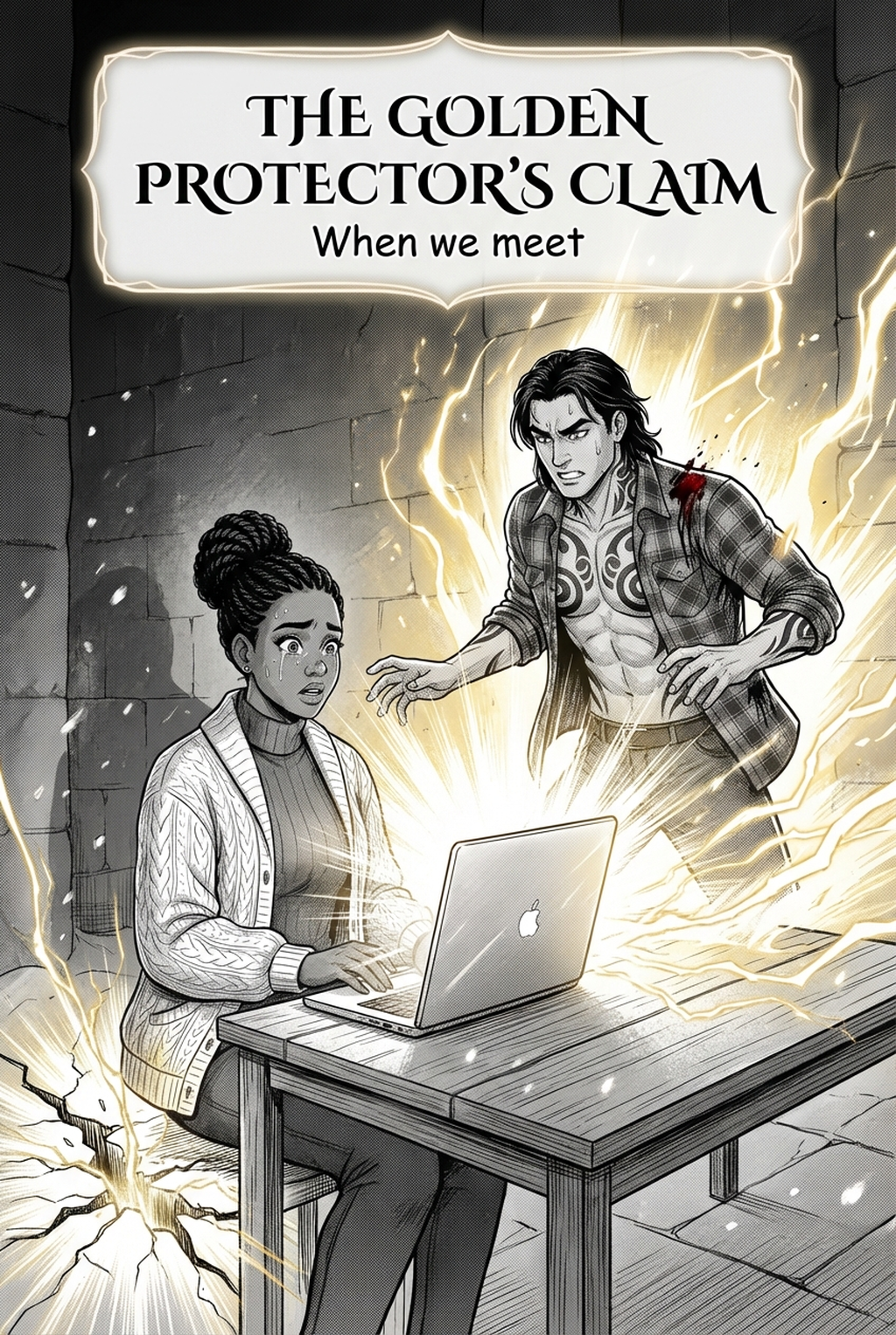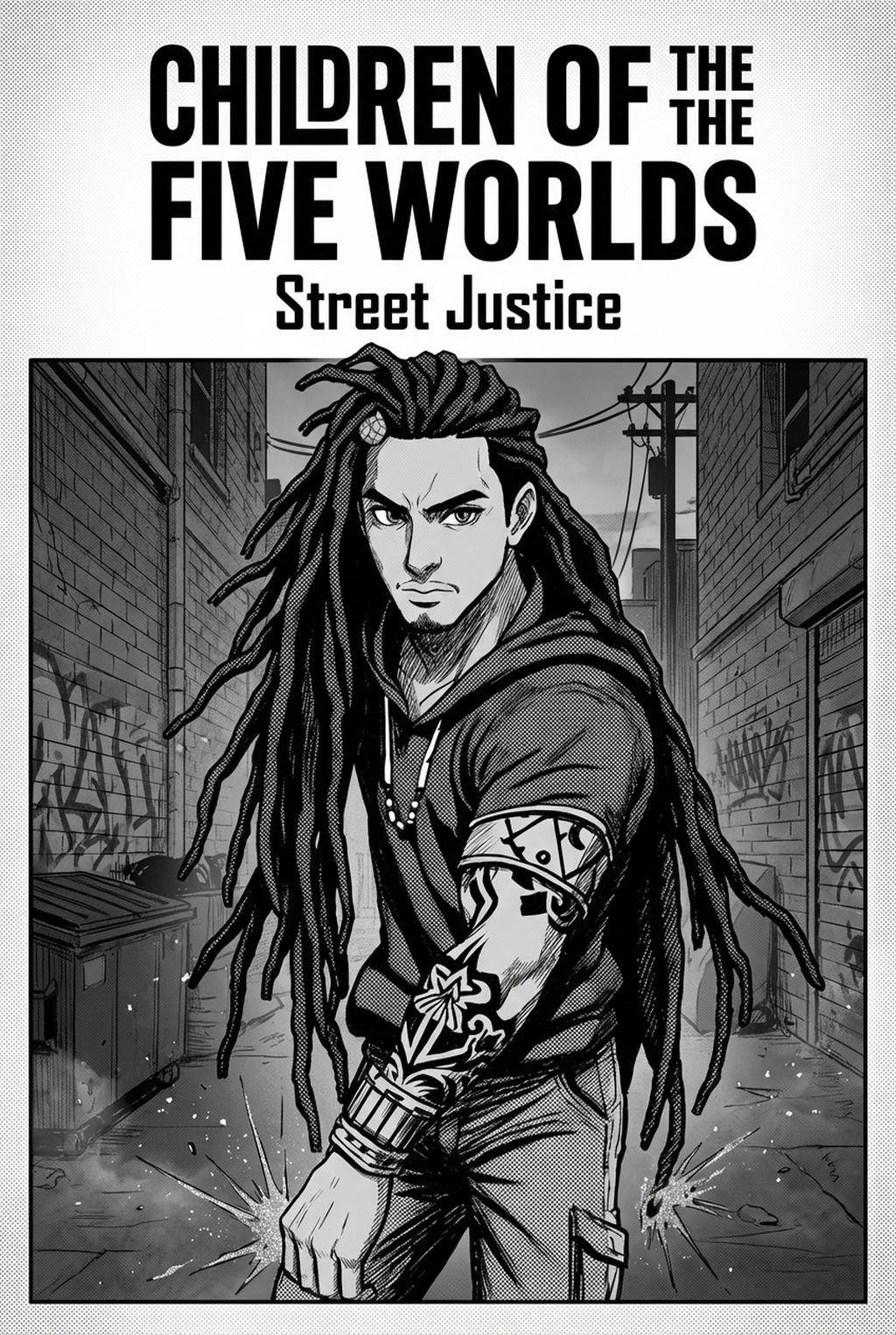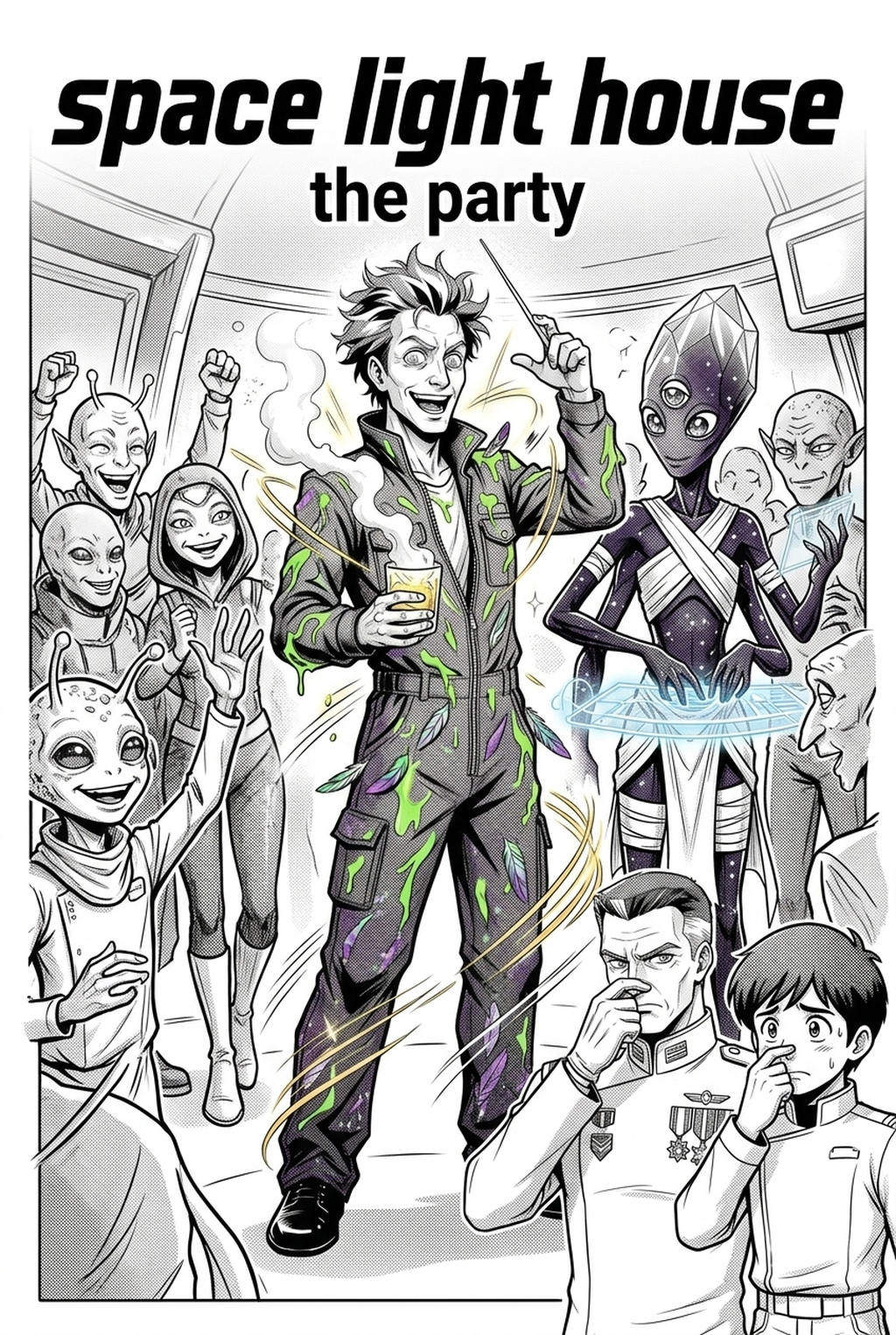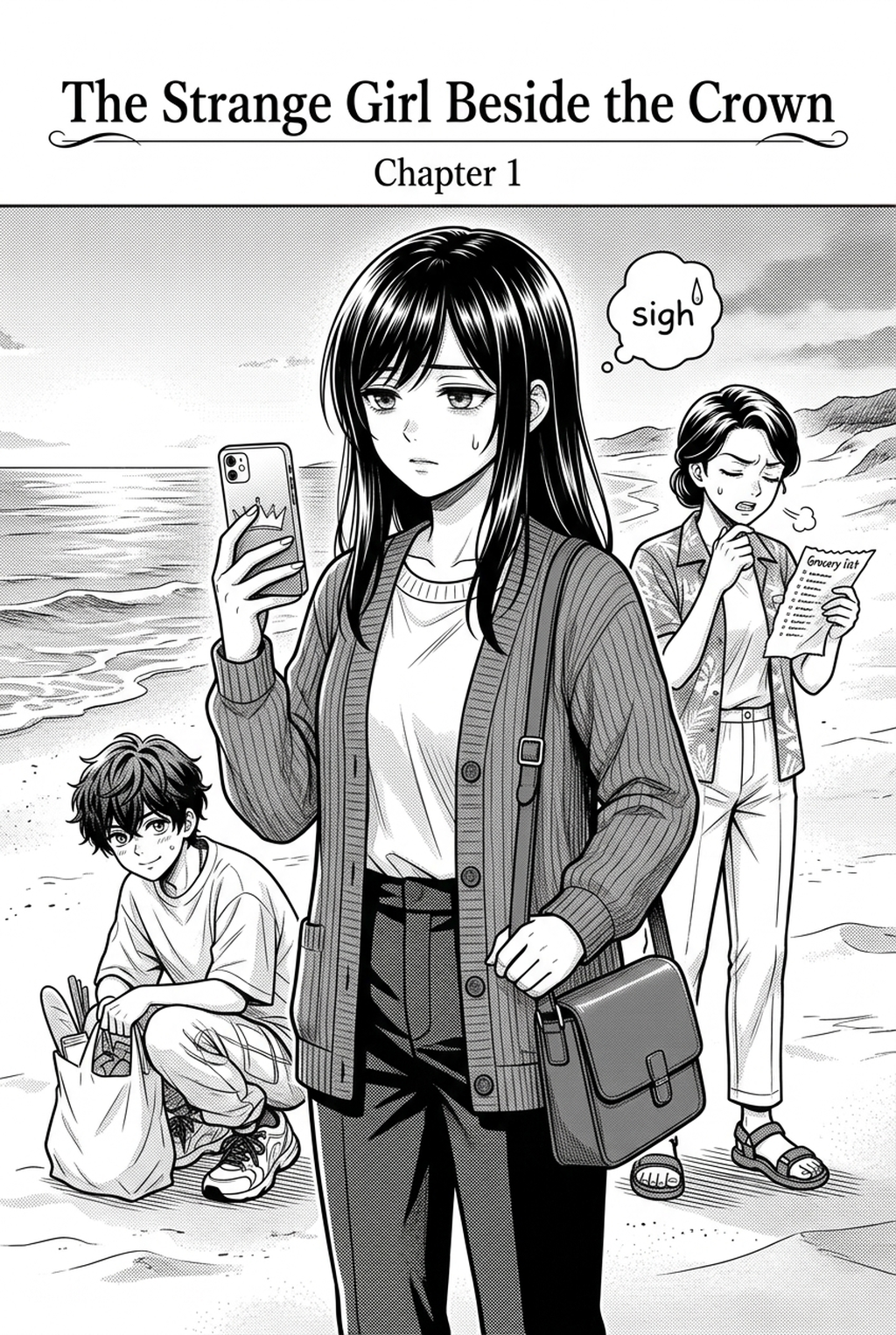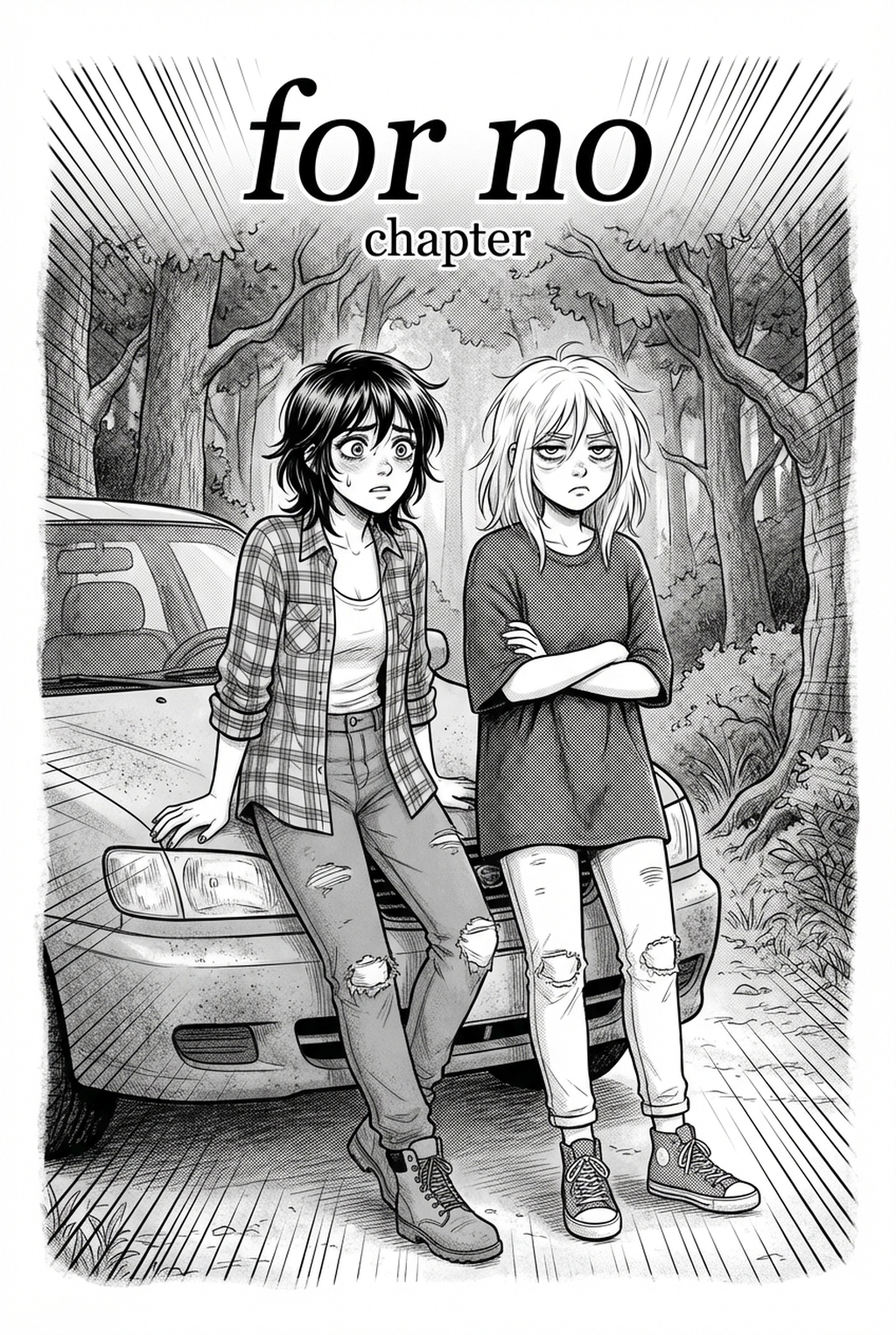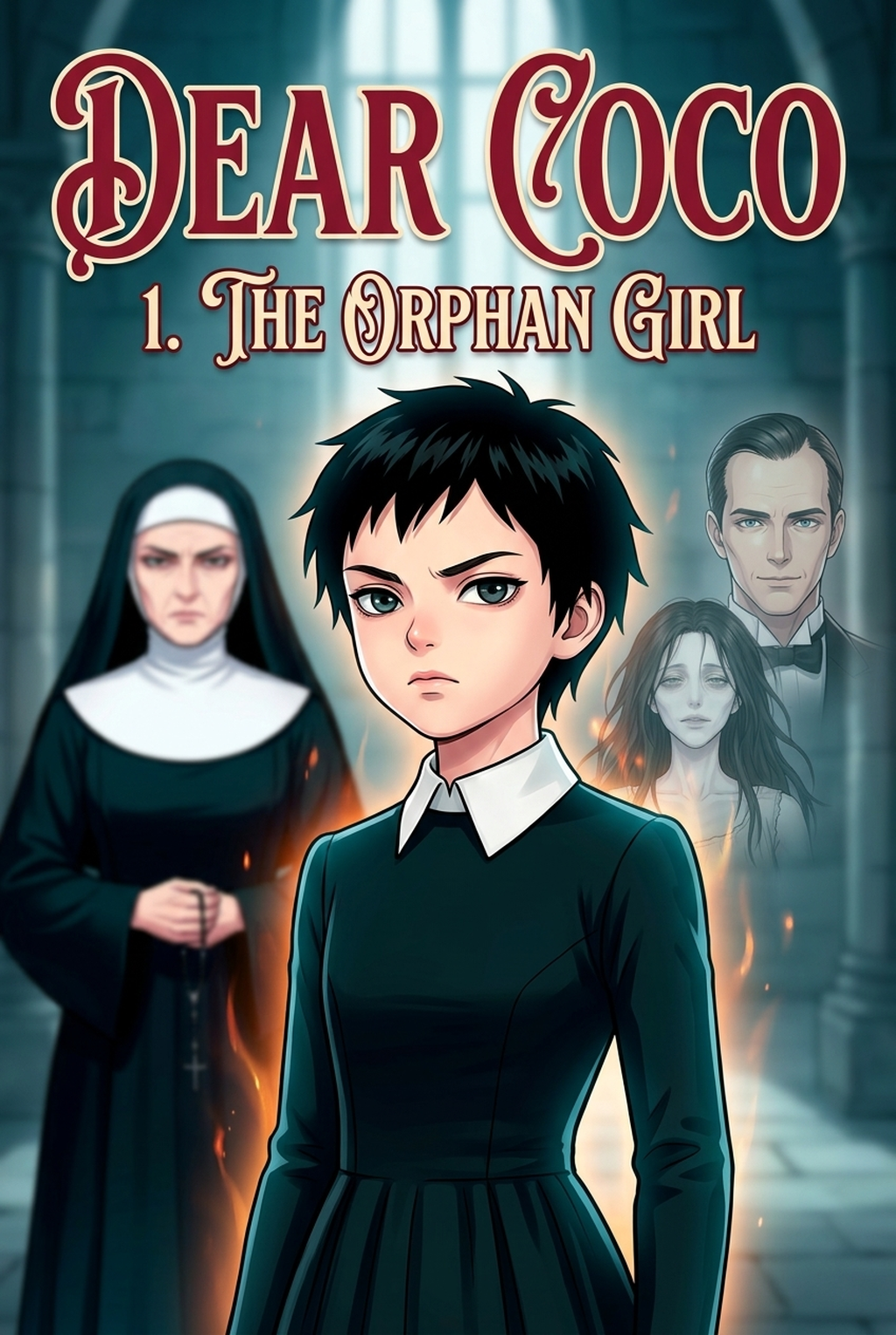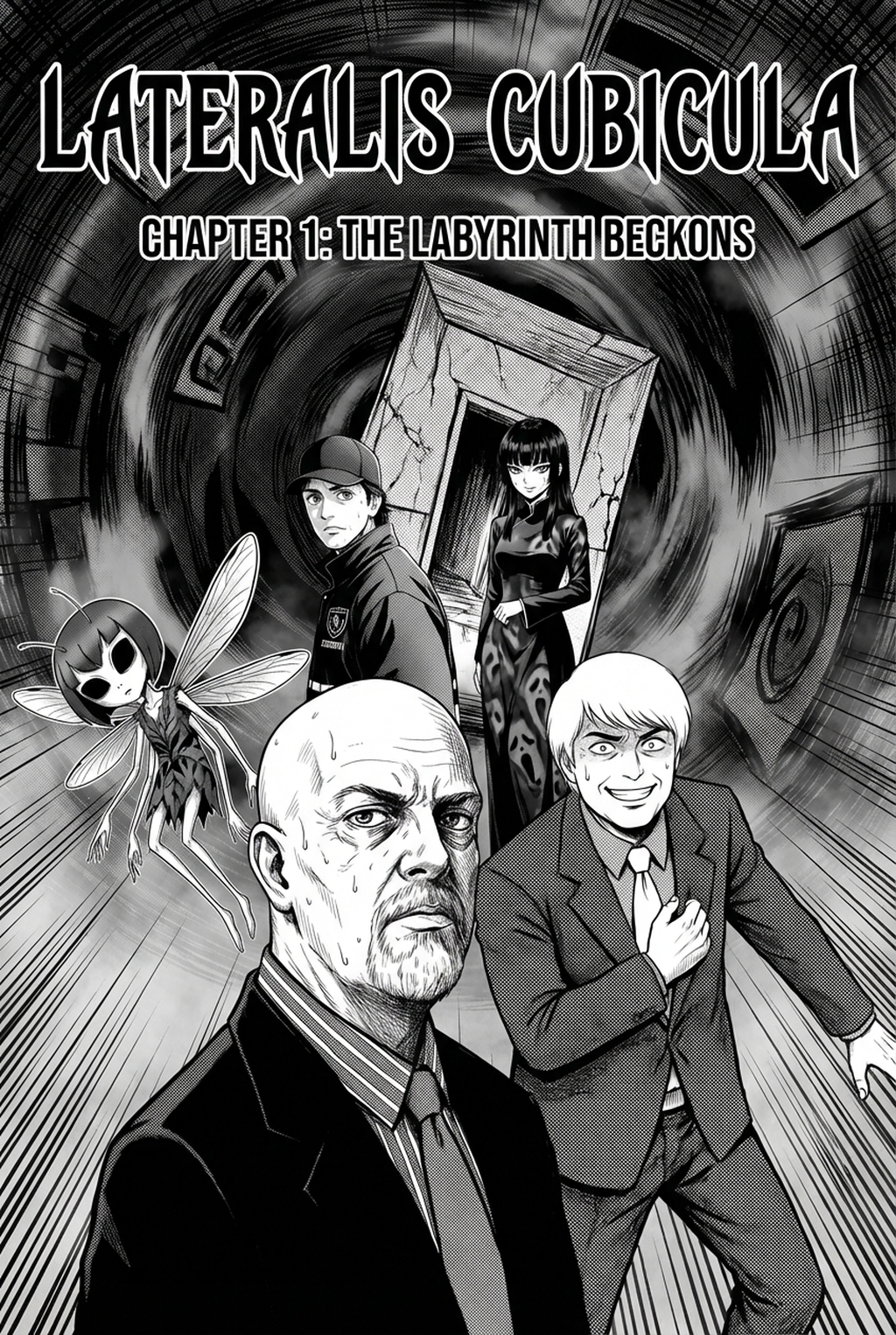
Utilizing an AI Manga Inker for Horror manga allows indie creators to bypass hours of repetitive manual cleanup while maintaining the high-contrast tension essential to the genre. Because horror relies heavily on deep blacks, sharp line weights, and atmospheric silhouettes, the transition from raw pencil sketches to polished final art is often the most significant bottleneck in a production schedule. Automated inking tools now bridge this gap, ensuring that your panels retain a professional finish without sacrificing the grit that defines your storytelling style.
What Is AI Manga Inker for Horror Manga?
An AI Manga Inker workflow is a specialized digital tool designed to translate loose graphite or digital pencil sketches into crisp, industry-standard inked line art. These tools function by identifying the core structure of your character or background drawings, smoothing jittery lines, and deepening ink density, which is critical for maintaining the heavy contrast found in the horror genre. By processing your rough files, the software produces a clean, professional base that is ready for digital screentoning or full color application.
Key features of these systems include intelligent line weight management, which mimics traditional brush techniques, and noise removal that eliminates the smudges or stray graphite marks common in manual drawing. When working with full-color horror, maintaining the integrity of dark, shadow-heavy panels is essential. The tool automatically ensures that your line work provides a clear frame for your colorist to fill, preventing the common issue of bleeding between high-contrast light and dark regions within a complex panel.
Why AI Manga Inker Matters for Horror in 2026
Creators often find that the labor-intensive nature of hand-inking slows down the release cycle of their horror series, leading to burnout. In a genre where panel density and shadow work determine the intensity of the scares, the ability to rapidly convert pencil sketches into clean inked line art automatically enhances your production production process without requiring a massive team of assistants. By reducing the time spent on manual tracing, you can reallocate your energy toward refining page layouts, character expressions, and pacing.
Speed is not the only benefit; consistency is vital for long-form horror. Maintaining character proportions and shadow placement across 200+ pages is a significant hurdle for solo indie creators. When you utilize an automated tool to standardize your line weight, you minimize the risk of stylistic drift, ensuring that your terrifying character designs look identical from the first appearance to the final climax. This technical stability allows you to focus on the narrative impact of your scenes rather than the mechanical fatigue of repetitive line correction.
How AI Manga Inker Works for Horror in Full Color Manga
The process begins with your initial storyboard or pencil roughs, which serve as the foundation for the AI processing engine. Once you upload your sketches, the tool analyzes the geometry of your line work, distinguishing between intended silhouette edges and rough construction marks. It then applies a mathematical filter to "ink" the structure, resulting in a vector-ready or high-resolution line art file that supports full-color layers.
When you refine your manga assets, it is important to verify that the tool preserves the nuances of your artistic intent. According to technical documentation on image processing, maintaining high-fidelity paths during line conversion is necessary to keep your horror aesthetic sharp. For horror creators, the key is to adjust settings to prioritize thick, bold outlines for foreground subjects while allowing for thinner, more delicate lines in detailed background environments. This layering of line weight creates depth, preventing your full-color pages from looking flat or overly processed.
Use Cases for AI Manga Inker
- Monster and Entity Design: When rendering complex, multi-limbed horror creatures, an AI inker ensures that every tentacle and sharp edge is cleanly defined, saving you hours of tedious tracing on elaborate designs. - Atmospheric Backgrounds: Horror panels often require dense, dark environments; the tool helps clarify the line work in overgrown forests, abandoned hospitals, or claustrophobic urban settings, ensuring your backgrounds don't distract from the character action. - High-Contrast Panel Sequences: For rapid-fire jump scares or sudden shifts in perspective, you can use the software to maintain consistent line thickness, making the transition between panels look seamless and professional.
Step-By-Step Guide to Start with Mangaka
- Sign up for an account: Visit Horror manga inking workflow with Mangaka to set up your profile and begin your trial with no credit card required.
- Upload your source file: Once logged in, upload your rough pencil sketches or refined storyboard panels directly into the creation dashboard.
- Generate your inked art: Click the generation button to transform your sketches into clean line art, then download your professional-grade assets in your preferred format for coloring.
- Before Export. Creators should compare the generated line art with the original sketch and confirm that facial expressions, props, speed lines, and speech-bubble space still support the scene. A repeatable review pass should cover character consistency, panel readability, background clarity, and whether the final file is ready for coloring, lettering, or editor feedback.
- For Longer Projects. Creators should save approved examples of line weight, face detail, clothing folds, and background density. Those references keep later chapters closer to the intended style. For collaboration, creators should mark which panels are final and which panels still need redraws. Clear status labels prevent an assistant, editor, or colorist from polishing the wrong version.
- For Publishing. Creators should review the page at the actual reading size before export. Small screens expose crowded dialogue, weak silhouettes, and line details that looked fine while zoomed in. This keeps the review focused on story intent, line weight, panel readability, and the export quality behind the final AI Manga Inker output.
The Bottom Line
Indie creators no longer need to spend weeks on the manual inking process to achieve a high-end look for their horror series. By integrating a dedicated tool into your creative loop, you ensure that every panel meets professional standards while freeing up time for storytelling and character development. Horror manga inking workflow with Mangaka to streamline your production and bring your dark visions to life with precision and speed.