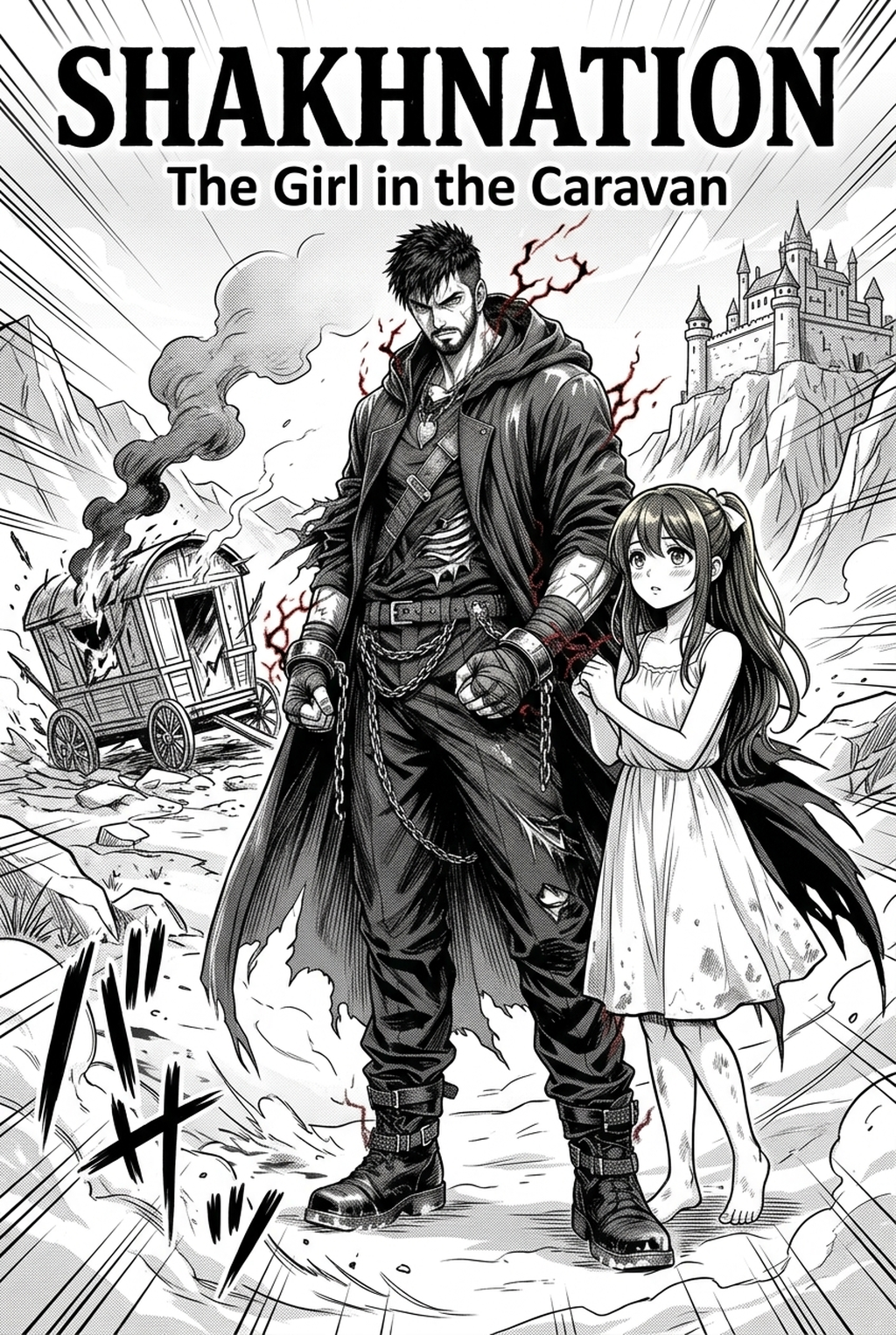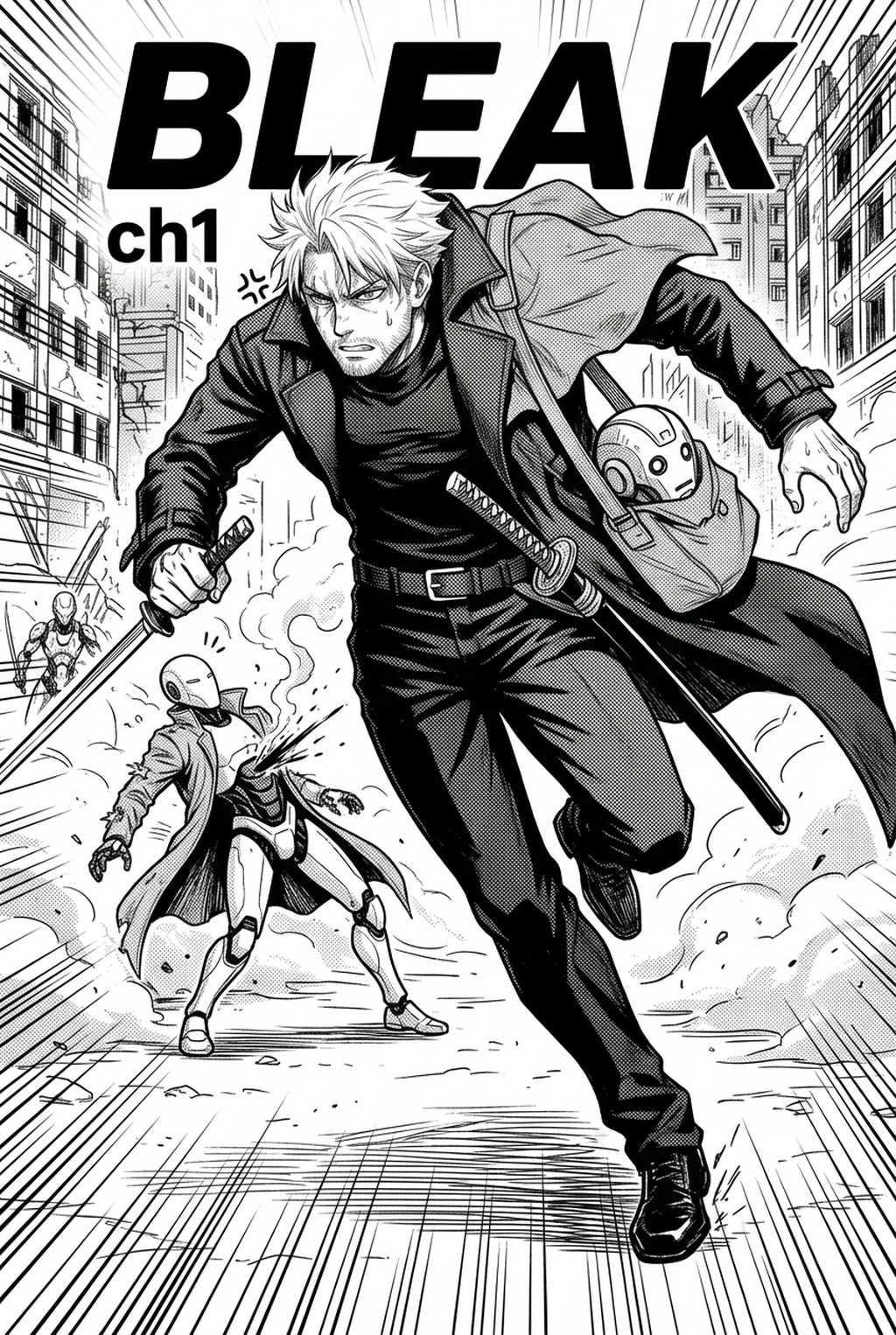
Delivering consistent terror requires precise line work, which is why an AI Manga Inker for Horror manga is becoming an essential asset for independent creators aiming to maintain professional quality while meeting tight production deadlines. Horror relies heavily on high-contrast visuals, intricate shadow work, and precise character expressions that can be lost if your inking phase is slowed down by manual tedium. By leveraging specialized AI tools, you can transition your pencil sketches into clean, polished line art without sacrificing the grit or nuance essential to the genre.
What Is AI Manga Inker for Horror Manga?
An AI Manga Inker workflow is a specialized digital utility designed to automate the transition from rough, graphite-style sketches to professional, high-contrast inked linework. Instead of spending dozens of hours painstakingly tracing your initial layouts, this technology interprets your pencil strokes to produce clean, vector-like line paths that maintain the original energy of your drawings. These tools are specifically tuned to respect the heavy line weights often needed for horror, ensuring that your jagged character silhouettes and dark, ominous environments retain their intended impact.
Key features include automatic noise reduction, consistent line-thickness preservation across complex panels, and the ability to export layers that are ready for immediate color application. By automating the inking process, you can focus your creative energy on panel pacing and the disturbing visual details that keep readers engaged.
Why AI Manga Inker Matters for Horror in 2026
Horror creators often face a significant production bottleneck during the inking phase, where the transition from conceptual sketch to finished page is most vulnerable to losing atmosphere. When you are managing a weekly or bi-weekly release, manual inking for multiple pages of dynamic color panels can become a massive obstacle, leading to burnout and decreased quality. By using professional manga production tools, you can effectively reclaim that time to focus on complex coloring, atmospheric lighting, and dramatic shadow placement.
This shift in workflow allows creators to maintain a high page output without lowering the threshold of terror or visual clarity expected in contemporary horror works. Because the ink layer is generated automatically, you effectively eliminate the common failure mode of line-weight drift, where strokes become inconsistent as hand fatigue sets in during long drawing sessions.
How AI Manga Inker Works for Horror in Dynamic Color Panels
The process of utilizing an AI tool for horror focuses on translating your initial intent into a production-ready asset without degrading the organic, hand-drawn feel of your original work. In dynamic color panels, the ink must provide a solid boundary that defines where high-contrast shadows end and light highlights begin. By inputting your pencil sketches into the system, the tool identifies the structural outlines and converts them into clean, crisp black lines. This automated conversion provides the necessary foundation for digital illustration workflows , ensuring your line art is perfectly contained for later paint fills or cell-shading techniques. Consistency is the main priority here, as the tool applies a uniform sharpening pass that ensures even the most detailed, gruesome elements remain readable across multiple pages.
To achieve a cohesive look across a full chapter, you must maintain steady line weights that guide the reader’s eye through tense sequences. By setting global parameters for line density before processing your sketches, the tool ensures that foreground monsters and background environments remain distinct. This level of technical control prevents the visual noise that often plagues horror manga, allowing the dynamic color panels to truly stand out.
Horror often utilizes non-traditional paneling to disorient the reader, which can complicate the inking process. The tool handles these complex borders by automatically separating your subject from the frame, ensuring that the inked lines do not bleed into the gutters. This separation is critical for colorists, as it allows for cleaner masking and more effective use of depth-of-field effects in your colored horror scenes.
Use Cases for Horror Creators
Independent horror creators can utilize this technology to address specific production challenges that frequently arise when working on long-form serials. Whether you are producing a short-form web comic or a longer, episodic narrative, these scenarios demonstrate the versatility of automated inking. First, consider the creation of terrifying, hyper-detailed creature designs; automated inking helps define scale-like textures or bone structures that would otherwise take hours to ink by hand.
Second, for high-tension chase scenes, the tool allows you to quickly ink multiple action panels to maintain a frantic, fast-paced rhythm. Third, use the software to finalize ambient background shots like abandoned buildings or desolate forests, where intricate line work is necessary for scale but time-consuming to complete manually. Finally, this workflow is ideal for standardizing comic book formats , ensuring your line work is always ready for digital display or potential print.
Step-By-Step Guide to Start with Mangaka
Getting started with Mangaka is a straightforward three-step process that moves your creative vision from the sketchpad to the digital page. App to access the dashboard and begin your project with a free trial. 2. Upload your source file or scan your pencil sketches directly into the application interface. 3. Generate your clean inked line art, adjust any final line-weight settings, and download your high-quality, transparent result.
Creators should compare the generated line art with the original sketch and confirm that facial expressions, props, speed lines, and speech-bubble space still support the scene. This keeps the review focused on story intent, line weight, panel readability, and the export quality behind the final AI Manga Inker output.
Creators can evaluate AI Manga Inker for Horror manga with Mangaka mid-workflow when they need the product path tied directly to review, refinement, and export. A real test should use the same sketch, character goal, or panel sequence that would otherwise need manual cleanup after generation.
The Bottom Line
Transforming your manual drafting process is the most effective way to scale your output without losing the stylistic identity of your horror work. By automating the technical heavy lifting of inking, you protect your vision from the exhaustion of repetitive manual labor and ensure every dynamic color panel hits with maximum impact. You can start refining your workflow today by visiting Horror manga inking workflow with Mangaka .