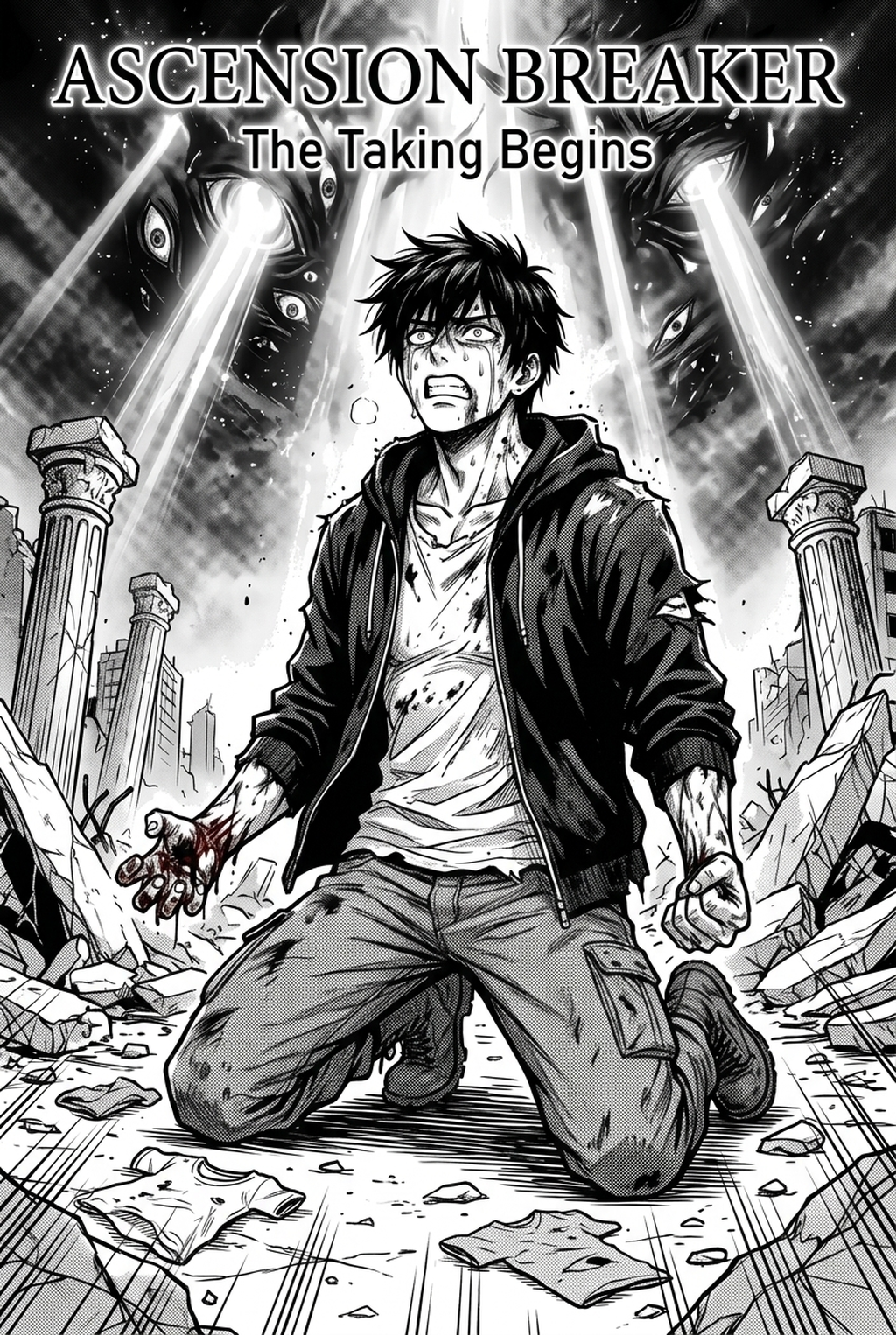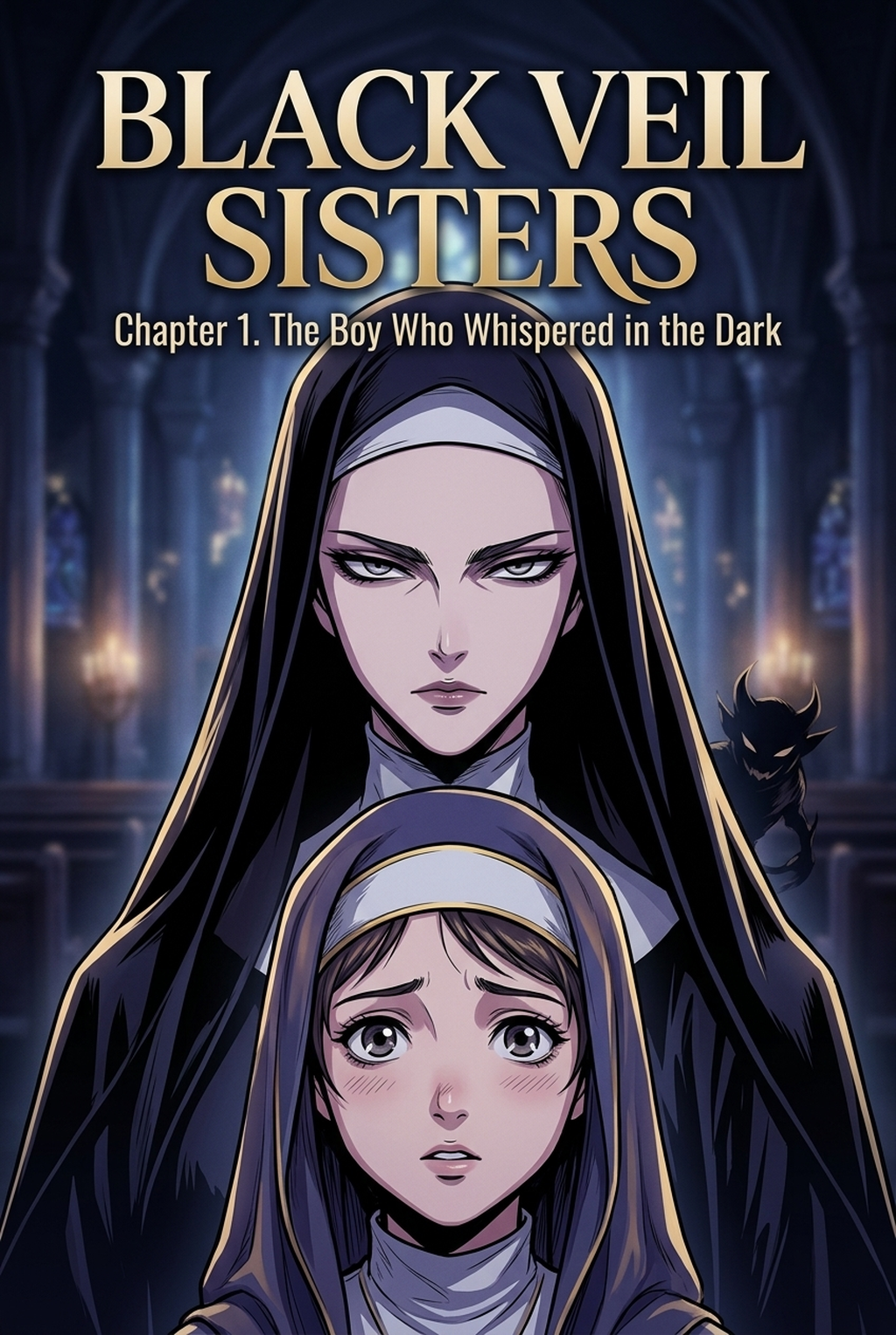
Indie creators developing an AI Manga Inker for Isekai manga projects often find that the most time-consuming phase of production is transitioning from messy hand-drawn sketches to professional, ready-to-color digital line art. Because the Isekai genre relies heavily on complex world-building and detailed character designs, maintaining stylistic consistency across hundreds of panels is a significant barrier to regular updates. Modern AI tools now bridge this gap by interpreting your original pencil compositions and refining them into polished, high-resolution paths that preserve your artistic intent without the manual labor of traditional digital inking.
What Is AI Manga Inker for Isekai Manga?
An AI Manga Inker is a specialized tool designed to automate the technical process of converting raw, hand-drawn pencil sketches into clean, vectorized, or high-definition digital line art. By leveraging machine learning models trained on professional manga linework, these tools detect structural edges, distinguish between character anatomy and environmental details, and apply consistent line weights. For creators, this means the software effectively handles the repetitive, precision-heavy task of tracing sketches, allowing artists to focus on panel composition, storytelling, and color theory rather than cleaning up individual strokes.
Why AI Manga Inker Matters for Isekai in 2026
The pressure to maintain a consistent release schedule in the competitive web-publishing landscape means creators cannot afford to spend days on the inking phase of a single chapter. Isekai manga, in particular, requires high visual density—think elaborate medieval architecture, magical particle effects, and diverse monster designs—which frequently leads to "burnout-induced" slowdowns.
By offloading the tedious task of manual inking to an Isekai manga inking workflow with Mangaka , you can reduce the hours spent on each page by half or more, effectively reclaiming time for creative character design and expressive, high-stakes panel layouts. The transition toward digital-first, high-color production cycles has made efficiency a core metric for professional viability. When you remove the bottleneck of manual inking, you don’t just get faster; you get the freedom to experiment with more complex visual elements, like sprawling fantasy landscapes or intricate, battle-ready armor, without worrying that the extra detail will balloon your production timeline beyond a manageable point.
How AI Manga Inker Works for Isekai in Full Color Manga
The workflow for an creator workflow focuses on converting your initial rough sketches into a clean, digital canvas that is immediately ready for color flats and lighting passes. The primary objective is to maintain the soul of your drawing—your specific line weight, character proportions, and emotional expression—while cleaning up stray marks, closing line gaps, and standardizing the stroke pressure throughout the panel.
Your production process typically begins with a rough pencil sketch where you define the major silhouettes and focal points. You then import this sketch into the tool, which analyzes the spatial relationship of your lines to differentiate between character forms and background environments. Finally, the tool exports a clean, high-resolution line art layer that retains the full color manga aesthetic, allowing you to begin your coloring process without worrying about messy artifacts or uneven linework.
Consistency is the most vital aspect of manga production, especially when characters move across various locations in a high-fantasy Isekai setting. By using a specialized inker, you ensure that even if you struggle with shaky hands or inconsistent line thickness, the final result looks like it was drawn with the steady, practiced hand of a seasoned studio artist.
Use Cases for AI Manga Inker
- Complex Architectural Backgrounds: Inking the ornate, gothic-inspired structures typical of Isekai castle towns is notoriously difficult; AI tools instantly crisp up those perspective-heavy lines so your background art matches your character art's polish. * Rapid Monster Design: When your hero encounters a new creature, you can sketch the basic form and let the inker handle the complex textures, scales, and biological lines, allowing for more variety in your bestiary. * High-Impact Action Sequences: During fast-paced combat scenes, your original sketches might be very loose, but the AI interprets those "motion-heavy" strokes into defined, clear lines that keep the action readable for your readers. * Character Outfit Continuity: Because the tool standardizes the line quality, your protagonist’s elaborate fantasy gear or magical emblems will look identical from panel to panel, avoiding the "jittery" appearance that can occur when drawing complex patterns by hand.
- Chapter cadence. Use the AI pass for pages where speed matters most, such as repeated action poses, transformation beats, or dense speed-line panels. Keep manual cleanup for hero panels where the line style defines the emotional peak.
- Character continuity. Compare the generated lines against the same model sheet, costume notes, and facial-expression range used during sketching. This prevents a fast inking pass from drifting away from the character identity readers recognize.
- Export readiness. Check whether the Full color manga can move into lettering, coloring, or final layout without rebuilding panel borders or speech-bubble space. A good Isekai workflow should save time while keeping the next production step predictable.
Step-By-Step Guide to Start with Mangaka
Getting started with Mangaka is a straightforward three-step process designed to fit perfectly into your existing creative workflow. App to access your free trial, which requires no credit card. 2. Paste your narrative script or upload your existing rough pencil source file directly into the creation dashboard. 3. Generate your high-resolution manga page and download the resulting clean, inked line art for immediate coloring.
Creators should compare the generated line art with the original sketch and confirm that facial expressions, props, speed lines, and speech-bubble space still support the scene. A repeatable review pass should cover character consistency, panel readability, background clarity, and whether the final file is ready for coloring, lettering, or editor feedback.
Creators should save approved examples of line weight, face detail, clothing folds, and background density. Those references keep later chapters closer to the intended style. For collaboration, creators should mark which panels are final and which panels still need redraws. Clear status labels prevent an assistant, editor, or colorist from polishing the wrong version.
The Bottom Line
AI Manga Inker technology is changing how indie creators approach high-fantasy production by removing the most tedious hurdles in the drawing process. By automating the transition from messy pencil concepts to clean, professional-grade line art, you can finally focus on what truly matters: the story and the impact of your world-building. Ready to see the difference in your workflow? Isekai manga inking workflow with Mangaka and streamline your production today.