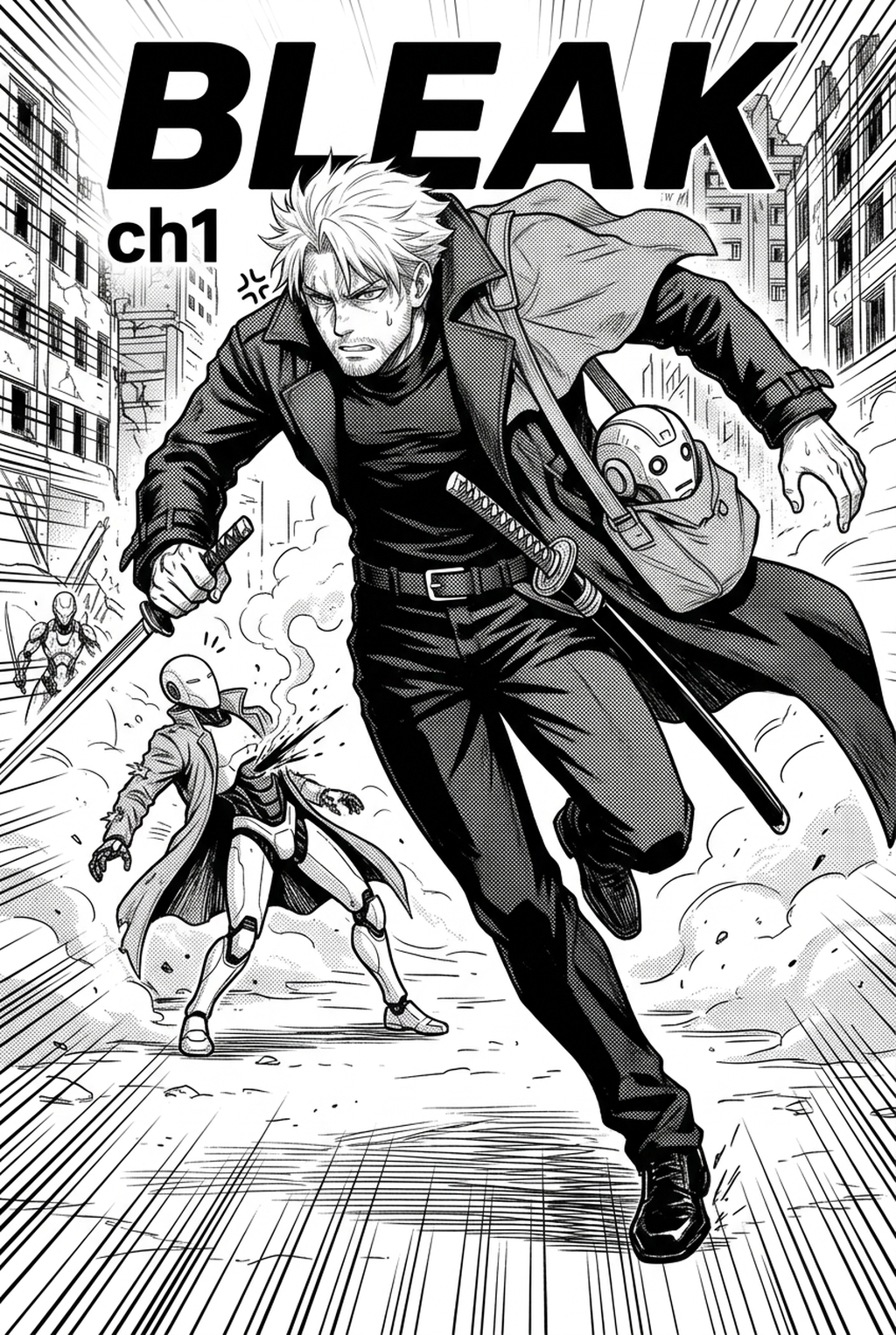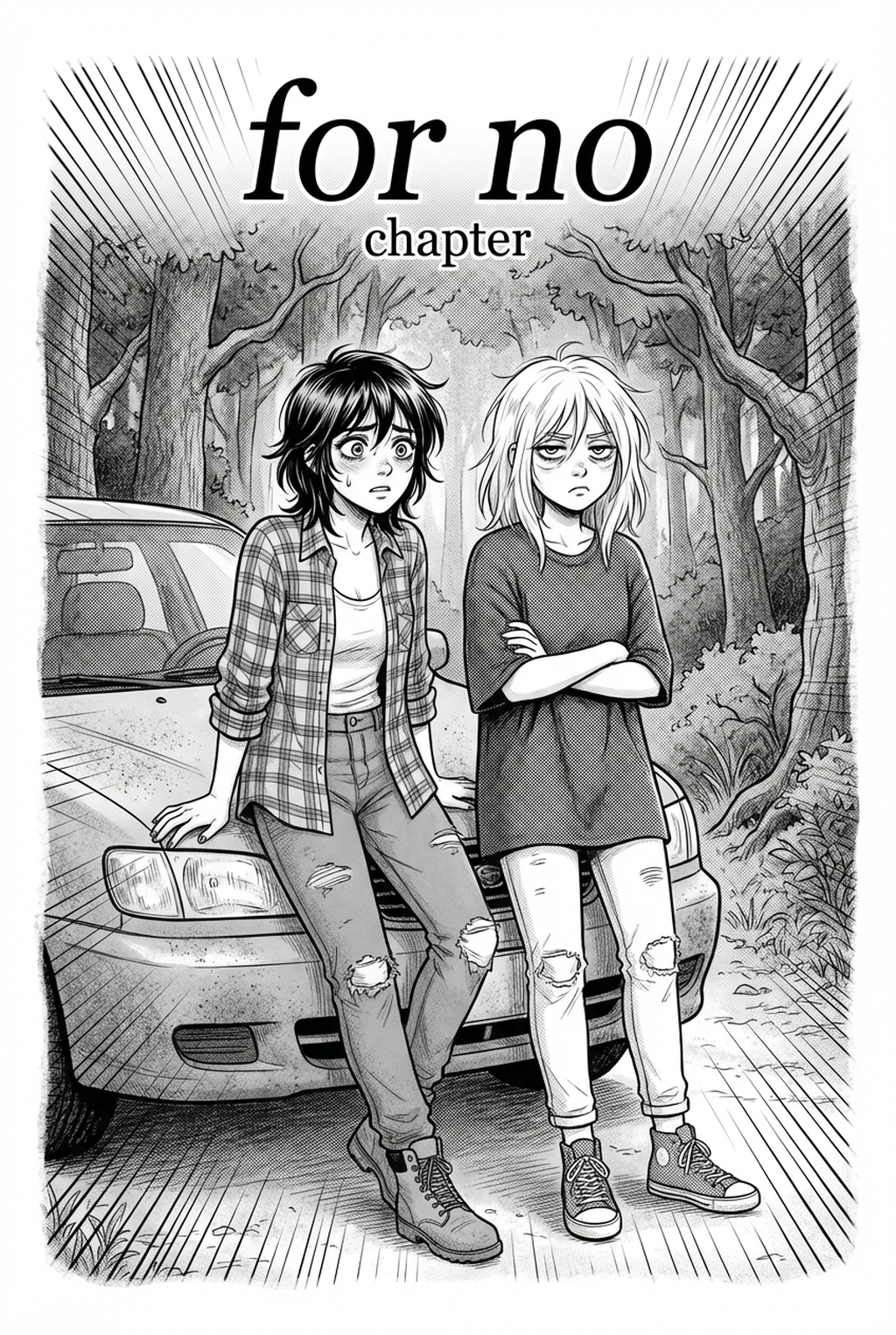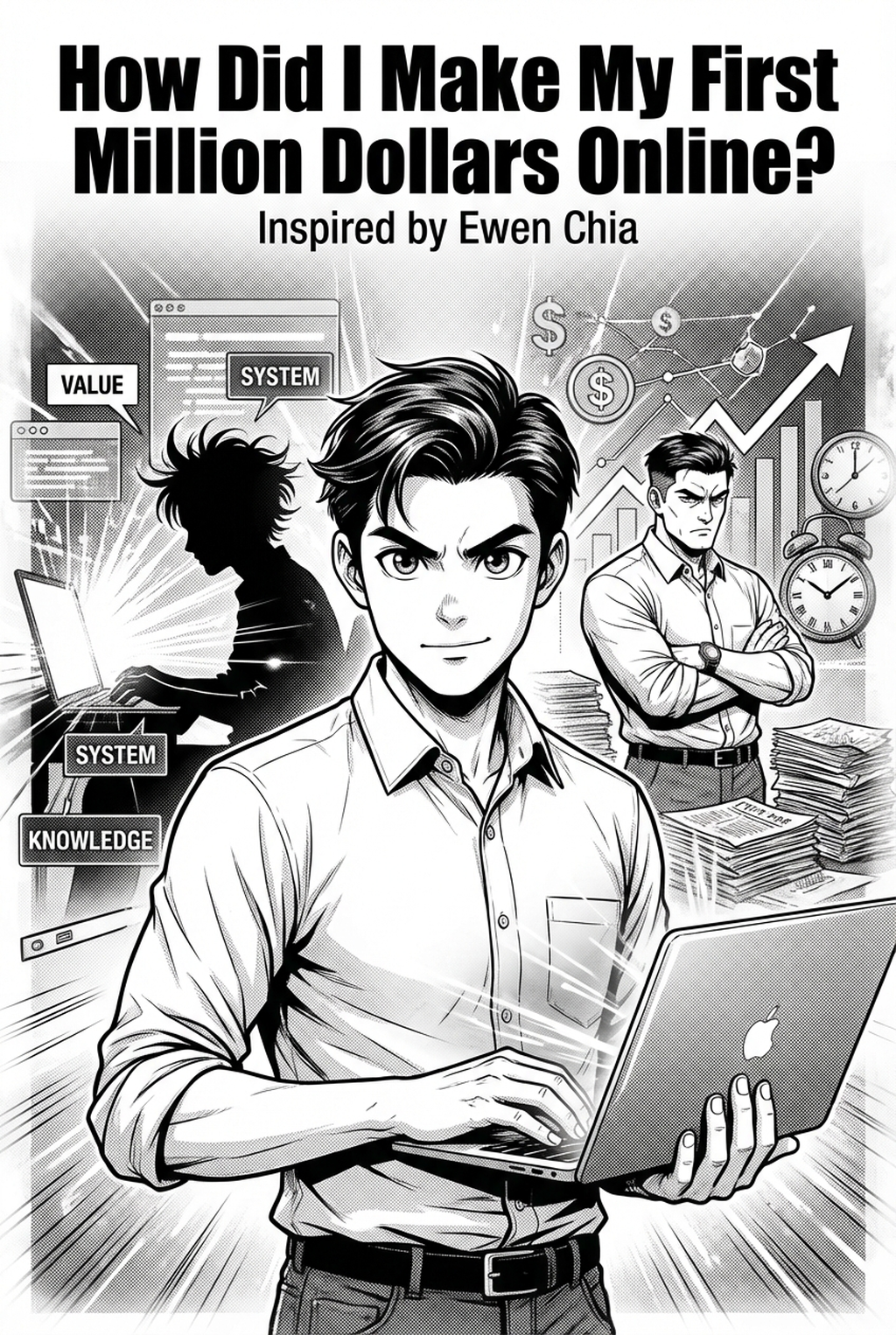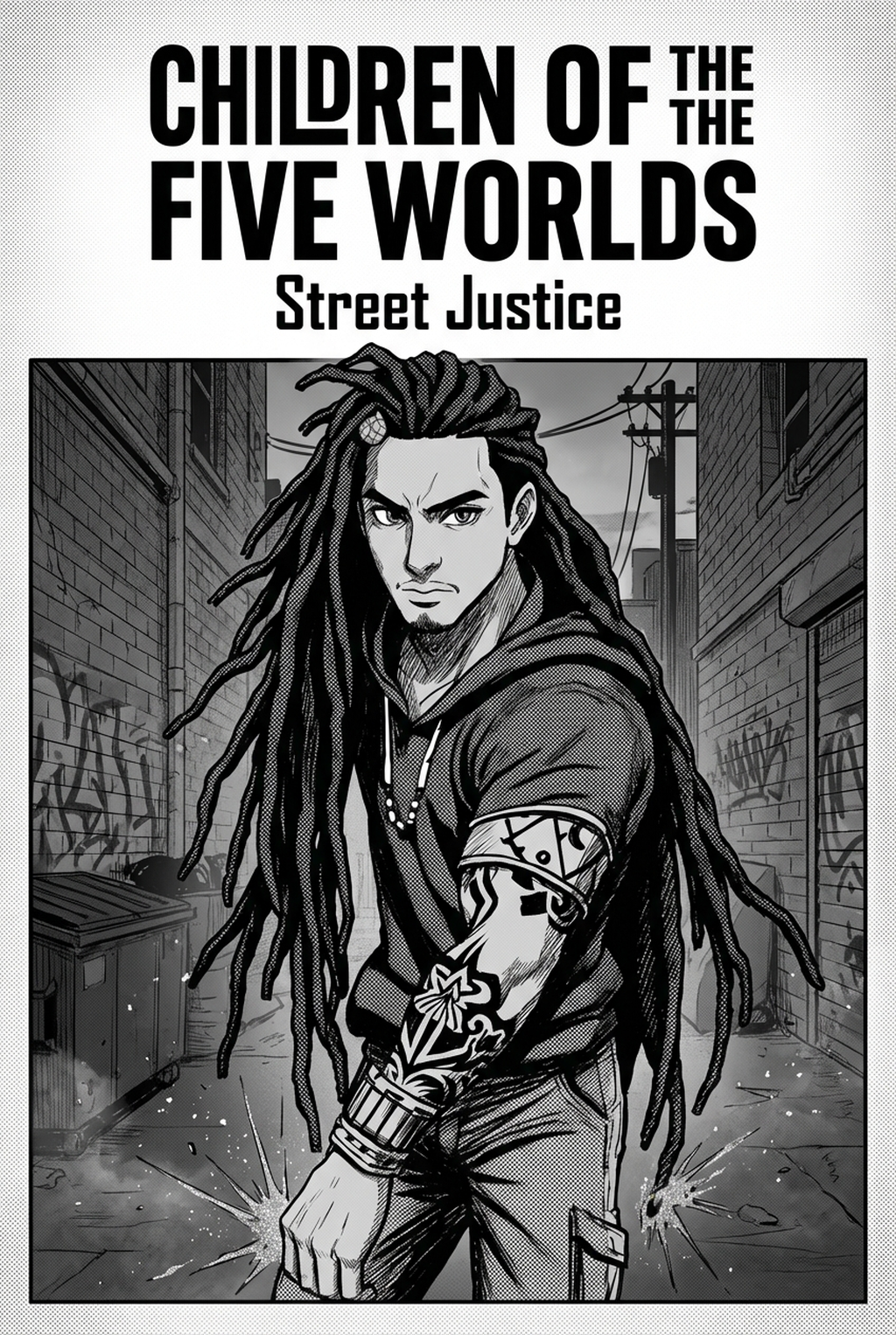
Indie creators building high-fantasy worlds often find that using an AI Manga Inker for Isekai manga is the most effective way to eliminate the repetitive strain of manual line work. Transitioning from messy initial graphite sketches to crisp, print-ready line art is a bottleneck that prevents many creators from meeting their aggressive weekly release schedules. By automating the conversion process, you can focus your energy on character expression, dynamic portal compositions, and the intricate world-building details that define the genre, rather than spending dozens of hours tracing paths.
What Is AI Manga Inker for Isekai Manga?
An AI Manga Inker workflow is a specialized tool that interprets the depth and texture of your hand-drawn or digital pencil sketches and automatically converts them into clean inked line art. These tools function by identifying intent behind rough lines, separating character outlines from background noise, and closing gaps that would otherwise interfere with flat color fills. In a full color manga production, this step acts as the essential bridge between your conceptual storyboard and the final rendered pages.
The core technology relies on pattern recognition specific to traditional manga line weights, ensuring that your lines retain a hand-drawn feel without the jittery, uneven stroke profile that often plagues manual digital inking. By processing sketches in this way, the tool maintains the artist's original silhouette while providing a uniform thickness that is essential for visual clarity in busy battle scenes or complex fantasy environments. This capability effectively transforms a loose sketch into a professional-grade asset that is ready for color application and screentone overlay.
Why AI Manga Inker Matters for Isekai in 2026, Managing Complex Line Density Is One of the Most Time-Consuming Aspects of the Professional Workflow, and AI Tools Provide a Necessary Shortcut to Maintain Visual Coherence Without Sacrificing Quality. By Leveraging an Automated Inker, You Shift the Focus from Manual Labor to Creative Decision-Making, Ensuring That Your Character Designs Remain Consistent Even During Rapid Production Cycles. The Tool Preserves the Integrity of Your Visual Style, Ensuring That Your Hero's Armor or the Environment's Architecture Doesn't Drift in Proportion or Detail Across Multiple Chapters. This Approach Mitigates the Risk of Line-Weight Drift, a Common Failure Mode Where Inconsistency in Stroke Thickness Makes Panels Appear Unpolished or Disjointed to the Reader.
- Chapter cadence. Use the AI pass for pages where speed matters most, such as repeated action poses, transformation beats, or dense speed-line panels. Keep manual cleanup for hero panels where the line style defines the emotional peak.
- Character continuity. Compare the generated lines against the same model sheet, costume notes, and facial-expression range used during sketching. This prevents a fast inking pass from drifting away from the character identity readers recognize.
- Export readiness. Check whether the Full color manga can move into lettering, coloring, or final layout without rebuilding panel borders or speech-bubble space. A good Isekai workflow should save time while keeping the next production step predictable.
How AI Manga Inker Works for Isekai in Full Color Manga
The workflow typically begins with a high-resolution pencil sketch, which the AI analyzes to distinguish between structural lines, shading indications, and filler patterns. For creators working in full color manga, the tool prioritizes clean, closed paths that prevent color bleed during the later flatting and shading stages. This conversion preserves your original character proportions, ensuring that your Isekai protagonist's silhouette remains instantly recognizable throughout the series.
Consistency is maintained through adaptive algorithms that reference your specific art style, whether you prefer sharp, aggressive lines for combat sequences or softer, flowing strokes for slice-of-life moments. As outlined by Anime News Network's industry analysis , the role of technology in manga creation is becoming increasingly focused on supporting the artist’s unique aesthetic rather than replacing their creative vision. By integrating Isekai manga inking workflow with Mangaka directly into your production process, you can achieve a higher level of visual uniformity across every panel, which is vital for maintaining reader immersion in a serial format.
Use Cases for AI Manga Inker
- Complex Character Armor: Fantasy Isekai characters often feature ornate armor with intricate filigree that is tedious to ink manually. An AI inker captures these details automatically, ensuring that the metallic sheen and structural edges are clearly defined before you begin the coloring phase. - Expansive Fantasy Landscapes: Constructing massive portals, floating castles, and ethereal forests requires a massive amount of line work for architecture. Using an automated tool allows you to establish a strong structural foundation for these scenes without sacrificing hours to background precision. - Rapid Action Sequences: During high-motion battle panels, maintaining consistent line weight can be difficult due to the complexity of the composition. An automated system ensures that motion lines and impact bursts remain crisp, keeping the action easy for the reader to follow during fast-paced segments.
Step-By-Step Guide to Start with Mangaka
- App to access your free trial without needing to enter credit card details. 2. Upload your source file, such as a high-resolution pencil sketch of your character or scene. 3. Generate your manga page by selecting the inking style and download the clean result for your next production step.
- Before Export. Creators should compare the generated line art with the original sketch and confirm that facial expressions, props, speed lines, and speech-bubble space still support the scene. A repeatable review pass should cover character consistency, panel readability, background clarity, and whether the final file is ready for coloring, lettering, or editor feedback.
- For Longer Projects. Creators should save approved examples of line weight, face detail, clothing folds, and background density. Those references keep later chapters closer to the intended style. For collaboration, creators should mark which panels are final and which panels still need redraws. Clear status labels prevent an assistant, editor, or colorist from polishing the wrong version.
- For Publishing. Creators should review the page at the actual reading size before export. Small screens expose crowded dialogue, weak silhouettes, and line details that looked fine while zoomed in. For style control, creators should keep a short reference board beside the draft and compare hair shapes, eye details, costume folds, and texture choices before approving the final page.
The Bottom Line
Reducing the time spent on manual tracing is the most effective way to scale your production without losing the artistic heart of your story. By utilizing an inking workflow, you move from the sketching phase to the rendering stage faster, keeping your creative momentum high. For creators ready to transition to a more efficient workflow, Isekai manga inking workflow with Mangaka today.