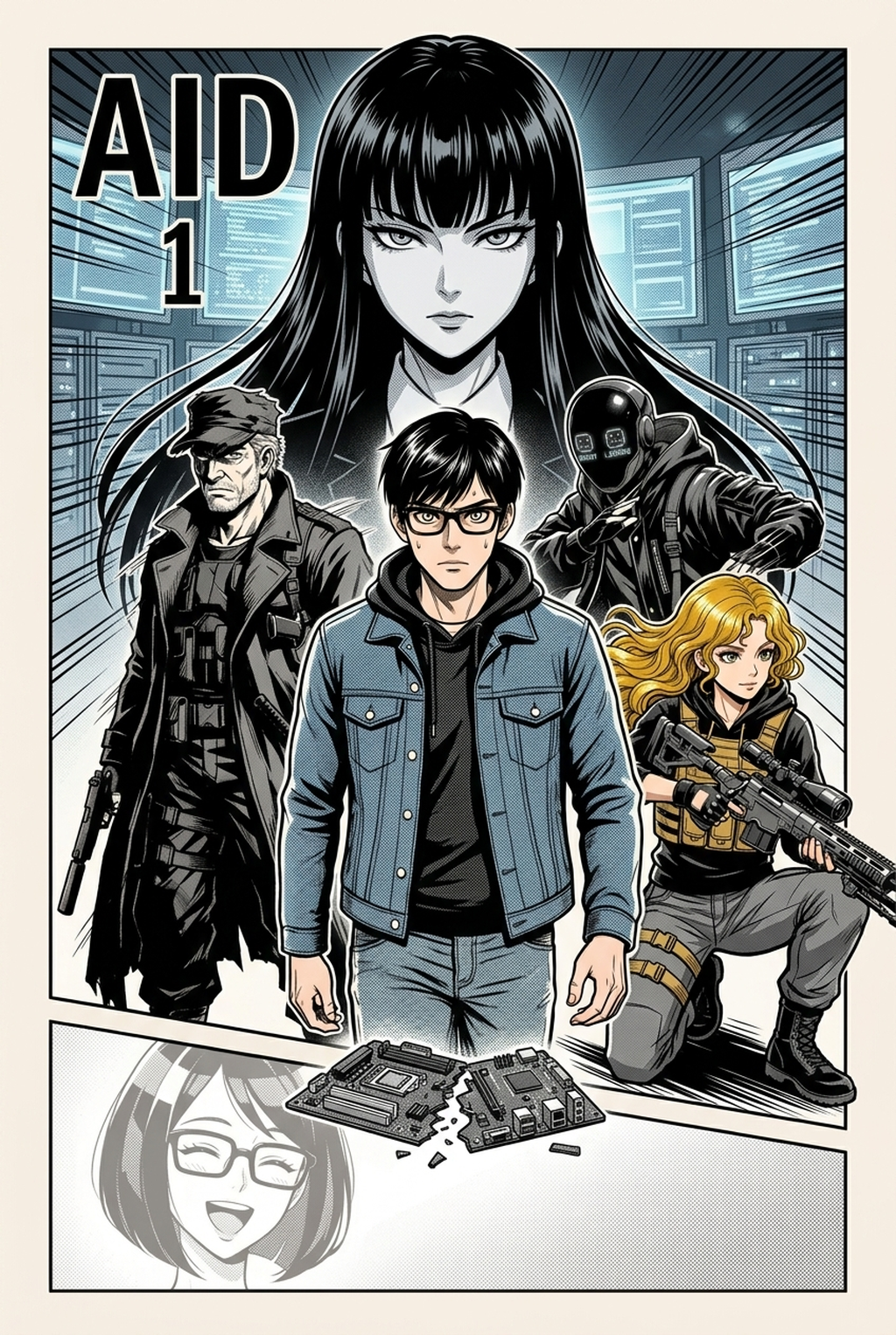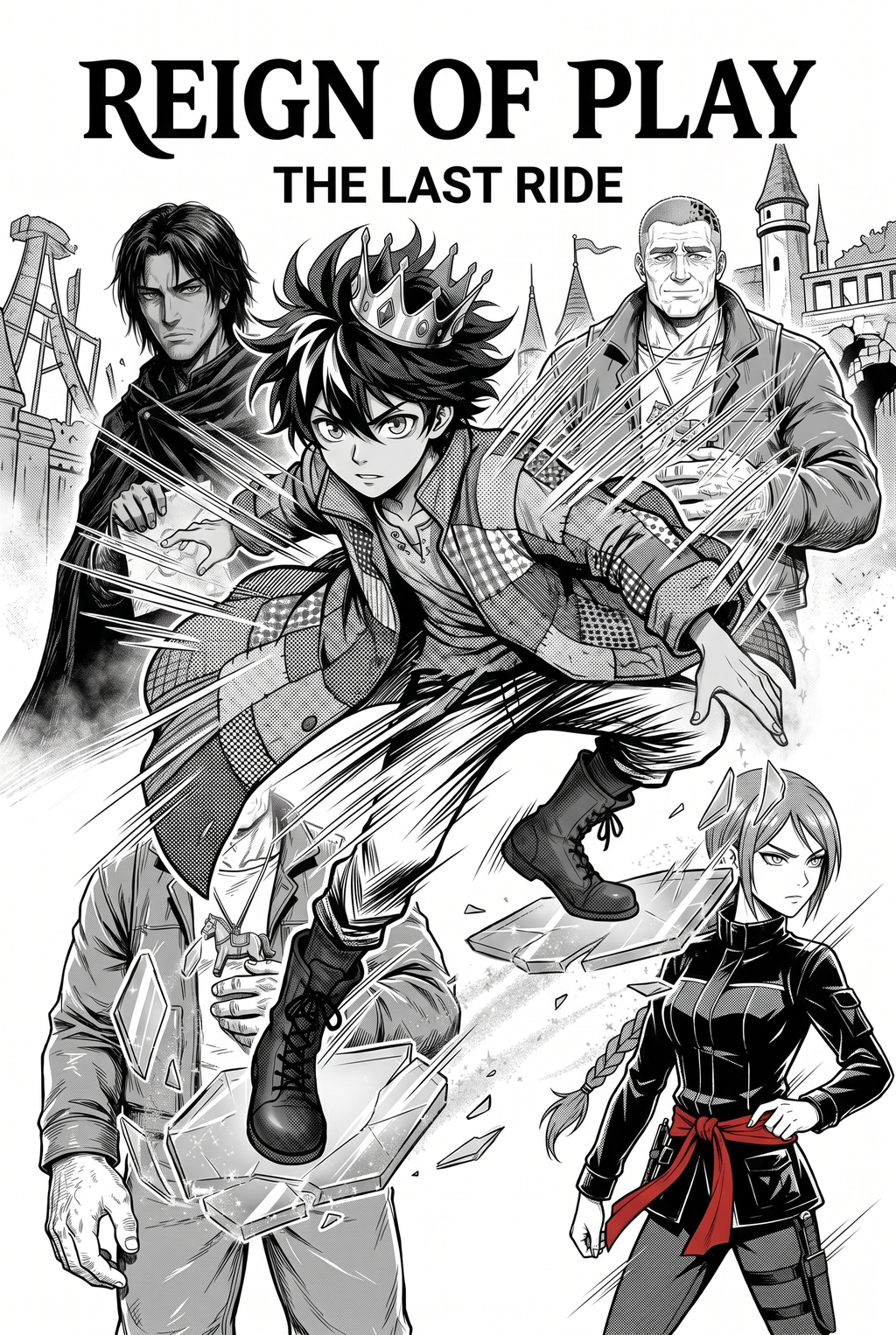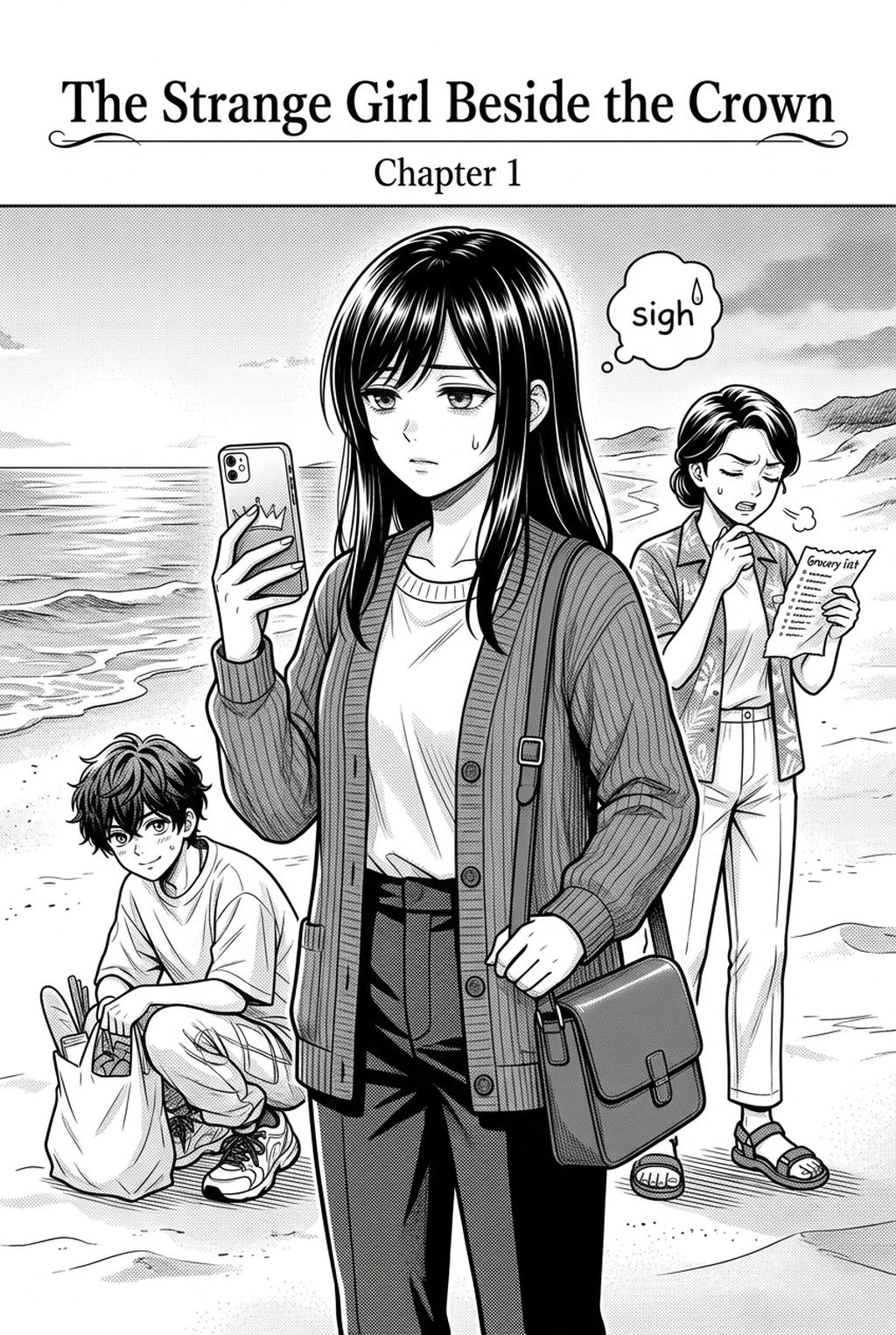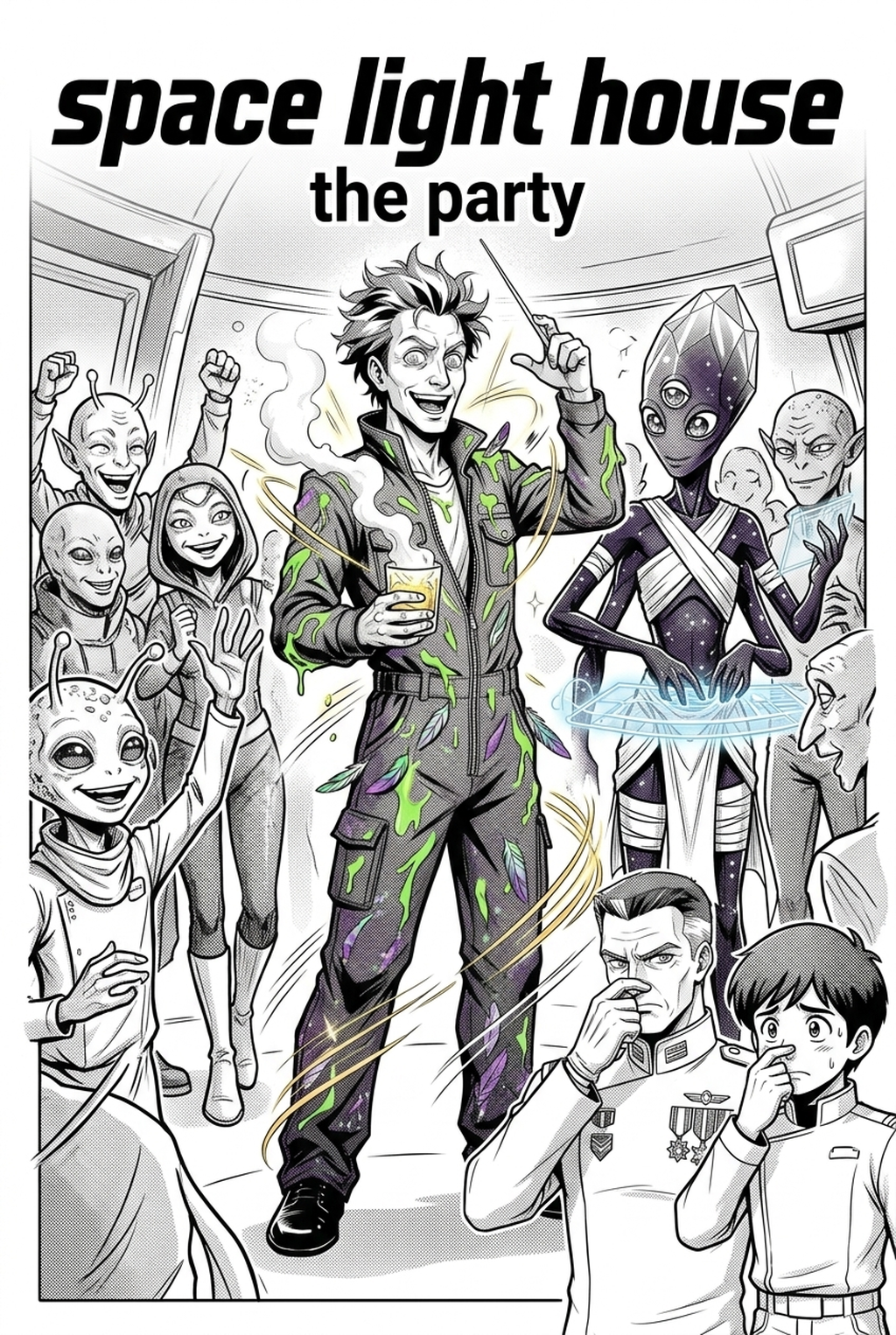
Developing an Isekai series often requires hundreds of pages of complex world-building and character design, making an AI Manga Inker for Isekai manga an essential tool for maintaining your production schedule in 2026. Creators who struggle with the tedious process of hand-inking sprawling fantasy landscapes or intricate magic circles can now rely on automated solutions to bridge the gap between initial concept sketches and final, polished panels. By streamlining the cleanup process, you ensure that your unique visual style remains consistent throughout the entire volume while freeing up significant time to focus on complex panel pacing and narrative beats.
What Is AI Manga Inker for Isekai Manga?
An AI Manga Inker workflow acts as a sophisticated digital assistant that interprets your raw pencil or digital brush strokes, automatically converting them into crisp, professional-grade line art suitable for publication. Key features include the detection of primary line weights, the ability to isolate foreground characters from intricate background environments, and the automatic removal of stray graphite marks that often plague hand-drawn drafts. This technology acts as a specialized digital brush that understands the specific aesthetic requirements of the Isekai genre, where high-contrast fantasy armor and detailed otherworldly architecture demand clean, sharp lines to pop against vibrant, dynamic color panels.
When you use professional ink processing tools to automate your inking, you bypass the most time-consuming phase of traditional manga production. The system processes your high-resolution sketches and outputs clean, vector-like lines that maintain their integrity even when scaled for different publishing formats. This ensures that every hero’s transformation or monster encounter remains visually sharp, regardless of the complexity of the original sketch or the intended final resolution of your digital chapter.
Why AI Manga Inker Matters for Isekai in 2026
Isekai creators face the unique burden of designing multiple distinct worlds—from modern cityscapes to high-fantasy realms—within a single chapter, which leads to massive production bottlenecks during the inking stage. Relying on manual line art often results in repetitive strain, missed deadlines, or inconsistent character proportions that can pull readers out of your immersive world. In 2026, the competitive landscape of digital manga platforms requires consistent visual quality standards that manual inking can rarely maintain across dozens of serialized pages.
By leveraging automated inking, you shift your focus from repetitive mechanical tracing to creative composition and color theory. This workflow allows solo creators or small studios to produce full-length chapters that match the visual fidelity of professional industry studios without requiring a team of dozens of assistants. When the inking is handled automatically, you can iterate on your panel layout and dynamic color panel effects with the confidence that your line work will always be ready for the final coloring stage in a matter of seconds.
How AI Manga Inker Works for Isekai in Dynamic Color Panels
The process of converting sketches into finished panels centers on a precise, multi-stage ingestion system that recognizes the boundaries of your line art. Once your sketches are submitted, the AI analyzes the stroke density to distinguish between essential character silhouettes and decorative background hatching. This distinction is vital for Isekai projects, as it ensures that the character remains the focal point while the complex fantasy environments remain readable within the frame.
Workflow Steps for Automated Inking. The workflow begins by preparing your rough sketches in high-resolution, ensuring that your pencil work is dark enough to be clearly read by the software against your workspace background. Once the Isekai manga inking workflow with Mangaka is generated, the tool provides a transparent layer that allows you to immediately begin applying your vibrant, dynamic color panels underneath the lines. This non-destructive workflow ensures that you can always go back to your original sketch layer to adjust subtle expressions or costume details without needing to re-ink the entire page.
Maintaining visual continuity across a series is the greatest challenge for any serialized artist. Automated inking tools allow you to apply consistent line weight settings across the entire project, ensuring that a sword blade looks as sharp in the prologue as it does in the climactic final battle. By defining a consistent set of line thickness parameters, you can ensure that your fantasy creatures and magical spells retain a cohesive aesthetic, preventing the dreaded drift where characters appear to change their proportions or complexity between different story arcs.
Use Cases for AI Manga Inker
- Complex Fantasy Architecture: Isekai stories frequently feature sprawling castles and elaborate dungeons that are physically exhausting to ink by hand, but automated tools can process these geometric shapes into perfectly clean lines while preserving your unique stylistic touch. - Dynamic Action Sequences: During high-octane battle scenes, capturing the motion and impact of magical abilities is difficult; an AI inker ensures that every motion blur and particle effect is clearly defined, allowing your dynamic color panels to shine without being obscured by messy or inconsistent linework. - Rapid Character Consistency: When juggling multiple party members in an adventuring guild, maintaining exact details on gear and hair is tough; the automated tool keeps your character designs rigid and recognizable, allowing you to focus on the emotional weight of their dialogue.
Step-By-Step Guide to Start with Mangaka
- App to access the dashboard and begin your project with a free trial, requiring no credit card to start testing. 2. Paste your script or upload your high-resolution pencil sketch files directly into the web interface to prepare the source material for the AI processor. 3. Generate your final manga page with one click and download the clean inked result as a high-quality file, ready for your coloring stage.
The Bottom Line
Transforming your rough sketches into professional, publication-ready art no longer requires endless hours of manual labor. By integrating an automated inker into your workflow, you maintain the high standards required for competitive Isekai production while slashing your turnaround time for each chapter. Take the next step in your creative career and Isekai manga inking workflow with Mangaka .