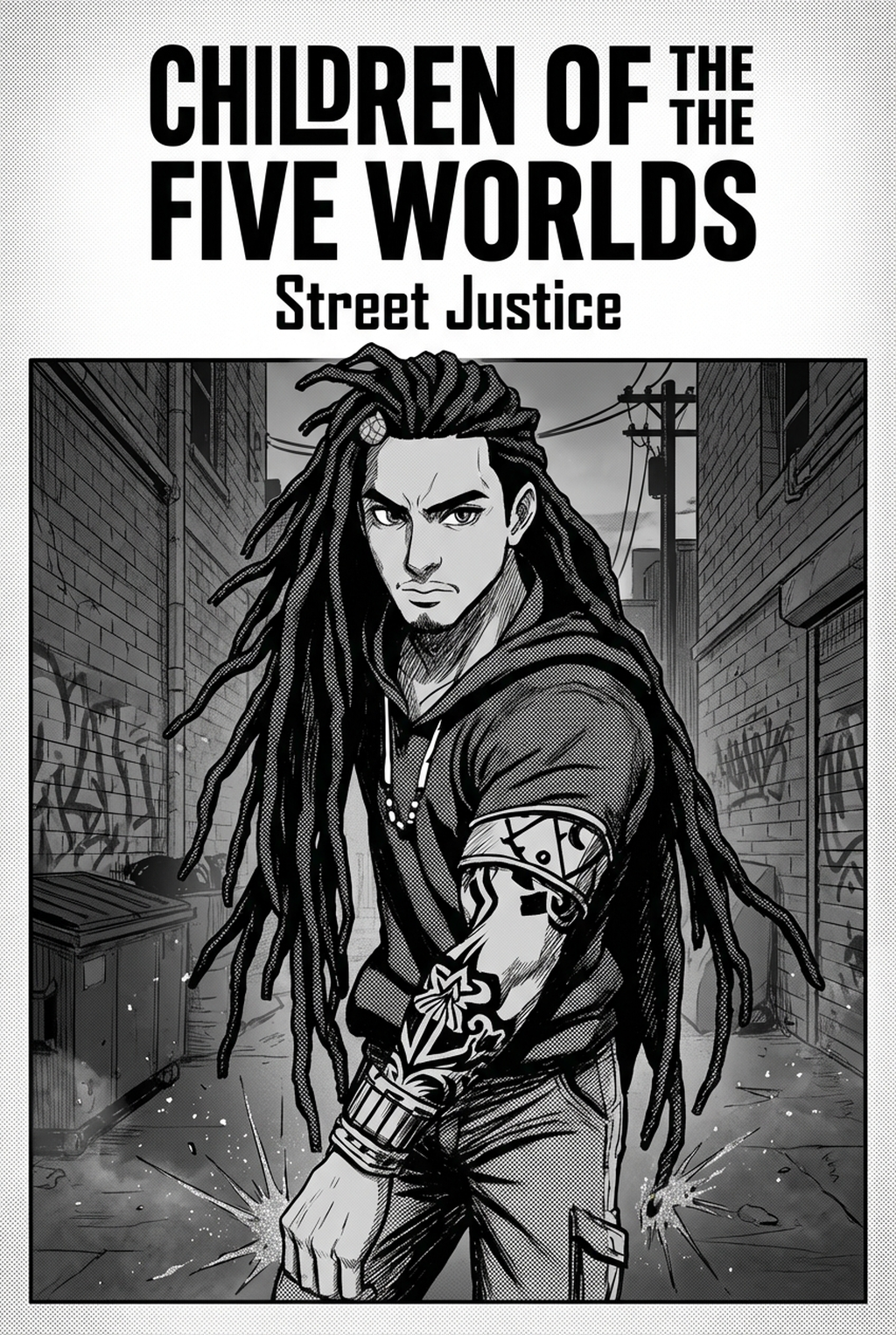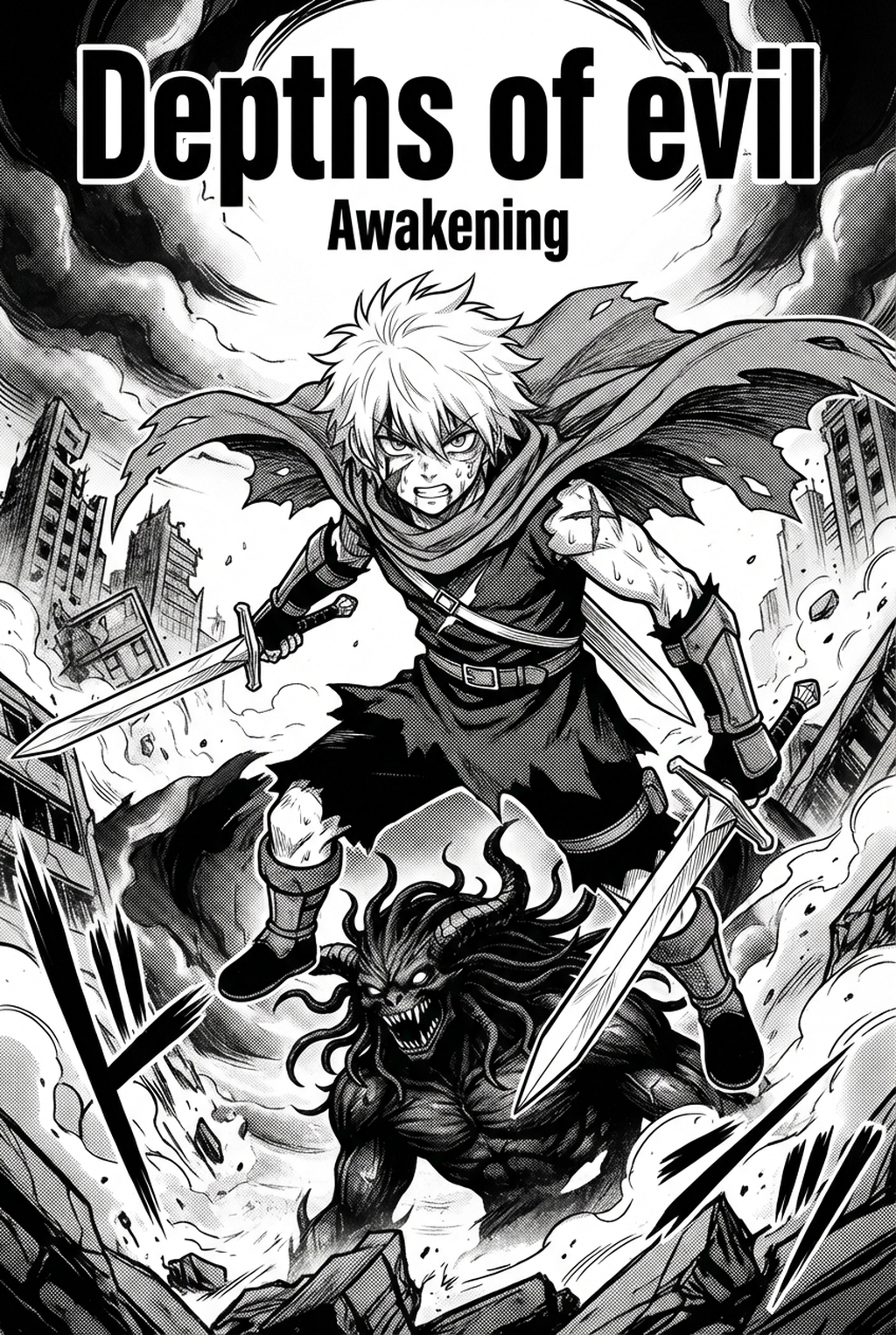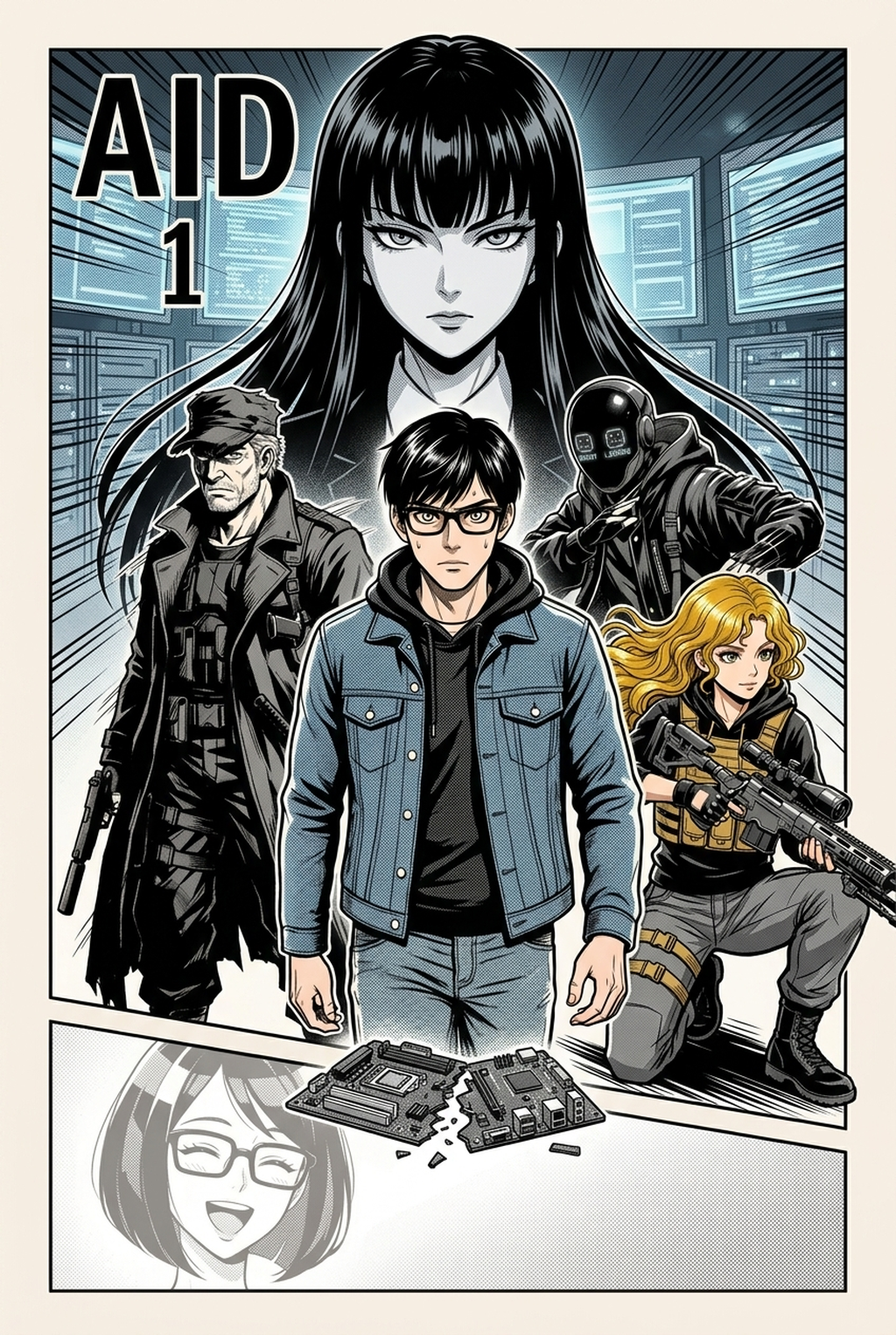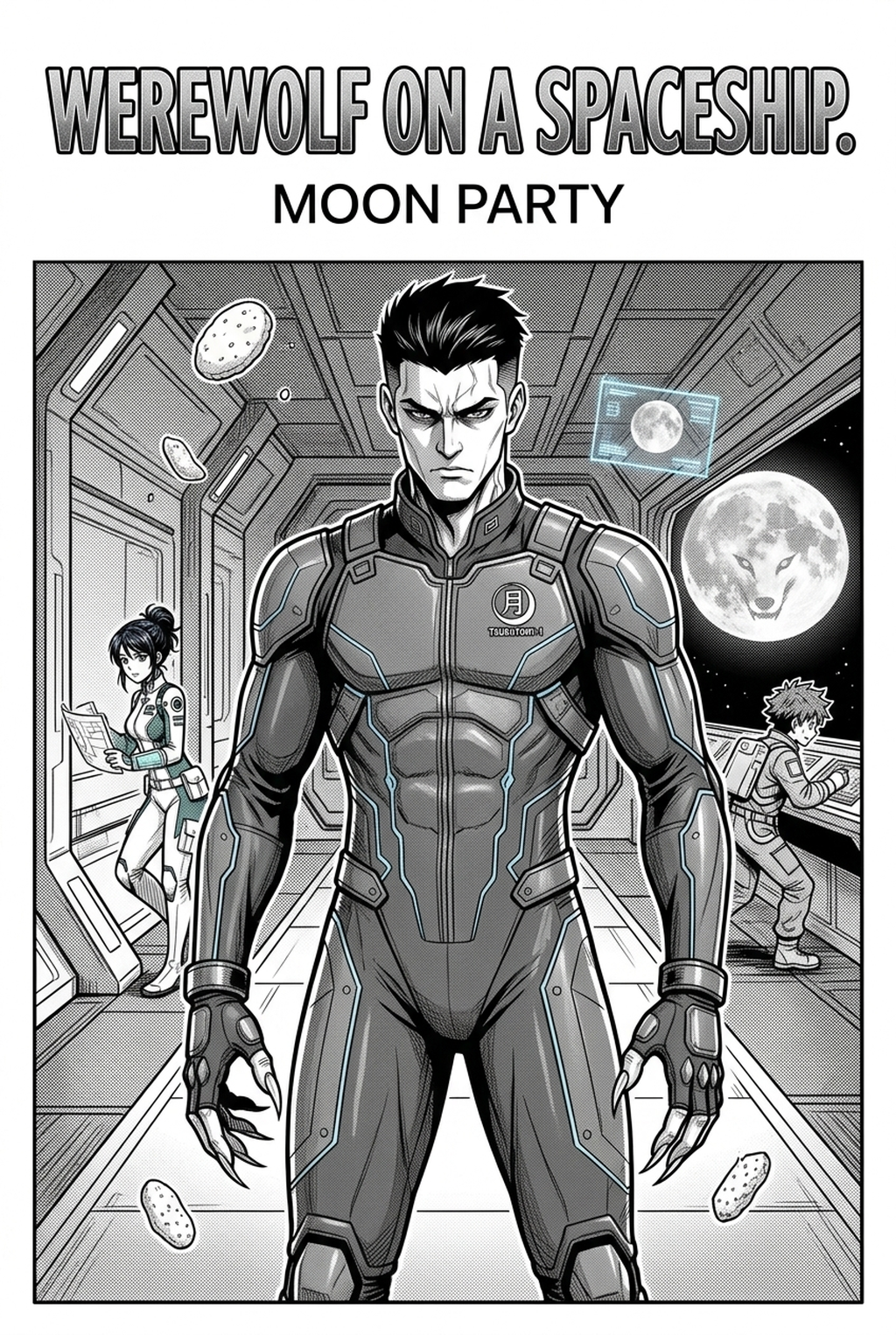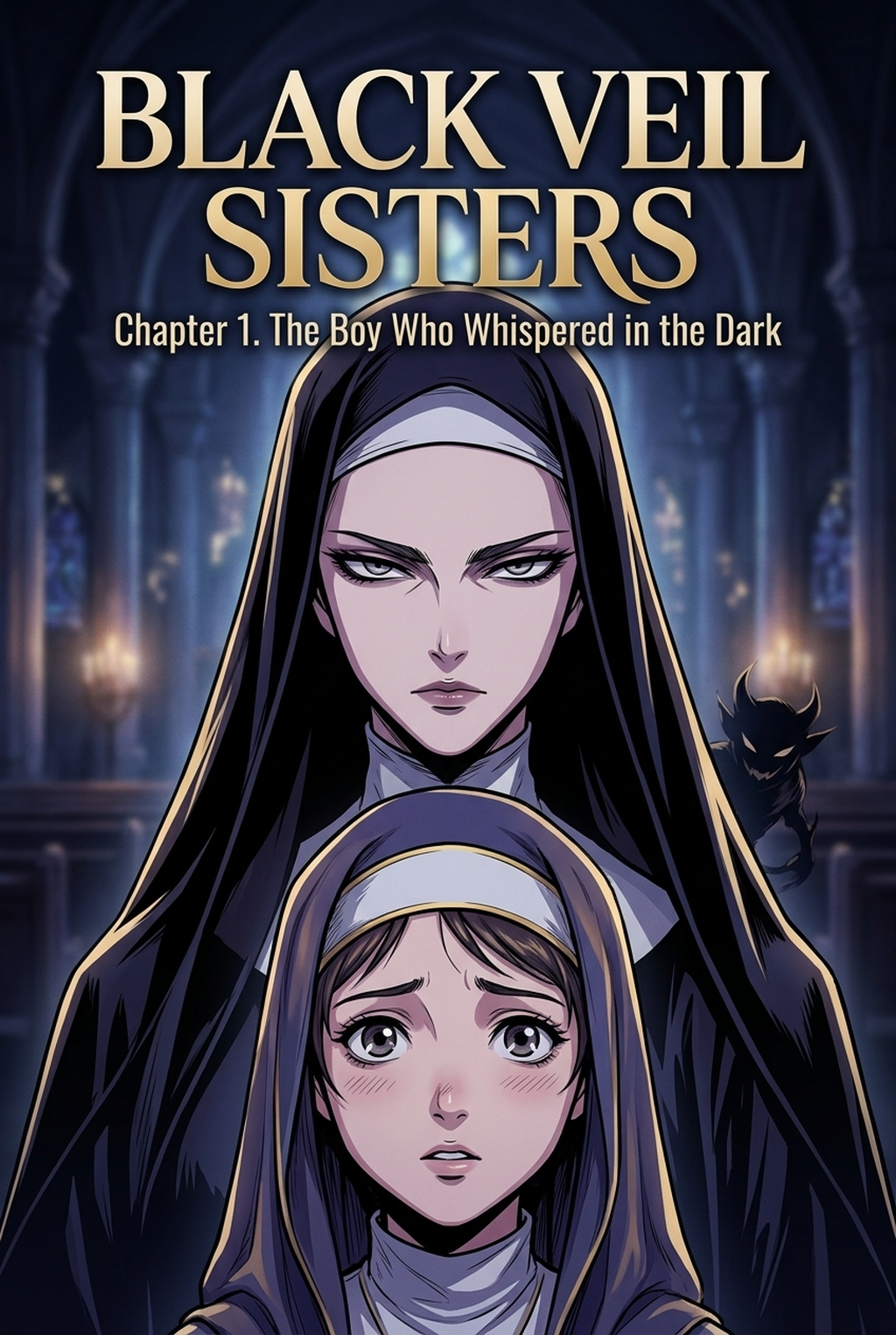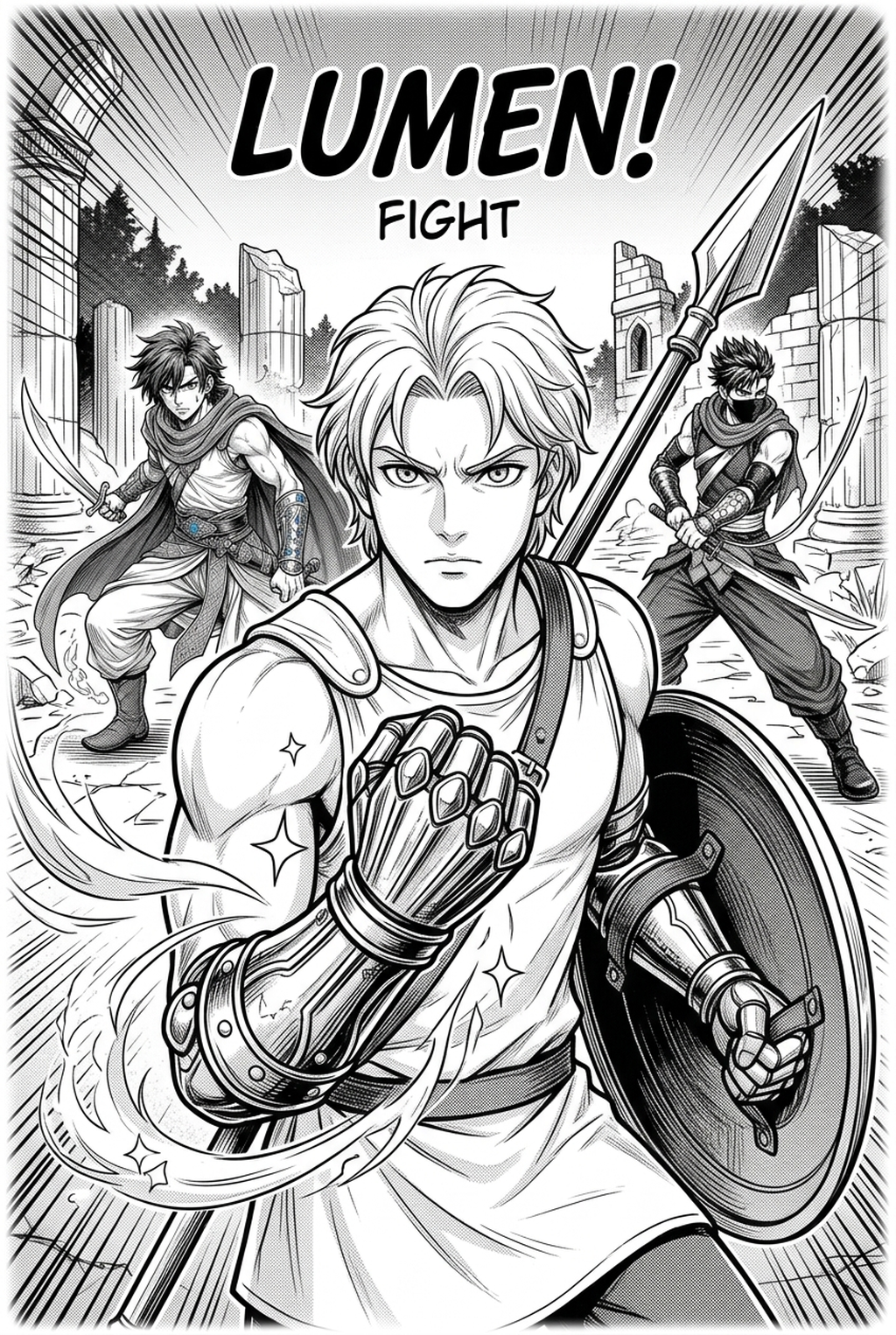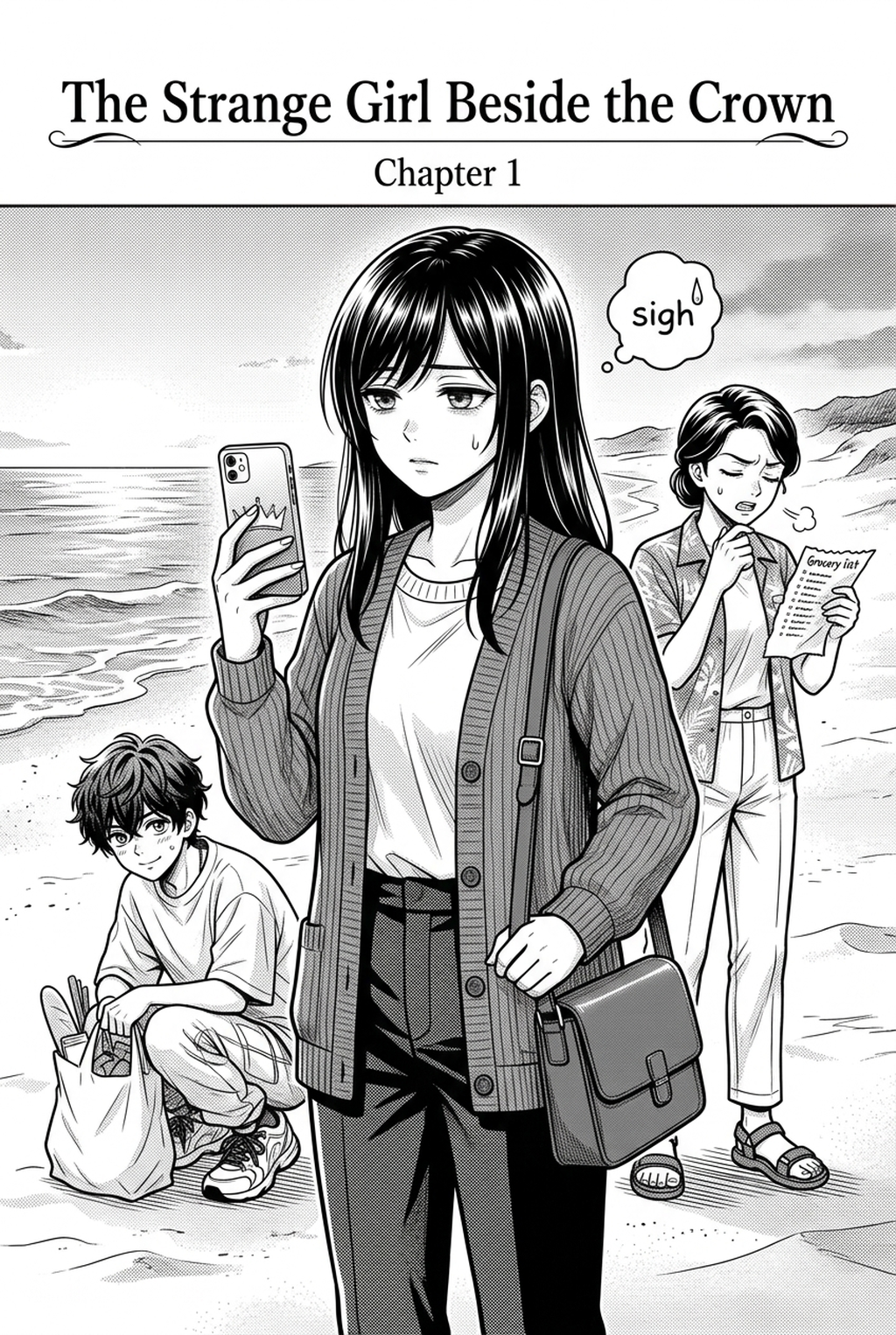
Utilizing a professional-grade AI Manga Inker for Isekai manga enables indie creators to bypass hours of manual linework, ensuring your fantasy landscapes and character designs remain crisp. By automating the transition from raw pencil sketches to polished, high-contrast ink, you can focus on building intricate worlds and compelling plot arcs rather than spending entire weeks on repetitive line-weight adjustments. This approach is essential for independent teams aiming to maintain a consistent visual rhythm across dozens of chapters.
What Is AI Manga Inker for Isekai Manga?
An AI Manga Inker workflow is a specialized tool designed to process raw graphite or digital pencil sketches and output professional-grade, high-contrast line art. These tools function by identifying contours and structural edges within a sketch, essentially performing a digital equivalent of traditional pen-and-ink cleanup. By standardizing line weights, the system ensures that complex armor details or expansive portal effects in your fantasy scenes remain readable and consistent regardless of the viewing device.
Modern production workflows require clean inked line art to satisfy the high expectations of digital readers. The primary feature of this technology is its ability to handle "line-weight drift," a common issue where character proportions or detail density shift between panels. Because the tool interprets your original intent, you retain complete artistic control while offloading the physically taxing labor of manual inking to a specialized automated process.
Why AI Manga Inker Matters for Isekai in 2026
Creator burnout is the primary obstacle for indie Isekai projects, and adopting automated inking significantly accelerates your release schedule. When you are responsible for drawing elaborate costume designs and high-fantasy environments, the time required for manual inking can easily double your production timeline for a single chapter. By delegating the inking phase, creators can effectively shift their focus toward storytelling, panel pacing, and complex character development that keeps the audience engaged.
In 2026, the competitive landscape for indie manga means that technical quality is just as important as the narrative. A dedicated automated inking solution ensures that your output reaches professional standards in a fraction of the time. This shift allows solo creators to maintain a consistent output volume that rivals professional studios, ultimately allowing for a more sustainable and frequent update cycle for your web series.
How AI Manga Inker Works for Isekai in Dynamic Color Panels
The process of transforming a rough Isekai sketch into a dynamic color panel involves a precise, multi-stage digital workflow. First, the sketch is processed to isolate the linework from any underlying rough color blocking or guide shapes. The Isekai manga inking workflow with Mangaka then automatically enhances the line quality, filling in gaps and smoothing jagged strokes that occur during rapid digital sketching.
The procedure is designed for rapid iteration. You start by uploading your base sketch, which the system then analyzes to define boundaries and intersections. Once the lines are defined, the system applies uniform thickness to match the desired style, ensuring that your hero's armor or the environment's architecture is clearly delineated for later color grading.
Maintaining character consistency is the most difficult challenge in serial manga. Because the system focuses strictly on linework, it avoids distorting character proportions, which are often the first thing to suffer during manual revisions. By keeping the linework standardized, you ensure that even when your dynamic color panels are being rendered or adjusted, the underlying structure of the scene remains rock-solid and recognizable from page to page.
Use Cases for AI Manga Inker
There are several scenarios where this technology proves invaluable for Isekai creators working on tight deadlines. This keeps the review focused on story intent, line weight, panel readability, and the export quality behind the final AI Manga Inker output.
- Complex Armor and Costume Details: High-fantasy gear often requires intricate linework that is tedious to ink by hand. Automation ensures that every piece of plate armor is sharp and well-defined across hundreds of panels. * Expansive Portal and Magic Effects: Creating the swirling, magical energy seen in many Isekai titles requires precise linework that avoids becoming muddy. The tool cleans up these complex energy paths automatically. * Rapid Scene Transitions: When moving between the "real world" and a fantasy realm, having a distinct, clean style for each helps orient the reader. The tool allows you to apply consistent line styles to differentiate these two settings instantly. * High-Volume Panel Production: For series requiring 20+ pages per month, the tool acts as an essential force multiplier, clearing the bottleneck that occurs during the secondary, manual inking phase of production.
- Chapter cadence. Use the AI pass for pages where speed matters most, such as repeated action poses, transformation beats, or dense speed-line panels. Keep manual cleanup for hero panels where the line style defines the emotional peak.
- Character continuity. Compare the generated lines against the same model sheet, costume notes, and facial-expression range used during sketching. This prevents a fast inking pass from drifting away from the character identity readers recognize.
- Export readiness. Check whether the Dynamic color panels can move into lettering, coloring, or final layout without rebuilding panel borders or speech-bubble space. A good Isekai workflow should save time while keeping the next production step predictable.
Step-By-Step Guide to Start with Mangaka
app to access your dashboard and begin your free trial with no credit card required. 2. Upload your scanned pencil sketches or digital rough files directly into the platform interface. 3. Generate your high-resolution inked manga page and download the final result as a clean, transparent image file.
Creators should compare the generated line art with the original sketch and confirm that facial expressions, props, speed lines, and speech-bubble space still support the scene. A repeatable review pass should cover character consistency, panel readability, background clarity, and whether the final file is ready for coloring, lettering, or editor feedback. For longer projects, creators should save approved examples of line weight, face detail, clothing folds, and background density. Those references keep later chapters closer to the intended style.
The Bottom Line
Modern manga production demands a balance between artistic creativity and technical efficiency, especially in high-output genres like Isekai. By automating the inking phase, you regain precious time for storyboarding and character work while ensuring your final pages meet professional industry standards for line clarity and detail. When you are ready to streamline your creative process, Isekai manga inking workflow with Mangaka and see the difference in your workflow today.