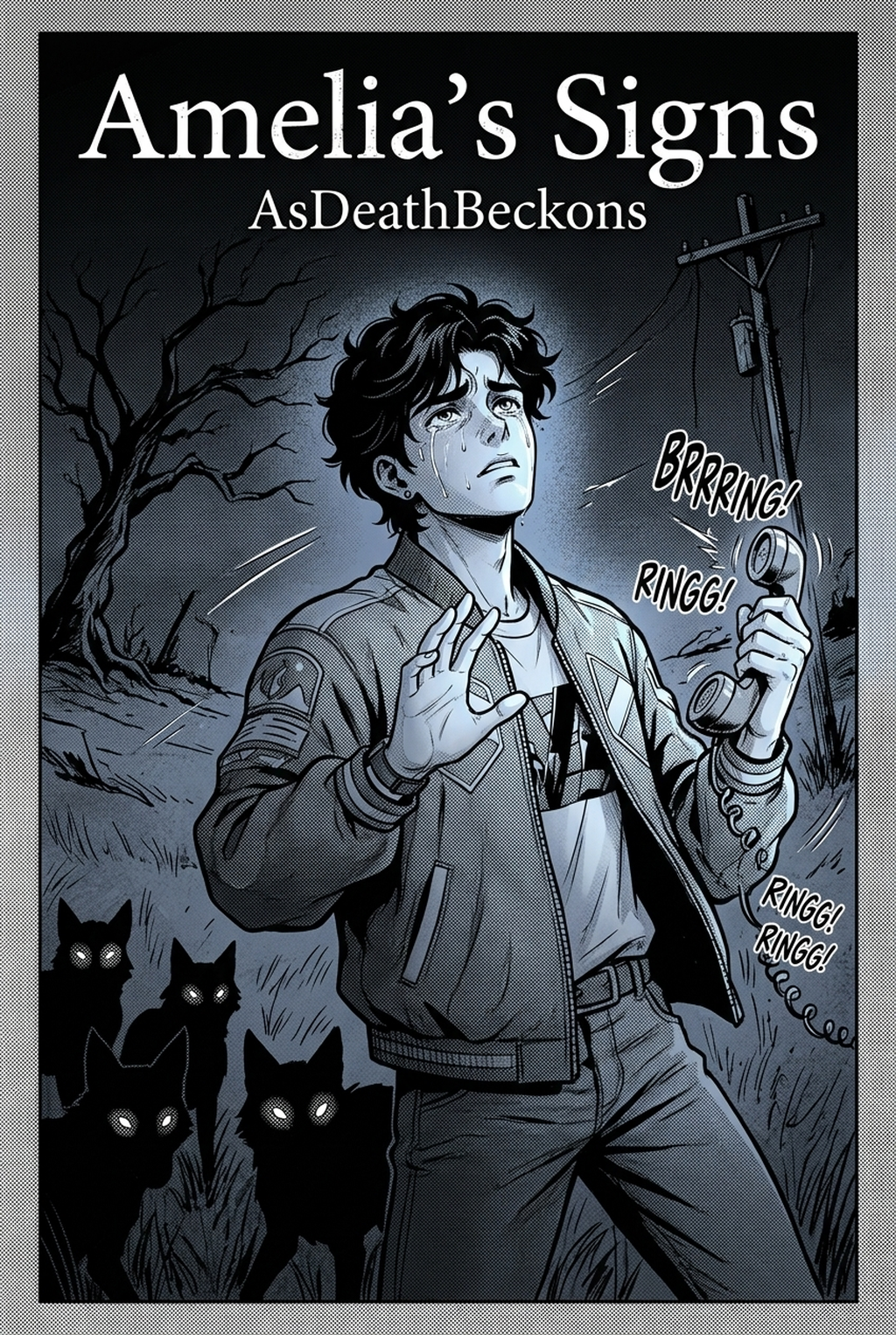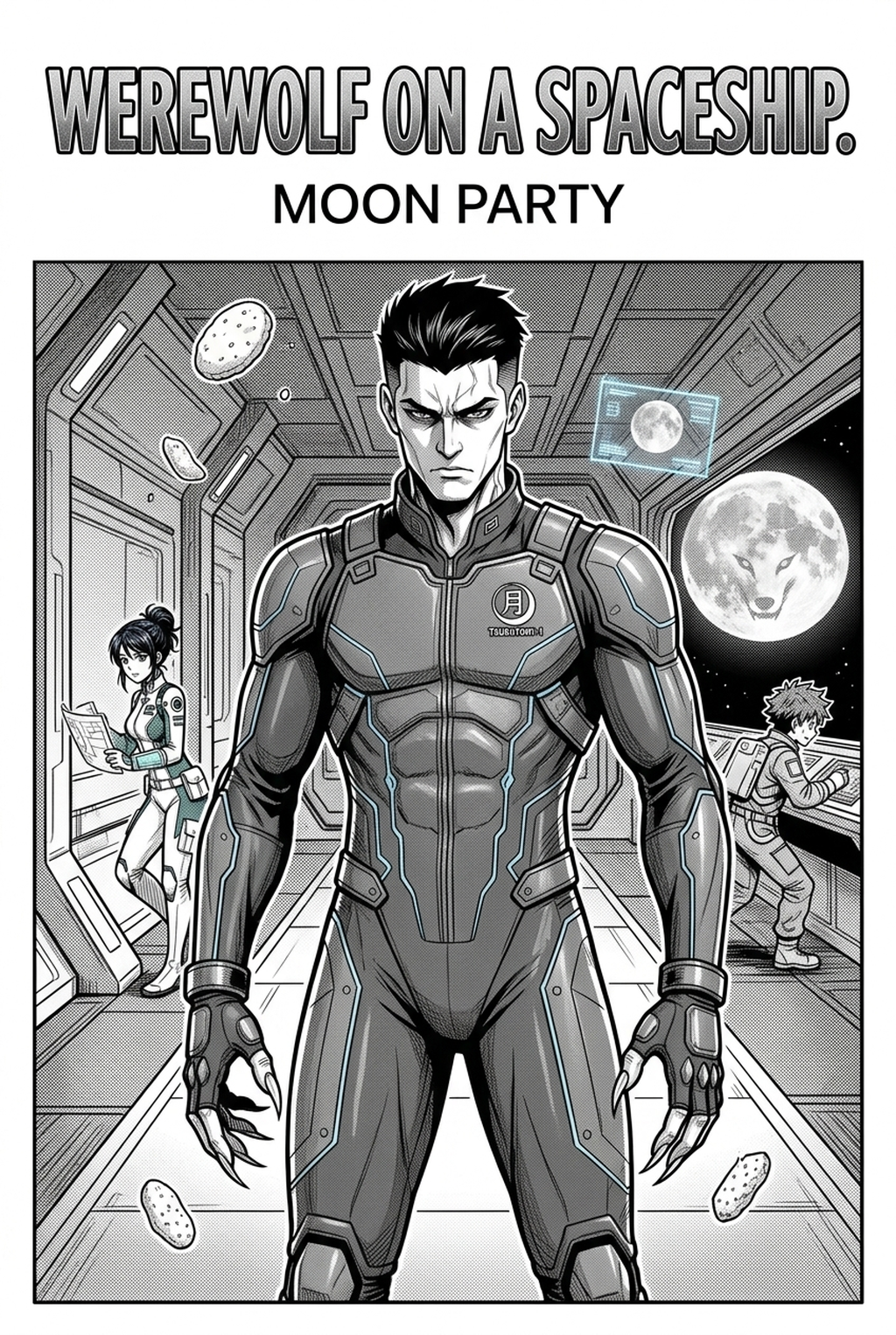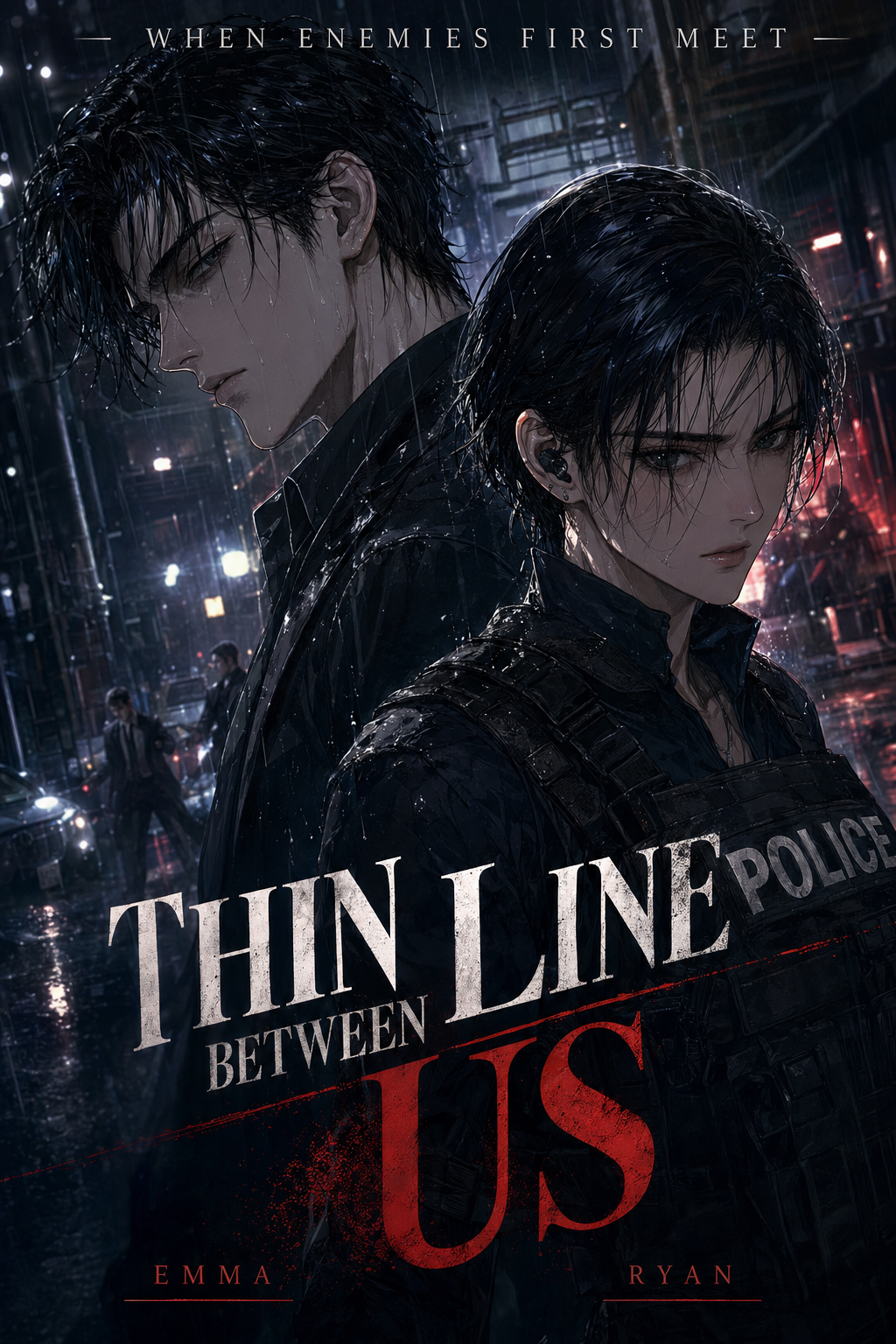
Indie creators producing long-form series often face massive production bottlenecks when using an AI Manga Inker for Isekai manga, where the demand for high-fantasy detail frequently clashes with tight weekly deadlines. Drawing hundreds of ornate armor sets, sprawling magic circles, and dense forest backgrounds requires a massive time investment, especially when you are balancing storyboarding with the precise linework needed for full-color digital publication. Automating the technical transition from messy pencil drafts to refined, clean vectors allows you to focus on the narrative pacing and world-building that define the genre, rather than getting bogged down in manual stroke stabilization.
What Is AI Manga Inker for Isekai Manga?
An AI Manga Inker workflow is a specialized digital tool designed to interpret the geometry of your rough pencil sketches and convert them into crisp, professional-grade inked lines suitable for full-color production. Unlike generic image filters, these systems use spatial recognition to identify the core outlines of characters, weapons, and architectural elements, ensuring that your line weight remains consistent across complex, multi-layered fantasy scenes. Key features include automatic stroke smoothing, gap closure for easier flatting and coloring, and the ability to preserve fine details in intricate costume designs or sprawling magic effects that are common in modern portal-fantasy stories.
Why AI Manga Inker Matters for Isekai in 2026
Creators often find that the most repetitive phase of production is the manual trace-over, a process that can consume up to 70% of the total time spent per page. In the competitive landscape of digital serialization, missing a release window due to slow inking cycles is the primary cause of audience attrition. By utilizing an automated inker, you can bypass the tedious hours of manual line stabilization, allowing you to maintain a consistent output of high-quality, full-color pages that compete with professional industry standards.
Maintaining clear line clarity is essential for digital readability, especially when viewing complex fantasy compositions on mobile screens. Manual inking often suffers from "line-weight drift," where inconsistent pressure or fatigue causes the stylistic quality of a chapter to fluctuate from the first panel to the last. An automated inking tool acts as a stabilizer, ensuring that the visual language of your character’s armor or the scale of your supernatural creatures remains uniform, regardless of the complexity of the specific panel. By reducing the physical strain of long inking sessions, you extend your creative longevity, avoiding the burnout that frequently impacts indie artists working on high-volume episodic content.
How AI Manga Inker Works for Isekai in Full Color Manga
The workflow begins with your raw pencil sketch, which acts as the structural foundation for the AI processing engine. Once you upload your sketch, the software analyzes the primary forms and converts your gestural lines into clean, scalable line art paths that are ready for immediate coloring. This process effectively removes the need for manual cleanup, enabling you to produce full-color panels with a professional finish in a fraction of the time.
Consistency is maintained by defining specific layer sets for your inks, which keeps your line work separate from your flat colors and final rendering layers. When you clean up your sketches using this technology, you must ensure that your initial sketches are legible enough for the software to detect edges, as high-fidelity output relies on the clarity of your foundational work. By focusing on strong, expressive sketches, you leverage the AI’s ability to turn rough inputs into professional art, ensuring your full-color pages retain a cohesive stylistic look throughout the entire volume.
Use Cases for AI Manga Inker
- Complex Armor and Weapon Design: Isekai characters often feature highly detailed fantasy gear. Using an inker allows you to quickly finalize these intricate mechanical designs without losing the sharp edges and metallic highlights that define their appearance. - Expansive Fantasy Environments: Rendering large-scale capital cities or otherworldly dungeons is notoriously time-consuming. You can sketch these perspectives quickly, trusting the tool to resolve the dense architectural lines into a clean, readable structure for your background artists to color. - High-Pace Action Panels: During intense combat sequences, the quality of your linework is paramount for conveying motion. This tool ensures that speed lines and impact frames remain crisp and distinct from character outlines, even when the scene is packed with magical effects. - Uniform Character Consistency: When juggling large casts of summoned heroes and side characters, maintaining a consistent face structure is vital. The inker standardizes the line weights of your character models, ensuring they look the same across different chapters and varied environments.
Step-By-Step Guide to Start with Mangaka
Getting started with Mangaka is a streamlined process designed to get you back to storytelling as quickly as possible. App to access your free trial without needing a credit card. 2. Paste your script into the creative brief box or upload your high-resolution pencil sketches directly to the editor. 3. Generate your manga page by running the inking engine, review the clean line art, and download your final file for coloring.
Creators should compare the generated line art with the original sketch and confirm that facial expressions, props, speed lines, and speech-bubble space still support the scene. A repeatable review pass should cover character consistency, panel readability, background clarity, and whether the final file is ready for coloring, lettering, or editor feedback.
Creators can evaluate AI Manga Inker for Isekai manga with Mangaka mid-workflow when they need the product path tied directly to review, refinement, and export. A real test should use the same sketch, character goal, or panel sequence that would otherwise need manual cleanup after generation.
The Bottom Line
Mastering your production speed is the key to thriving in the modern manga market, and integrating an AI Manga Inker is the most effective way to eliminate the most time-consuming step of your artistic process. By focusing on your core storytelling and character design, you can let the software handle the technical burden of creating clean, crisp line art for every panel. If you are ready to accelerate your workflow and bring your full-color fantasy world to life, Isekai manga inking workflow with Mangaka today.