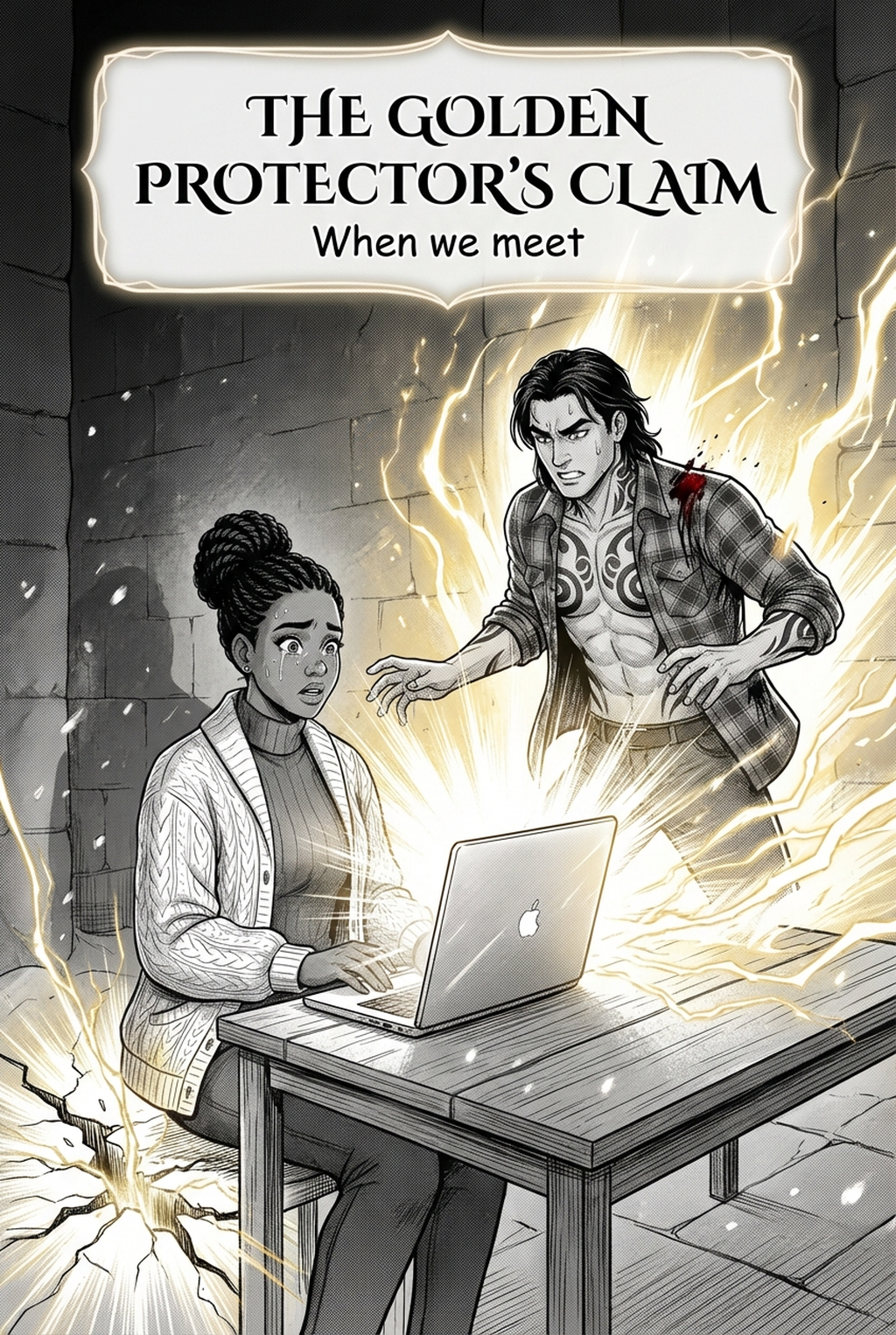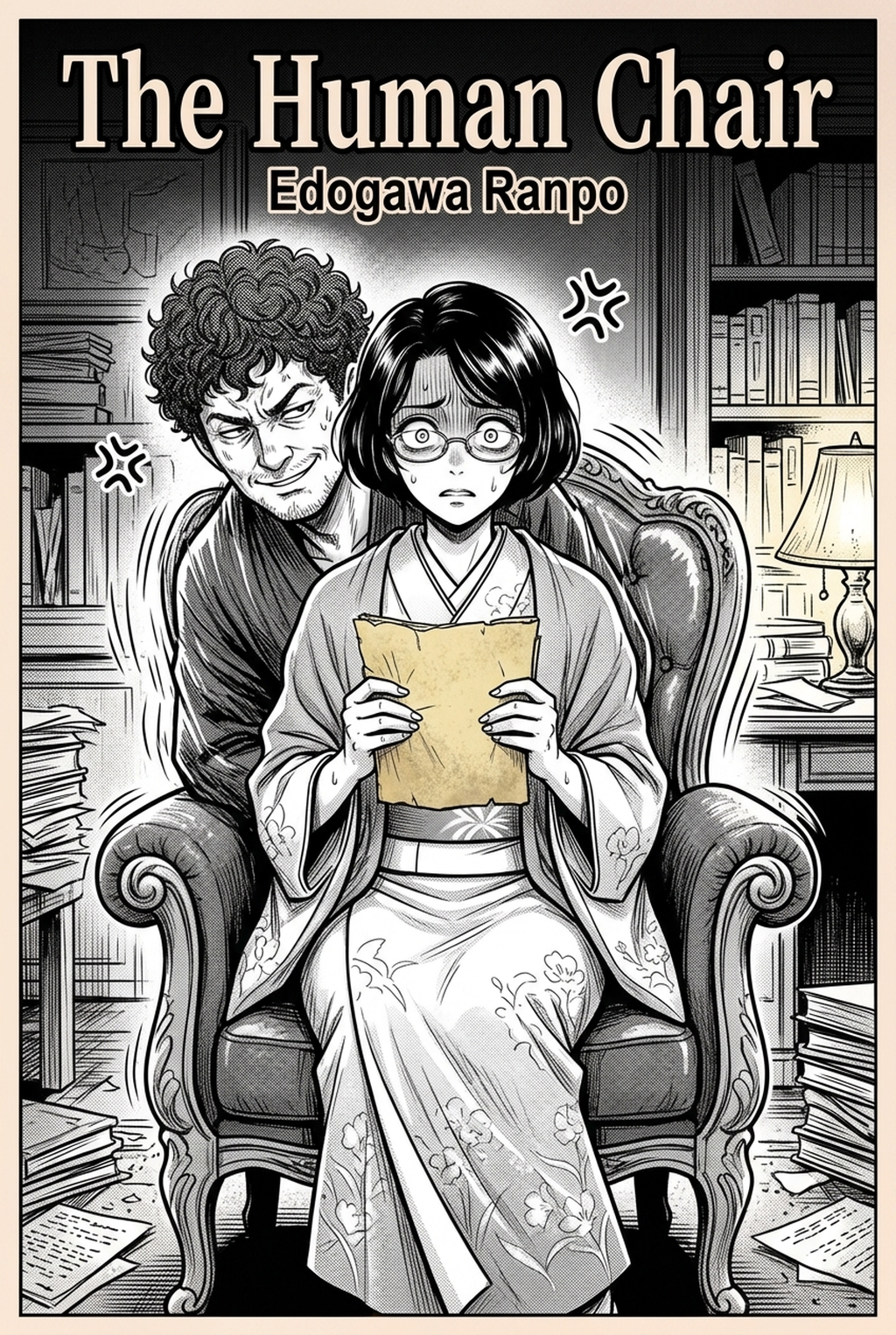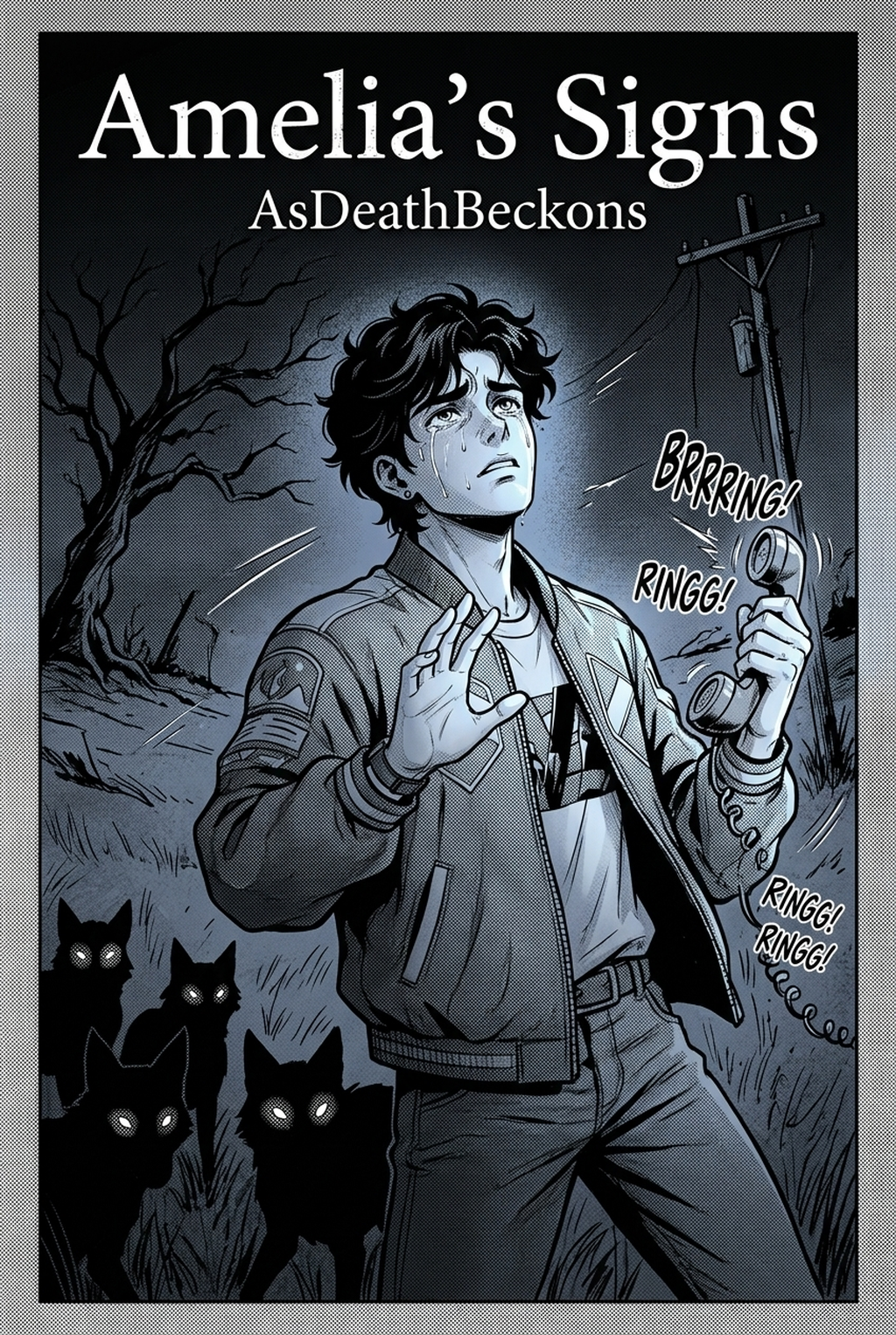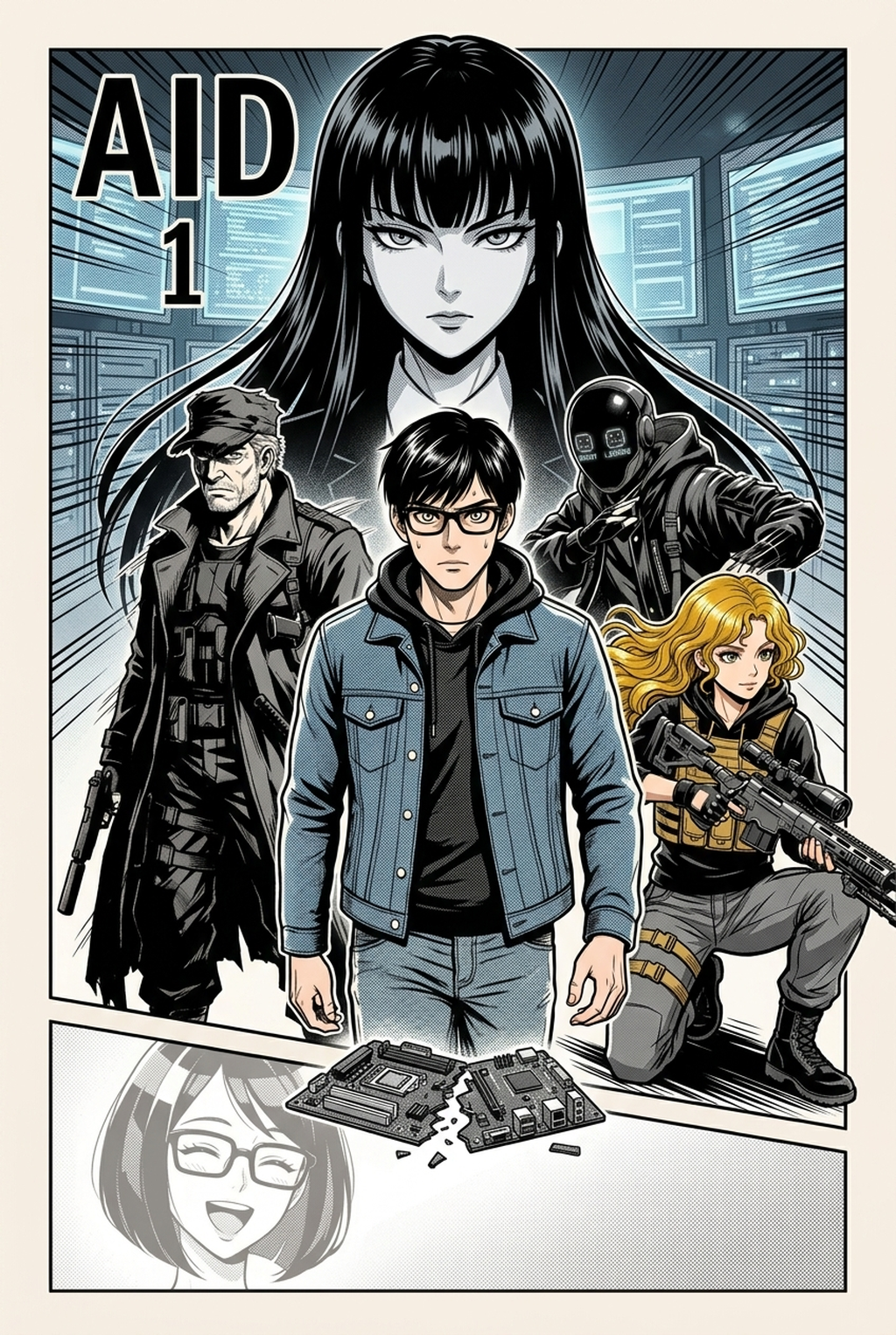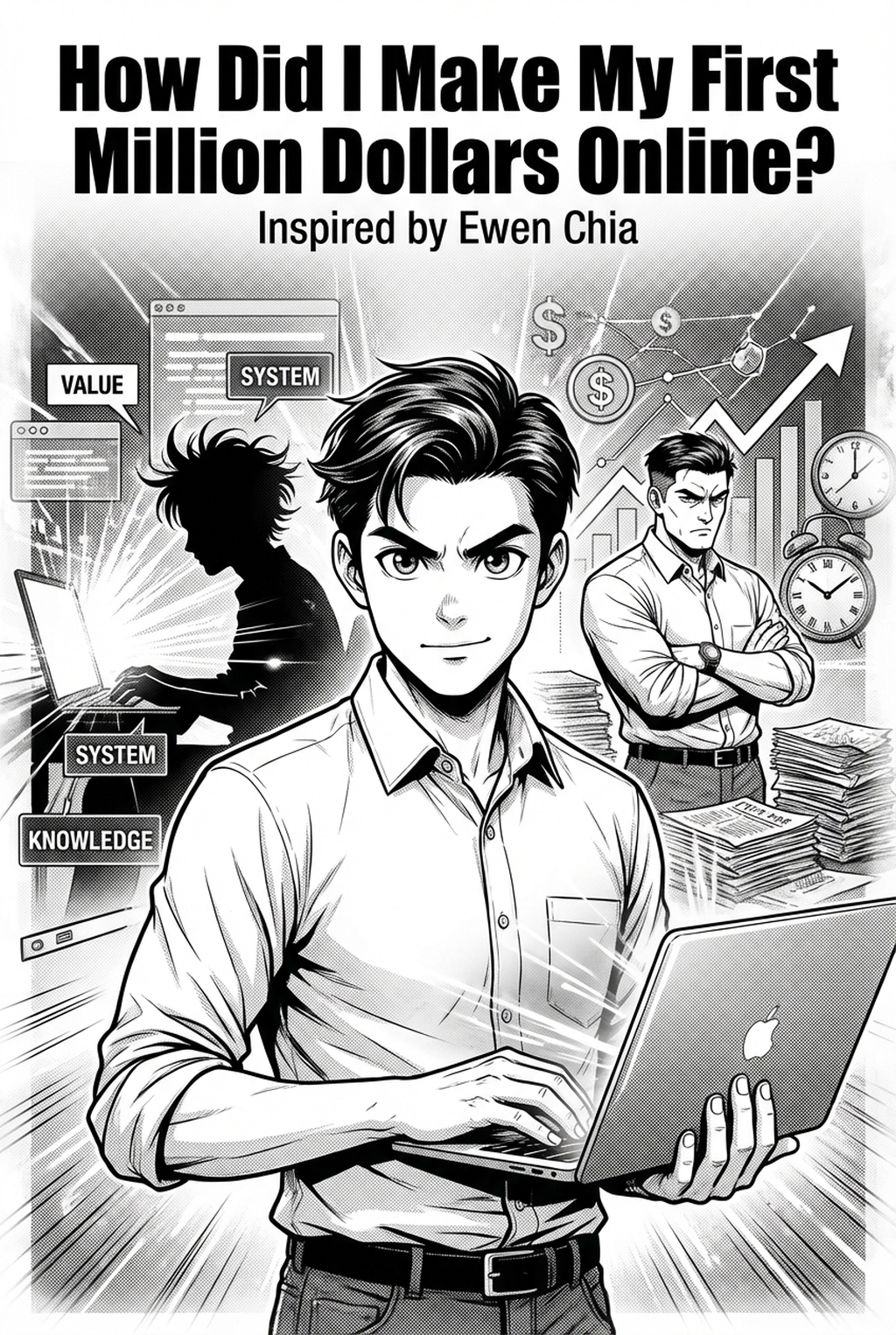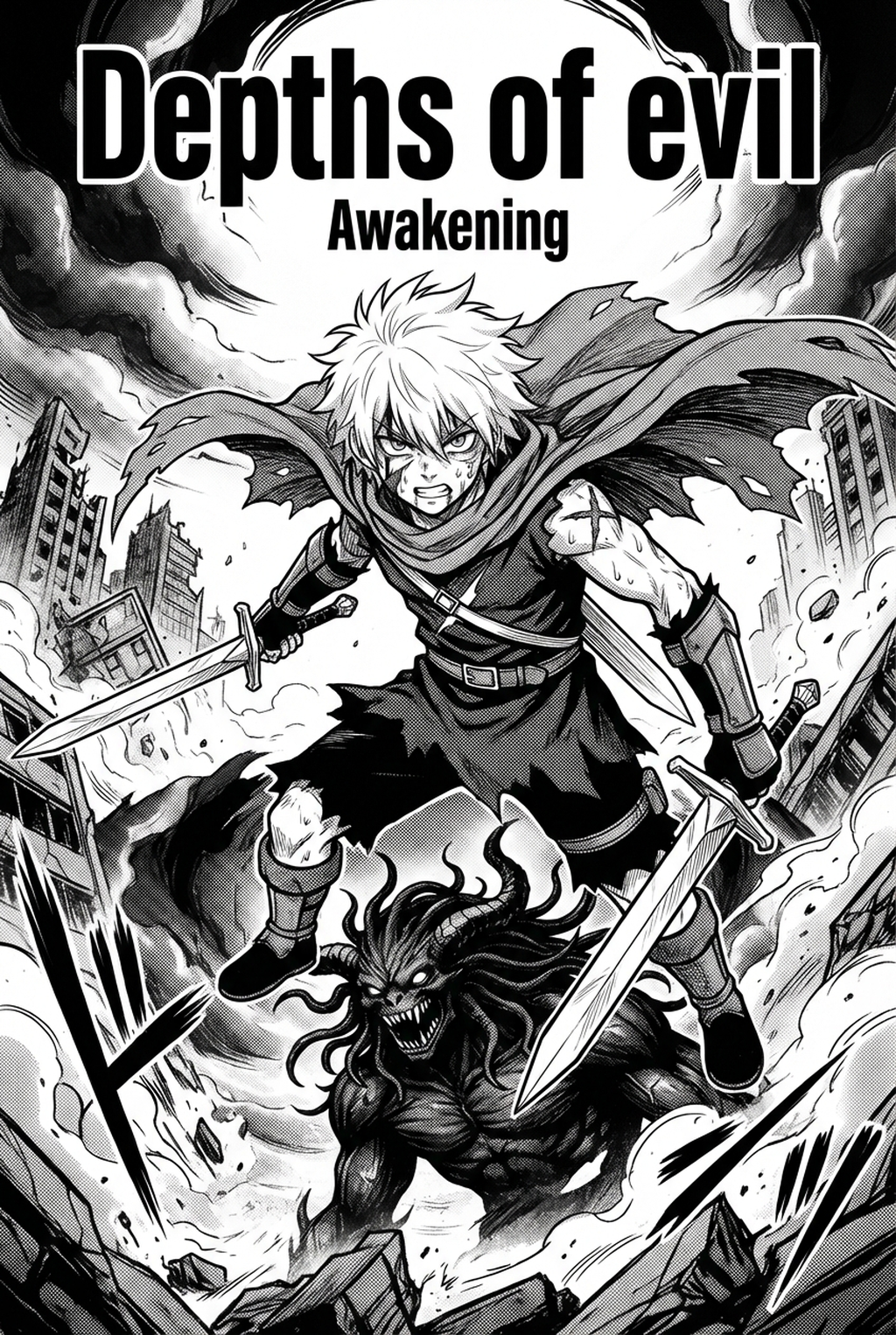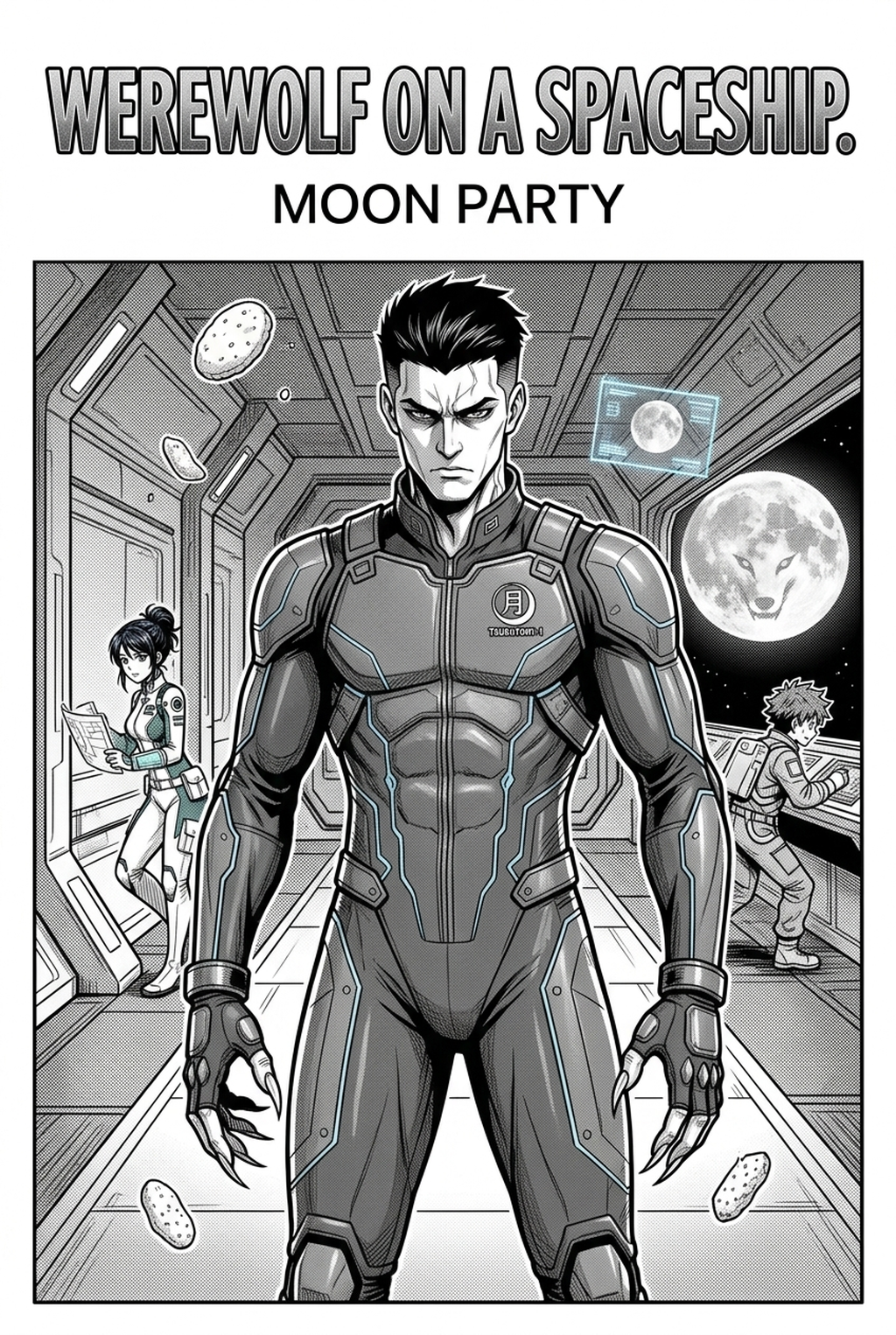
Indie creators working on complex, moody narratives can now utilize an AI Manga Inker for Seinen manga to bypass hours of manual pen work while maintaining the soft B&W panels characteristic of the genre. By automating the transition from raw pencil sketches to crisp, print-ready line art, you regain valuable time that would otherwise be spent on tedious ink layering or cross-hatching corrections. This technological bridge ensures your character designs and intricate backgrounds retain their original intent while meeting the high visual standard expected by modern readers.
What Is AI Manga Inker for Seinen Manga?
An AI Manga Inker workflow is a specialized creative tool that interprets the gestural lines of a pencil draft and converts them into clean, high-contrast inked line art automatically. Unlike general-purpose image generators, this system is tuned to respect the line-weight variations and soft shading nuances essential for the mature aesthetic often found in Seinen titles. It functions by analyzing your scan, identifying the primary linework, and then outputting a refined, vector-like ink layer that retains the soul of your hand-drawn input. Key features include the preservation of subtle anatomical details, support for traditional ink-pen texture simulation, and the ability to output clean, transparent files that simplify the subsequent process of applying screentones or background painting.
Why AI Manga Inker Matters for Seinen in 2026
The production speed of serialized long-form storytelling is a significant pain point for solo creators who often manage dozens of pages per month without the support of a full studio staff. By integrating an automated inker into your production process, you transform the bottleneck of the "cleanup" phase into a rapid, streamlined step. The transition to digital workflows remains the industry standard for maintaining quality control across high-volume production cycles.
How AI Manga Inker Works for Seinen in Soft B&W Panels
The process relies on precision-engineered image processing that distinguishes between rough construction lines and definitive ink contours. When you feed your pencil-based layout into the system, the tool applies an adaptive thresholding algorithm designed to clean up graphite smudges and inconsistent stroke pressure while keeping the essential "soft" look of your initial sketch. This ensures that the resulting B&W panels do not appear unnaturally sterile or overly sharp, a common issue with basic filter-based applications.
Achieving professional-grade inking requires a balance of thick and thin lines to create depth within a scene. The AI identifies areas of occlusion and heavy shadows, automatically thickening lines where necessary to emphasize form. This mimics the traditional use of varying nib sizes, helping you maintain the intended atmosphere of your Seinen panels without needing to manually redo sections of line art.
Consistency across long chapters is paramount for immersion. Because the AI interprets your provided sketches as the definitive geometry, the "anchor points" of your characters remain stable throughout the transformation. To ensure the best results, aim for sketches that are clearly defined; high-resolution PNG assets provide the cleanest base for the software to parse. Following professional composition advice , keeping your primary subjects clear of overly cluttered construction lines will further refine the final output.
Use Cases for AI Manga Inker
Creators across various production stages can use this technology to overcome specific obstacles in their workflow: This keeps the review focused on story intent, line weight, panel readability, and the export quality behind the final AI Manga Inker output. This keeps the review focused on story intent, line weight, panel readability, and the export quality behind the final AI Manga Inker output.
- Rapid Chapter Prototyping: When you need to iterate on panel flow and layout for a full chapter, you can quickly generate inked versions of your roughs to test how the eye moves across the page without spending days on final cleanup. * Background Detail Enhancement: If you find that drawing detailed urban landscapes or complex architectural structures takes too long, you can focus on the perspective sketches and let the AI generate the final ink layer, saving hours of repetitive labor. * Dynamic Action Sequences: For high-octane scenes, the tool helps maintain the energy and speed lines of your sketch, ensuring that the movement in your panels feels visceral rather than static or muddy. * Final Pre-Press Cleanup: Use the tool to polish final sketches that have been scanned from paper, removing background noise and grit to ensure that your pages are ready for immediate digital submission to publishing platforms.
Step-By-Step Guide to Start with Mangaka
Getting your workflow optimized is a straightforward process that takes you from a raw sketch to a finished panel in minutes. Follow these three steps to begin: Creators can use each revision decision to clarify panel readability, character consistency, and export quality before publishing or sharing.
- Sign up at Seinen manga inking workflow with Mangaka to access the professional-grade toolset.
- Upload your scanned pencil sketches or digital roughs directly into the interface.
- Generate your clean, inked manga page and download the high-resolution file for your project.
Creators should compare the generated line art with the original sketch and confirm that facial expressions, props, speed lines, and speech-bubble space still support the scene. A repeatable review pass should cover character consistency, panel readability, background clarity, and whether the final file is ready for coloring, lettering, or editor feedback.
Creators should save approved examples of line weight, face detail, clothing folds, and background density. Those references keep later chapters closer to the intended style. For collaboration, creators should mark which panels are final and which panels still need redraws. Clear status labels prevent an assistant, editor, or colorist from polishing the wrong version.
The Bottom Line
Leveraging an automated inker allows independent creators to scale their production without sacrificing the grit or detail required for high-quality storytelling. By removing the repetitive labor involved in manual cleanup, you can focus your creative energy on refining the narrative and character moments that make your work resonate with readers. If you are ready to modernize your production process, Seinen manga inking workflow with Mangaka .