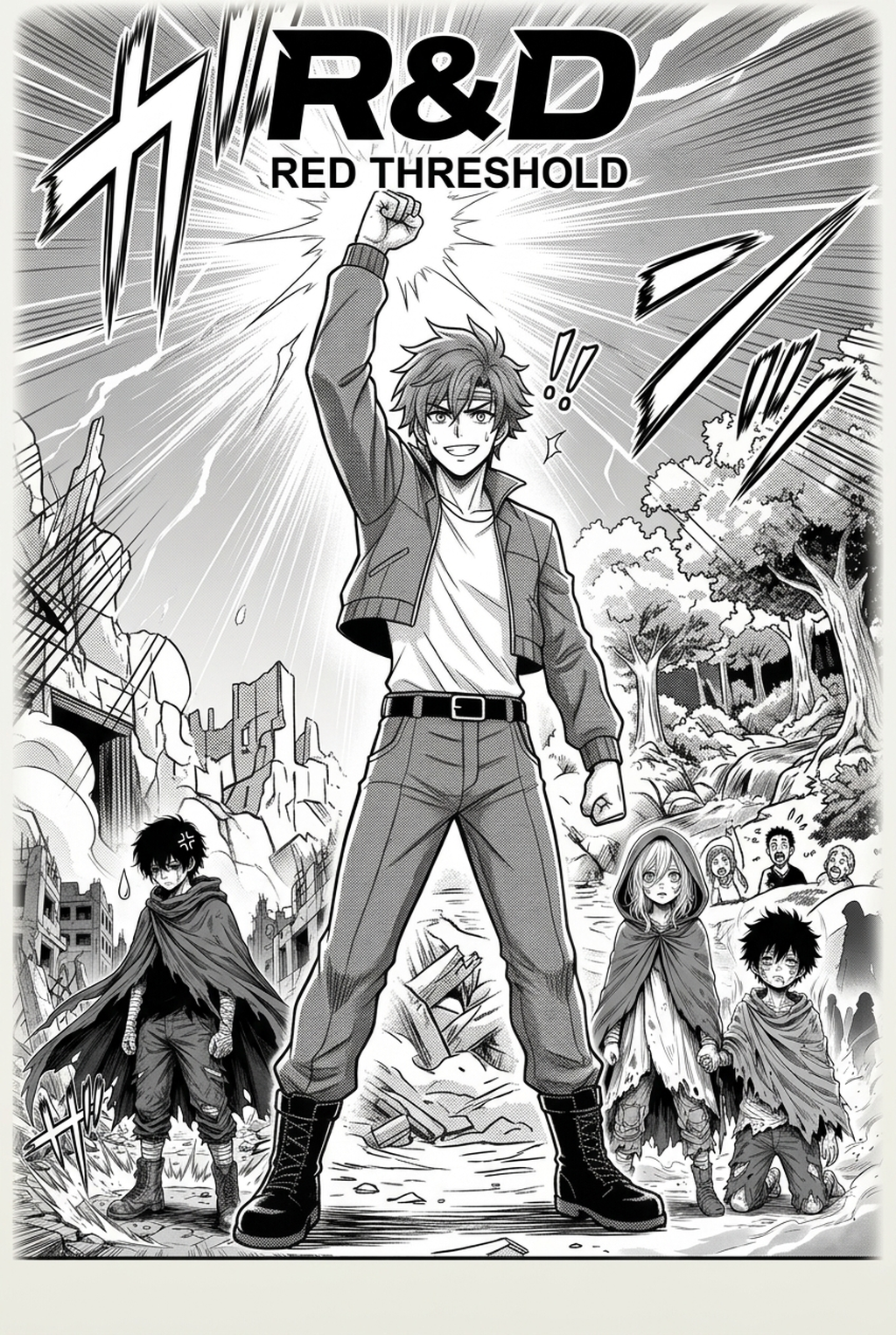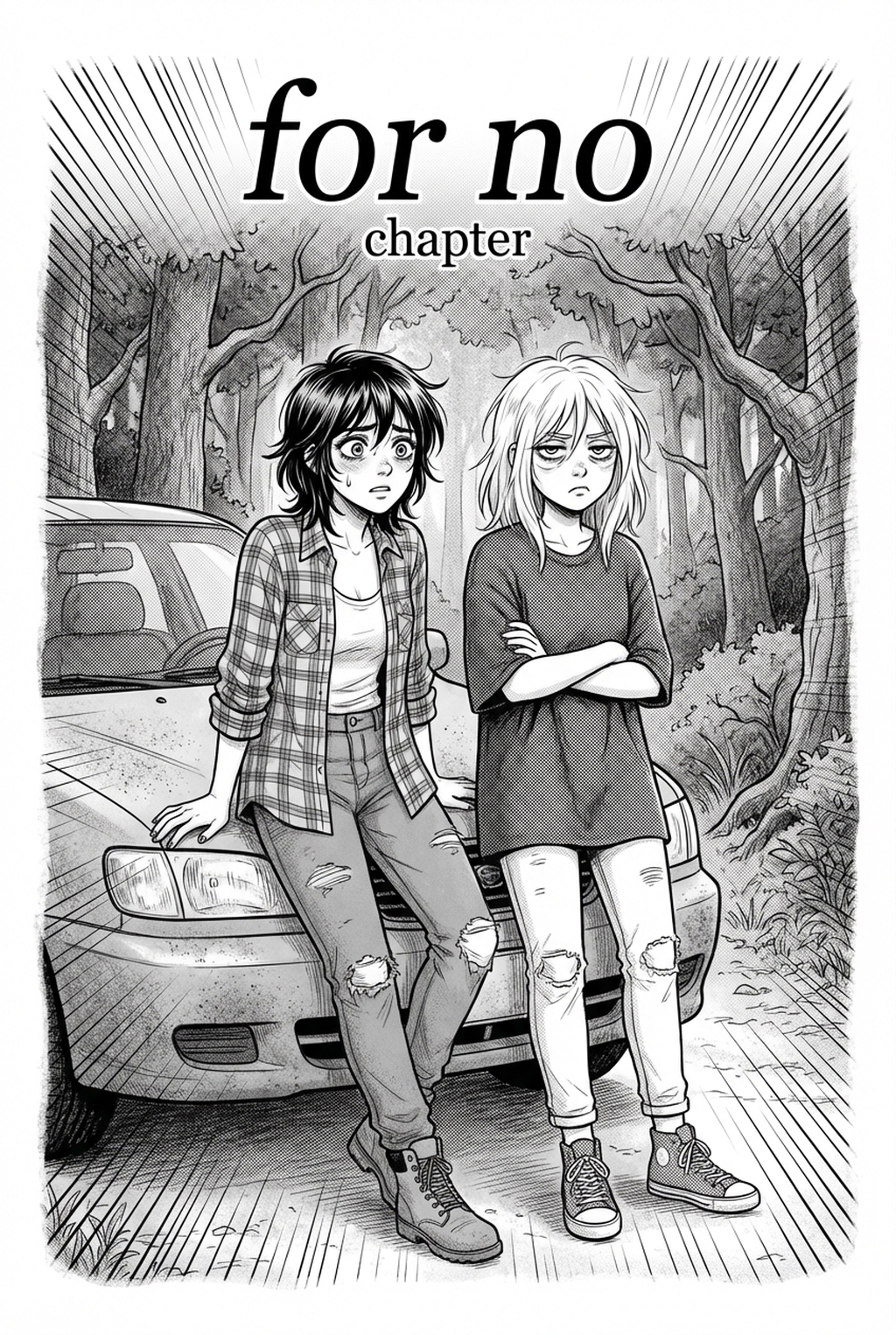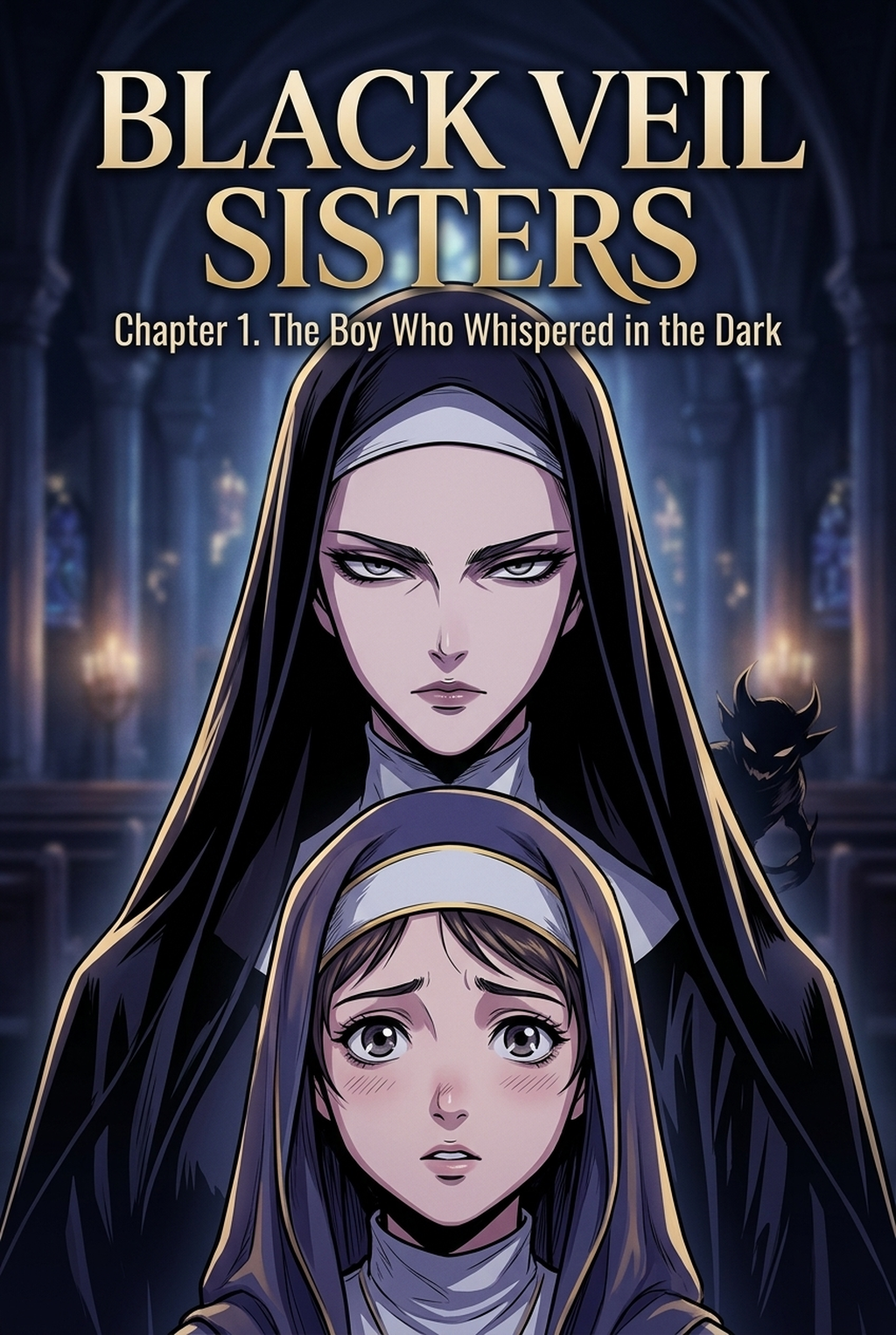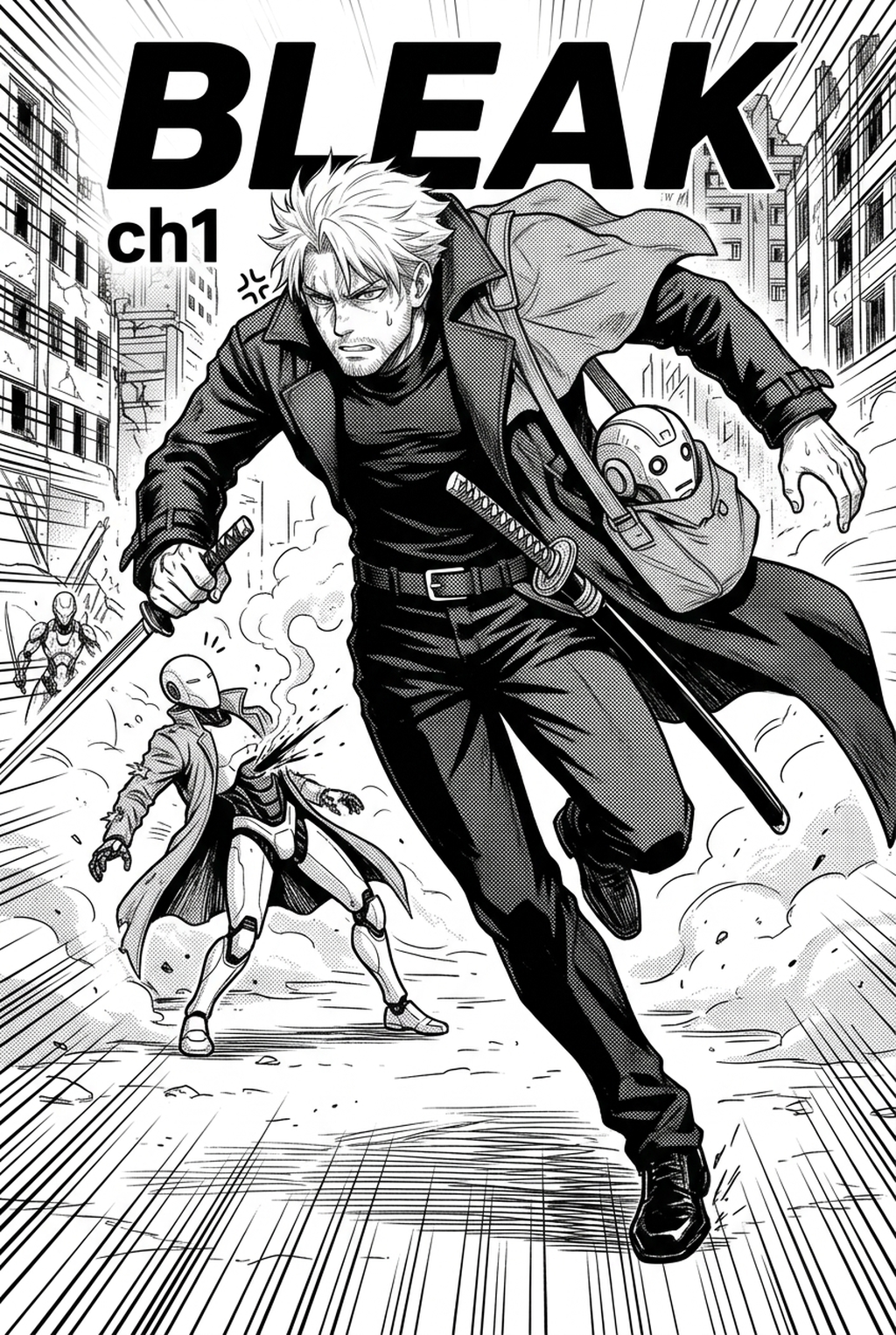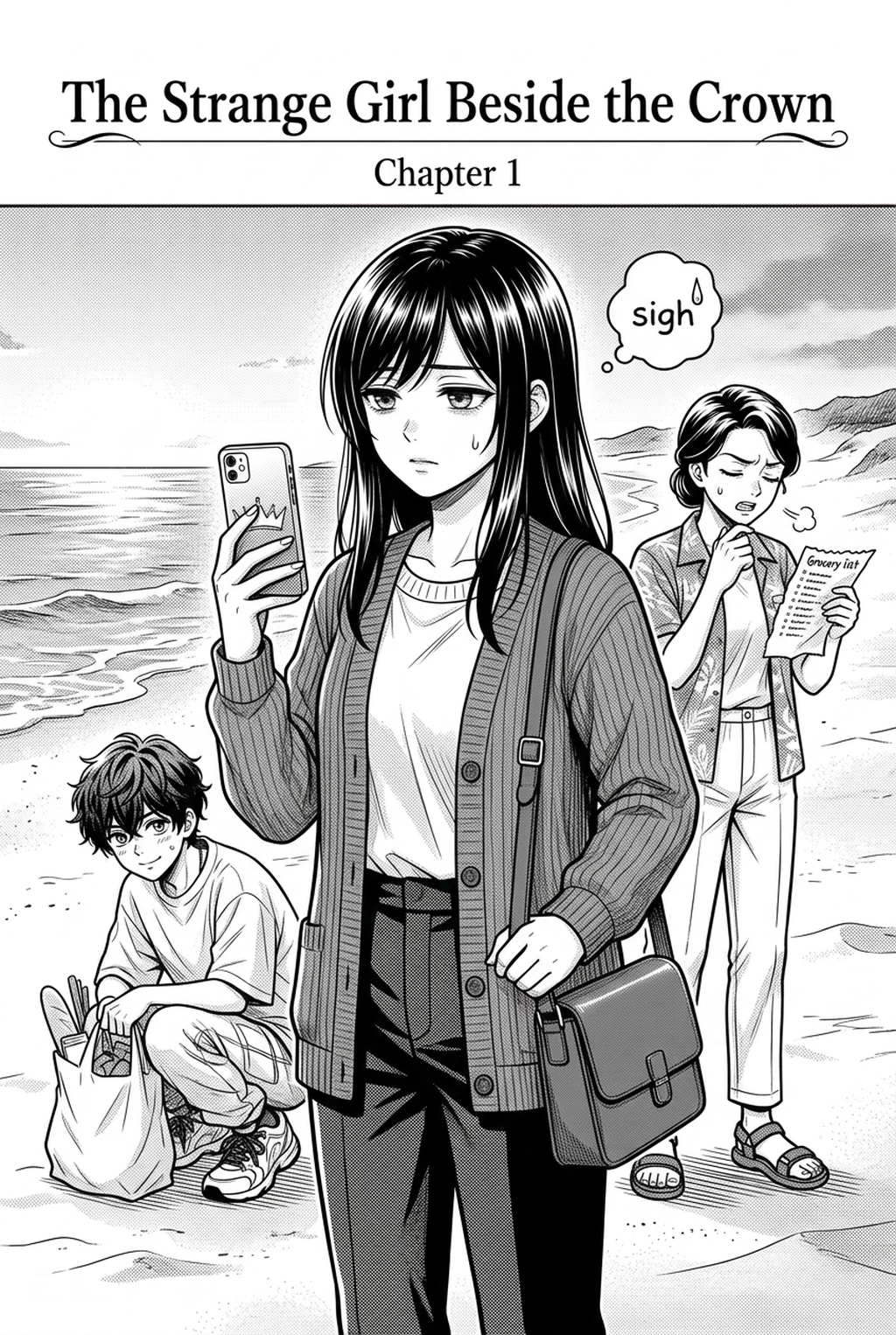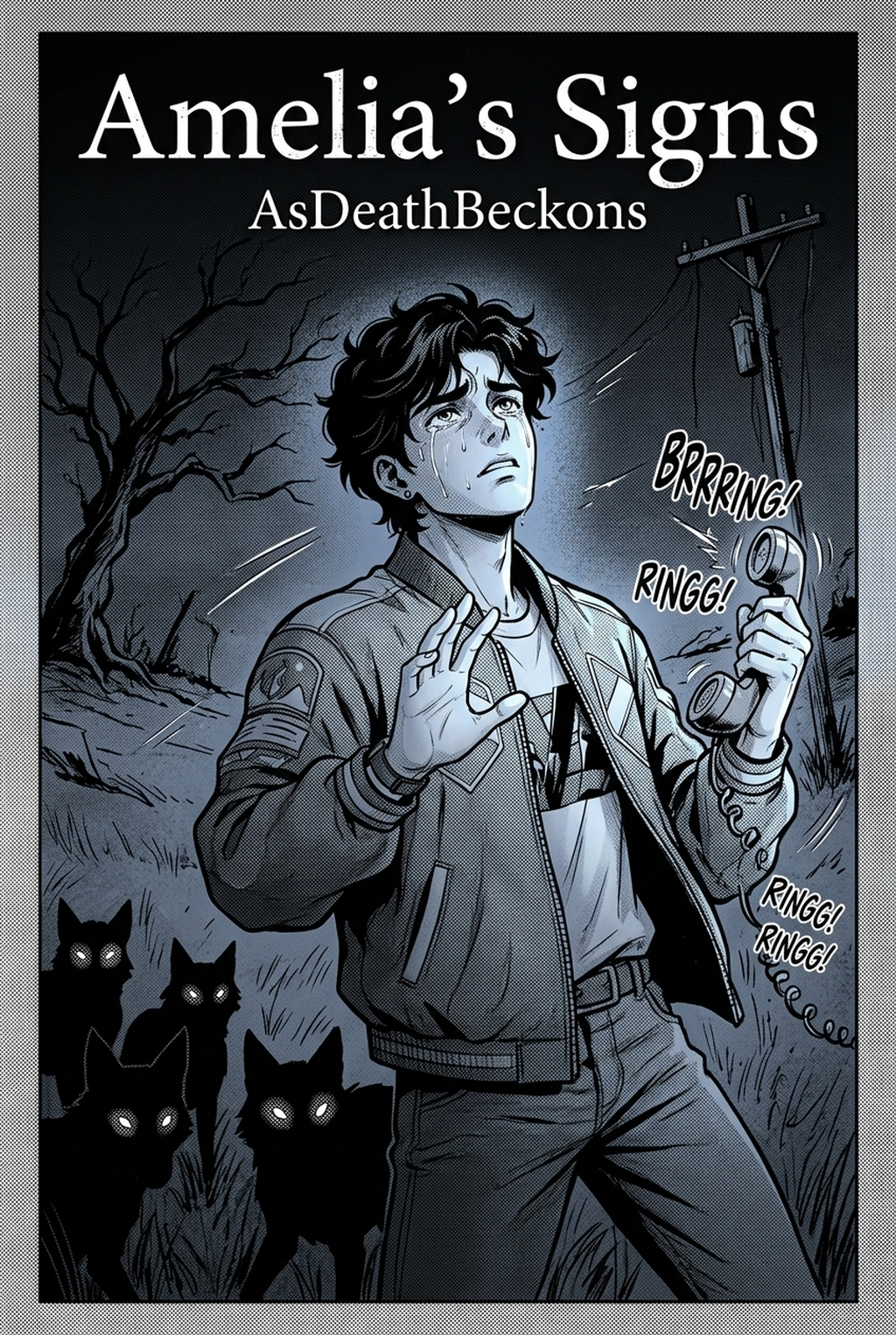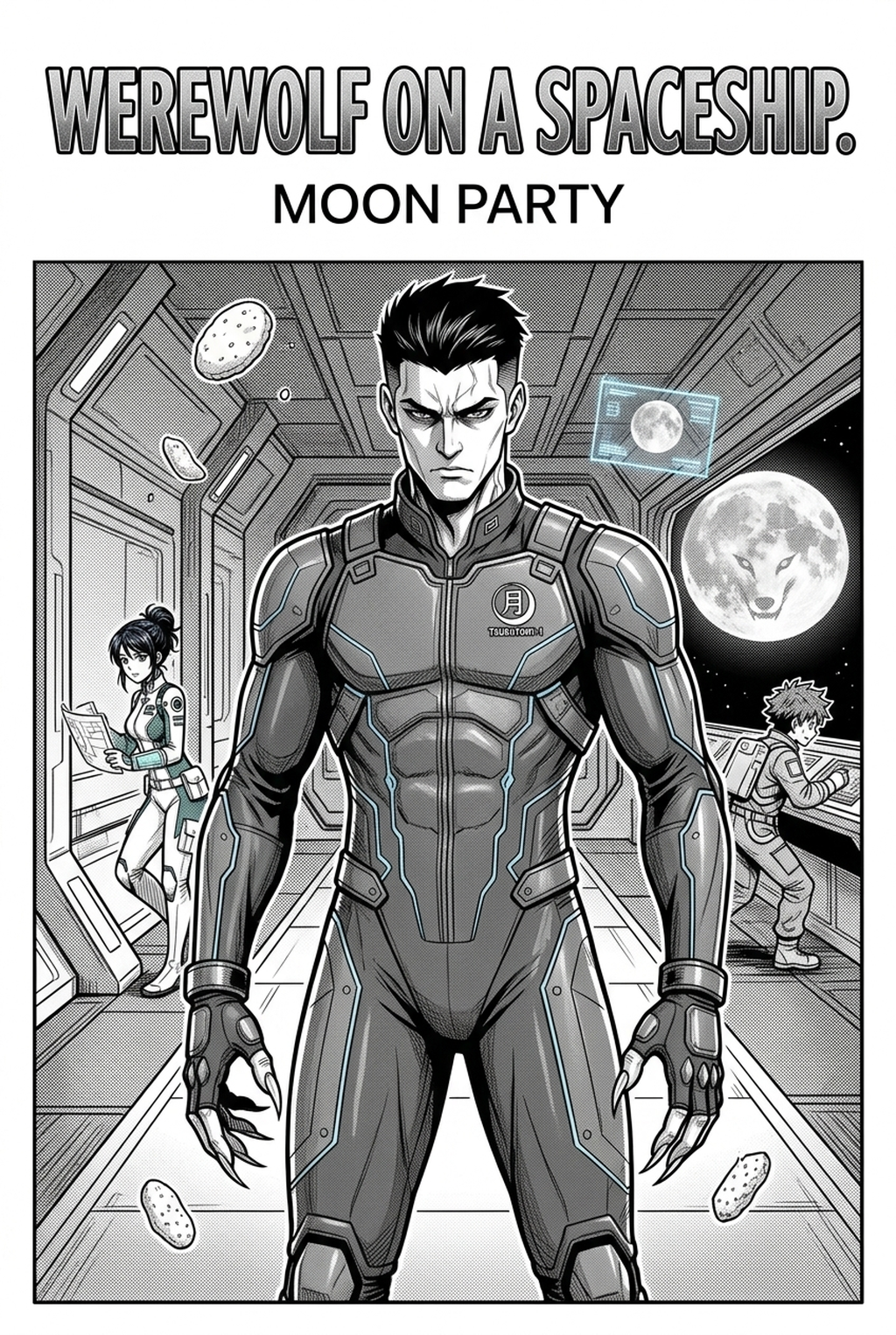
Indie creators developing gritty, mature narratives often struggle with the time-intensive nature of manual drafting, but using an AI Manga Inker for Seinen manga allows you to transform rough pencil sketches into clean, inked line art with precision. Because Seinen titles frequently rely on intricate textures, atmospheric depth, and cinematic pacing, the ability to automate the technical inking phase preserves your creative energy for composition and character development. By leveraging advanced machine learning, you can ensure that your final pages maintain professional standards without sacrificing the unique visual style inherent to your original vision.
What Is AI Manga Inker for Seinen Manga?
An AI Manga Inker workflow is a specialized digital tool designed to interpret the varying line weights and shadow depths of hand-drawn sketches, converting them into crisp, professional-grade inked illustrations. This technology specifically targets the "inker's bottleneck"—the hours spent tracing pencil work to achieve the clean, high-contrast look required for print and digital publication. By analyzing the stroke geometry of your original sketches, the tool identifies intent, clarifies edges, and enforces the specific line-weight characteristics common in mature graphic storytelling.
Key features of these systems include adaptive stroke smoothing, which eliminates unintended jitter from digital stylus inputs, and edge-contrast optimization that highlights essential details for complex Seinen scenes. The system intelligently distinguishes between fine detail work in background scenery and bold, dominant lines for foreground characters. By streamlining these technical demands, creators can produce high-quality digital art with faster turnaround times, allowing for more frequent chapter releases.
Why AI Manga Inker Matters for Seinen in 2026
The production speed of Seinen manga remains a significant hurdle for solo indie creators, as the demand for high-detail, realistic artwork often clashes with the necessity for consistent publishing schedules. By adopting an automated inking solution, you can drastically reduce the time spent on repetitive tasks while ensuring that your panels retain a cohesive, professional aesthetic. This shift allows you to focus on the nuanced storytelling and character arcs that define the genre, rather than getting bogged down in the mechanics of line cleanup.
Production delays often stem from the meticulous nature of inking, where even minor errors in character proportion or shadow placement require extensive revision. An automated inker serves as a first-pass specialist, handling the heavy lifting of line refinement so you can dedicate your time to final composition checks and dynamic color panels. This balance of human oversight and machine efficiency is the key to maintaining a high output volume without a drop in quality, ensuring your audience stays engaged with your narrative pacing.
How AI Manga Inker Works for Seinen in Dynamic Color Panels
The workflow for using an AI Manga Inker involves digitizing your initial layout and allowing the engine to map the structure of your art, ensuring that every panel remains balanced and legible. To achieve the best results, you should ensure that your pencil work is clear, as this allows the AI to accurately detect boundaries and preserve the integrity of your original silhouettes. Once the lines are inked, you can seamlessly integrate dynamic color panels to add the emotional resonance required for Seinen storytelling.
Consistency is paramount in Seinen art, where the realism of settings and the expressiveness of characters must remain stable across hundreds of pages. The tool works by anchoring its inking process to your sketch's underlying geometry, preventing "line drift" that can occur during manual tracing. By utilizing a digital design resource to help guide your final exports, you ensure that every inked line holds its weight during the coloring and toning phases.
Use Cases for AI Manga Inker
- Complex Background Inking: Quickly finalize sprawling urban or industrial settings, which are common in Seinen titles, by letting the AI handle the thousands of precise lines required for realistic architecture.
- High-Volume Page Production: Manage the rapid release of chapters by automating the inking of secondary characters and background crowds, keeping your primary focus on hero panels and high-impact action sequences.
- Stylized Shading Transitions: Ensure that your heavy shadow work remains clean and well-defined, preventing the muddying that often occurs when manual inking techniques are rushed under pressure.
- Iterative Draft Refinement: Test different line-weight styles on the same sketch file to see how they impact the overall mood of a scene before committing to a final, inked version for your Seinen manga inking workflow with Mangaka .
- Chapter cadence. Use the AI pass for pages where speed matters most, such as repeated action poses, transformation beats, or dense speed-line panels. Keep manual cleanup for hero panels where the line style defines the emotional peak.
- Character continuity. Compare the generated lines against the same model sheet, costume notes, and facial-expression range used during sketching. This prevents a fast inking pass from drifting away from the character identity readers recognize.
- Export readiness. Check whether the Dynamic color panels can move into lettering, coloring, or final layout without rebuilding panel borders or speech-bubble space. A good Seinen workflow should save time while keeping the next production step predictable.
Step-By-Step Guide to Start with Mangaka
- App to access the dashboard and start your free trial without needing a credit card. 2. Upload your scanned pencil sketches or paste your source files directly into the workspace to begin the processing. 3. Generate your high-resolution inked page and download the result to integrate directly into your favorite coloring or layout software.
Creators should compare the generated line art with the original sketch and confirm that facial expressions, props, speed lines, and speech-bubble space still support the scene. A repeatable review pass should cover character consistency, panel readability, background clarity, and whether the final file is ready for coloring, lettering, or editor feedback.
Creators should save approved examples of line weight, face detail, clothing folds, and background density. Those references keep later chapters closer to the intended style. For collaboration, creators should mark which panels are final and which panels still need redraws. Clear status labels prevent an assistant, editor, or colorist from polishing the wrong version.
The Bottom Line
Adopting an AI Manga Inker is a strategic move for any serious Seinen creator looking to balance artistic complexity with the realities of tight production schedules. By automating the transition from sketch to clean line art, you gain the freedom to focus on the narrative elements that truly matter to your readers. For those ready to optimize their workflow and elevate the professional quality of their pages, you can Seinen manga inking workflow with Mangaka .