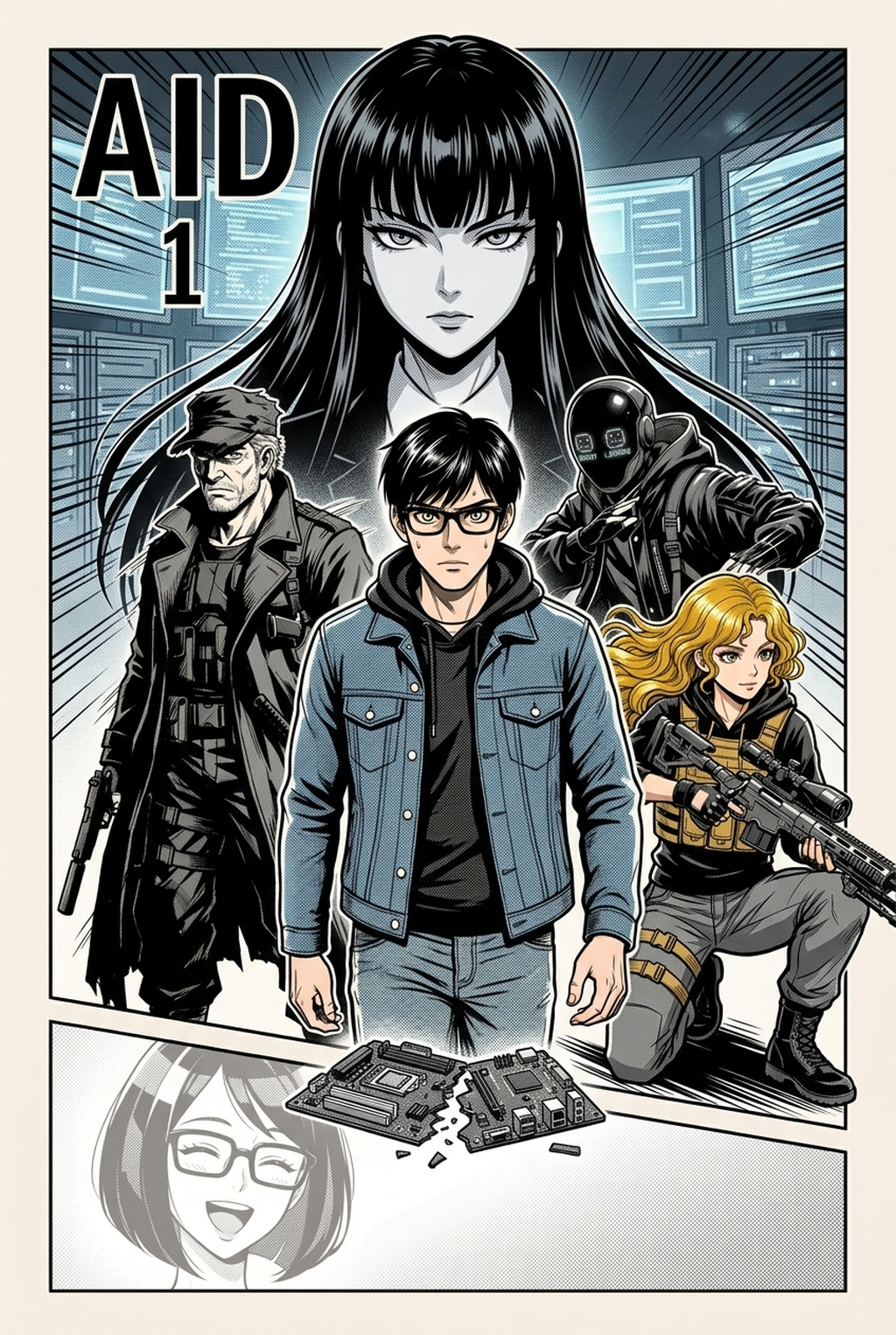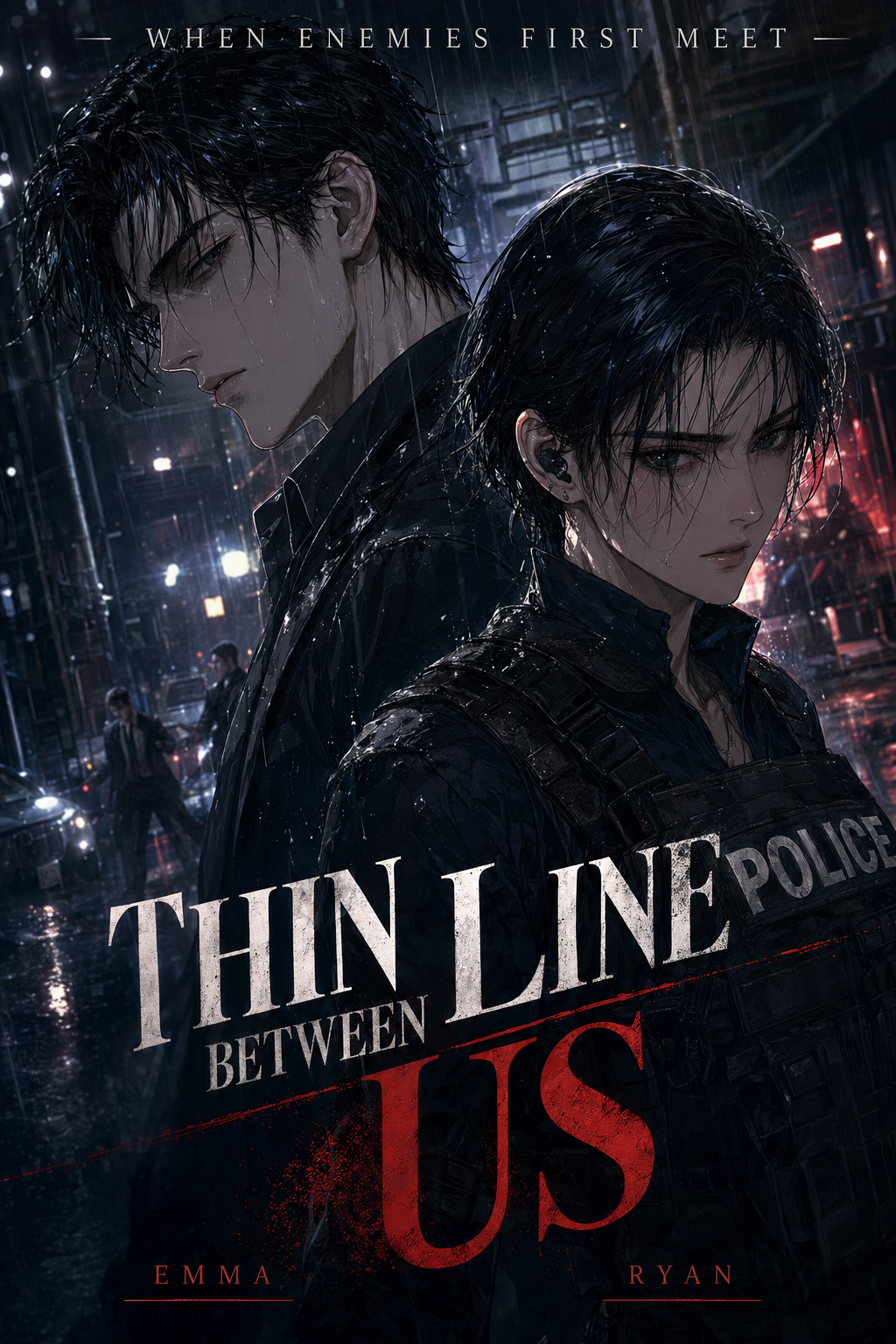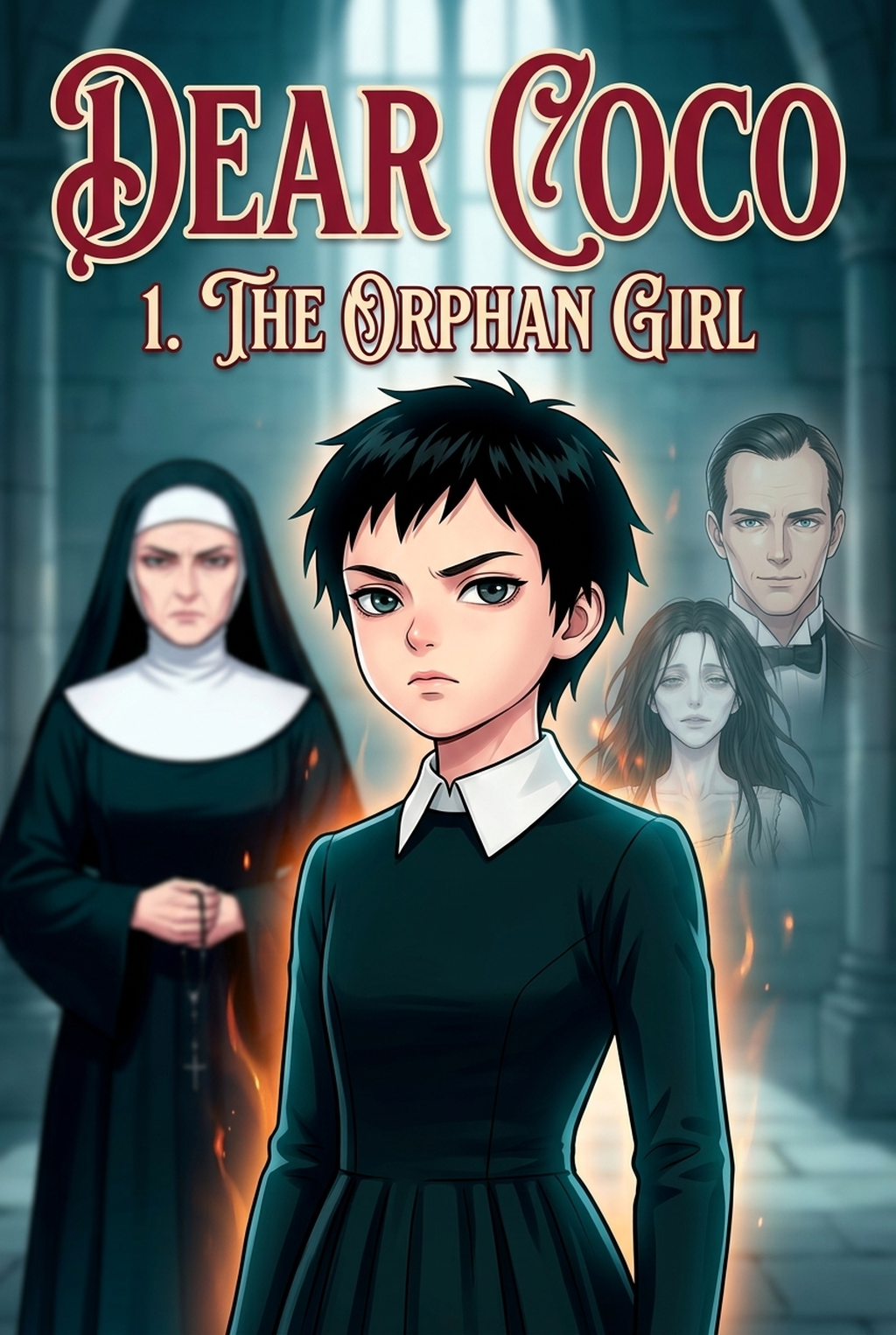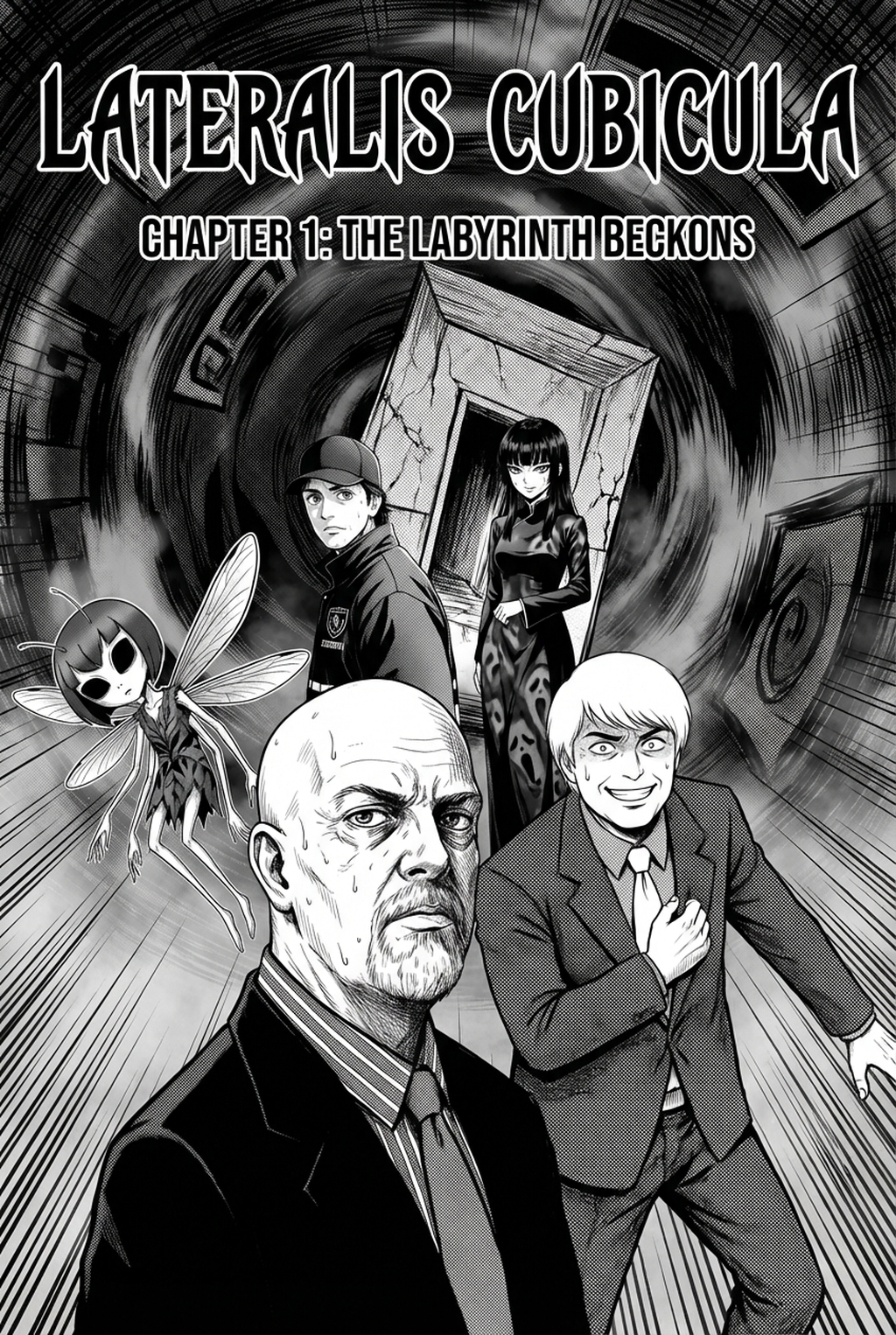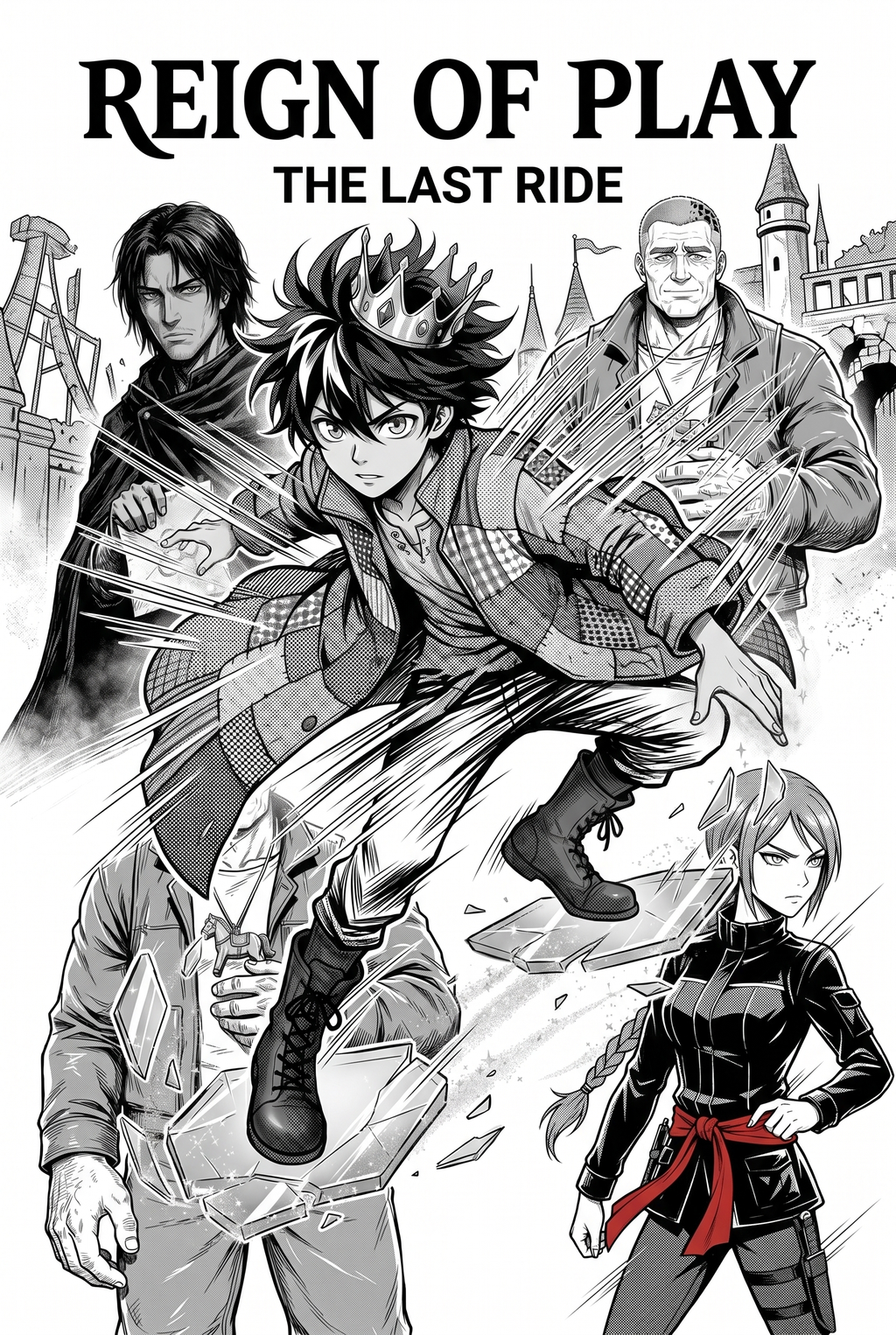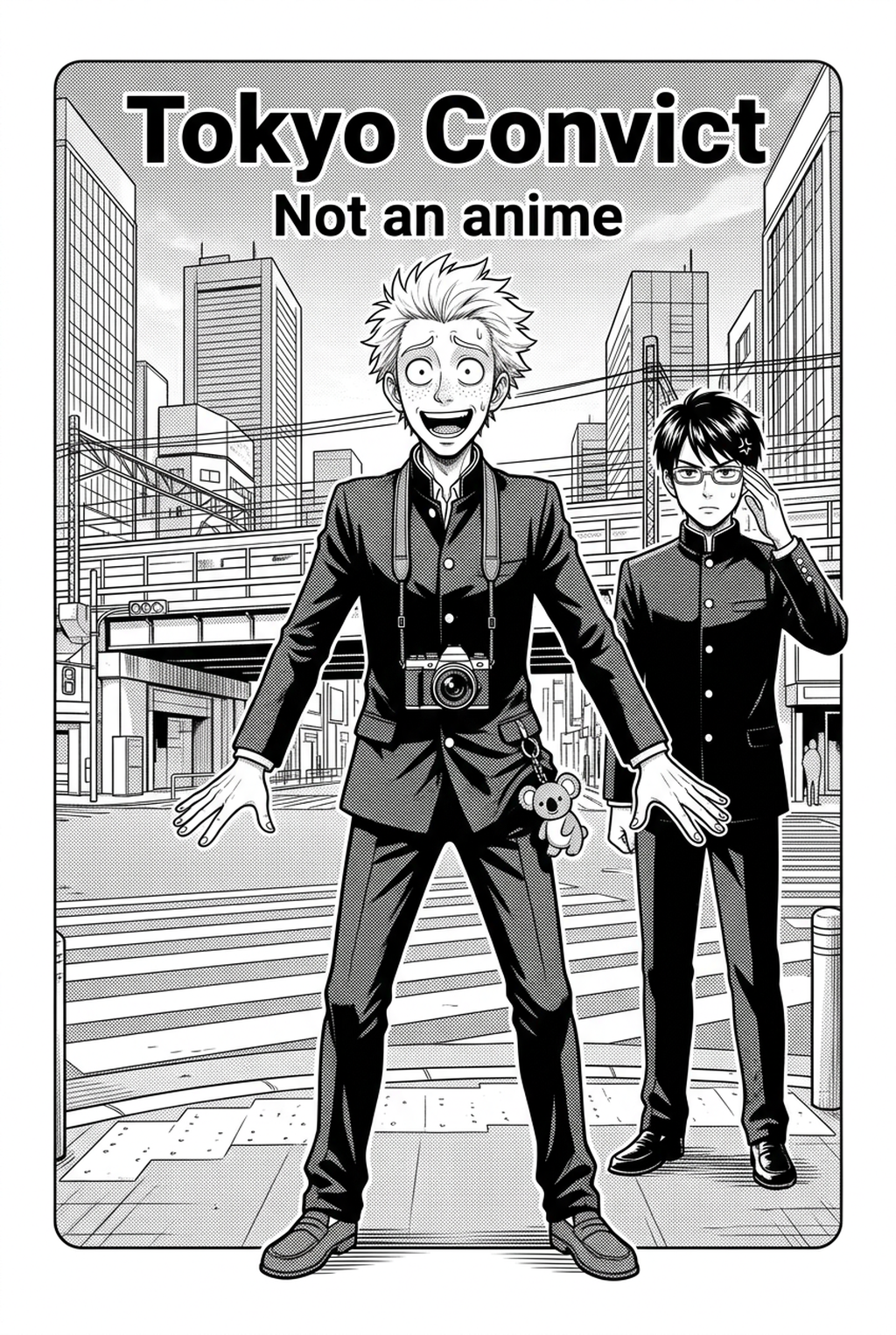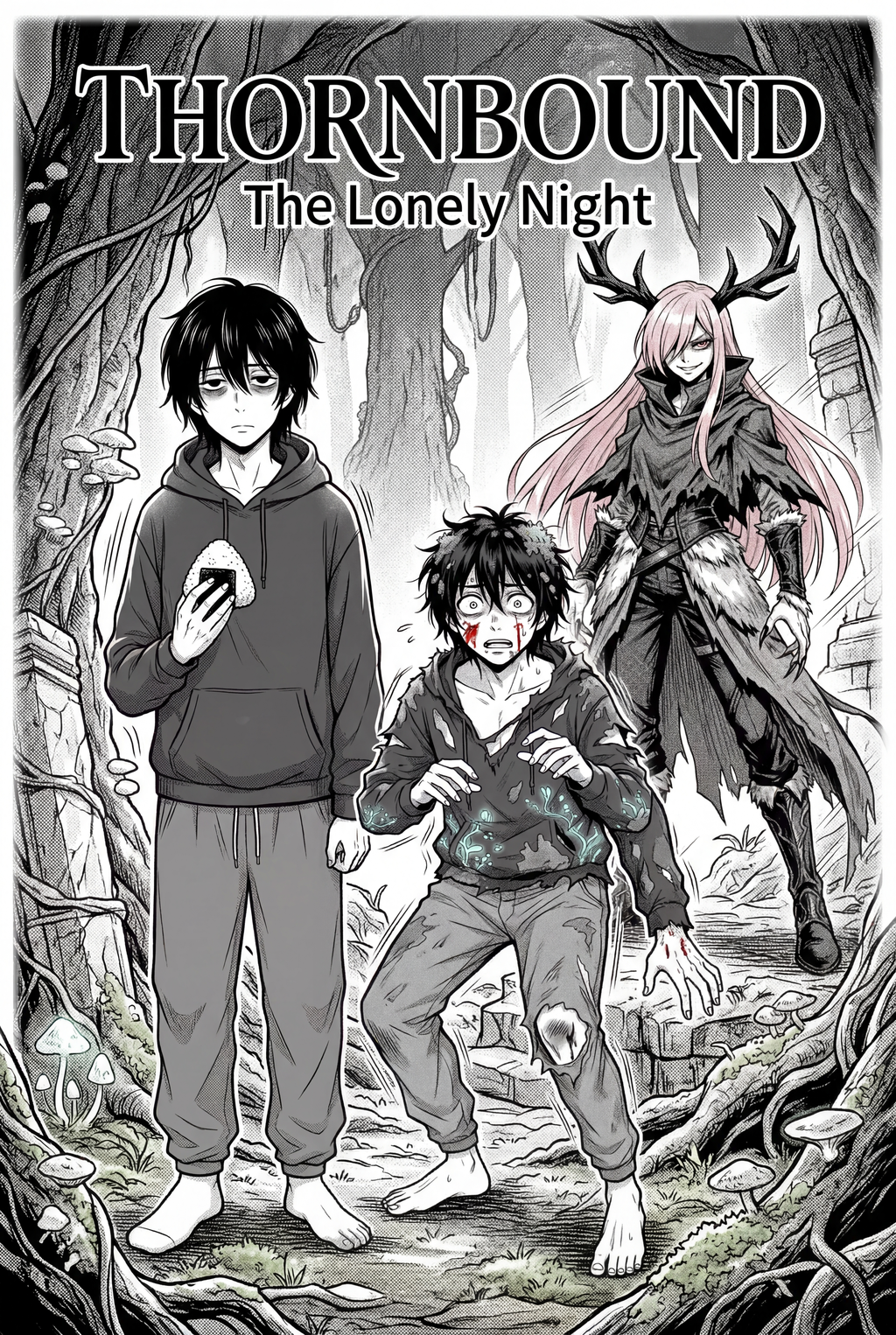
Indie creators developing Shojo projects can now utilize an AI Manga Inker for Shojo manga to accelerate production while maintaining the delicate aesthetic required for romantic and dramatic storytelling. By automating the transition from initial pencil sketches to finalized, publication-ready line art, you can focus on character expression and panel pacing rather than spending hours on manual digital clean-up. This technology addresses the common struggle of maintaining consistent line weight across emotional close-ups and complex background compositions, ensuring your artwork remains polished even when managing tight release schedules for independent web-based platforms.
What Is AI Manga Inker for Shojo Manga?
An AI Manga Inker workflow is a specialized digital tool designed to translate the organic, often imprecise lines of a pencil sketch into professional-grade, high-contrast inked artwork. It leverages machine learning to recognize and refine the specific line weights and stylistic nuances common in the Shojo genre, where soft, elegant, and highly expressive line work is paramount for conveying character emotions. Key features include automatic edge detection, which clarifies your base sketches, and intelligent line-smoothing algorithms that maintain the stylistic intent of your original drawing.
By removing the need for tedious manual tracing, this technology allows artists to maintain their unique personal style while benefiting from the speed of automated processing. As noted by Wacom technical guides , the transition from traditional to digital processes requires tools that respect the artist's initial stroke input; modern AI inkers achieve this by preserving the character's core shape and emotional markers. This ensures that the delicate, wispy lines associated with romantic scenes remain faithful to your original vision while meeting the technical clarity required for digital viewing.
Why AI Manga Inker Matters for Shojo in 2026
Creators often face significant bottlenecks during the inking phase, where the volume of panels in a standard chapter can lead to burnout and inconsistent art quality. In 2026, the demand for high-quality, visually striking manga continues to grow, and relying on manual inking for every single dynamic panel can severely limit your output. An AI-powered inker effectively bridges the gap between a raw sketch and a finished, professional-looking page, allowing you to sustain a faster release cadence without sacrificing the aesthetic charm that your readers expect.
This shift allows you to prioritize high-level composition and storytelling, as the technical burden of creating clean, solid lines is handled by the automated tool. For Shojo artists, where characters often feature elaborate hair, delicate eyes, and intricate costumes, having a tool that handles the heavy lifting of line refinement ensures that every panel maintains a professional standard. You can effectively double your production capacity, enabling you to expand your world-building and character development without being tethered to the repetitive nature of manual tracing.
How AI Manga Inker Works for Shojo in Dynamic Color Panels
The workflow for using this tool centers on taking your existing pencil-drawn sketches and running them through an automated processing pass that standardizes the line art. First, you upload your sketches—ensuring that your pencil strokes are clearly visible—and the tool analyzes the geometry of your characters and backgrounds. It then applies a high-fidelity inking layer that perfectly overlays your original structure, effectively "tracing" your work with clean, digital strokes.
When working with dynamic color panels, the tool respects the separation between your line art and your later coloring passes. This consistency is essential, as defined by W3C specifications for SVG graphics, which emphasize the importance of clear path data for high-quality rendering. The AI maintains the integrity of your original layout, ensuring that your panels remain readable and visually balanced regardless of the complexity of the scene.
To achieve the best results, ensure your sketches use a high-contrast medium, such as a dark pencil on white paper. If your sketches are too light or smudged, the Mozilla Developer Network documentation suggests using clean, high-resolution source files to improve object recognition. Consistent scanning at 300 DPI or higher helps the software identify subtle line variations, ensuring the final output reflects your intended weight and style.
Use Cases for AI Manga Inker
- Rapid Prototyping of Emotional Scenes: When you have a sudden inspiration for a dramatic romantic climax, you can sketch the layout quickly and use the AI to ink it instantly. This keeps the creative momentum going without stopping for technical clean-up. - Complex Background Refinement: Shojo manga often includes detailed, ornate backgrounds or Victorian-inspired settings that are time-consuming to ink by hand. An AI inker can automate the linework for these architectural details, maintaining consistency across multiple panels. - Efficient Character Consistency: By running your base sketches of main characters through the same inking parameters, you ensure their features remain stable throughout a long chapter, reducing the need for mid-process redraws. - Bulk Panel Processing: During the final production stage, use the tool to batch-process minor transition panels, saving hours of manual labor for the more critical, high-impact hero panels of your manga.
Step-By-Step Guide to Start with Mangaka
- Sign up for a free trial at Shojo manga inking workflow with Mangaka and verify your account access to begin.
- Paste your descriptive script or upload your pencil sketch source files directly into the intuitive interface.
- Generate your professional manga page in seconds and download the resulting clean inked line art for your next Shojo manga inking workflow with Mangaka .
Creators should compare the generated line art with the original sketch and confirm that facial expressions, props, speed lines, and speech-bubble space still support the scene. This keeps the review focused on story intent, line weight, panel readability, and the export quality behind the final AI Manga Inker output.
The Bottom Line
Transforming your manga creation process no longer requires sacrificing quality for speed. By integrating an automated solution into your workflow, you can focus on what matters most: the story and the emotional resonance of your characters. Whether you are working on a short romantic one-shot or a long-running series, our platform provides the clean results necessary for modern publishing. Start refining your art today by heading over to Shojo manga inking workflow with Mangaka .