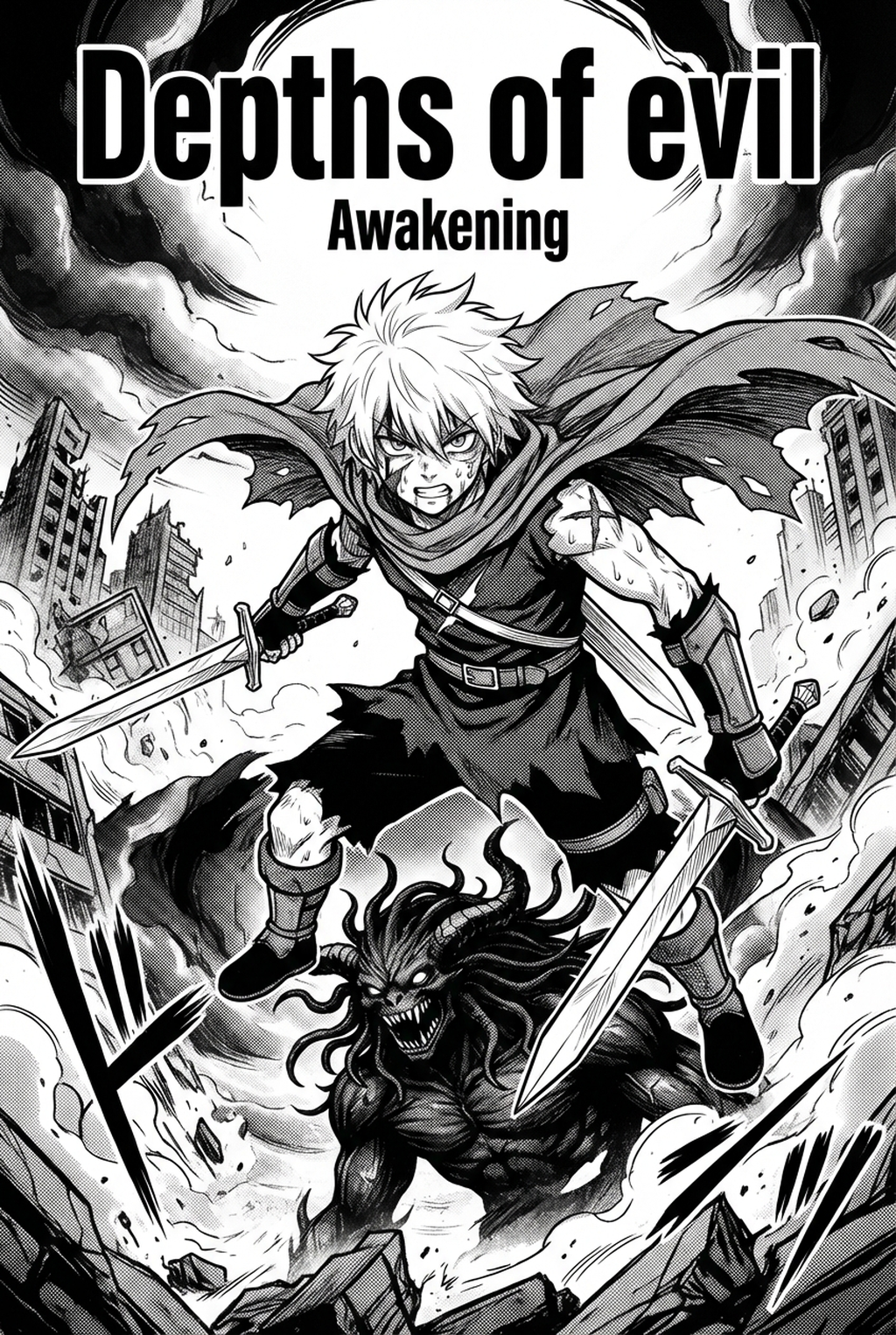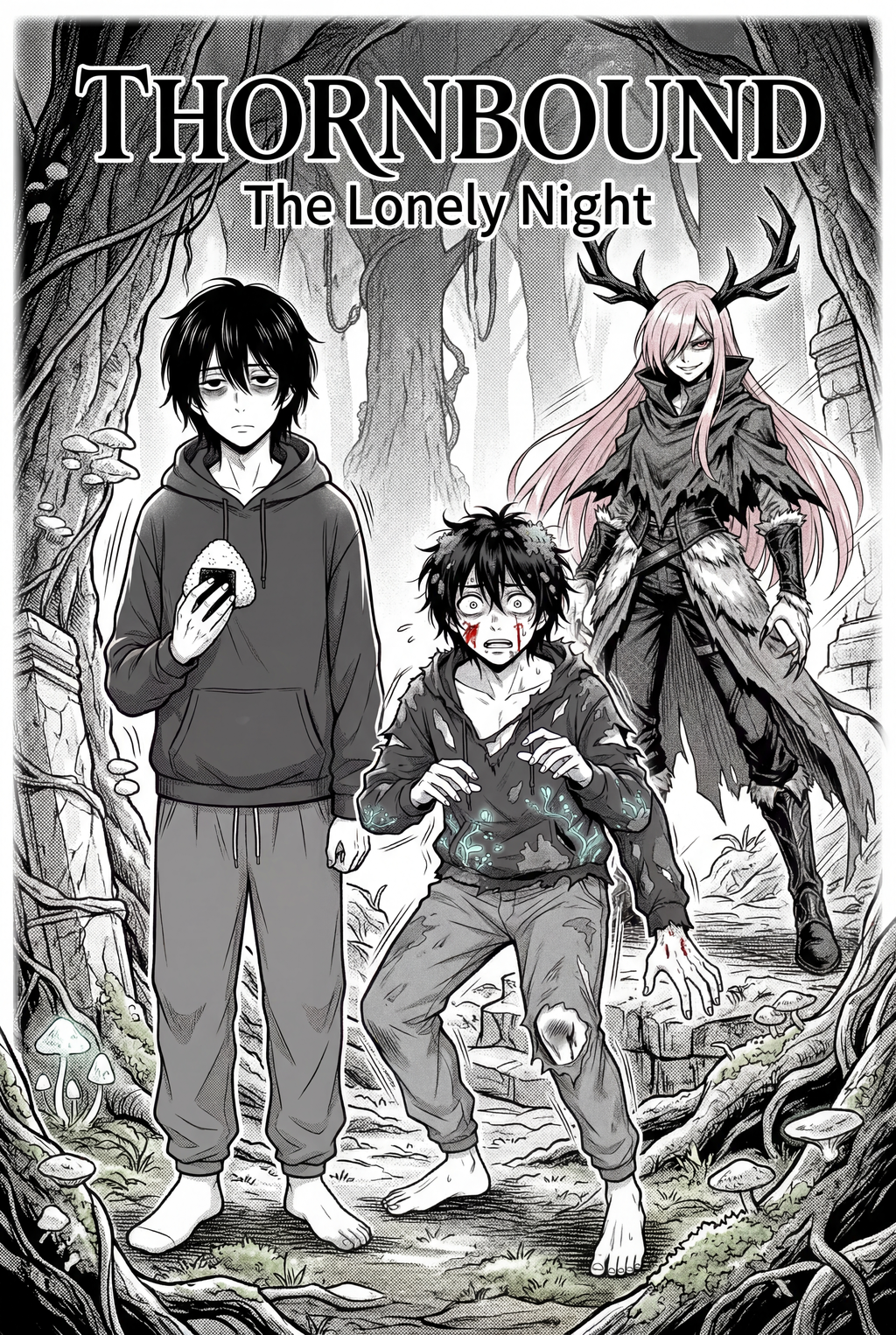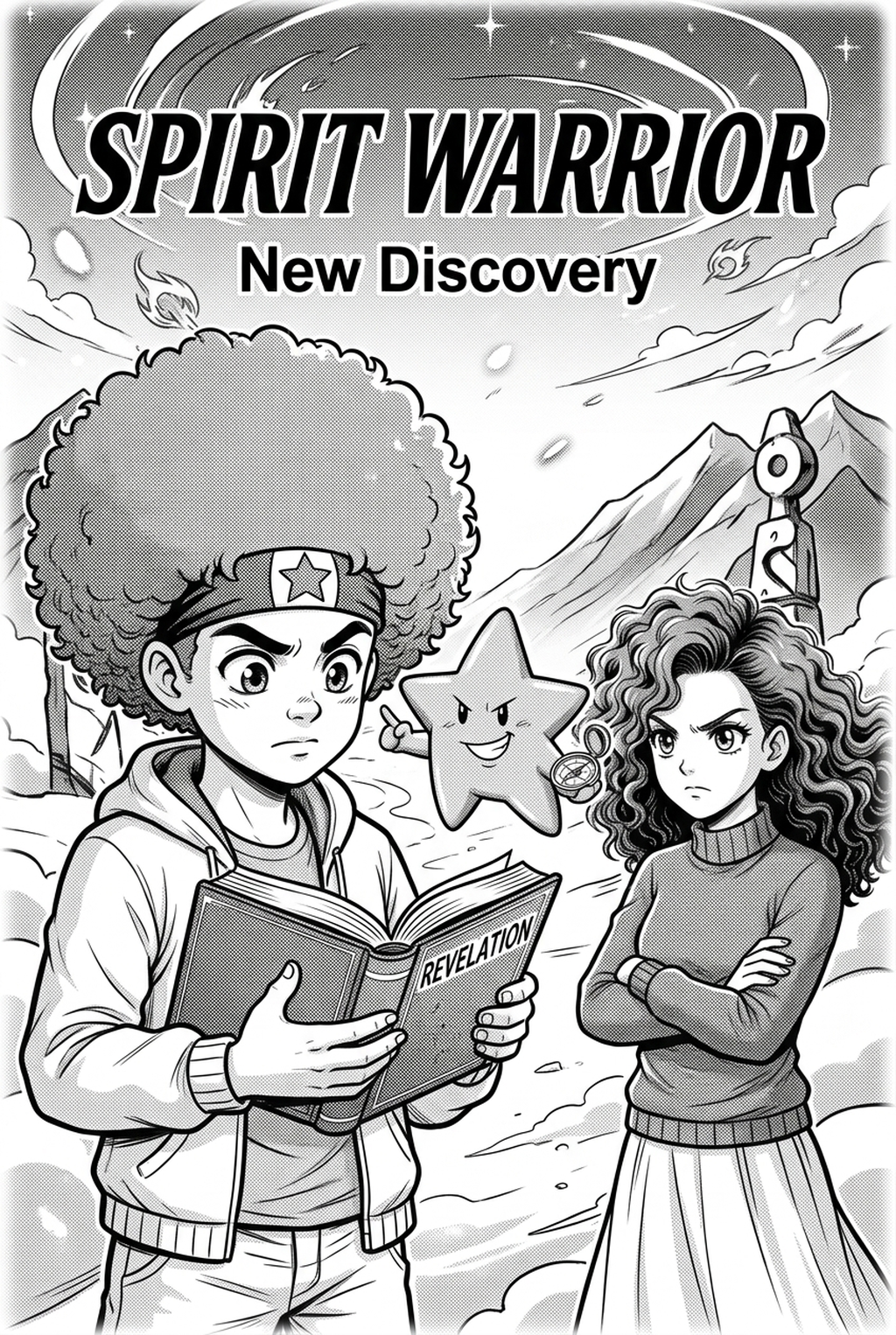
Creating beautiful Shojo manga requires a delicate balance of emotional expression and intricate detail, but using an AI Manga Inker for Shojo manga allows you to automate the transition from rough pencil sketches to clean, industry-ready line art. By leveraging specialized tools, you can ensure your character expressions and romantic backgrounds remain consistent without spending hundreds of hours on manual tracing. This technology bridges the gap between your initial creative spark and the final, polished pages your readers expect to see.
What Is AI Manga Inker for Shojo Manga?
An AI Manga Inker workflow is a specialized creative tool designed to interpret the unique line qualities, soft textures, and emotive character styles common in the genre. It functions by analyzing the structure of your pencil sketches and applying precise vector-like paths to create smooth, professional-grade line work. The key features include automated line stabilization, weight adjustment for expressive hair and eyes, and the ability to maintain the stylistic integrity of your hand-drawn input. By automating the inking phase, you ensure that even your most complex panels retain the clean, polished look required for professional digital distribution.
The primary function of this technology is the transformation of raw input into high-contrast black-and-white art. Unlike generic filters that may blur details, a purpose-built AI inker identifies the intended stroke flow of your pencil work, ensuring that fine details like eyelashes and jewelry retain their sharpness. This technology effectively converts pencil sketches into clean inked line art automatically, maintaining the specific aesthetic nuances necessary for high-quality Shojo storytelling.
Modern manga production demands speed, particularly when managing weekly or monthly release schedules. Integrating an AI inker into your workflow means you spend less time on repetitive mechanical tasks like cleaning up scan artifacts or fixing line breaks. This allows creators to maintain consistent quality across entire chapters, ensuring that even under tight deadlines, your line work remains crisp and professional.
Why AI Manga Inker Matters for Shojo in 2026
In 2026, the demand for high-quality digital content has shifted the focus toward efficient, creator-led production tools that prioritize artistic control. Managing a professional manga production schedule is difficult, especially when you are balancing multiple storylines and complex character designs. For Shojo artists, the pain point is often the sheer volume of panels required to depict slow-burn romances and intimate character moments. An AI inker alleviates this burden, allowing you to maintain your unique visual voice while significantly reducing the time required to reach the final ink stage. By removing the bottleneck of manual inking, you can dedicate more hours to panel layout and the emotional pacing of your narrative.
How AI Manga Inker Works for Shojo in Dynamic Color Panels
To effectively use an creator workflow, you must first prepare your sketches with clear intent, especially when your final output features dynamic color panels. The tool analyzes your pencil work to determine where to place the strongest ink lines, focusing on character silhouettes and foreground elements. By following a streamlined process, the AI preserves the depth and separation needed for later color application, ensuring your art remains vibrant and readable.
The software works by identifying the contrast between your pencil lines and the page background. It then generates a clean, digital ink layer that maps perfectly to your original composition. Because the process is automated, it handles the nuances of delicate facial features and flowing hair strands, providing a base that is ready for colorists or digital screentoning.
Consistency is vital in long-form manga, where character designs must remain recognizable over hundreds of pages. The AI preserves the proportions and character markers established in your initial sketches, preventing the "drift" that often occurs when manual work becomes fatigued. By adhering to established standards for digital line art, the tool ensures that your characters look exactly the same in every single panel, whether they are in close-up or long shots.
Use Cases for AI Manga Inker
- Rapid Prototyping of Emotional Scenes: When you need to quickly iterate on panel layouts for high-emotion scenes, using an AI inker allows you to see how your composition will look with clean lines, helping you decide on camera angles faster.
- Complex Background Cleanup: Shojo manga often features elaborate settings that can take days to ink; an AI tool allows you to convert rough architectural sketches into clean, perspective-perfect lines in seconds.
- Color Panel Preparation: By generating clean lines first, you create a perfect foundation for digital color palettes, ensuring that your colors stay within the lines during the final rendering phase.
- Chapter cadence. Use the AI pass for pages where speed matters most, such as repeated action poses, transformation beats, or dense speed-line panels. Keep manual cleanup for hero panels where the line style defines the emotional peak.
- Character continuity. Compare the generated lines against the same model sheet, costume notes, and facial-expression range used during sketching. This prevents a fast inking pass from drifting away from the character identity readers recognize.
- Export readiness. Check whether the Dynamic color panels can move into lettering, coloring, or final layout without rebuilding panel borders or speech-bubble space. A good Shojo workflow should save time while keeping the next production step predictable.
Step-By-Step Guide to Start with Mangaka
- Sign up at [) to start your free trial, no credit card required.
- Upload your source file containing your rough pencil sketches to the dashboard.
- Generate your high-resolution Shojo manga inking workflow with Mangaka and download the file for your digital project.
Creators should compare the generated line art with the original sketch and confirm that facial expressions, props, speed lines, and speech-bubble space still support the scene. A repeatable review pass should cover character consistency, panel readability, background clarity, and whether the final file is ready for coloring, lettering, or editor feedback. For longer projects, creators should save approved examples of line weight, face detail, clothing folds, and background density. Those references keep later chapters closer to the intended style.
The Bottom Line
Leveraging an page planning workflow is the most effective way to modernize your production production process without sacrificing your creative control. By automating the transition from sketches to clean lines, you regain the time needed to perfect your character expressions and storytelling, ensuring your manga stands out in a competitive 2026 market. If you are ready to speed up your process while maintaining professional quality, Shojo manga inking workflow with Mangaka .