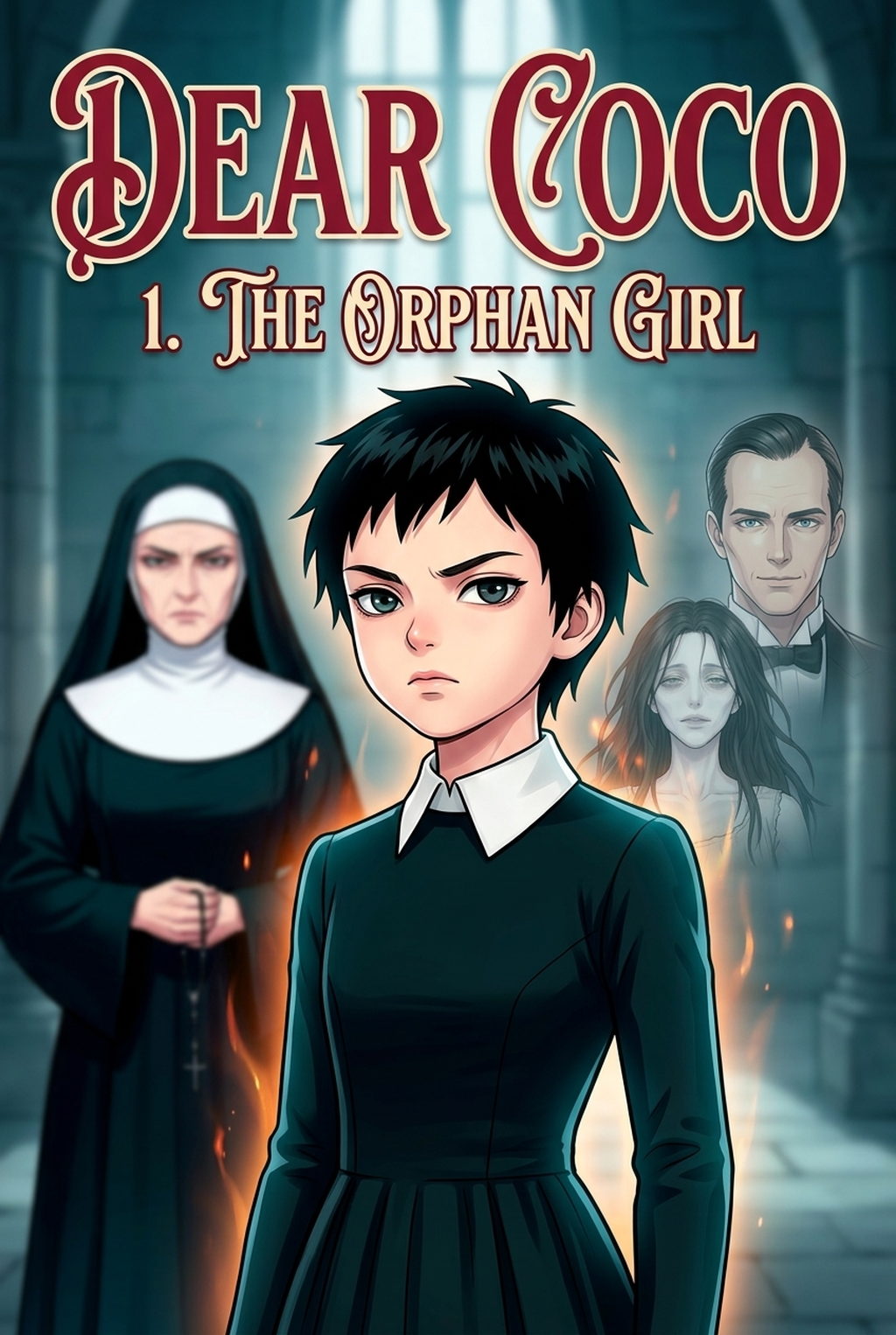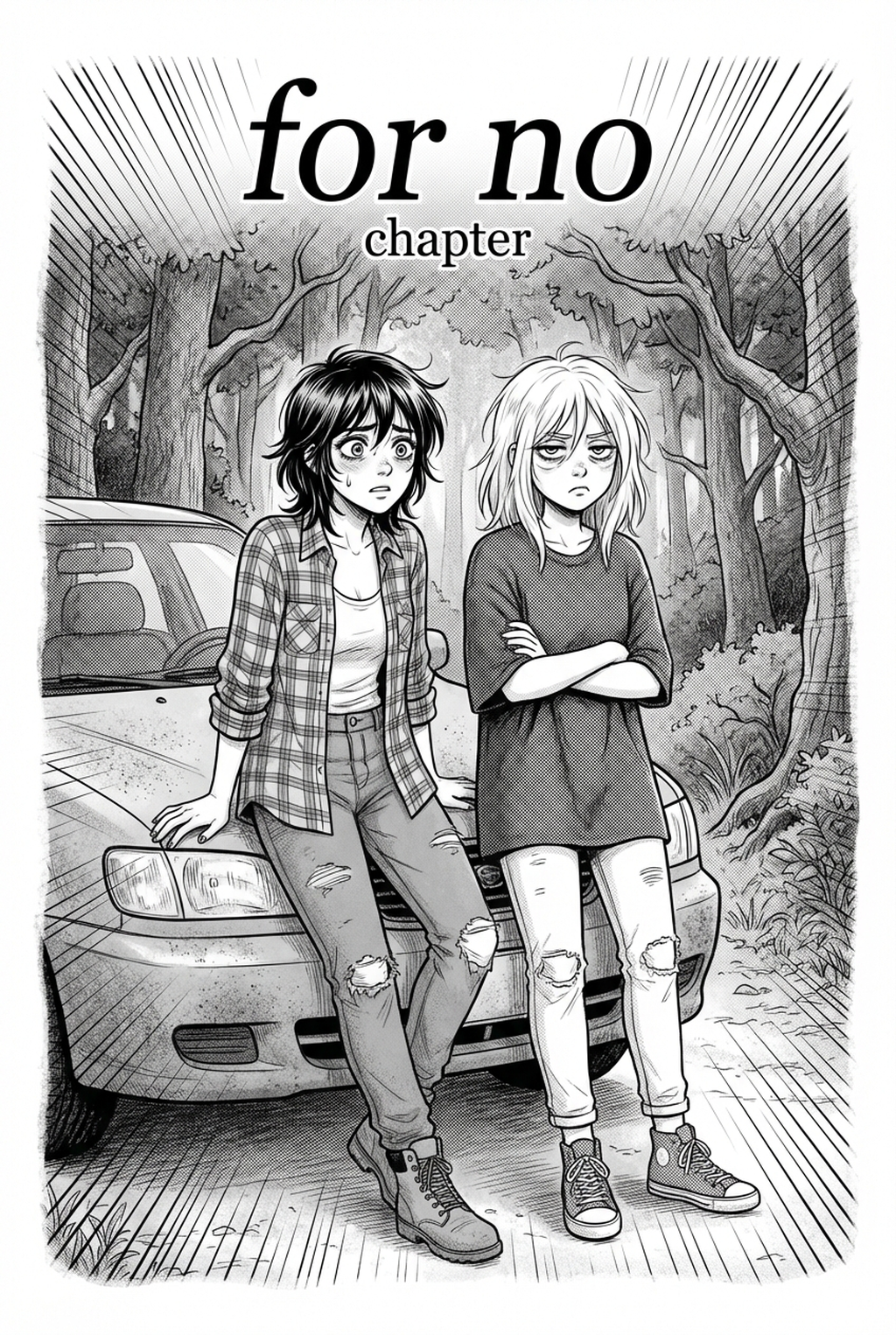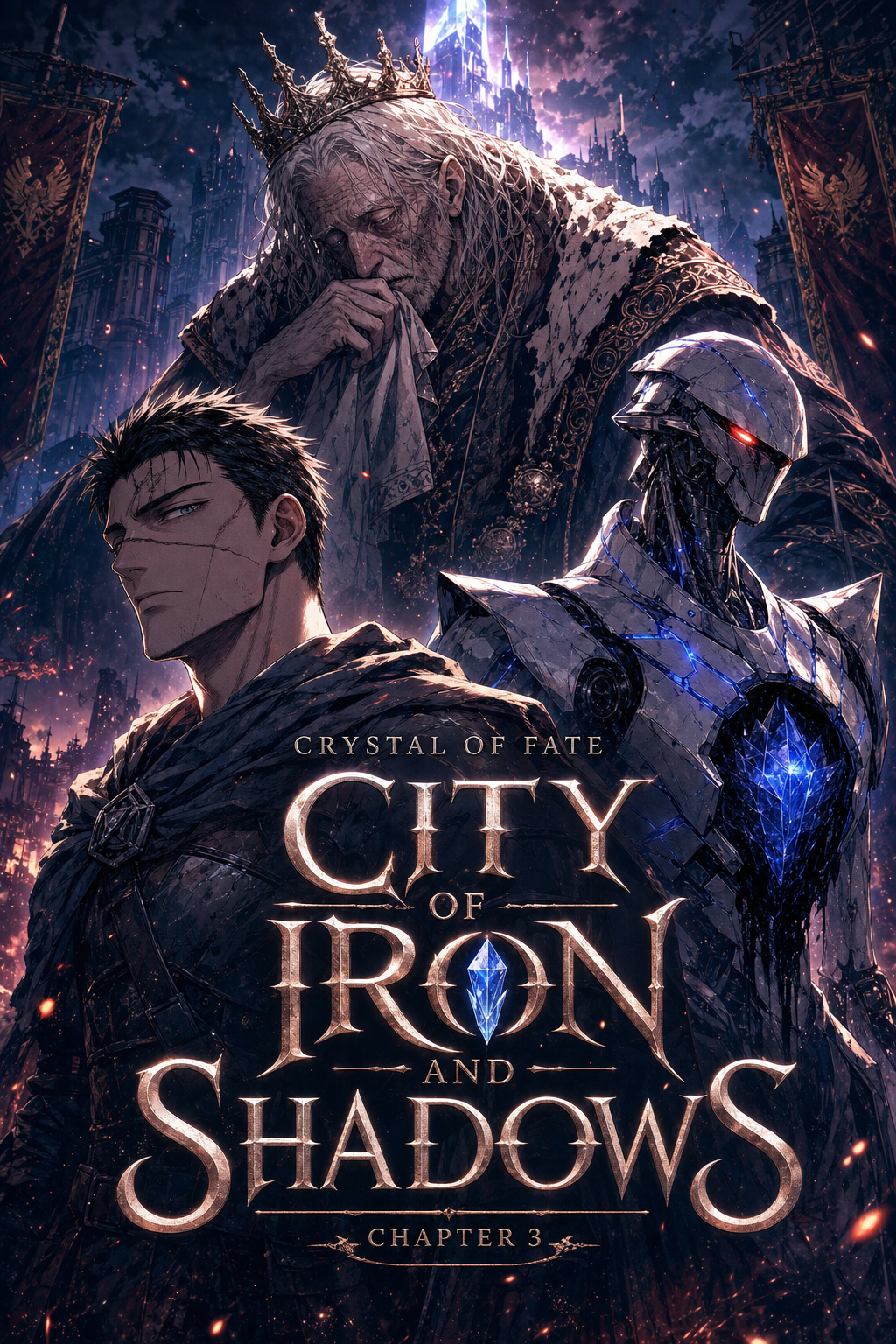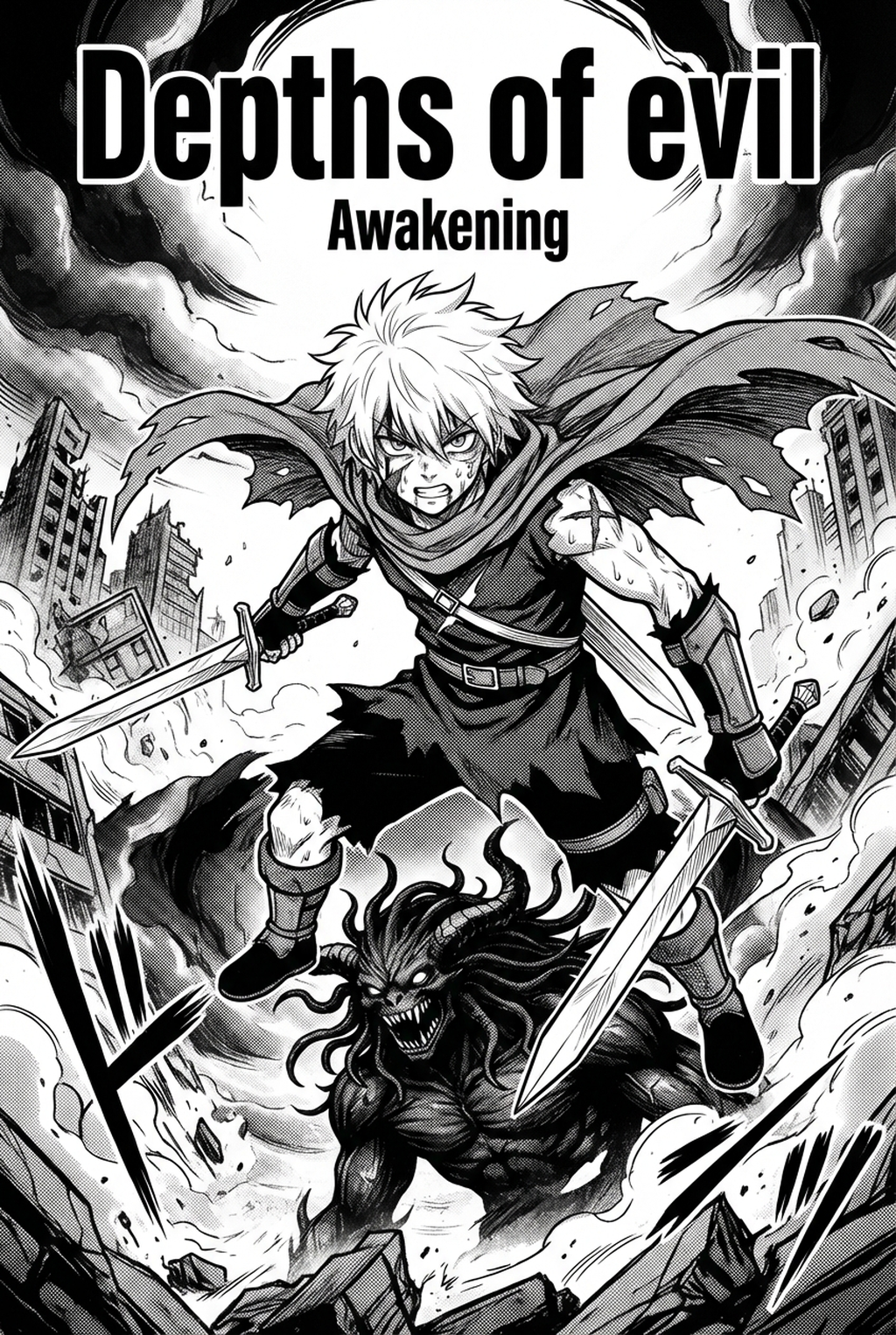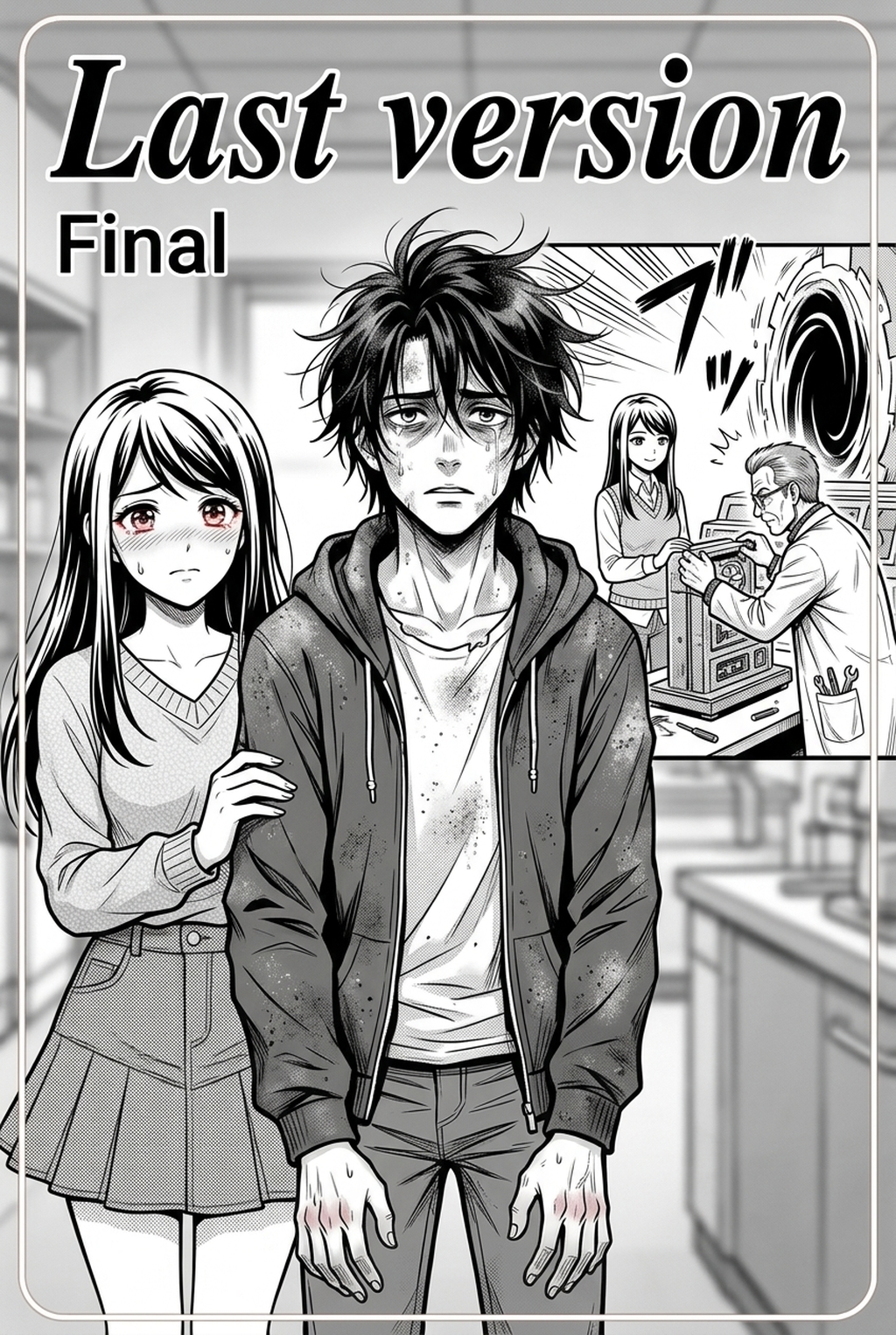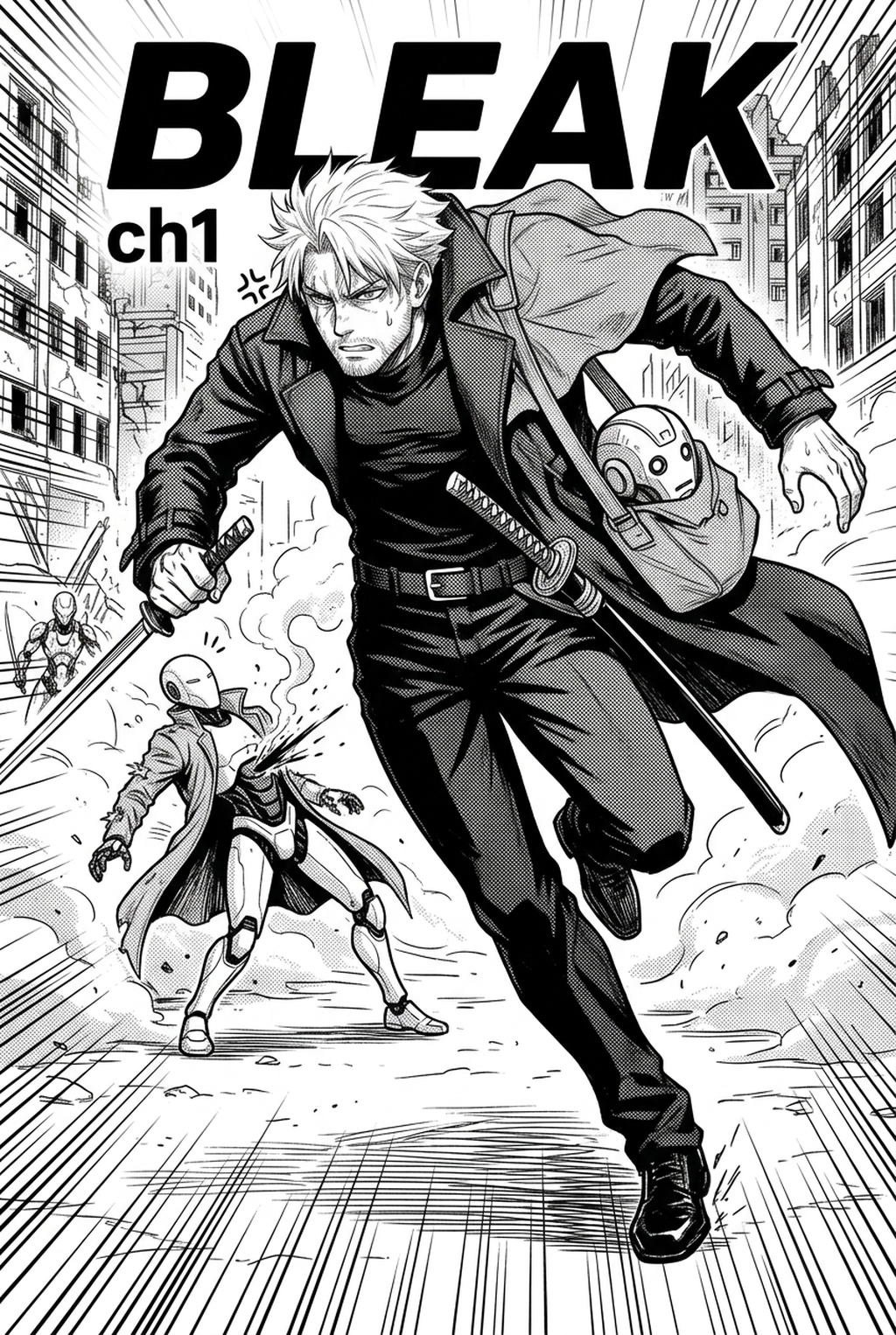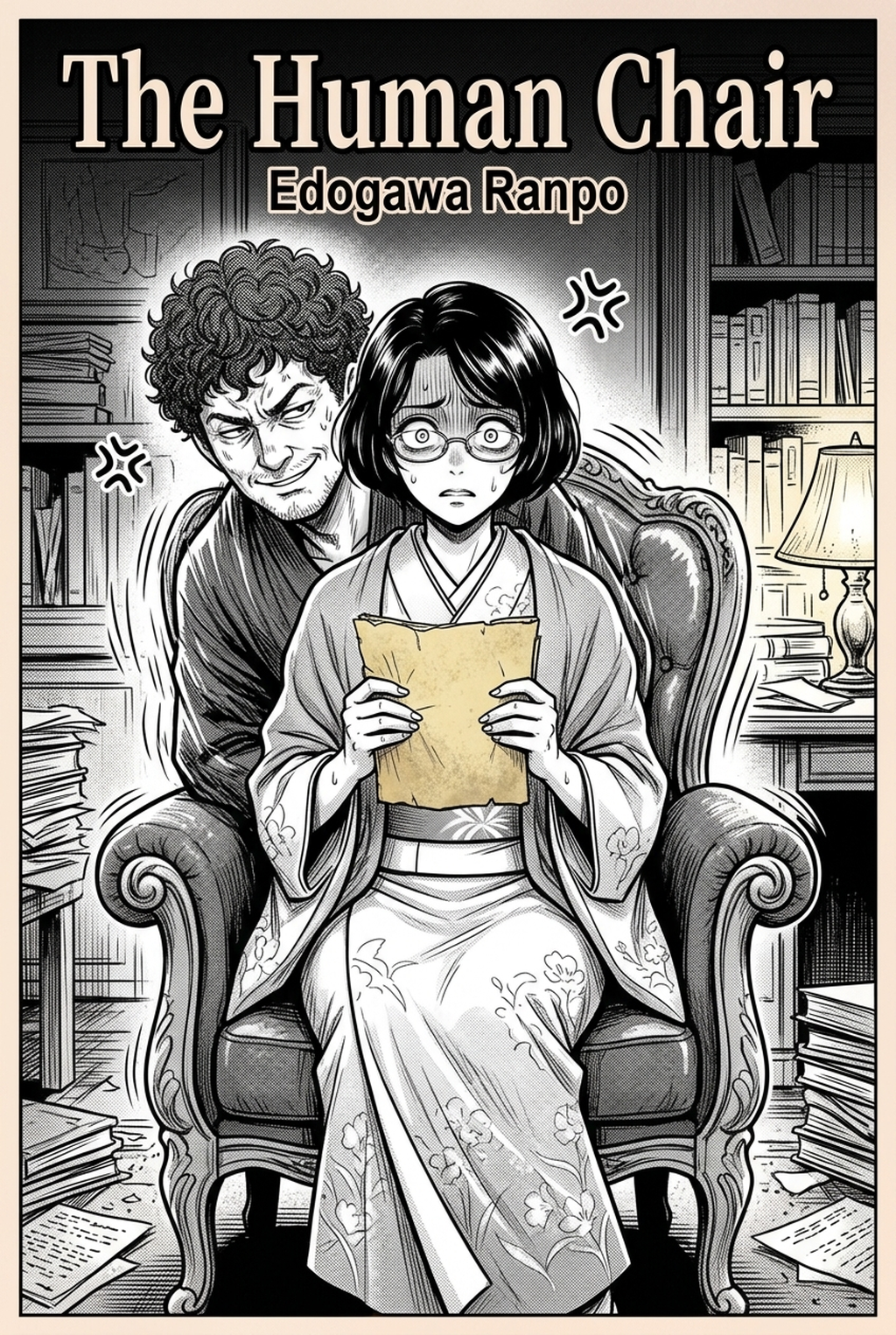
Developing Shojo manga requires a delicate balance of emotional expression and intricate character design, which is why an AI Manga Inker for Shojo manga serves as a critical bridge between your initial pencil sketches and the final polished pages. As an indie creator, you often face the tedious challenge of maintaining consistent line weight across dozens of dynamic color panels, a process that can stifle your creative rhythm. By utilizing modern automation to handle the technical cleanup of your raw sketches, you can refocus your energy on storytelling and character nuance while ensuring your work meets the high visual standards readers expect in 2026.
What Is AI Manga Inker for Shojo Manga?
An AI Manga Inker workflow is a specialized digital tool designed to translate rough, hand-drawn graphite or digital pencil sketches into high-fidelity, professional-grade inked line art. These tools utilize neural networks trained on traditional manga aesthetics to interpret your strokes, effectively smoothing jittery lines and closing gaps without sacrificing the original character intent. Key features include automatic line stabilization, intelligent weight distribution for hair and fabric, and the ability to preserve clean boundaries necessary for high-quality color rendering in digital painting software.
By converting your pencil work into crisp, clean line art automatically, these systems eliminate the bottleneck of manual path tracing. Instead of spending hours meticulously vectorizing or inking every panel by hand, you can feed your base sketches into the tool and receive a ready-to-color base layer that adheres to standard Wacom tablet workflows. This technology ensures that your final file remains clean and ready for either print or digital distribution, effectively bridging the gap between raw ideation and finished product.
Why AI Manga Inker Matters for Shojo in 2026
The demand for high-quality Shojo content has pushed production timelines to their limits, forcing independent creators to seek methods that accelerate the transition from sketch to final export. When you are managing complex emotional scenes or large, dynamic color panels, the manual inking phase is often where productivity stalls due to the sheer volume of frames per chapter. Automating the inking process allows you to maintain a consistent output schedule, preventing burnout while ensuring every page matches the visual language associated with professional manga standards.
Beyond speed, this technology addresses the issue of line-weight drift, which frequently occurs during long, multi-page inking sessions as a creator's hand tires. By offloading this technical labor to an AI-powered system, you guarantee that every character’s silhouette and every background detail remains sharp and uniform throughout the entire story arc. This consistency is essential for maintaining immersion in character-driven narratives, where even minor variations in line quality can distract from the emotional weight of a scene.
How AI Manga Inker Works for Shojo in Dynamic Color Panels
The workflow begins by feeding your raw sketch—ideally scanned at high resolution—into the engine, which then analyzes the stroke density and pressure variations to produce a clean, closed-path ink layer. This process relies on high-resolution training data to differentiate between essential character outlines and expressive, lighter details that are common in the soft, ethereal art styles typical of Shojo. Because the output is optimized for dynamic color panels, the tool creates clean, non-intersecting lines that make later flatting and shading significantly faster, allowing you to focus on the vibrant gradients and subtle lighting effects that define the genre's aesthetic.
Quality and consistency considerations are paramount, especially when working across varied environments and character outfits. A robust inker will analyze your source input to apply appropriate line weights; for instance, it will use thicker lines for primary silhouettes and thinner, lighter lines for facial features or internal hair strands. This differentiation is the secret to achieving a professional, hand-drawn look that avoids the stiff or "robotic" aesthetic sometimes associated with early digital art tools, ensuring your final export is as expressive as your original pencil work.
Use Cases for AI Manga Inker
The ability to rapidly convert sketches into ink is transformative across several key production stages. This keeps the review focused on story intent, line weight, panel readability, and the export quality behind the final AI Manga Inker output.
- Large-Scale Production: When producing a multi-chapter project, you can use the inker to maintain visual continuity across hundreds of pages without spending weeks on manual tracing.
- Dynamic Panel Pacing: Creators building dynamic manga layouts can quickly test different panel configurations, inking each version in seconds to see which composition best conveys the emotional impact of the scene.
- Sketch-to-Color Efficiency: By outputting clean ink layers, you minimize the "clean-up" phase of the coloring process, where filling in dynamic color panels is often hindered by pixelated or broken line edges.
- Rapid Concept Iteration: You can quickly experiment with different character designs or costume variations by sketching them loosely and inking them instantly, allowing for more creative freedom during the design phase.
Step-By-Step Guide to Start with Mangaka
Getting started with a modern AI inking solution is designed to be as frictionless as possible, allowing you to return to your creative work within minutes. Follow these three steps to integrate this powerful technology into your current production production process: Creators can use each revision decision to clarify panel readability, character consistency, and export quality before publishing or sharing.
- Sign up at Shojo manga inking workflow with Mangaka to access your free trial without needing to enter any credit card information.
- Paste your script details or upload your source pencil sketches directly into the interface to begin the conversion process.
- Generate your finished manga page and download the resulting clean, high-resolution line art for immediate coloring and formatting.
The Bottom Line
Adopting an automated inking workflow is no longer just about saving time; it is about providing yourself the freedom to focus on the emotional depth and artistic quality that define the Shojo genre. By using advanced AI to handle the tedious task of cleaning up pencil sketches, you ensure that every dynamic color panel reflects your best creative vision without the burden of manual line stabilization. If you are ready to accelerate your project and maintain professional-grade consistency, Shojo manga inking workflow with Mangaka today.