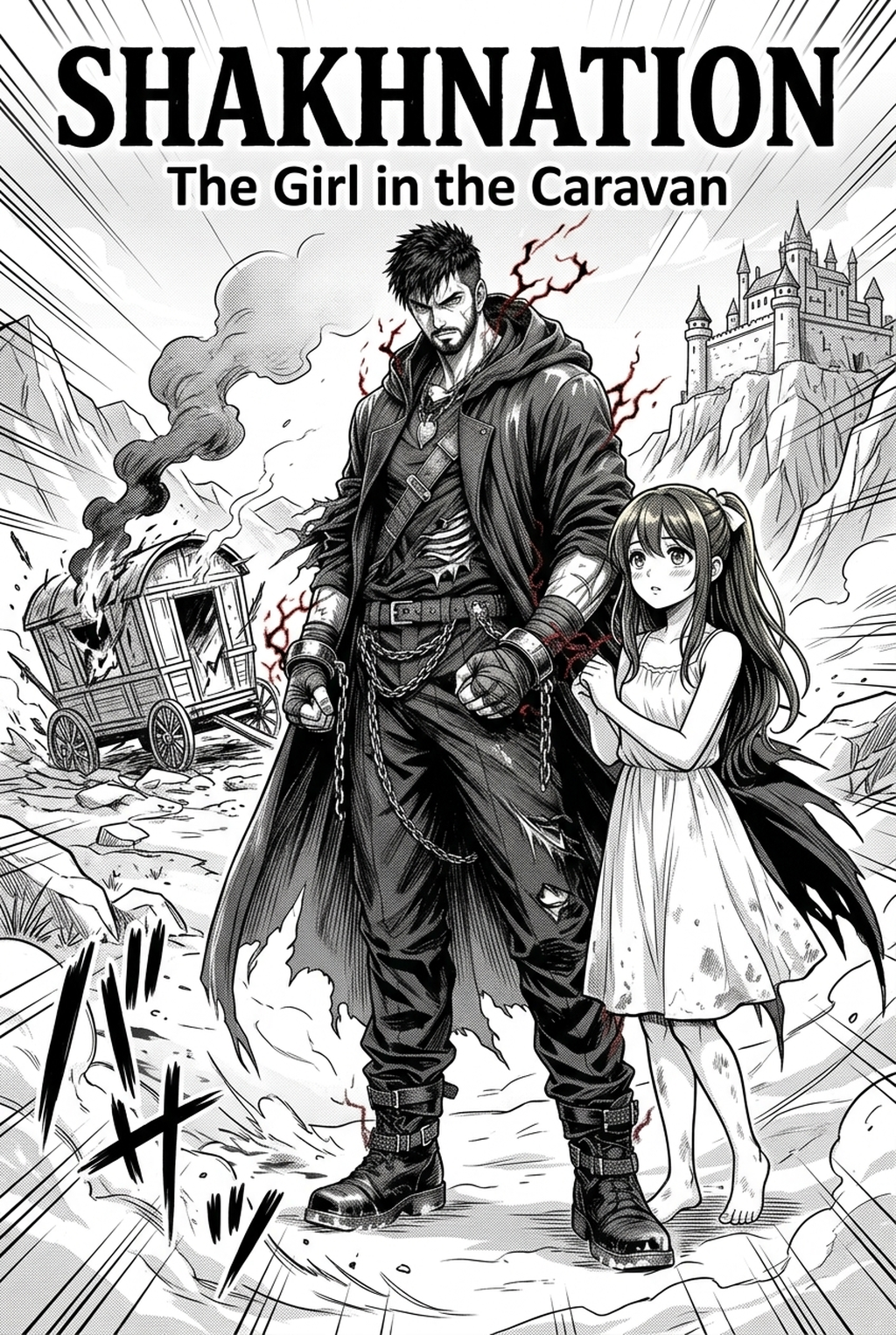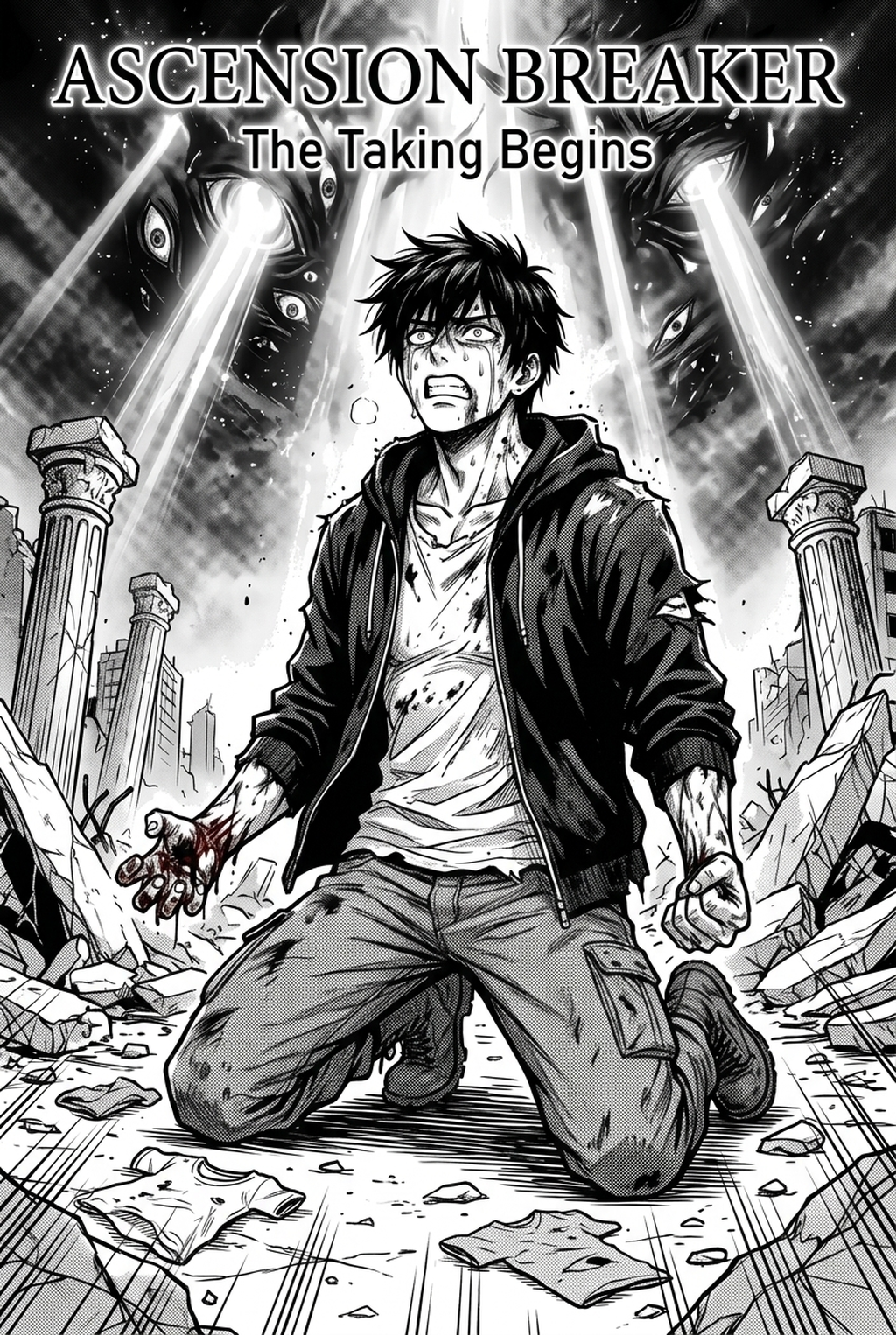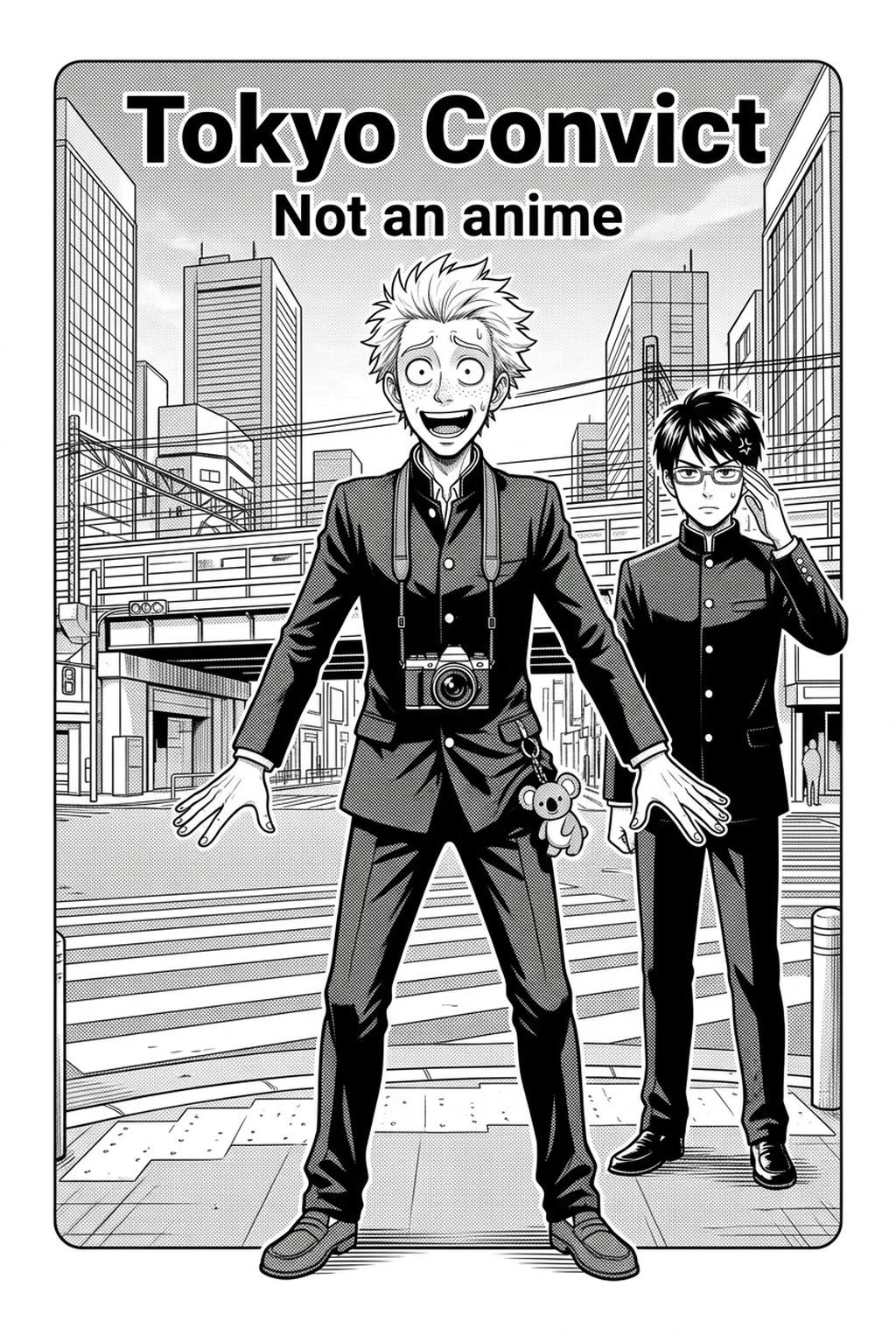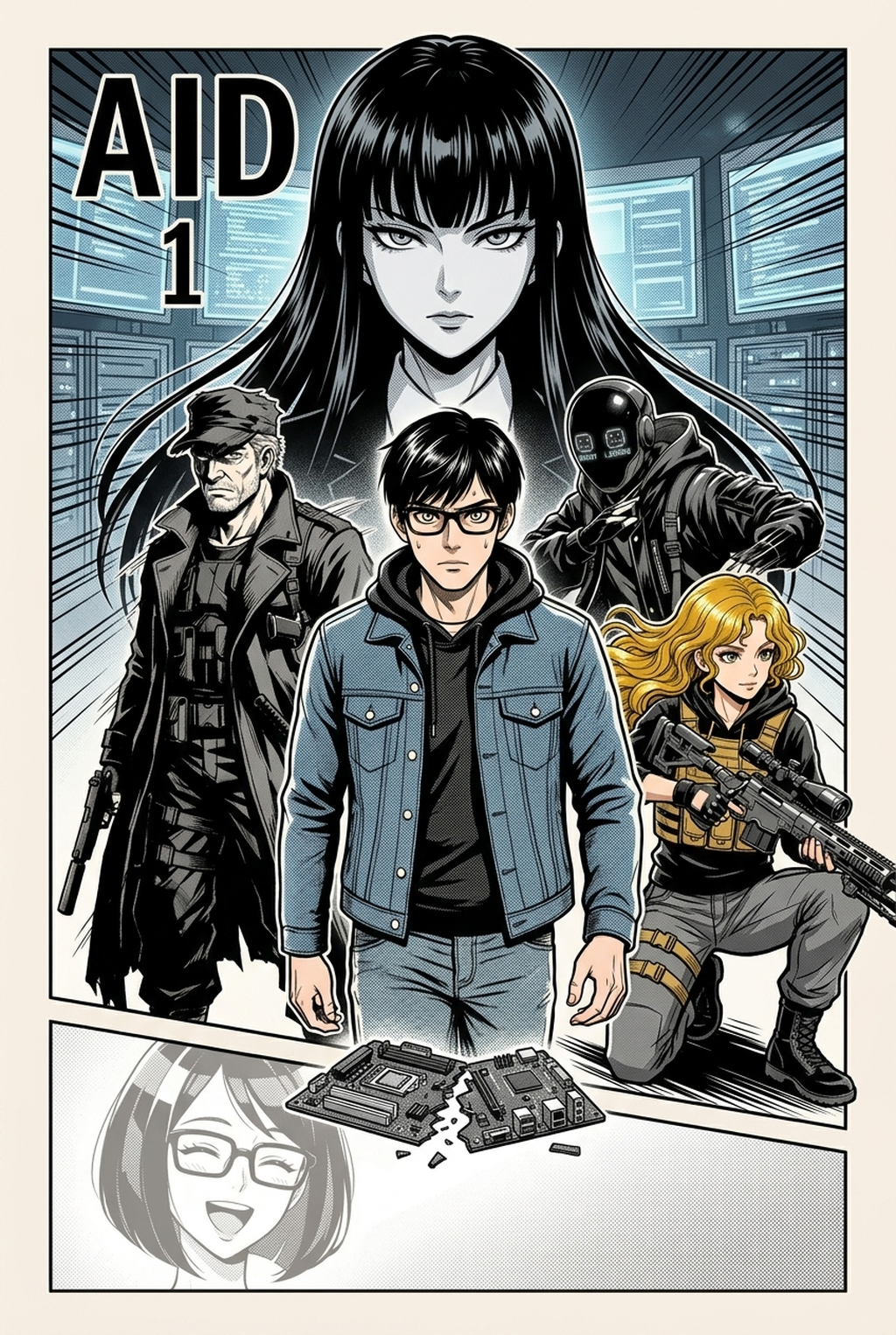
Indie creators developing high-energy action sequences often face the bottleneck of manual line work, but utilizing an AI Manga Inker for Shonen manga can restore your creative momentum. Transforming rough, graphite-heavy sketches into professional-grade inked pages is a labor-intensive stage that often drains the time better spent on dynamic panel pacing or complex character expressions. By automating the transition from messy pencil drafts to refined, print-ready line art, you can maintain the high visual impact expected in Shonen-style narratives while significantly shortening your weekly production schedule.
What Is AI Manga Inker for Shonen Manga?
An AI Manga Inker workflow is a specialized tool designed to interpret pencil-drawn compositions and convert them into clean, high-contrast digital line art. These systems focus on identifying the distinct silhouettes, action lines, and character outlines essential for fast-paced sequences, effectively performing the heavy lifting of traditional digital inking. By focusing on the specific aesthetic needs of Shonen, which values bold edges and clear character distinction, the technology ensures that the resulting digital art remains ready for subsequent coloring or screen-tone application.
The primary capability of these tools lies in edge detection and line weight optimization. Unlike generic filters, a dedicated inker evaluates the intent of your sketch—such as the thickness required for an intense combat silhouette versus the fine detail needed for facial features—to maintain the artistic nuance of your original drawing. This allows creators to skip hours of manual trace-work while ensuring that every panel maintains high legibility for mobile reading formats.
Maintaining consistency is the most difficult aspect of professional manga production, particularly when dealing with complex character costumes and weapons. Maintaining consistent sensitivity is crucial for professional-looking strokes, and AI tools now automate this pressure-modeling process to match manual drawing styles.
Why AI Manga Inker Matters for Shonen in 2026
In 2026, the demand for rapid, high-quality content delivery has reached an all-time high, forcing indie creators to optimize every step of their output. The traditional manual inking process often consumes 60% of the total page creation time, creating a significant barrier for solo artists who want to release full-color chapters on a consistent schedule. Automating the inking phase allows you to move from rough draft to Shonen manga inking workflow with Mangaka in seconds, essentially buying back dozens of hours per month to dedicate to storyboarding and background detail.
This shift isn't just about speed; it’s about reducing the repetitive physical strain associated with long hours of digital inking. Professional manga production standards emphasize the necessity of high-contrast, clean lines to ensure panels remain readable when scaled down for smaller screens. By relying on an AI inker to standardize your line weight, you minimize the risk of "line jitter" or inconsistent shadow density that can often occur during long, fatigue-prone late-night drawing sessions.
How AI Manga Inker Works for Shonen in Color Manga
The process begins by ingesting your raw, scanned, or digital sketches and identifying the primary boundaries that define your character and action sequences. For color-based manga, these tools typically output a clean, high-resolution transparent layer, which allows you to place your colors beneath the lines without interfering with the ink work itself. This workflow ensures that your primary line art remains the focal point while you experiment with vibrant color palettes and ambient lighting effects typical of modern Shonen action.
When applying AI to your workflow, you must verify that the inker preserves the specific character traits that identify your protagonists. High-quality tools offer refinement settings to adjust line weight, preventing the AI from "smoothing out" necessary details like hair spikes or battle damage. As noted by W3C guidelines on graphics accessibility, ensuring high contrast between your line art and background is essential; the AI inker achieves this by automatically purging grey noise from your original pencil sketches, resulting in a crisp, pure black finish.
Use Cases for AI Manga Inker
- Dynamic Action Scenes: Shonen battle sequences often feature complex, multi-panel movements that are difficult to ink consistently by hand. AI tools maintain the weight of impact lines and debris, keeping the focus squarely on the character’s movement. * Rapid Chapter Production: For artists aiming for weekly or bi-weekly uploads, these tools drastically reduce the time needed to finalize pencil sketches, allowing you to hit deadlines without sacrificing the clean, professional finish your audience expects. * Character Archetype Refining: If you have multiple characters on screen, the inker helps distinguish between their various costumes and gear sets by sharpening the edges of different material types, ensuring your characters remain recognizable throughout the entire fight.
- Chapter cadence. Use the AI pass for pages where speed matters most, such as repeated action poses, transformation beats, or dense speed-line panels. Keep manual cleanup for hero panels where the line style defines the emotional peak.
- Character continuity. Compare the generated lines against the same model sheet, costume notes, and facial-expression range used during sketching. This prevents a fast inking pass from drifting away from the character identity readers recognize.
- Export readiness. Check whether the Color manga can move into lettering, coloring, or final layout without rebuilding panel borders or speech-bubble space. A good Shonen workflow should save time while keeping the next production step predictable.
Step-By-Step Guide to Start with Mangaka
- App to access the dashboard and begin your free trial without needing to enter any credit card details. 2. Upload your source pencil sketch or paste your story concept into the Mangaka interface to define the parameters of your scene. 3. Generate your high-resolution manga page and download the resulting clean inked line art, ready for your coloring software.
Creators should compare the generated line art with the original sketch and confirm that facial expressions, props, speed lines, and speech-bubble space still support the scene. A repeatable review pass should cover character consistency, panel readability, background clarity, and whether the final file is ready for coloring, lettering, or editor feedback.
The Bottom Line
Improving your production speed is essential for maintaining a competitive edge in the modern manga market. By automating the most tedious parts of your workflow, you can focus your creative energy where it matters most: your story and characters. Shonen manga inking workflow with Mangaka today to experience the difference in your workflow.
Speed Up High-Intensity Shonen Inking Cycles with Mangaka.app
Serializing action-packed shonen chapters requires rapid turnaround times without compromising the energy, grit, and impact of hand-drawn inking. Mangaka.app supercharges your workflow:
- Dynamic Speed Line & Impact Generator: Synthesize explosive burst lines, motion streaks, and directional action guides customized to character momentum.
- High-Velocity Crosshatching & Kakeami: Apply dense crosshatched shadow gradients to muscular anatomy and torn garments in a single click.
- Crisp Vector Line Weight Modulation: Emulate heavy calligraphic brush pens for explosive impact frames alongside ultra-fine detailing pens.
- Massive Chapter Batch Processing: Ink entire multi-page fight sequences simultaneously, cutting hours from weekly chapter deadlines.
Ready to elevate your serialized manga and speed up chapter production? Create your professional manga storyboard and character sheets on Mangaka and transform your creative workflow today.