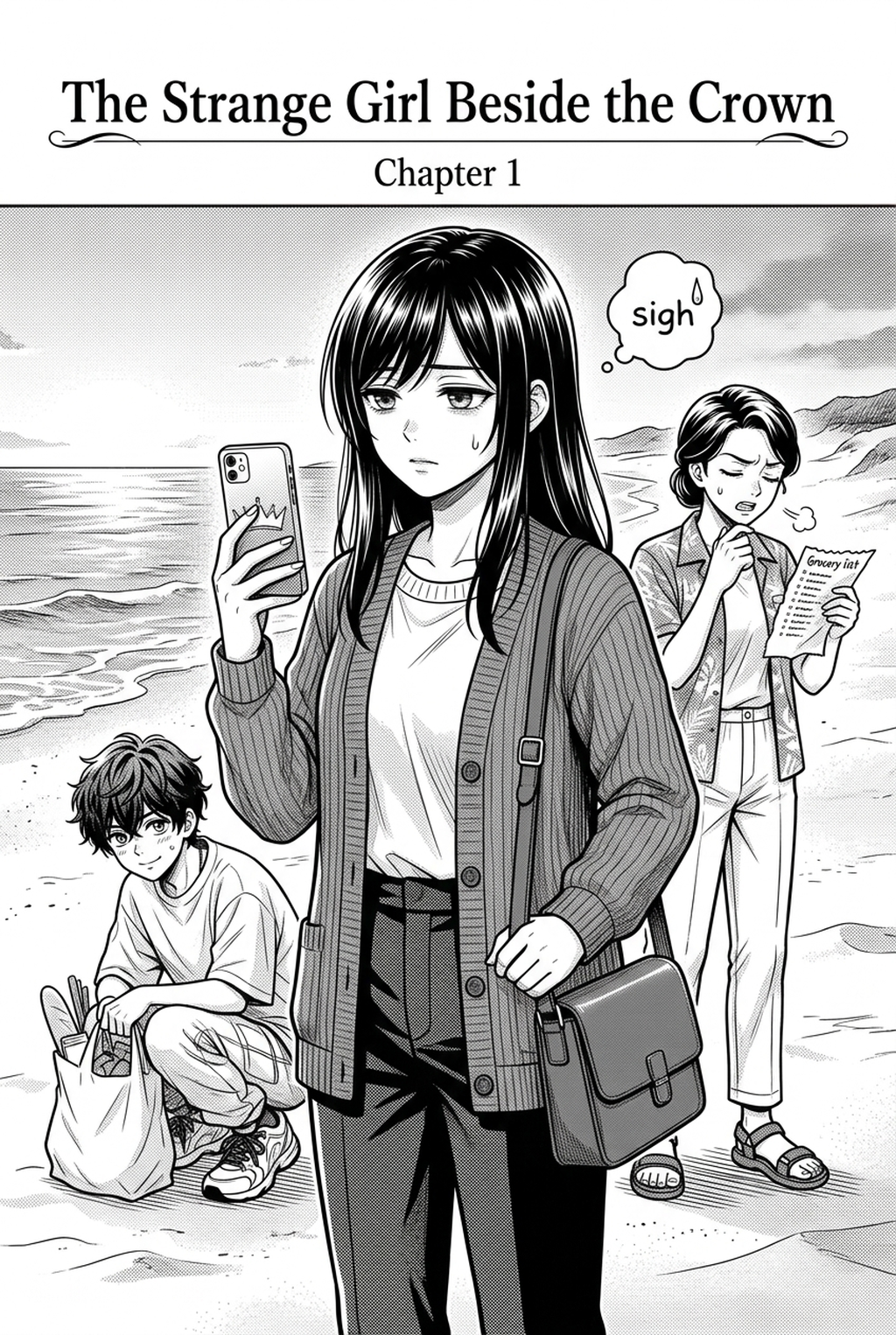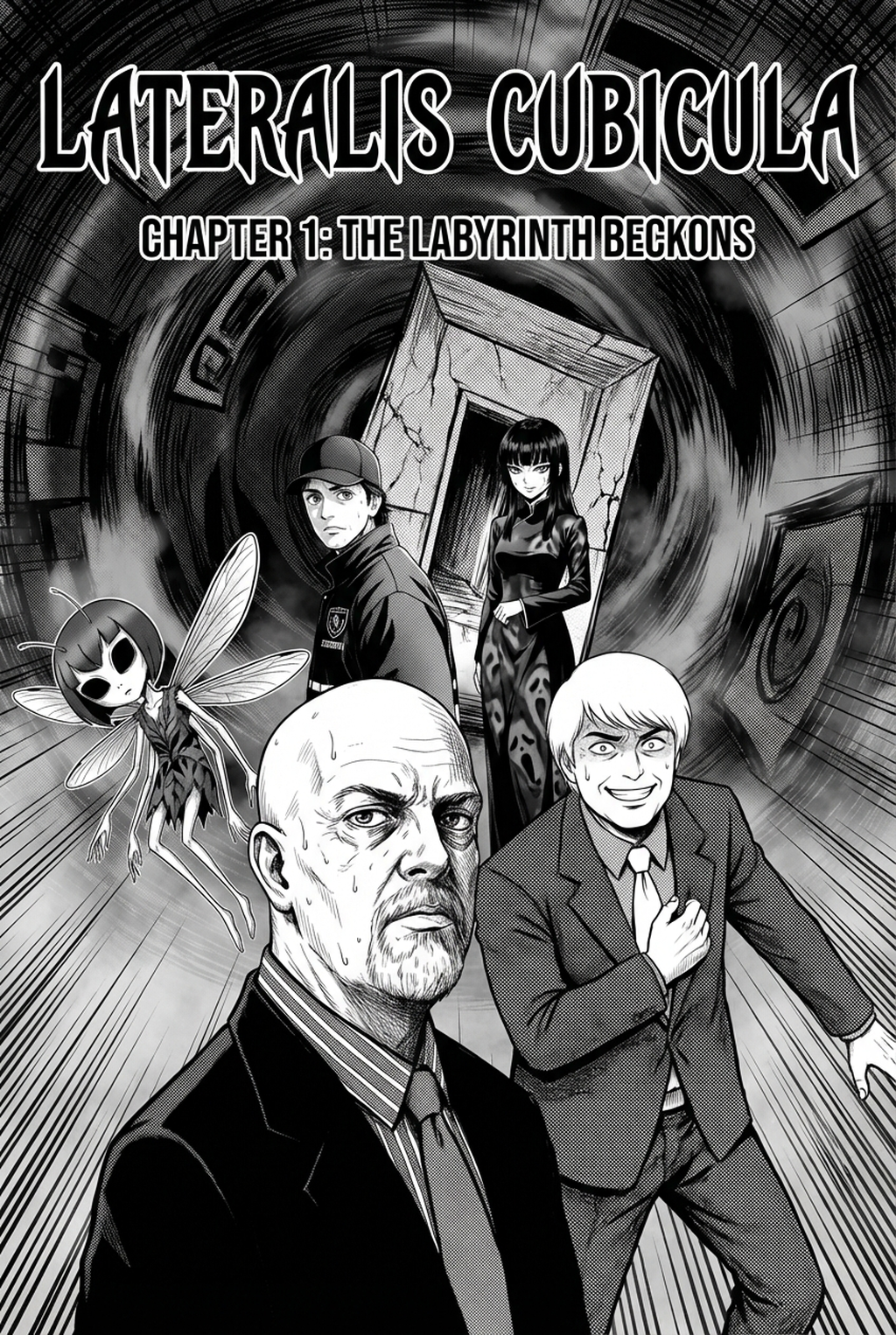
AI Manga Panel Generator: Why Indie Creators Create Isekai Manga in 2026
The Anime News Network feature on how manga is made describes manga as staged work from rough draft to finished page. That production context matters for Isekai creators because AI assistance is useful only when the sketch, inking pass, and final page review stay connected.
AI Manga Panel Generator for Isekai manga helps creators choose the right Mangaka workflow for cleaner pages, steadier style, and review-ready output. The comparison starts with production speed, manual control, line quality, and export readiness because those factors shape whether a page can move into final review.
You operate in a competitive landscape where your readers expect lush visuals that match the scale of the worlds you build. The demand for serialized content means that your ability to translate a concept into a finished page is the primary limit on your growth as an independent artist.
Scenario Fit and Creator Goals
The cycle of releasing weekly or bi-weekly chapters forces you to maintain a consistent output that often conflicts with the complexity of isekai world-building. You aren't just drawing a character; you are managing complex portal effects, unique armor sets, and diverse fantasy architecture. When your page goals climb, the time you have to spend on each panel shrinks, often leading to compromises in your background detail or overall color palette.
Where Style Consistency Breaks
When your workload piles up, your biggest enemy is the "lost detail" effect. You might nail the look of your protagonist’s magic aura in one chapter, only to find the line weight or color saturation feels slightly off in the next. Maintaining this consistency across fifty or a hundred pages is a monumental task that requires rigorous reference tracking, which takes time away from storyboarding your next major plot twist.
Indie Creators Pain Points
You face unique challenges when your goal is to produce high-quality, full-color manga. The friction between your initial vision and the final file export often leaves you exhausted, limiting your ability to experiment with new narrative arcs or ambitious scene layouts.
Line Art and Panel Readability
Even with the best tools, the act of sketching out panels, defining your line weight, and ensuring that your character's actions remain readable is a time-sink. In isekai, action sequences often involve high-speed movement or dense magical energy; if your composition isn't sharp, the story becomes muddled. You need a way to maintain structural integrity—ensuring that a character’s stance is coherent and the environment is clearly defined—without redrawing the same scene five times.
Revision Time and Export Risk
Perhaps the most frustrating stage for you is the final polish. If you realize after hours of coloring that a character’s costume detail is missing or a limb is misaligned, the cost of revision is catastrophic. Traditional editing processes are non-linear and brittle, meaning one change can trigger a ripple effect of required fixes across your entire sequence.
How AI Manga Panel Generator Fits the Indie Creators Workflow
When you integrate the AI Manga Panel Generator for Isekai manga with Mangaka into your process, you stop viewing technology as a replacement for your craft and start viewing it as a high-speed assistant. You retain full creative oversight while handing off the labor-intensive layout and environmental rendering.
Workflow Fit for Creator Output
The tool acts as a bridge between your written script and your final polished artwork. By inputting your scene descriptions, you can generate an immediate sequence of panels that define the framing, character positions, and background architecture. This allows you to visualize your pacing in real-time, letting you decide if a splash page is necessary or if a series of small, rapid panels better conveys your character's discovery of a new world.
Review Controls Before Export
You maintain total control over the output. You aren't forced to accept the first result; you can adjust the specific elements of your character's design or change the lighting of the environment to suit the mood of your chapter. This preview-and-tweak approach ensures that you never export a file that hasn't passed your own internal quality standards.
Real Use Cases for Indie Creators
You don't have to automate your entire process to see significant gains. This keeps the review focused on story intent, line weight, panel readability, and the export quality behind the final AI Manga Panel Generator output.
Page Cases and Manga Genre Fit
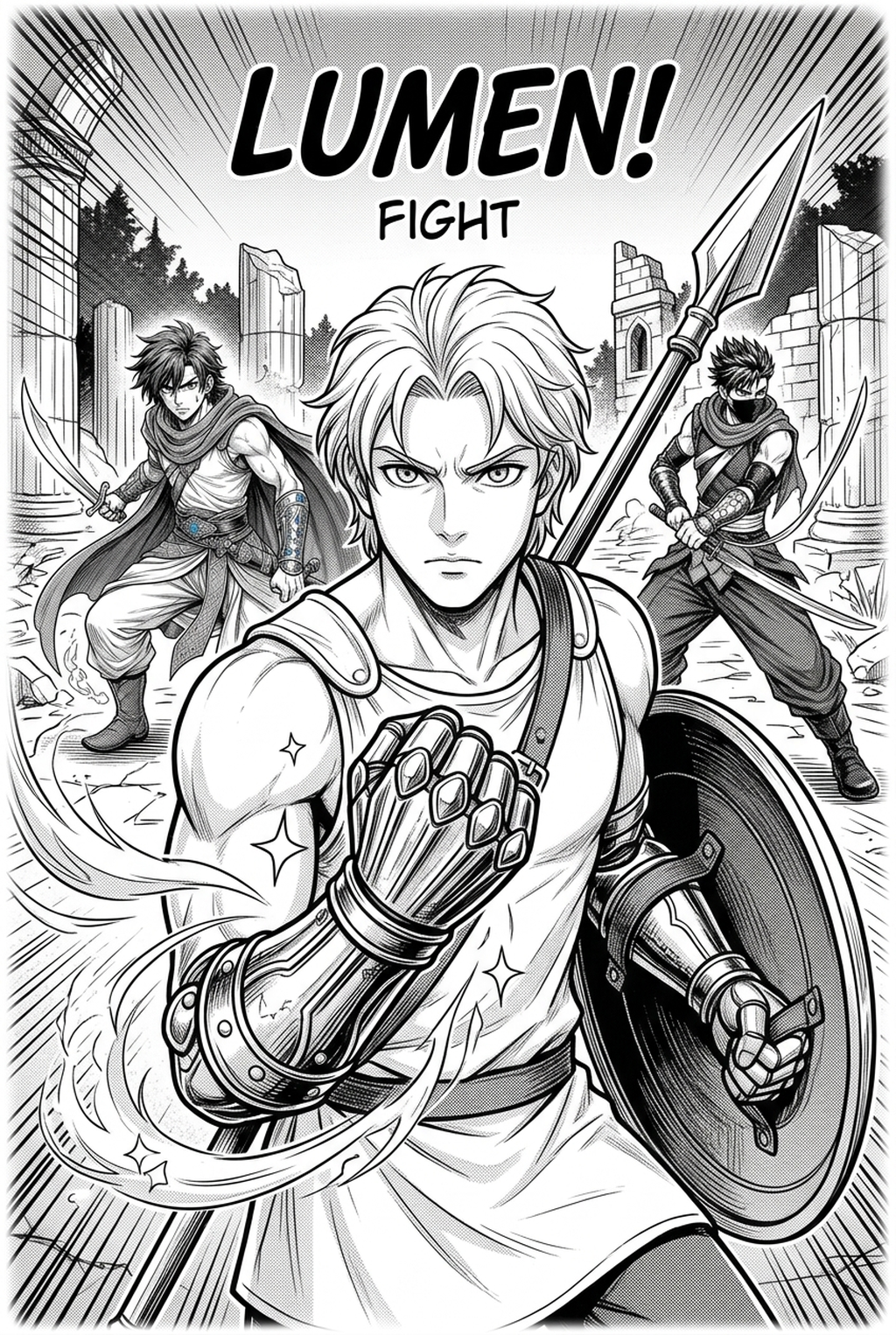
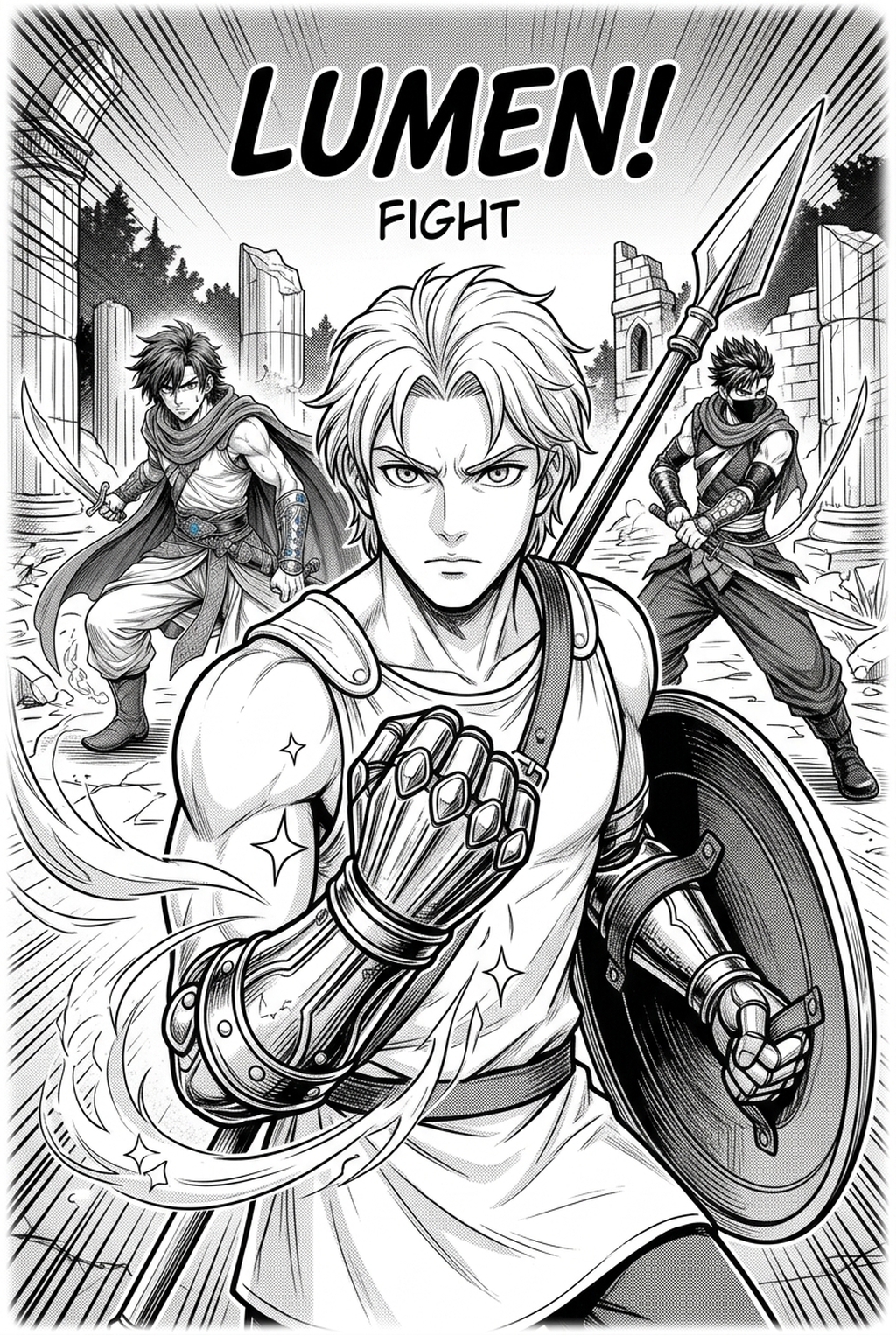
Rapid World-Building: Use the generator to create wide-angle shots of bustling fantasy markets or crumbling ancient ruins, saving you hours on complex perspective drawings. * Action Pacing: For intense battle scenes, generate base frames for impact shots. This helps you figure out the flow of action before you commit to detailed line work. * Consistency Checks: Quickly generate panels of your main cast in different poses to ensure your character model sheets remain accurate throughout the story.
Collaboration Roles Before Revision
ROI / Time Saved for Indie Creators
Time is a non-renewable resource. Calculating the ROI of an AI tool isn't just about money; it’s about how many hours you reclaim for your personal life or for further story development.
Creator Time Savings and Page Quality
By outsourcing the initial panel drafting, most creators report a 60–70% reduction in "blank page" syndrome. Because the layout and core composition are handled, your revision load drops significantly. You are editing your own vision rather than redrawing from scratch, which turns a six-hour process into a ninety-minute refinement session.
Budget Fit and Export Readiness
Brief requirements. Creators should define the scene goal, character references, page count, reading direction, and target Full color manga. This keeps the inking workflow tied to a real Shonen page instead of producing disconnected line art.
Visual quality. Review line weight, facial expression, pose clarity, panel order, and speech-bubble space before export. These checks matter for Shonen pages because action beats and emotional pauses must read quickly.
Export readiness. Confirm the final PNG, PDF, or editable file can move into lettering, coloring, or layout cleanup without rebuilding the page. A clear export routine keeps the next chapter faster.
Review ownership. Separate story feedback from art feedback so one pass checks pacing, another checks panel readability, and the final pass checks file quality. Clear status labels prevent assistants or editors from polishing the wrong version.
Managing your budget as an indie artist means choosing investments that directly scale your output. By reducing the reliance on external help or expensive long-term rendering software, this tool fits into your workflow as a fixed-cost productivity asset. It pays for itself by allowing you to increase your publishing frequency, which, in the current digital ecosystem, is the most effective way to grow your readership.
Release cadence belongs in the production context for manga tools. For creators, the useful product question is whether pages stay readable when schedule pressure rises. Export quality depends on whether the creator can still adjust cleanup, line weight, and handoff settings after AI assistance. Wacom comic and manga creation guidance ties that point to drawing practice instead of broad AI-image claims.
Reader expectations. MyAnimeList manga news keeps genre expectations visible for readers who scan action, character acting, and page rhythm quickly. Shonen inking should preserve panel clarity, not just cleaner lines.
Drawing practice. Wacom's comic and manga creation guide ties tool choice to brush control, cleanup effort, and export readiness. That keeps review grounded in creator workflow.
Build Epic Fantasy Battles and Expansive Worldviews with Mangaka.app
Isekai manga demands grandiose fantasy establishing shots, dynamic dungeon battle sequences, and consistent character magic effects. Mangaka.app provides the dedicated sequential production engine built specifically for isekai manga and comic creators:
Sweeping Multi-Panel Fantasy Worldbuilding: Compose sprawling castle towns, mysterious dungeons, and guild halls across cinematic wide panels.
Persistent Character Armor & Magic Rigs: Maintain consistent protagonist builds, weapon details, and summon companions across dynamic combat spreads.
Action-Packed Magic Clash Gutters: Layer spell effects, mana bursts, and directional impact panels with authentic Japanese Komawari rhythm.
Dual Format Webtoon & Print Pipeline: Render high-resolution print pages or slice continuous vertical strips for global webcomic audiences.
Generate Dynamic Isekai Manga Panel Layouts with Mangaka.app
Adapting expansive isekai worldbuilding, stat screens, and magical combat into compelling sequential pages requires balanced panel architecture. Mangaka.app automates multi-panel pacing and fantasy visual hierarchy effortlessly.
- Automated Fantasy Battle Grids: Create asymmetrical action panels, impact speedline frames, and double-page spread payoffs.
- Integrated Stat Screen & UI Staging: Overlay RPG-style menu boxes and skill notifications without breaking panel narrative flow.
- Protagonist & Familiar Turnarounds: Maintain consistent armor textures, magical aura gradients, and monster designs across serialized chapters.
- Webtoon Vertical Scroll Conversion: Seamlessly transform traditional horizontal spreads into high-engagement vertical webtoon strips.
For mangaka and creative teams looking to streamline chapter production without sacrificing signature style, Mangaka.app provides industry-leading AI tools for storyboarding, character model sheet locking, clean line inking, and expressive multi-panel layouts.
The Bottom Line
A useful creator workflow keeps the story goal, visual style, and review step clear before export. AI Manga Panel Generator gives creators a faster first pass without removing the final human review. Creators can use each revision decision to clarify panel readability, character consistency, and export quality before publishing or sharing.
Start creating with AI Manga Panel Generator for Isekai manga when you are ready to turn the reviewed idea into finished manga pages. Test it with one real page goal, one reference boundary, and one export requirement so the decision stays tied to production quality.