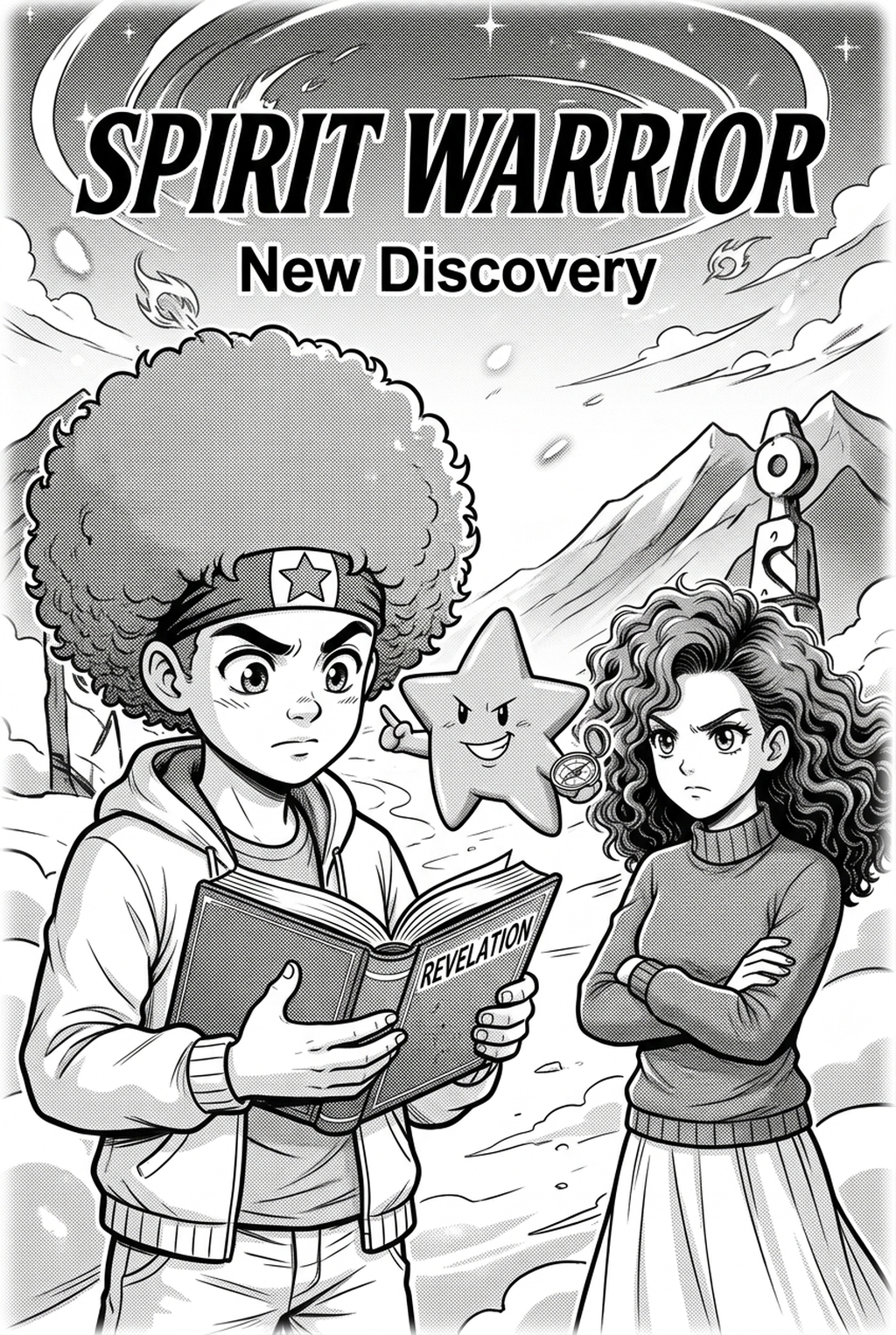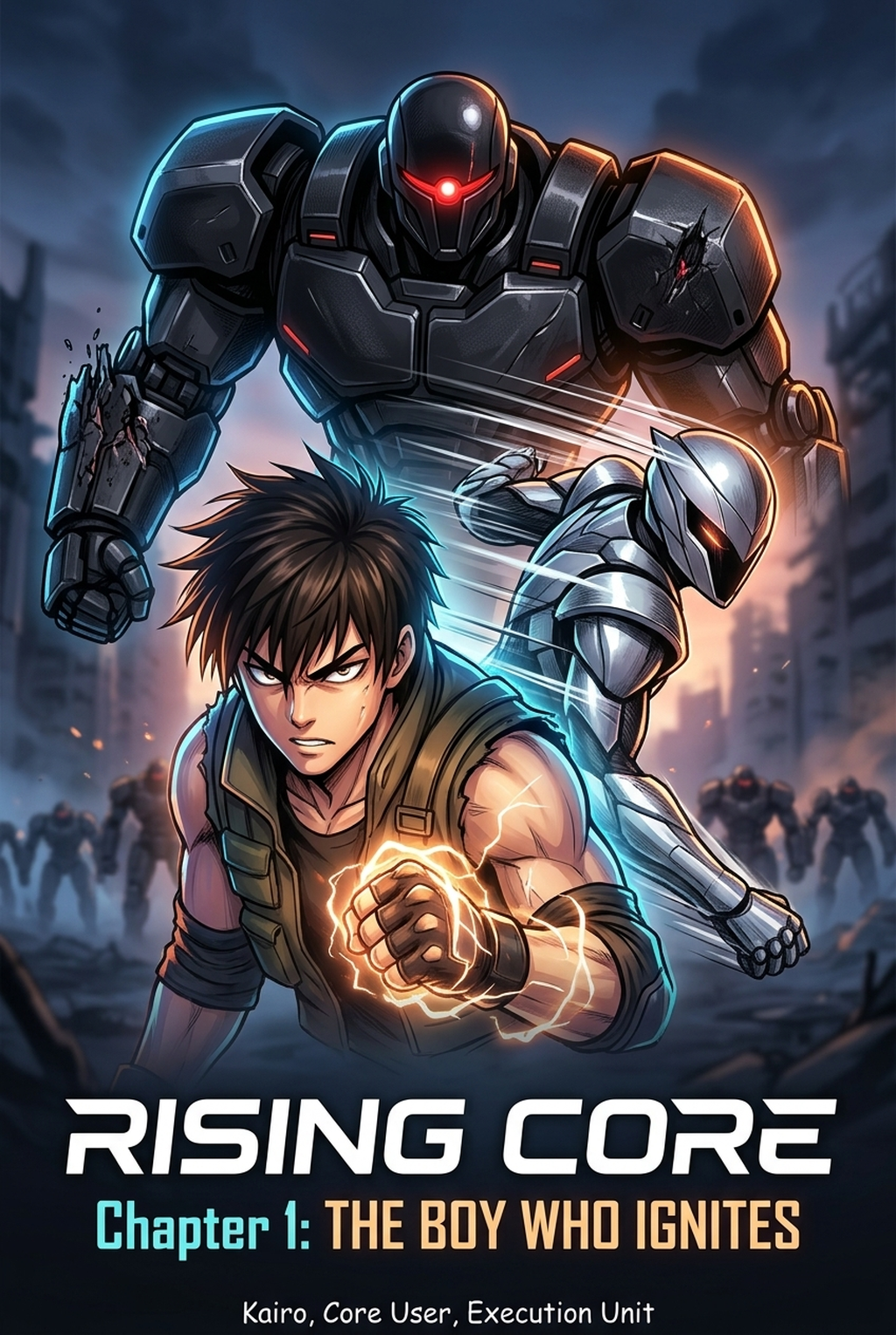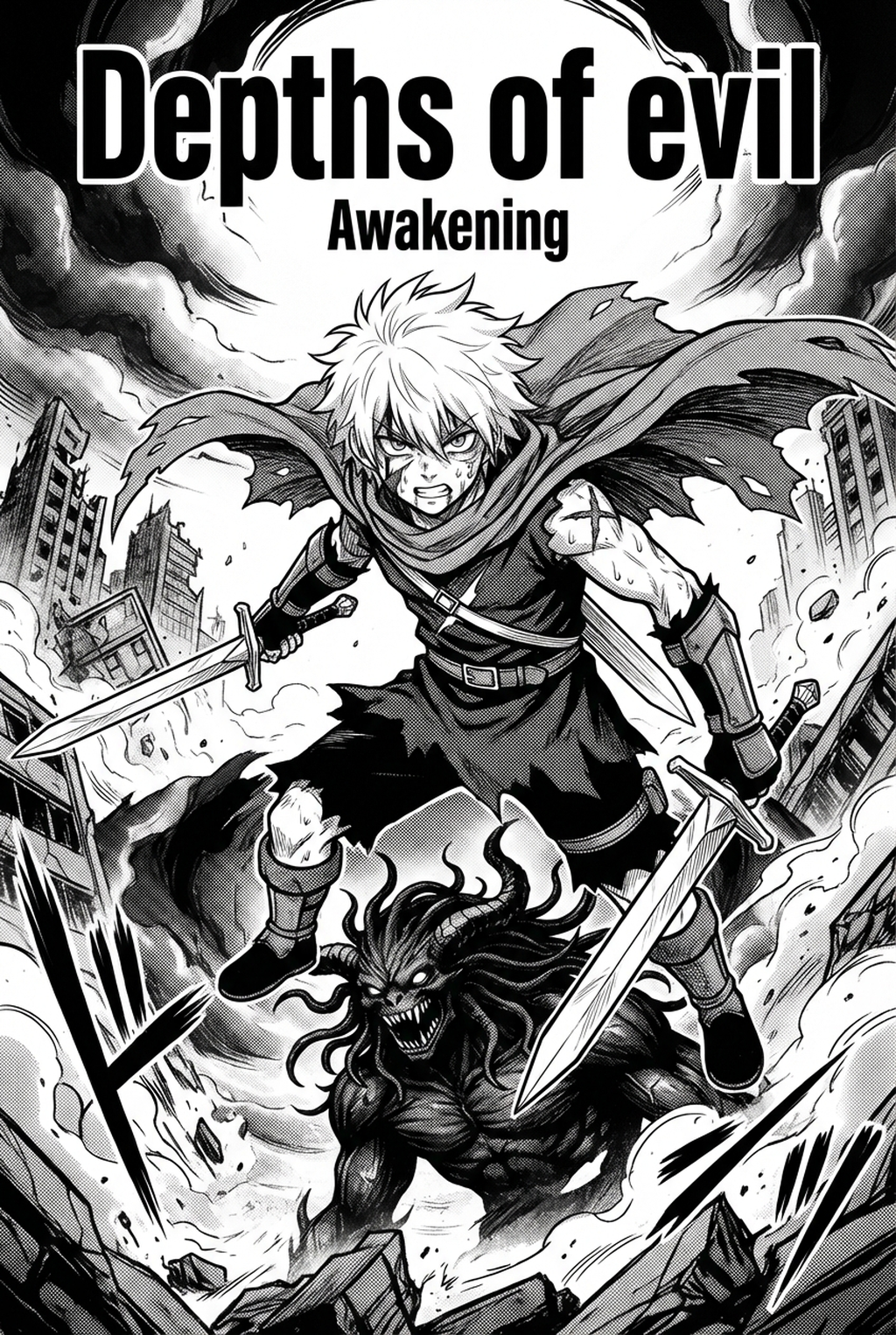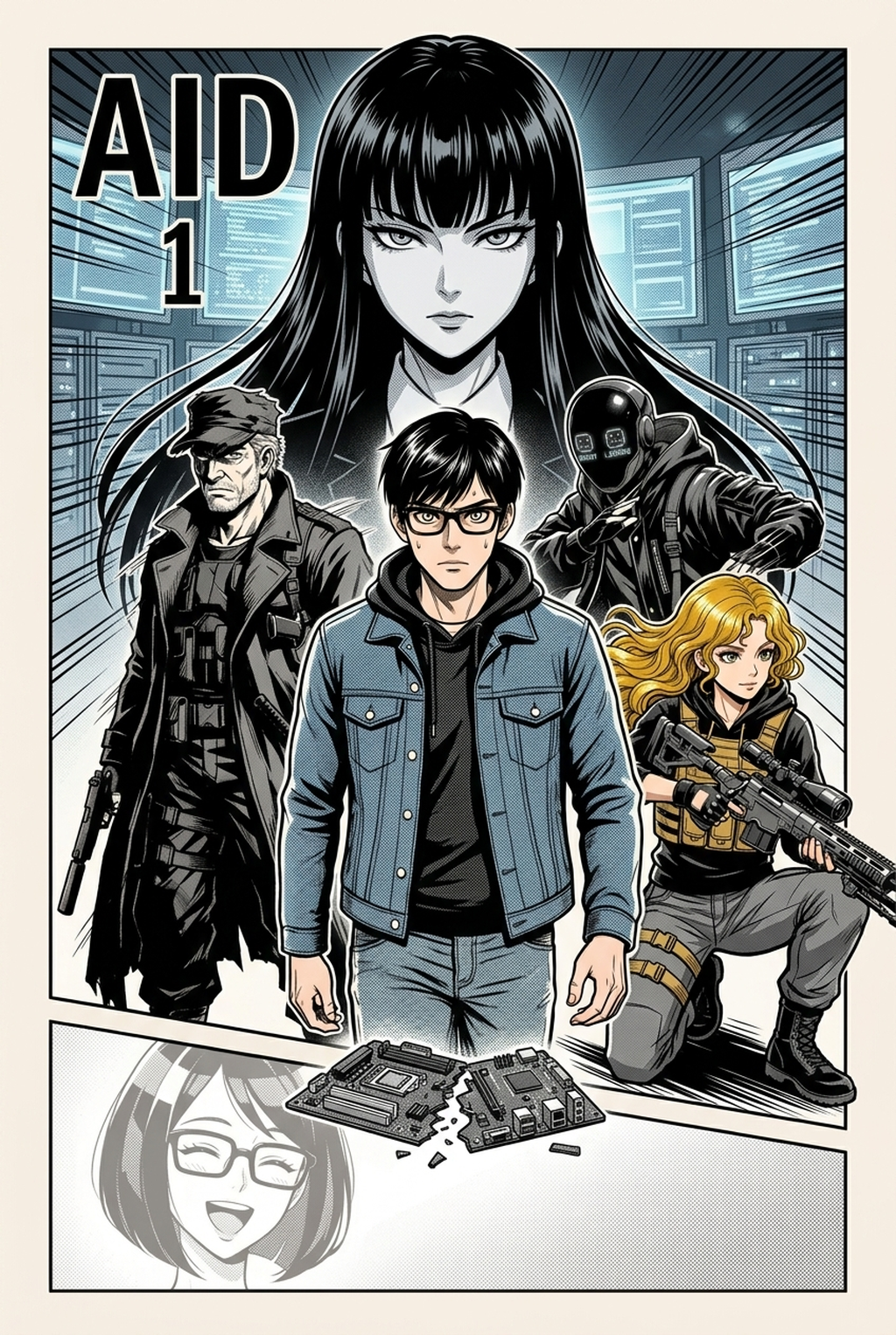
What Is AI Manga Speech Bubble Layout for Horror Manga?
The Anime News Network feature on how manga is made describes manga as staged work from rough draft to finished page. That production context matters for Horror creators because AI assistance is useful only when the sketch, inking pass, and final page review stay connected.
AI speech bubble layout is a specialized process that uses spatial awareness algorithms to detect panel boundaries and focal points in your artwork, automatically suggesting optimal positions for dialogue. For horror creators, this means the software identifies the "empty" or "least significant" spaces—such as shadows or negative background areas—to place text, ensuring that critical visceral details remain unobstructed. Horror requires precise control over page pacing. While manual placement offers total creative control, it is time-intensive. Automated tools offer a bridge between efficiency and artistic integrity.
Why AI Manga Speech Bubble Layout Matters for Horror in 2026
A useful manga workflow ties setup, review responsibility, and export conditions to the page a creator needs to finish. That keeps the decision focused on sketch cleanup, character intent, panel readability, and the publishing handoff. You face a constant struggle between the technical demands of panel management and the need to maintain a cohesive, eerie atmosphere.
By 2026, the shift toward mobile-first consumption means your audience reads on smaller screens where poorly placed bubbles can ruin a suspenseful reveal by cluttering the frame. Using AI Manga Speech Bubble Layout for Horror manga with Mangaka allows you to bypass the repetitive drudgery of resizing and repositioning, letting you focus on the nuances of your pastel-toned horror aesthetic rather than fighting with text boxes. Production speed is no longer just about volume; it is about protecting the artist's mental energy.
When you rely on automated systems to calculate the "breathing room" required for a spine-chilling monologue, you preserve the visual intensity of your ink lines and screentones. This automation helps maintain the consistent, eerie rhythm necessary to keep readers scrolling through your dark, pastel-hued panels.
How AI Manga Speech Bubble Layout Works for Horror in Pastel Vertical Comic Platforms
Your workflow begins with a focus on panel composition, where the software evaluates the contrast levels and edge detection of your drawings. * Edge and Focal Point Analysis: The system identifies key horror elements, such as widened eyes or looming shadows, to define "no-go" zones.
- Automatic Balloon Pathing: Dialogue bubbles are generated to follow the natural Z-pattern of the manga reading flow, ensuring the reader’s eye moves seamlessly across the page. * Refinement and Tone Matching: You verify the placements, adjusting the opacity or shape of the bubbles to fit the unique pastel aesthetic, ensuring the text feels integrated into the art. Consistency is the backbone of reader immersion.
When working in a horror genre, you must ensure that your dialogue bubbles do not shift in style or size unexpectedly. By locking in specific spacing parameters, you ensure that every jump scare and slow-burn reveal maintains its intended visual impact from chapter one through the finale.
Use Cases for AI Manga Speech Bubble Layout
Use cases are strongest when the story goal, genre expectation, visual risk, and final export format are clear. A useful example names the page detail a creator checks before the page moves into lettering, coloring, or publishing. You can leverage these tools to solve specific narrative challenges common in horror storytelling.
- Preserving Jump Scares: Automatically position bubbles in corners to keep the central subject—the monster or the victim—completely visible until the exact moment of the reveal. * Atmospheric Pacing: Place text in sparse, dark areas of a panel to emphasize the isolation of a character, keeping the focus on the surrounding void. * Multi-Character Tension: Manage complex dialogue sequences between multiple characters where speech order is crucial to building suspense, ensuring the reading order is never ambiguous.
Step-By-Step Guide to Start with Mangaka
Line Quality Through Revision. Creators can use each revision decision to clarify panel readability, character consistency, and export quality before publishing or sharing. Workflow Fit for Creator Output.
Start by preparing the creative brief, reference notes, character constraints, and export target before generation. The setup matters because a clearer brief gives the review pass something specific to judge: silhouette, expression, panel readability, and file readiness. Getting your project ready for professional-grade layout is a three-step process designed to minimize friction for indie creators.
- Sign Up: Create your creator profile to access the suite of layout and composition tools. * Upload Your Panels: Import your existing artwork directly into the workspace to begin the automated analysis process. * Generate and Download: Use the system to suggest optimal balloon placement, adjust where necessary, and export your polished, reader-ready pages.
Release cadence belongs in the production context for manga tools. For creators, the useful product question is whether pages stay readable when schedule pressure rises. Export quality depends on whether the creator can still adjust cleanup, line weight, and handoff settings after AI assistance. Wacom comic and manga creation guidance ties that point to drawing practice instead of broad AI-image claims.
Creators should define the scene goal, character references, page count, reading direction, and target Pastel vertical comic platforms. That gives AI Manga Speech Bubble Layout enough context to support the story instead of producing disconnected panels. For visual quality, creators should check line weight, facial expression, pose clarity, panel order, and space for dialogue before export.
Those checks matter more for Horror pages because action beats and emotional pauses need to read quickly. For comparison, a useful tool should save time without flattening the creator's style. The best choice keeps the first pass editable, makes revisions visible, and leaves final judgment with the artist.
That extra context helps the reader connect the creative choice to character consistency, composition, speech-bubble space, and final file format. For production, creators should keep a small reference sheet for recurring characters, outfits, props, and backgrounds. That makes it easier to compare generated pages and decide which panel needs a redraw.
- Reader expectations. MyAnimeList manga news keeps genre expectations visible for readers who scan action, character acting, and page rhythm quickly. Shonen inking should preserve panel clarity, not just cleaner lines.
- Drawing practice. Wacom's comic and manga creation guide ties tool choice to brush control, cleanup effort, and export readiness. That keeps review grounded in creator workflow.
Master Claustrophobic Dialogue Staging and Terror Balloons with Mangaka.app
Horror manga demands jagged screech balloons, suffocating whisper placements, and high-tension lettering geometry that heightens psychological dread. Mangaka.app provides the dedicated sequential production engine built specifically for horror manga and comic creators:
- Distressed Vector Scream Bubbles: Generate jagged, trembling, and dripping balloon contours that convey visceral terror without manual raster cleanups.
- Claustrophobic Dialogue Staging: Position whisper bubbles and inner-monologue text within dark shadow gutters to amplify suffocating psychological dread.
- Integrate Dynamic Onomatopoeia: Embed dripping, barbed Japanese sound effects directly into horror panel compositions.
- 600 DPI Commercial Print Typography: Export crisp monochrome tankōbon print layouts with sharp, non-destructive vector text rendering.
The Bottom Line
A useful creator workflow keeps the story goal, visual style, and review step clear before export. AI Manga Speech Bubble Layout gives creators a faster first pass without removing the final human review. Start creating with AI Manga Speech Bubble Layout for Horror manga when you are ready to turn the reviewed idea into finished manga pages. Test it with one real page goal, one reference boundary, and one export requirement so the decision stays tied to production quality.