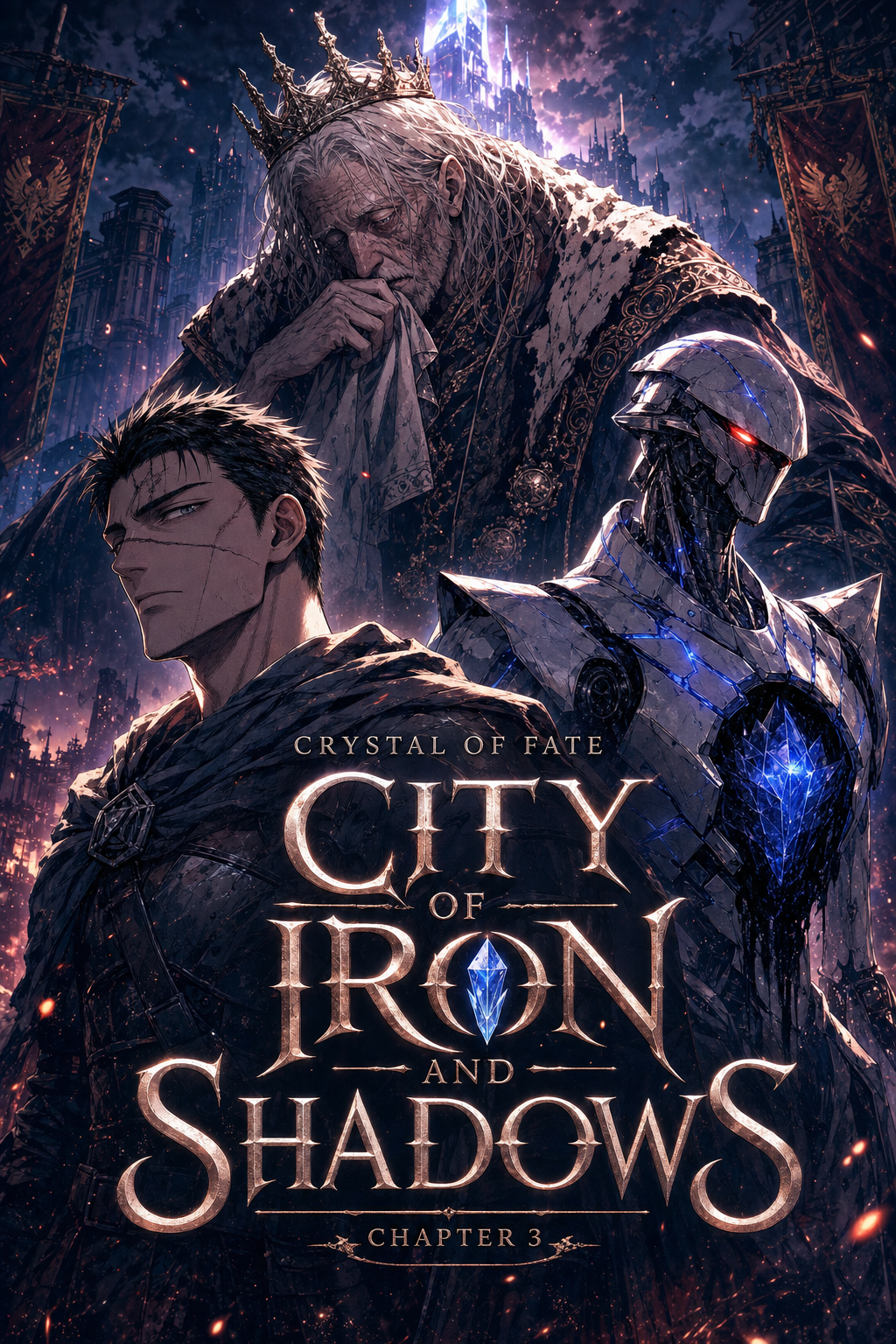
What Is AI Manga Style Transfer for Horror Manga?
Reader expectations should shape how creators review pacing, expression, and genre clarity after generation. MyAnimeList manga news keeps that audience context visible, so Horror pages should be judged by whether readers can follow the action, character role, and visual rhythm.
A useful manga workflow ties setup, review responsibility, and export conditions to the page a creator needs to finish. That keeps the decision focused on sketch cleanup, character intent, panel readability, and the publishing handoff. AI manga style transfer is a specialized process that takes a foundational sketch and maps it onto a high-contrast, monochrome aesthetic optimized for horror storytelling. Unlike standard generative art, this technology preserves the original composition and anatomy of your draft, applying professional-grade line weights and heavy ink density to enhance textures like decay, skin irregularities, or dramatic shadows.
Why AI Manga Style Transfer Matters for Horror in 2026
Creators today face an unprecedented demand for volume without sacrificing the distinct, heavy-ink style required to compete in the horror genre. When you spend three hours inking a single page, you lose the ability to iterate on your pacing or refine your panel-to-panel tension, which are the lifeblood of psychological horror. The primary bottleneck for indie horror artists is the transformation of a "messy" conceptual thumbnail into a clean, print-ready panel.
By using a AI Manga Style Transfer for Horror manga with Mangaka to handle the technical heavy lifting, you reclaim hours of time previously spent on cross-hatching and ink-drop management. This allows you to produce longer story arcs and denser horror environments while maintaining a consistent visual voice across an entire volume.
How AI Manga Style Transfer Works for Horror in High-Contrast B&W
Your process begins with a rough gesture drawing that conveys the pose and primary light source of your scene. Because horror relies on negative space, the style transfer engine reads your sketch’s line density to determine where shadows should bleed into the background, effectively automating the "chilling" atmosphere.
Layer Preparation: Start with a clear digital sketch where your silhouettes are defined but not overly polished. * Style Mapping: Upload the sketch to the tool, ensuring the High-Contrast" profile is selected to prioritize the deep blacks and white voids essential for the genre. * Iterative Refinement: Review the generated output and re-upload minor corrections if specific anatomical details, such as facial expressions or monster features, need higher visual weight.
Consistency is the most difficult challenge in serial horror, as you must ensure a character’s decaying form or a specific shadow-drenched room remains recognizable across multiple chapters. Always stick to a single style profile per project to ensure your blacks and line weights remain identical; Anime News Network’s industry reports suggest that tool standardization is the hallmark of professional indie manga production.
Use Cases for AI Manga Style Transfer
Use cases are strongest when the story goal, genre expectation, visual risk, and final export format are clear. A useful example names the page detail a creator checks before the page moves into lettering, coloring, or publishing. You can use these techniques to bypass repetitive tasks and focus on the narrative elements that truly terrify your audience.
Atmospheric Backgrounds: Quickly render decaying architecture or forests by using basic sketches as a guide for high-contrast, ink-heavy scenery. * Monster Anatomies: Experiment with distorted or surreal character designs by generating multiple variations from a single base sketch to see which looks most unsettling. * Shadow-heavy Sequences: Effortlessly create low-light scenes where characters are partially obscured by ink, keeping your page readability high while maintaining a dark, claustrophobic mood.
Step-By-Step Guide to Start with Mangaka
Hands-on drawing control still matters after an AI first pass because creators may need to adjust line weight, cleanup, and export settings. The Wacom comic and manga creation guide anchors that review in practical art production rather than broad AI-image claims. Line Quality Through Revision.
Start by preparing the creative brief, reference notes, character constraints, and export target before generation. The setup matters because a clearer brief gives the review pass something specific to judge: silhouette, expression, panel readability, and file readiness. Getting your project off the ground is a straightforward, three-step process designed to minimize friction for the artist.
Sign up: Create your account to access your personal workspace where your style presets are saved.
Paste or Upload: Input your rough sketches directly into the interface, ensuring your primary silhouettes are clear.
Generate and Download: Hit the render button to instantly transform your draft, then download the high-resolution files for your final page assembly.
Export quality depends on whether the creator can still adjust cleanup, line weight, and handoff settings after AI assistance. Ties that point to drawing practice instead of broad AI-image claims. Creators should define the scene goal, character references, page count, reading direction, and target High-contrast B&W. That gives AI Manga Style Transfer enough context to support the story instead of producing disconnected panels.
Creators should check line weight, facial expression, pose clarity, panel order, and space for dialogue before export. Those checks matter more for Horror pages because action beats and emotional pauses need to read quickly. For comparison, a useful tool should save time without flattening the creator's style.
The best choice keeps the first pass editable, makes revisions visible, and leaves final judgment with the artist. Creators can use each revision decision to clarify panel readability, character consistency, and export quality before publishing or sharing. For production, creators should keep a small reference sheet for recurring characters, outfits, props, and backgrounds.
That makes it easier to compare generated pages and decide which panel needs a redraw. For export, creators should confirm the final PNG, PDF, or editable file can move into lettering, coloring, or layout cleanup without rebuilding the page. A clear export routine keeps the next chapter faster.
The practical value comes from reducing redraw loops before the artwork reaches a reader-facing page or reusable asset. For team review, creators should separate story feedback from art feedback. One pass can focus on pacing, another on panel readability, and a final pass on file quality before publishing or sharing. For style control, creators should compare the generated page against the intended genre mood rather than judging only technical polish. A clean page still needs the right energy, expression, and visual rhythm.
Production context. Anime News Network's manga production feature describes manga as staged work from rough draft to finished page. Use it to judge whether AI inking helps cleanup without weakening review.
Transform Raw Sketches into Macabre Japanese Horror Style with Mangaka.app
Japanese horror style transfer demands high-contrast chiaroscuro, heavy ominous ink pooling, and granular screentone degradation that evoke genuine psychological dread. Mangaka.app provides the dedicated sequential production engine built specifically for horror manga and comic creators:
Junji Ito-Inspired Psychological Crosshatching: Infuse delicate spiral hatch textures, visceral organic deformations, and deep black pooling into raw lineart.
Multi-Angle Consistent Horror Shading: Maintain persistent uncanny shadow placement and textured grain across continuous jumpscare sequences.
Non-Destructive Horror Texture Overlays: Separate visceral textures, speed blur trails, and grime onto distinct editable vector layers.
600 DPI Tankōbon Print Export: Output publishing-grade monochrome bitmap lineart calibrated specifically for commercial horror manga prints.
Infuse Haunting Supernatural Atmosphere with Mangaka.app
From Junji Ito-style body horror to atmospheric ghost stories, achieving deeply unsettling art styles demands nuanced textural control. Mangaka.app delivers instant horror style transfer workflows.
- Spiraling Crosshatch & Decay Shading: Transform clean 3D models or photographs into nightmarish, hand-etched monochrome illustrations.
- Distorted Facial Expression Morphing: Render uncanny smiles, hollow eyes, and dread-filled pupil contractions with fidelity.
- Grimy Halftone Screentone Wash: Apply decaying organic grit, spatter effects, and dirty fog patterns across backgrounds.
- Atmospheric Bleed & Edge Erosion: Dissolve neat panel borders into ragged ink drips and shadowy darkness.
For mangaka and creative teams looking to streamline chapter production without sacrificing signature style, Mangaka.app provides industry-leading AI tools for storyboarding, character model sheet locking, clean line inking, and expressive multi-panel layouts.
The Bottom Line
A useful creator workflow keeps the story goal, visual style, and review step clear before export. AI Manga Style Transfer gives creators a faster first pass without removing the final human review. Start creating with AI Manga Style Transfer for Horror manga when you are ready to turn the reviewed idea into finished manga pages. Test it with one real page goal, one reference boundary, and one export requirement so the decision stays tied to production quality.




