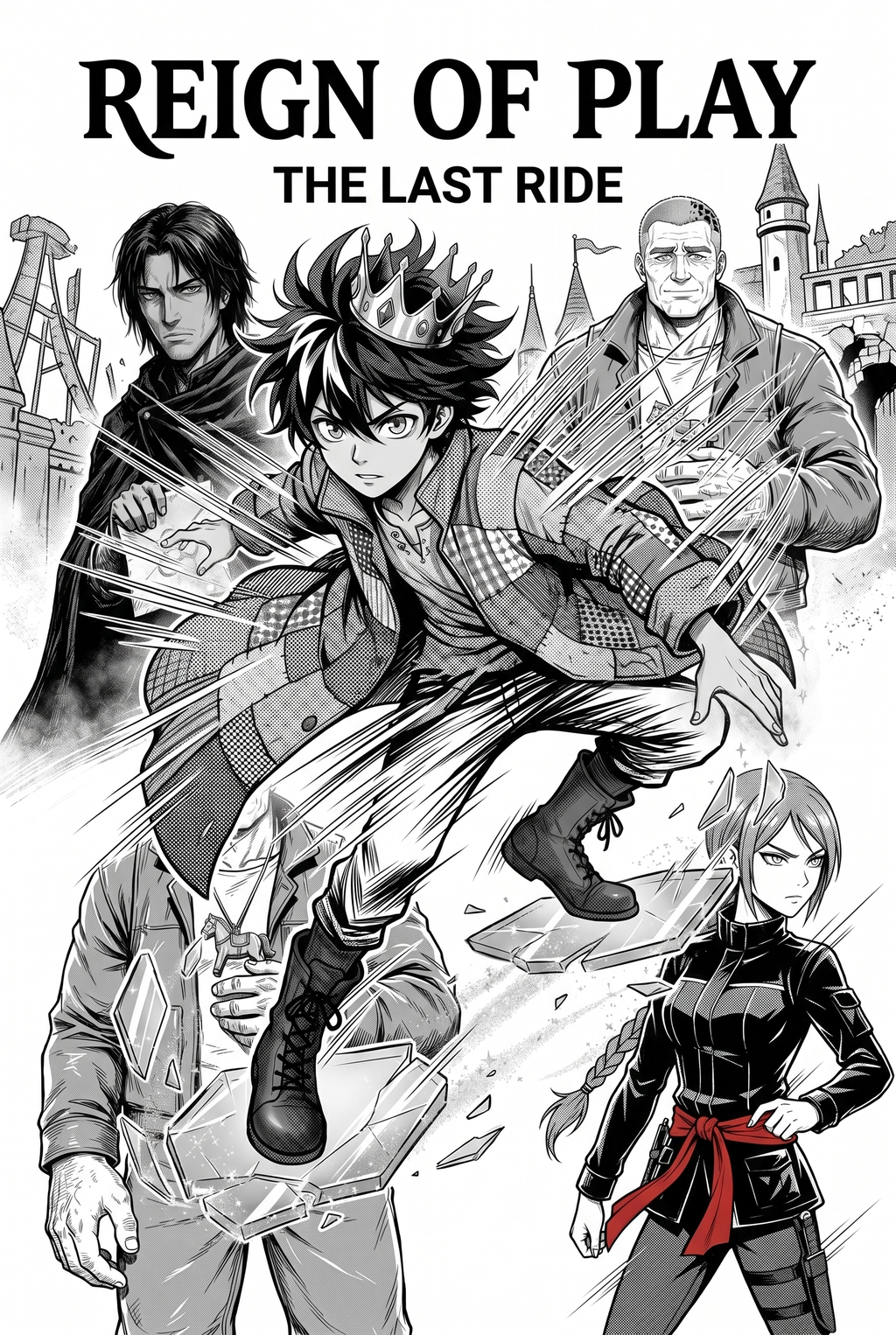
AI Manga Style Transfer: Why AI Manga Style Transfer Workflows Slow Down Isekai Creators
Reader expectations should shape how creators review pacing, expression, and genre clarity after generation. MyAnimeList manga news keeps that audience context visible, so Isekai pages should be judged by whether readers can follow the action, character role, and visual rhythm.
The Anime News Network feature on how manga is made describes manga as staged work from rough draft to finished page. That production context matters for Isekai creators because AI assistance is useful only when the sketch, inking pass, and final page review stay connected.
AI Manga Style Transfer for Isekai manga helps creators choose the right Mangaka workflow for cleaner pages, steadier style, and review-ready output. The comparison starts with production speed, manual control, line quality, and export readiness because those factors shape whether a page can move into final review. You feel the pressure to maintain a high output rate because the Isekai genre thrives on serialized storytelling. When your production cycle hinges on manual coloring and rendering for every single panel, your creative momentum stalls.
Creative Brief and Generation Quality
The demand for high-quality, full-color pages in serialized Isekai is immense. If your goal is a weekly or bi-weekly release schedule, the labor-intensive nature of traditional coloring often forces creators to sacrifice detail. When you rely on manual processes, the "page goal" becomes an enemy of your artistic growth, as you are constantly trading off character expression for timely completion.
Where Style Consistency Breaks
Style consistency is the soul of an Isekai series, especially when you are depicting exotic monsters, magical spells, and varied environments. When your coloring style drifts from one page to the next, it shatters the reader's immersion. This break often occurs when you spend hours on one focal panel, only to rush the background panels, leading to an obvious and jarring aesthetic disconnect.
Workflow Bottleneck 1: Character Consistency Between Panels
Maintaining the likeness of your protagonist across different angles, expressions, and lighting scenarios is the single most common frustration in digital manga production. If your main character’s hair, armor, or facial features look different in the tavern than they do on the battlefield, the internal logic of your story suffers.
Prioritize Creative Risks by Reader Impact
Most artists spend hours meticulously referencing character sheets to ensure that every accessory remains in place. This "manual tracking" is prone to human error, particularly when the creative process gets interrupted by the need for speed. For this criterion, check character consistency, panel readability, line quality, and export readiness before publishing. Creators should also record why the page passed review, which panel details still need manual cleanup, and which export format the next collaborator will use. That makes the subsection useful instead of leaving a short checklist under a large heading.
Preserve Style Consistency Across Panels
Mangaka solves this by anchoring your stylistic parameters to your initial character sketches. By treating your rough sketch as a rigid structural foundation, the tool preserves the proportional integrity of your characters. You no longer have to worry about subtle shifts in design; the tool ensures that the DNA" of your character carries over perfectly, even as the action intensifies.
Workflow Bottleneck 2: Full Color Manga Style Drift
In full-color manga, lighting, shadow, and palette saturation play a critical role in setting the mood of a scene. Whether your Isekai is set in a vibrant kingdom or a dark, corrupted dungeon, the colors define the tone.
Refine Output Before Export Review
Traditional digital tools often result in color drift because they rely on manual sampling or static presets. If your lighting source changes, you have to manually adjust every layer of shading.
Generation Review and Export
Mangaka ensures color harmony by applying consistent rendering logic across all panels within a project. By defining your color palette once, you ensure that the magical blue of a protagonist's spell remains consistent, whether they are casting it at high noon or in the middle of a moonless night. This prevents the "patchwork" look that often happens when coloring individual panels in isolation at AI Manga Style Transfer for Isekai manga with Mangaka .
Workflow Bottleneck 3: Panel Pacing for Isekai Storytelling
Mangaka features matter when they remove friction from the actual revision path. If the pain point is rough sketches, line-weight drift, unclear panels, or export cleanup, clean line-art output should make those review points easier to judge before publishing. Isekai stories require a mix of slow, character-building moments and high-octane action sequences.
Your panels must guide the reader's eye seamlessly, but formatting and rendering these disparate types of panels manually can be a logistical nightmare. * Action sequences: These require sharp, dynamic lines and high-contrast colors to convey movement. * Dialogue heavy panels: These need softer rendering to keep the focus on expressions rather than background clutter.
- Environmental vistas: These require architectural detail that often takes longer to render than the characters themselves.
Workflow Bottleneck 4: Dialogue Placement and Export Review
Hands-on drawing control still matters after an AI first pass because creators may need to adjust line weight, cleanup, and export settings. The Wacom comic and manga creation guide anchors that review in practical art production rather than broad AI-image claims.
How Mangaka Improves AI Manga Style Transfer for Isekai in Full Color Manga the Tool Allows You to Skip the Tedious Rendering Phase While Staying in Total Control of the Narrative Direction.
Mangaka Features and Export Review
Mangaka is designed for the high-volume creator. Because it handles the heavy lifting of color application and light rendering, you can focus on the sketch stage—the part where your storytelling decisions are actually made. It effectively turns your rough, gestural sketches into professional-grade pages in a fraction of the time.
Quality Checks Before Export
Mangaka provides a clear view of your page layout. You can instantly compare your draft against the rendered output, checking for panel flow and visual balance.. Release cadence belongs in the production context for manga tools. ** The useful product question is whether pages stay readable when schedule pressure rises. Export quality depends on whether the creator can still adjust cleanup, line weight, and handoff settings after AI assistance. Ties that point to drawing practice instead of broad AI-image claims.
The Bottom Line
A useful creator workflow keeps the story goal, visual style, and review step clear before export. AI Manga Style Transfer gives creators a faster first pass without removing the final human review. Creators can use each revision decision to clarify panel readability, character consistency, and export quality before publishing or sharing. Start creating with AI Manga Style Transfer for Isekai manga when you are ready to turn the reviewed idea into finished manga pages. Test it with one real page goal, one reference boundary, and one export requirement so the decision stays tied to production quality.


Discussion