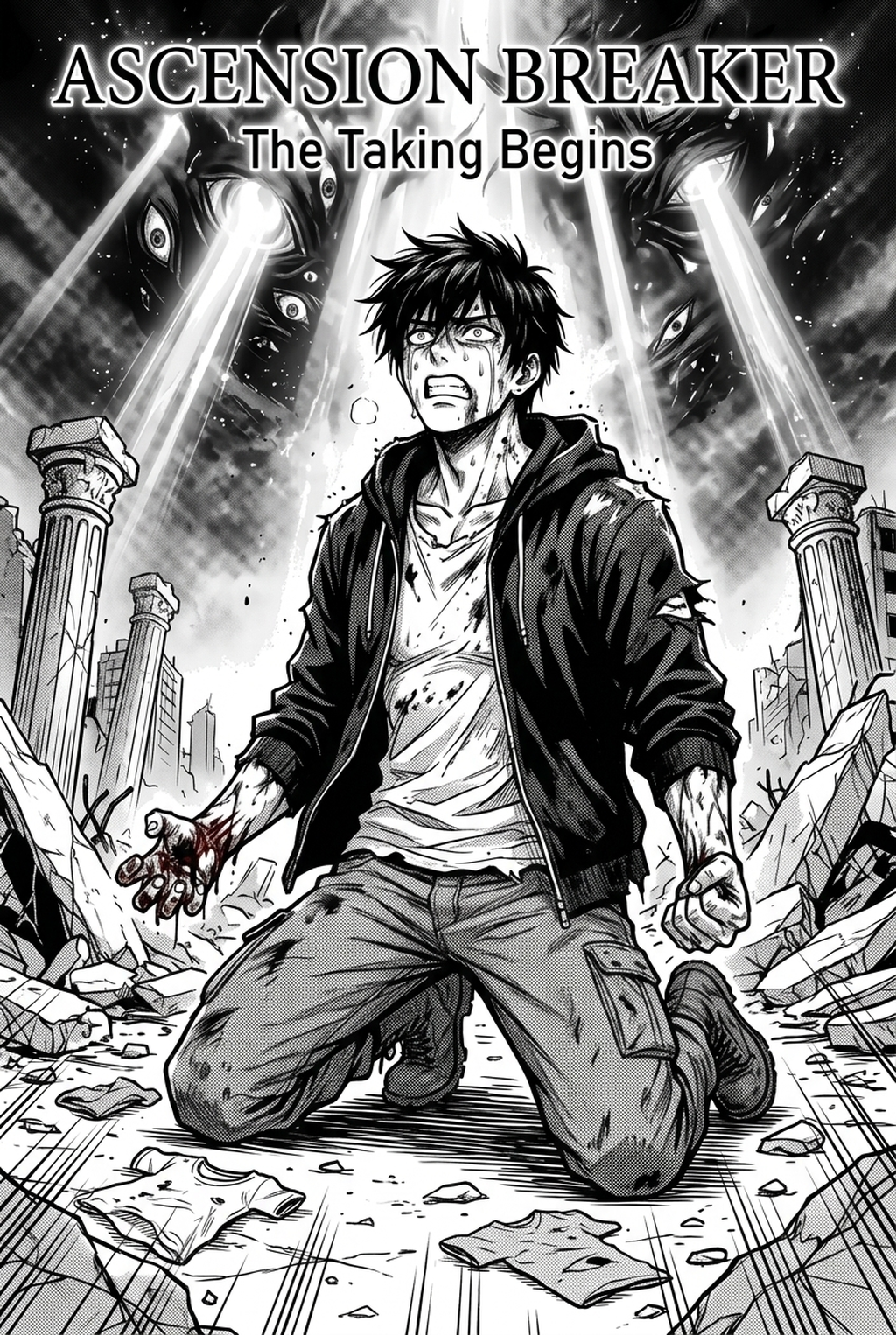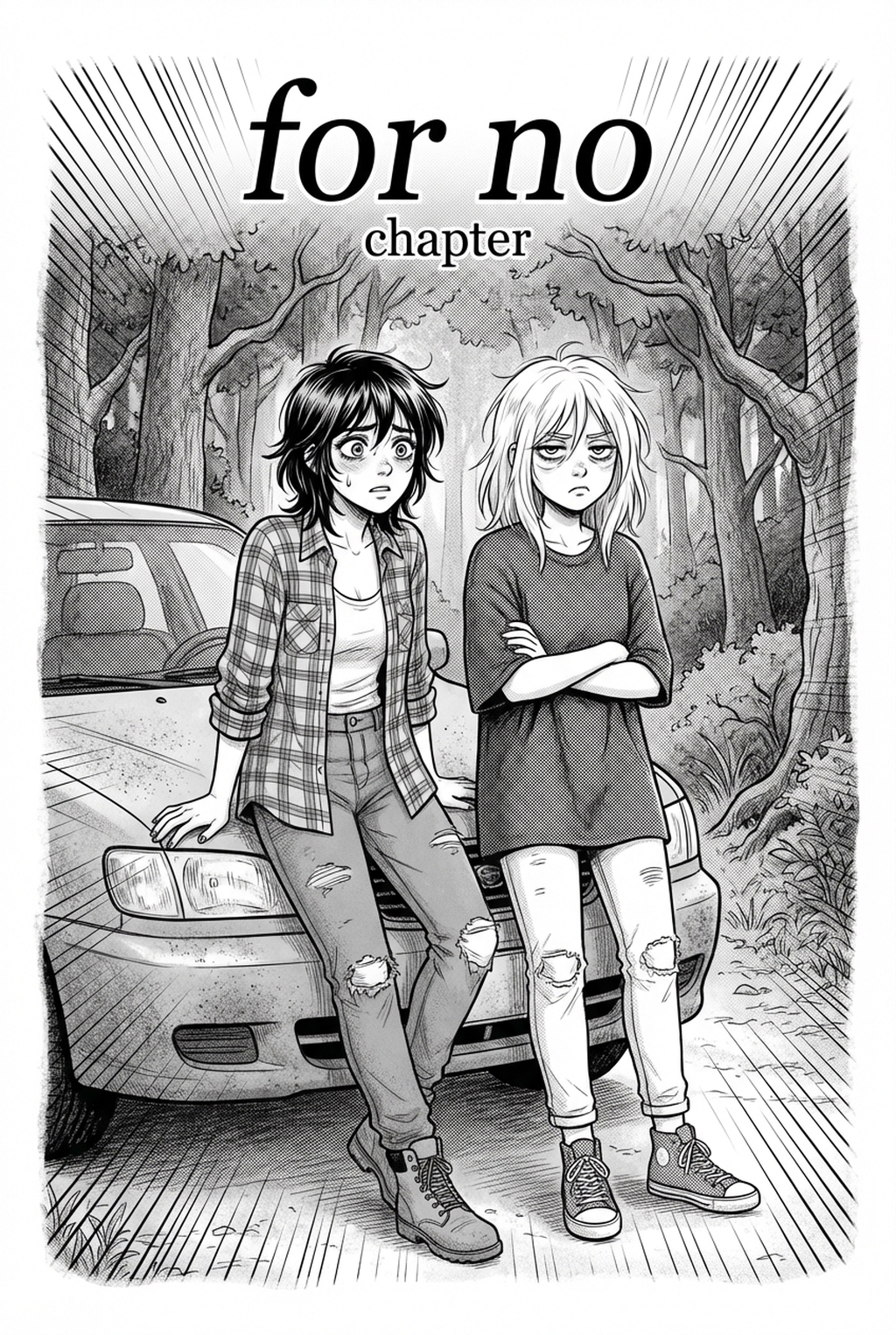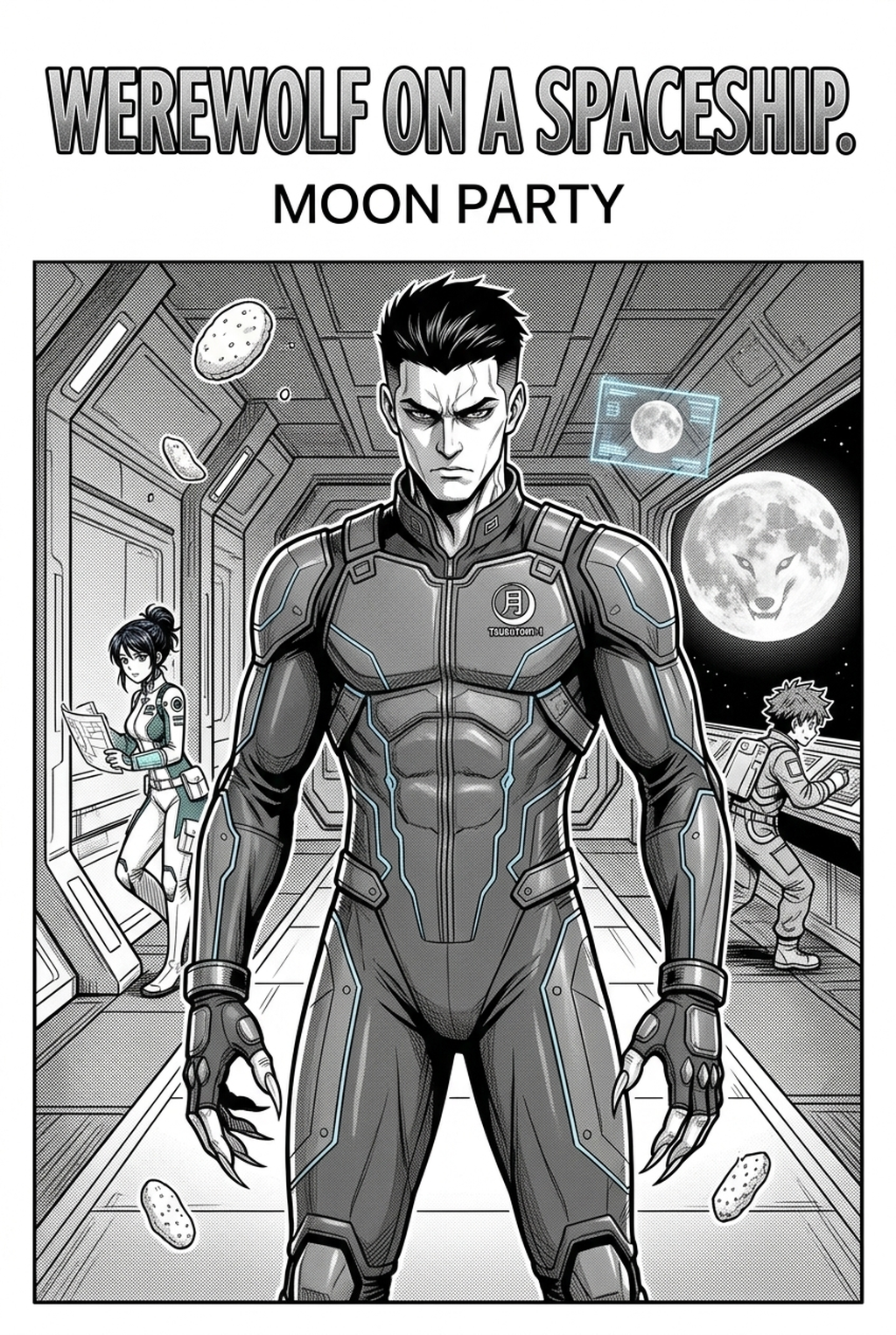
AI Manga Style Transfer: What Pro-Quality" Means for AI Manga Style Transfer in Full Color Manga
AI Manga Style Transfer for Isekai manga helps creators choose the right Mangaka workflow for cleaner pages, steadier style, and review-ready output. The comparison starts with production speed, manual control, line quality, and export readiness because those factors shape whether a page can move into final review.
When you set out to define the "look" of your Isekai world, your standards for quality dictate how effectively you can translate your vision. In full-color manga, professional output is defined by how well the color palette complements the line art without obscuring the structural integrity of your characters.
Prioritize Creative Risks by Reader Impact
To ensure your work meets the industry standard, focus on these essential metrics:
- Color Harmony: Your color palette must remain consistent across different environments, whether your protagonist is in a high-fantasy forest or a sterile royal throne room. * Structural Fidelity: The AI should respect the anatomy and costume design of your original sketches, avoiding "hallucinated" details that break continuity. * Line Weight Integrity: The transition to a rendered style shouldn't wash out your purposeful line weight, which is critical for defining depth and focus within a panel.
Export Checks Before Publishing
Before You Commit to a Final Render. You must verify that your technical output meets publication standards. Check for artifacts like pixelation, muddy color gradients, or "ghosting" effects—common issues when style transfer is applied too aggressively. Professional work is characterized by clean edges and a color density that prints well in both physical and digital formats, mirroring the production values discussed in industry guides on manga production .
Common Quality Pitfalls
Creators often find that the most significant obstacles to a high-quality series occur during the conversion from rough layout to final render. If you rely on automated tools without oversight, you risk losing the nuance that makes your manga unique.
Line Art and Panel Readability
The greatest risk in style transfer is losing the clarity of your panels. If the AI model is too heavy-handed with texture, your character’s expressions and action lines will become muddled. This is where AI Manga Style Transfer for Isekai manga with Mangaka differentiates itself; by prioritizing the preservation of your original sketch lines, it ensures that your core storytelling beats remain the focal point, preventing the "noisy" look that often plagues low-effort AI art.
Revision Time and Export Risk
You might be tempted to use generic image generators, but these tools often require hours of manual "inpainting" to fix character inconsistencies. When an AI tool lacks a dedicated manga-first approach, you end up spending more time correcting artifacts than you would have spent drawing the page from scratch. High-risk export issues include inconsistent eye color or shifting costume details, which can pull your reader out of the story entirely.
How Mangaka Maintains Consistency in Isekai
Your workflow needs to be as efficient as your imagination is expansive. For long-form Isekai, where characters undergo multiple costume changes or power-up sequences, consistency is the primary measure of success. This keeps the review focused on story intent, line weight, panel readability, and the export quality behind the final AI Manga Style Transfer output.
Workflow Fit for Creator Output
Mangaka is built to bridge the gap between your initial creative intent and the final colored product. By allowing you to feed your sketches into a refined style engine, it keeps your character designs stable throughout the story. Instead of treating every panel as a new request, the tool treats your project as a cohesive visual document, helping to avoid the common pitfall of characters appearing slightly different from page to page.
Review Controls Before Export
You need the ability to tweak and toggle specific elements. The review process within the platform is designed to give you final say on the "flavor" of the render. If a specific panel needs a darker tone for a dramatic scene, or a more vibrant palette for a town sequence, you can adjust the influence of the style transfer, ensuring that your creative vision remains in control of the final output.
Best Practices to Improve Output
Achieving a truly professional look requires more than just picking a tool; it requires a disciplined approach to how you structure your digital workspace. Creators can use each revision decision to clarify panel readability, character consistency, and export quality before publishing or sharing.
Creative Decisions and Export Quality
- Layer Separation: Always keep your base sketches on a separate layer before applying style transfers to allow for easier manual corrections. * Contrast Balancing: Use the "levels" or "curves" adjustment tool after the style transfer to ensure your highlights and shadows are crisp. * Resolution Strategy: Always work at a higher DPI than your final target to ensure the AI has enough data to work with during the rendering process.
Workflow Fit and Review Needs
| Check Point | Why It Matters |
|---|---|
| Character Consistency | Prevents reader confusion during character arcs. |
| Speech Bubble Clarity | Ensures text remains readable over complex backgrounds. |
| Print-Ready CMYK | Avoids color shifting when converting to physical media. |
Export quality depends on whether the creator can still adjust cleanup, line weight, and handoff settings after AI assistance. Wacom comic and manga creation guidance ties that point to drawing practice instead of broad AI-image claims. Setup Readiness. Creators should define the scene goal, character references, page count, reading direction, and target Full color manga.
That gives AI Manga Style Transfer enough context to support the story instead of producing disconnected panels. Creators should check line weight, facial expression, pose clarity, panel order, and space for dialogue before export. Those checks matter more for Isekai pages because action beats and emotional pauses need to read quickly.
- Production context. Anime News Network's manga production feature describes manga as staged work from rough draft to finished page. Use it to judge whether AI inking helps cleanup without weakening review.
- Reader expectations. MyAnimeList manga news keeps genre expectations visible for readers who scan action, character acting, and page rhythm quickly. Shonen inking should preserve panel clarity, not just cleaner lines.
- Drawing practice. Wacom's comic and manga creation guide ties tool choice to brush control, cleanup effort, and export readiness. That keeps review grounded in creator workflow.
The Bottom Line
A useful creator workflow keeps the story goal, visual style, and review step clear before export. AI Manga Style Transfer gives creators a faster first pass without removing the final human review. That extra context helps the reader connect the creative choice to character consistency, composition, speech-bubble space, and final file format.
Start creating with AI Manga Style Transfer for Isekai manga when you are ready to turn the reviewed idea into finished manga pages. Test it with one real page goal, one reference boundary, and one export requirement so the decision stays tied to production quality.