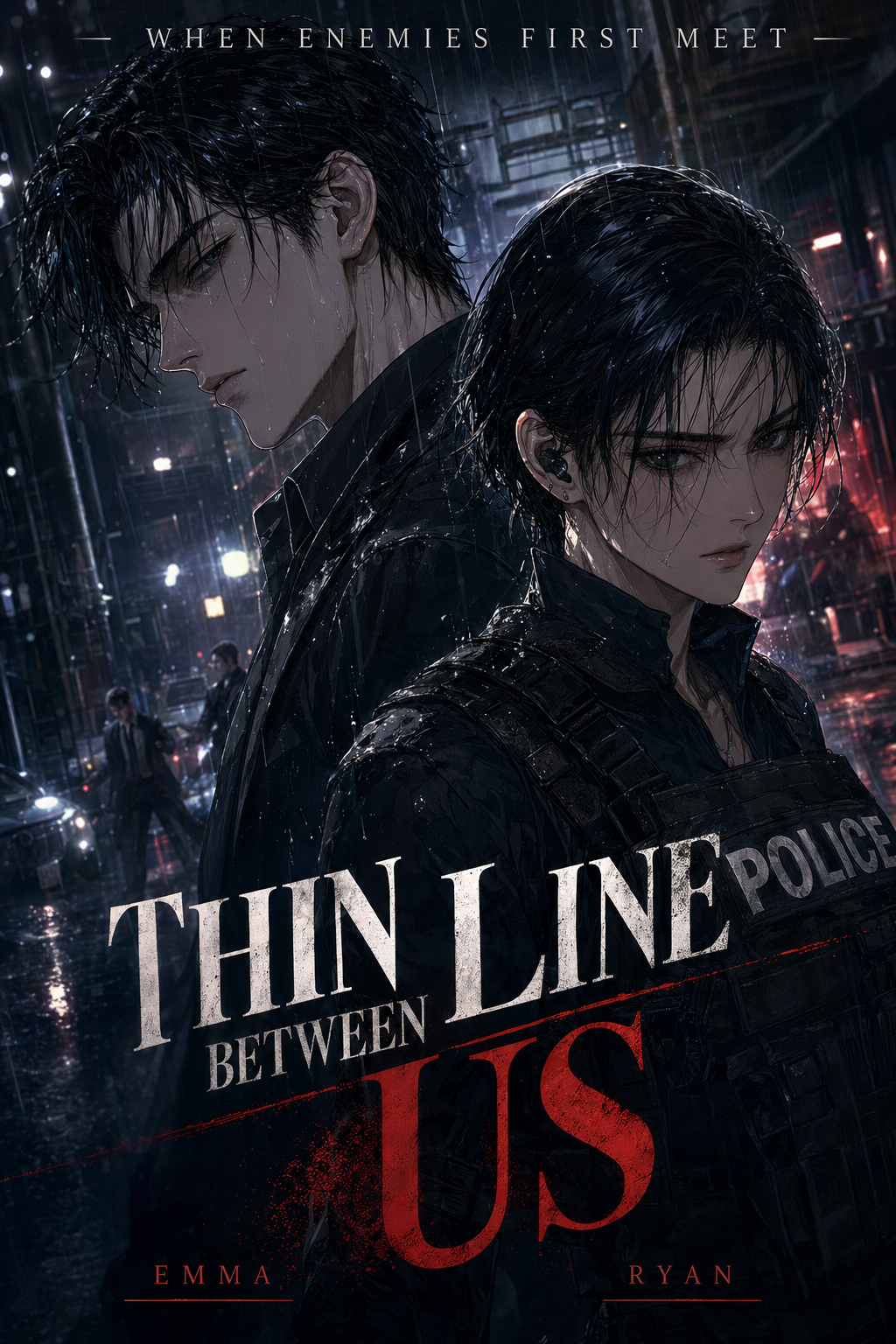
What Is AI Manga Style Transfer for Seinen Manga?
AI manga style transfer is a specialized process where machine learning models analyze your rough composition and re-render it using the technical hallmarks of professional Seinen art. By focusing on variables like ink density, halftone patterns, and character solidity, these tools allow you to bridge the gap between initial ideation and final, reader-ready artwork.
- Line Weight Modulation: The AI automatically interprets your sketches to apply the varied, confident line weights typical of mature titles, emphasizing depth and perspective. * Gritty Texture Rendering: Dedicated models for Seinen prioritize noise, grain, and high-contrast shading, moving away from the clean, pop-art style of traditional Shonen. * Anatomical Preservation: Advanced models recognize skeletal structures and muscle groups, ensuring that your poses retain their intended weight during the style application process.
| Feature | Manual Inking | Standard Filter Apps | Mangaka App |
|---|---|---|---|
| B&W Consistency | High (Human) | Low | High |
| Production Speed | Very Slow | Instant | Fast |
| Seinen Aesthetic | Native | Poor | Optimized |
Why AI Manga Style Transfer Matters for Seinen in 2026
A useful manga workflow ties setup, review responsibility, and export conditions to the page a creator needs to finish. That keeps the decision focused on sketch cleanup, character intent, panel readability, and the publishing handoff. You face an uphill battle when aiming for the Seinen look," as the genre relies heavily on complex environmental storytelling and cinematic lighting that takes hours to ink manually.
By using AI Manga Style Transfer for Seinen manga with Mangaka to handle the foundational heavy lifting, you reclaim the time needed for storyboarding and character beats. The goal is not to replace your creative vision, but to offload the repetitive, time-consuming technical rendering of shading and hatching, allowing you to iterate on panel flow and narrative impact much faster than traditional methods allowed.
How AI Manga Style Transfer Works for Seinen in Soft B&W Panels
Your workflow transforms when you move from manual "pen-to-paper" emulation to a hybrid model that uses AI as an extension of your own hand. The process relies on maintaining a clean structural sketch as your primary input, which the AI then uses as a structural guide to map out the sophisticated B&W rendering.
- Drafting the Composition: You start with a clear, digitized sketch. Focus on perspective and lighting cues, as these are the primary drivers for how the final panels will look. * Style Processing: The tool analyzes your sketch’s lines and shapes, mapping them against a high-fidelity Seinen style dataset to generate clean, professional ink lines and shading. * Manual Touch-ups: No AI tool captures 100% of a creator's nuance. You perform final checks on facial expressions and specific shadows, ensuring the output meets your project’s specific aesthetic standards.
When working with Seinen, consistency is vital because the genre depends on grounded, realistic environmental details. To maintain visual coherence, ensure your initial sketches utilize consistent line weights throughout a single chapter. This provides the AI with a stable baseline to interpret and apply its texture overlays, resulting in a cohesive visual tone across your entire volume .
Use Cases for AI Manga Style Transfer
Use cases are strongest when the story goal, genre expectation, visual risk, and final export format are clear. A useful example names the page detail a creator checks before the page moves into lettering, coloring, or publishing. Seinen creators often struggle with the "middle of the road" production stage where the concept is clear, but the rendering is incomplete. These tools serve as a bridge to get your pages to a finish line that feels commercially viable.
- Complex Architectural Backgrounds: Instead of spending hours cross-hatching a cityscape, you can generate the baseline ink work and focus your energy on character interaction. * Atmospheric Lighting: Creating soft, moody shadows for night scenes or dramatic indoor sequences becomes a one-click process, letting you set the tone without tedious stippling. * Prototyping Panel Layouts: Rapidly testing how a complex action scene looks when fully rendered can help you decide which pages need more detailed attention and which should remain minimalist.
Step-By-Step Guide to Start with Mangaka
Start by preparing the creative brief, reference notes, character constraints, and export target before generation. The setup matters because a clearer brief gives the review pass something specific to judge: silhouette, expression, panel readability, and file readiness. Getting your pages to look like professional print-ready manga is a straightforward process when you utilize the right platform.
- Sign Up: Create your account to access the generation dashboard where your style presets are saved. * Upload/Paste: Drop your rough sketch into the interface. Ensure the file has enough contrast for the engine to read your line work correctly. * Generate/Download: Click to render your sketch into a high-quality B&W panel, then download the file for any final text or dialogue placement.
Export quality depends on whether the creator can still adjust cleanup, line weight, and handoff settings after AI assistance. Wacom comic and manga creation guidance ties that point to drawing practice instead of broad AI-image claims.
- Setup Readiness. Creators should define the scene goal, character references, page count, reading direction, and target Soft B&W panels. That gives AI Manga Style Transfer enough context to support the story instead of producing disconnected panels.
- For Visual Quality. Creators should check line weight, facial expression, pose clarity, panel order, and space for dialogue before export. Those checks matter more for Seinen pages because action beats and emotional pauses need to read quickly.
- For Comparison. A useful tool should save time without flattening the creator's style. The best choice keeps the first pass editable, makes revisions visible, and leaves final judgment with the artist. This keeps the review focused on story intent, line weight, panel readability, and the export quality behind the final AI Manga Style Transfer output.
- Production context. Anime News Network's manga production feature describes manga as staged work from rough draft to finished page. Use it to judge whether AI inking helps cleanup without weakening review.
- Reader expectations. MyAnimeList manga news keeps genre expectations visible for readers who scan action, character acting, and page rhythm quickly. Shonen inking should preserve panel clarity, not just cleaner lines.
- Drawing practice. Wacom's comic and manga creation guide ties tool choice to brush control, cleanup effort, and export readiness. That keeps review grounded in creator workflow.
The Bottom Line
A useful creator workflow keeps the story goal, visual style, and review step clear before export. AI Manga Style Transfer gives creators a faster first pass without removing the final human review. Creators can use each revision decision to clarify panel readability, character consistency, and export quality before publishing or sharing.
Start creating with AI Manga Style Transfer for Seinen manga when you are ready to turn the reviewed idea into finished manga pages. Test it with one real page goal, one reference boundary, and one export requirement so the decision stays tied to production quality.




