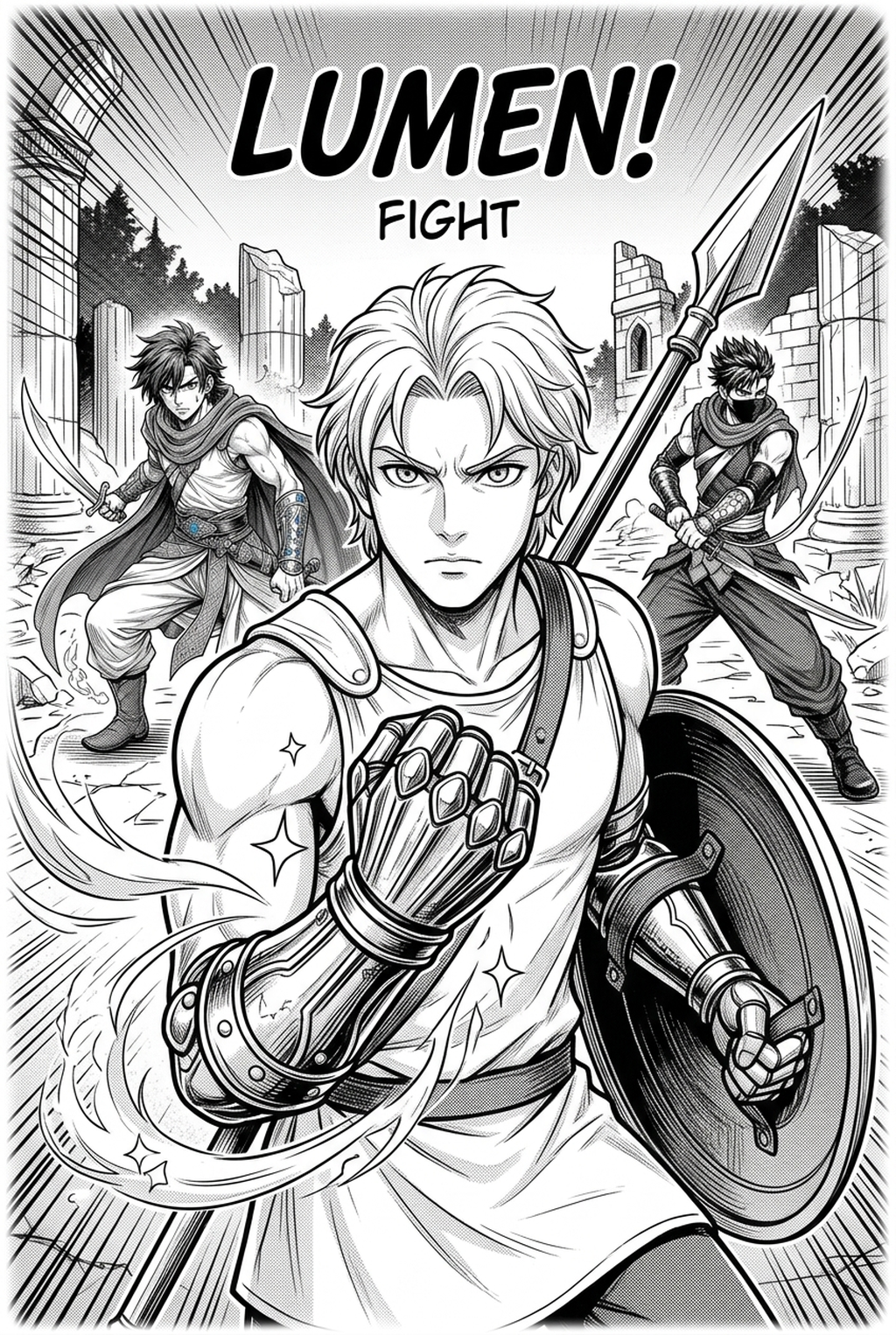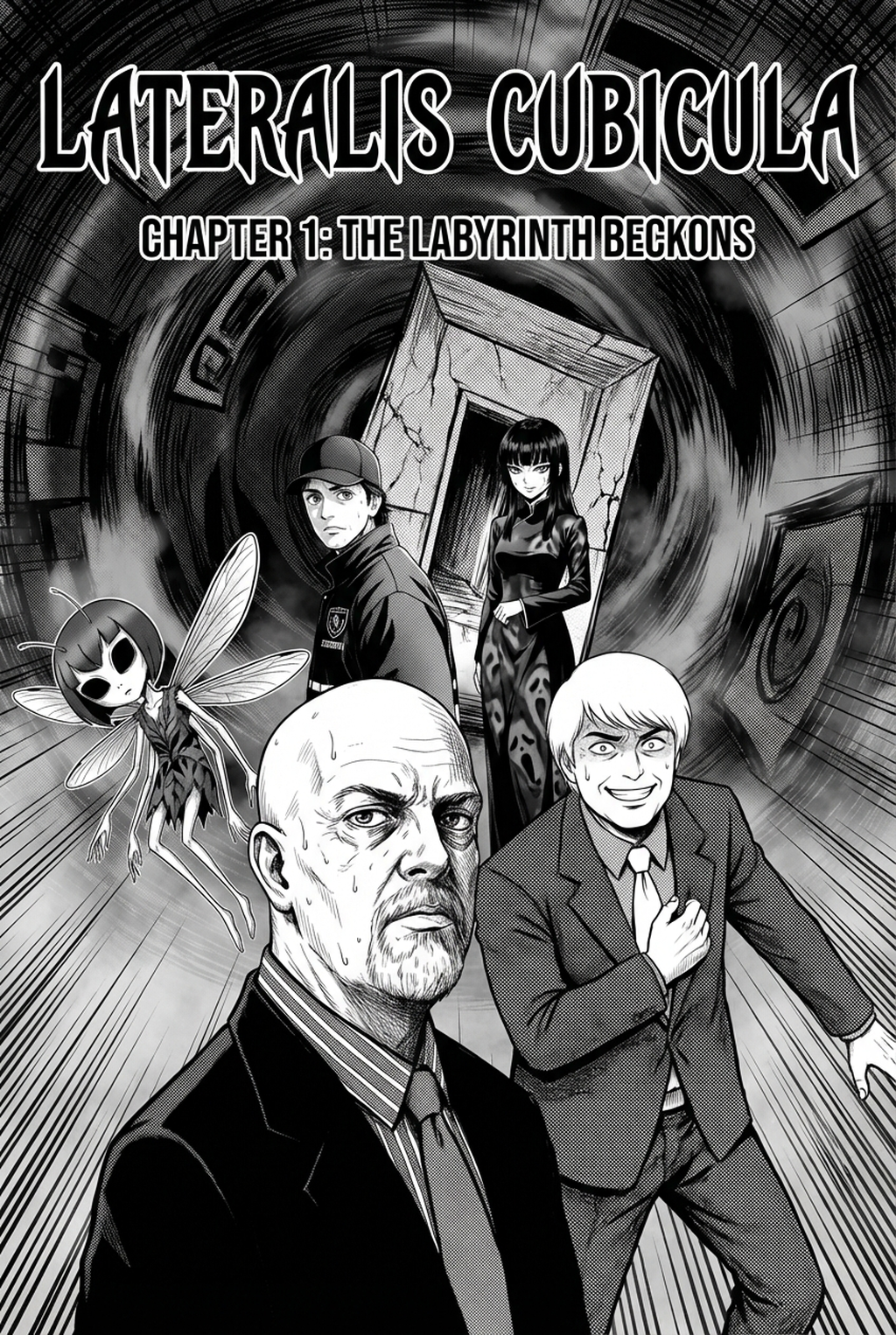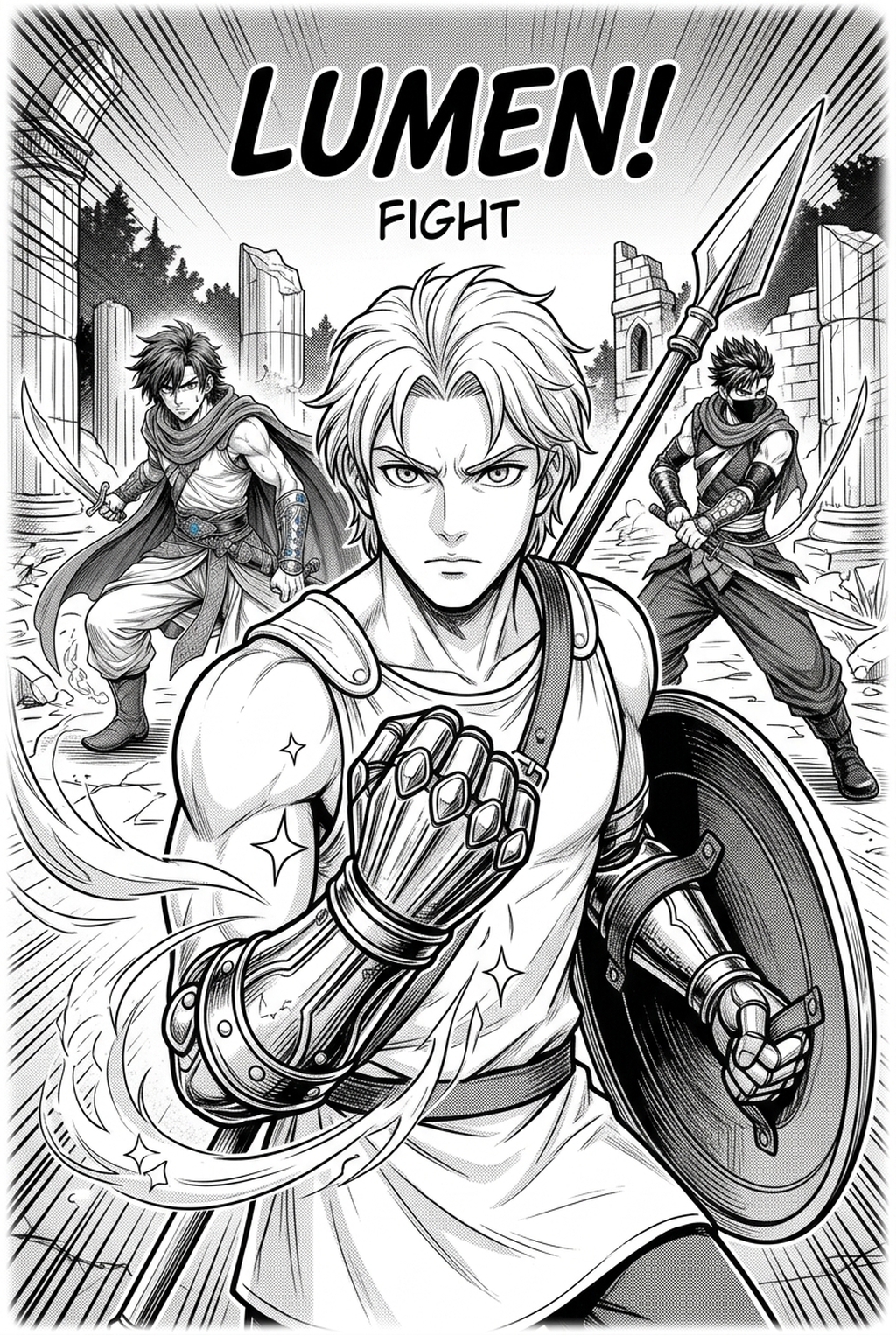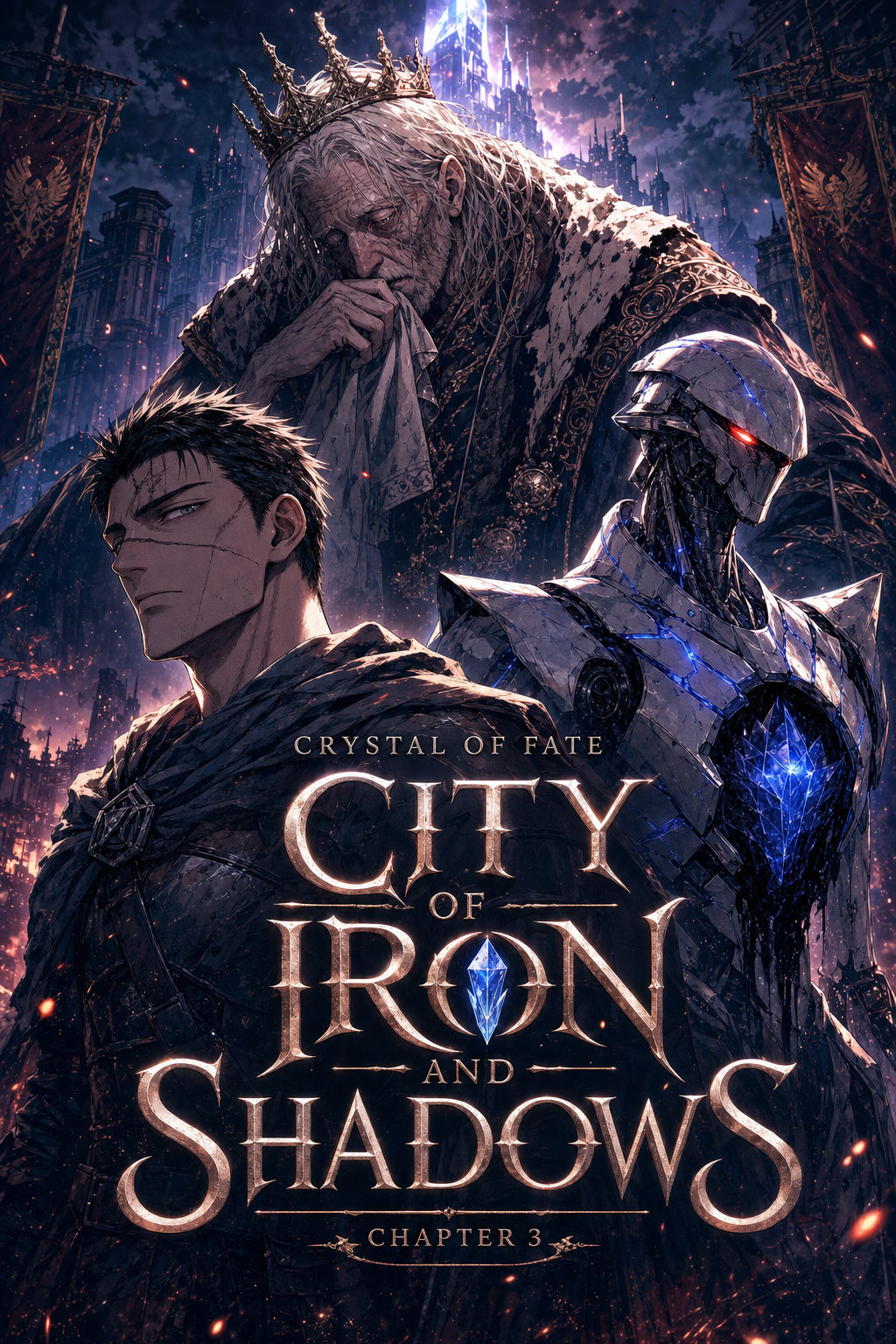
What Is AI Manga Style Transfer for Shonen Manga?
The Anime News Network feature on how manga is made describes manga as staged work from rough draft to finished page. That production context matters for Shonen creators because AI assistance is useful only when the sketch, inking pass, and final page review stay connected.
Instead of building an image from scratch, this technology interprets your composition, perspective, and character positioning to apply a professional art finish that mimics traditional hand-drawn techniques. * Dynamic Line Weight Control: The system recognizes the difference between thin, fine lines for backgrounds and thick, authoritative strokes for character outlines. * Automated Color Grading: It interprets your emotional cues to apply dynamic lighting, turning flat sketches into vibrant, action-ready color panels. * Artistic Fidelity: The engine prioritizes the integrity of your original sketch, ensuring that key character expressions and action poses remain recognizable throughout the transformation.
Why AI Manga Style Transfer Matters for Shonen in 2026
A useful manga workflow ties setup, review responsibility, and export conditions to the page a creator needs to finish. That keeps the decision focused on sketch cleanup, character intent, panel readability, and the publishing handoff. Creators today face a brutal reality: the speed of modern web-publishing requires consistent weekly updates that often outpace the limits of a solo artist’s physical endurance.
When you spend eighty percent of your time cleaning up lines or flatting colors, your narrative creativity suffers. AI style transfer shifts your role from a manual laborer to a director, allowing you to maintain a professional output cadence without sacrificing the punchy, high-impact aesthetic that Shonen fans demand. By automating the technical heavy lifting, you reclaim the hours needed to refine your storyboards and deepen your world-building.
How AI Manga Style Transfer Works for Shonen in Dynamic Color Panels
You begin by inputting your rough sketches—often referred to as thumbnails or layouts—into the system. The underlying engine analyzes your line placement and tonal values, mapping them against thousands of high-quality examples of dynamic, high-action manga panels. Once the mapping is established, the AI re-renders the image, filling in the gaps with consistent line work and professional-grade color palettes that pop off the screen.
Sketch Preparation: Start with a clear layout. Even if your linework is "messy," the AI performs best when the silhouettes and focal points of your action scenes are distinct. * Style Calibration: You define the parameters for line thickness and color intensity.
This ensures that every character, from a protagonist's signature outfit to a background monster, remains consistent across chapters. * Iterative Refinement: After the initial render, you can tweak specific panel elements. This iterative process is key to maintaining your unique artistic voice, ensuring the AI look" remains invisible to your readers.
Use Cases for AI Manga Style Transfer
Use cases are strongest when the story goal, genre expectation, visual risk, and final export format are clear. A useful example names the page detail a creator checks before the page moves into lettering, coloring, or publishing. Whether you are a solo artist or part of a small team, this technology serves as a massive force multiplier for specific production hurdles.
Accelerating Action Sequences: During high-intensity battles, movement lines and impact frames are notoriously time-consuming. You can sketch the chaotic motion and let the engine apply the crisp, high-impact finishes that define top-tier Shonen fight scenes.
Maintaining Character Continuity: When characters undergo transformations or wear complex gear, manual redrawing is prone to errors. AI can stabilize these designs, ensuring your character’s appearance remains identical from panel to panel.
Prototyping Color Palettes: Before finalizing a chapter, you can test different color moods—such as a "sunset duel" or a "shadowy infiltration"—in seconds. This helps you choose the most evocative visual tone for your storytelling. AI Manga Style Transfer for Shonen manga with Mangaka to see how it transforms your workflow.
Step-By-Step Guide to Start with Mangaka
Line Quality Through Revision. Workflow Fit for Creator Output.
Workflow Fit for Creator Output
Start by preparing the creative brief, reference notes, character constraints, and export target before generation. The setup matters because a clearer brief gives the review pass something specific to judge: silhouette, expression, panel readability, and file readiness. Mangaka is designed to integrate into your existing drawing habits rather than forcing you to learn an entirely new software suite.
Sign Up: Create your account on the Mangaka platform to save your style preferences and track your project history. 2. Upload or Paste: Upload your sketch or paste your digital drawing directly into the interface. The system accepts common formats used by apps like Clip Studio Paint or Procreate. 3. Generate and Download: Select your desired style profile, hit generate to apply the render, and download the finished, high-resolution panel to your local machine for final touch-ups.
Release cadence belongs in the production context for manga tools. For creators, the useful product question is whether pages stay readable when schedule pressure rises. Export quality depends on whether the creator can still adjust cleanup, line weight, and handoff settings after AI assistance. Wacom comic and manga creation guidance ties that point to drawing practice instead of broad AI-image claims.
Creators should define the scene goal, character references, page count, reading direction, and target Dynamic color panels. That gives AI Manga Style Transfer enough context to support the story instead of producing disconnected panels. For visual quality, creators should check line weight, facial expression, pose clarity, panel order, and space for dialogue before export.
Those checks matter more for Shonen pages because action beats and emotional pauses need to read quickly. For comparison, a useful tool should save time without flattening the creator's style. The best choice keeps the first pass editable, makes revisions visible, and leaves final judgment with the artist.
Review Controls Before Export
Creators can use each revision decision to clarify panel readability, character consistency, and export quality before publishing or sharing. For production, creators should keep a small reference sheet for recurring characters, outfits, props, and backgrounds. That makes it easier to compare generated pages and decide which panel needs a redraw. That extra context helps the reader connect the creative choice to character consistency, composition, speech-bubble space, and final file format.
Reader expectations. MyAnimeList manga news keeps genre expectations visible for readers who scan action, character acting, and page rhythm quickly. Shonen inking should preserve panel clarity, not just cleaner lines.
Drawing practice. Wacom's comic and manga creation guide ties tool choice to brush control, cleanup effort, and export readiness. That keeps review grounded in creator workflow.
Generate Explosive Shonen Battle Contrast and High-Velocity Inking with Mangaka.app
Battle shonen manga thrives on explosive line weight variations, aggressive speed-line hatching, and high-impact kinetic screentones. Mangaka.app provides the dedicated sequential production engine built specifically for shonen manga and comic creators:
Dynamic G-Pen Pressure Emulation: Replicate razor-sharp nib attacks and punchy tapering that accentuate raw kinetic force and martial impacts.
Directional Kinetic Hatching & Impact Bursts: Automatically align radial speed hatching with action focal points for maximum page tension.
High-Contrast Monochrome Ink Weight: Balance solid black fills with sharp negative space to produce classic Shonen Jump-style page presence.
Multi-Page Combat Sequence Consistency: Maintain uniform line texture, grit levels, and character silhouettes across fast-paced brawl spreads.
Unleash Iconic Shonen Battle Manga Energy with Mangaka.app
High-octane battle shonen hinges on raw linework punch, dramatic contrast, and instantly recognizable silhouette designs. Mangaka.app bridges raw rough sketches and studio-grade shonen line art.
- High-Contrast G-Pen Linework: Emulate authentic nib pressure, varied line weights, and heavy feathering for climactic blows.
- Screentone Energy Bursts: Overlay radiated focus lines, stippled aura flares, and explosive combat bursts in one click.
- Iconic Character Silhouette Anchors: Standardize spiky hair geometry, battle damage tears, and signature weapon silhouettes.
- 600 DPI Tankobon Print Binary Export: Preserve immaculate line sharpness with zero anti-aliasing fuzz for commercial publishing.
For mangaka and creative teams looking to streamline chapter production without sacrificing signature style, Mangaka.app provides industry-leading AI tools for storyboarding, character model sheet locking, clean line inking, and expressive multi-panel layouts.
The Bottom Line
A useful creator workflow keeps the story goal, visual style, and review step clear before export. AI Manga Style Transfer gives creators a faster first pass without removing the final human review. ) when you are ready to turn the reviewed idea into finished manga pages. Test it with one real page goal, one reference boundary, and one export requirement so the decision stays tied to production quality.