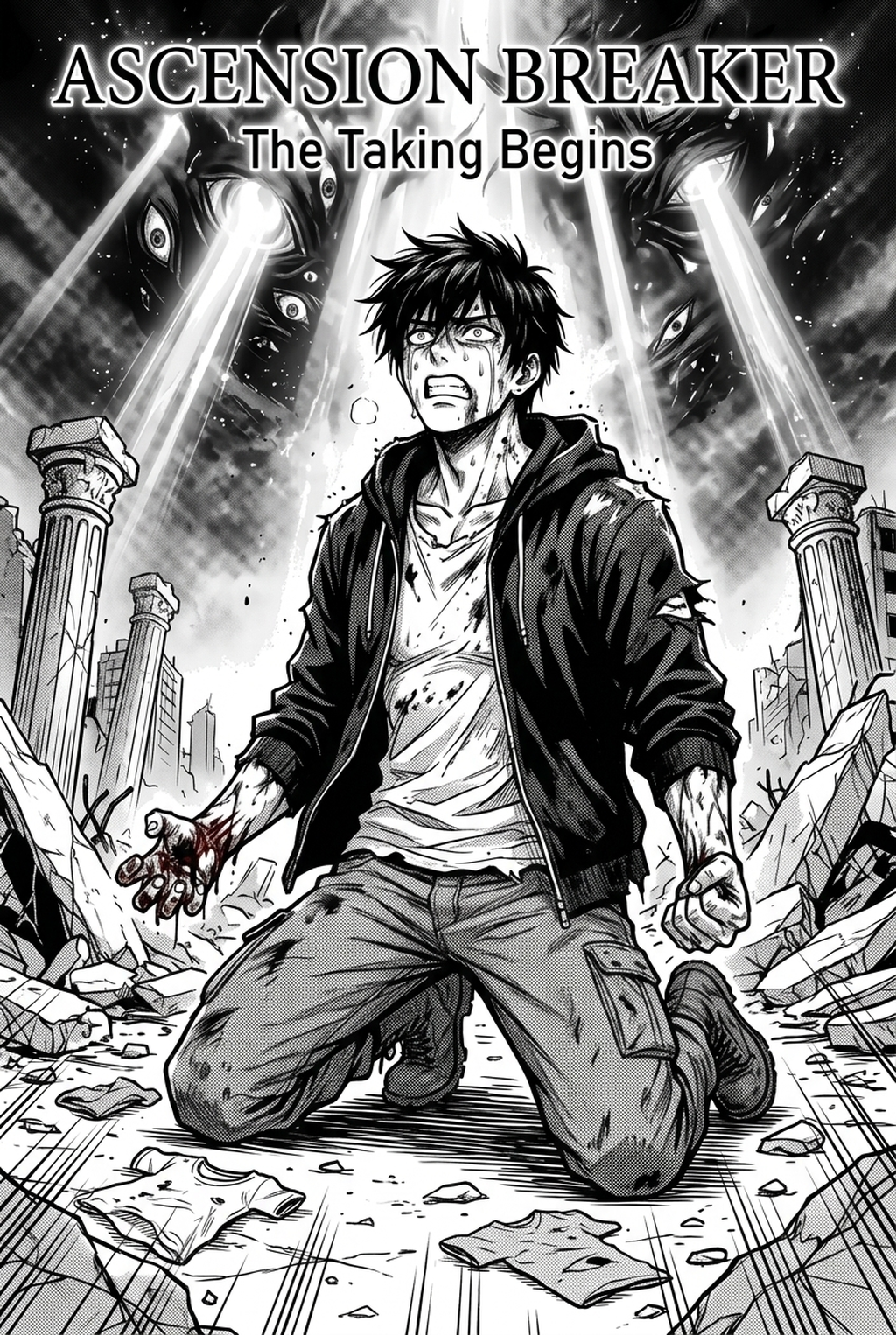
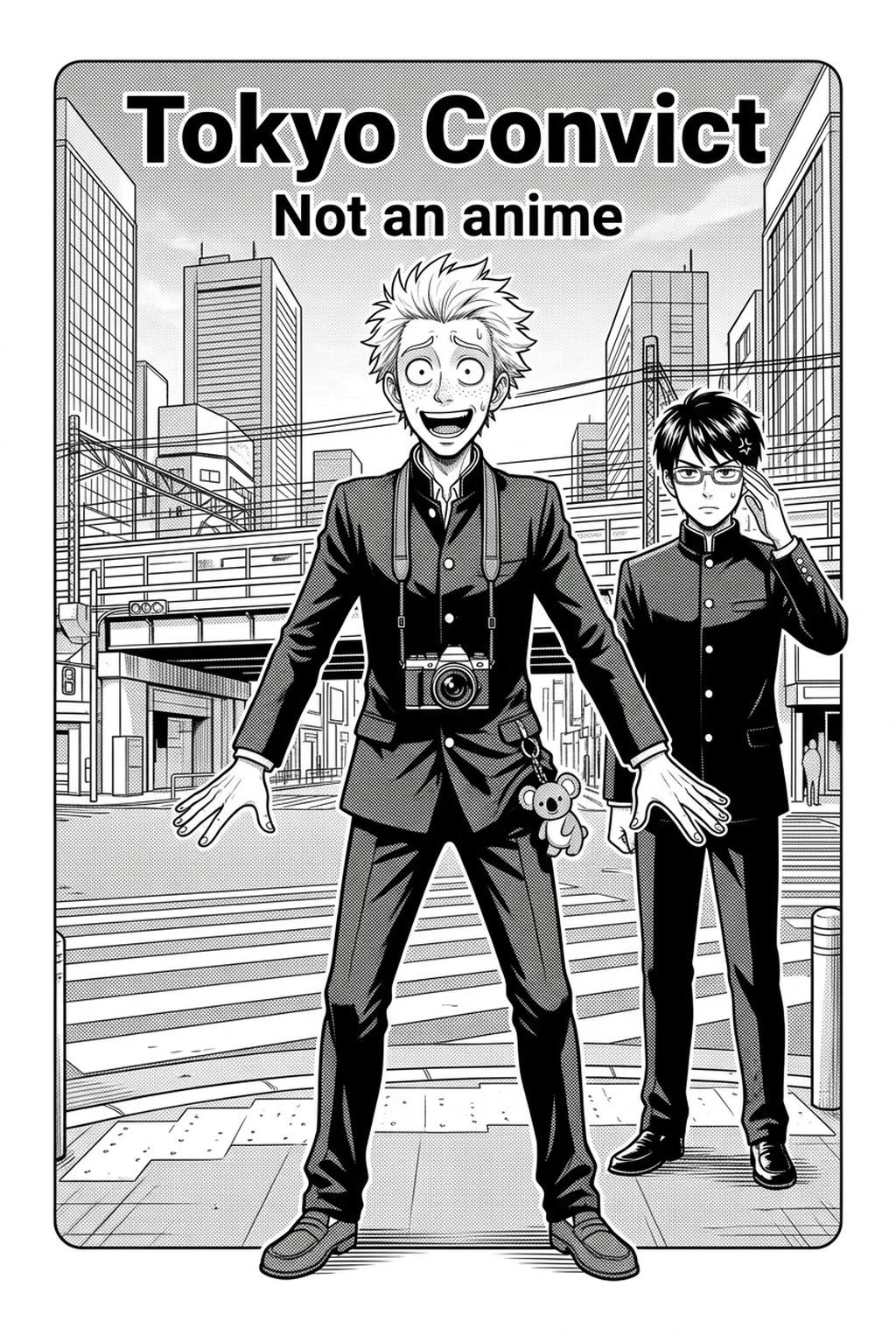
AI Manga Inker: Understanding the Mechanics of Professional Inking
Mangaka's AI engine directly processes your rough pencil sketches, converting variable line weights into clean, ready-to-publish digital art without flattening the original intent. By bypassing manual "tracing" and tedious vector clean-up, you recover significant time previously spent on repetitive technical hurdles.
- Line-Weight Fidelity: The algorithm analyzes your original pressure-sensitive input, ensuring that the final output maintains the authentic aesthetic of a hand-drawn nib or brush. * Artifact Correction: Automated systems scrub stray graphite marks and smudge artifacts that typically plague manual scan-to-digital workflows. * Intensity Calibration: You retain granular control over the final look, allowing for adjustments that align the line thickness with specific genre conventions, such as thick, high-contrast lines for heavy action scenes or delicate, subtle lines for emotional close-ups.
Why Optimized Line Art Matters for Indie Studios
Choosing a professional-grade inking workflow dictates your production volume and overall artistic consistency across a multi-volume series. Whether you are a solo artist managing a monthly release or an indie studio manager overseeing a team, standardized output saves critical time during the late-stage prep process.
| Feature Tier | Solo Creator | Indie Studio | Enterprise/Large |
|---|---|---|---|
| Monthly Pages | 20-50 | 100-200 | Unlimited |
| File Resolution | 600 DPI | 600-1200 DPI | 1200 DPI |
| Export Formats | PNG, PSD | PNG, PSD, TIFF | Batch Export |
| Commercial Use | Included | Included | Priority Support |
All tiers provide high-resolution output files that are fully compatible with industry-standard software such as Photoshop or Clip Studio Paint. Transparent pricing ensures you only pay for the specific page volume required to reach your publication milestones, removing the financial strain of unpredictable monthly subscriptions.
How the AI Engine Processes Your Pages
Our algorithm focuses on three core pillars: preserving line integrity, maintaining panel consistency, and preparing files for immediate submission. This approach avoids the "soulless" aesthetic often found in basic, filter-heavy applications by prioritizing the specific nuances of your original character design.
Creators often struggle with visual jarring when inking sessions are split over multiple days, leading to subtle changes in stroke style. Mangaka eliminates this by enforcing uniform line-weight standards across an entire chapter, ensuring that your characters retain their proportions and defining features from the first panel to the last.
Industry platforms require clean-background files that meet specific pixel density and transparency requirements. By generating industry-standard, clean-background files immediately, you bypass the manual prep-work required for submission to major aggregators or physical publishers. Check character consistency, panel readability, line quality, and export readiness before publishing. Creators should also record why the page passed review, which panel details still need manual cleanup, and which export format the next collaborator will use. That makes the subsection useful instead of leaving a short checklist under a large heading.
Consider a 20-page "one-shot" project currently sitting in your folder as 400 DPI raw pencil scans. You upload these to the system, and within 120 seconds, the engine returns high-contrast, 600 DPI line-art files with clean, transparent backgrounds.
Common Use Cases for Automated Inking
The technology is highly versatile, supporting both intricate character designs and complex architectural backgrounds. While the system specializes in line art, you can export your results into your preferred software to apply custom textures or gradient screentones post-processing.
- Custom Brush Synergy: You can import the cleaned files into your existing drawing software to apply specialized hatching or cross-hatching brushes that match your personal style. * Commercial Ownership: Every file generated by the system is fully owned by the creator, providing complete peace of mind for commercial projects, self-published doujinshi, or webcomic serials. * Architectural Precision: Messy backgrounds, such as cityscapes or cluttered rooms, are automatically sharpened, allowing you to achieve complex perspective layouts without risking character-proportion drift.
How to Get Started with Your Next Chapter
Stop spending 80% of your production time on manual line cleanup and let the tool handle the heavy lifting of your technical workflow. By offloading the mechanical aspects of inking, you allow yourself more energy to focus on panel pacing, character expression, and narrative impact.
Join thousands of creators who are already moving their production process into the future by visiting manga inking with Mangaka to test our automated inking features today. Seeing your rough pages transformed in seconds is the first step toward reclaiming your creative schedule.
- Before Export. Creators should compare the generated line art with the original sketch and confirm that facial expressions, props, speed lines, and speech-bubble space still support the scene. A repeatable review pass should cover character consistency, panel readability, background clarity, and whether the final file is ready for coloring, lettering, or editor feedback.
- For Longer Projects. Creators should save approved examples of line weight, face detail, clothing folds, and background density. Those references keep later chapters closer to the intended style. For collaboration, creators should mark which panels are final and which panels still need redraws. Clear status labels prevent an assistant, editor, or colorist from polishing the wrong version.
- For Publishing. Creators should review the page at the actual reading size before export. Small screens expose crowded dialogue, weak silhouettes, and line details that looked fine while zoomed in. This keeps the review focused on story intent, line weight, panel readability, and the export quality behind the final AI Manga Inker output.
- For Style Control. Creators should keep a short reference board beside the draft and compare hair shapes, eye details, costume folds, and texture choices before approving the final page. For revision planning, creators should separate art fixes from story fixes. Line cleanup, panel order, dialogue clarity, and character acting each need a different review question.
The Bottom Line
Automating your inking process is no longer an experimental luxury, but a necessity for meeting tight publishing schedules in an competitive market. By integrating the Mangaka inking tool into your workflow, you ensure consistent line art quality while significantly reducing your production time.
Related articles
Mastering the 4-Koma Strip Layout: A Complete Guide in 2026
Understanding the Ethereal Yoshitaka Amano Art Style in 2026
Defining the Yoshitaka Amano Art Style: A Creator's Guide