Understanding the AI Manga Inker
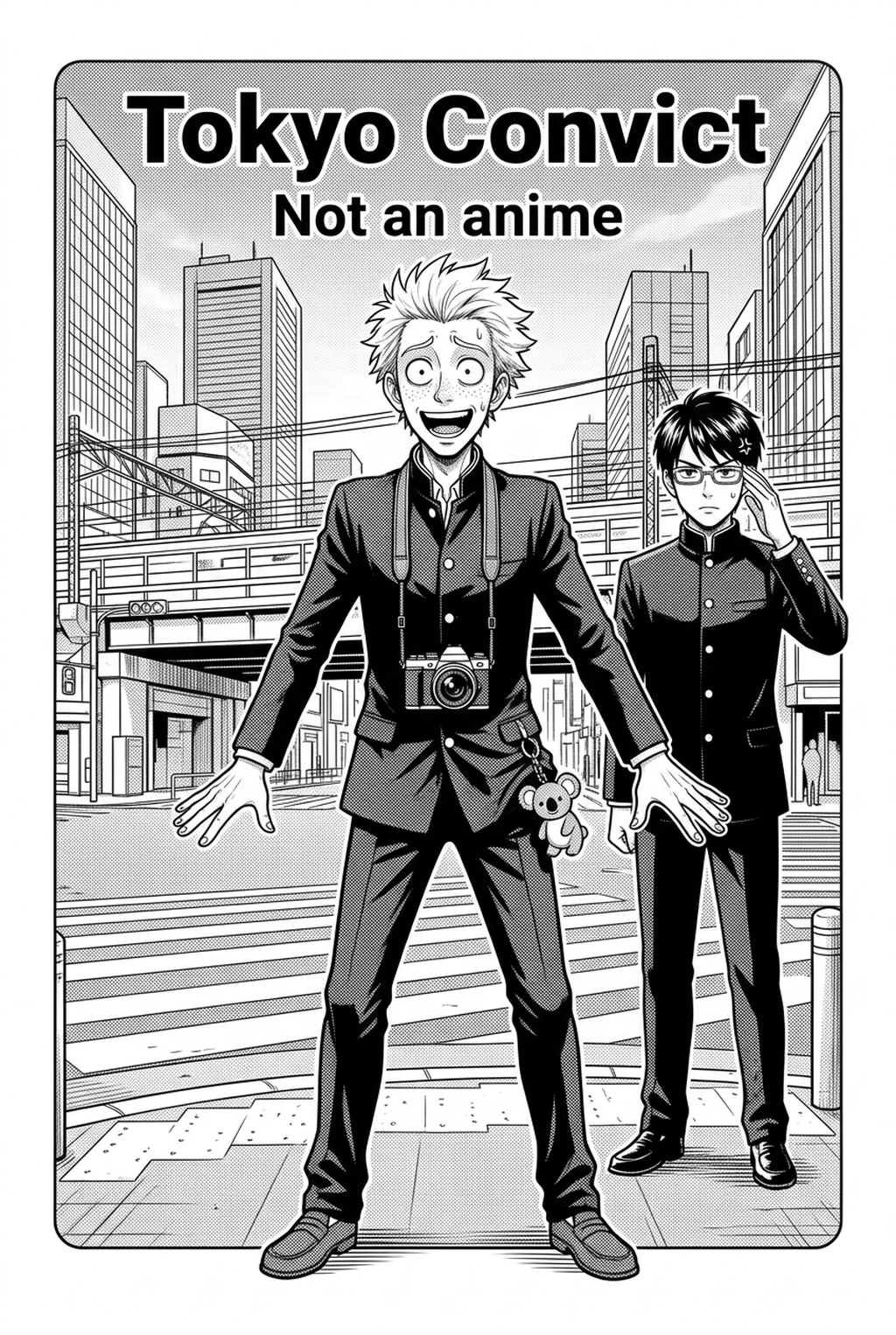
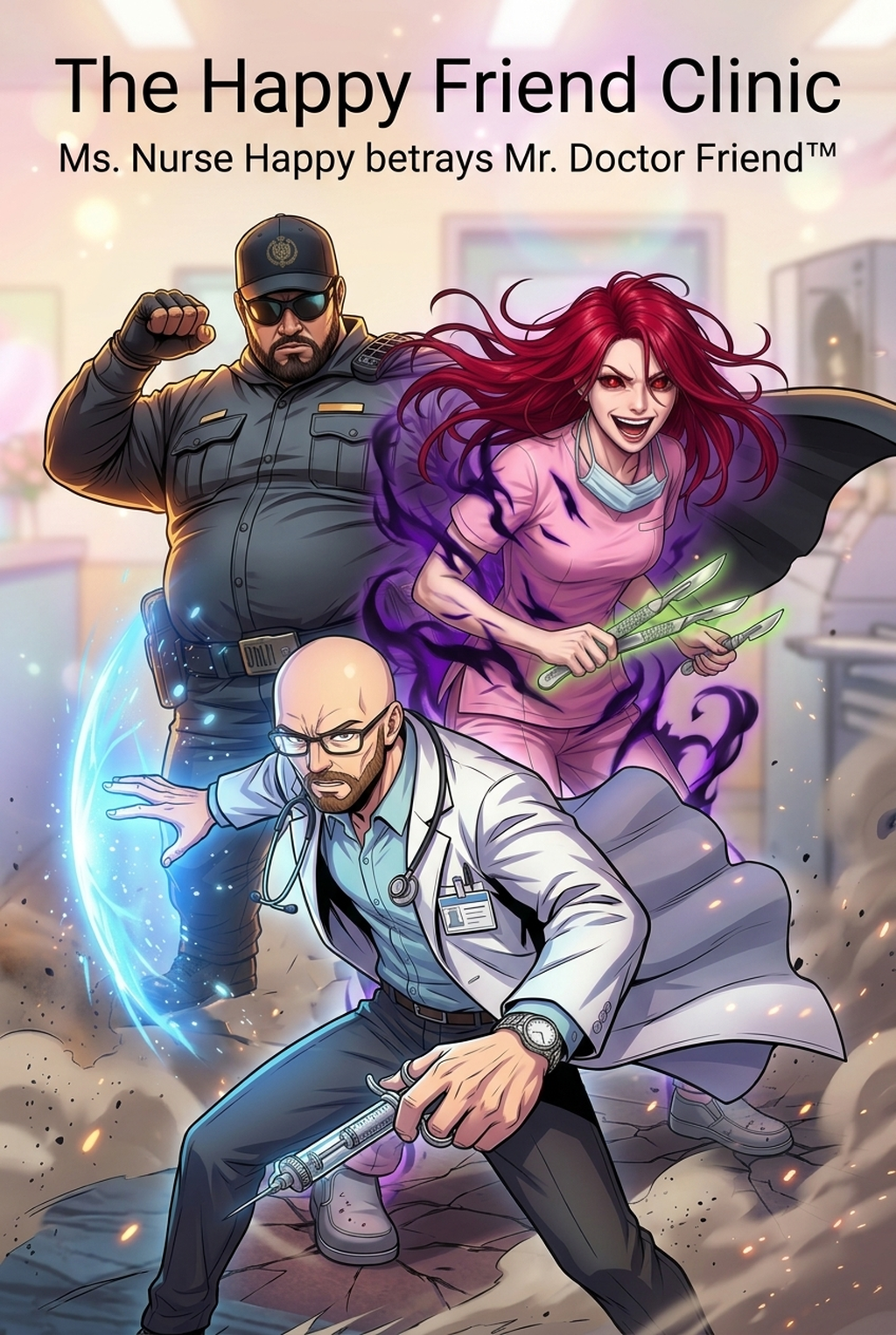
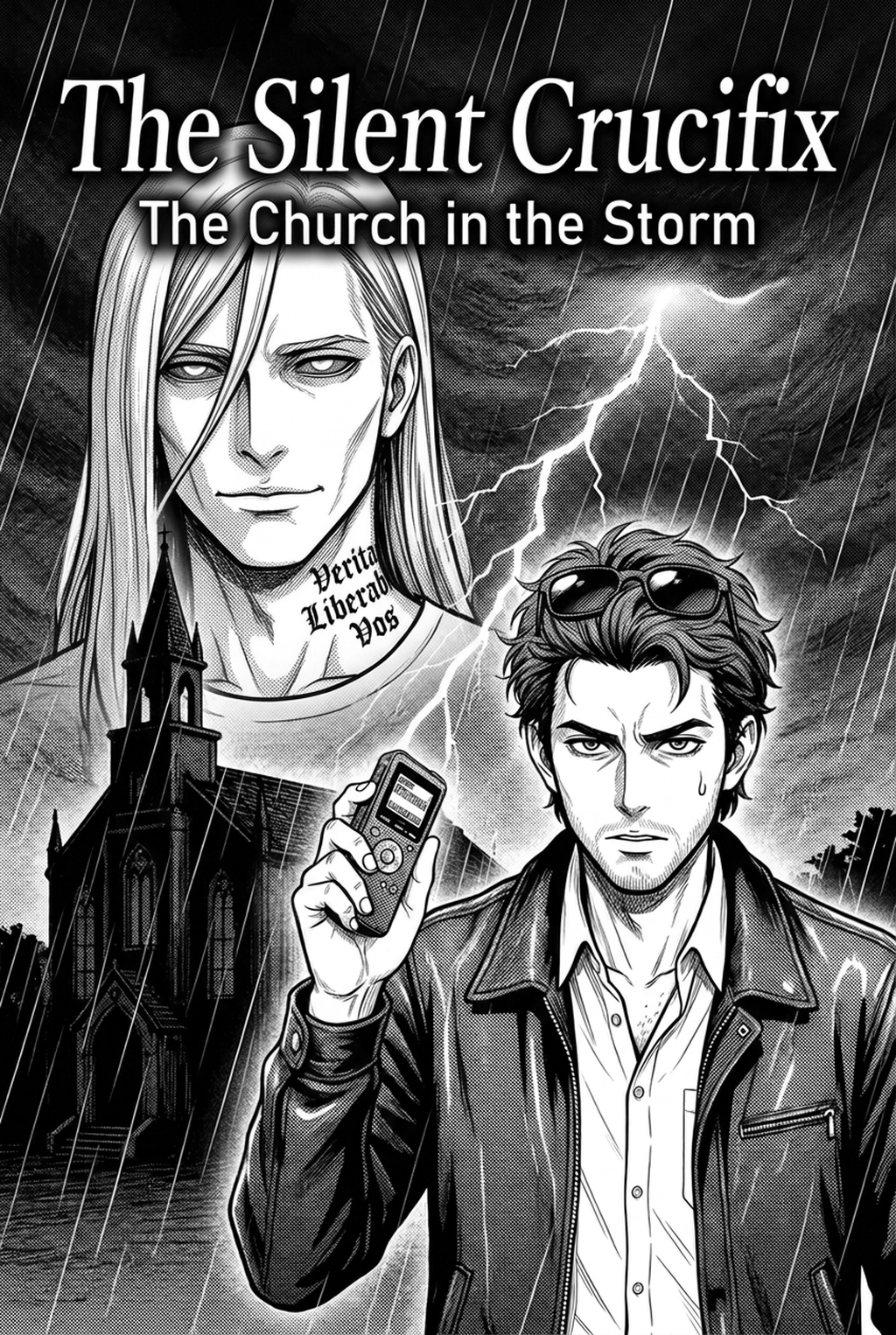
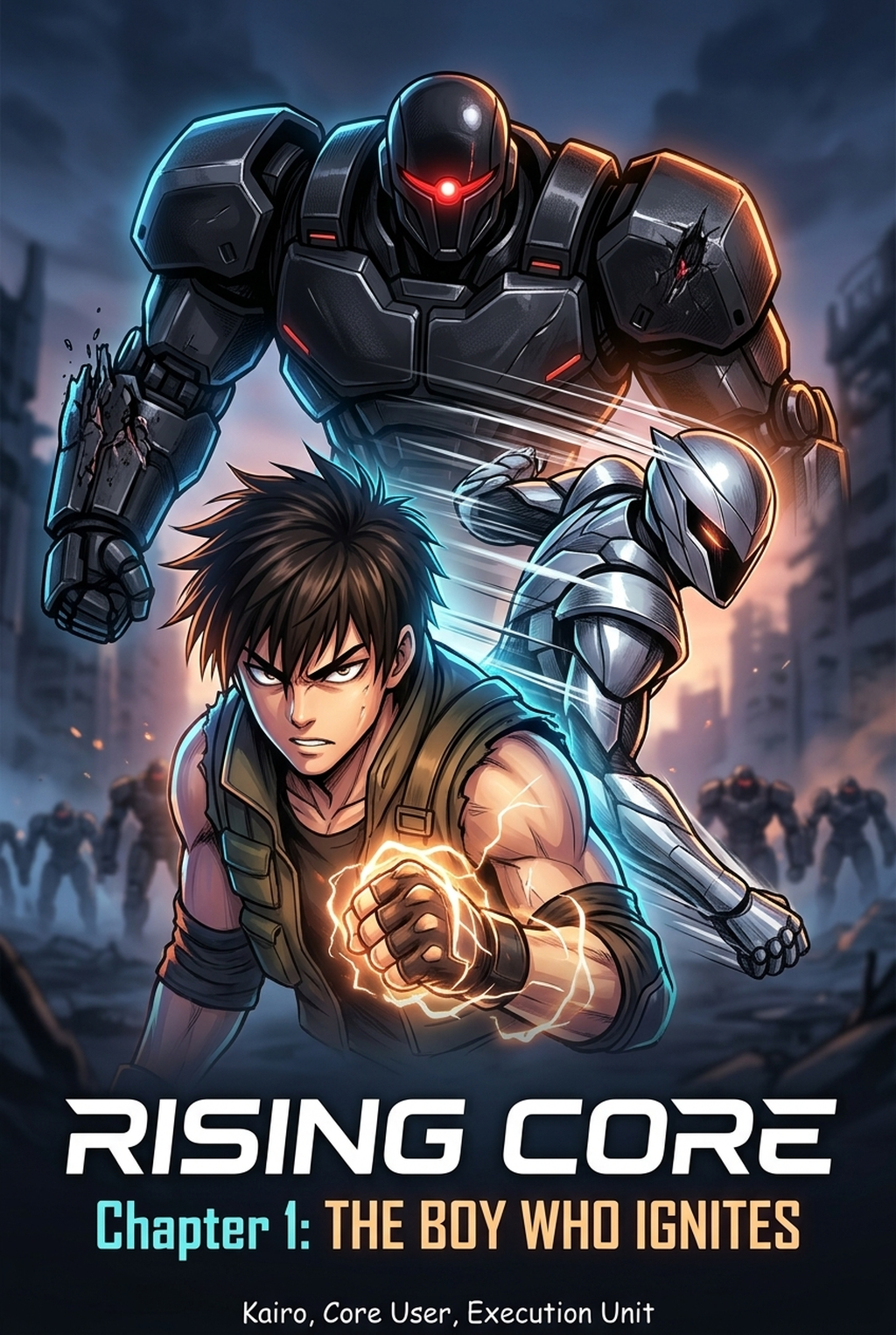
This production phase refers to the systematic translation of raw, gestural pencil work into high-contrast black-and-white ink layers that satisfy industry print standards. Professional-grade output requires that your line art survives the downsampling process for digital reading platforms while maintaining the stylistic punch of your initial sketches.
| Feature | Manual Process | Mangaka AI |
|---|---|---|
| Line Stability | Time-intensive smoothing | Automatic jitter removal |
| Pressure Control | Manual brush adjustment | Intelligent stroke simulation |
If you spend more than three hours per page on basic outlining, your production cycle is unsustainable for weekly or bi-weekly serialization.
Why Inking Matters for Manga Creators
Consistency is the most vital asset for any serialized project, especially when maintaining character designs across changing emotional contexts or dynamic action sequences. When your inking process is erratic, character proportions drift and reading flow is disrupted, which degrades the overall quality of your work.
You should select a production tier that scales with your specific page-count targets rather than limiting your output based on hardware constraints. By offloading the heavy computational lifting to a cloud-based engine, you avoid the high overhead of purchasing and maintaining local workstations capable of running complex vector-based AI models.
Transparent pricing allows you to predict your studio costs for an entire story arc before you begin production. You can scale your access from a single pilot chapter to a high-frequency monthly series, ensuring that you only pay for the rendering power your current project demands.
How Inking Works with Mangaka
Mangaka utilizes a proprietary model that identifies the intent of your original brushwork, intelligently ignoring stray pencil noise while preserving the specific stylistic flair of your G-pen or nib strokes. This system acts as a precision filter, ensuring that every panel maintains the high-fidelity output necessary for both print-on-demand and digital-only publishing formats.
We prioritize the artist's input by providing specific adjustment tools for line density and stroke taper that mimic traditional hand-inking results. Because the AI interprets your sketches rather than simply tracing them, you retain absolute control over where lines are emphasized and where whitespace is prioritized to maintain optimal page contrast.
Your character designs and plot-sensitive storyboards remain strictly within your ownership, ensuring that no panel-specific data is harvested for external training. We employ enterprise-grade security protocols, providing you with a private environment where your creative assets stay under your control from initial sketch to final export.
Use Cases for Your Inking Process
Many creators ask if they can integrate this system into a larger digital production production process without abandoning their favorite specialized software. Yes, all generated files are exported as high-resolution transparent PSD or PNG layers, allowing for seamless integration with platforms like Clip Studio Paint for final toning, lettering, and special effects.
By using Mangaka to process your rough sketches into finished ink layers, you reduce the cleanup time per page from four hours down to thirty minutes. This shift allows you to dedicate the saved 60+ hours of labor to character expression, background detail, and more complex panel composition.
While our engine is optimized specifically for black-and-white line art, the resulting output is perfectly prepared for modern digital coloring workflows. The clean line boundaries act as a perfect base for flatting and cel-shading, ensuring that your colors stay contained even in complex, high-detail character shots.
- Chapter cadence. Use the AI pass for pages where speed matters most, such as repeated action poses, transformation beats, or dense speed-line panels. Keep manual cleanup for hero panels where the line style defines the emotional peak.
- Character continuity. Compare the generated lines against the same model sheet, costume notes, and facial-expression range used during sketching. This prevents a fast inking pass from drifting away from the character identity readers recognize.
- Export readiness. Check whether the final manga output can move into lettering, coloring, or final layout without rebuilding panel borders or speech-bubble space. A good manga workflow should save time while keeping the next production step predictable.
How to Get Started with Mangaka
Your production process should be defined by the stories you tell, not the technical fatigue of tracing lines for hours on end. By automating the most repetitive part of your creative output, you regain the focus needed to innovate your layouts and refine your character designs.
Start your creative transformation today at Manga Inking Workflow with Mangaka and see how your efficiency improves when you stop tracing and start refining. Before export, creators should compare the generated line art with the original sketch and confirm that facial expressions, props, speed lines, and speech-bubble space still support the scene.
A repeatable review pass should cover character consistency, panel readability, background clarity, and whether the final file is ready for coloring, lettering, or editor feedback. For longer projects, creators should save approved examples of line weight, face detail, clothing folds, and background density. Those references keep later chapters closer to the intended style.
Creators should mark which panels are final and which panels still need redraws. Clear status labels prevent an assistant, editor, or colorist from polishing the wrong version. For publishing, creators should review the page at the actual reading size before export.
Small screens expose crowded dialogue, weak silhouettes, and line details that looked fine while zoomed in. For style control, creators should keep a short reference board beside the draft and compare hair shapes, eye details, costume folds, and texture choices before approving the final page.
The Bottom Line
Automating the repetitive manual cleanup phase of your production allows you to focus on the storytelling elements that define your unique creative vision. When you integrate high-precision AI tools into your daily routine, you stop struggling with pixel noise and start producing professional-quality pages at a rate that keeps up with your narrative ambition. Visit Manga Inking Workflow and reclaim the hours you currently spend on basic line cleanup.
Automate Inking and Clean Line Art Production with Mangaka.app
Eliminate endless manual tracing by turning rough digital pencil sketches into polished, variable-weight inking in seconds. Mangaka.app provides comprehensive line art automation:
- Vector-Smooth G-Pen & Kabura Nib Emulation: Convert rough graphite sketches into pristine vector strokes with authentic pressure taper and zero jagged pixels.
- One-Click Beta Black Fill & Clean Gutters: Automatically detect enclosed shadow pockets and flood pitch-black ink while preserving delicate white highlights.
- Customizable Line Thickness Curves: Fine-tune outer contour prominence versus delicate inner facial hatching using intuitive weight sliders.
- Non-Destructive Multi-Layer Workflow: Export clean transparent line art layers directly into Clip Studio Paint or Photoshop.
Ready to elevate your serialized manga and speed up chapter production? Create your professional manga storyboard and character sheets on Mangaka and transform your creative workflow today.