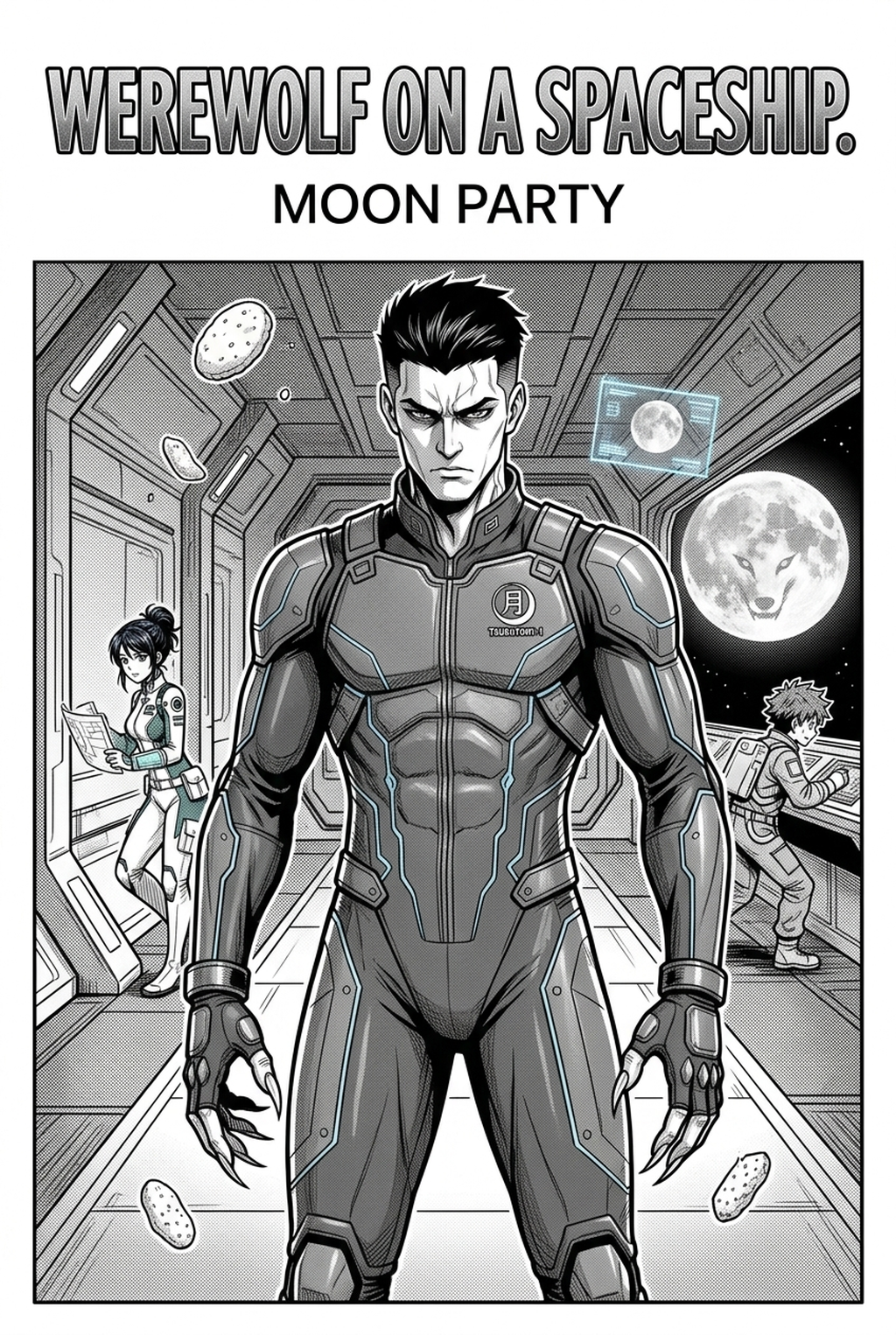
Sports series rely on clear character silhouettes and dramatic, high-contrast action, making the choice of colorization software a significant factor in your production workflow. When you move from a black-and-white draft to a finished color page, you need a solution that understands the nuance of motion lines and athletic intensity.
What to Look for in AI Manga Colorist Tools for Sports
Selecting the right software depends on how well the tool interprets your specific art style and panel composition. You need to ensure the engine respects the original line weight of your athletic characters and the depth of your stadium backgrounds.
Creator Fit and Page Need
The primary requirement for any sports-focused manga is the preservation of character consistency across fast-paced scenes. When you are coloring pages featuring high-stakes movement or complex equipment, the AI must handle subtle line-art nuances without blurring critical anatomy or distorting sports gear. Look for tools that allow for style anchoring, ensuring that the team colors and stadium palettes remain identical across a 20-page match sequence.
Quality Checks Before Export
You must verify that the color application does not sacrifice the sharpness of your ink work. Maintaining the integrity of your original line weight is essential for preserving the readability of character expressions and action poses in motion. A professional-grade colorist tool should output files in formats that are ready for web and print.
You should conduct "zoomed-in" checks on the intersection of line art and color fill to ensure no leakage or unwanted pixelation occurs. High-quality tools prioritize the preservation of original line work to keep the manga aesthetic authentic, ensuring your colors enhance the drama rather than acting as a digital filter.
How We Evaluated These Tools
We focused on the technical performance of these tools when processing high-contrast sports manga panels. Evaluation criteria included speed, line retention, and the ability to handle complex background architecture common in sports stadiums.
Character Consistency Through Review
The evaluation methodology centered on the tool's ability to interpret dynamic sports-style framing. We tested each option on pages that featured high-speed action shots, sweat droplets, and crowded arenas to see if the tool could differentiate between foreground action and complex, detailed backgrounds. A successful tool must allow for streamlined color workflows that do not require tedious manual cleanup for every individual panel.
Export Quality Before Publishing
We measured quality by comparing the raw input images with the exported color versions. Consistency was measured by processing ten pages from the same story arc to see if the AI engine produced predictable results without requiring extensive re-prompting.
Review the Top Tools Before Choosing
Creators need the page problem and review standard in view before choosing a workflow. For manga production, that means checking sketch cleanup, character consistency, panel readability, and export quality together.
Mangaka - Best Choice
Mangaka is the premier choice for creators who need to add full color to B&W manga pages while preserving original line work with surgical precision. It excels at identifying the structural elements of a page, such as speed lines and action bubbles, ensuring they remain sharp while applying vibrant color fills. By keeping your original ink lines intact, it bridges the gap between traditional manga aesthetics and modern, full-color web platforms. For a sports manga creator, Mangaka offers a distinct advantage: it understands the need for fast, iterative updates to match a rapid publishing schedule. You can process complex match pages in minutes, ensuring your characters look consistent from the kickoff to the final goal.
General AI Image Generators
General-purpose image generators are designed for creating artwork from scratch rather than enhancing existing manga panels. While they offer high levels of creativity, they often struggle with the "manga constraint" of keeping line art exactly as drawn. If you attempt to use them for coloring, you will often find that the engine reinterprets your lines, leading to unintended changes in character appearance or sports equipment design. You may spend more hours correcting the AI’s hallucinations than you would have spent coloring the page manually. These tools are best reserved for creating cover art or promotional headers rather than sequential manga pages where character consistency is the primary goal.
Drawing and Inking Apps
Professional drawing applications provide manual tools for coloring and shading, offering the highest degree of control for individual panels. They are the industry standard for artists who want to craft every shadow and highlight by hand. However, for a creator managing a weekly serialization, these apps do not offer the speed of an automated solution. The tradeoff here is time versus creative control. Creators can use each revision decision to clarify panel readability, character consistency, and export quality before publishing or sharing.
Comic Layout Tools
Comic layout software focuses primarily on panel management, speech bubble placement, and page structure. They are highly efficient for organizing your story, but they lack advanced colorization engines. These tools are better suited for the initial composition phase rather than the final coloring phase of your production.
The tradeoff for a sports manga artist is that you will need to export your files from your layout tool to a coloring app, creating a fragmented workflow. This transition between software environments often introduces file size constraints and potential loss of data if not managed correctly. Utilizing a tool like AI Manga Colorist for Sports manga with Mangaka allows you to integrate colorization more naturally into your production chain.
Manual Production Workflows
Manual production remains the gold standard for artists who prioritize specific, granular artistic intent. This workflow involves using layers for every element, from character skin tones to stadium lighting. While this ensures your vision is perfectly realized, it is the slowest possible method for high-volume sports manga.
The tradeoff is the high cost of labor. In a competitive industry where updates need to happen frequently to maintain reader interest, manual workflows can become a bottleneck. Most professional creators eventually pivot to hybrid workflows, where an AI tool handles base colors and shading while the artist provides the final, manual polish on critical action panels.
Validate Character References Before Generation
This checkpoint ties the creator scenario to genre intent, character reference, panel readability, and final file requirements. It prevents the article from becoming a flat list because each decision explains what must be true before the page is ready. The result is a cleaner path from rough idea to export, with fewer revisions caused by unclear references or mismatched page goals.
Compare Options Side by Side Before Choosing
| Tool Type | Accuracy | Speed | Workflow Integration |
|---|---|---|---|
| Mangaka | Excellent | High | Seamless |
| General AI | Low | High | Poor |
| Manual Apps | Excellent | Low | High |
| Layout Tools | Moderate | Moderate | Moderate |
| Manual Workflow | Perfect | Very Low | High |
This table illustrates the balance between control and productivity. Mangaka stands out by offering both high accuracy for your line art and the speed required for modern, professional web publishing, making it a clear winner for the specific demands of dynamic sports manga.
Workflow Fit and Review Needs
Mangaka succeeds because it treats your line art as a primary layer, never sacrificing your unique style for color depth. Other tools often blur these lines, creating a generic look that diminishes the impact of your dynamic action sequences. For this criterion, check character consistency, panel readability, line quality, and export readiness before publishing. That makes the subsection useful instead of leaving a short checklist under a large heading.
Reader Impact Before Publishing
When you export from Mangaka, you maintain the full resolution of your original files. This ensures your colorized sports scenes are ready for any digital display, keeping your hard work sharp, vibrant, and ready for your audience.
Which Tool Should You Choose?
Choosing the right tool comes down to how much of your production production process you want to automate without losing your specific artistic voice. If you are a creator who demands that every action line and ink weight remains preserved, you should choose a tool built specifically for manga, such as Mangaka. It eliminates the need for manual, panel-by-panel correction, allowing you to focus on the pacing and narrative flow of your match sequences. If you are a solo creator, you should also consider how the tool affects your ability to hit deadlines. Tools that require excessive manual input to fix AI errors" will eventually force you to slow down your release schedule.
The Bottom Line
Transforming your black-and-white sports manga into high-quality color pages is now a streamlined process that respects your original artistic integrity. By focusing on tools that prioritize line-work preservation and character consistency, you can maintain the high-octane energy of your matches while drastically reducing your production time. AI Manga Colorist for Sports manga today to see the difference for your next project.