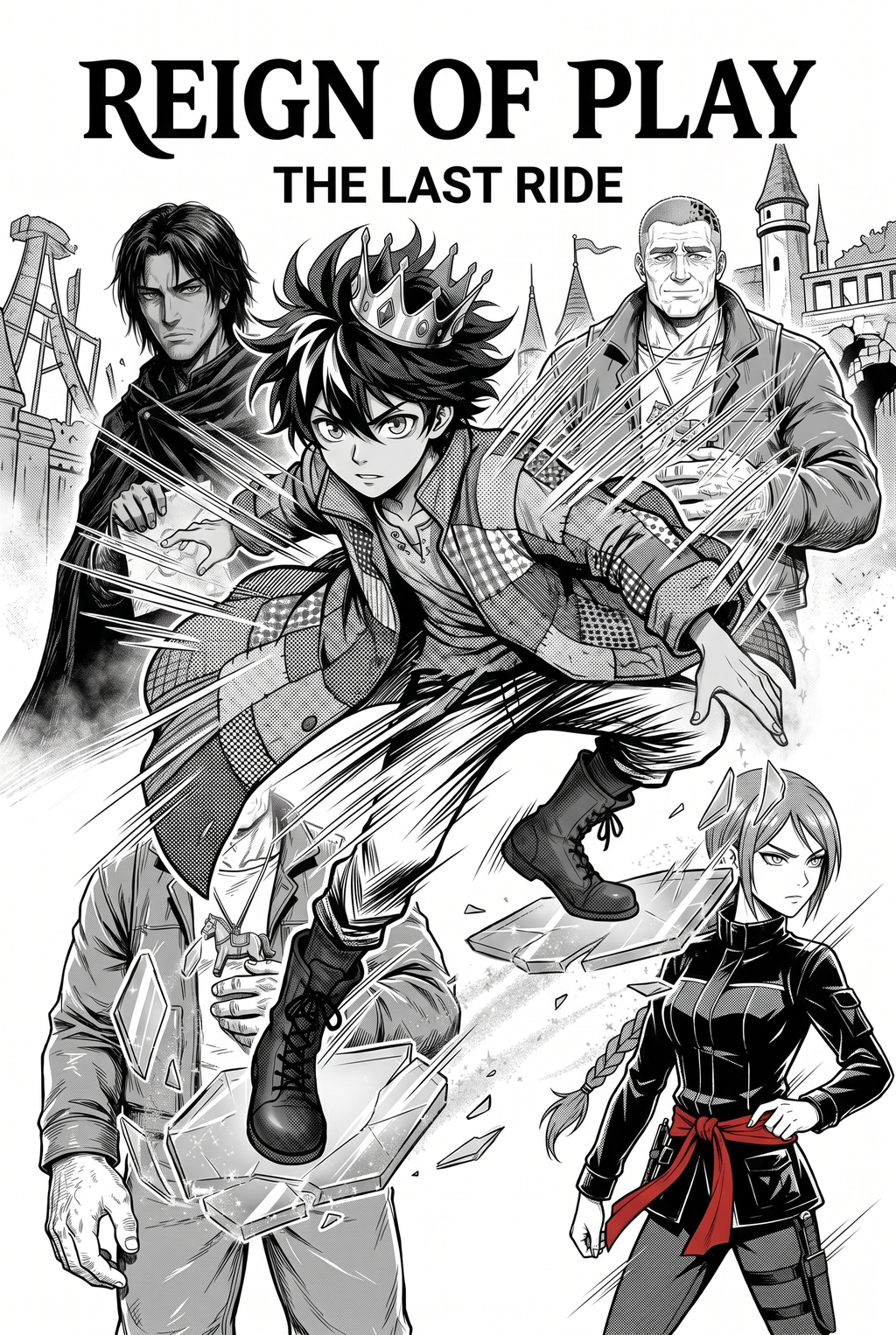
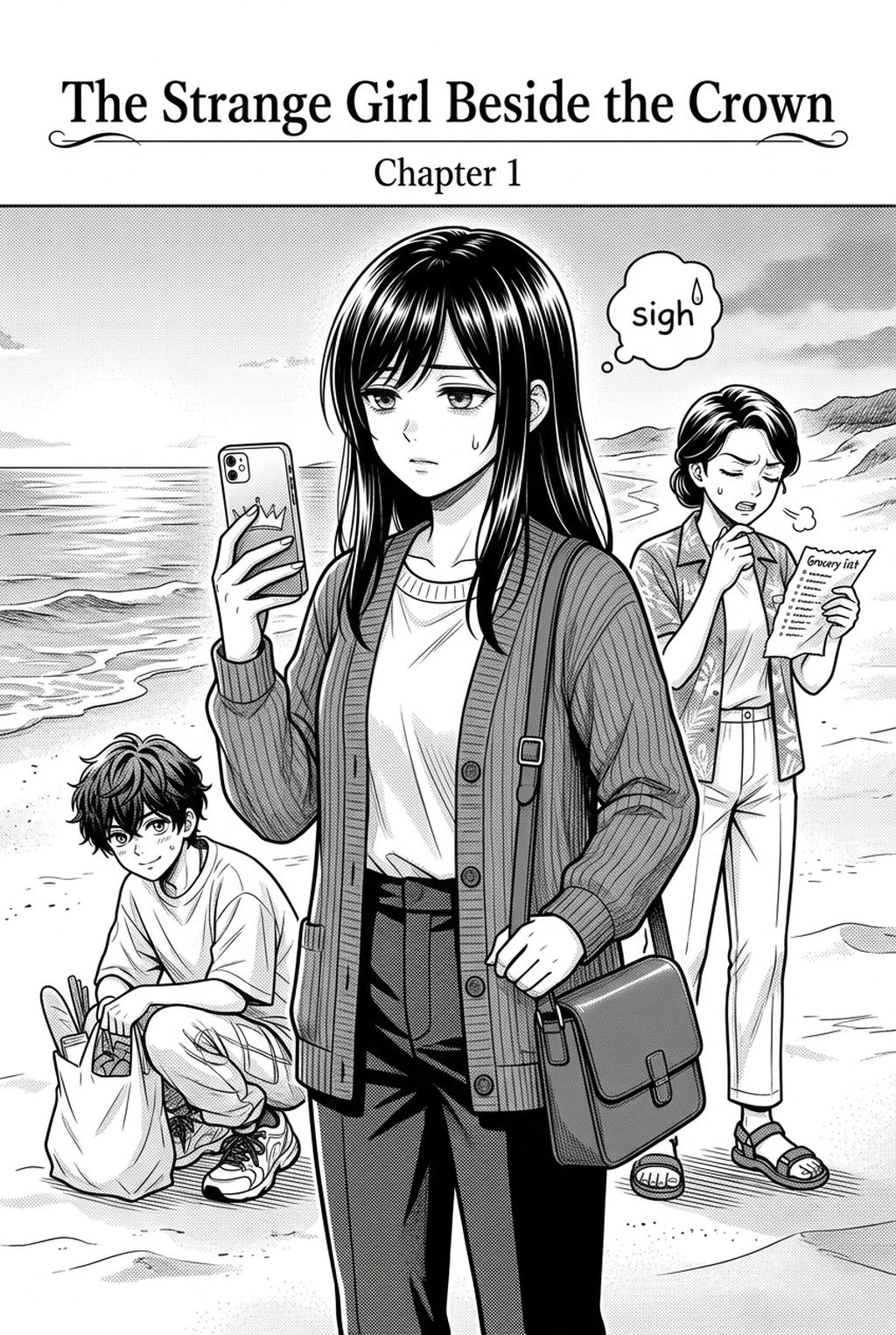
AI Manga Storyboard Builder: Creator Production Advantages
Every hour saved on base layouts represents an hour gained for fine-tuning line work and color gradients, moving your project toward a finished state much faster. By automating the architectural skeleton of your manuscript, you reduce the risk of structural rework that often plagues manual page composition.
Achieving the right balance between dialogue-dense clusters and wide-action impact panels is the most common failure point for indie creators. The platform handles the heavy lifting by assigning visual anchors to every frame, ensuring that the reader’s eye naturally traverses the page without hitting dead space or becoming lost in overcrowded gutters.
Scaling your production from a one-shot to a serial requires rigid consistency in layout style and panel size, which is notoriously difficult to maintain manually over hundreds of pages. Using our automated builder, you maintain a uniform visual signature across every chapter, allowing you to focus on character development rather than fixing technical layout flaws.
Whether you are developing high-energy Shonen sequences or subtle Seinen psychological beats, the engine applies specific geometric rules to your panels. For action scenes, the system prioritizes wide-format frames and slanted gutters to enhance speed, while Seinen-targeted settings favor structured, multi-frame layouts that lean into heavy shadows and atmospheric negative space.
Solving Compositional Challenges
Creators often struggle with the "dead space" phenomenon, where a layout looks balanced on paper but feels flat and unreadable once the final art is layered in. This platform addresses this through proactive visual anchoring, ensuring that the most important story beats are always framed by the most effective panel geometry.
If you feel that the AI has prioritized a different panel than your narrative intuition prefers, every generated element remains fully editable. You can adjust the dimensions of individual frames, shift the gutter constraints, or rearrange the entire sequence, providing a human-in-the-loop experience that ensures the final page matches your creative vision.
One of the most persistent issues in manga production is the collision between character art and speech bubble placement, which often hides crucial visual details. Our builder proactively reserves clear zones for text during the layout phase, confirming that your dialogue will never obscure the action or break the readability of a high-tension frame.
You can create an unlimited number of storyboard drafts to experiment with different flow patterns for a single scene. By rapidly swapping between "cinematic" and "standard" layout profiles, you can test how different visual structures impact the emotional resonance of your narrative before you ever commit to a single brushstroke of line art.
Getting Started with Professional Workflow
Transitioning your creative process to an automated builder allows you to replace technical drafting stress with pure narrative focus. You can begin optimizing your workflow and building your manga storyboard library today by accessing your private workspace to structure your next chapter. Creative Brief and Source Input.
Creative Brief and Source Input
- Before Export. Creators should compare the generated line art with the original sketch and confirm that facial expressions, props, speed lines, and speech-bubble space still support the scene. A repeatable review pass should cover character consistency, panel readability, background clarity, and whether the final file is ready for coloring, lettering, or editor feedback. - For Longer Projects. Creators should save approved examples of line weight, face detail, clothing folds, and background density. Those references keep later chapters closer to the intended style. For collaboration, creators should mark which panels are final and which panels still need redraws. Clear status labels prevent an assistant, editor, or colorist from polishing the wrong version. - For Publishing. Creators should review the page at the actual reading size before export. Small screens expose crowded dialogue, weak silhouettes, and line details that looked fine while zoomed in. For style control, creators should keep a short reference board beside the draft and compare hair shapes, eye details, costume folds, and texture choices before approving the final page.
- Chapter cadence. Use the AI pass for pages where speed matters most, such as repeated action poses, transformation beats, or dense speed-line panels. Keep manual cleanup for hero panels where the line style defines the emotional peak. - Character continuity. Compare the generated lines against the same model sheet, costume notes, and facial-expression range used during sketching. This prevents a fast inking pass from drifting away from the character identity readers recognize. - Export readiness. Check whether the final manga output can move into lettering, coloring, or final layout without rebuilding panel borders or speech-bubble space. A good manga workflow should save time while keeping the next production step predictable.
Generation Review and Export
Creators should compare the generated line art with the original sketch and confirm that facial expressions, props, speed lines, and speech-bubble space still support the scene. This keeps the review focused on story intent, line weight, panel readability, and the export quality behind the final AI Manga Storyboard Builder output.
A repeatable review pass should cover character consistency, panel readability, background clarity, and whether the final file is ready for coloring, lettering, or editor feedback. For longer projects, creators should save approved examples of line weight, face detail, clothing folds, and background density. Those references keep later chapters closer to the intended style. For collaboration, creators should mark which panels are final and which panels still need redraws. Clear status labels prevent an assistant, editor, or colorist from polishing the wrong version.
The Bottom Line
Mastering the pacing of your pages is no longer a manual burden, as our automated tools allow you to generate professional layouts in seconds while retaining complete creative control over every panel. Stop wasting hours on structural alignment and start focusing on your narrative craft by visiting the Mangaka storyboard tool to build your next page today.
Related articles
Manga Storyboard: Draft Not Generated 2026 Guide Manga Guide
Manga Storyboard Guide: How to Map Out Your First Chapter
Mastering Manga Storyboard Layout: A Pro Guide for 2026