AI Manga Style Transfer: Defining the Visual Components of the Abyss
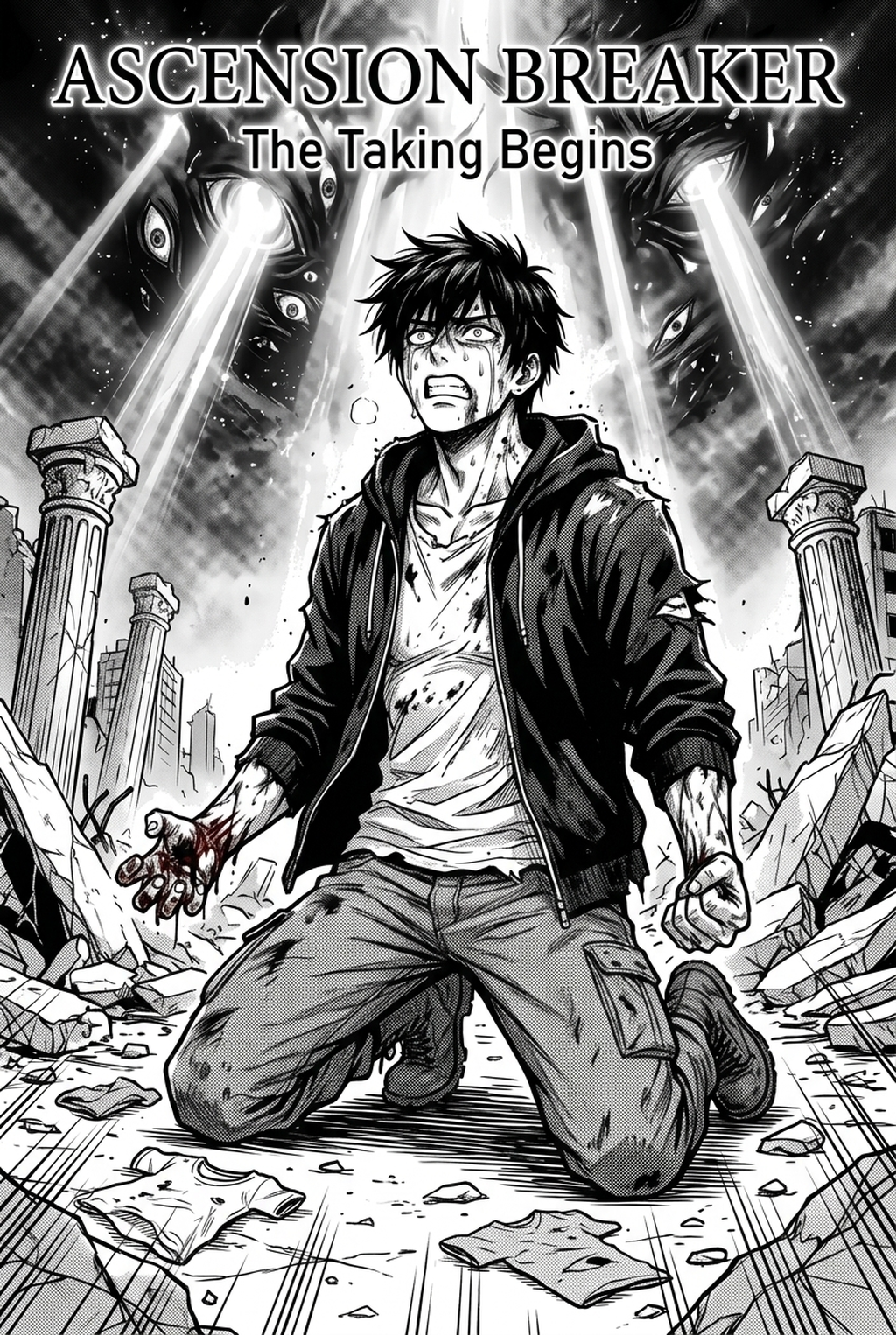
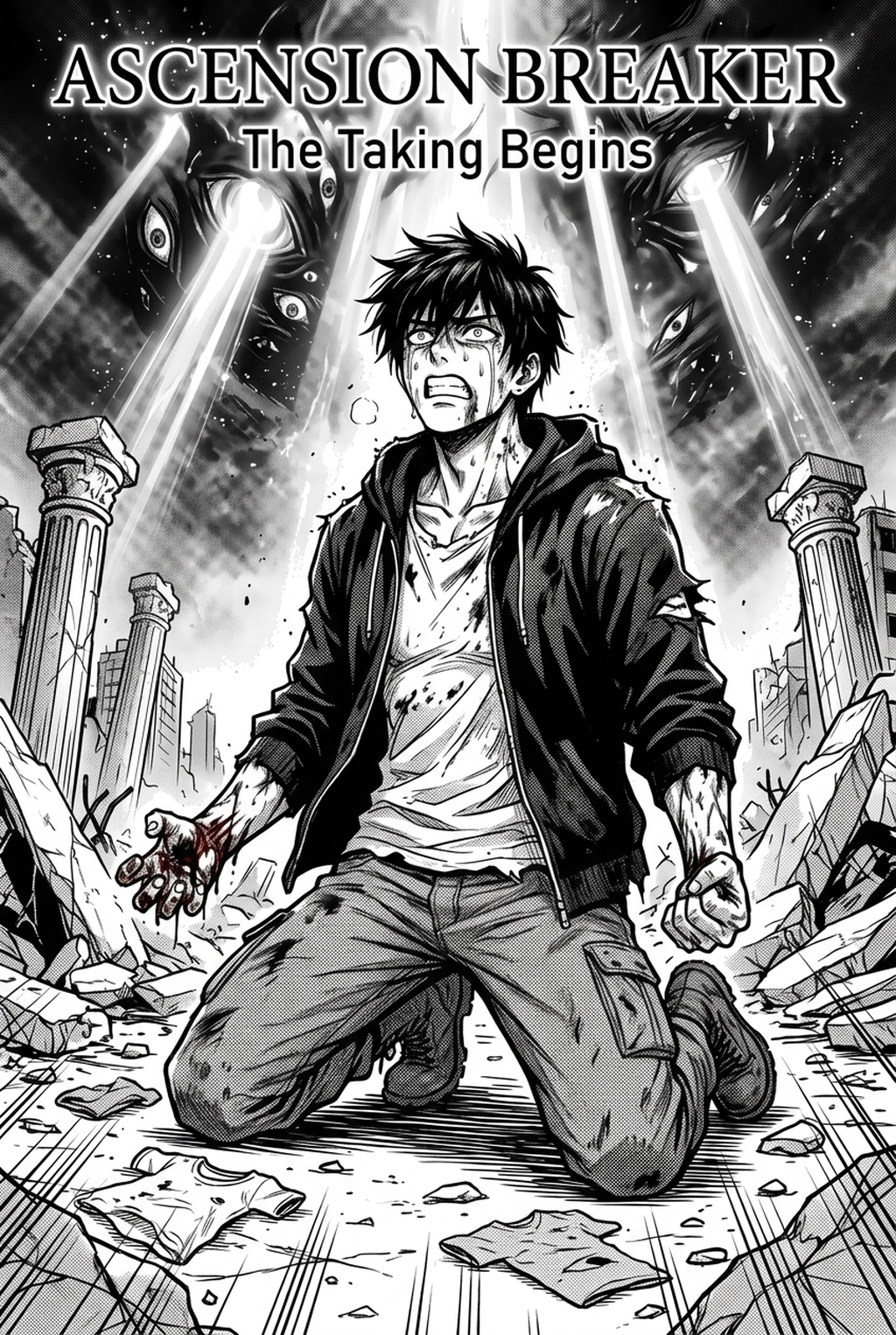
The visual language of this genre relies on a deliberate contrast between 'chibi-adjacent' character design and hyper-detailed, grim environmental backdrops. This stylistic choice forces the viewer to confront the fragility of the cast against a world that feels physically heavy and ancient.
Characters are typically rendered with clean, soft lines and simplified, round proportions that prioritize readability during high-octane action. Conversely, the settings utilize dense, multi-layered cross-hatching and ink-heavy textures to imply age, rot, and immense geological pressure. This juxtaposition ensures that the eye naturally travels to the character as a focal point, while the background provides essential world-building depth through complex, textured shading that standard digital brushes often struggle to replicate without manual intervention.
Why This Aesthetic Defines Modern Seinen
The appeal of this visual style lies in the psychological dissonance it generates, keeping readers engaged by constantly pitting cuteness against visceral, mature threats. When a reader opens a spread, the visual density cues them into the danger level of a specific biome; low-detail, smooth surfaces signify safety, while high-frequency, dark hatching warns of immediate, grotesque hazards.
Maintaining this contrast manually is a significant hurdle for solo creators, as the time required for consistent inking and detailed environmental washes can lead to burnout. By establishing a clear visual hierarchy where characters remain uncluttered even within complex surroundings, you ensure that the narrative weight remains on the character's performance rather than drowning in the background's fidelity.
Integrating Abyss-Style Aesthetics into Your Workflow
AI style transfer tools allow creators to take rough, gestural character sketches and map them directly into the specific texture and ink-weight profile required for this aesthetic. By using your own line art as the source context, the system preserves your original character proportions while applying sophisticated, Abyss-inspired environmental textures.
This approach acts as a force-multiplier, enabling you to iterate on page layouts without spending weeks on individual panels. Instead of manually cross-hatching every cave wall, you focus on the primary anatomy and narrative pacing, letting the engine handle the high-density shading that defines the series' dark atmosphere.
- Ink-Weight Precision: Toggle the density settings to mimic specific pen pressures, ensuring your tunnels feel claustrophobic rather than merely dark. * Layer-Based Refinement: Separate your characters from the scenery using specialized style nodes to ensure they never lose their distinct silhouettes against complex landscapes. * Style Refiner Controls: Adjust the interface sensitivity to keep facial expression line-work delicate, avoiding the muddying effect that heavy organic texturing can have on eyes or mouths.
Strategic Applications for Indie Manga Production
You can utilize these tools to maintain visual continuity across multi-page spreads where environmental density is critical but labor time is strictly limited. Many creators report that the biggest barrier to entry is the time spent on background inking, which this workflow effectively eliminates by allowing for rapid, high-fidelity iterations of complex environments.
Workflow Fit for Creator Output. Practical Workflow Examples. Imagine you are laying out a 12-panel sequence in a tunnel system. Without assistance, you might spend four hours per panel just on the rock textures to achieve the necessary grit. By uploading your roughs to Made in Abyss art style with Mangaka , you can apply the style preset, review the output, and refine the density of the cross-hatching in minutes. This shift turns a multi-day task into a single afternoon of creative review, leaving you time to polish dialogue layout and pacing.
- Panel Spreads: Apply uniform, high-contrast shaders to expansive, wide-angle shots to maintain a sense of monumental scale. * Environmental Decay: Use custom style presets to add organic, blotchy shadows to architecture, simulating the appearance of long-term weathering. * Consistency Checks: Run character models through a baseline style pass to ensure their proportions remain stable even when shifted against different background textures.
- Before Export. Creators should compare the generated line art with the original sketch and confirm that facial expressions, props, speed lines, and speech-bubble space still support the scene. A repeatable review pass should cover character consistency, panel readability, background clarity, and whether the final file is ready for coloring, lettering, or editor feedback.
- For Longer Projects. Creators should save approved examples of line weight, face detail, clothing folds, and background density. Those references keep later chapters closer to the intended style. For collaboration, creators should mark which panels are final and which panels still need redraws. Clear status labels prevent an assistant, editor, or colorist from polishing the wrong version.
- For Publishing. Creators should review the page at the actual reading size before export. Small screens expose crowded dialogue, weak silhouettes, and line details that looked fine while zoomed in. This keeps the review focused on story intent, line weight, panel readability, and the export quality behind the final AI Manga Style Transfer output.
- For Style Control. Creators should keep a short reference board beside the draft and compare hair shapes, eye details, costume folds, and texture choices before approving the final page. For revision planning, creators should separate art fixes from story fixes. Line cleanup, panel order, dialogue clarity, and character acting each need a different review question.
The Bottom Line
Recreating high-contrast, atmospheric visuals once required years of traditional training in ink-and-wash techniques, but now you can achieve professional results through intelligent, AI-assisted workflows. By offloading environmental detailing to a tool that respects your unique creative input, you retain full control over your narrative. Made in Abyss art style to test your current project drafts against the style engine and bring the gritty, high-contrast look of the Abyss to your own work today.