Dynamic Screentone Techniques for Webtoon & Manga Creators Using AI (2026)
Language: English (EN) Status: Complete English draft, awaiting Phương Thảo Tô’s review; not published to CMS.
TL;DR
- Screentone controls light, depth, material and reading rhythm.
- Clean masks, intentional density and mobile-size checks prevent muddy pages and moiré.
- AI can suggest masks and variations, while the artist controls lighting and emphasis.
Direct Answer: Build screentone in four layers: contact shadow, form shadow, material texture and atmosphere. Create clean masks first, apply tone at the intended output size, inspect the page at mobile scale, and only then export. Avoid high-frequency patterns when the image will be heavily resized.
Why dynamic screentone matters
Screentone is visual grammar, not decoration. A pale tone can guide the eye, a dense tone can anchor a character, and a non-periodic texture can separate stone from fabric. Before adding any pattern, define the light source, the focal point and the areas that need visual breathing room.
Print manga and webtoon images behave differently. Print uses paper, ink and fixed dimensions; webtoon images are resized, compressed and viewed on many screens. A pattern that looks elegant on a large canvas can vibrate or disappear on a phone. Inspect at 100%, 50%, 25% and the expected reading size.
Technique matrix
| Type | Best use | Main risk | Check |
|---|---|---|---|
| Dot halftone | Skin and soft shadows | Moiré after resizing | Inspect flat areas |
| Gradient tone | Sky, smoke and glow | Banding | Check dark backgrounds |
| Non-periodic grain | Stone, walls and air | Visual noise | Confirm the subject remains clear |
| Pattern fill | Fabric and props | Competes with characters | Reduce contrast near the focal point |
| Motion tone | Impact and speed | Wrong force direction | Compare with action lines |
Seven-step workflow
- Map key light, bounce light and ambient occlusion across the page.
- Close selection gaps before filling any region.
- Place contact shadows under collars, chins and touching objects.
- Model form with lighter densities on planes turned away from the light.
- Add texture only when it identifies material or atmosphere.
- Clean edges and carve highlights deliberately.
- Check the exported image at small size for contrast, compression and vibration.
AI-assisted workflow
AI can propose shadow masks, detect open boundaries, generate density variations and extend a texture when a panel changes. Treat every result as an editable suggestion. Verify the light direction, continuity between panels and the readability of faces and lettering. In Mangaka, a practical sequence is lineart, locked character regions, light direction, tone preview, manual mask cleanup and mobile preview.
Moiré prevention
Moiré is usually caused by overlapping repeated patterns, unsuitable resizing or anti-aliased gray edges. Reduce the number of tone layers, change the grid angle, use non-periodic texture for atmospheric backgrounds, and create a new tone at the final dimensions instead of enlarging a raster tone layer.
Publishing checklist
- Lighting is consistent across panels.
- Tone does not cover eyes, lettering or action lines.
- Density creates hierarchy rather than filling every white space.
- Desktop and mobile previews remain readable.
- A black-and-white contrast check passes.
- Examples are distinct from the existing Mangaka blog library.
CTA
Start with one panel, test three densities and compare them at reading size before applying the chosen system to a full page on Mangaka.
FAQ
- What frequency is best for web manga? Use a moderate frequency and test it on the target devices; no single setting fits every image.
- How can I prevent moiré? Reduce repeated patterns, inspect at small size and use non-periodic texture for backgrounds.
- Does AI replace the artist? No. It accelerates masking and variation while the artist controls light and rhythm.
- Should every shadow use tone? No. Solid black and untouched white are essential for contrast.
- When should I use gradients? Use them for atmosphere or soft light, not to hide unfinished lineart.
- Do I need a mobile check? Yes, because webtoon images are resized and compressed.
<script type="application/ld+json">{"@context":"https://schema.org","@type":"FAQPage","mainEntity":[{"@type":"Question","name":"What frequency is best for web manga?","acceptedAnswer":{"@type":"Answer","text":"Use a moderate frequency and test it on the target devices."}},{"@type":"Question","name":"How can I prevent moiré?","acceptedAnswer":{"@type":"Answer","text":"Reduce repeated patterns, inspect at small size and use non-periodic texture."}}]}</script>
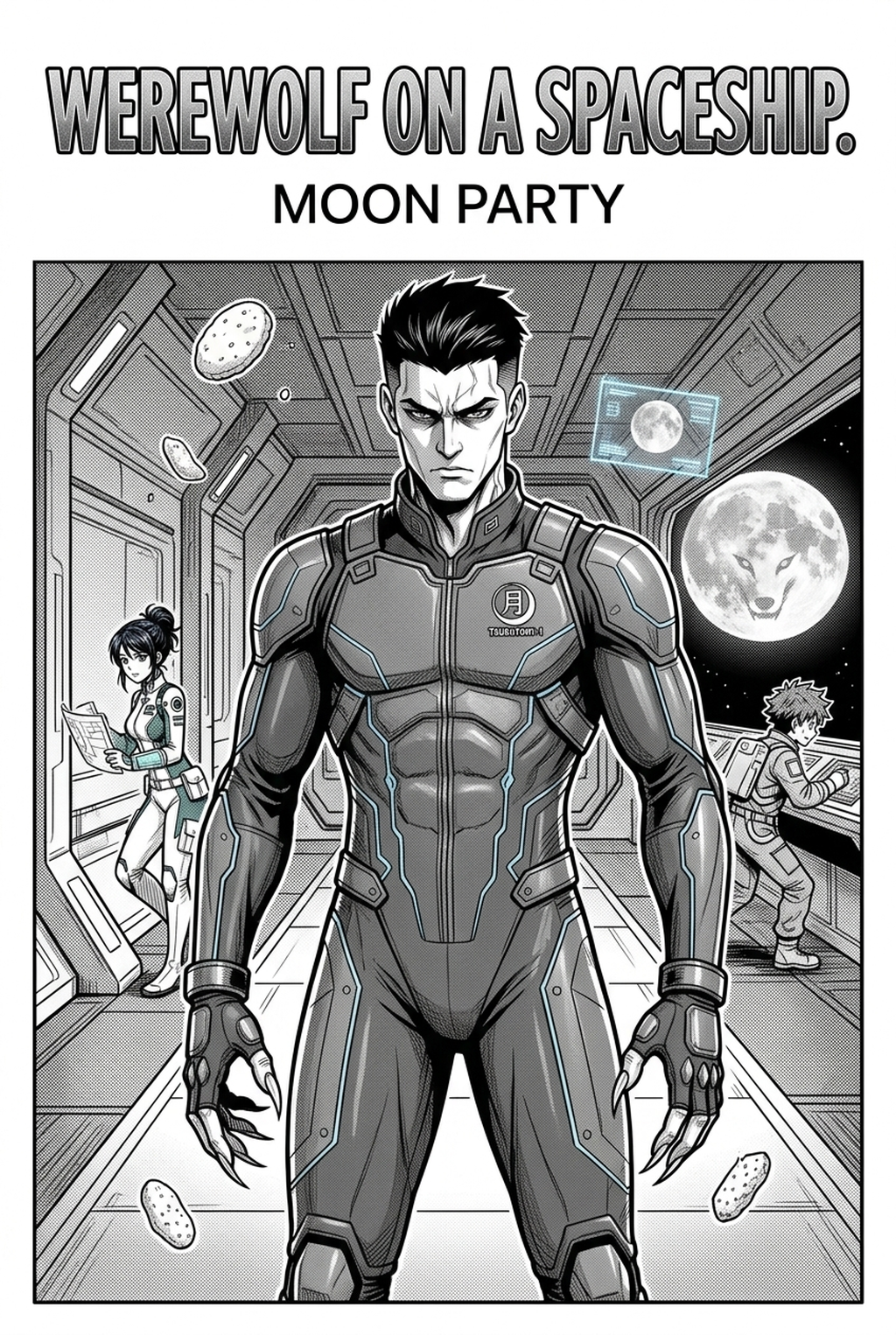
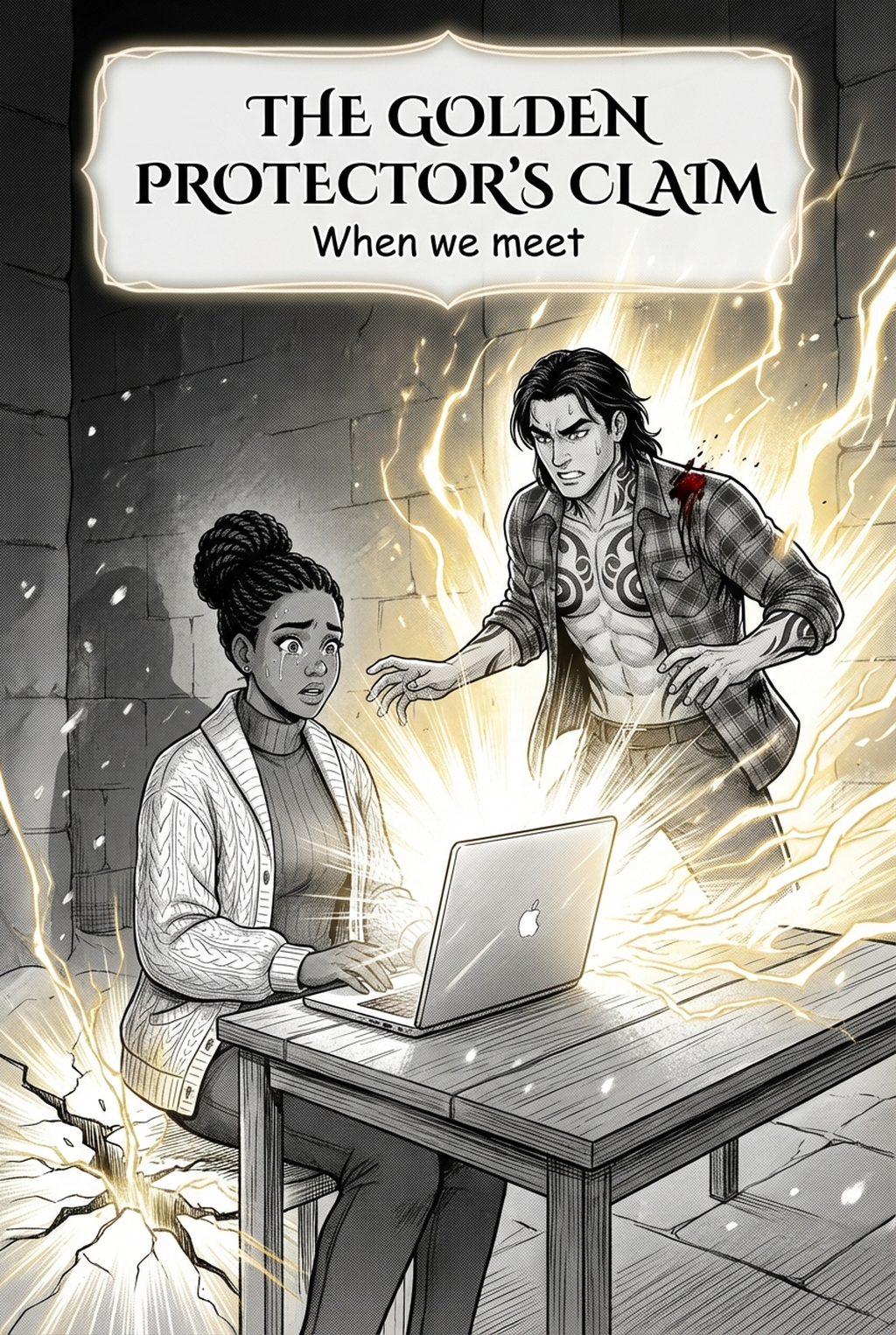
Image plan: five approved library images are reserved as cover plus four process illustrations; image URLs will be inserted after the asset mapping is confirmed. Internal link: https://www.mangaka.app