AI Manga Inker: Defining Essential Manual and Digital Inking Approaches
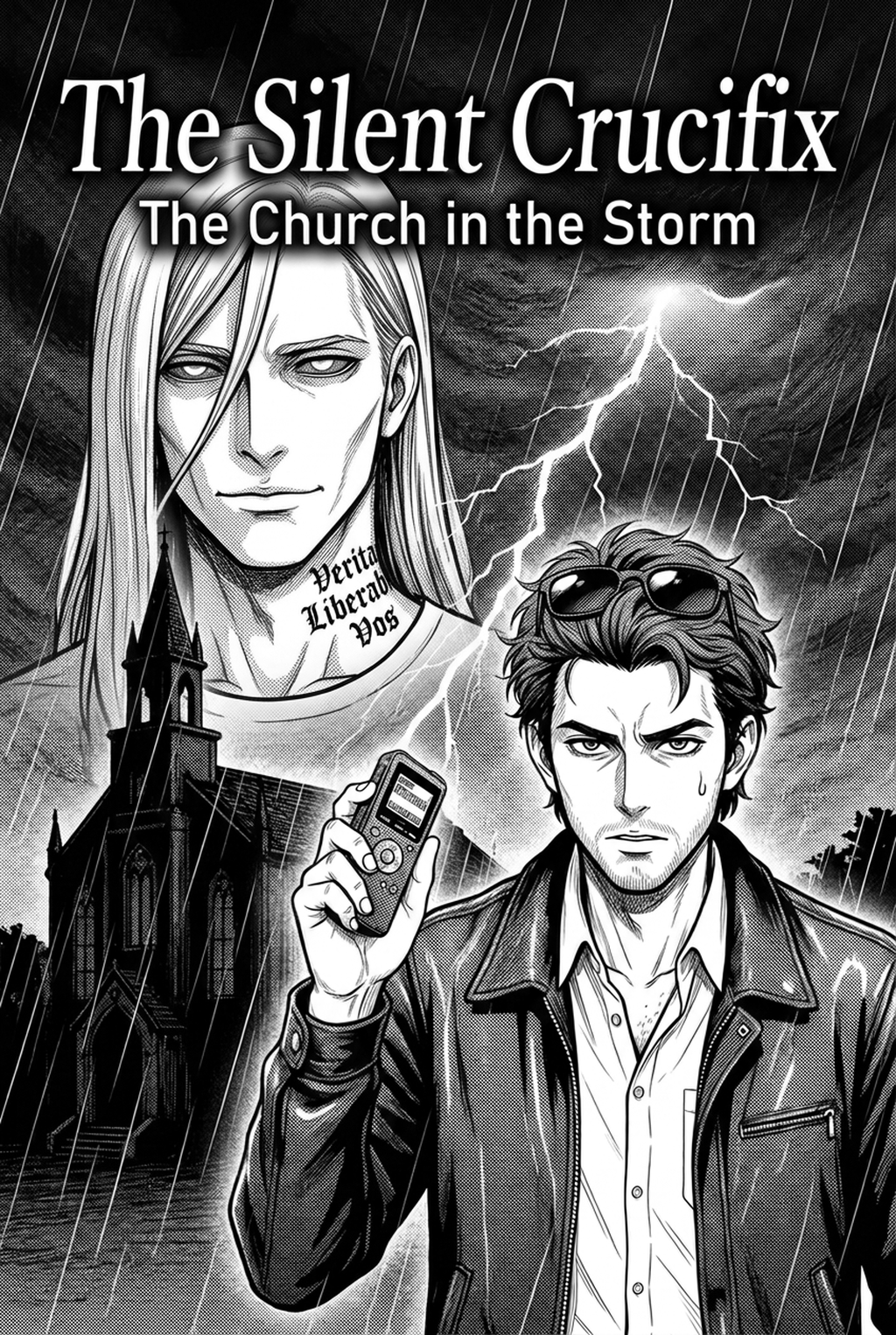
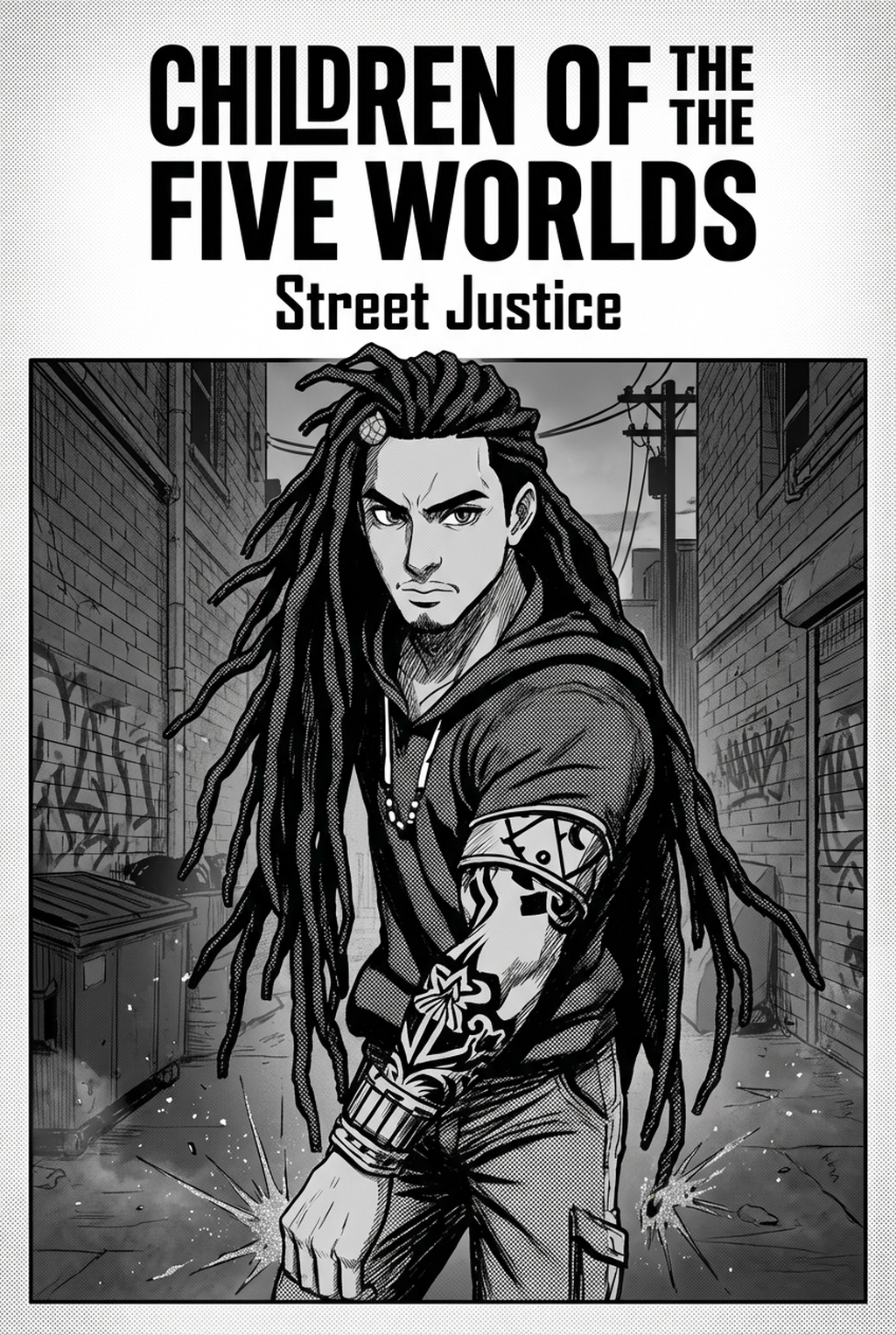
Professional inking relies on the deliberate application of variable stroke width to indicate lighting and physical form. By thickening lines where two surfaces meet and thinning them on curved highlights, you create a sense of three-dimensional space that prevents characters from looking flat against complex backgrounds.
The shift from traditional India ink to digital platforms removes the physical limitation of smudging, but it introduces the risk of "pixelated shakiness" in amateur scans. Professional creators mitigate this by integrating vector smoothing or automated cleanup, ensuring that even the most delicate hair strands remain crisp when downscaled for print or mobile display.
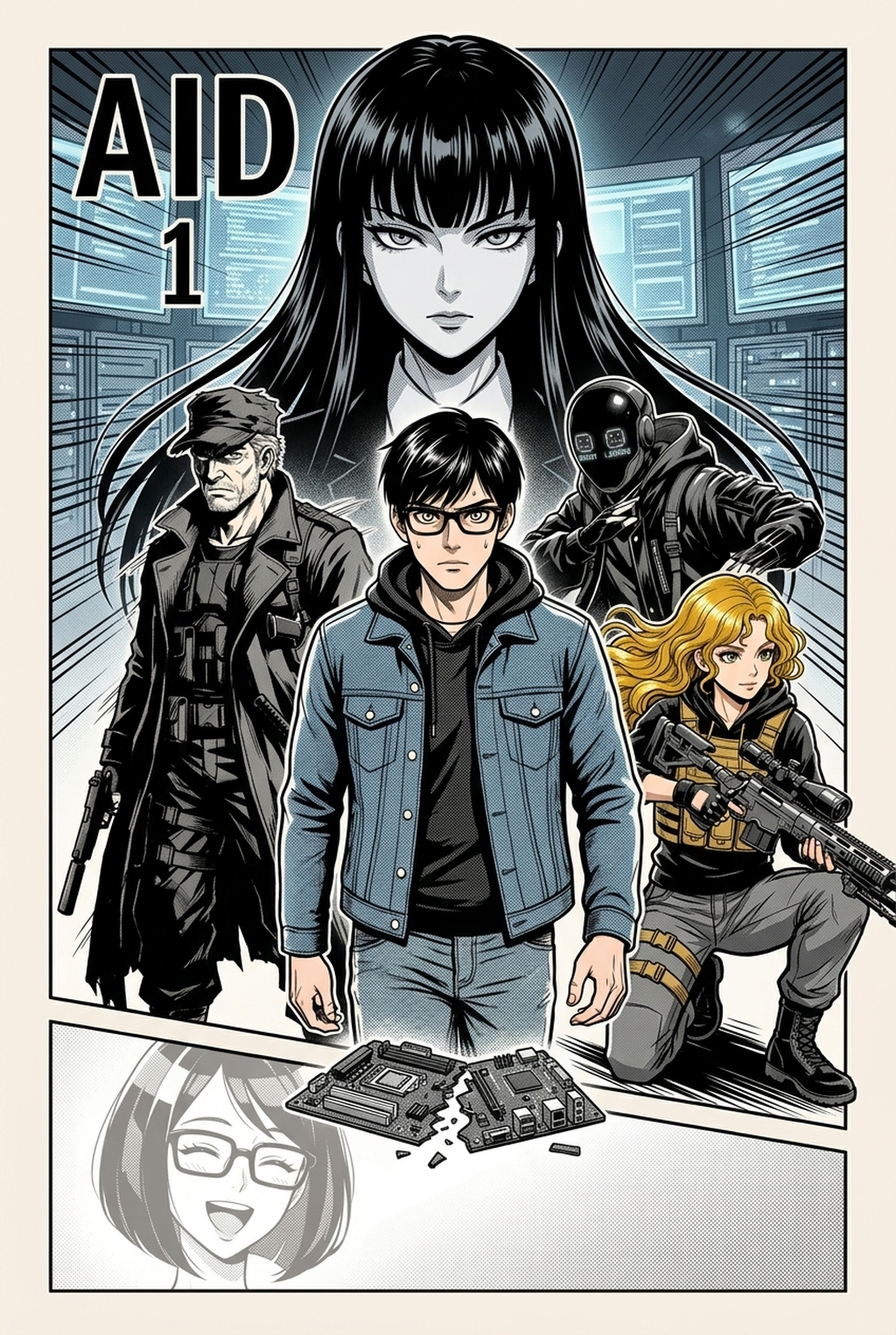
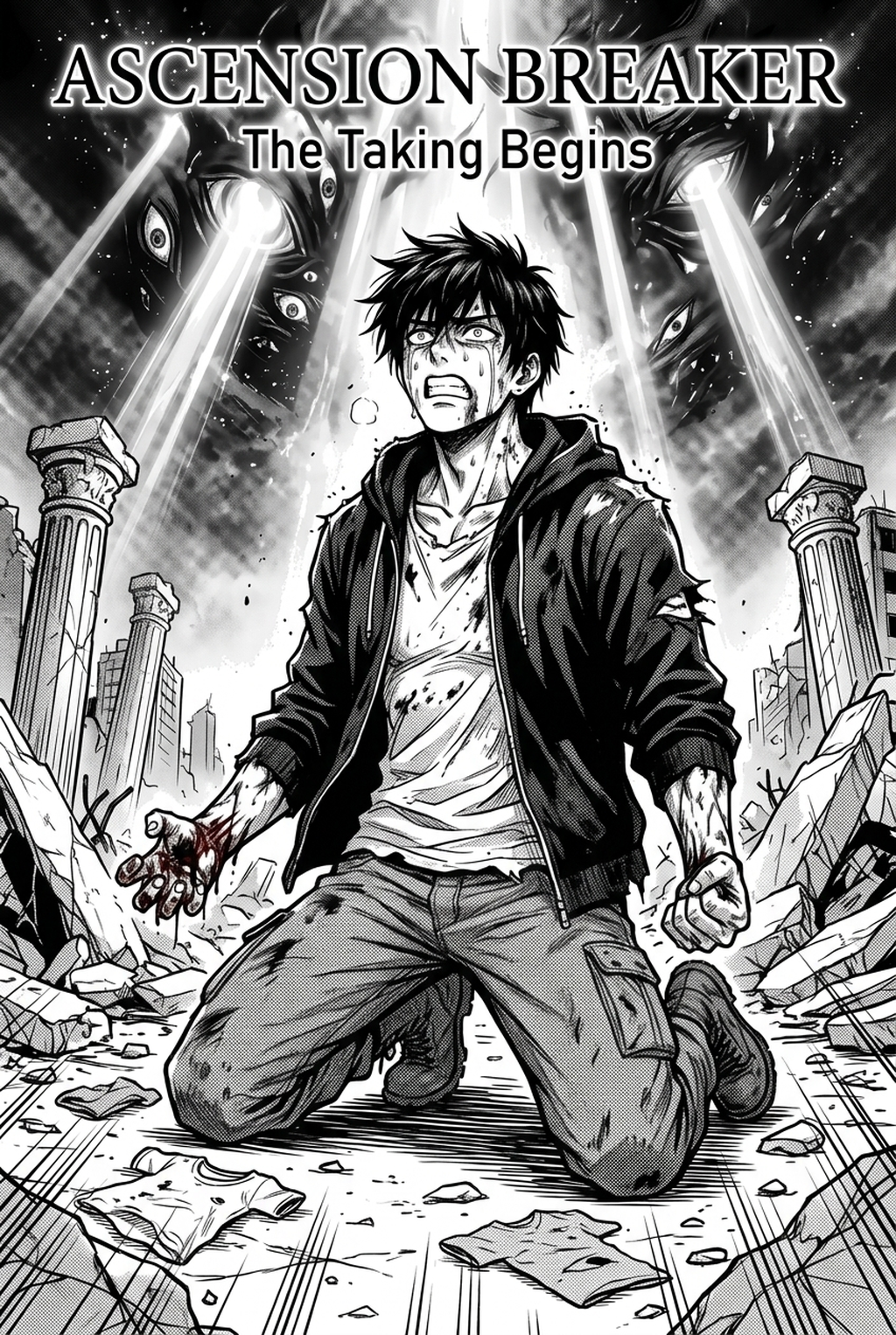
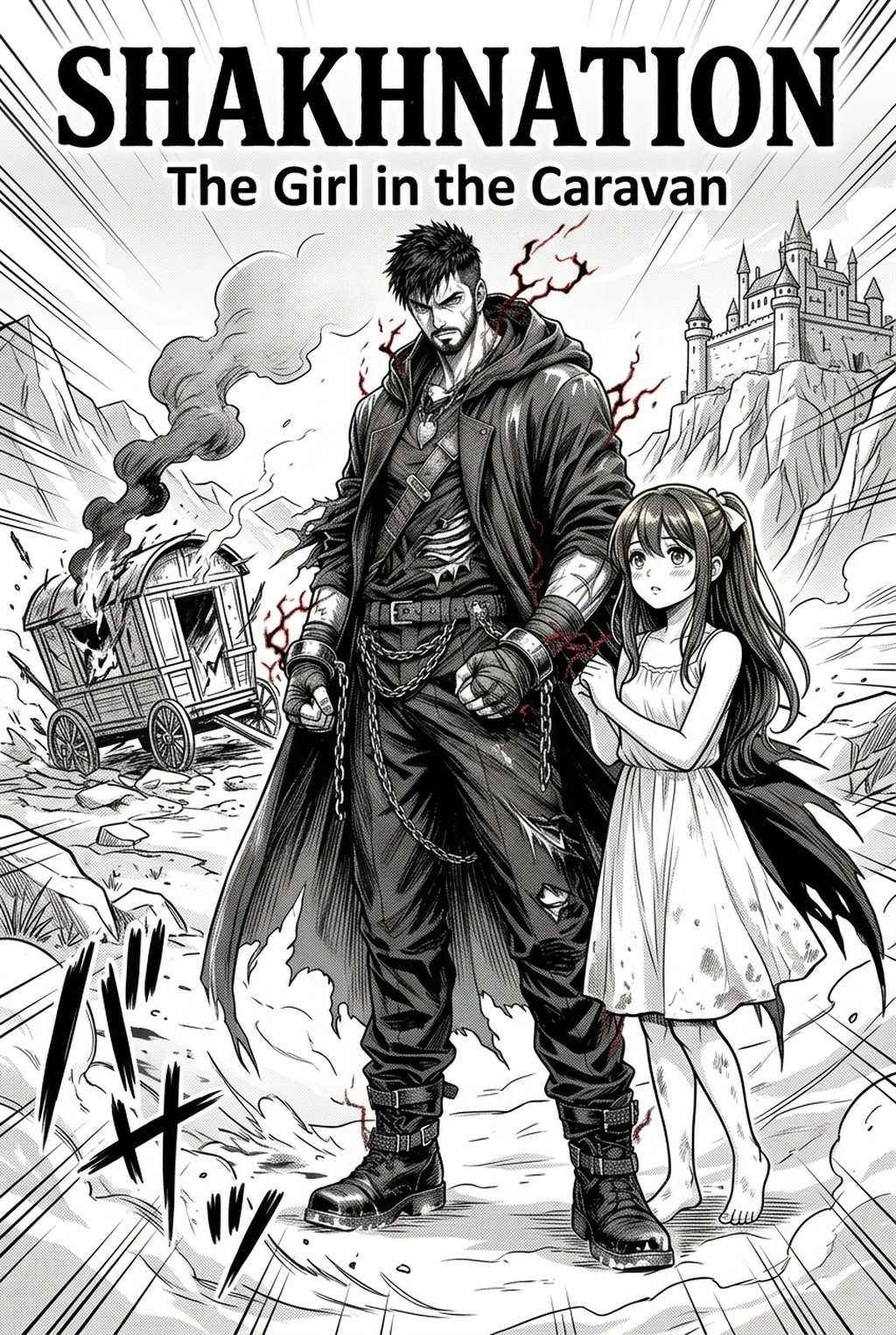
In high-density shonen fight sequences, your primary goal is to guide the reader’s eye toward the focal point of the action. By thinning the line weights of background debris and keeping the main character’s silhouettes bold, you create a clear visual hierarchy that prevents the panel from becoming an illegible mass of dark strokes.
- Chapter cadence. Use the AI pass for pages where speed matters most, such as repeated action poses, transformation beats, or dense speed-line panels. Keep manual cleanup for hero panels where the line style defines the emotional peak.
- Character continuity. Compare the generated lines against the same model sheet, costume notes, and facial-expression range used during sketching. This prevents a fast inking pass from drifting away from the character identity readers recognize.
- Export readiness. Check whether the final manga output can move into lettering, coloring, or final layout without rebuilding panel borders or speech-bubble space. A good manga workflow should save time while keeping the next production step predictable.
Why Precision Inking Determines Series Quality
Consistency in your line art acts as the structural foundation for your entire manga, ensuring that readers remain immersed without noticing shifts in style or technical quality. Maintaining stylistic uniformity across an entire volume requires a rigorous approach to how you translate your initial rough sketches into final delivery formats.
Novice creators often fall into the trap of over-detailing background panels, which obscures the focus character and muddies the composition. You should prioritize "negative space balancing," where clear, uninked areas serve as resting points for the reader's eye, allowing dramatic expressions and sharp motion lines to carry the emotional weight of the scene.
Failing to optimize your line density for target output resolutions—such as standard B4 paper for physical magazines or high-DPI screens for digital platforms—results in broken line fragments during printing. Professional workflows demand that your ink layers are cleaned and high-contrast, ensuring that the printer’s raster processing retains the integrity of your original draft.
How Mangaka Streamlines Your Line Art Production
Mangaka automates the conversion of loose sketches into professional, high-resolution line art that mimics ink-nib weight dynamics. By utilizing the manga inking techniques with Mangaka tool, you move past the technical bottleneck of manual path-tracing to focus exclusively on storyboard pacing and character-focused composition.
The system maintains the source context of your work, ensuring that original facial anatomy, delicate clothing folds, and intentional posture are preserved during the cleanup process. Because the software identifies the artist’s intent rather than simply tracing pixels, it avoids the distorted proportions often found in generic auto-trace tools that prioritize edge detection over artistic form.
By removing the manual cleanup requirement, you can finish multiple pages in the time it once took to ink a single frame. This tool acts as a force-multiplier, allowing you to iterate on your dramatic composition while the system handles the tedious labor of cleaning lines to a uniform, clean-stroke output that mimics professional inking nibs.
Applying Modern Techniques to Common Scenarios
Amateur inking often suffers from uniform line weight, which makes panels appear flat and reduces the impact of character movement. Implementing sophisticated line hierarchy is necessary to separate your subjects from the environment, especially when using heavy screen tones that threaten to merge with dark line work.
When drawing dense cityscapes or mechanical mecha details, use thinner ink pens for secondary architectural elements to ensure they recede into the distance. If your line weight remains uniform, the perspective depth collapses, turning a dynamic action shot into a flat, confusing assembly of shapes that fails to communicate the environmental scale to your audience.
The quality of your AI-generated output is directly tied to the clarity of your input files. To get the best results, provide high-contrast, high-resolution PNG or TIFF files of your sketches where pencil lines are distinct from the white background, allowing the system to accurately interpret your intended ink path.
Getting Started with Professional Tools
Learning the nuances of professional line quality used to take years of dedicated practice with nibs and ink pots. Modern AI tools significantly cut this technical lead time to seconds, though artistic intent remains entirely your responsibility.
- Output consistency: The AI provides a stable, clean output that eliminates line jitter, making your final panels look as if they were drawn with a perfectly calibrated G-pen. * Time efficiency: By shifting the "cleanup" phase to an automated task, you can prioritize the emotional impact and narrative flow of your panels. * Artistic control: You are not being replaced by automation; you are using it to handle the repetitive, manual chores of inking so that your creative energy is spent on character expressions and panel composition.
Creators should compare the generated line art with the original sketch and confirm that facial expressions, props, speed lines, and speech-bubble space still support the scene. This keeps the review focused on story intent, line weight, panel readability, and the export quality behind the final AI Manga Inker output.
The Bottom Line
Mastering these techniques allows you to produce high-quality work that meets professional standards while maintaining your unique artistic voice. By incorporating the manga inking techniques into your workflow, you can stop spending hours on tedious manual cleanup and focus on the narrative and emotional impact of your story.
Master Clean Digital Line Art & Manga Inking with Mangaka.app
Professional manga inking requires confident stroke variation, tight corner intersections, and dynamic line weights. Mangaka.app empowers your inking process:
- Responsive Digital Dip Pen Physics: Experience natural G-pen and Maru-pen weight transitions from hairline details to deep shadow contours.
- Automated Line Weight Balancing: Reinforce silhouette perimeters and focal boundaries automatically for enhanced panel readability.
- Intelligent Jitter & Sketch Cleanup: Transform rough pencil gestures into crisp, publishable monochrome vectors effortlessly.
- Tonal Screentone Overlay Support: Pair crisp linework with authentic dot halftones, speed lines, and gradated tone patterns.
Ready to elevate your manga creation workflow? Experience professional AI-assisted storyboarding, character consistency, and digital inking with Mangaka.app today.