AI Manga Background Artist: Understanding Environmental Narrative
A successful background functions as the silent anchor of your story, dictating the mood and spatial logic of a scene without competing for attention with your character designs. When you fail to account for atmospheric narrative, the reader feels untethered, leading to confusion during high-speed action sequences or critical dialogue beats.
Consistency in your horizon lines determines whether a reader stays immersed or feels "perspective vertigo" when jumping between character close-ups and wide architectural shots. This keeps the review focused on story intent, line weight, panel readability, and the export quality behind the final AI Manga Background Artist output.
- Vanishing Point Locking: Always map your primary horizon line across the entire two-page spread to ensure the environment grounds the reader’s eye. * Depth-of-Field Staging: Use blur filters or lower-detail textures for distant architecture to prevent the Detail Trap," where overly ornate elements clash with minimalist character line art. * Screentone Density: Maintain a consistent contrast ratio by matching the gray-value intensity of your backgrounds to the shadows on your character’s clothing.
Different panels require distinct background approaches to maintain proper pacing. Action-focused environments, such as those featuring speed lines and debris, should remain abstracted to emphasize movement. Conversely, world-building shots require rigid geometric fidelity to establish the reader's sense of place within your fictional universe.
Check character consistency, panel readability, line quality, and export readiness before publishing. Creators should also record why the page passed review, which panel details still need manual cleanup, and which export format the next collaborator will use. That makes the subsection useful instead of leaving a short checklist under a large heading.
Why Backgrounds Stall Production
Artists often over-invest in static background details that become invisible once speech bubbles, onomatopoeia, and character blocking are layered onto the page. This is the Detail Trap"—spending ten hours on a hyper-realistic train station interior only to have 70% of it obscured by dialogue boxes and character silhouettes in the final print layout.
- The Workflow Bottleneck: Manual perspective gridding is the single largest point of failure for independent creators, frequently causing long-term RSI and burnout. * Design Mismatch: If your environment is drawn at a higher resolution or sharper line weight than your character designs, the panels will feel like a jarring collage of disconnected styles.
Integrating AI into Your Workflow
AI-driven tools now allow artists to generate finished, ink-ready plates directly from text-based scene descriptions. By utilizing Manga Background with Mangaka to handle the heavy lifting of perspective and line art, you can focus your manual energy on the specific character expressions and dynamic posing that define your unique style. The primary fear for many creators is the "plastic" or overly digital appearance of AI output. To solve this, you must treat the output as a base layer rather than a final product.
- In-Painting for Dynamic Panels: If a generated environment doesn’t align with your character’s blocking, use in-painting to tweak specific architectural elements, such as adjusting a window's angle or adding debris to a street corner. * Custom Style Filtering: Apply LoRA filters or custom brushes to your generated textures to align them with your signature ink weight, ensuring the background feels as if it were drawn with your own G-pen. * Screentone Integration: Convert the AI-generated grayscale textures into traditional screentone patterns using a standard halftone threshold, bridging the gap between digital generation and print-ready manga aesthetics.
Practical Use Case Scenarios
Optimizing your output is essential when working with specific page formats, such as the standard B4 or A4 Japanese manga dimensions at 600 DPI. For an action sequence in an urban street, you can generate five variations of the same "neighborhood" aesthetic to maintain visual continuity across the entire chapter.
| Component | Manual Effort | AI-Assisted Effort |
|---|---|---|
| Perspective Gridding | 90 Minutes | 2 Minutes |
| Line Art Inking | 180 Minutes | 5 Minutes |
| Screentone Application | 60 Minutes | 3 Minutes |
| Total Time Per Panel | 330 Minutes | 10 Minutes |
Implementation Criteria
When evaluating background tools, prioritize software that supports "creative brief Portability"—the ability to save your specific location designs as presets for reuse in later chapters. You must also ensure the tool allows for custom scaling, as an environment generated for a splash page will rarely fit the tight constraints of a narrow, tall vertical panel.
- ControlNet Inputs: Seek tools that accept rough layout sketches, allowing you to define the basic composition before requesting the final render. * Resolution Fidelity: Always check if the output handles high-resolution line art without pixelating, which is critical for print-ready professional publishing. * Export Versatility: Prioritize tools that export directly in layered PSD or high-resolution PNG formats, keeping your background and line art layers separate for easy post-processing.
- Before Export. Creators should compare the generated line art with the original sketch and confirm that facial expressions, props, speed lines, and speech-bubble space still support the scene. A repeatable review pass should cover character consistency, panel readability, background clarity, and whether the final file is ready for coloring, lettering, or editor feedback.
- For Longer Projects. Creators should save approved examples of line weight, face detail, clothing folds, and background density. Those references keep later chapters closer to the intended style. For collaboration, creators should mark which panels are final and which panels still need redraws. Clear status labels prevent an assistant, editor, or colorist from polishing the wrong version.
- For Publishing. Creators should review the page at the actual reading size before export. Small screens expose crowded dialogue, weak silhouettes, and line details that looked fine while zoomed in. Creators can use each revision decision to clarify panel readability, character consistency, and export quality before publishing or sharing.
The Bottom Line
The modern AI AI Manga Background Artist workflow Artist workflow is no longer a manual-only hurdle; it is a blend of creative intent and intelligent automation. By utilizing advanced tools, creators can reclaim their time for character development and nuanced story-pacing while maintaining industry-standard visual quality. Visit Manga Background today to start generating professional-grade backgrounds for your next project.
Create Detailed Manga Architectural and Natural Backgrounds with Mangaka.app
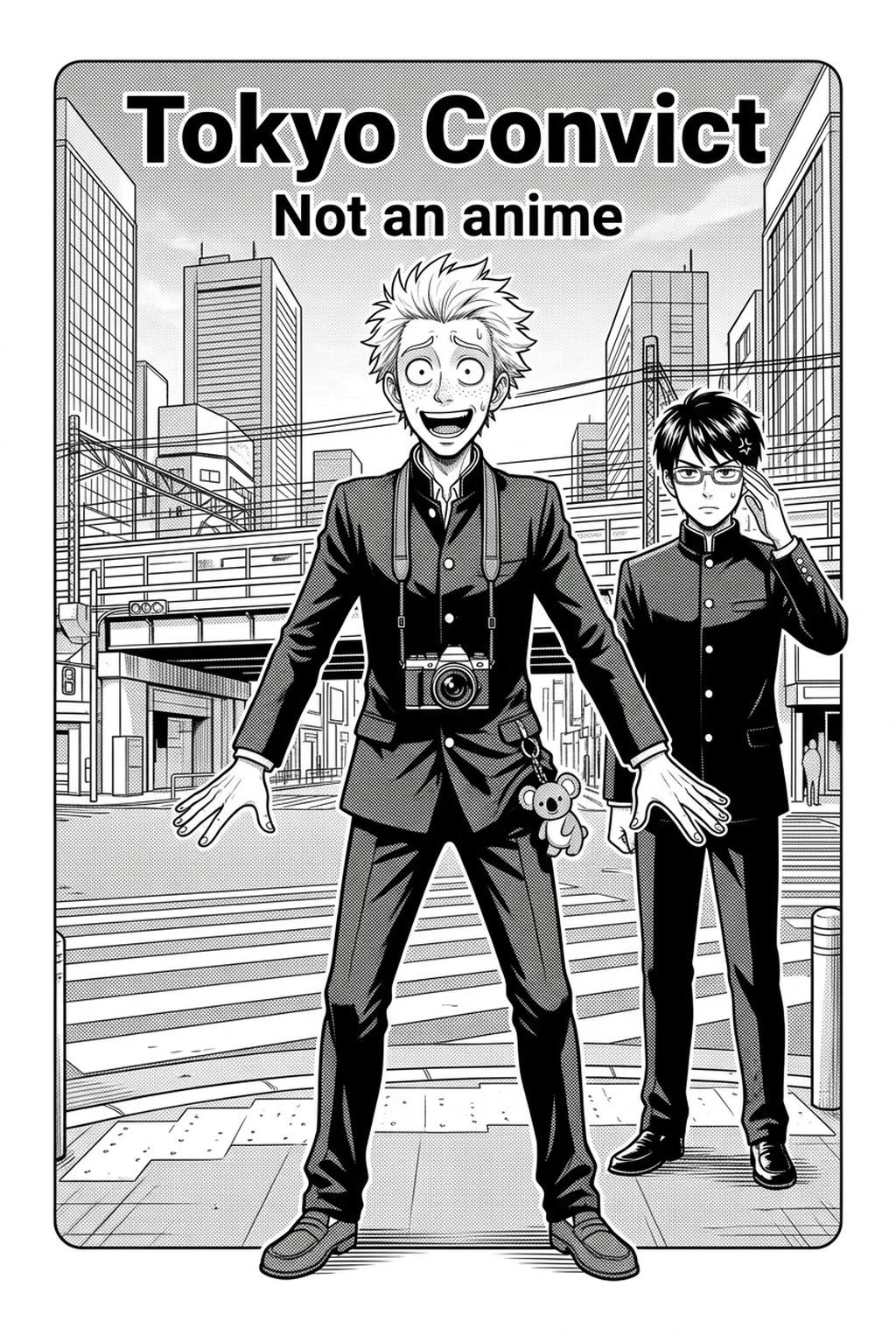
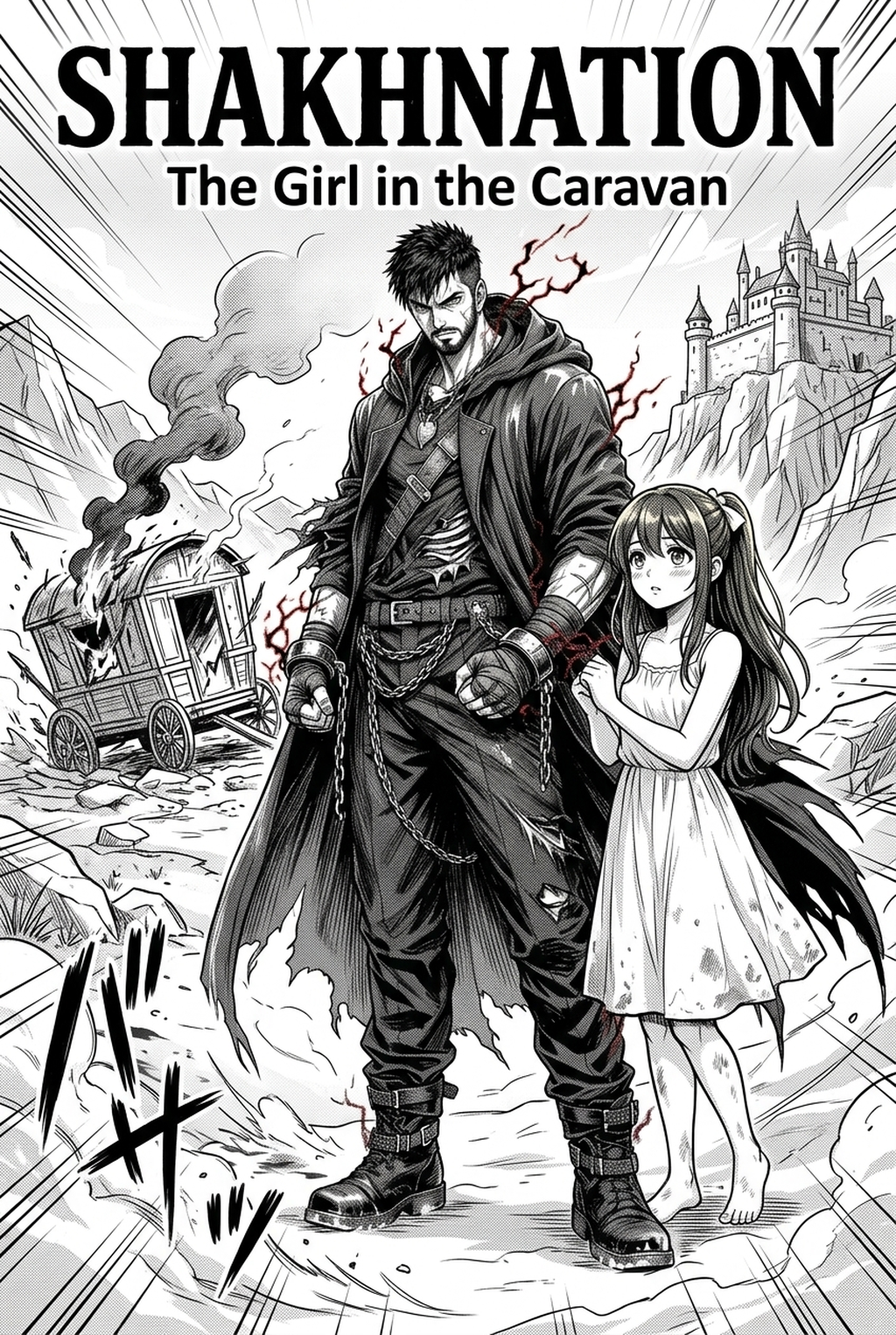
Drawing accurate multi-point perspective backgrounds—from bustling Tokyo streetscapes to ancient fantasy castles—consumes massive creative time. Mangaka.app simplifies background generation:
- Perspective-Locked Architectural Backdrops: Produce highly accurate 1-point, 2-point, and 3-point perspective interiors, schoolrooms, and urban street views.
- Traditional Screentone Halftone Integration: Automatically render environmental gradients, sky tones, and masonry textures in classic manga dot patterns.
- Cohesive Line Art Weight Matching: Synchronize background line weights with foreground character inks for harmonious visual hierarchy.
- Rapid Scene Rotation: Rotate camera perspectives within a consistent 3D virtual space to shoot scenes from low dramatic angles or bird's-eye views.
Ready to elevate your serialized manga and speed up chapter production? Create your professional manga storyboard and character sheets on Mangaka and transform your creative workflow today.