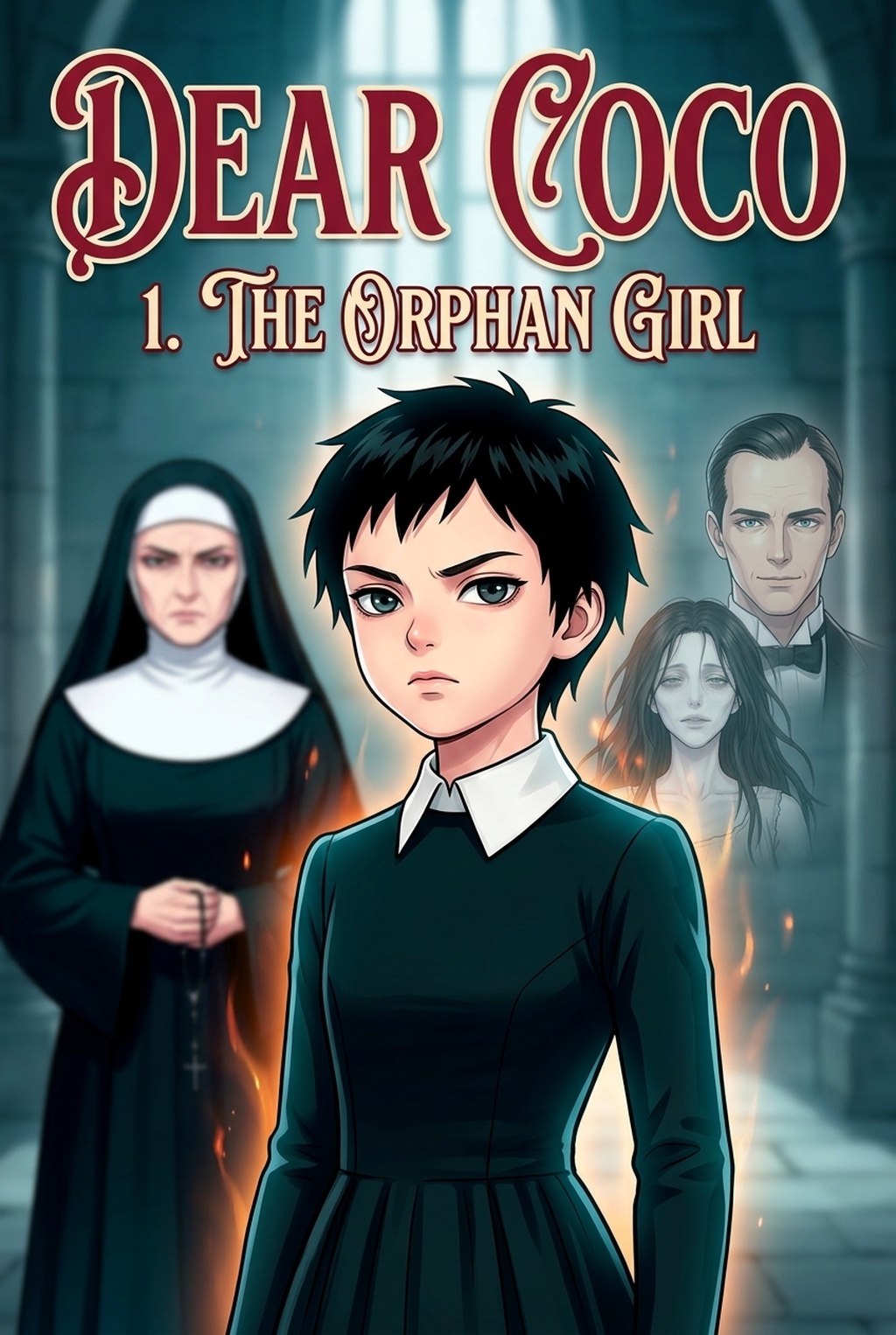
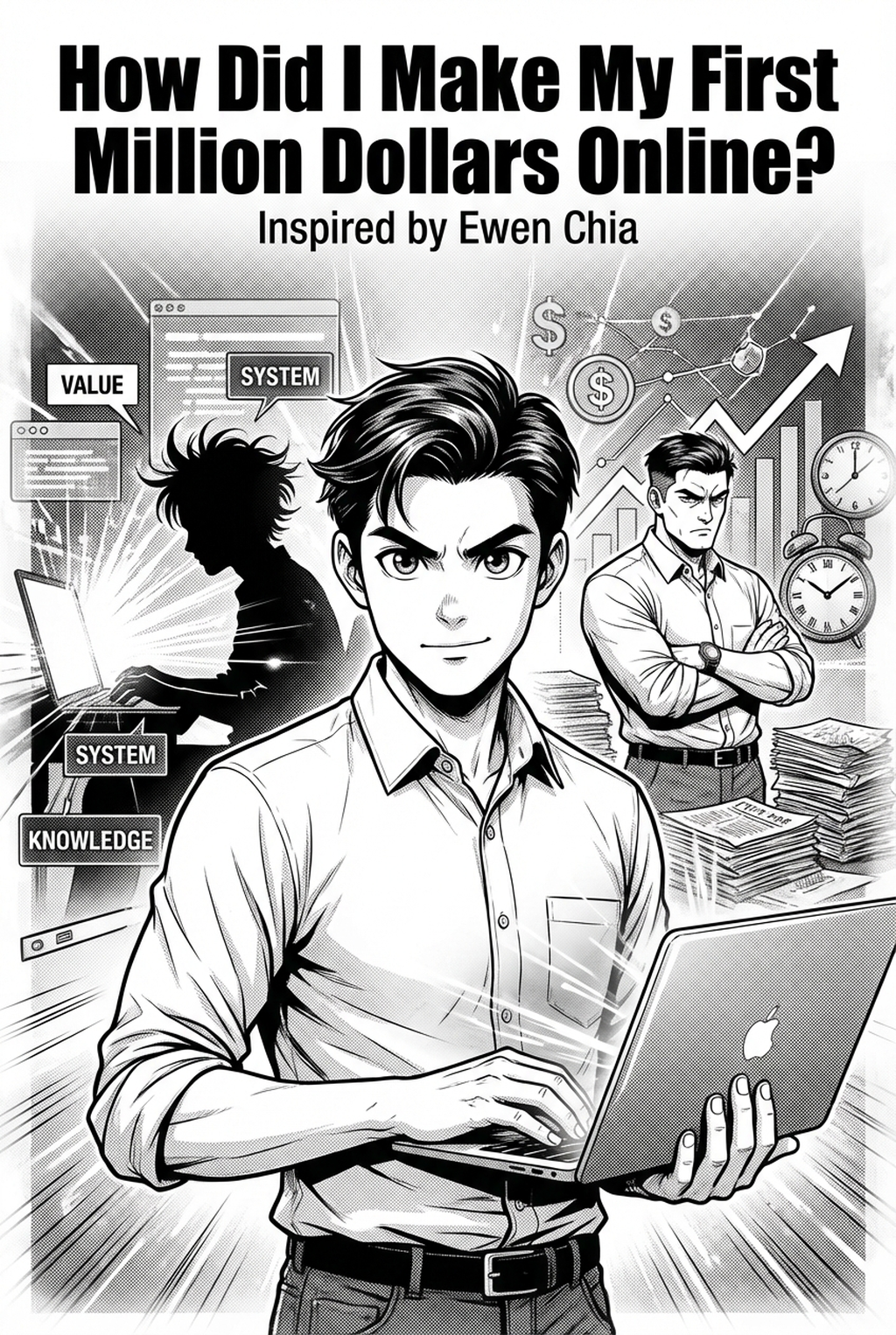
TL;DR Summary & Key Takeaways
- Core Principle: Creating professional-grade sequential manga requires bridging structured narrative scripts with AI-assisted visual rendering and rigorous panel composition standards.
- Workflow Acceleration: Utilizing purpose-built platforms such as Mangaka AI Manga Engine reduces the end-to-end page turnaround time from days to minutes while maintaining artistic consistency.
- Quality Standard: Success depends on strict gutter discipline, hierarchical focal points, and consistent character prompt anchoring across all consecutive scenes.
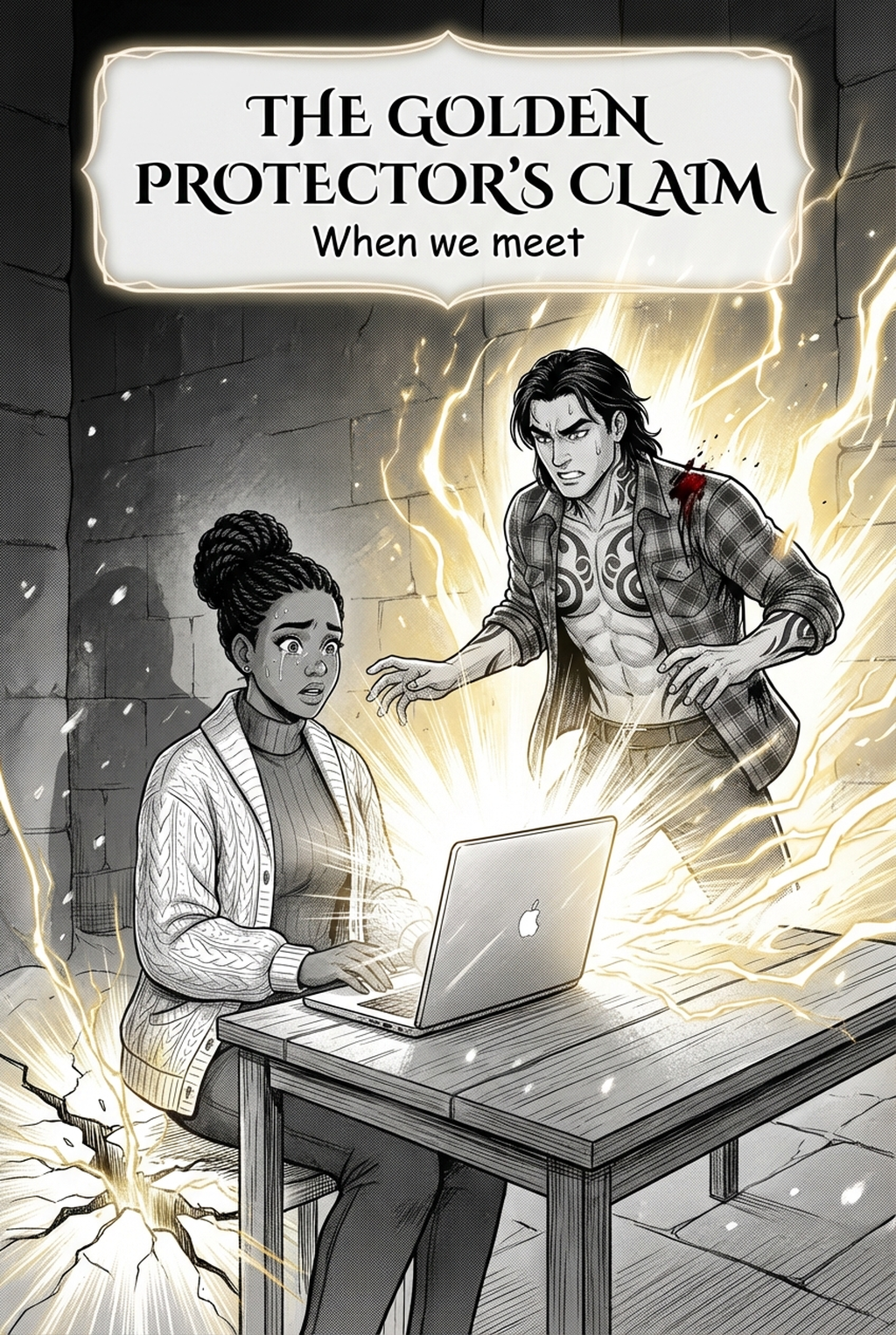
Direct Answer: Turning a written story into manga with AI involves breaking narrative prose into comic beats, translating emotional dialogue into concise bubbles, prompting panel compositions with directional camera cues, and integrating sound effects into the final inked artwork.
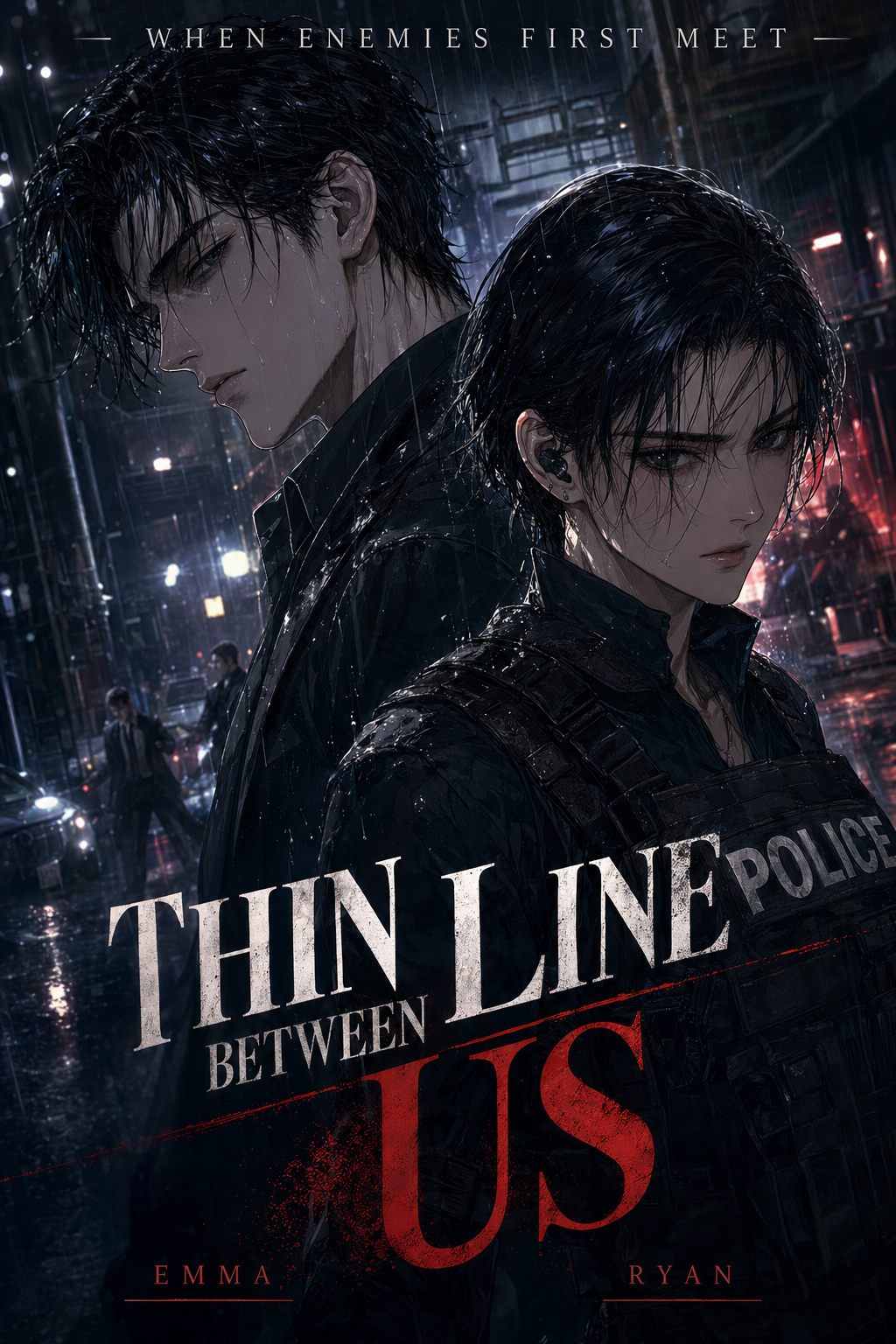
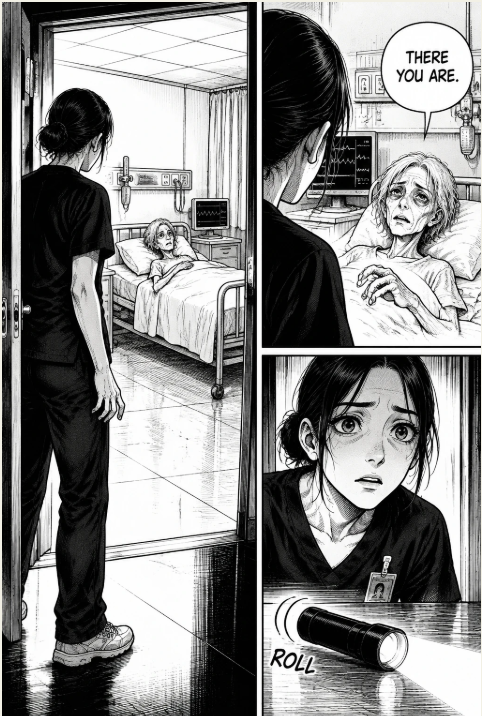
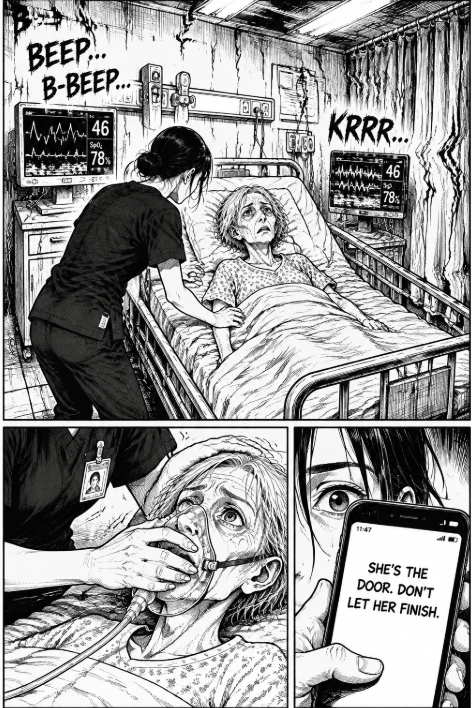
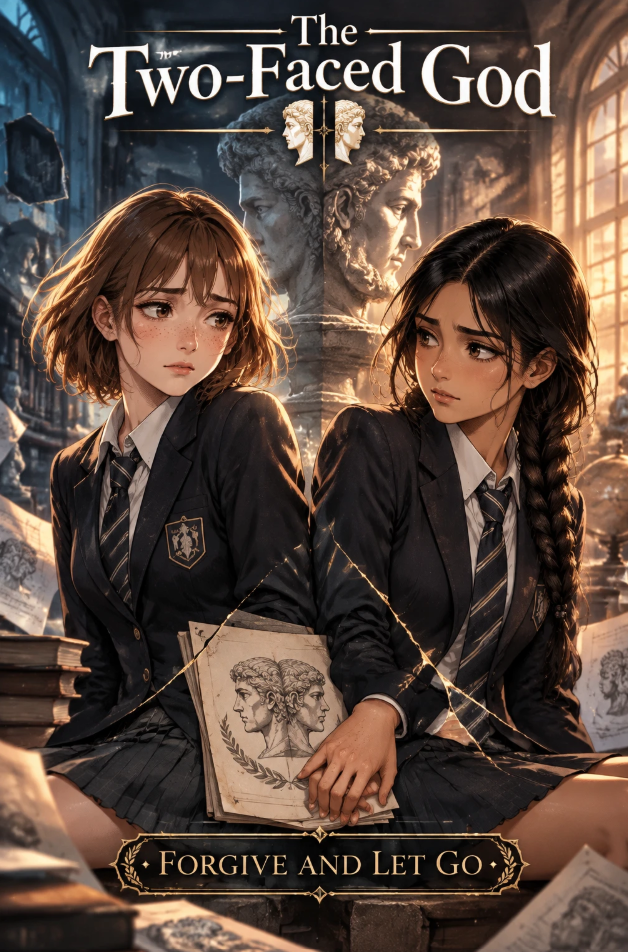
! How to Turn a Story into Manga with AI: From Script to Finished Pages - Featured Cover Art Figure 1: Comprehensive architectural workflow diagram for turn story into manga with ai adhering to modern digital production standards.
Introduction: The Evolution of Digital Manga Creation in 2026
The comic creation industry has witnessed an unprecedented paradigm shift over the past twenty-four months. Traditionally, producing a single twenty-page manga chapter demanded a dedicated studio comprising a lead mangaka (storyboarder and key penciler), multiple background assistants, an inker, screentone technicians, and a production editor. A typical weekly serialization schedule required 60 to 80 hours of relentless manual labor per week.
With modern advancements in generative vision models and specialized manga creation engines, creators, independent visual novelists, and narrative designers can execute professional sequential visual storytelling with astonishing speed and fidelity. However, the democratization of AI art tools has introduced a significant misconception: many aspiring creators believe that simply feeding random character prompts into generic text-to-image models will magically yield a readable manga.
In reality, authentic manga is fundamentally defined by sequential visual flow, spatial panel relationships, narrative rhythm (often characterized by the Japanese dramatic structure Kishōtenketsu), and absolute visual continuity. When you produce manga through artificial intelligence, your role shifts from manual line draughtsman to executive art director and visual choreographer.
To succeed in this evolving domain, you must understand the interplay between narrative intent, panel hierarchy, prompt engineering parameters, and digital post-processing. Whether your objective is to publish an indie webtoon on digital platforms or assemble a physical tankōbon volume for print distribution, this exhaustive guide delivers every actionable technique, technical specification, and production best practice necessary to bring your creative vision to life.
For creators looking to streamline the transition from raw text to complete comic pages without complex manual toolchains, exploring the integrated features at Mangaka.app Platform provides an immediate foundation for automated paneling and character tracking.
Comparative Overview: Traditional Workflow vs. AI-Assisted Manga Pipeline
Understanding where AI delivers the greatest leverage allows creators to optimize their creative energy. Below is an exhaustive technical comparison between traditional artisanal manga drafting, generic text-to-image synthesis, and specialized AI comic pipelines:
| Production Phase | Traditional Studio Workflow | Generic Image Generation (e.g., Midjourney/SD) | Dedicated Manga Engine (Mangaka.app) |
|---|---|---|---|
| Script Breakdown | Manual thumb-nailing on B4 comic paper | Manual copy-pasting into independent prompts | Native automatic script parsing into panel beats |
| Character Continuity | Hand-drawn model sheets & muscle memory | High drift; severe face/hair mutation across angles | Seed-locked facial feature tokens & turnaround rigs |
| Panel Composition | Manual ruler drafting with 180mm x 270mm bounds | Single standalone rectangular frames | Dynamic multi-panel canvas with customizable gutters |
| Line Art & Screentones | G-pen nibs, Deleter screentone sheets #61–#63 | Blurry gray gradients requiring vectorization | Crisp 600 DPI monochrome line extraction & halftone dots |
| Lettering & Bubbles | Manual paste-up in InDesign / Clip Studio | External post-production software mandatory | Built-in smart speech bubbles with automated tail vectors |
| Page Turnaround | 12 to 24 hours per finished spread | 3 to 6 hours (heavy manual Photoshop clean-up) | 15 to 30 minutes from draft script to final export |
This operational efficiency demonstrates why adopting an end-to-end sequential workflow dramatically accelerates publishing cadence without sacrificing aesthetic integrity.
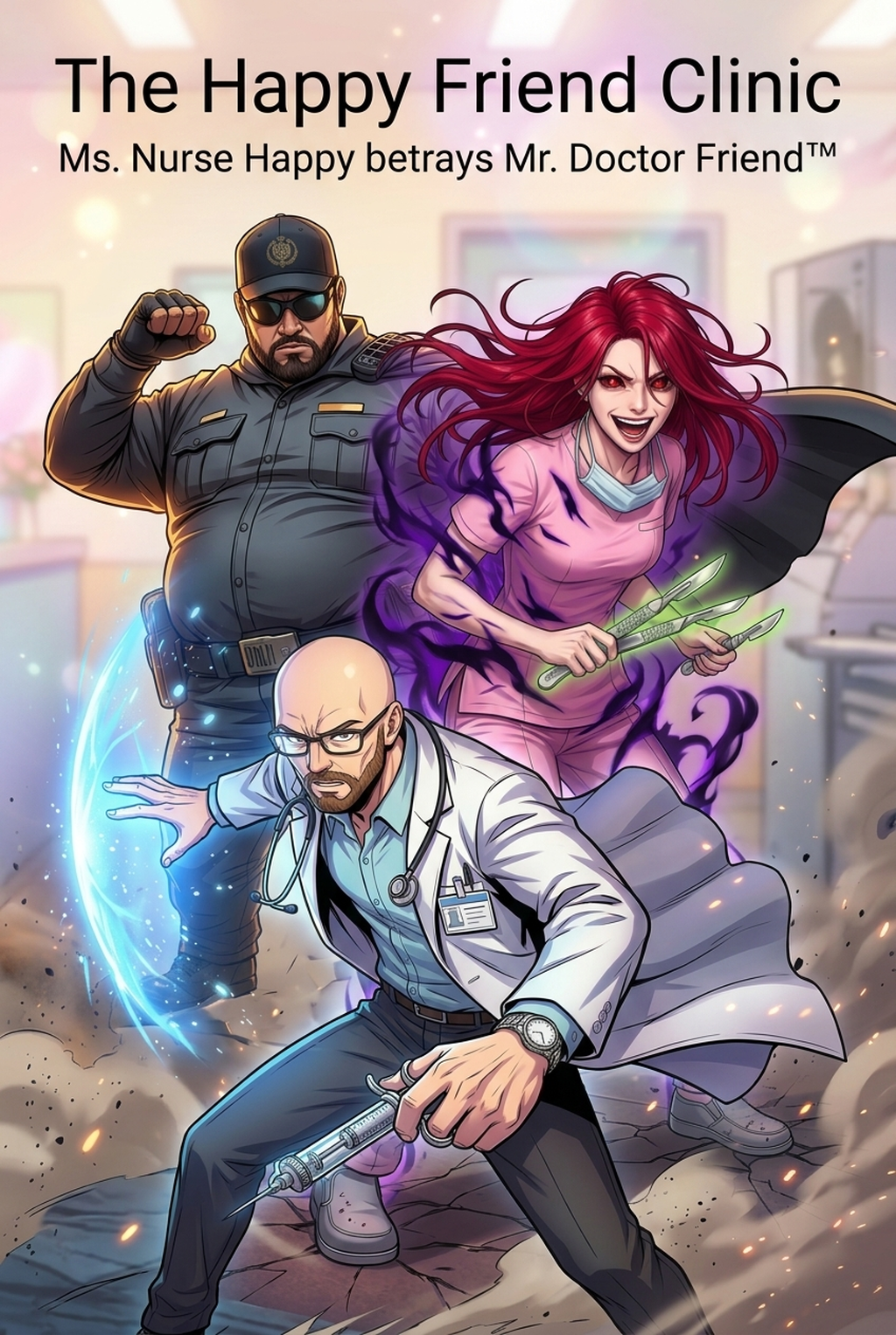
! Character Turnaround and Visual Anchoring Figure 2: Multi-angle character model sheet illustrating precise costume, silhouette, and hairstyle token locking.
The Complete 7-Step Production Blueprint for AI Manga
Mastering this end-to-end framework guarantees that your sequential storytelling achieves commercial publishing standards. Follow these seven sequential stages meticulously:
- Step 1: Establishing the Structural Narrative Beats (Kishōtenketsu Architecture)
Every chapter must be organized around four foundational narrative movements:
- Ki (Introduction): Establish character status quo, physical environment, and atmospheric tone across the opening 3–5 pages.
- Shō (Development): Deepen emotional stakes, introduce conflict, and accelerate dramatic pacing across 8–10 pages.
- Ten (Twist / Climax): A radical narrative pivot, unexpected reveal, or intense action sequence utilizing double-page spreads or oversized bleed panels.
- Ketsu (Resolution / Hook): Emotional aftermath, cliffhanger transition, and preparation for the subsequent serialization installment.
- Step 2: Formalizing Character Reference Sheets and Visual Anchor Dictionaries
Before generating a single comic page, construct an exhaustive visual dictionary for every recurring character. This file must specify:
- Base physical prompt tokens (e.g., 17-year-old shonen protagonist, spiky obsidian hair, silver irises, scar across left eyebrow).
- Fixed wardrobe anchors (e.g., high-collared asymmetric cadet jacket, brass buttons, dark fingerless tactical gloves).
- Distinctive silhouette features that allow instant reader identification even in silhouetted or heavily shaded panels.
- Step 3: Translating Script Lines into Spatial Panel Prompts
Convert narrative dialogue and prose into discrete visual shots. Avoid narrative vagueness; specify exact camera distances (extreme wide shot, medium bust shot, low-angle Dutch tilt), lighting direction, and line weights.
- Step 4: Assembling the Multi-Panel Grid and Gutter Ratios
Standard manga pages rely on strict reading flow vectors (right-to-left in Japanese formatting; left-to-right in Western graphic novels). Maintain standard 5mm to 8mm horizontal gutters between panel rows to clearly signal sequence, and tighter 2mm to 3mm vertical gutters between adjacent panels.
- Step 5: Applying Screentones and Monochrome Shading
Authentic manga aesthetic relies on halftones rather than smooth digital airbrush gradients. Convert soft grayscale shades into standardized 60-line to 85-line dot screens to evoke traditional manga publishing tactile quality.
- Step 6: Lettering, Dialogue Balloons, and Dynamic Onomatopoeia
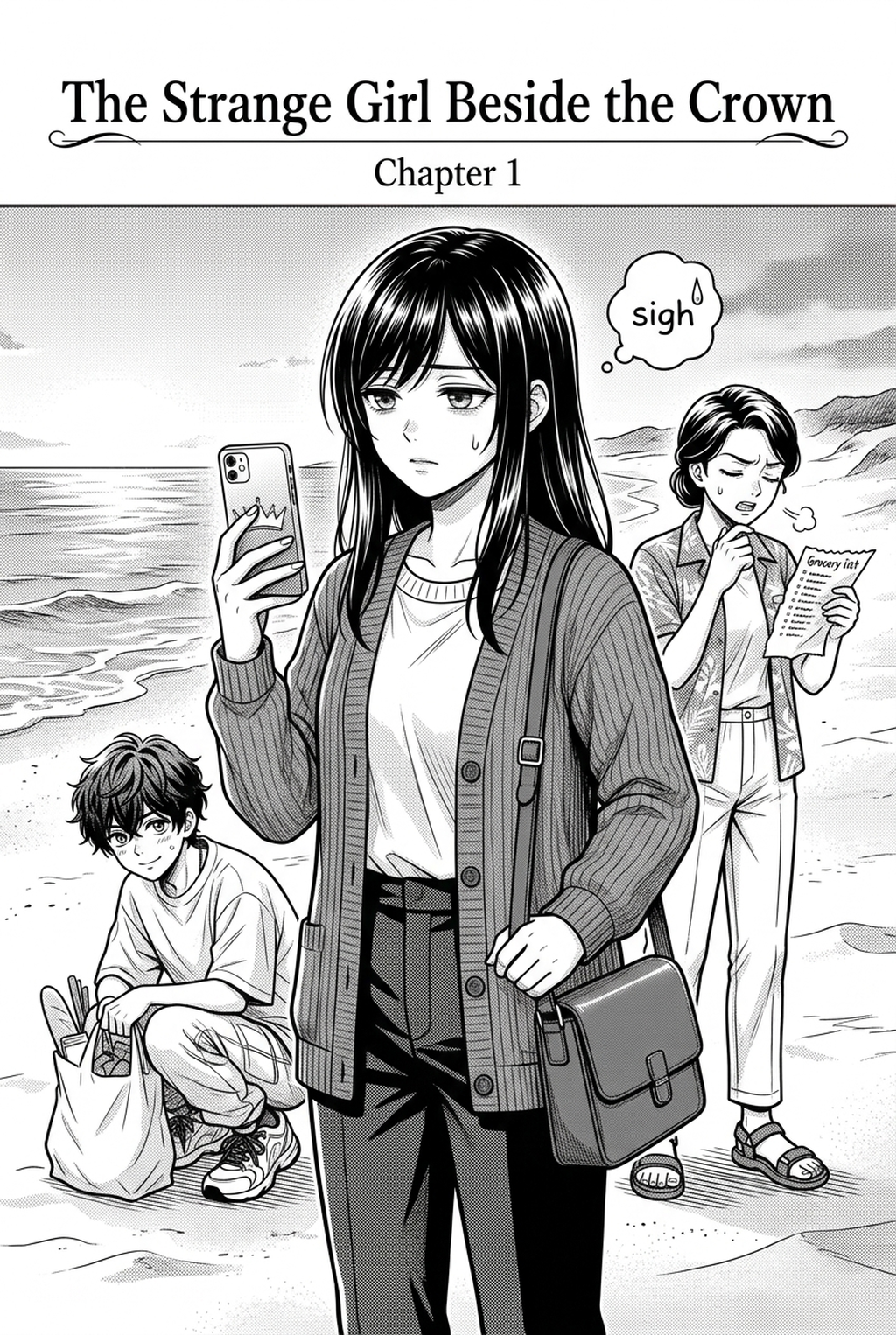
Place speech balloons in natural eye-tracking paths. Ensure tails point directly toward the speaker's mouth without obscuring critical facial expressions. Integrate Japanese sound effects (katakana sound words) directly into the line art to enhance kinetic energy.
- Step 7: Final Resolution Upscaling and Multi-Platform Export
Render the final compilation at 300 DPI for digital web distribution or 600 DPI monochrome for physical offset printing. Verify that all black values register as true 100% K black (CMYK 0/0/0/100) to prevent muddy gray printing artifacts.
### 🚀 Transform Your Story into Manga in Minutes Tired of wrestling with disjointed image generators and tedious manual panel alignments? Experience Mangaka's AI Manga Engine Today — seamlessly generate consistent characters, dynamic panel layouts, and professional screentones in one unified creative workspace.
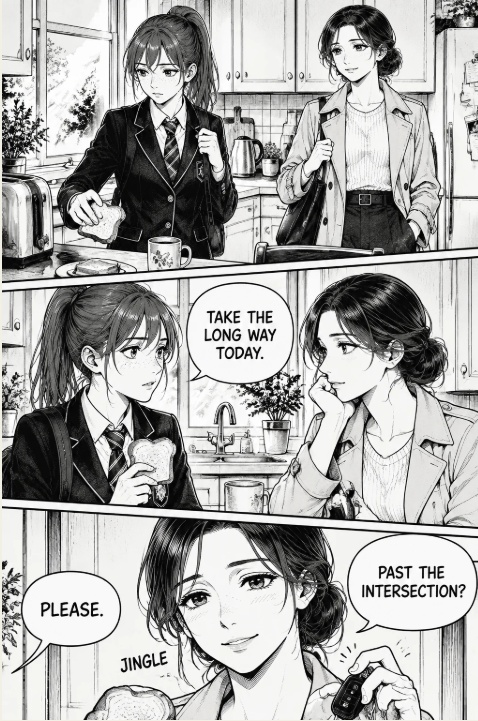
! Dynamic Page Layout and Panel Pacing Figure 3: Paneling layout demonstrating hierarchical focal points, leading eye vectors, and deliberate border breaks.
Advanced Techniques: Prompt Engineering, Camera Blocking & Visual Pacing
To elevate your work beyond amateur AI renders, you must master the precise technical mechanics that govern professional comic art.
1. Camera Blocking and Perspective Variation
One of the most frequent amateur errors in AI comic generation is the "talking heads syndrome" — repetitively generating medium close-ups of characters facing the camera. To create cinematic momentum:
- Bird’s Eye Shot (Top-Down): Use at the beginning of a scene to establish spatial geometry and character positioning relative to architecture.
- Worm’s Eye View (Extreme Low Angle): Heightens character dominance, menacing villain entrances, or heroic revelations.
- Over-the-Shoulder (OTS) Framing: Essential for dialogue scenes; establishes physical proximity and conversational tension between two actors.
- Dutch Tilt (Canted Angle): Tilts the horizon 15 to 30 degrees to communicate psychological instability, disorientation, or sudden physical shock.
2. Gutter Psychology and Eye Flow Dynamics
The white space between panels — known as the gutter — is where the magic of comics occurs. In graphic novel theory (as articulated in landmark visual art studies), the reader's imagination bridges the transition between distinct moments in time through a cognitive process called closure.
- Moment-to-Moment Transitions: Small temporal shifts (e.g., an eye blinking, a sword being drawn 2 inches). These slow down pacing and heighten micro-suspense.
- Action-to-Action Transitions: Clear sequential steps (e.g., character swings a punch in Panel 1; opponent crashes into a wall in Panel 2). This forms the core engine of action manga.
- Subject-to-Subject Transitions: Staying within the same scene while cutting between different elements (e.g., character speaking in Panel 1; clock ticking on the wall in Panel 2).
- Scene-to-Scene Transitions: Massive jumps across space and time requiring clear establishing cues and distinct narrative text captions.
3. Prompt Engineering Architecture for Manga Stylization
When constructing generation prompts, prioritize style tokens that enforce clean ink contour lines and prevent photorealistic render contamination. For optimal results:
- Positive Prompt Core:
masterpiece, professional manga page, crisp 600 DPI inking, clean G-pen line art, authentic screentone shading, screentone dot pattern, dynamic perspective, sharp expressive eyes, published Shonen Jump aesthetic, black and white monochrome. - Negative Prompt Filters:
color, 3d render, photorealistic, blurry lines, messy hatching, Western comic style, muddy shading, anatomically deformed hands, low resolution artifacts.
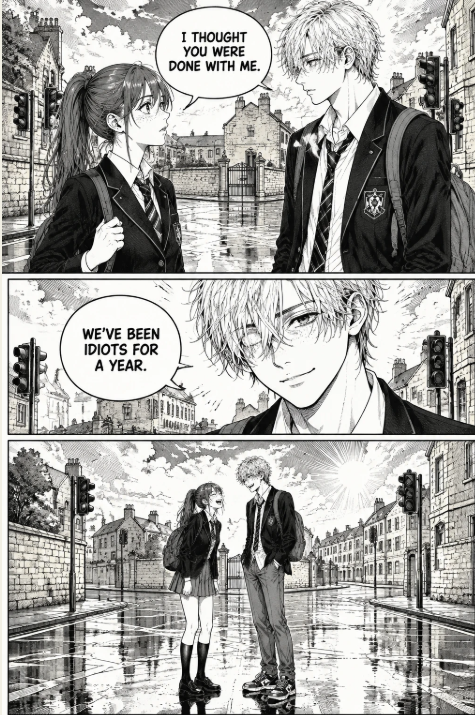
! Dialogue Placement and Typography Hierarchy Figure 4: Strategic speech balloon placement illustrating optimal eye-path navigation and dialogue hierarchy.
Mastering Character Continuity Across Sequential Chapters
Character drift is the single greatest challenge when using AI models for long-form narrative projects. If your protagonist’s facial proportions, eye shape, or hairstyle shift randomly across panels, reader immersion is instantly shattered.
To overcome this, industry professionals implement a multi-layered consistency framework:
1. Seed-Locking and Parameter Anchoring
When generating scenes featuring a primary actor, maintain constant secondary parameters such as clip skip levels, base CFG scale (ideally calibrated between 6.5 and 8.0 for line art), and negative prompt embeddings. While seed-locking alone is insufficient for major pose shifts, it establishes a reliable baseline mathematical seed space.
2. ControlNet OpenPose and Canny Edge Guidance
Modern workflows utilize ControlNet modules to divorce character appearance from bodily pose:
- Generate or pose a 3D mannequin using digital posers to establish complex foreshortening or dynamic combat stances.
- Feed the OpenPose skeleton into the generation pipeline while injecting your character’s dedicated prompt token string.
- This decoupling ensures that the AI focuses entirely on rendering your character's exact costume and facial features onto a pre-validated anatomical structure.
3. Dedicated Facial Asset Banks and Inpainting
For emotional close-ups where micro-expressions dictate the scene’s dramatic weight:
- Maintain an asset library of high-resolution character headshots displaying 10 core expressions (Joy, Wrath, Despair, Determination, Shock, Skepticism, Exhaustion, Triumph, Fear, Serenity).
- When a panel render exhibits minor facial drift, apply regional inpainting over the facial mask using the reference expression with a denoising strength calibrated strictly between 0.35 and 0.45.
- This surgical touch-up restores 100% character identity while preserving the unique lighting and perspective of the surrounding panel.
! Final Screentone Polish and Print Export Figure 5: High-resolution screentone inspection demonstrating moiré prevention and crisp edge rendering.
Essential Production Resources & Further Reading
Expanding your technical repertoire requires studying both foundational comic arts theory and modern software implementations. Explore these comprehensive guides and external standards:
Related Manga Creation Guides
- Deep dive into our comprehensive tutorial on how to make manga without knowing how to draw pipeline to master no-code visual scripting.
- Explore our rigorous benchmarking analysis of the best AI manga generator from text free online test .
- Learn automated script-to-panel adaptation techniques in our guide to convert novel script into manga comic panels automatically .
- Master dark atmospheric aesthetics with our breakdown on how to create dark fantasy manga AI step by step .
- Discover modular layout tools in our review of free manga storyboard creator customizable panel layout .
- Explore professional distribution channels in the complete publish and monetize manga webtoon guide .
Authoritative Comic Arts & Digital Standards
- Technical specifications for digital web comic publishing established by the World Wide Web Consortium (W3C) Digital Publishing Guidelines .
- Typographic standards and glyph encoding maintained by the Unicode Consortium Standard for Typographic Symbols .
- Historical archive of visual sequential art at the Library of Congress Comic Arts Collection .
- Curatorial preservation and research papers from the Kyoto International Manga Museum Archives .
- Excellence in Japanese sequential media documented by the Japan Media Arts Festival Manga Division .
- Digital inking best practices from the Clip Studio Paint Digital Comic Guidelines .
### 🎨 Start Creating Your Original Manga Series Today Unleash your storytelling potential without months of manual drafting bottlenecks. Get Started Free on Mangaka.app and experience the future of AI-powered sequential storytelling right in your browser.
Deep-Dive Technical Case Study: Practical Panel Breakdown & Execution Analysis
To demonstrate these principles in action, let us dissect a practical production case study involving an eight-panel psychological thriller sequence.
Panel 1: Establishing the Environmental Tension (Establishing Shot)
The sequence commences with an expansive wide shot depicting the desolate rooftop of a Tokyo academy during twilight. The composition utilizes a bird's eye angle with deep linear perspective lines converging towards the protagonist standing near the safety railing.
- Lighting Dynamics: Strong rim lighting derived from the setting sun cast against high-contrast shadows.
- Atmospheric Screening: 20% 60-line dot tone applied to the cityscape background to push the urban environment into the atmospheric distance, allowing the character's foreground silhouette to dominate reader focus.
- Narrative Intention: Establishing spatial isolation before introducing conversational conflict.
Panel 2: Sudden Sound Interruption (Reaction Insert)
A narrow horizontal panel slicing across the upper third of the page. The camera cuts abruptly to an extreme close-up of the protagonist’s footwear pivoting on gravel.
- Onomatopoeia Integration: High-impact bold katakana ZAZA rendered diagonally across the lower right quadrant, slicing through the panel border.
- Pacing Function: Halting reader eye velocity and signaling unexpected intrusion.
Panel 3: Dialogue Encounter & Two-Shot Geometry
A medium two-shot capturing the arrival of the antagonist emerging from the stairwell entrance.
- Eye Vector Alignment: The antagonist enters from the left edge of the panel (in right-to-left manga formatting, entering from the left indicates opposition to the dominant reading flow, subconsciously heightening reader anxiety).
- Speech Balloon Placement: Dialogue bubble positioned high on the right margin to ensure reader registers the protagonist’s greeting before processing the antagonist’s chilling response placed lower on the left.
Panel 4 & 5: Rapid Micro-Beat Exchange (Staccato Rhythm)
Two vertically stacked narrow panels depicting rapid conversational parries.
- Facial Macro-Detail: Panel 4 focuses on narrowed eyes and a clenched jaw; Panel 5 mirrors this with a subtle smirk and relaxed posture.
- Emotional Contrast: The juxtaposition between rigid tension and relaxed malevolence establishes psychological dominance without requiring extensive descriptive prose.
Panel 6: Climax Clashing Spread (Dynamic Action Frame)
An oversized borderless bleed panel occupying the entire lower half of the page spread. The antagonist draws a concealed blade in an explosive diagonal motion.
- Speed Lines (Shuuchuusen): Radial focus lines emanating from the blade's tip outward toward the frame perimeter, directing ocular attention instantly to the point of kinetic impact.
- Deconstructed Gutters: The blade tip breaches the outer canvas border, shattering classical framing conventions to emphasize raw physical violence and urgency.
Quality Assurance Checklist for Professional Manga Submissions
Before committing your compiled chapter files to commercial publishers or digital hosting platforms, run through this comprehensive editorial audit checklist:
- Trim and Bleed Verification: Ensure all essential dialogue bubbles and critical character eyes remain at least 15mm inside the crop boundaries to avoid truncation during physical trimming.
- K-Only Black Values: Check in professional publishing preflight tools that line art is pure 100% black ink without four-color CMYK contamination.
- Typography Legibility at Mobile Scales: Preview vertical scroll webtoon files on standard 6-inch mobile screens to confirm font sizes remain comfortable to read without zooming.
- Narrative Gutter Continuity: Ensure horizontal gutters remain visually distinct from vertical gutters across every single page spread.
Prose to Panel Adaptation: Translating Novels into Sequential Art
Adapting a written novel, web novel, or light novel into a manga requires a radical transformation of narrative structure. Prose relies heavily on internal monologues, sensory descriptions, and exposition. Comics, by contrast, operate under the strict mandate of show, don't tell.
Step-by-Step Prose Adaptation Workflow
- Extraction of Comic Beats: Read through the prose chapter and highlight key dramatic events while crossing out descriptive adjectives. If a paragraph describes "a bitter cold wind biting through his ragged linen tunic," convert this into a visual shot of shivering shoulders, frosty breath condensing in air, and threadbare cloth fluttering.
- Condensing Internal Monologues into Visual Metaphors: Rather than cluttering your artwork with dense paragraph blocks of inner thoughts, externalize character emotion through environmental symbolism:
- Shading the character's eyes in deep shadow to indicate hidden sorrow or suppressed rage.
- Shattering a background mirror or window pane to convey psychological fragmentation.
- Employing stark black negative space to isolate an emotionally traumatized protagonist.
- Dialogue Compression: Novel dialogue is often loquacious and conversational. In manga, dialogue must be distilled into punchy, economical bursts that fit comfortably within balloon boundaries without obscuring the background art. Aim for a maximum of 15 to 20 words per balloon.
- Visual Rhythm and Pacing Allocation: Allocate roughly 1 page of manga for every 250 to 350 words of descriptive prose. High-intensity combat scenes in novels that take 500 words to describe often expand into 3 to 5 dynamic manga pages to allow visual choreography to breathe.
Frequently Asked Questions (FAQ)
Can I legally monetize and copyright manga created with AI assistance?
Yes. Current international copyright precedents protect human-authored narrative structures, original script dialogue, specific panel layout choreography, and character designs. When you assemble sequential panels into a complete original story, the overarching compilation constitutes copyrightable human visual narrative.
How do I prevent moiré patterns when using digital screentones?
Moiré patterns occur when halftone dot grids interfere with display pixel grids. To avoid them, always export at fixed standard resolutions (such as 300 DPI for digital or 600 DPI for print), avoid scaling pre-rasterized dot patterns, and use frequency-matched halftone filters.
What is the ideal canvas resolution for webtoon vs traditional print manga?
Traditional manga pages should be prepared at 2480 x 3508 pixels (A4 at 300 DPI) for web viewing or 4960 x 7016 pixels (A4 at 600 DPI) for physical print. Vertical scroll webtoons standardly utilize 800 pixels width by 1280 pixels height per slice at 72–150 DPI.
How many panels should an average manga page contain?
A standard manga page typically contains between 4 and 7 panels. High-intensity combat or emotional impact spreads frequently drop to 1 to 3 expansive panels, whereas dialogue-heavy exposition spreads may feature up to 8 panels without cluttering.
What font families are standard for professional English manga lettering?
Professional manga publishers utilize specialized comic book dialogue typefaces such as Wild Words, CC Astro City, Anime Ace, or Manga Temple, paired with all-caps typography, slight forward italics, and crossbar 'I' usage strictly reserved for personal pronouns.
How can I maintain consistent costume details across different action sequences?
In addition to base prompt tokens, establish modular costume descriptors in your prompt template. For dynamic action scenes where clothing undergoes tearing or dirt accumulation, explicitly modify costume modifier tokens incrementally across sequential panels.
<script type="application/ld+json"> { "@context": "https://schema.org", "@type": "FAQPage", "mainEntity": [ { "@type": "Question", "name": "Can I legally monetize and copyright manga created with AI assistance?", "acceptedAnswer": { "@type": "Answer", "text": "Yes. Current international copyright precedents protect human-authored narrative structures, original script dialogue, specific panel layout choreography, and character designs. When you assemble sequential panels into a complete original story, the overarching compilation constitutes copyrightable human visual narrative." } }, { "@type": "Question", "name": "How do I prevent moir\u00e9 patterns when using digital screentones?", "acceptedAnswer": { "@type": "Answer", "text": "Moir\u00e9 patterns occur when halftone dot grids interfere with display pixel grids. To avoid them, always export at fixed standard resolutions (such as 300 DPI for digital or 600 DPI for print), avoid scaling pre-rasterized dot patterns, and use frequency-matched halftone filters." } }, { "@type": "Question", "name": "What is the ideal canvas resolution for webtoon vs traditional print manga?", "acceptedAnswer": { "@type": "Answer", "text": "Traditional manga pages should be prepared at 2480 x 3508 pixels (A4 at 300 DPI) for web viewing or 4960 x 7016 pixels (A4 at 600 DPI) for physical print. Vertical scroll webtoons standardly utilize 800 pixels width by 1280 pixels height per slice at 72\u2013150 DPI." } }, { "@type": "Question", "name": "How many panels should an average manga page contain?", "acceptedAnswer": { "@type": "Answer", "text": "A standard manga page typically contains between 4 and 7 panels. High-intensity combat or emotional impact spreads frequently drop to 1 to 3 expansive panels, whereas dialogue-heavy exposition spreads may feature up to 8 panels without cluttering." } }, { "@type": "Question", "name": "What font families are standard for professional English manga lettering?", "acceptedAnswer": { "@type": "Answer", "text": "Professional manga publishers utilize specialized comic book dialogue typefaces such as Wild Words, CC Astro City, Anime Ace, or Manga Temple, paired with all-caps typography, slight forward italics, and crossbar 'I' usage strictly reserved for personal pronouns." } }, { "@type": "Question", "name": "How can I maintain consistent costume details across different action sequences?", "acceptedAnswer": { "@type": "Answer", "text": "In addition to base prompt tokens, establish modular costume descriptors in your prompt template. For dynamic action scenes where clothing undergoes tearing or dirt accumulation, explicitly modify costume modifier tokens incrementally across sequential panels." } } ] } </script>