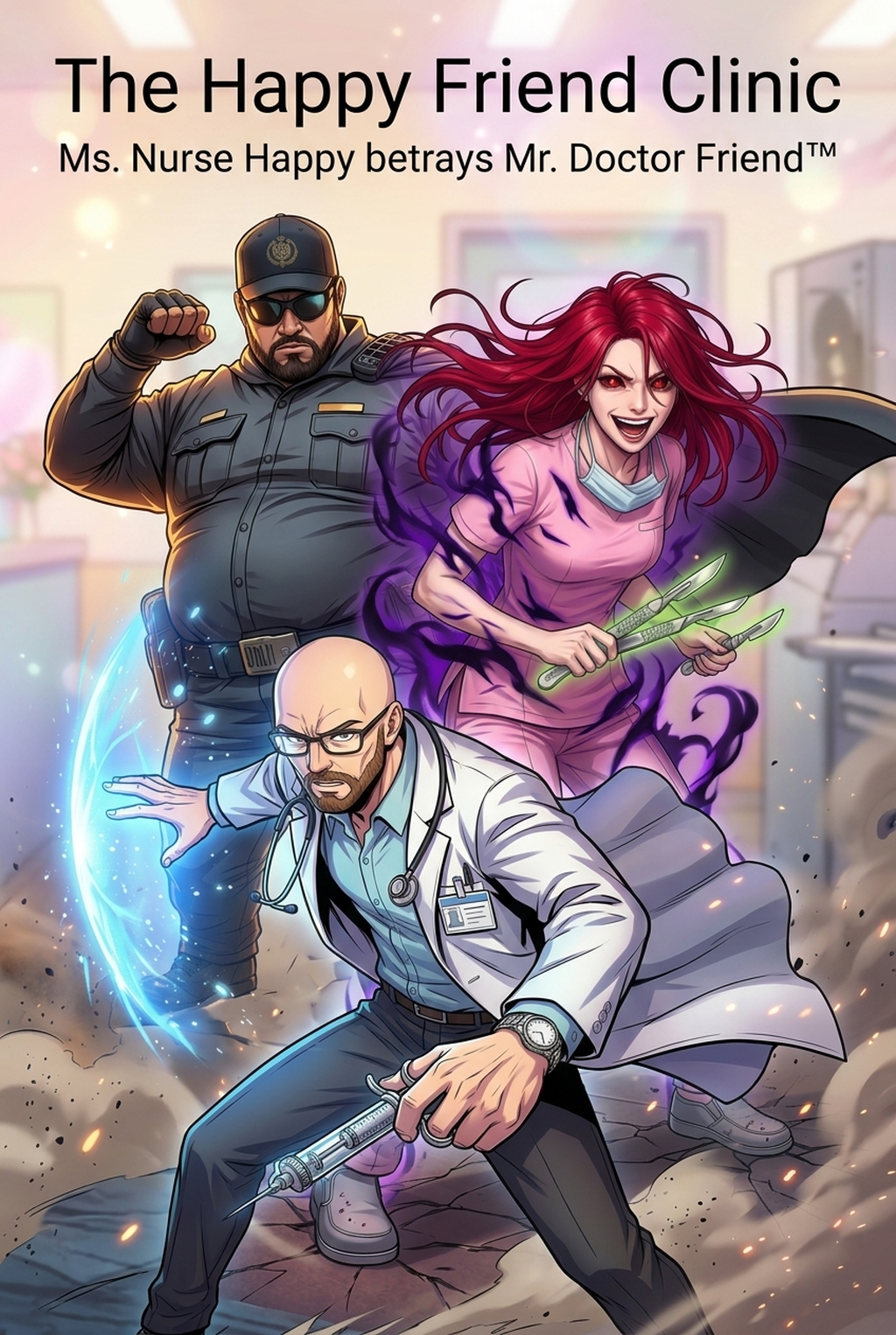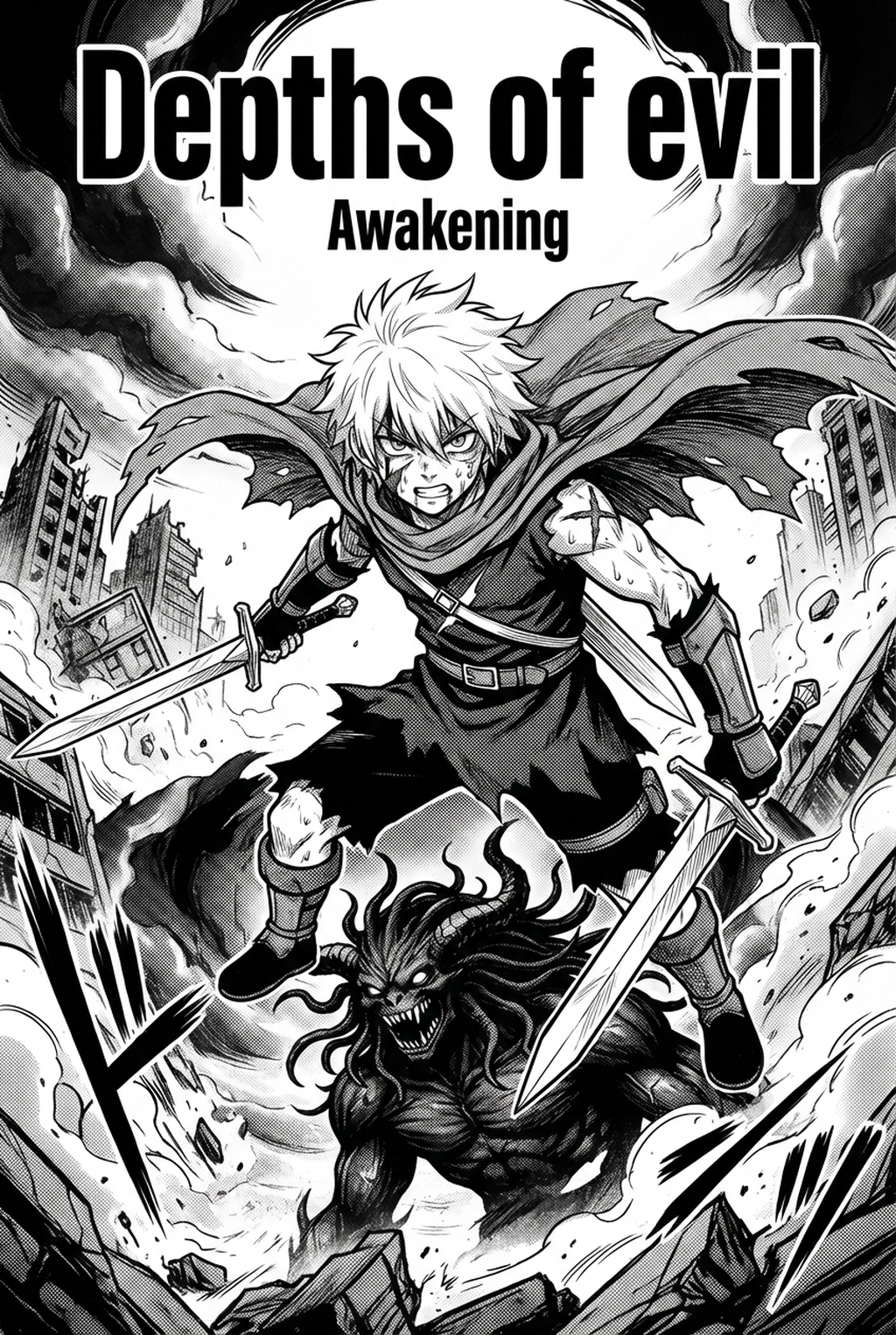
AI Manga Inker for Shonen manga helps creators compare generation speed, manual art control, line quality, and Shonen page-readiness before choosing a production workflow. The main tradeoff is fast first-pass page output versus deeper manual control before export.
AI Manga Inker: Prerequisites for AI Manga Inker in Shonen
You need a clear understanding of your production stage to ensure the AI has a solid foundation to work from. Because Shonen manga relies heavily on sharp, high-contrast lines to communicate kinetic energy and power, your input matters just as much as the output.
Creative Decisions and Export Quality
Creators thrive when they focus on composition rather than the repetitive stroke-by-stroke process of inking background details or secondary characters. If you are struggling with a high-volume weekly schedule, automated inking allows you to hit deadlines without sacrificing the professional polish expected by readers. You should prioritize AI inking when your storyboards are locked and your character designs—including transformations and signature gear—are finalized and documented for consistency.
Quality Checks Before Export
Before Processing Your Sketches. Perform these essential quality checks to ensure the output meets the standard of modern digital manga:
- Line Clarity: Ensure your pencil sketches are scanned at a minimum of 300 DPI to give the AI enough visual data to interpret line weight. * Contrast Levels: Clean up stray pencil marks or smudges using digital levels so the primary forms are distinct from the background. * Perspective Anchors: If your page contains complex architecture or perspective-heavy backgrounds, use a ruler to define your horizon lines so the AI can maintain structural integrity during the inking pass.
Step 1: Sign Up at Mangaka
Start by preparing the creative brief, reference notes, character constraints, and export target before generation. The setup matters because a clearer brief gives the review pass something specific to judge: silhouette, expression, panel readability, and file readiness. Getting started requires a seamless onboarding process that respects your creative time.
Head over to AI Manga Inker for Shonen manga with Mangaka to set up your workspace. You only need a valid email to begin, and the platform is designed to house your project assets in a single, accessible location. Once you sign up, you can jump directly into your first project without navigating through unnecessary bloat or complex technical configurations.
Step 2: Paste or Upload Your Shonen Script
The foundation of any great Shonen chapter is its pacing and visual script. Uploading your script or storyboard thumbnails allows the system to understand the flow of your panels before it begins the inking process. This step is critical because it keeps your composition grounded; by feeding the system your visual direction first, you ensure that the final inked lines respect the dramatic angles and high-impact framing that characterize the best Shonen action sequences .
Step 3: Generate and Download Color Vertical Comic Platforms Panels
Once your sketches are processed, the system renders high-quality line art that honors your original strokes. Mangaka bridges the pain point of "flat" AI results by providing tools specifically calibrated for the thick-and-thin line variance found in traditional ink work. After the inking pass is complete, you can export these panels as high-resolution files. This gives you a professional base layer that is ready for color grading or final tone application, keeping your workflow efficient while maintaining that hand-drawn aesthetic.
Tips for Best Results in Shonen Manga
Achieving that "pro-level" look requires balancing automated efficiency with your own artistic touch. The best results occur when you treat the AI as an assistant that handles the tedious linework, leaving the final flourishes of power auras and special effects to you.
Workflow Fit and Review Needs
Identify which panels benefit most from automation. Action-heavy pages with massive crowd scenes or highly detailed mechanical armor are ideal candidates for AI inking, as the time saved here can be reinvested into refining the key emotional close-ups where your personal style needs to shine the brightest.
Reader Impact Before Publishing
Always review your inked panels against these final criteria to ensure they fit the industry standards for digital publishing:
- Weight Consistency: Check that main characters maintain a consistent line weight compared to background elements to avoid visual clutter.
- Action Continuity: Verify that kinetic motion lines or speed lines have been interpreted correctly to maintain the intensity of the scene.
- Format Compatibility: Ensure the exported dimensions align with your target platform, such as vertical-scroll vertical comic platforms formats or traditional page spreads as discussed on Wacom’s artist resources .
- Production context. Anime News Network's manga production feature describes manga as staged work from rough draft to finished page. Use it to judge whether AI inking helps cleanup without weakening review.
- Reader expectations. MyAnimeList manga news keeps genre expectations visible for readers who scan action, character acting, and page rhythm quickly. Shonen inking should preserve panel clarity, not just cleaner lines.
- Drawing practice. Wacom's comic and manga creation guide ties tool choice to brush control, cleanup effort, and export readiness. That keeps review grounded in creator workflow.
Streamline Manga Production with Mangaka.app
Turning rough conceptual drawings and panel drafts into publication-ready pages requires speed and consistent artistic execution. With Mangaka.app , creators can transform storyboard scripts into professional manga layouts, maintain locked character model sheets across serialized chapters, and automate dynamic line inking and vector speech balloons without losing their personal style.
The Bottom Line
A useful inking pass keeps the story goal, visual style, and review step clear before export. AI Manga Inker gives creators a faster first pass without removing the final human review. This keeps the review focused on story intent, line weight, panel readability, and the export quality behind the final AI Manga Inker output.
Start creating with Shonen manga inking workflow with Mangaka when you are ready to turn the reviewed idea into finished manga pages. Test it with one real page goal, one reference boundary, and one export requirement so the decision stays tied to production quality.