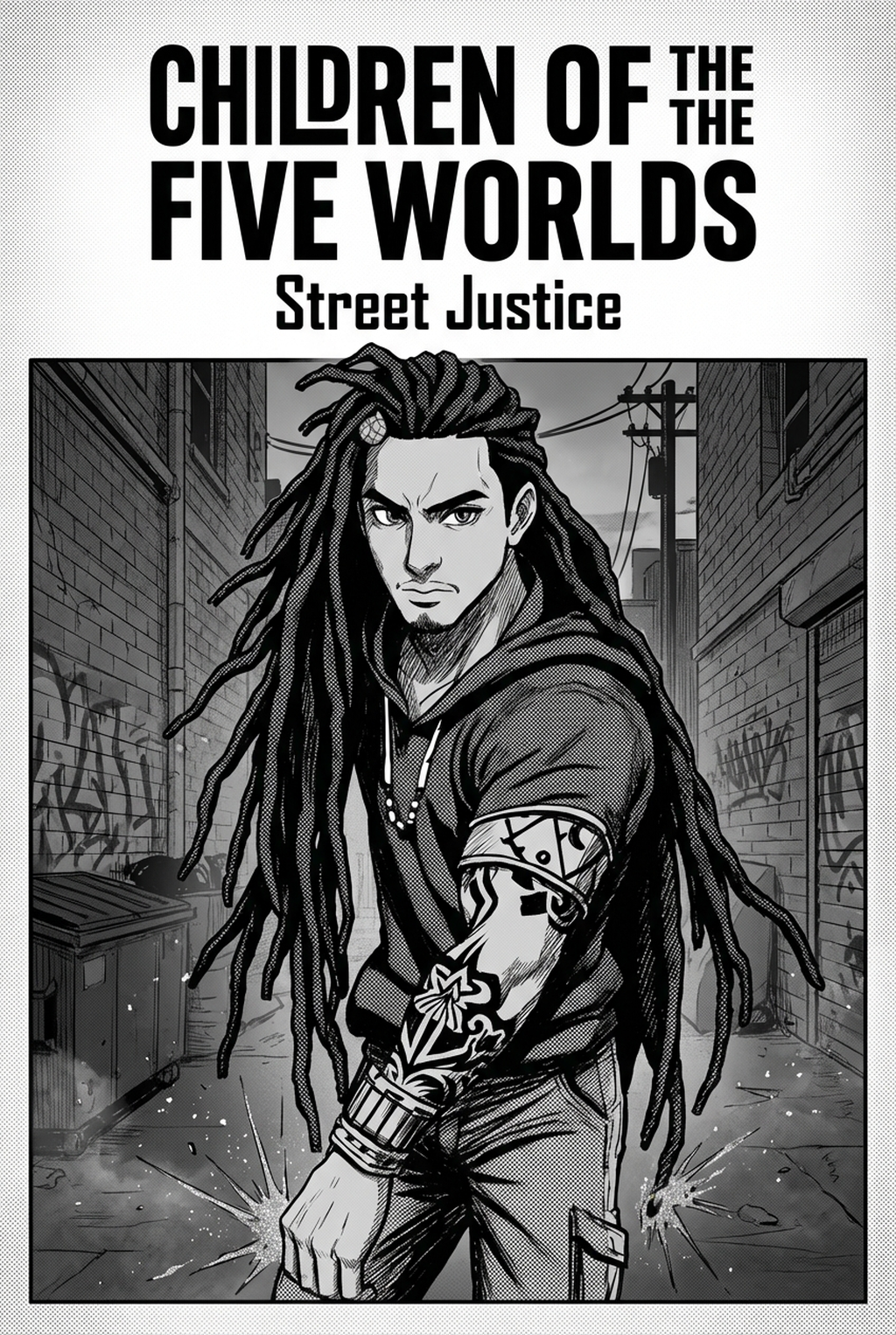
AI Manga Panel Generator: Prerequisites for AI Manga Panel Generator in Shojo
Reader expectations should shape how creators review pacing, expression, and genre clarity after generation. MyAnimeList manga news keeps that audience context visible, so Shojo pages should be judged by whether readers can follow the action, character role, and visual rhythm.
The Anime News Network feature on how manga is made describes manga as staged work from rough draft to finished page. That production context matters for Shojo creators because AI assistance is useful only when the sketch, inking pass, and final page review stay connected.
AI Manga Panel Generator for Shojo manga helps creators choose the right Mangaka workflow for cleaner pages, steadier style, and review-ready output. The comparison starts with production speed, manual control, line quality, and export readiness because those factors shape whether a page can move into final review. You need to prepare your narrative foundations before you can successfully translate your vision into a digital format. While the technology is powerful, the clarity of your vision directly dictates the beauty of the final result.
Creative Decisions and Export Quality
Before You Begin. Evaluate whether your project fits the "pastel vertical comic platforms" aesthetic. This style thrives on soft highlights, expressive character close-ups, and atmospheric backgrounds that enhance the internal dialogue of your protagonists. You should have a script ready that clearly defines:
- Emotional beats: Which moments require high-impact visual focus versus transitional panels. * Character consistency: Defined visual traits for your leads to ensure they look recognizable across different angles. * Setting requirements: The specific locales—like classrooms, cafes, or flower-filled parks—that define your Shojo world.
Quality Checks Before Export
You must perform a visual audit to ensure your characters maintain their identity. Shojo manga relies heavily on subtle facial expressions, so double-check that the generated output retains those delicate eye shapes and hair textures. Ensure that the text-to-image parameters align with your desired color palette; if the pastel tones are too bold, adjust your input descriptions to prioritize "muted," "soft," and "ethereal" lighting terms to keep the aesthetic cohesive.
Step 1: Sign Up at Mangaka
Hands-on drawing control still matters after an AI first pass because creators may need to adjust line weight, cleanup, and export settings. The Wacom comic and manga creation guide anchors that review in practical art production rather than broad AI-image claims.
Start by preparing the creative brief, reference notes, character constraints, and export target before generation. The setup matters because a clearer brief gives the review pass something specific to judge: silhouette, expression, panel readability, and file readiness. You can begin your journey by visiting the AI Manga Panel Generator for Shojo manga with Mangaka to set up your creator account. Registration is designed to be seamless, allowing you to bypass complex setups and jump straight into your first project. Once logged in, you gain access to the specialized panel generation interface, which is pre-configured to respect the pacing requirements of digital vertical comic platforms.
Step 2: Paste or Upload Your Shojo Script
Step 3: Generate and Download Pastel Vertical Comic Platforms Panels
Tips for Best Results in Shojo Manga
Achieving a professional look requires a mix of technical preparation and artistic intent. If your panels feel "off," it is usually due to a lack of specificity in your narrative cues.
Workflow Fit and Review Needs
Shojo is about the internal experience. Highlighting the emotional core of a scene helps the generator produce panels that feel like intentional art rather than random illustrations.
Reader Impact Before Publishing
Do not settle for the first result every time. Part of the process is learning to communicate effectively with the engine. If the lighting is too harsh for your soft aesthetic, re-run the segment with updated keywords that specify color temperature.
The more you experiment with the descriptive language, the more distinct your unique artistic voice becomes. Release cadence belongs in the production context for manga tools. For creators, the useful product question is whether pages stay readable when schedule pressure rises. Export quality depends on whether the creator can still adjust cleanup, line weight, and handoff settings after AI assistance. Ties that point to drawing practice instead of broad AI-image claims.
The Bottom Line
A useful creator workflow keeps the story goal, visual style, and review step clear before export. AI Manga Panel Generator gives creators a faster first pass without removing the final human review. Creators can use each revision decision to clarify panel readability, character consistency, and export quality before publishing or sharing. Start creating with AI Manga Panel Generator for Shojo manga when you are ready to turn the reviewed idea into finished manga pages. Test it with one real page goal, one reference boundary, and one export requirement so the decision stays tied to production quality.