Why manga art styles are trending now
manga art styles are trending because creators want faster ways to move from rough ideas to review-ready manga pages without losing style control. The useful question is how the workflow supports story intent, visual consistency, and final human review.
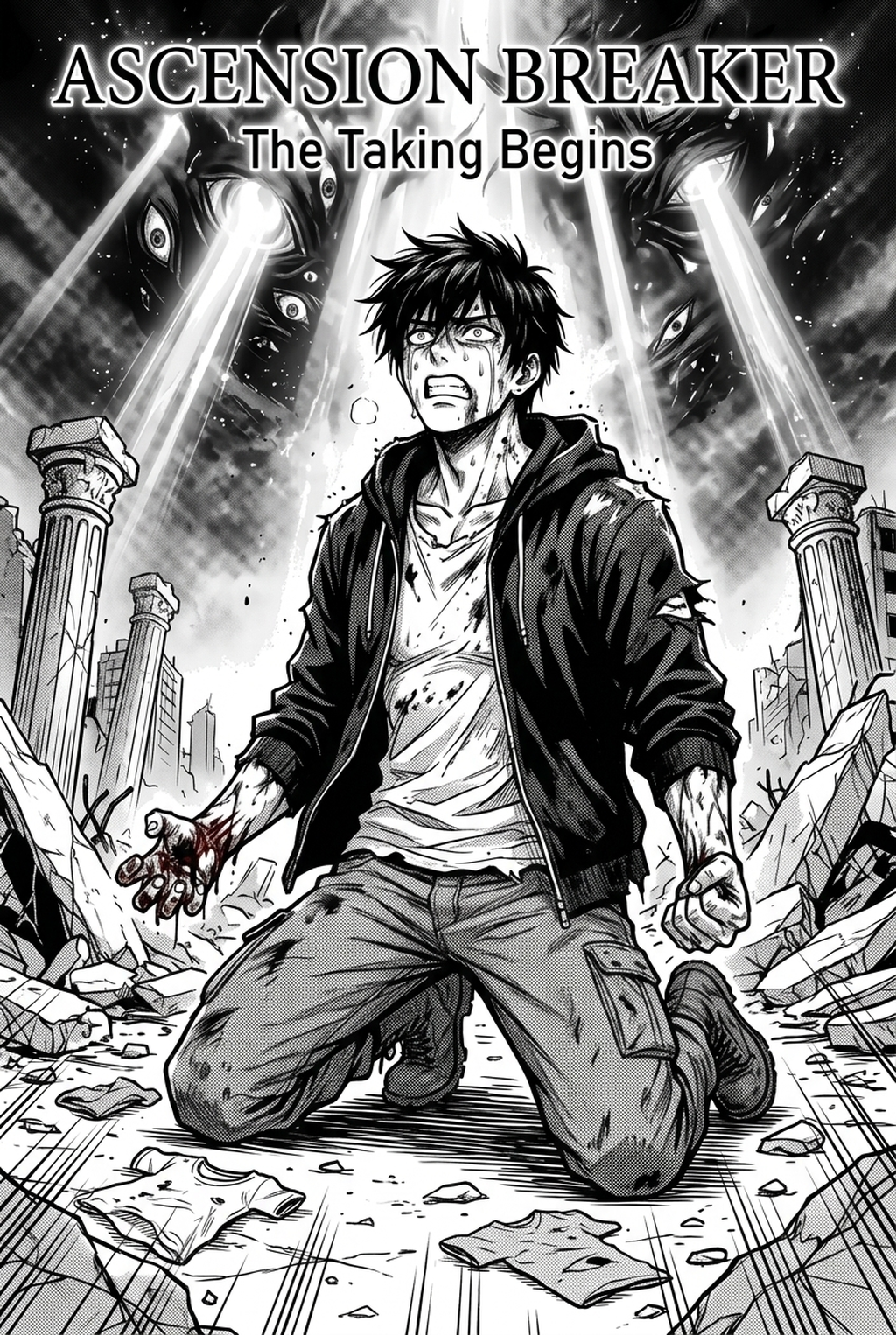
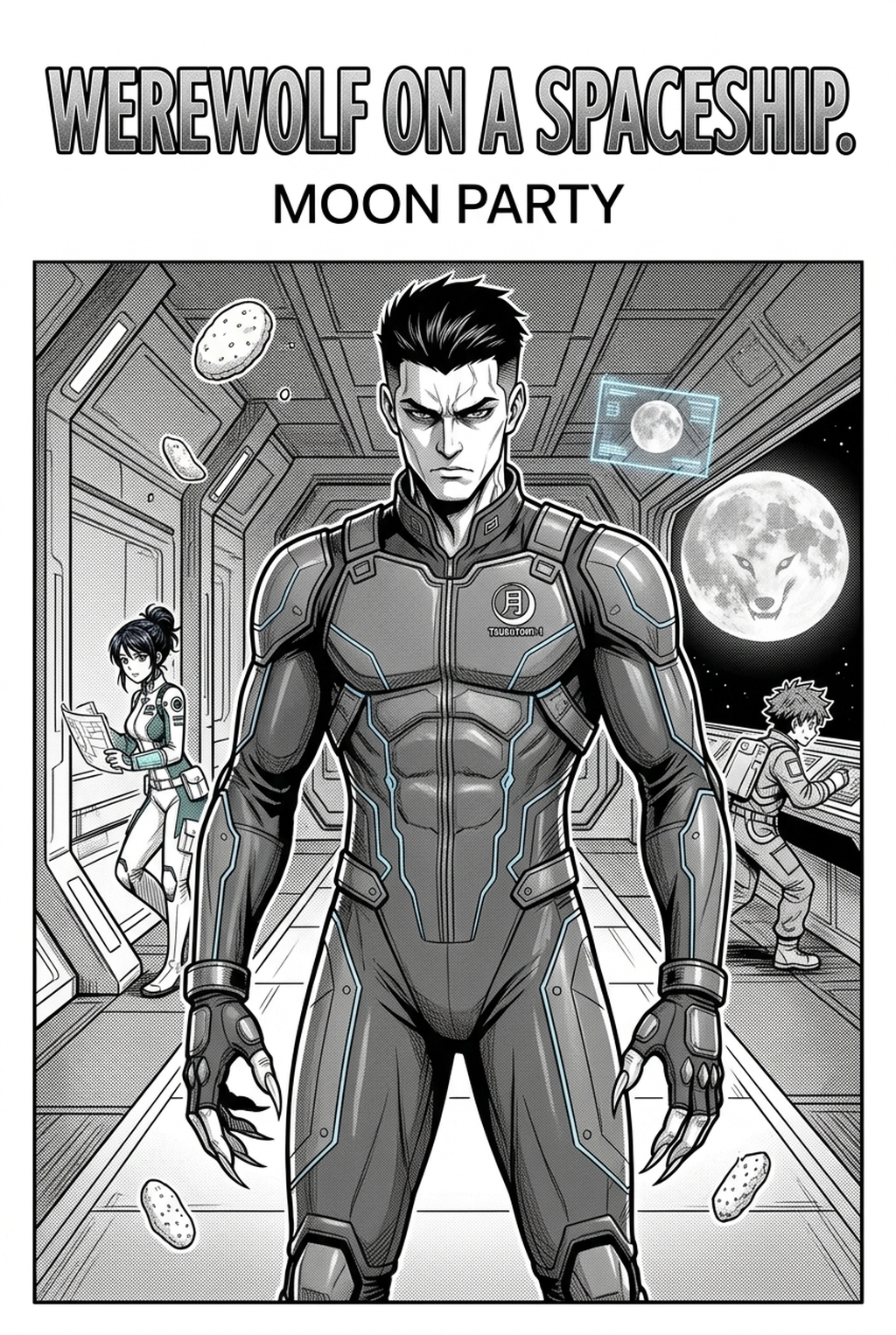
Manga art styles are experiencing a surge in popularity, making it a crucial topic for creators in 2026. This trend reflects the diverse visual languages that define manga, from the bold lines of shonen to the delicate details of shojo. Each style carries its own set of characteristics, including character design, panel layout, and background aesthetics. Understanding and mastering these styles is key for creators aiming to resonate with specific audiences and create compelling narratives.
The essence of AI Manga Style Transfer workflow lies in its visual storytelling. It’s not just about drawing; it’s about crafting a visual language that conveys emotion, action, and narrative depth. The choice of style can immediately signal the genre, target audience, and overall tone of the work. For example, a manga with exaggerated expressions and dynamic action lines might be aimed at a younger audience, while a style with intricate backgrounds and subtle character nuances may target a more mature readership.
What creators should know about manga art styles
The current interest in creator workflow is fueled by several factors. Firstly, the demand for unique visual identities is higher than ever. Readers are seeking out manga that stand out, and a distinct art style is a powerful differentiator. Secondly, the rise of digital art tools has made it easier for creators to experiment with and refine their styles. Finally, the growing global audience for manga has expanded the range of styles that are considered popular and commercially viable.
For creators, the opportunity is immense. Developing a strong art style can lead to increased recognition, a dedicated fanbase, and greater creative freedom. However, the risk is that a poorly executed or generic style can fail to capture attention or, worse, alienate potential readers. The practical takeaway is clear: investing time and effort into mastering page workflow is essential for success in today's competitive manga landscape.
The evolution of page planning workflow is also intertwined with the evolution of the manga production process. As digital tools become more sophisticated, creators have more control over their art style, allowing them to experiment and refine their work more efficiently. This has led to a wider variety of styles, each with its own specific appeal. Whether it’s the clean lines of seinen manga or the soft, pastel tones of josei, creators are constantly pushing boundaries and exploring new creative territories.
Where AI Manga Style Transfer fits in manga production
final review influence every stage of the production process, from the initial concept to the final export. In the concept phase, the chosen style informs the character designs, world-building, and overall aesthetic. For example, a fantasy manga might adopt a style with detailed armor and mythical creatures, while a slice-of-life story might opt for a more simplified and expressive style.
In the character design stage, the art style dictates the proportions, facial features, and clothing details. Shonen characters often have exaggerated features and dynamic poses, whereas shojo characters are known for their large eyes and delicate expressions.
During the storyboard phase, the art style influences the panel layout and the use of visual cues to guide the reader's eye. Action scenes might use dynamic angles and speed lines, while emotional scenes might employ close-ups and softer shading. The style also plays a role in the inking and coloring stages, with variations in line weight, shading techniques, and color palettes.
Page formats, such as traditional Japanese koma layouts or more experimental panel arrangements, are also influenced by the art style. The final step, exporting the manga, requires creators to consider how the art style translates to different formats, whether it’s a physical print or a digital PDF. Review steps involve ensuring that the art style remains consistent throughout the entire manga, from cover to cover.
How Mangaka supports manga art styles
Mangaka is designed to support creators in exploring and refining their AI Manga Style Transfer workflow. The core benefit of Mangaka is its ability to re-renders sketches in a target manga art style with one click, saving creators significant time and effort. This is particularly useful for artists looking to experiment with different styles or those who want to quickly visualize their work in a specific aesthetic.
Imagine a creator who has a character sketch they love, but they want to see how it would look in the style of Attack on Titan. Using Mangaka, they can upload their sketch, select the Attack on Titan style, and instantly see a re-rendered version. This allows for experimentation without having to redraw the entire character from scratch.
Mangaka also supports character consistency across a manga series. By applying the same art style to all characters and panels, creators can maintain a cohesive visual identity. This is crucial for reader engagement and helps to build a strong brand for the manga. Learn more about how to refine your style with our guide to manga creation with manga art styles.
Practical creator workflow for AI Manga Style Transfer
Let's explore some practical applications of page workflow with Mangaka.
- Genre Exploration: A creator working on a new manga can experiment with different art styles to determine the best fit for their genre. For instance, they can visualize their story in the bold lines of shonen, the romantic aesthetic of shojo, or the detailed realism of seinen.
- Character Design Refinement: Creators can use Mangaka to refine their character designs. They can upload a sketch and see it rendered in various art styles, helping them to find the perfect look for their characters.
- Panel Layout and Composition: Experiment with panel layouts and compositions by applying different art styles. This helps to visualize how the art style affects the overall storytelling and reader experience.
- Color Palette Testing: Try out different color palettes within a specific art style. Mangaka can help creators see how their characters and scenes will look with different color schemes, optimizing the visual impact.
- Page Mockups: Create mockups of full manga pages in different art styles. This enables creators to visualize how their manga will look when it's fully rendered and ready for publication.
How to get started with Mangaka
Getting started with Mangaka is a straightforward process.
- Open Mangaka: Access the Mangaka platform through your web browser.
- Choose or describe the creative task: Select from pre-set options such as "Character Design", "Panel Generation", or "Style Transfer". Alternatively, you can describe your creative goal in detail.
- Upload or Create: Upload your existing sketches or create a new sketch directly within the platform.
- Select a Style: Choose from a wide range of page planning workflow or upload a reference image.
- Review and Refine: Review the generated results and make any necessary adjustments. You can refine the image by adjusting parameters such as line weight, shading, and color.
- Export: Once you are satisfied with the result, export your manga pages in your preferred format (e.g., PNG, PDF).
A reliable final review workflow starts with a short creative brief: genre, character notes, page count, panel mood, and the target reading direction. That gives Mangaka enough context to keep the generated page useful instead of producing disconnected images.
Creators should review the output for character consistency, panel order, speech-bubble space, and whether the final PNG or PDF can move into editing without redrawing the layout. These checks are faster when the source script and generated panels stay in one workflow.
Before export, creators should compare the page against the scene goal: mood, pose, line weight, readable dialogue, and the format needed for editing or publishing. That review keeps the result useful without repeating the same production advice.
The setup should separate creative direction from production cleanup. A creator can define the genre, page format, character references, and visual tone first, then use Mangaka to turn that direction into cleaner panels for review.
The revision pass should focus on choices a reader will notice: whether the eye moves through panels naturally, whether important actions are readable, and whether the line art supports the genre rather than fighting it.
For broader manga market context, Anime News Network industry coverage is a useful source for tracking publishing formats, creator trends, and audience expectations.
A reliable creator workflow should start with a short brief that names the scene goal, recurring character details, panel mood, and export format. That gives the tool enough context to support the story instead of producing disconnected art assets.
The review pass should check line weight, facial expression, pose clarity, panel order, and dialogue space before export. These checks make the result easier to edit in a drawing app or hand off to collaborators.
The Bottom Line
The bottom line: a useful creator workflow keeps the story goal, visual style, and review step clear before export. AI Manga Style Transfer gives creators a faster first pass without removing the final human review.
Start creating with Mangaka AI Manga Style Transfer when you are ready to turn the reviewed idea into finished manga pages.
Mastering Diverse Manga & Webtoon Art Styles with Mangaka.app
Navigating diverse manga genres—from high-contrast Shonen battle ink to delicate Shojo filigree and gritty Seinen crosshatching—requires versatile digital production tools. Mangaka.app provides the dedicated sequential production engine built specifically for manga and webcomic creators:
- Genre-Specific Inking Presets: Switch instantly between hard-edged G-pen action linework, soft kabura calligraphy, and atmospheric Seinen crosshatching.
- Authentic Traditional Screentone Patterns: Apply standard dot frequencies (60-line, 80-line), gradation tones, and psychological emotion patterns.
- Cross-Genre Model Consistency: Maintain distinct character aesthetics whether working in stylized comedic chibi, realistic sports anatomy, or dark fantasy.
- Commercial Multi-Format Publishing: Compile multi-chapter manuscripts seamlessly for Japanese right-to-left print tankōbon and vertical full-color webtoon formats.