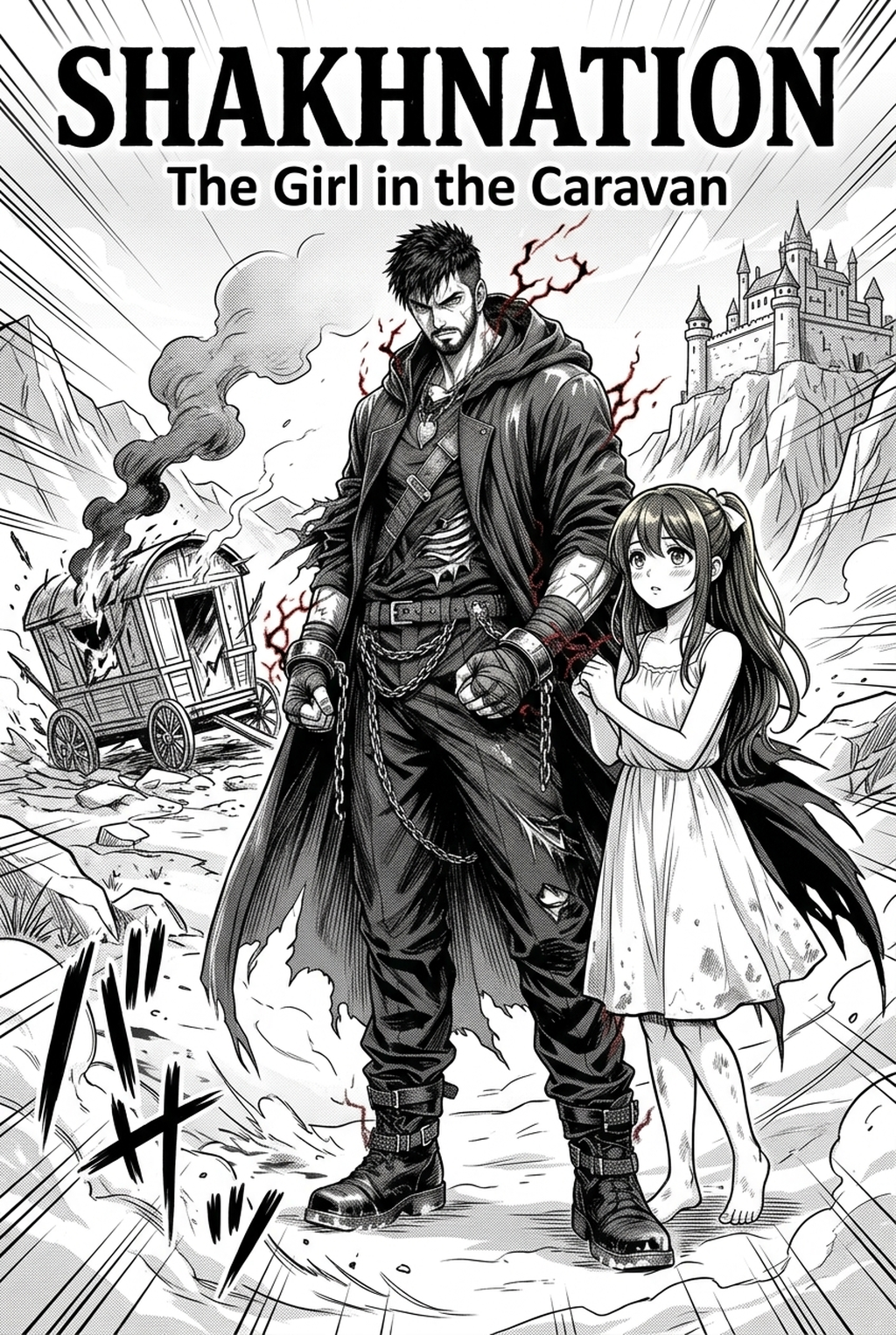
AI Manga Character Designer: Importance for Professional Serialization
Maintaining character consistency is the primary challenge for indie creators; even minor shifts in armor plating or eye alignment can break reader immersion. When a character's design wanders from the original intent, it forces a loss of authority in the narrative voice, often leading to visual fatigue for the reader.
Traditional manual redrawing often leads to 'character drift,' where the protagonist slowly evolves away from the original design during a long-form series. This phenomenon occurs when an artist relies on memory rather than rigid reference files for recurring costume elements.
Use 'Reference Locking' to ensure that every layer—from initial roughs to final color—adheres strictly to the established visual identity. By keeping source context files visible on a secondary monitor or anchored in your software layout, you prevent subtle distortions that accumulate over dozens of pages.
Integrating Intelligent Design Tools
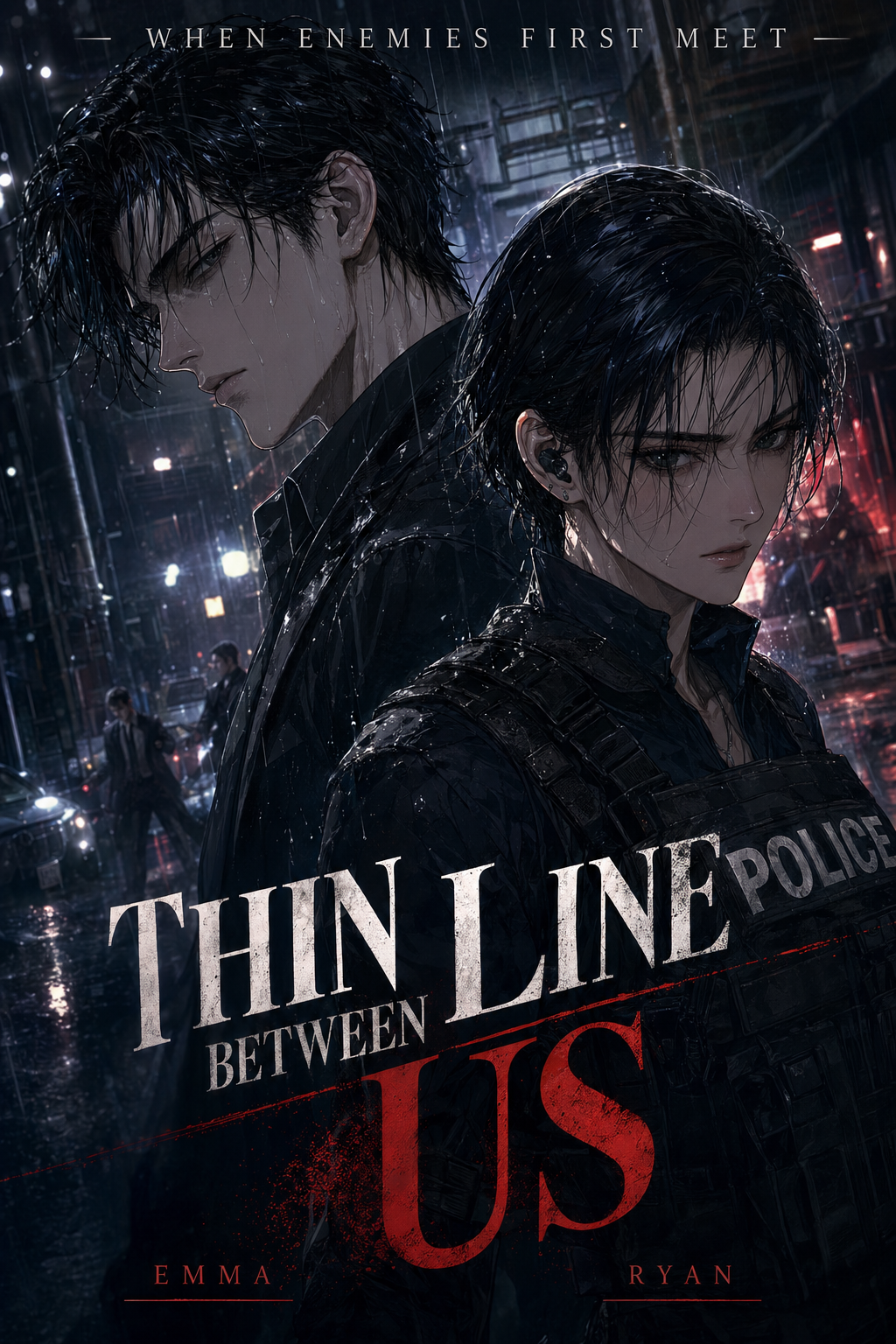
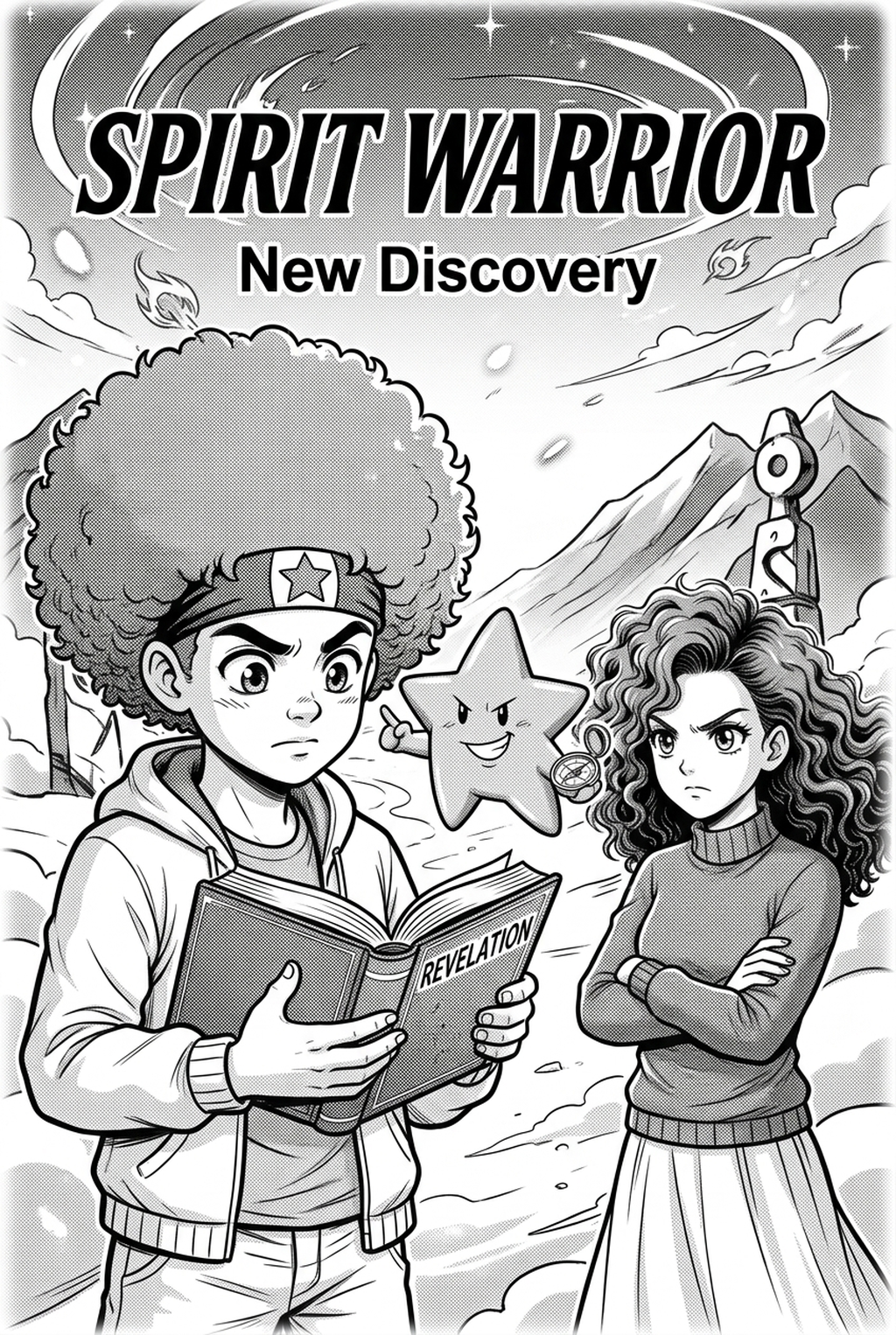
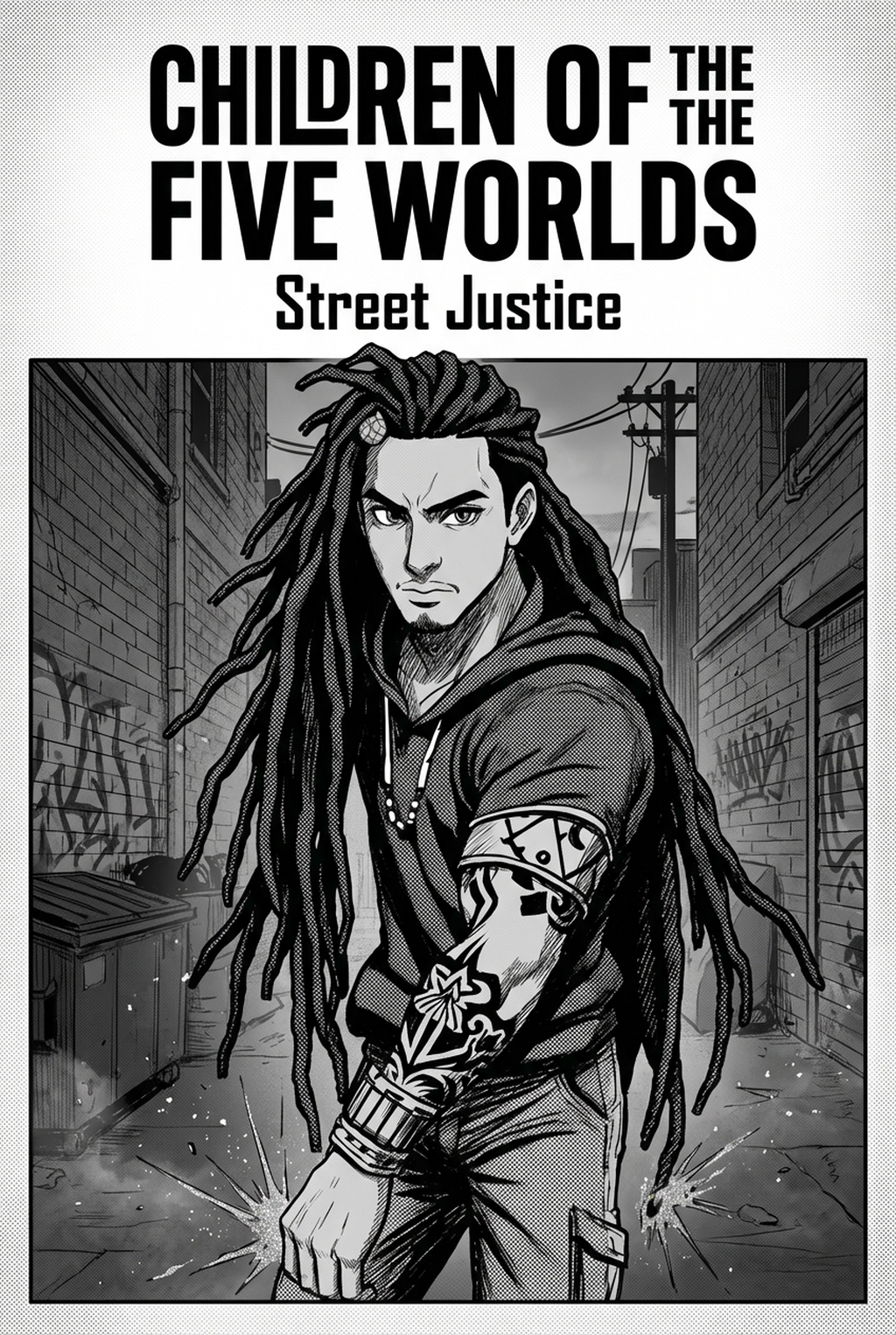
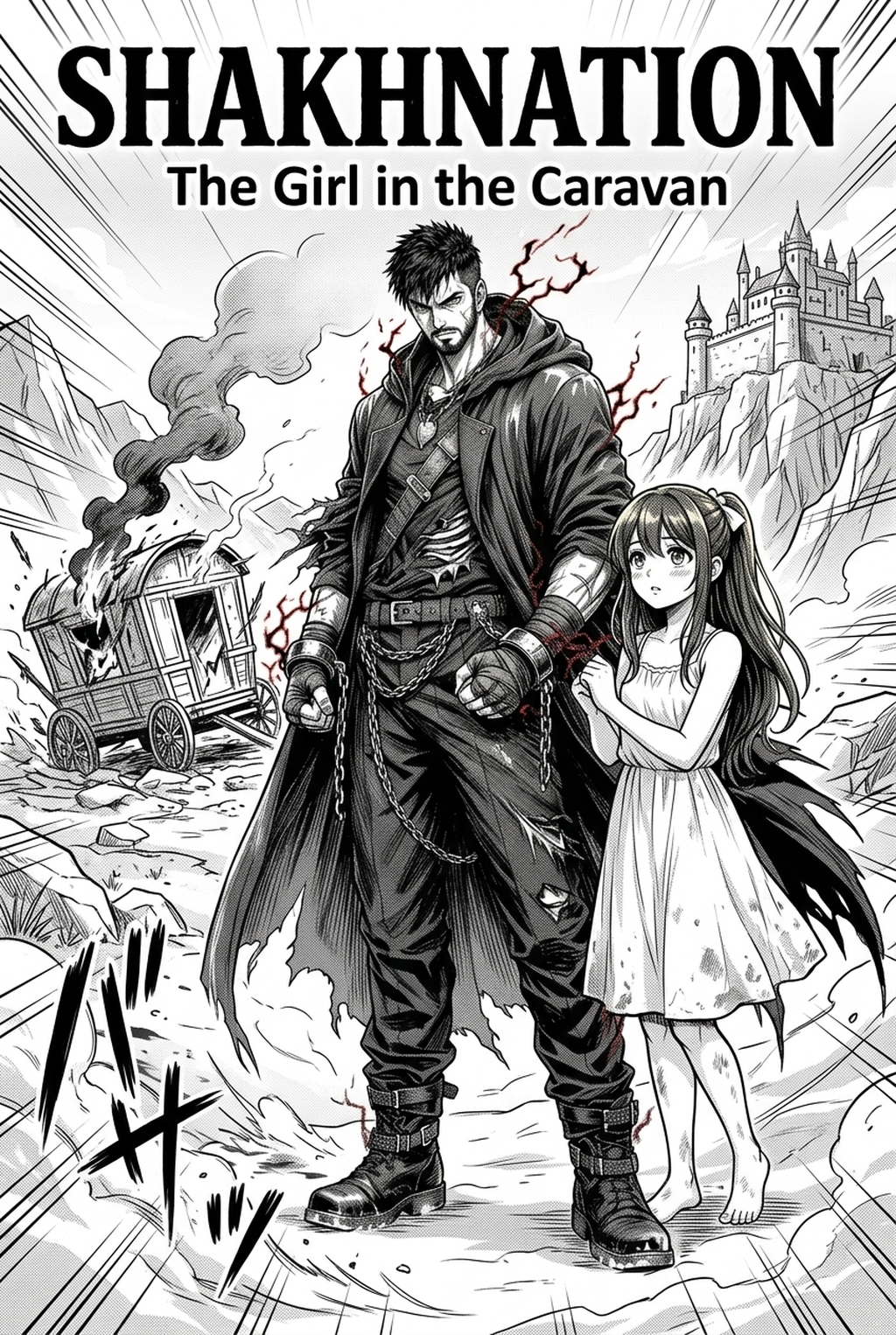
AI Manga Character Designers act as a 'review owner' for your assets, instantly generating new panels based on existing character sheets to ensure geometric and stylistic alignment. When you input specific text descriptions into manga character design with Mangaka , the engine interprets your established proportions to generate poses that align with your unique art style, effectively automating the most repetitive aspects of the design process.
Use AI-driven tools to bridge the gap between rough sketches and final delivery formats without losing the artist’s original hand-drawn flair. This creates a bridge where the software manages the underlying structural geometry, while you retain control over the final line-weight and stylistic nuance required for professional print or web publication.
- Geometric Synchronization: Automatically align facial features and accessory placement to match your established character model. * Expression Generation: Quickly create varied emotional responses for the same character base without manually sketching every permutation. * Style Consistency: Lock in specific line-weight values and halftone settings to ensure every generated panel matches the previous fifty.
Practical Applications for Indie Production
Character design isn't just for protagonists; it includes creating consistent 'side-character archetypes' that populate backgrounds and minor subplots without requiring intensive labor. These archetypes allow you to fill out a crowd or a busy shop interior while keeping your primary focus on the main narrative beats.
Designers use these tools for high-stakes 'storyboard visualization,' testing multiple outfit variations or color palettes before committing to final page production. This early-stage testing prevents the costly mistake of realizing a complex costume design is too labor-intensive to draw consistently for an entire arc.
This methodology is essential for solo creators who act as writer, artist, and editor, requiring an efficient delivery format to meet weekly or monthly serialization deadlines. When you reduce the design labor, you free up hours for composition, dialogue layout, and narrative pacing—areas where the creator's unique voice truly matters.
Getting Started with Mangaka
Begin by defining your character’s 'Base Design File'—uploading or describing your character’s core features to create a persistent source context. Once this base is established, you can use the text-to-panel generation to iterate on character interactions, testing how your design reacts in different environments or lighting conditions. Workflow Fit for Creator Output.
- Define Base Attributes: Clearly articulate hairstyle, specific accessories, and body type in your primary configuration. * Iterate Through creative briefs: Use descriptive text to place your character in various scenarios, refining the output by adjusting weight and style parameters. * Verify Against Specs: Compare the generated output against your master model sheet to ensure line-art continuity before moving to the final inking stage.
Creators should compare the generated line art with the original sketch and confirm that facial expressions, props, speed lines, and speech-bubble space still support the scene. A repeatable review pass should cover character consistency, panel readability, background clarity, and whether the final file is ready for coloring, lettering, or editor feedback. For longer projects, creators should save approved examples of line weight, face detail, clothing folds, and background density. Those references keep later chapters closer to the intended style.
- Before Export. Creators should compare the generated line art with the original sketch and confirm that facial expressions, props, speed lines, and speech-bubble space still support the scene. A repeatable review pass should cover character consistency, panel readability, background clarity, and whether the final file is ready for coloring, lettering, or editor feedback.
- For Longer Projects. Creators should save approved examples of line weight, face detail, clothing folds, and background density. Those references keep later chapters closer to the intended style. For collaboration, creators should mark which panels are final and which panels still need redraws. Clear status labels prevent an assistant, editor, or colorist from polishing the wrong version.
- For Publishing. Creators should review the page at the actual reading size before export. Small screens expose crowded dialogue, weak silhouettes, and line details that looked fine while zoomed in. For style control, creators should keep a short reference board beside the draft and compare hair shapes, eye details, costume folds, and texture choices before approving the final page.
The Bottom Line
AI Manga Character Designer workflow is no longer limited by manual, time-consuming drafting processes that drain your creative energy. By integrating advanced digital tools into your production process, you guarantee consistent character fidelity, scale your total creative output, and maintain a professional visual standard that keeps readers engaged chapter after chapter. Start your design process at AI Manga Character Designer workflow to see how character-consistent AI can transform your workflow.
Related articles
Mastering the Yuri Manga Art Style: A 2026 Creator’s Guide
Manga Character Design: A Guide for 2026 Indie Creators
Automate Your Manga Inking: Get Clean Lines in 2026