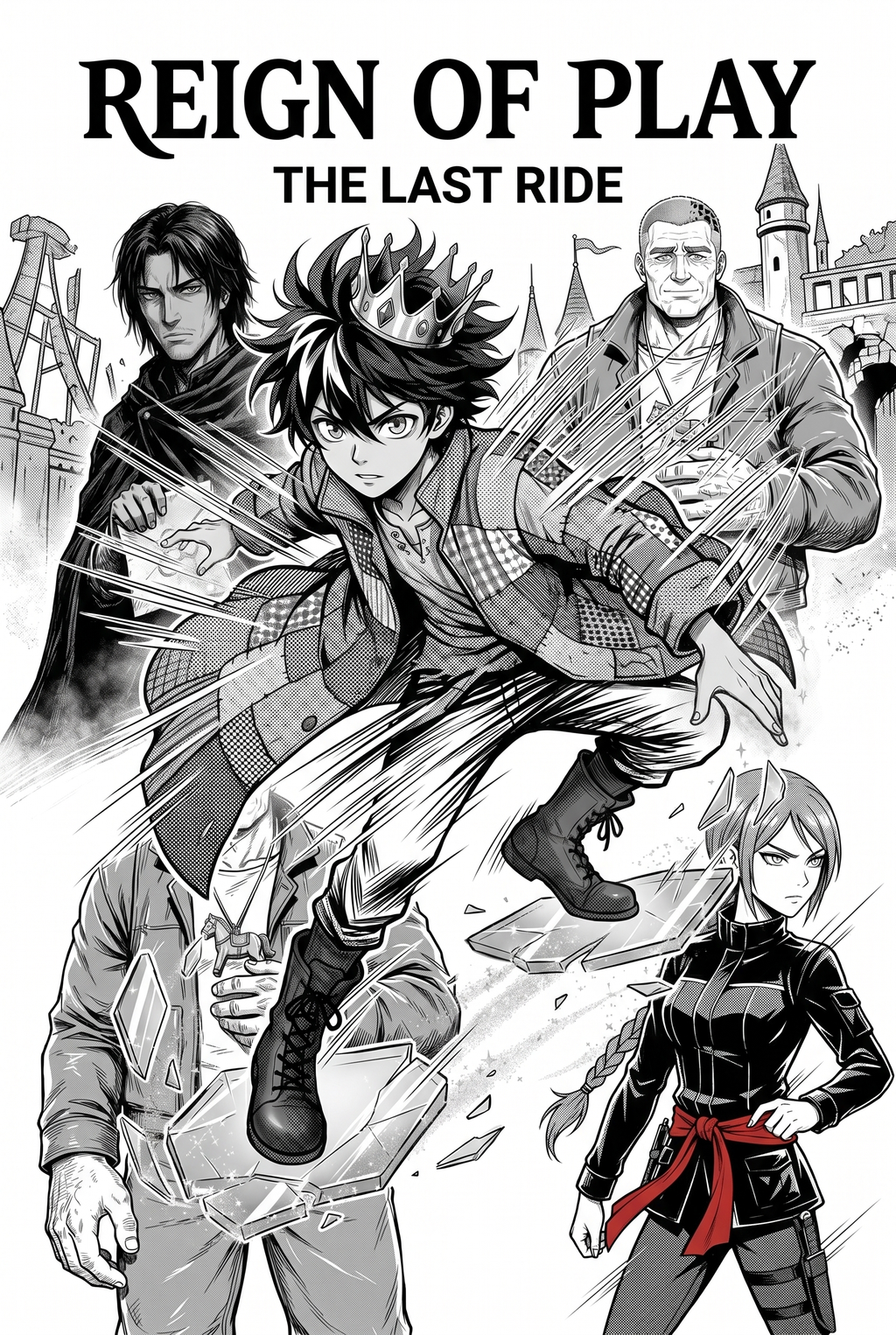
AI Manga Inker: How Mangaka Accelerates Your Workflow
Mangaka leverages artificial intelligence to instantly interpret your sketches and convert them into clean, sharp vector paths by recognizing the intent behind your strokes. This technology removes the manual repetition of digitizing physical paper sketches, allowing you to bypass hours of repetitive tracing so you can focus on composition, dialogue, and overall panel pacing.
- Layer-Sensitive Processing: The system distinguishes between foreground character line art and background scenery, preventing the two from bleeding together during the automated cleanup phase. * Automated Vectorization: By converting rough graphite into clean, closed vector loops, the process ensures your inkwork is ready for instant flat-color fill or tone application. * Intent Interpretation: You can rely on the system to recognize artistic intent even in sketches with loose proportions, preserving the signature style of your original drawing.
To see how these adjustments apply to your own sketches, you can visit manga inking with Mangaka to upload a panel draft and observe the transformation in real time. This keeps the review focused on story intent, line weight, panel readability, and the export quality behind the final AI Manga Inker output.
- Chapter cadence. Use the AI pass for pages where speed matters most, such as repeated action poses, transformation beats, or dense speed-line panels. Keep manual cleanup for hero panels where the line style defines the emotional peak.
- Character continuity. Compare the generated lines against the same model sheet, costume notes, and facial-expression range used during sketching. This prevents a fast inking pass from drifting away from the character identity readers recognize.
- Export readiness. Check whether the final manga output can move into lettering, coloring, or final layout without rebuilding panel borders or speech-bubble space. A good manga workflow should save time while keeping the next production step predictable.
Modern Use Cases for Digital Inking
Adopting a sketch-to-digital workflow means handling your rough composition on a tablet and then finalizing the technical details through AI processing. This approach is particularly effective when you need to maintain a consistent "pen-pressure signature" across an entire chapter, which is otherwise difficult to achieve manually when working over long, multi-day shifts.
- Consistency Maintenance: Batch-processing multiple panels through the same settings ensures that line thickness remains uniform regardless of how many hours you have spent at your desk. * Dynamic Sketch Refining: You should focus your manual energy on refining the character expressions during the sketch phase, knowing that the automated process will preserve those emotional markers in the final vector art.
Getting Started with Professional AI Inking
AI-powered inking acts as a technical assistant, handling the heavy lifting of path generation while leaving the creative direction entirely in your control. You do not need to worry about the AI erasing your style; instead, think of it as a tool that accelerates your production time by removing the mechanical burden of closing line gaps or correcting shaky strokes. Creative Brief and Source Input.
Creative Brief and Source Input
This keeps the review focused on story intent, line weight, panel readability, and the export quality behind the final AI Manga Inker output.
- Post-Inking Flexibility: Most digital platforms allow you to adjust the line weight after the automated processing is finished, giving you the final say over the artistic polish of your work. * Industry Standard Shift: The manga industry has moved almost entirely to digital workflows, making AI-assisted vectorization a standard way to achieve the sharp, professional finish required for print publication. * Technical Compliance: Unlike a legal document requiring certified translation or adherence to rigid contract clauses, artistic workflows offer you the freedom to iterate on your line weight and composition until the page matches your vision.
- Before Export. Creators should compare the generated line art with the original sketch and confirm that facial expressions, props, speed lines, and speech-bubble space still support the scene. A repeatable review pass should cover character consistency, panel readability, background clarity, and whether the final file is ready for coloring, lettering, or editor feedback. - For Longer Projects. Creators should save approved examples of line weight, face detail, clothing folds, and background density. Those references keep later chapters closer to the intended style. For collaboration, creators should mark which panels are final and which panels still need redraws. Clear status labels prevent an assistant, editor, or colorist from polishing the wrong version. - For Publishing. Creators should review the page at the actual reading size before export. Small screens expose crowded dialogue, weak silhouettes, and line details that looked fine while zoomed in. Creators can use each revision decision to clarify panel readability, character consistency, and export quality before publishing or sharing.
Creators should compare the generated line art with the original sketch and confirm that facial expressions, props, speed lines, and speech-bubble space still support the scene.
Generation Review and Export
A repeatable review pass should cover character consistency, panel readability, background clarity, and whether the final file is ready for coloring, lettering, or editor feedback. For longer projects, creators should save approved examples of line weight, face detail, clothing folds, and background density. Those references keep later chapters closer to the intended style.
The Bottom Line
AI Manga Inker workflow is evolving from a labor-intensive manual craft into a tech-enabled creative process that allows for significantly faster story delivery. By automating the technical cleanup phase, you reclaim valuable hours to focus on the storytelling and composition elements that truly matter to your readers. You can visit manga inking to experiment with AI-driven inking on your current manga project and see how it fits into your existing workflow.
Related articles
Mastering Character Design for Consistent Manga Storytelling
Mastering Character Design for Your Original Manga Series
Mastering Character Design for Manga Creators 2026