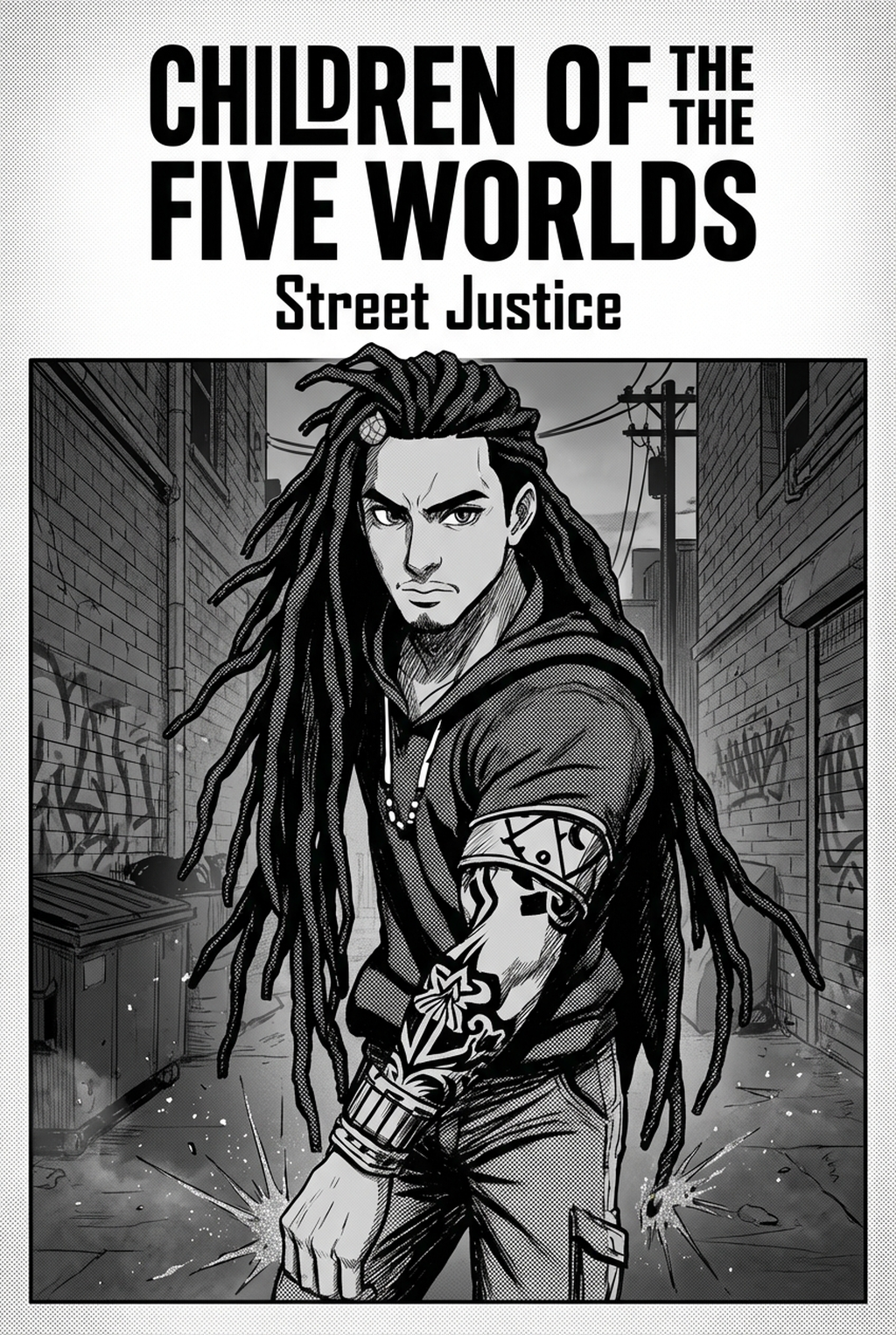
AI Manga Panel Generator: Defining the Art of Panel Layout
Good composition balances gutter tension and visual weight to guide the reader’s eye naturally across the page. Without this, your page becomes a collection of static, disconnected drawings rather than a cohesive sequence. This keeps the review focused on story intent, line weight, panel readability, and the export quality behind the final AI Manga Panel Generator output. Establishing shots are essential for grounding the reader in a new location, while extreme close-ups sharpen emotional resonance. By alternating these scales, you create the rhythmic "cinematic" flow common in top-tier Shonen and Seinen titles.
- Flow-Path Theory: You must subvert the standard Z-pattern reading order during high-stakes combat. By placing key impact panels outside the expected trajectory, you force the eye to track movement, physically increasing the tension for the reader. * Grid Constraint Management: Maintaining consistent panel borders prevents the reader from feeling lost. If your gutter widths drift between 5px and 15px on a single page, the visual noise will distract from the character art.
Why Strategic Pacing Matters for Creators
Strategic flow determines the actual "reading speed" of a chapter, allowing the author to stretch suspense or compress time during fast-paced fight sequences. A page that forces the reader to slow down for a wide, detailed panel immediately followed by a rapid-fire sequence of small, erratic boxes effectively controls how the narrative is consumed.
- Narrative Tempo Control: Static dialogue panels in character-heavy chapters should occupy a larger percentage of the page width to anchor the reader. Conversely, using "bleed" panels that break the border allows for emotional climaxes to dominate the page, signaling to the reader that this moment carries unique narrative weight. * Consistency Risks: Frequent shifts in panel orientation without a clear logical progression induce reader fatigue. Consistent structure keeps the focus on character-driven dialogue and action development rather than on decoding the page layout.
How Mangaka Optimizes Your Workflow
AI tools like Mangaka allow creators to translate raw scripts into visual layouts in minutes, providing a low-friction way to experiment with multiple composition styles before committing to final ink. Instead of wrestling with technical grid constraints, you act as the creative director, overseeing the storyboard generation to ensure the emotional tone remains intact.
- Technical Alignment: The tool handles the tedious process of defining frame geometry, which prevents the common error of misaligned speech bubbles. You can focus on the artistic soul of the scene while the generation process maintains character proportions and spatial relationships.
- Rapid Storyboarding: For large-scale battle sequences, generating a series of multi-page spreads allows you to spot pacing issues instantly. If a scene feels rushed, you can adjust the Manga panel composition with Mangaka to stretch the action across more frames without the manual labor of sketching every intermediate stage.
Use Cases for Advanced Composition
When starting a complex action page, begin with a large, wide-angled establishing panel to ground the reader in the environment. This provides the necessary spatial context before breaking into smaller, erratic frames that convey the speed of the combat sequence.
- Balancing Text and Art: Dialogue bubbles should never obstruct critical character expressions or primary kinetic vectors. Always use negative space intentionally; if your character’s eye line points to a plot-critical item, avoid placing a bubble in that visual corridor.
- The AI Assistant Role: Artificial intelligence acts as a foundational assistant that manages the grid, not a replacement for your creative direction. You remain the final judge of whether a panel composition aligns with your intended tone for the Manga panel composition .
Getting Started with Professional Layouts
Mastering composition is less about following strict rules and more about understanding the psychology of how your reader consumes your specific genre of story. A high-concept script requires a different rhythmic skeleton than a slice-of-life comedy, and your layout must reflect that difference in every panel.
- Iterative Design: Use AI tools to generate multiple layout variations during your initial storyboard phase. By testing which arrangement communicates the "punch" of a scene best, you refine your pacing long before you commit to the time-consuming process of inking or toning. * Bridging the Gap: Tools that translate conceptual scripts into publication-ready layouts remove the friction between having a story in your head and seeing it on the page. Use this to maintain momentum, allowing you to move from one scene to the next without getting trapped by repetitive technical setup.
Creators should compare the generated line art with the original sketch and confirm that facial expressions, props, speed lines, and speech-bubble space still support the scene. A repeatable review pass should cover character consistency, panel readability, background clarity, and whether the final file is ready for coloring, lettering, or editor feedback.
Creators should save approved examples of line weight, face detail, clothing folds, and background density. Those references keep later chapters closer to the intended style. For collaboration, creators should mark which panels are final and which panels still need redraws. Clear status labels prevent an assistant, editor, or colorist from polishing the wrong version.
The Bottom Line
Professional AI Manga Panel Generator workflow relies on your ability to dictate the reader's pace through spatial awareness and rhythmic shifts. By Manga panel composition with a focus on where the eye needs to land, you prevent the common pitfalls of stagnant storytelling and visual clutter. Use modern tools to handle the heavy lifting of grid management, freeing you to focus on the character-driven details that define your work.