Understanding AI Manga Panel Generator
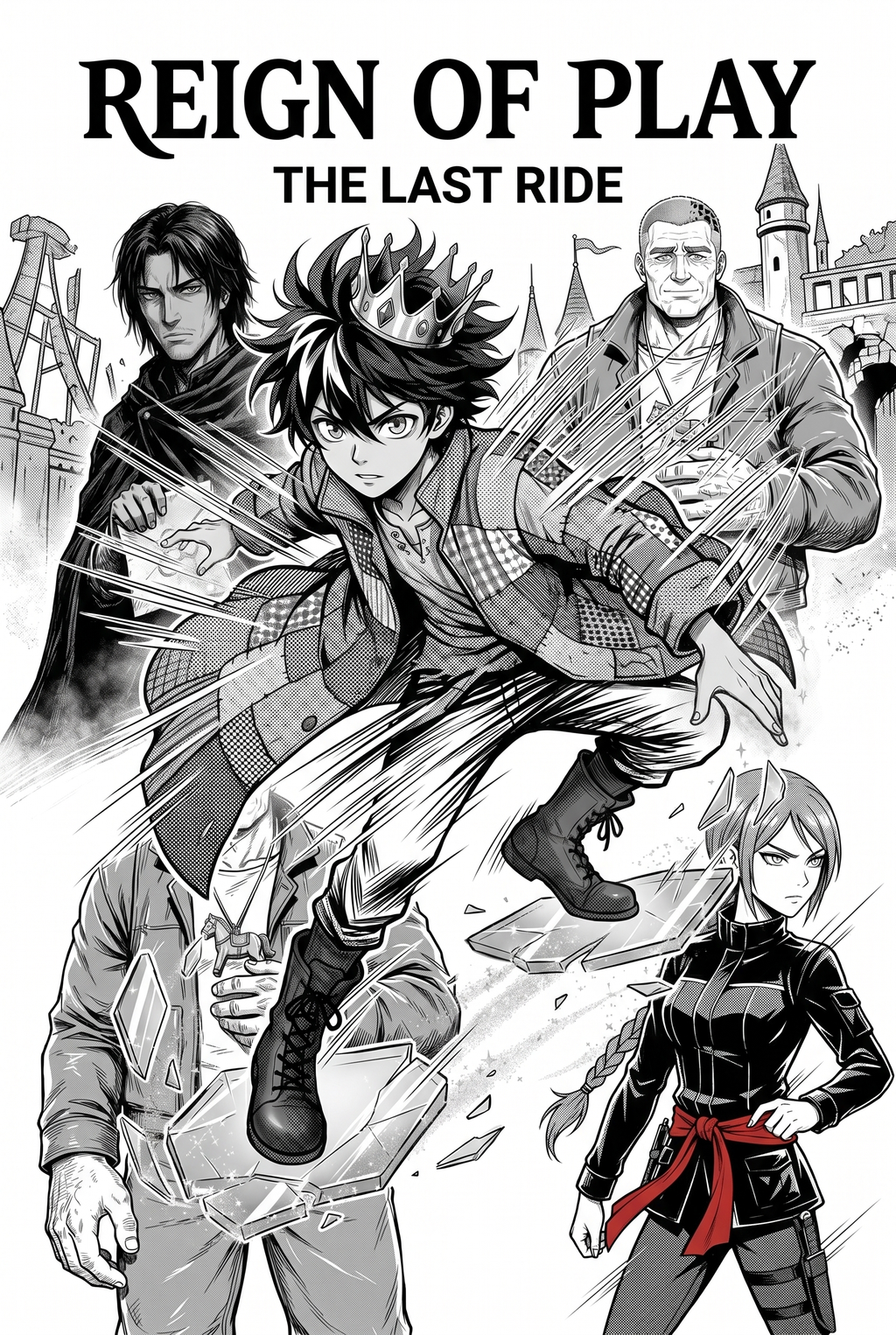
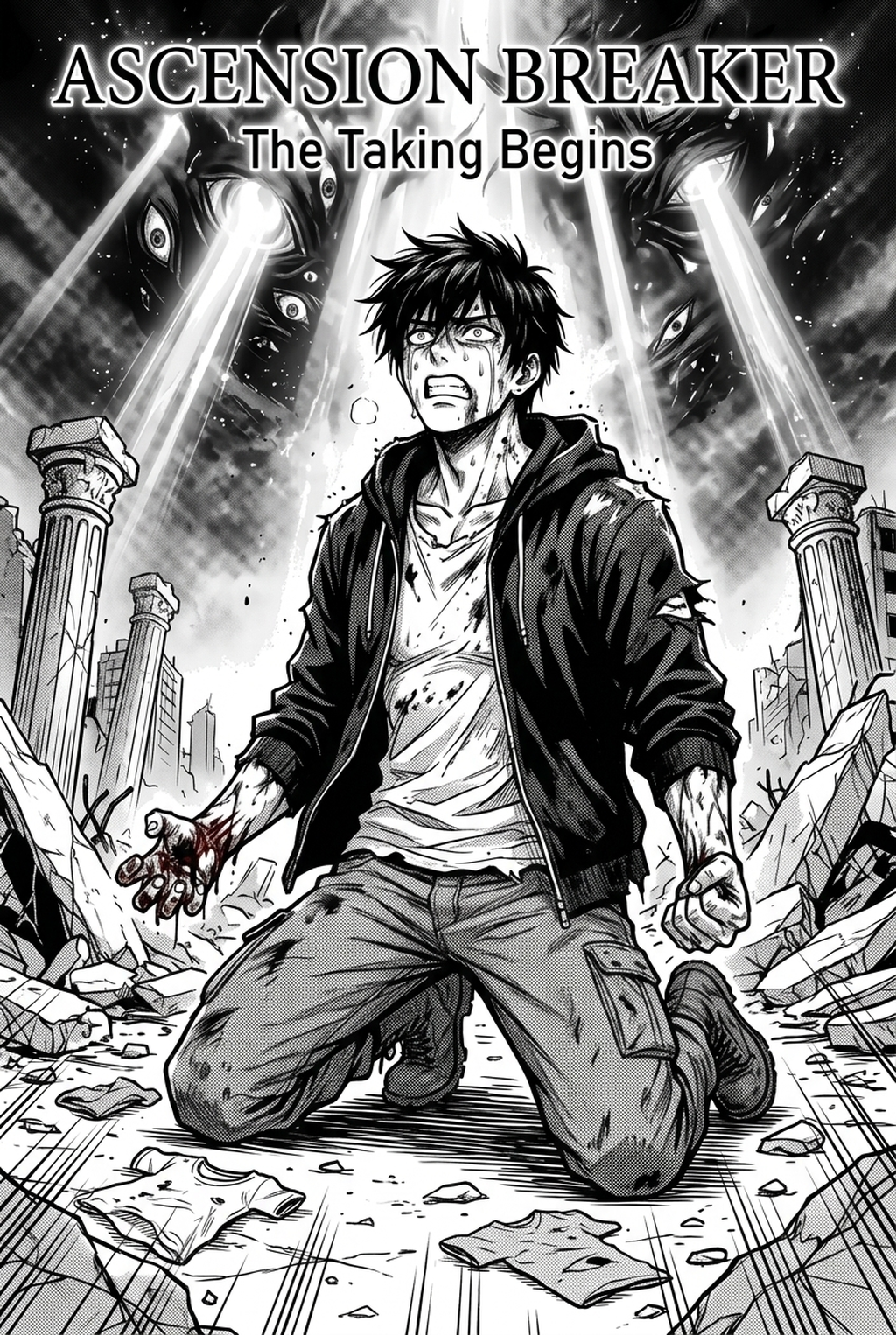
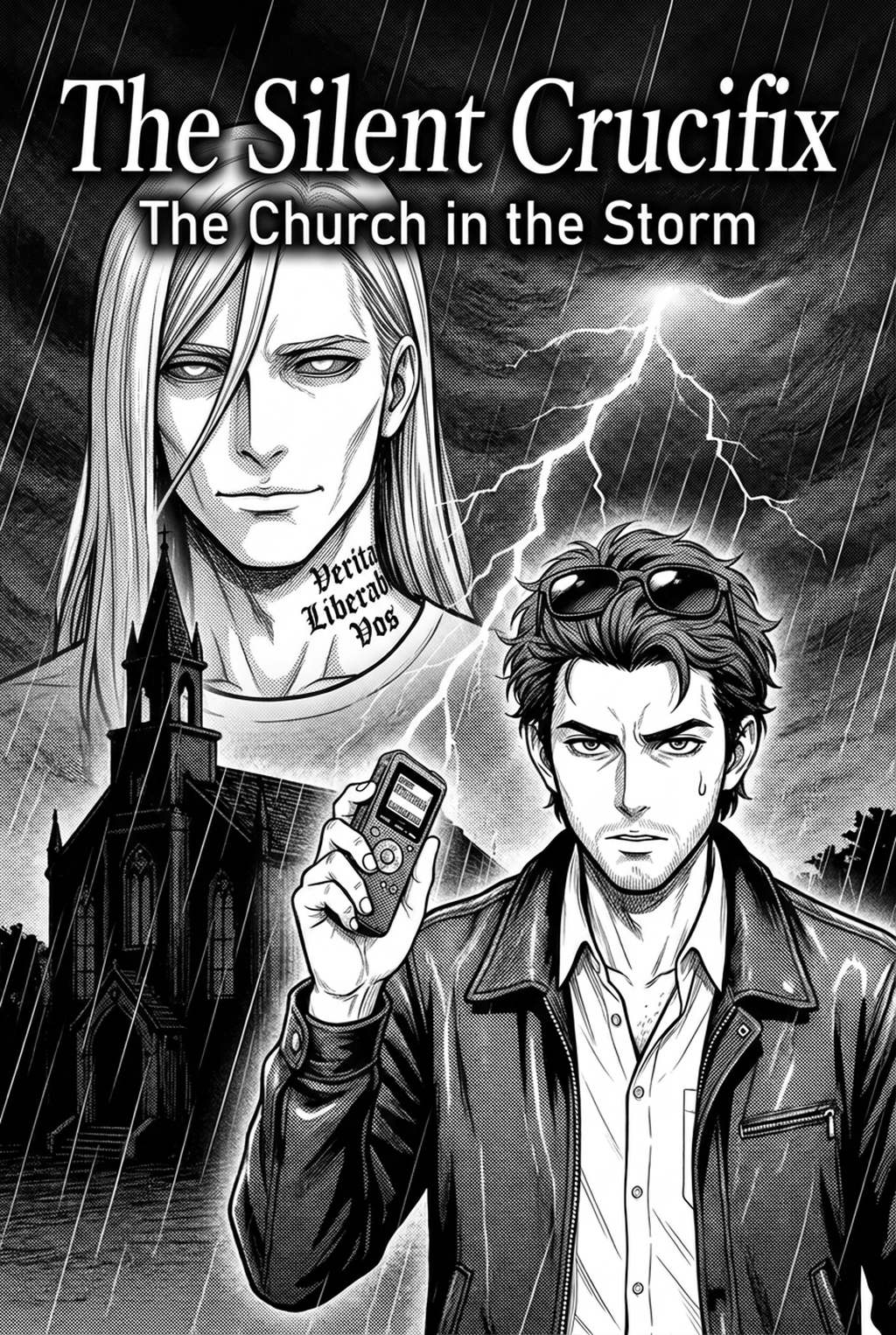
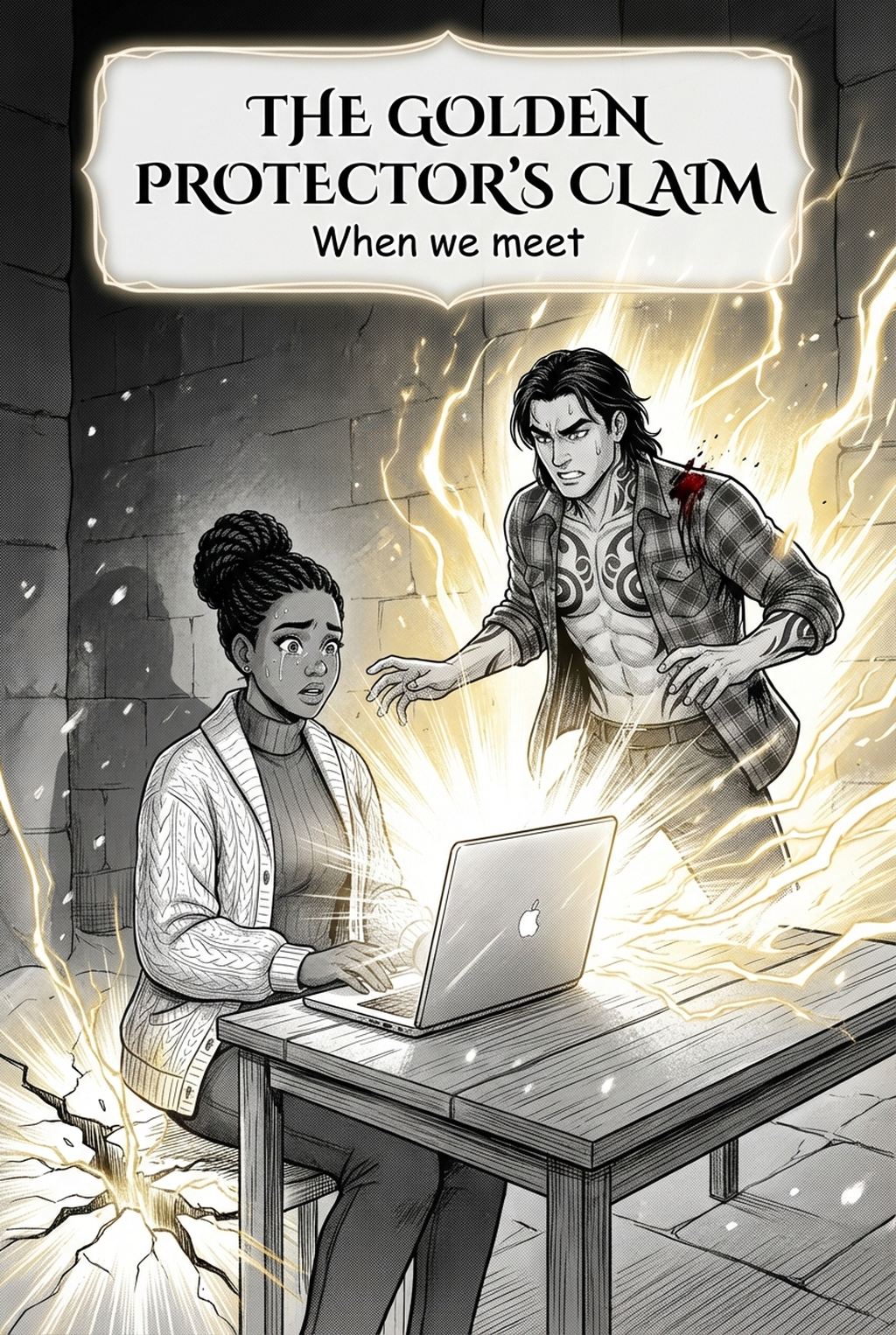
A manga panel generator for light novels ai is a specialized tool engineered to parse prose descriptions, action beats, and dialogue, then map them onto industry-standard manga page layouts. Unlike general-purpose image generators that treat every frame as an isolated static asset, this technology respects the continuity of a series, ensuring that a protagonist designed on page one remains recognizable by page twenty.
Generic tools often fail to handle the unique geometry of manga; they frequently produce images with warped panels or misaligned gutters that cannot be printed without significant post-processing. Mangaka solves this by enforcing strict spatial constraints during generation. It treats the script as a directorial input, calculating how many panels are required to convey a specific action beat while preserving the intended emotional tension of the scene. Once you move from a written draft to a story summary, the generator translates your narrative into a series of inked panels, leaving you free to focus on detailed touch-ups, shading, and lettering rather than wrestling with the initial composition of each frame.
Why This Technology Matters for Manga Creators
The most significant barrier for creators is the time-intensive nature of converting long-form prose into sequential art, which traditionally requires days of sketching just to establish basic panel pacing. By automating the transformation of text into structured manga panels, creators can reduce the time spent on layout and anatomy composition by approximately 60-70%.
Character consistency remains the most common failure in AI-assisted manga. Without a dedicated tool, an artist faces "proportion drift," where a character’s eye size or outfit details shift slightly between panels, destroying the reader’s engagement. A dedicated generator uses consistent character reference models to lock in specific visual markers, ensuring that high-detail features—such as scars, complex clothing folds, or specific hairstyle spikes—remain identical throughout the entire chapter.
Many talented writers lack formal art training in perspective, inking, or anatomy, which keeps their stories locked in text format. A generator allows these creators to bridge the gap between imagination and a visual product by providing the structural support of professional-grade paneling and composition. This shifts the focus from "how do I draw this hand correctly" to "does this frame convey the emotional weight of the scene," enabling a storytelling-first approach to production.
How Mangaka Produces Manga Sequences
You start by inputing your script directly into the platform, defining specific character archetypes, action beats, and panel intensity. Mangaka then parses this information to generate a full-page sequence that respects the standard 3:4 or 16:9 vertical vertical comic platforms formatting, ensuring all line work maintains a professional weight and clarity suitable for immediate export.
Once the initial sequence is generated, you have access to granular controls that allow for fine-tuning individual elements within the page. If a specific action beat needs more impact, you can adjust the camera angle—shifting from a standard eye-level shot to a dramatic low-angle perspective—without regenerating the entire page. This level of control allows you to iterate quickly on panel pacing, testing different visual flows until the narrative tension feels correct.
After Finalizing the Layout. The tool allows you to export your work in industry-standard formats including high-resolution PNG or PSD files. These files are segmented into clear layers, separating the line art from potential tone or background elements. This makes it effortless to bring the output into your primary editing application to add final polish, such as speed lines, sound effects, or complex screentones that add that extra layer of professionalism to your chapter. You can manga panel generator for light novels ai to see how your specific script transforms into a structured layout in real-time.
Use Cases for Manga Production Teams
Indie artists who work solo often burn out due to the sheer volume of manual labor required for a full chapter. By utilizing a generator to handle the repetitive inking and layout of secondary frames, they can maintain a weekly release schedule that would otherwise be impossible.
Writers who have long imagined their stories in a graphic format can finally produce their own manga without needing to spend years mastering figure drawing. The tool acts as a visual partner, providing the technical foundation—the anatomy, the perspective, and the panel pacing—while the writer provides the core creative vision and narrative flow.
The efficiency of a dedicated generator is undeniable. They can split the workload: one member manages the script and initial panel generation using Mangaka, while another focuses on specialized inking, color, or lettering. This division of labor allows teams to produce chapters in a fraction of the time, keeping up with the high demand for new content on popular digital platforms.
Getting Started with Mangaka
To begin, you will register for an account on the dashboard, where you can view your active projects and saved character models. The interface is built specifically for creators, meaning you won’t find clutter related to document translation or generic image generation; instead, you find a clean workspace centered around your page-sequencing tools.
When writing your first creative brief, prioritize specific details over vague adjectives. , High-contrast dark ink for a tense night scene"). * Review your character references: Upload consistent reference images to keep your cast's proportions locked during the generation process.
- Before Export. Creators should compare the generated line art with the original sketch and confirm that facial expressions, props, speed lines, and speech-bubble space still support the scene. A repeatable review pass should cover character consistency, panel readability, background clarity, and whether the final file is ready for coloring, lettering, or editor feedback.
- For Longer Projects. Creators should save approved examples of line weight, face detail, clothing folds, and background density. Those references keep later chapters closer to the intended style. For collaboration, creators should mark which panels are final and which panels still need redraws. Clear status labels prevent an assistant, editor, or colorist from polishing the wrong version.
- For Publishing. Creators should review the page at the actual reading size before export. Small screens expose crowded dialogue, weak silhouettes, and line details that looked fine while zoomed in. This keeps the review focused on story intent, line weight, panel readability, and the export quality behind the final AI Manga Panel Generator output.
- For Style Control. Creators should keep a short reference board beside the draft and compare hair shapes, eye details, costume folds, and texture choices before approving the final page. For revision planning, creators should separate art fixes from story fixes. Line cleanup, panel order, dialogue clarity, and character acting each need a different review question.
The Bottom Line
A creator workflow effectively eliminates the most time-consuming hurdles in the creative process, allowing you to focus on the narrative impact of your story rather than the technical struggle of manual drafting. By automating panel pacing and maintaining strict character consistency, Mangaka provides a professional-grade solution that adapts to your specific artistic needs, whether you are an indie creator or part of a growing production team. Experience how your own scripts look as finished pages when you manga panel generator for light novels ai today.