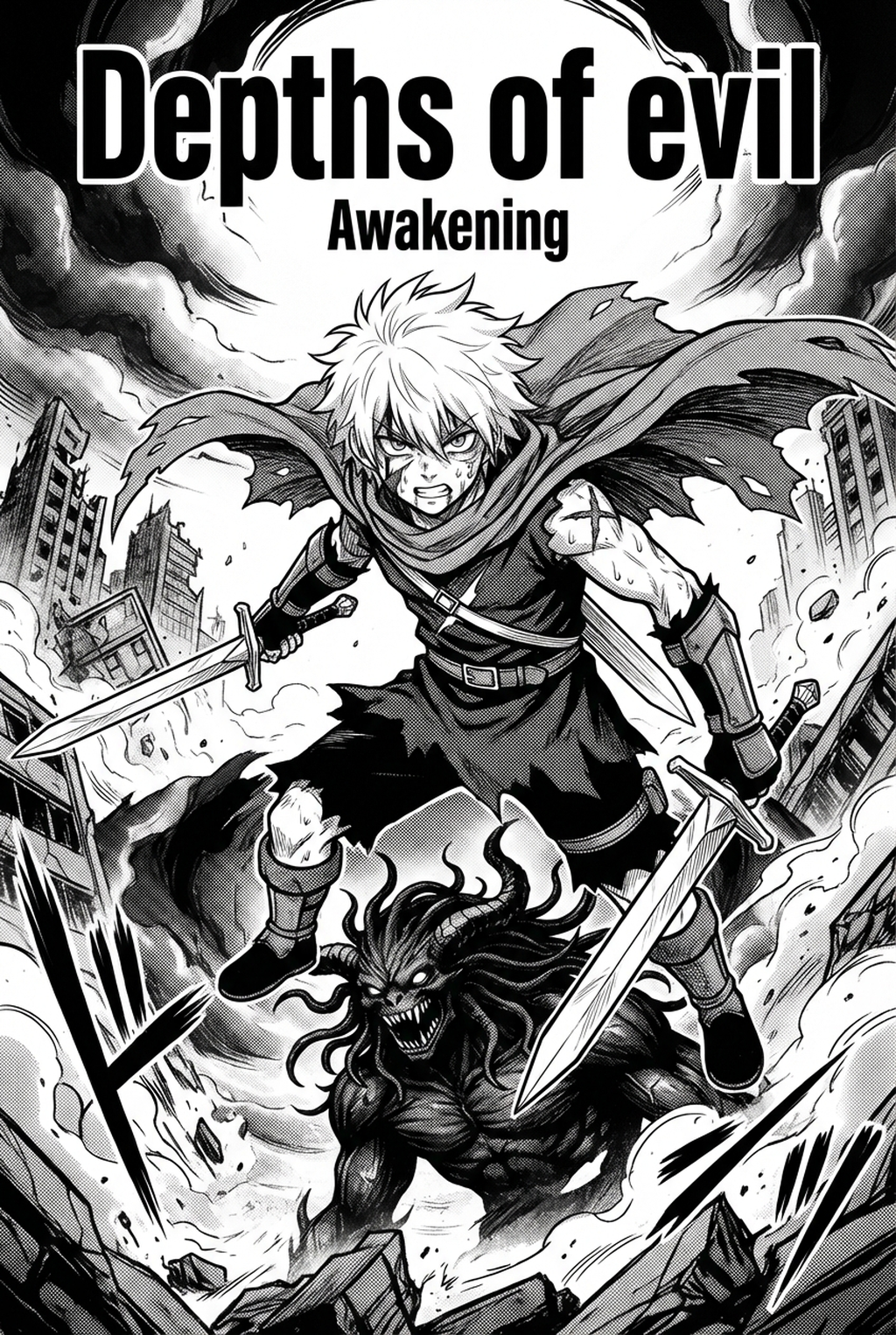
AI Manga Storyboard Builder: Understanding the Storyboard Structure
A storyboard acts as a low-fidelity visual skeleton that prioritizes narrative rhythm and page composition over fine artistic details like cross-hatching or hair strands. By mapping out the 'koma-wari'—the traditional division of panels—you ensure that the physical dimensions of each frame support the emotional weight of your script.
Creators often neglect how the reader's eye travels across the white space of a standard A4-sized manga page. A well-planned storyboard dictates the sequence of attention, using directional motion lines and panel overlaps to force the viewer from the top-right corner toward the bottom-left. Without this plan, readers frequently encounter "compositional blindness," where they misinterpret the intended order of dialogue or the progression of an action sequence.
- Character Placement: Mapping the relative position of subjects in both wide establishing shots and tight close-ups to prevent spatial confusion. * Speech Bubble Positioning: Allocating specific zones for text before art generation ensures dialogue does not obscure critical character expressions or background details. * Action Pacing: Adjusting panel size to either accelerate the reader’s eye during a fight or slow it down during a dialogue-heavy internal monologue.
Why Narrative Flow Drives Engagement
Effective storyboarding dictates the temporal experience of the reader, turning static ink into a fluid, cinematic motion. If your layout lacks deliberate pacing, even the most detailed character art will fail to convey the intended dramatic impact. The physical size of a panel directly correlates to the perceived power of an event. A full-page spread dedicated to a major transformation demands a massive canvas to signal its importance, while a rapid succession of narrow, vertical panels can simulate the frantic energy of a character running or reacting under pressure.
In Seinen storytelling, creators must balance dense dialogue sequences with character interaction, requiring careful management of 'gutter space' to prevent the page from feeling claustrophobic. If you fail to account for this breathing room, the final export will look cluttered, and the artistic linework will suffer from excessive visual noise.
Structural Framework Through AI
Modern tools allow creators to define story beats and auto-arrange panel layouts, eliminating hours of manual sketching and eraser-heavy trial and error. By using the AI Manga Storyboard Builder , you can establish a consistent visual rhythm that aligns with standard industry print dimensions or vertical-scroll digital formats.
Perspective lines often drift when a scene involves multiple pages, leading to disjointed backgrounds that break immersion. AI-driven layouts solve this by locking the perspective grid across a sequence, ensuring that when your final art is generated, the transition between panels feels seamless and professional.
| Common Failure | Resulting Issue | Storyboard Fix |
|---|---|---|
| Gutter Clipping | Art cut off in print | Defined margins |
| Eye-Path Drift | Confused read order | Guided panel sizing |
| Text Clutter | Obscured linework | Pre-set bubble zones |
Check character consistency, panel readability, line quality, and export readiness before publishing. Creators should also record why the page passed review, which panel details still need manual cleanup, and which export format the next collaborator will use. That makes the subsection useful instead of leaving a short checklist under a large heading.
Use Cases for Professional Page Planning
Miscalculating the gutter space is a frequent error that results in essential character features or dialogue being lost during the printing process. When you finalize your layout on a digital canvas without accounting for the physical gutter, you risk an unprofessional, cropped outcome that ignores the standard "bleed" requirements.
High-motion scenes require precise gutter management. By keeping a minimum of 5mm between panels, you preserve the visual distinction necessary for the reader to differentiate between separate actions. AI-assisted builders help you visualize these gutters accurately, ensuring your high-action sequences remain readable even when exported as a high-resolution PNG or PDF.
Getting Started with Your Layout
You can begin by inputting your core story beats into the system to generate a foundational grid structure that serves as your base layer. Instead of starting with a blank white page, you immediately have a framework that dictates the flow of your narrative, allowing you to focus on refining the tone of specific panels.
Once the structure is locked, you can adjust the suggested layout to better suit the emotional intensity of your script. If a specific emotional beat needs more weight, manually widen that panel to dominate the page, using the tool to snap surrounding frames into place, maintaining professional alignment throughout the sequence.
- Before Export. Creators should compare the generated line art with the original sketch and confirm that facial expressions, props, speed lines, and speech-bubble space still support the scene. A repeatable review pass should cover character consistency, panel readability, background clarity, and whether the final file is ready for coloring, lettering, or editor feedback.
- For Longer Projects. Creators should save approved examples of line weight, face detail, clothing folds, and background density. Those references keep later chapters closer to the intended style. For collaboration, creators should mark which panels are final and which panels still need redraws. Clear status labels prevent an assistant, editor, or colorist from polishing the wrong version.
- For Publishing. Creators should review the page at the actual reading size before export. Small screens expose crowded dialogue, weak silhouettes, and line details that looked fine while zoomed in. This keeps the review focused on story intent, line weight, panel readability, and the export quality behind the final AI Manga Storyboard Builder output.
The Bottom Line
A solid storyboard bridges the gap between a written script and a finished page, transforming abstract ideas into a readable, pacing-optimized sequence. By leveraging intelligent tools, creators can focus more on their creative voice and less on the technical drudgery of grid alignment. Use the AI AI AI Manga Storyboard Builder workflow Builder workflow Builder today to optimize your narrative flow and take full control of your next chapter.
Related articles
Build Your Manga Storyboard Fast with AI | Try Mangaka 2026
Create a Professional Manga Storyboard Layout for 2026
Streamline Your Manga Storyboard Workflow with Mangaka 2026