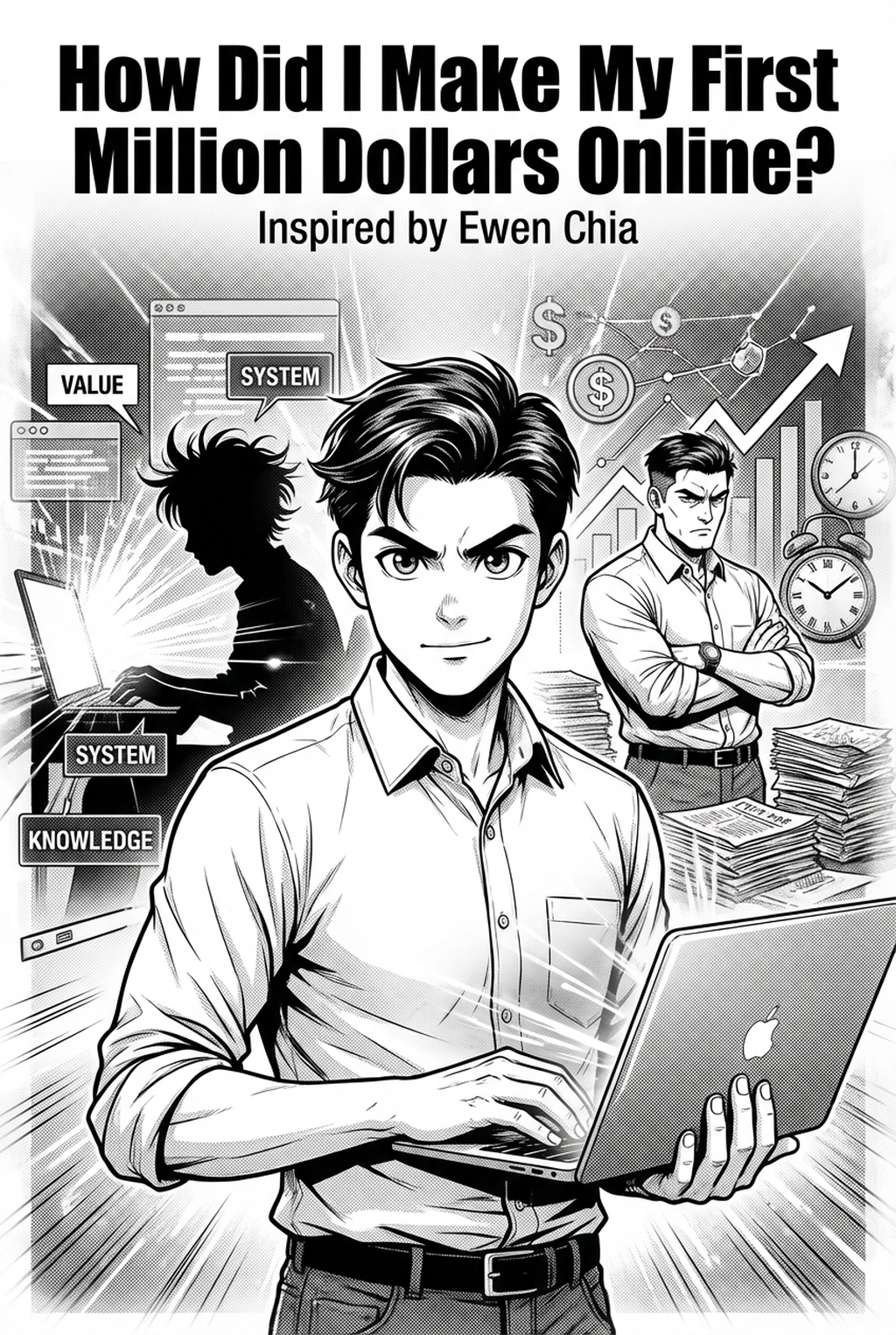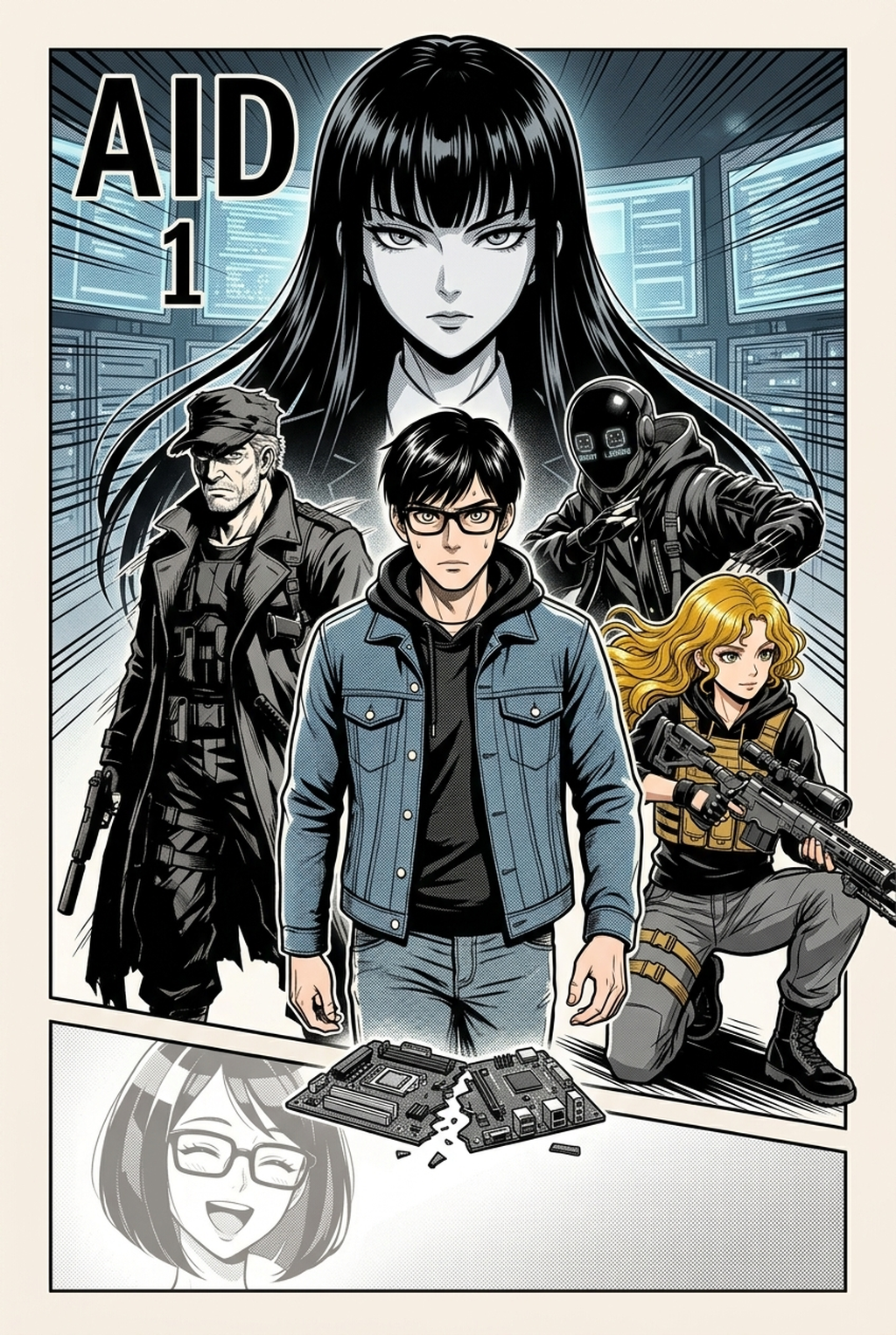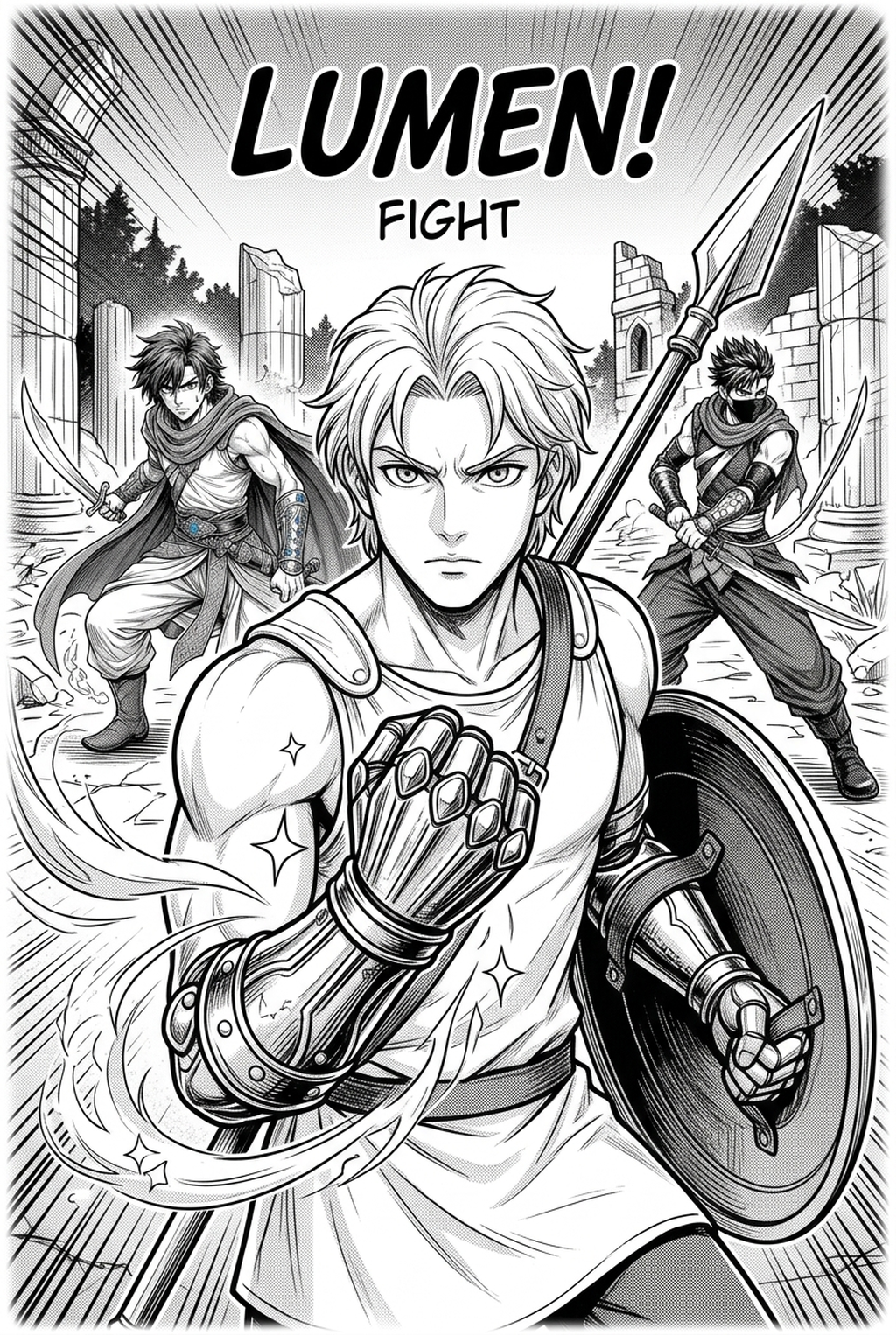
What Is Manga Storyboard?
A storyboard acts as the structural foundation of your chapter, functioning as a high-fidelity map that dictates where every character, speech bubble, and action effect resides. It forces you to define the spatial relationships within each frame, ensuring that your perspective shifts—from a tight close-up to a sweeping wide shot—feel intentional rather than erratic.
This stage is where the kinetic energy of a battle is truly won or lost. Unlike general illustration, the "koma" or panel transitions must be calibrated to allow for bleed-effects that push the reader’s eye past the page boundary. If the storyboard lacks this explosive energy, the final inked version will feel stagnant regardless of your rendering skill.
- Reading Flow Architecture: Maps the path of the eye from the top-right corner to the bottom-left of each page, preventing "jumpy" transitions that confuse the reader. * Action Pacing: Determines how many panels are required to sell a punch or a reaction, allowing you to cut or add frames to hit the narrative rhythm accurately. * Visual Hierarchy: Establishes which elements, such as the protagonist’s face or a signature weapon, dominate the viewer’s attention upon first glance.
Why AI Manga Storyboard Builder Matters for Manga Creators
Without a robust layout audit, you risk producing pages where the story gets lost in the rendering. Many creators fall into the trap of over-detailing a panel that doesn't advance the plot, turning it into "dead space" that bores the reader. By treating the layout as an essential evidence schedule for your narrative, you verify that every line and tone is serving the story.
Experienced mangaka use the layout phase to manipulate "gutter time," the silent psychological duration between two panels. Expanding the gutter between a character’s realization and their subsequent scream creates a tangible sense of suspense that no amount of fancy cross-hatching can replicate. This control ensures that your pacing remains tight, consistent, and professional across the entire chapter.
How Manga Storyboard Works with Mangaka
AI AI Manga Storyboard Builder workflow Builder workflow with Mangaka removes the technical friction of geometric layout, allowing you to treat panel arrangement as an exercise in cinematography. Instead of wrestling with rulers and perspective grids to draft complex multi-tier sequences, you define the desired narrative beats, and the tool builds the skeleton for you. This functionality functions as a sandbox, enabling you to test three or four radically different page layouts in minutes rather than hours.
The system ensures that your visual hierarchy remains intact by auto-aligning panels and gutter spacing according to industry-standard proportions. Because the tool handles the formatting, you avoid the common risk of "line-weight drift," where the density of your work changes because you spent too much time manually correcting misaligned frames.
Use Cases for AI Manga Storyboard Builder
Poor composition is the leading cause of reader drop-off, especially in high-speed, action-heavy genres. When you overcrowd a frame, the focal point becomes ambiguous, forcing the reader to guess where the action occurs. A common failure occurs when the character is placed too far from the speech bubbles, forcing the eye to bounce across the page, which breaks immersion.
- Cluttered Framing: Placing too many characters in a small panel, which obscures the intended emotional beat and forces the reader to stop and analyze the drawing. * Missing Negative Space: Filling the gutter with too much detail, which overwhelms the reader and prevents them from distinguishing between one action sequence and the next. * Lost Focal Points: Failing to align the "center of gravity" of your panels, leading to a flat page that lacks the depth required for complex storytelling.
How to Get Started with Mangaka
Begin by breaking your script into beats, assigning each emotional shift to a distinct segment of panels. Once your beats are defined, generate a rough draft to confirm the Z-pattern" of your page flow, checking if the eye travels naturally from the primary call to action toward the climax of the scene.
You must align your visual hierarchy before committing to final character designs. If you find that the composition feels weak in the draft, use the digital builder to expand your key panel for better impact or adjust the tier structure to prioritize character reactions over environmental details. This iterative approach saves you from the disaster of having to redo an entire page of finished, expensive artwork.
- Before Export. Creators should compare the generated line art with the original sketch and confirm that facial expressions, props, speed lines, and speech-bubble space still support the scene. A repeatable review pass should cover character consistency, panel readability, background clarity, and whether the final file is ready for coloring, lettering, or editor feedback.
- For Longer Projects. Creators should save approved examples of line weight, face detail, clothing folds, and background density. Those references keep later chapters closer to the intended style. For collaboration, creators should mark which panels are final and which panels still need redraws. Clear status labels prevent an assistant, editor, or colorist from polishing the wrong version.
- For Publishing. Creators should review the page at the actual reading size before export. Small screens expose crowded dialogue, weak silhouettes, and line details that looked fine while zoomed in. This keeps the review focused on story intent, line weight, panel readability, and the export quality behind the final AI Manga Storyboard Builder output.
The Bottom Line
A well-crafted storyboard is the difference between a professional, readable chapter and a chaotic, confusing draft. By using manga storyboard to handle the technical layout, you protect your energy for the character arcs and emotional payoffs that define your unique voice.
Bridging scene flow to final layout in Mangaka
Translating a written screenplay into dynamic manga spreads demands iterative rough drafting. Mangaka lets creators experiment with dynamic angle crops, speedline directions, and panel breaks in seconds.
- Transform raw script text into structured rectangular and diagonal grids.
- Reposition panel borders dynamically to accentuate dramatic reveals.
- Quickly swap bird-eye and worm-eye views for climatic action clashes.