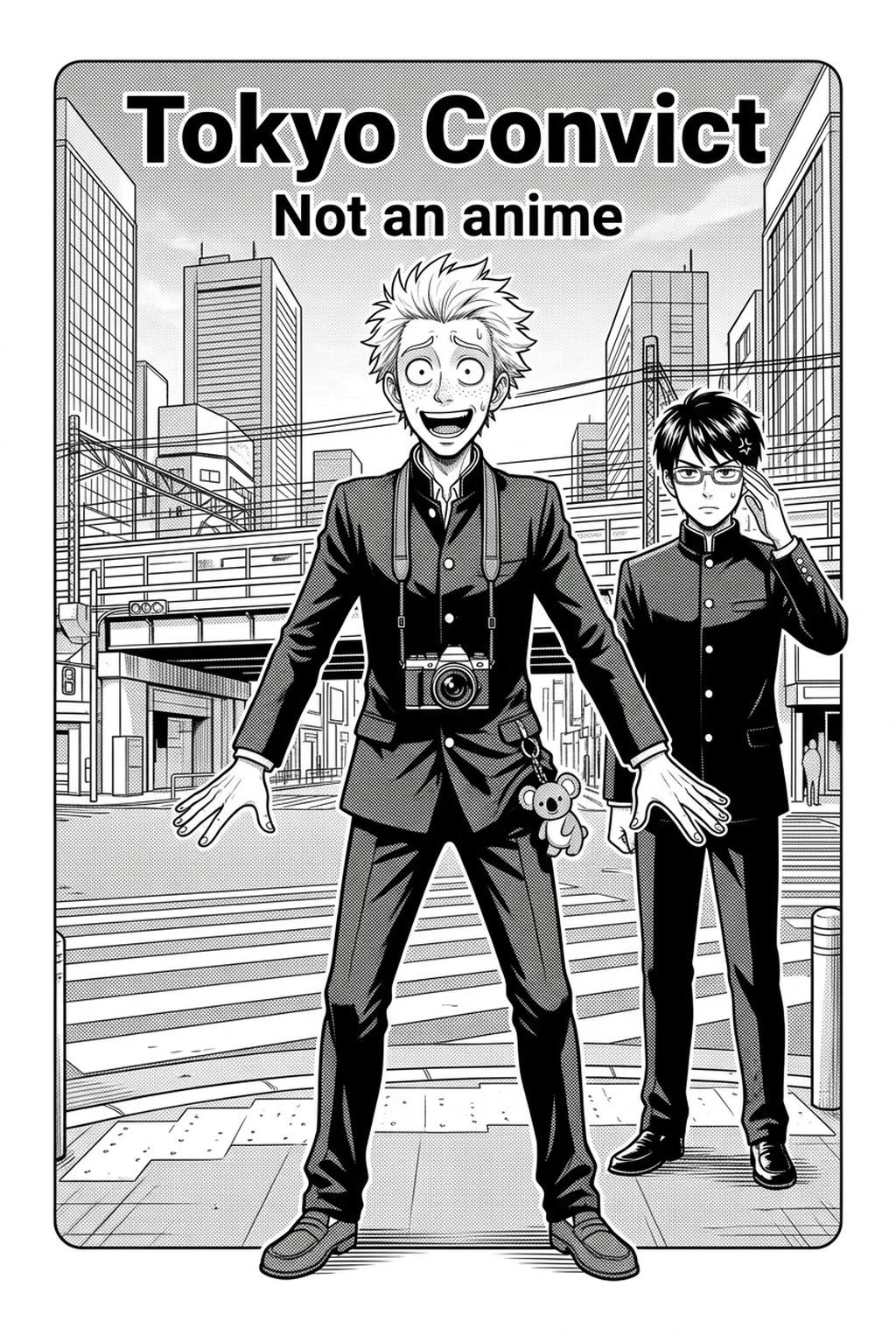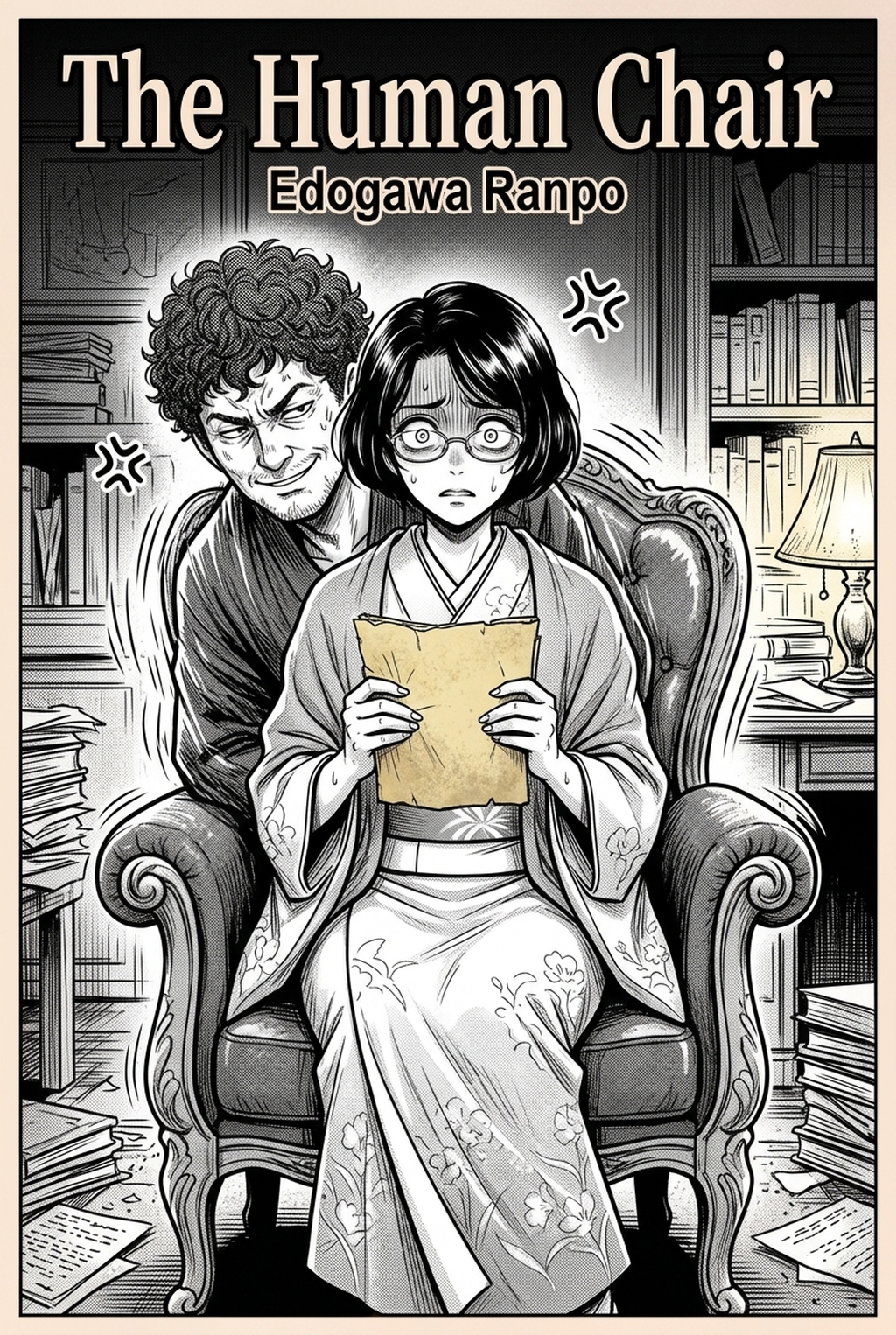
What Is Manga Storyboard?
A manga storyboard is a low-fidelity visual representation of your script, acting as the foundation for the final page. It prioritizes composition and narrative timing over detailed art, using simple stick figures or geometric placeholders to map out the visual trajectory of your story.
The primary objective is to test readability and "page turn" tension before committing to expensive, time-consuming inking processes. By blocking out your scenes now, you avoid the common failure of finishing a highly detailed panel only to realize the composition lacks the necessary impact to move the plot forward.
Why AI Manga Storyboard Builder Matters for Manga Creators
Effective panel placement dictates the speed at which a reader consumes information, directly influencing the intensity of combat or emotional beats. When a creator fails to account for the physical constraints of the page, the reader’s gaze often stalls or jumps out of sequence, breaking the immersion of the serialized experience.
Strategic eye-tracking ensures that the reader's gaze flows naturally from one dialogue bubble to the next without visual friction or redundant shifts in direction. Creating "impact moments" requires specific gutter usage to create psychological distance or claustrophobic tension unique to serialized storytelling; wider gutters can signal a pause in time, while narrow or nonexistent gutters increase the speed of a high-action sequence.
How Manga Storyboard Works with Mangaka
Mangaka serves as an AI AI AI Manga Storyboard Builder workflow Builder workflow builder that interprets narrative input to suggest optimized panel arrangements instantly. By automating the technical geometry of the page, the tool allows the creator to focus exclusively on character expressions and story rhythm rather than struggling with grid alignment.
It eliminates the "blank canvas" anxiety by generating base compositions that maintain cinematic narrative flow based on your specific script context. You can visualize the layout of a 19-panel action sequence in seconds, ensuring that your core narrative goals are visually supported before you begin the labor-intensive work of finalizing character designs. To understand how to integrate these layouts into your existing creative flow, manga storyboard and see how it converts script inputs into structured page blocks.
Use Cases for AI Manga Storyboard Builder
Shonen manga typically utilizes angular, jagged panels to emphasize dynamic speed, chaotic movement, and high-stakes combat sequences. Conversely, Shojo manga often favors fluid, overflowing panel borders and soft, atmospheric backgrounds to prioritize emotional intimacy and character introspection.
- Action Pacing: Use "bleed" panels across the gutter to signal to the reader that the action is breaking the standard tempo of the page. * Dialogue Heavy Pages: Implement a standard 3x3 grid to ensure that long expositional exchanges remain legible without distracting the reader with overly complex geometry. * Vertical Scrollers: Focus on panel depth and "whitespace breathing room" to manage the reader's vertical momentum in digital-first formats.
How to Get Started with Mangaka
Always start with a rough "thumbnail" version of the entire chapter to ensure narrative continuity before rendering individual pages. This bird's-eye view prevents the common issue of inconsistent pacing where a critical emotional beat is buried on a verso page or cut short by an abrupt page break.
Workflow Fit for Creator Output. Consider the following layout discipline: This keeps the review focused on story intent, line weight, panel readability, and the export quality behind the final AI Manga Storyboard Builder output. This keeps the review focused on story intent, line weight, panel readability, and the export quality behind the final AI Manga Storyboard Builder output.
- The Top Tier: Introduce the setting or the immediate aftermath of the previous page's hook. * The Middle Tier: Develop the emotional tension or provide the essential narrative development needed for the scene. * The Bottom Tier: Deliver a high-contrast visual or a dialogue twist that creates a psychological hook for the reader to turn the page.
Review your layouts for "white space balance"—ensure no page feels too dense or too sparse relative to the emotional weight of the scene. If a panel feels claustrophobic, reducing the gutter width or simplifying the background elements can immediately restore visual clarity without sacrificing the artistic intent.
- Before Export. Creators should compare the generated line art with the original sketch and confirm that facial expressions, props, speed lines, and speech-bubble space still support the scene. A repeatable review pass should cover character consistency, panel readability, background clarity, and whether the final file is ready for coloring, lettering, or editor feedback.
- For Longer Projects. Creators should save approved examples of line weight, face detail, clothing folds, and background density. Those references keep later chapters closer to the intended style. For collaboration, creators should mark which panels are final and which panels still need redraws. Clear status labels prevent an assistant, editor, or colorist from polishing the wrong version.
- For Publishing. Creators should review the page at the actual reading size before export. Small screens expose crowded dialogue, weak silhouettes, and line details that looked fine while zoomed in. Creators can use each revision decision to clarify panel readability, character consistency, and export quality before publishing or sharing.
- For Style Control. Creators should keep a short reference board beside the draft and compare hair shapes, eye details, costume folds, and texture choices before approving the final page. For revision planning, creators should separate art fixes from story fixes. Line cleanup, panel order, dialogue clarity, and character acting each need a different review question.
The Bottom Line
The creator workflow is the most critical stage of the production process, dictating the success of your narrative delivery. By leveraging AI-assisted tools like Mangaka, artists can significantly reduce the overhead of technical layout design and focus on high-level storytelling. Start your next project by focusing on composition first; manga storyboard and ensure your final inked pages are vastly more effective for it.
Related articles
Essential Manga Storyboard Techniques for Professional Flow
Build Your Manga Storyboard Instantly with AI Flow Tools
Manga Storyboard Guide: How to Plan Your Panel Flow in 2026
Frequently Asked Questions
Can an AI storyboard replace hand-drawn thumbnails?
What is the best software for storyboarding?
How do I know if my storyboard flow is working?
How should I handle action-heavy scenes?
Turn Rough Storyboard Sketches into Polished Layouts with Mangaka.app
Translating loose thumbnail gestures into publication-grade manga layouts requires precise panel division, clean character framing, and fluid eye path flow. Mangaka.app accelerates the transformation:
- Intelligent Rough-to-Gutter Snapping: Snap loose storyboard sketches into clean, mathematically aligned komawari panel borders automatically.
- Composition & Golden Ratio Guides: Align key focal points and dramatic dialogue moments along dynamic diagonal flow lines effortlessly.
- Multi-Layer Rough Overlay: Keep your initial rough sketches visible underneath high-resolution structural layouts as a guide.
- Rapid Revision Iteration: Re-order, split, or expand storyboard frames on the fly without having to redraw connecting panels.
For mangaka, comic illustrators, and indie webtoon teams looking to streamline their production pipeline, Mangaka.app delivers an end-to-end AI creation suite with consistent character model generation, intuitive komawari panel layouts, and print-ready 600 DPI rendering.