Visual Planning and Narrative Architecture
A manga storyboard acts as a low-fidelity visual roadmap that dictates how the reader experiences your story, frame by frame. It is not an artistic showcase but a structural blueprint where the primary goal is to establish the specific spatial relationships between characters and their immediate environment.
By focusing on visual information density rather than rendering quality, creators can experiment with panel placement to control the reader's pace. Without this phase, you risk "line-weight drift" or cluttered compositions where the eye loses its path, turning a high-tension Shonen battle into a confusing, unreadable mess.
Strategic Benefits for Manga Creators
Proper pacing is the defining trait of serialized manga, where every page turn must function as a hook to sustain engagement. Using a storyboard allows you to avoid the common pitfall of "wasted" vertical or horizontal space that often occurs when artists begin drawing without a pre-defined layout plan.
- Golden Ratio Balancing: Manage the strict ratio of action panels to dialogue-heavy panels, ensuring no single page becomes too text-dense for the reader. * Gutter Flow Dynamics: Implement deliberate white-space usage to guide the reader’s eye across complex fight sequences or rapid emotional transitions. * Cliffhanger Architecture: Design the bottom-right panel of a spread to maximize the impact of a page-turn reveal, consistent with traditional distribution models. * Negative Space Preservation: Mark clear zones for speech-bubble placement to prevent text from obscuring critical background details or character facial expressions during final typesetting.
Intelligent Layout Optimization
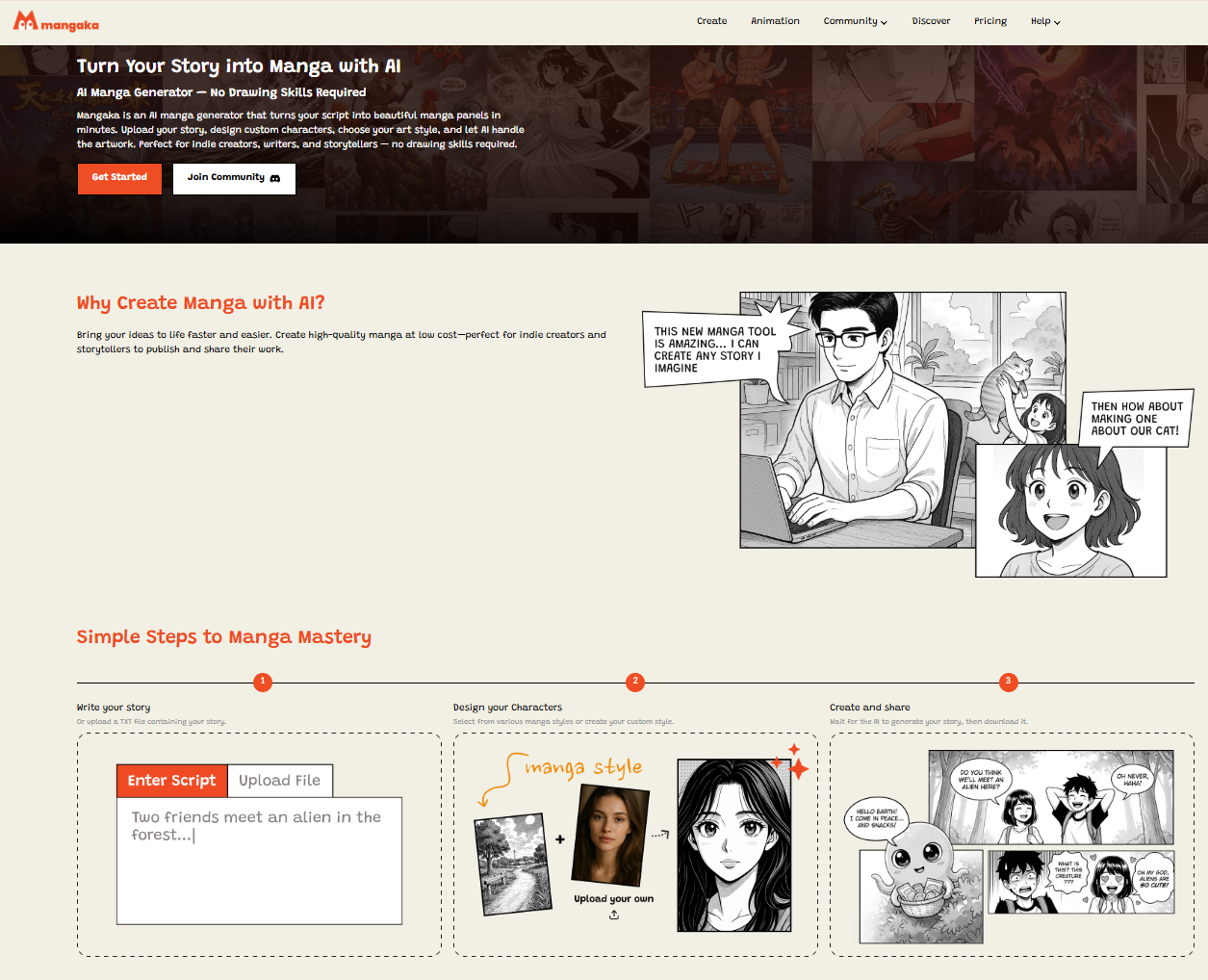
Mangaka automates the structural planning phase by analyzing your narrative intent and suggesting high-impact panel placement that fits specific genre conventions. This digital sandbox removes the physical drag of manual erasing and redrawing, allowing you to shift entire page layouts with a single click.
By automating the panel arrangement, you can allocate your creative energy to character design and detailed inking rather than struggling with basic geometric alignment. This ensures your final pages remain clean and consistent, maintaining high-fidelity line art across every panel without the need for repetitive, tedious structural adjustments.
| Feature | Manual Sketching | AI-Powered Builder |
|---|---|---|
| Panel Resizing | High effort; redrawing | Instant; drag-and-drop |
| Gutter Alignment | Manual; prone to error | Auto-calculated for flow |
| Layout Pacing | Subjective; trial-and-error | Data-driven for engagement |
| Export Precision | Scan-dependent | Vector-ready output |
Practical Applications for Dynamic Pacing
Dynamic depth relies on your choice of camera angles and varying panel sizes to dictate the internal timing of your story. Relying on repetitive, eye-level shots often leads to a static visual experience that kills reader interest in otherwise well-written scenes.
- Emotional Beats: Utilize large, borderless, or full-page spreads to highlight pivotal emotional realizations, breaking the rigid grid to signal importance. * Action Pacing: Implement smaller, cramped, or slanted panels during high-speed sequences to mimic the chaotic motion of a high-stakes duel. * Thumbnail Review: Evaluate your entire page spread at a drastically reduced thumbnail size to ensure the dominant visual information remains legible and punchy. * Consistent Camera Logic: Avoid "axis-jumping" by maintaining a consistent camera perspective across consecutive panels, which preserves character spatial consistency during dialogue exchanges.
Workflow Integration and Execution
To begin using the platform, sign up at Mangaka's storyboard builder and input your initial narrative beats. Unlike a standard sketch, a storyboard acts as the master reference that dictates the dimensions and placement of every subsequent line of ink.
Creative Brief and Source Input. If you are concerned about style, the platform allows you to maintain your unique aesthetic while relying on the software for architectural guidance. A standard manga page typically supports between five and seven panels; exceeding this frequently creates visual clutter, while fewer than three often results in a loss of narrative urgency.
- Before Export. Creators should compare the generated line art with the original sketch and confirm that facial expressions, props, speed lines, and speech-bubble space still support the scene. A repeatable review pass should cover character consistency, panel readability, background clarity, and whether the final file is ready for coloring, lettering, or editor feedback.
- For Longer Projects. Creators should save approved examples of line weight, face detail, clothing folds, and background density. Those references keep later chapters closer to the intended style. For collaboration, creators should mark which panels are final and which panels still need redraws. Clear status labels prevent an assistant, editor, or colorist from polishing the wrong version.
- For Publishing. Creators should review the page at the actual reading size before export. Small screens expose crowded dialogue, weak silhouettes, and line details that looked fine while zoomed in. This keeps the review focused on story intent, line weight, panel readability, and the export quality behind the final AI Manga Storyboard Builder output.
- For Style Control. Creators should keep a short reference board beside the draft and compare hair shapes, eye details, costume folds, and texture choices before approving the final page. For revision planning, creators should separate art fixes from story fixes. Line cleanup, panel order, dialogue clarity, and character acting each need a different review question.
- For Solo Creators. The most useful workflow is one that keeps rough ideas editable until the final pass. That reduces rework when the scene mood changes after the first read-through. For teams, handoff notes should explain why a panel was accepted, not just whether it was accepted. That context helps later coloring, lettering, and export decisions stay consistent.
The Bottom Line
The storyboard is the invisible spine of any great chapter, turning abstract plot points into a cohesive, reader-friendly visual experience. By mastering your layout architecture with the AI Manga Storyboard Builder , you ensure that your narrative flow remains consistent and professional before the final inking phase begins.
Related articles
Mastering Manga Storyboard Techniques: A 2026 Beginner Guide
Manga Storyboard: A 2026 Professional Creation Guide
Manga Storyboard Guide: How to Plan Your Panel Layout 2026