AI Manga Speech Bubble Layout: Prerequisites for AI Manga Speech Bubble Layout in Slice of Life
Reader expectations should shape how creators review pacing, expression, and genre clarity after generation. MyAnimeList manga news keeps that audience context visible, so Slice of Life pages should be judged by whether readers can follow the action, character role, and visual rhythm.
The Anime News Network feature on how manga is made describes manga as staged work from rough draft to finished page. That production context matters for Slice of Life creators because AI assistance is useful only when the sketch, inking pass, and final page review stay connected.
AI Manga Speech Bubble Layout for Slice of Life manga helps creators choose the right Mangaka workflow for cleaner pages, steadier style, and review-ready output. The comparison starts with production speed, manual control, line quality, and export readiness because those factors shape whether a page can move into final review. You know that the "soft" aesthetic of Slice of Life—characterized by delicate line work, ample whitespace, and expressive character moments—requires a clean layout. Before you automate your speech bubbles, ensure your base panels are ready to support them.
Creative Decisions and Export Quality
Your page needs a clear hierarchy where the art leads the eye toward the dialogue. In Slice of Life, if your dialogue balloons are haphazardly placed, the reader loses the rhythm of a conversation or the impact of a silent beat. Creators should focus on:
- Dialogue density: Keep text concise so bubbles don’t overwhelm the soft, sketchy backgrounds.
- Panel breathing room: Ensure there is enough negative space for the AI to anchor balloons without covering critical character details.
- Reading direction: Maintain a consistent flow that respects the natural eye movement across the page, especially in AI Manga Speech Bubble Layout for Slice of Life manga with Mangaka .
Quality Checks Before Export
Before Finalizing Your Layout. Verify that your panels meet industry standards for clarity and print-readability. Common issues include text that is too small for mobile readers or balloons that drift too close to the gutter, causing visual tension. Check for:
- Contrast: Ensure text stands out against the light, airy textures common in the genre. * Balloon tails: Confirm they point toward the speaker to avoid ambiguity during fast-paced exchanges. * Safety margins: Keep text away from the extreme edges to accommodate various digital screen resolutions or physical binding.
Step 1: Sign Up at Mangaka
Hands-on drawing control still matters after an AI first pass because creators may need to adjust line weight, cleanup, and export settings. The Wacom comic and manga creation guide anchors that review in practical art production rather than broad AI-image claims.
Start by preparing the creative brief, reference notes, character constraints, and export target before generation. The setup matters because a clearer brief gives the review pass something specific to judge: silhouette, expression, panel readability, and file readiness. You can get started by creating an account to access the layout tools. The interface is designed for manga artists who want to spend more time drawing and less time dragging and dropping shapes in design software. Registering allows you to save your projects, manage your character assets, and refine your panel styles over the course of an entire volume.
Step 2: Paste or Upload Your Slice of Life Script
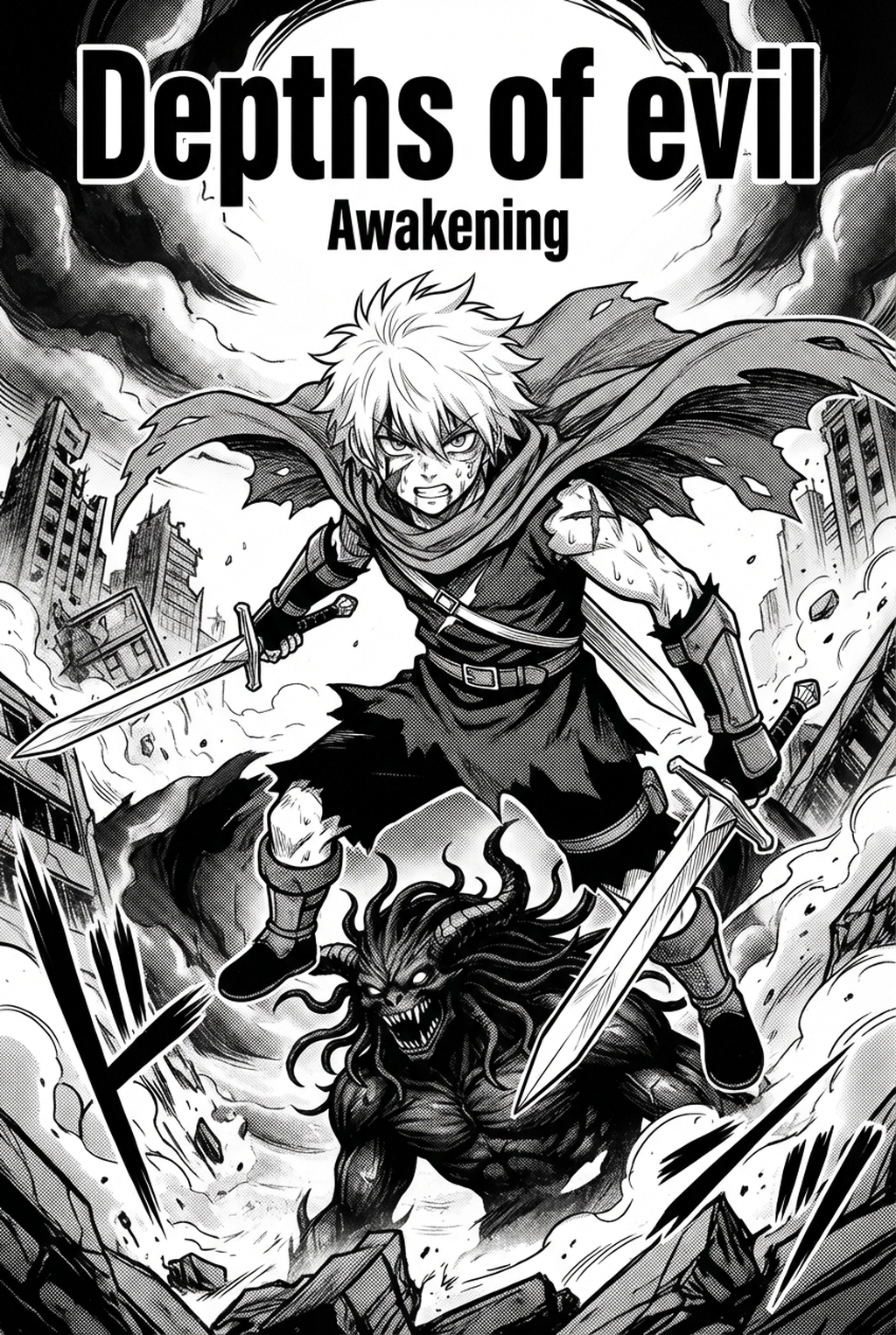
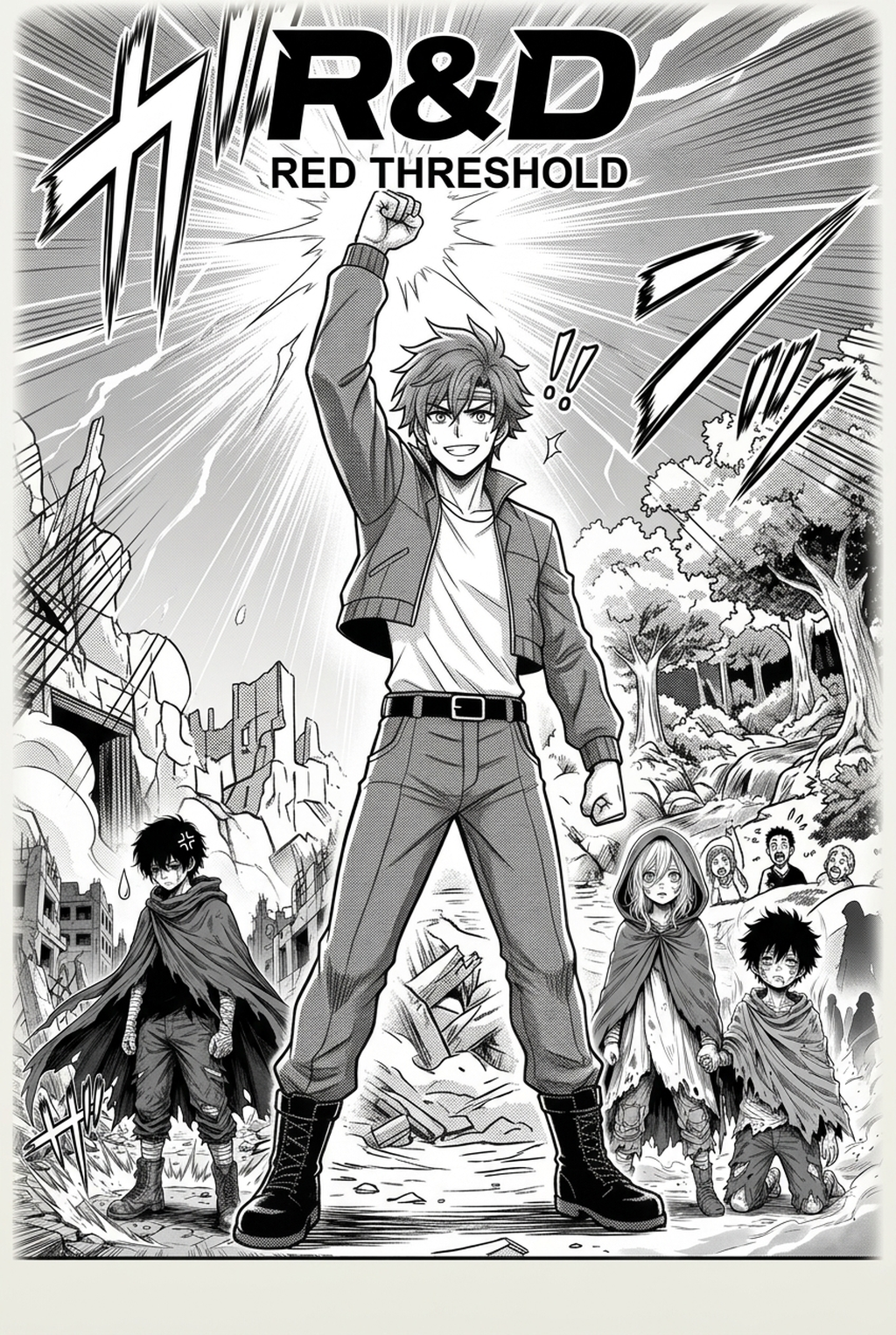
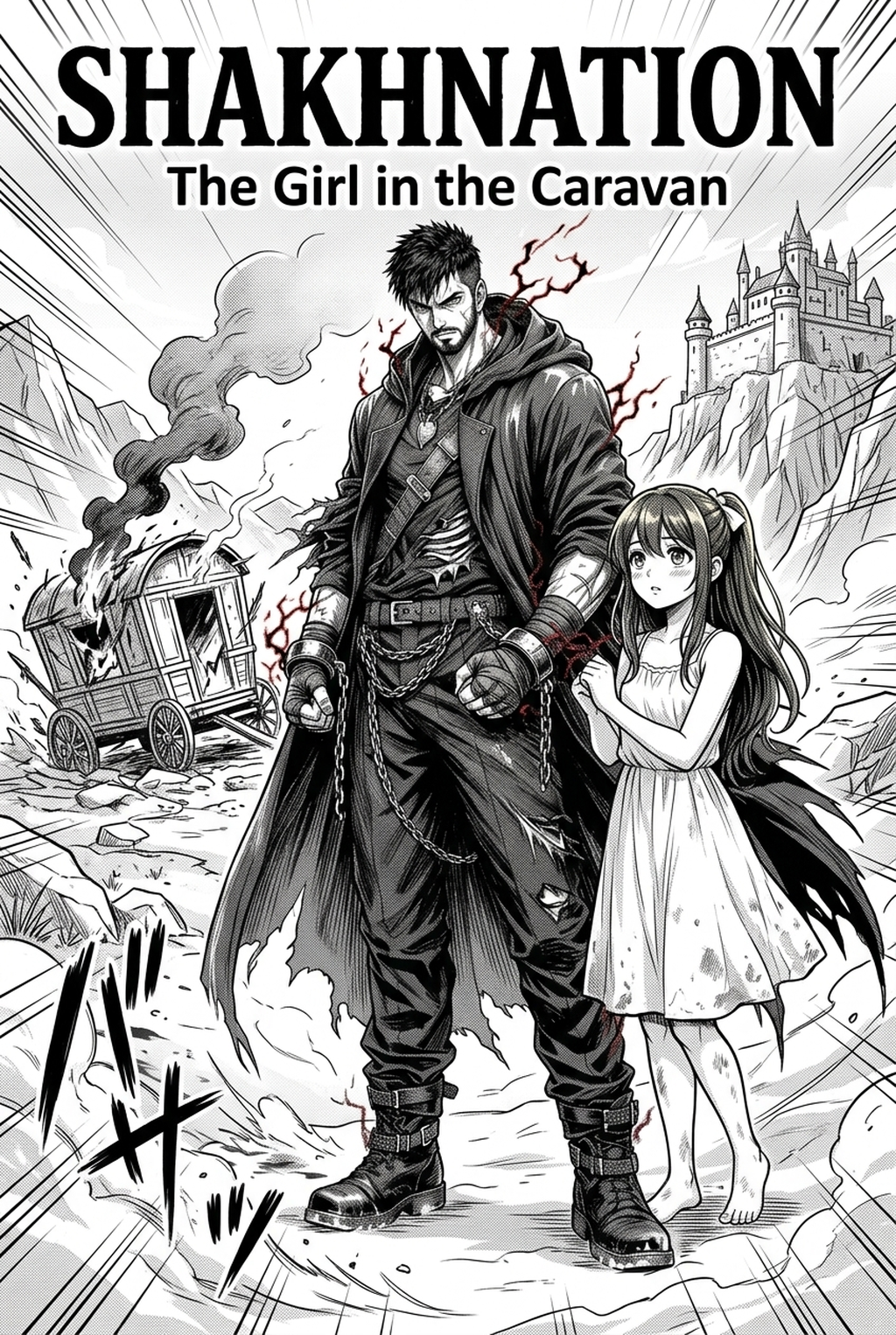
Step 3: Generate and Download Soft B&W Panels
Tips for Best Results in Slice of Life Manga
A useful manga workflow ties setup, review responsibility, and export conditions to the page a creator needs to finish. That keeps the decision focused on sketch cleanup, character intent, panel readability, and the publishing handoff. You can elevate your output by focusing on the nuance of your panel composition. When working with automated layouts, remember that the "soft" look thrives on balance.
- Prioritize Expression: If the AI places a bubble over an eye or a subtle mouth movement, manually adjust the position slightly to protect the character’s emotional delivery.
- Embrace Silence: Don't feel obligated to fill every panel with text; let the background art breathe.
Suggests is vital for professional series pacing. Release cadence belongs in the production context for manga tools. For creators, the useful product question is whether pages stay readable when schedule pressure rises. Creators should define the scene goal, character references, page count, reading direction, and target Soft B&W panels. That gives AI Manga Speech Bubble Layout enough context to support the story instead of producing disconnected panels. For visual quality, creators should check line weight, facial expression, pose clarity, panel order, and space for dialogue before export. Those checks matter more for Slice of Life pages because action beats and emotional pauses need to read quickly.
The Bottom Line
A useful creator workflow keeps the story goal, visual style, and review step clear before export. AI Manga Speech Bubble Layout gives creators a faster first pass without removing the final human review. Start creating with AI Manga Speech Bubble Layout for Slice of Life manga when you are ready to turn the reviewed idea into finished manga pages. Test it with one real page goal, one reference boundary, and one export requirement so the decision stays tied to production quality.