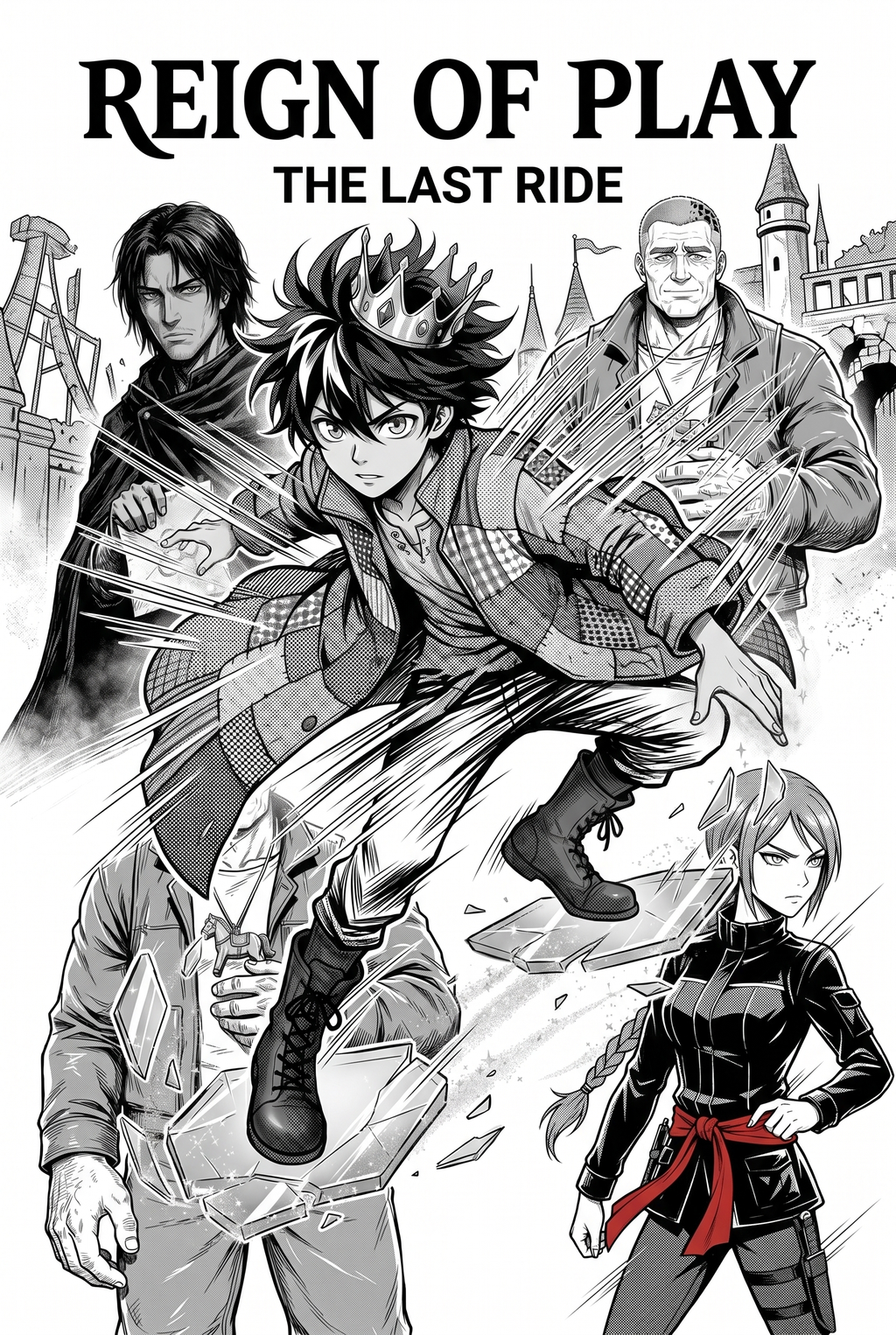
AI Manga Style Transfer: Significance for Manga Storytelling
Detailed clothing design improves reader retention by creating distinct, recognizable character silhouettes that prevent the "same-face" or "same-body" visual fatigue common in high-volume production schedules. This visual complexity turns characters into fashion icons, which is a major driver for the merchandise-ability of a title, allowing publishers to translate outfits into real-world apparel or high-quality resin figurines.
- World-Building Anchors: Consistent fashion rendering grounds the reader in the story’s specific cultural context, whether it is a dystopian future or a modern high-fashion competition. * Narrative Pacing: By using iconic outfits to define character arcs, you reduce the need for text-heavy introductions, letting the wardrobe explain the shift in a character's journey. * Market Differentiation: In a crowded digital market, a series that treats garment design with the same rigor as its action scenes captures audience attention far more effectively than those relying on standard, minimalist tropes.
Implementation with Mangaka
Mangaka acts as a force multiplier for illustrators by converting rough fashion sketches into finished, high-contrast panels, effectively removing the manual burden of inking repetitive textures. This technology allows creators to maintain their unique sketching rhythm while the AI handles the complex fabric drapes and material physics that would otherwise require hours of painstaking labor.
- Intricate Texture Automation: Instead of manually rendering every stitch, creators can input a rough sketch and utilize the Fashion manga art style to achieve polished, professional-grade fabric results in seconds.
- Custom Style References: By defining custom references, you ensure the AI output adheres to your specific genre aesthetic, whether that is cyberpunk utility, luxury minimalism, or distressed thrift-core styles.
- Workflow Efficiency: Integrating this tool means your production process shifts from tedious manual inking of folds to high-level design strategy, ensuring your artistic intent leads the final panel output.
Practical Fashion Panel Scenarios
Focusing on fabric physics ensures that synthetic versus organic materials react appropriately to movement within a panel, such as a heavy trench coat flowing during a high-speed chase. Utilizing "detail-scaling" allows you to transition effectively from broad, wide-angle street shots to close-up "lookbook" style panels that emphasize the craftsmanship of a specific garment or accessory.
- Signature Motif Integration: Maintain consistent wardrobe motifs, such as specific patterns or recurring hardware, to reinforce your visual brand identity throughout long-form chapter runs. * Movement Physics: Adjusting the AI generation parameters based on wind speed or character velocity ensures that clothing drapes behave realistically, which is a key marker of a professional-grade production. * Lookbook Close-ups: Use high-resolution panels to highlight unique fashion elements, as this creates a "prestige" feel that resonates with readers who appreciate aesthetic detail.
Starting Your Fashion-Focused Workflow
Using AI in your production does not mean losing your personal touch; rather, it allows the tool to serve as an assistant that completes the rendering process while your creative vision dictates the design. You can apply drastically different fashion styles to the same base character model, allowing for rapid iteration across various outfit configurations without needing to redraw the entire figure from scratch. Creative Brief and Source Input.
- Genre Flexibility: While this style is most effective in Shojo, urban fantasy, and modern slice-of-life, it can be adapted for any genre requiring strong aesthetic identity. * Iterative Design: Experiment with shifting your character's wardrobe to reflect their growth, testing multiple iterations before committing to the final page layout. * Workflow Integration: Start by rendering a single, high-impact "wardrobe reveal" page to see how the software handles your specific line art and hatching style before moving to full-chapter integration.
Creators should compare the generated line art with the original sketch and confirm that facial expressions, props, speed lines, and speech-bubble space still support the scene. A repeatable review pass should cover character consistency, panel readability, background clarity, and whether the final file is ready for coloring, lettering, or editor feedback.
Creators should save approved examples of line weight, face detail, clothing folds, and background density. Those references keep later chapters closer to the intended style. For collaboration, creators should mark which panels are final and which panels still need redraws. Clear status labels prevent an assistant, editor, or colorist from polishing the wrong version.
- Before Export. Creators should compare the generated line art with the original sketch and confirm that facial expressions, props, speed lines, and speech-bubble space still support the scene. A repeatable review pass should cover character consistency, panel readability, background clarity, and whether the final file is ready for coloring, lettering, or editor feedback.
- For Longer Projects. Creators should save approved examples of line weight, face detail, clothing folds, and background density. Those references keep later chapters closer to the intended style. For collaboration, creators should mark which panels are final and which panels still need redraws. Clear status labels prevent an assistant, editor, or colorist from polishing the wrong version.
- For Publishing. Creators should review the page at the actual reading size before export. Small screens expose crowded dialogue, weak silhouettes, and line details that looked fine while zoomed in. For style control, creators should keep a short reference board beside the draft and compare hair shapes, eye details, costume folds, and texture choices before approving the final page.
The Bottom Line
A professional creator workflow is an essential component of modern storytelling that elevates character design from standard to iconic. By leveraging AI tools like Mangaka, you can focus on high-level design strategy, leaving the time-intensive task of high-quality fashion rendering to automated pipelines. Start your first fashion-focused manga project today by experimenting with Fashion manga art style and see how it impacts your page production.
Related articles
Mastering Boys Love Manga Character Design: A 2026 Guide
Analyzing Nue No Onmyouji Character Design Elements in 2026
Creating Atmospheric Watercolor Manga Backgrounds Easily