AI Manga Background Artist: Importance for Narrative Continuity
Maintaining structural consistency in your environmental details prevents reader disorientation, especially when a story returns to a recurring location like a character's room or a specific street corner. When architectural markers drift between chapters, readers subconsciously lose their connection to the setting, leading to visual fatigue that distracts from the core plot.
Effective use of "master shots" for recurring locations drastically reduces the cognitive load on the reader. By establishing a standard layout for high-tension scenes, you allow the audience to focus entirely on the emotional stakes of the dialogue rather than re-orienting themselves to the physical geography of the scene.
| Evaluation Metric | Manual Drafting | AI-Assisted Base |
|---|---|---|
| Perspective Accuracy | Subject to human error | Mathematically precise grids |
| Inking Duration | Hours per complex panel | Minutes for base layer |
| Iterative Testing | Prohibitively slow | Multiple angles generated |
Implementation with Mangaka Tools
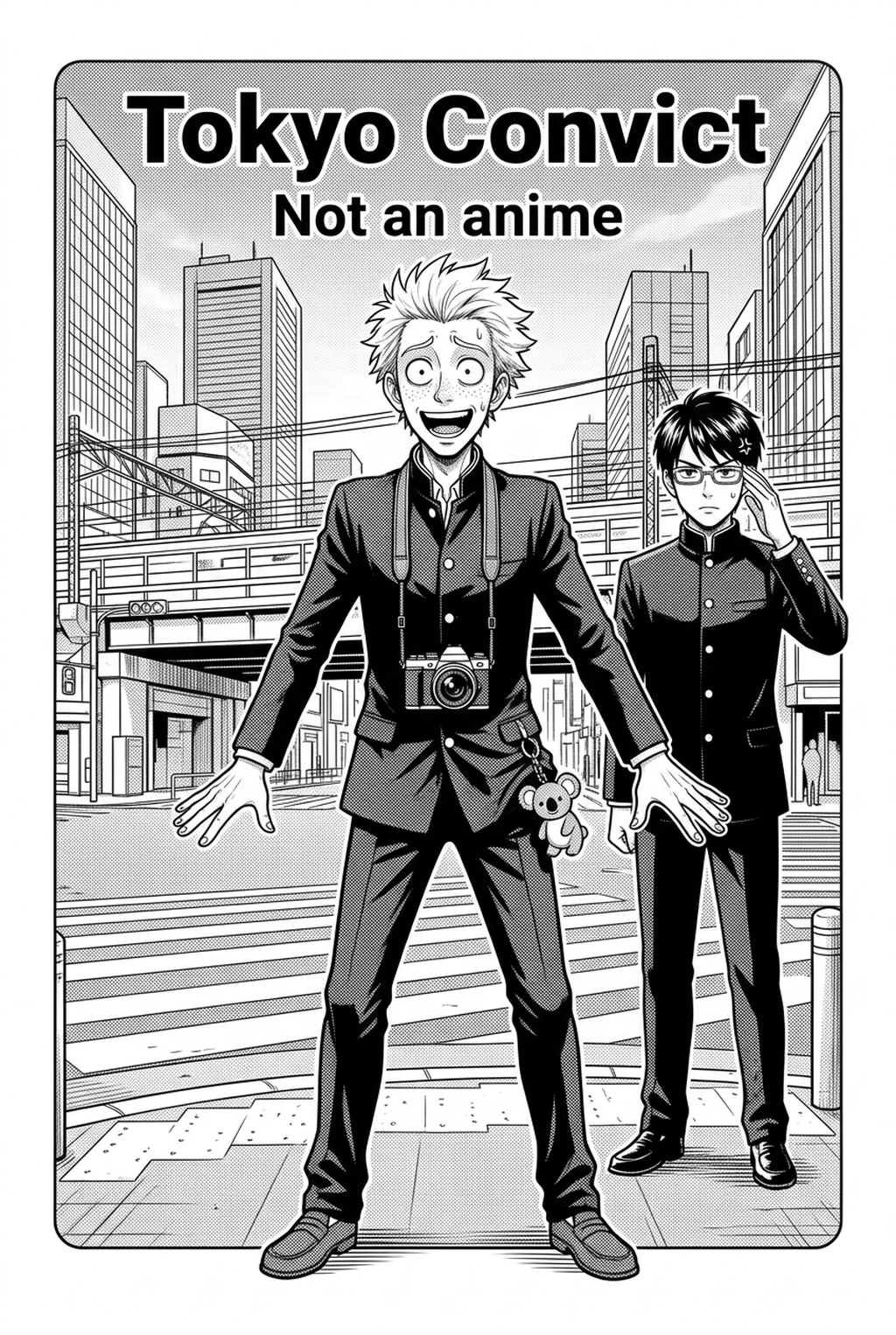
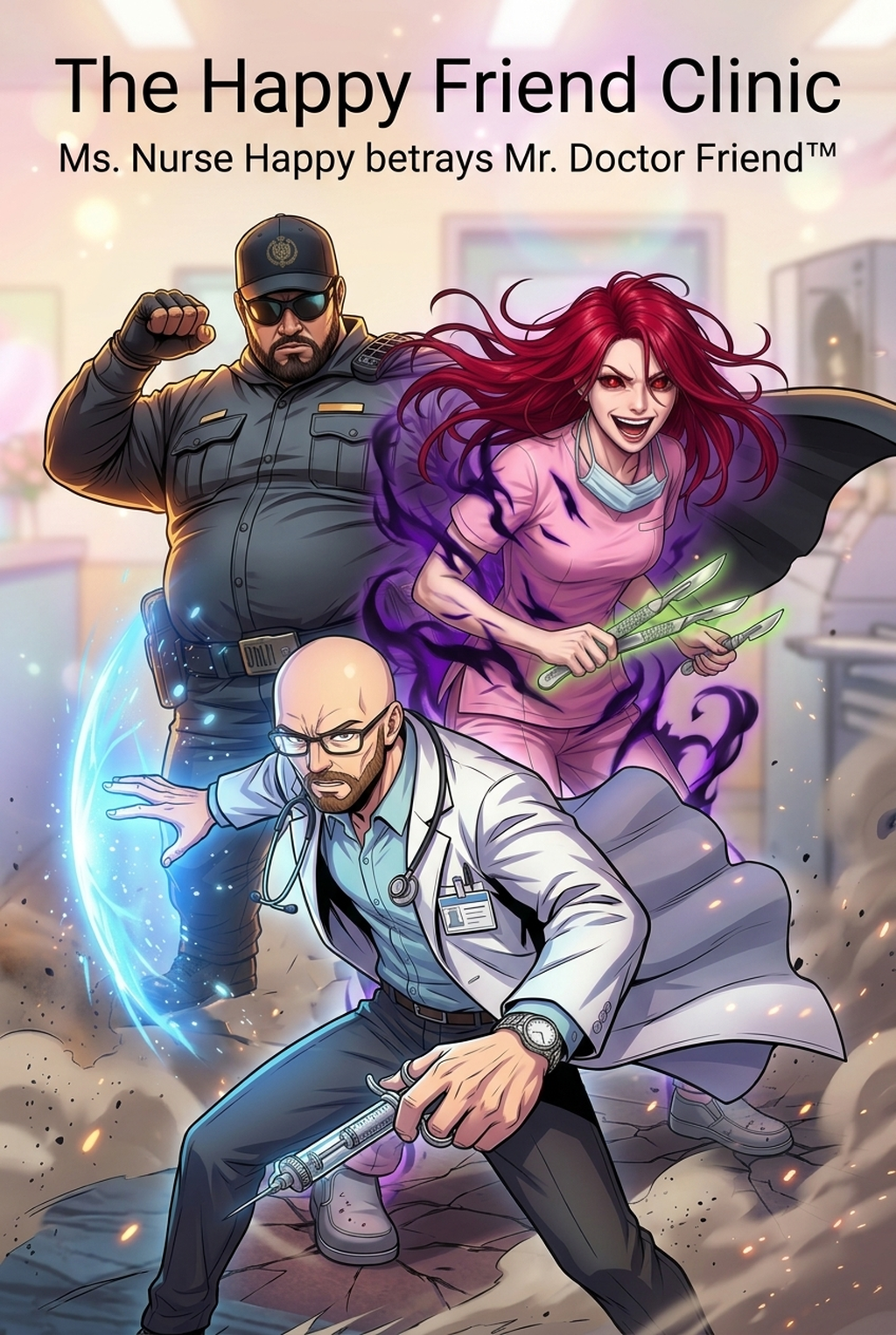
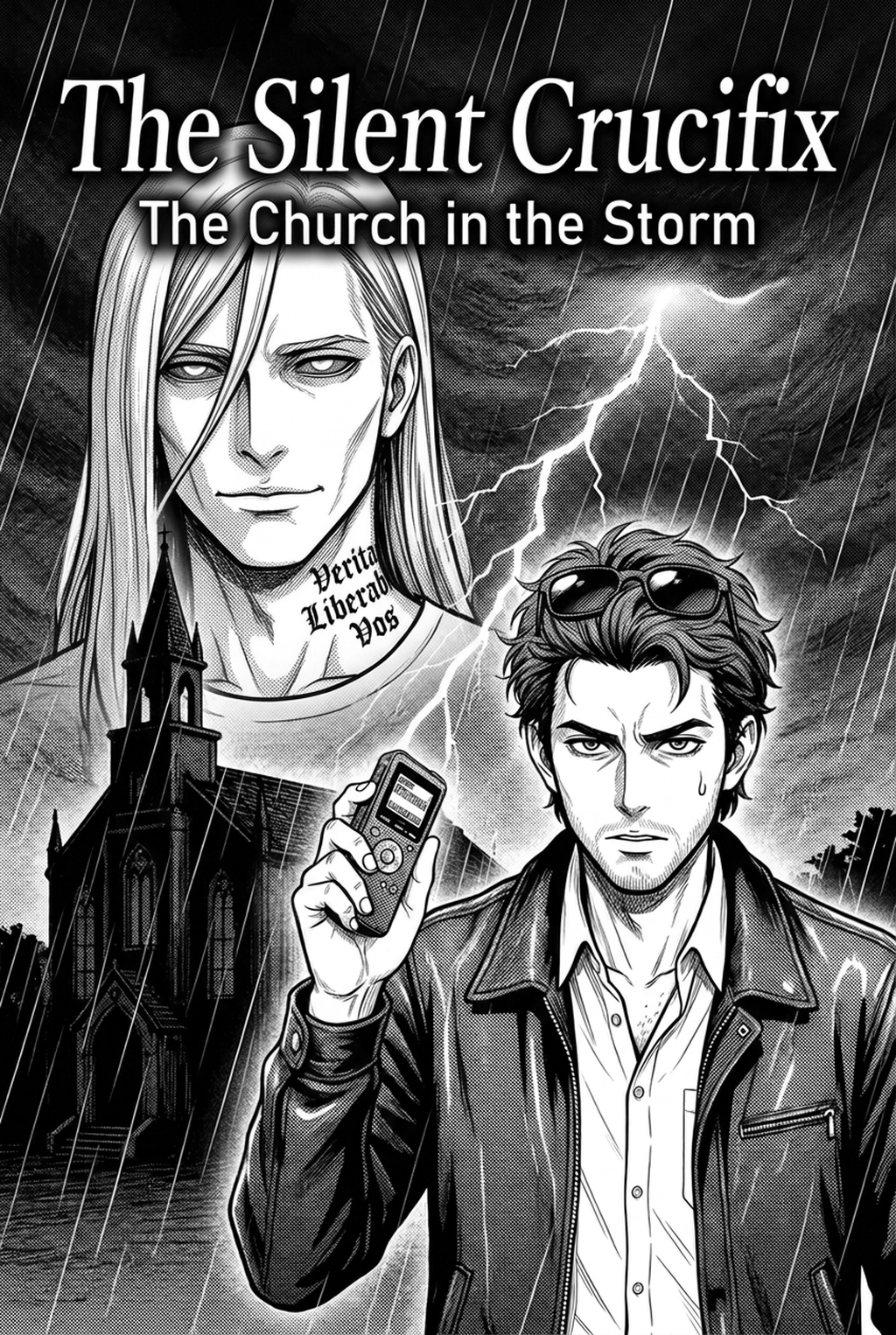
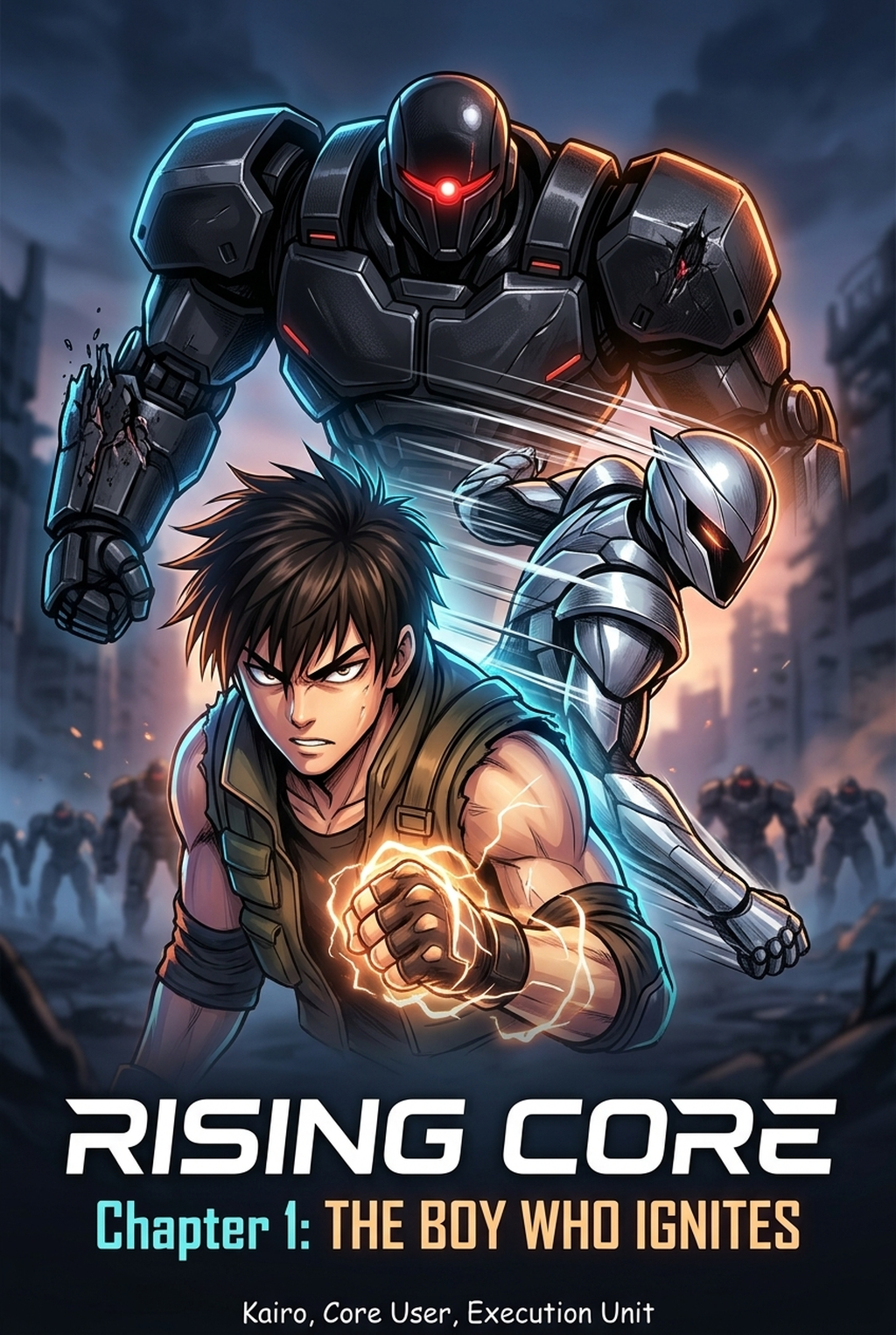
Mangaka streamlines the creation process by bypassing manual perspective drafting and intensive inking for non-focal environments. By inputting natural language descriptions such as "urban rooftop in rainy Osaka style," you receive a high-fidelity base layer that mirrors your established artistic requirements.
This approach transforms the workflow for professional teams by allowing for rapid iterative environment generation. Instead of committing to a single composition early, artists can test three or four camera angles against a character sketch to see which provides the best panel pacing before finalizing the inking. This removes the "sunk cost" trap where an artist spends an entire day on a background only to realize the composition is fundamentally flawed. You can integrate this capability by visiting manga background art with Mangaka to build your base plates.
Use Cases for Environmental Depth
Effective background design relies on managing line weight to manipulate the reader’s depth-of-field perception. Distant objects should feature thinner, lighter lines, while foreground elements demand thicker, bolder outlines to create an immediate sense of scale and presence. Consistent screen-tone application is equally vital for linking your background to the character's current emotional state. A character experiencing high stress or loneliness should be supported by background lighting that uses denser, darker gradients or stark, high-contrast shadows. Strategic use of white space serves to balance these complex architectural renderings, ensuring that the reader is never overwhelmed by detail where it does not serve the plot.
Achieving professional depth requires a disciplined approach to line-weight hierarchies. Objects located in the background must be rendered with finer strokes to prevent them from "popping" out of the panel, which would otherwise compete with the character's facial expressions for attention.
Check character consistency, panel readability, line quality, and export readiness before publishing. Creators should also record why the page passed review, which panel details still need manual cleanup, and which export format the next collaborator will use. That makes the subsection useful instead of leaving a short checklist under a large heading.
Screen-tones act as the primary lighting engine for the scene. When using AI-generated bases, always evaluate the tone intensity against your character’s G-pen inking style. If your character features heavy cross-hatching, the background tones must be adjusted to ensure the final PNG or PSD file maintains a cohesive visual density across the page.
- Chapter cadence. Use the AI pass for pages where speed matters most, such as repeated action poses, transformation beats, or dense speed-line panels. Keep manual cleanup for hero panels where the line style defines the emotional peak.
- Character continuity. Compare the generated lines against the same model sheet, costume notes, and facial-expression range used during sketching. This prevents a fast inking pass from drifting away from the character identity readers recognize.
- Export readiness. Check whether the final manga output can move into lettering, coloring, or final layout without rebuilding panel borders or speech-bubble space. A good manga workflow should save time while keeping the next production step predictable.
Getting Started with Production Tools
Integrating AI into your workflow does not diminish the creative soul of your work; rather, it shifts the focus back to where it belongs: storytelling. By offloading the repetitive perspective tasks, you gain more time to refine the expressiveness in your character’s eyes and the impact of your panel gutters.
To ensure the output fits your unique visual identity, you should include specific terminology in your creative briefs. Terms like "cross-hatching," G-pen style strokes," or "screen-tone gradient intensity" help the generator align its output with your existing style. This ensures that the generated base requires only minimal adjustments before you move to final inking and lettering.
Creators should compare the generated line art with the original sketch and confirm that facial expressions, props, speed lines, and speech-bubble space still support the scene. A repeatable review pass should cover character consistency, panel readability, background clarity, and whether the final file is ready for coloring, lettering, or editor feedback.
Creators should save approved examples of line weight, face detail, clothing folds, and background density. Those references keep later chapters closer to the intended style. For collaboration, creators should mark which panels are final and which panels still need redraws. Clear status labels prevent an assistant, editor, or colorist from polishing the wrong version. For longer projects, creators should save approved examples of line weight, face detail, clothing folds, and background density.
The Bottom Line
High-quality environmental workflow is no longer defined by how many hours an artist spends at the drawing board, but by how effectively they build an immersive world that elevates the narrative. By integrating professional production tools into your current process, you can maintain high visual standards while significantly reducing the time spent on repetitive technical tasks. Explore how the latest generation engine can assist your next chapter by AI Manga Background Artist workflow today.
Related articles
What Is a 4-Koma Manga Strip? A Guide to the Format in 2026
Mastering 4-Koma Manga Layout: A Guide to Punchline Timing
What Is 4-Koma Manga? A Beginner’s Guide to Comic Strips