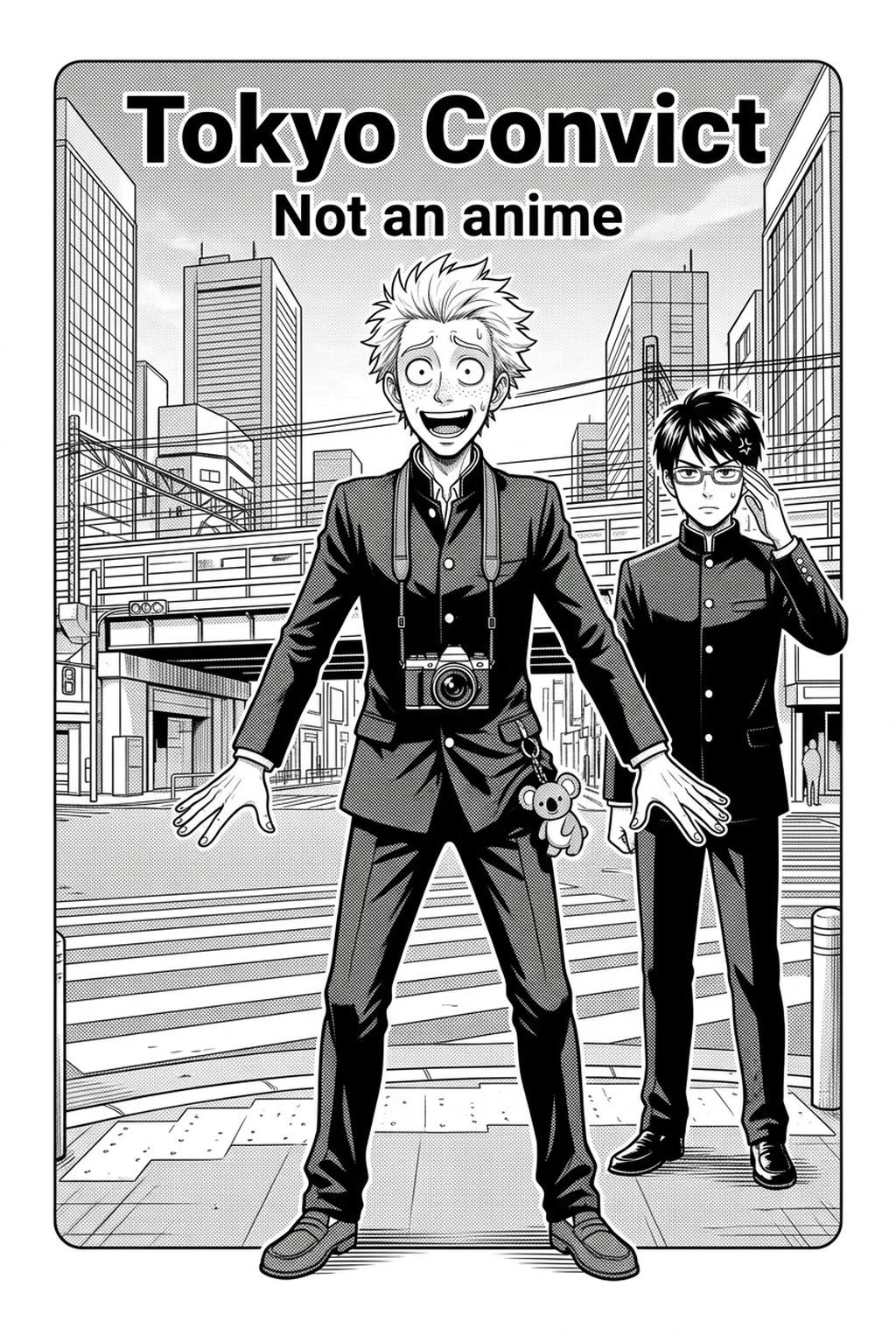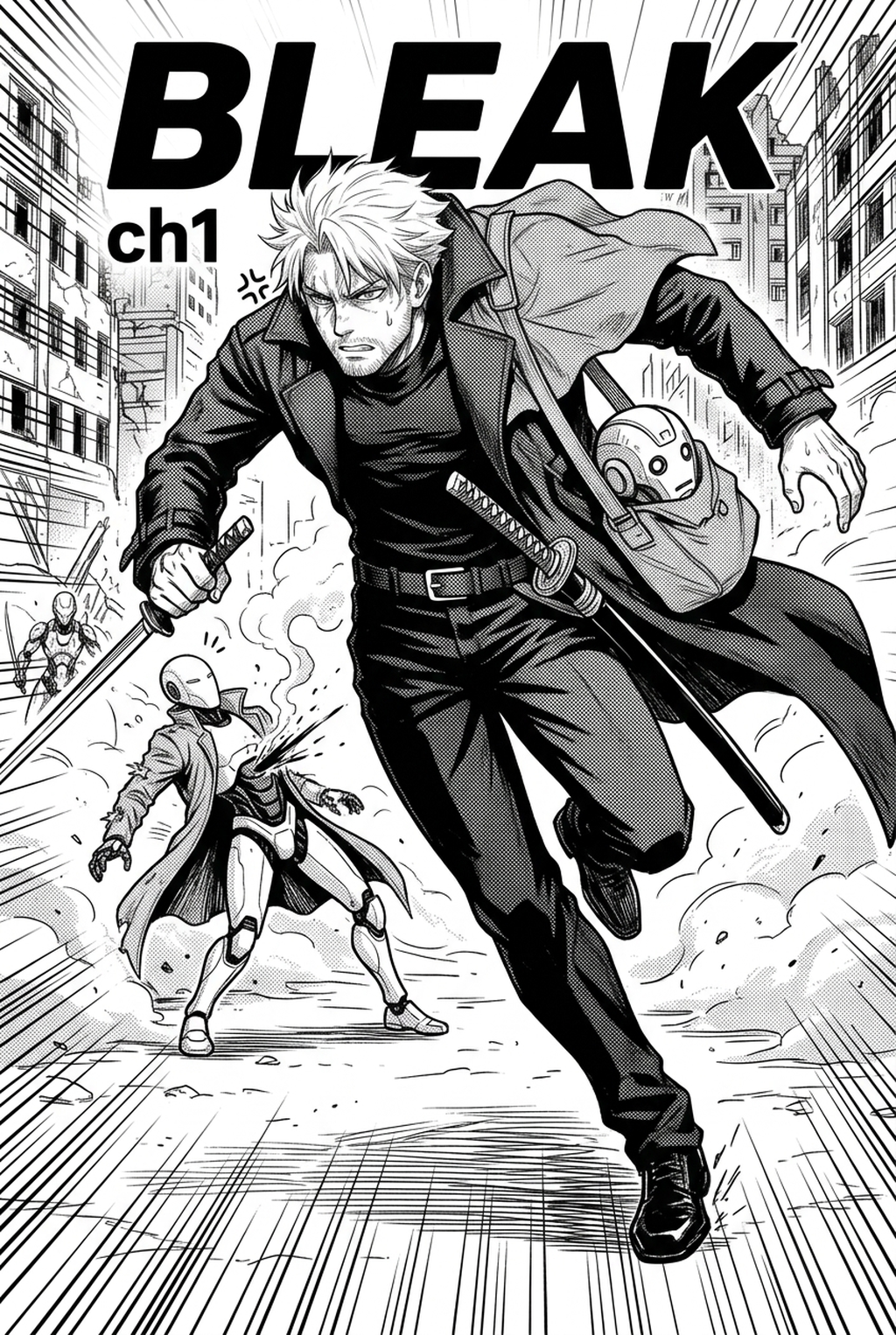
AI Manga Style Transfer: Defining the Kaiju Visual Language
The Kaiju art style centers on the principle of scale contrast, forcing the viewer to perceive the creature's mass by grounding it against tiny, identifiable human-scale elements. This visual shorthand ensures the monster maintains a sense of physical dominance, regardless of the complexity surrounding it in the panel.
- Surface Complexity: Intricate skin texturing or "greebling" that mimics geological or biological structures to prevent flat, empty shadows. * Kinetic Motion Lines: Heavy, directional strokes that track the monster's momentum through urban environments, often breaking panel borders to imply size. * Atmospheric Perspective: Deep, high-contrast ink washes that push background infrastructure further into the distance, emphasizing the foreground presence of the monster. * Silhouette Dominance: The practice of inking the creature’s profile as a primary focal point, ensuring that even in rubble-heavy scenes, the reader identifies the core threat instantly.
Many creators struggle to distinguish between a static monster and a dynamic Kaiju because they neglect to tie the creature to its environment. If your monster does not physically displace the rubble it stands upon, the reader loses the psychological tether of a "real" threat. Effective art requires that the rubble and structural damage appear as a direct consequence of the monster’s movement, creating a destruction feedback loop.
- Chapter cadence. Use the AI pass for pages where speed matters most, such as repeated action poses, transformation beats, or dense speed-line panels. Keep manual cleanup for hero panels where the line style defines the emotional peak.
- Character continuity. Compare the generated lines against the same model sheet, costume notes, and facial-expression range used during sketching. This prevents a fast inking pass from drifting away from the character identity readers recognize.
- Export readiness. Check whether the final manga output can move into lettering, coloring, or final layout without rebuilding panel borders or speech-bubble space. A good manga workflow should save time while keeping the next production step predictable.
Importance for Modern Manga Creators
Mastering this genre involves balancing biological realism with a monstrous anatomy that functions under its own weight. A creature that looks too thin or overly humanoid often loses the "imposing presence" required to anchor a high-stakes scene, whereas a properly designed Kaiju commands the page through sheer textural density.
The detail required to make a massive beast feel tangible is historically a time-sink for independent creators. Manual shading and the repetitive drawing of crumbling concrete are tasks that consume time better spent on narrative pacing, character consistency, or dialogue layout. By offloading the rendering of debris and monster textures, artists can prioritize the emotional weight of the scene.
A common failure in amateur monster design is the lack of "surface complexity" on the creature’s skin, which causes the art to look like a placeholder rather than a finished panel. You must ensure that the monster’s anatomy isn't just a static background element but an active participant in the scene. This requires careful attention to line weight, ensuring that the creature’s primary limbs possess more visual gravity than the buildings it is destroying.
Implementing the Kaiju Style with Mangaka
Mangaka provides a specialized engine that bridges the gap between rough concept sketches and the finished, high-contrast aesthetic required for the Kaiju genre. Instead of redrawing the same complex creature from different angles, you can leverage AI style transfer to interpret your base geometry and apply professional-grade textures automatically.
When working on a project spanning hundreds of pages, manual inking often leads to line-weight drift, where the monster’s silhouette changes slightly from panel to panel. By using the system to map specific "organic armor" or "metropolitan scale" presets onto your rough layouts, you ensure that the monster’s volume remains constant throughout the entire arc.
This workflow acts as an inking assistant, interpreting your gesture drawings and shadow density to generate professional-grade illustrations. If you sketch a layout with a low-angle camera framing, the tool recognizes the perspective shift and adjusts the shading accordingly to emphasize the monster’s height, rather than leaving you to calculate these lighting shifts manually.
Effective Storyboarding Techniques
Storyboards in this genre must utilize low-angle camera framing to force the reader to look "up" at the monster, reinforcing its status as an unstoppable force. Strategic use of negative space around a monster’s silhouette also creates a psychological effect of dread, often achieved through deliberate, high-contrast inking choices that emphasize depth over simple outlines.
- Primary Focus: Center the monster’s silhouette in the initial storyboard layout. * Environmental Interaction: Ensure rubble size remains proportional to the creature’s scale. * Lighting Contrast: Use shadow density to isolate the monster from the background city. * Page Pacing: Intercut wide shots of the beast with close-ups of human-scale reactions to maintain the stakes.
Getting Started with Your Monster Panels
The production process begins with a simple three-step cycle: uploading a rough layout, selecting a creature-specific rendering preset, and refining the output for final panel delivery. This system is designed to handle the structural integrity of your urban environments, ensuring that buildings crumble and interact with the monster based on the geometry you provide.
- Drafting: Create a rough, gesture-based sketch focusing on composition and the monster’s silhouette.
- Style Application: Navigate to Kaiju manga art style with Mangaka to map your layout against a Kaiju-specific preset.
- Refinement: Use the output to finalize your page, potentially adding your own line-work highlights over the rendered textures to add a personal touch to the final PNG or PDF export.
The Bottom Line
The AI Manga Style Transfer workflow is no longer limited to high-budget studios; modern tools provide an accessible pathway for indie creators to render massive, intricate monsters with professional precision. By focusing on scale, silhouette, and high-contrast inking, artists can leverage automation to maintain an epic visual language throughout their entire manga project. You can Kaiju manga art style today by experimenting with these specialized style transfer presets to see how quickly you can turn a basic sketch into a cinematic Kaiju masterpiece.