The Role of a Digital Colorist
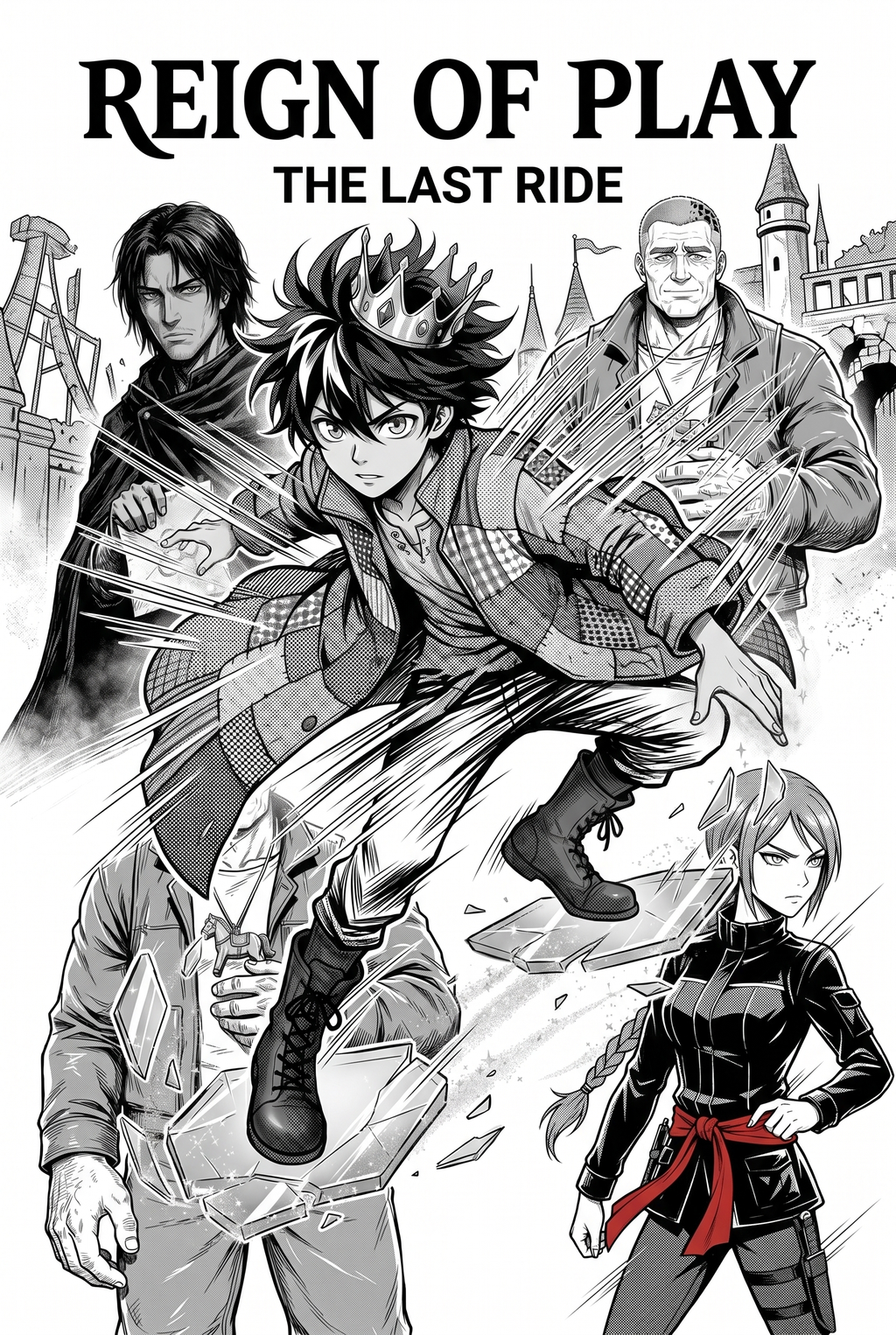
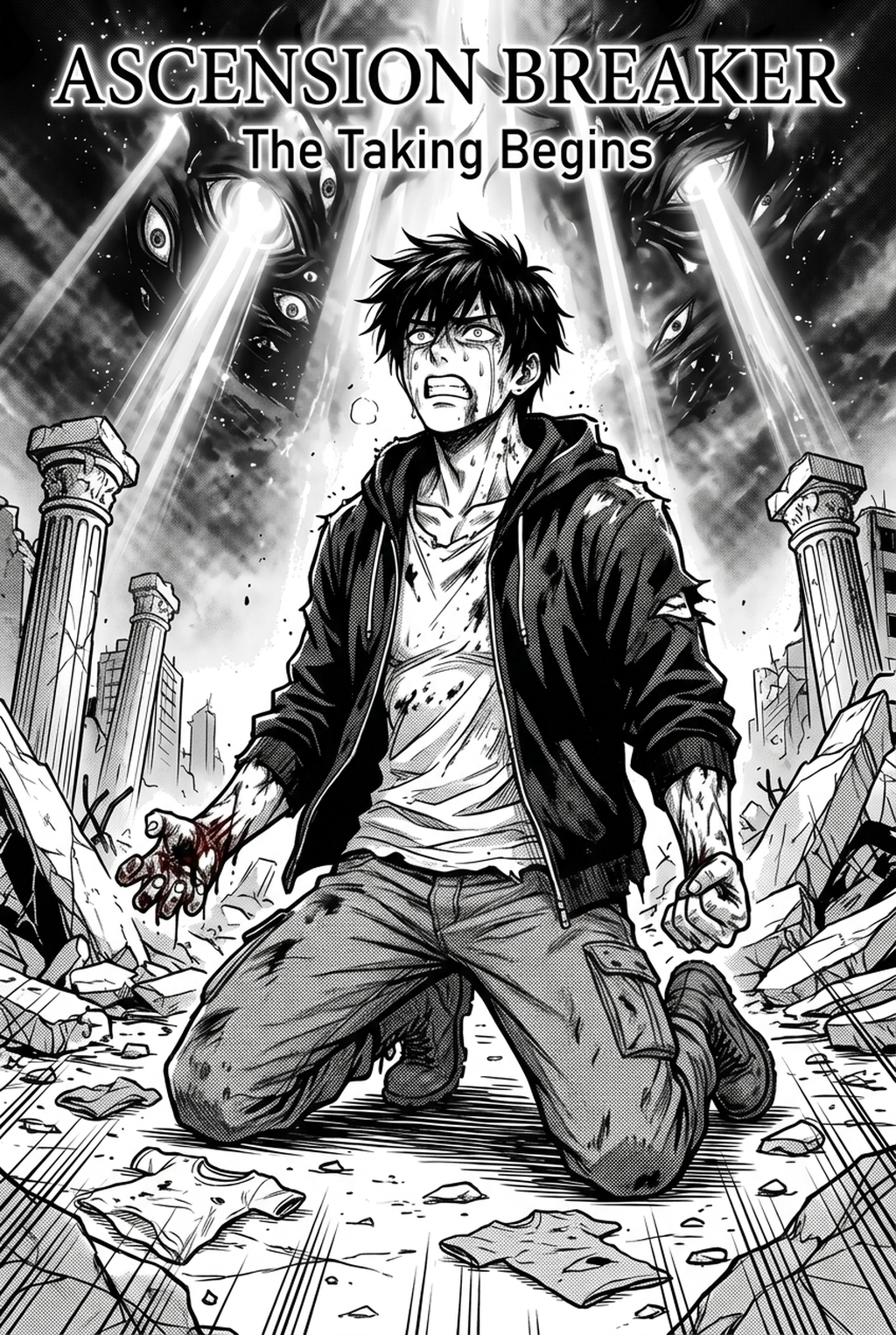
A manga colorist transforms B&W line art into finished pages by managing flatting, base palettes, and multi-layered lighting effects to enhance visual impact. The primary task involves defining boundaries so that colors do not bleed into the white space or blur the line-weight of the original ink, which is critical for maintaining the intended Seinen or Shonen aesthetic.
One of the most persistent hurdles for any colorist is managing screen-tone density when applying color overlays to traditional manga pages. Automated tools often misinterpret complex cross-hatching as solid black shapes, resulting in muddy patches that break the reader's immersion. A professional must manually adjust the opacity of these tones or use specialized masking to ensure the color sits underneath the texture, maintaining the integrity of the original source context.
Professional output requires strict adherence to line-boundary management to ensure legibility in the final delivery format. If a colorist fills a section without checking that the ink paths are fully closed, the color will "flood" into the gutter or off the page, forcing time-consuming cleanup during the final QC review pass. Maintaining clean boundaries is the single most important factor in keeping a page readable on mobile devices and high-resolution tablets.
Importance for Manga Creators
The greatest challenge in the painting phase is preventing line bleed, where color application inadvertently degrades the sharpness of the original artwork. By shifting the focus toward AI-assisted workflows, creators can protect their linework as a source context while accelerating the repetitive aspects of page production.
Modern coloring tools use layer-separation algorithms to treat your inked panels as a protected layer, ensuring that even under complex lighting, your core line-weight remains perfectly preserved. Instead of manually tracing each panel to define a flatting region, the AI identifies closed-path boundaries, allowing the artist to keep the final aesthetic under their complete creative control.
High-volume studios now rely on standardized color palettes to manage large-scale projects, such as a 20-page monthly chapter. By using AI to automate the base flatting process, a studio lead can ensure character palettes remain consistent across different artists and chapters. This level of standardization minimizes the risk of "palette drift," where a lead character’s hair or skin tone subtly shifts in hue between the beginning and the end of a volume.
Working with Mangaka
AI acts as a force multiplier for the colorist by automating the time-consuming process of base flatting, which typically accounts for 60-80% of total production time. By integrating tools like manga colorist with Mangaka into your workflow, you can handle the grunt work of filling base colors while dedicating your remaining energy to the complex emotional lighting and atmosphere that defines your unique style.
Production leads utilize the platform to store a 'palette master file,' which ensures all collaborators adhere to specific saturation levels required for the publication's brand identity. This practice keeps the visual flow consistent across hundreds of pages, reducing the need for extensive editorial feedback or iterative review cycles during the final polishing stage.
Most professional creators now adopt a hybrid workflow where the primary artist focuses on high-impact inking, while the AI platform handles the skin, hair, and background shading. This split allows for faster iteration on character appearance and emotional shifts within a scene without waiting for hours of manual coloring. For instance, testing three different sunset lighting conditions on a single action-heavy panel can be completed in minutes rather than hours, allowing for better pacing of dramatic reveals.
Use Cases for Advanced Colorists
Workflow efficiency relies on keeping the original canvas layer naming conventions consistent so that automated review cycles are minimized. When the file structure is logical, the AI can correctly identify distinct character parts and background elements, allowing for rapid batch processing of entire sequences.
When producing a 200-page graphic novel, managing the color palette across every panel is essential for consistency. If you change a character’s uniform halfway through the story, a master palette file allows for the rapid updating of all existing color flats, ensuring that the visual narrative never feels disjointed or poorly planned.
Getting Started with AI Assistance
Many creators wonder if AI coloring will replace human input, but the reality is that it serves as a sophisticated tool for managing tedious tasks. The human artist retains full control over the final export format and the nuance of emotional lighting, while the AI ensures that the line-work remains crisp and the base colors are applied within the correct boundaries.
To prevent the AI from coloring over your ink lines, ensure your line-art is imported at a high resolution—ideally 600 DPI for print or 300 DPI for web. Use tools that are specifically designed for "ink-preservation," which identify closed-path boundaries before applying any fill, ensuring that your delicate pen strokes are never lost or distorted by the coloring process.
The Bottom Line
Modernizing your production production process allows you to maintain the high-quality standards of your original line art while meeting the aggressive deadlines of serialized content. By using specialized tools to handle the repetitive aspects of color flatting, you save time without compromising the unique artistic identity of your work. Visit AI AI Manga Colorist workflow workflow with Mangaka to see how automated color integration preserves your work’s style while speeding up your production.
Automate Color Palettes & Flatting Workflows with Mangaka.app
As digital serialization and full-color webtoon formats surge, manga colorists face demanding weekly deadlines requiring rapid base-flatting, dynamic lighting, and strict palette fidelity. Mangaka.app empowers modern colorists and studio artists with targeted AI-assisted coloring tools:
- Intelligent Auto-Flatting & Line Gap Closure: Detect digital line art boundaries instantly and apply clean base flats without tedious manual lasso tooling.
- Style-Consistent Mood Lighting & Gradients: Generate atmospheric cell shading, volumetric highlights, and emotional color keys tailored to romance, horror, or battle scenes.
- Multi-Panel Palette Management: Store character hex palettes and lighting presets to ensure hair tones, skin values, and costume colors remain perfectly uniform across full chapters.
Speed up your coloring delivery times while elevating visual polish with Mangaka.app's Professional Color Suite .