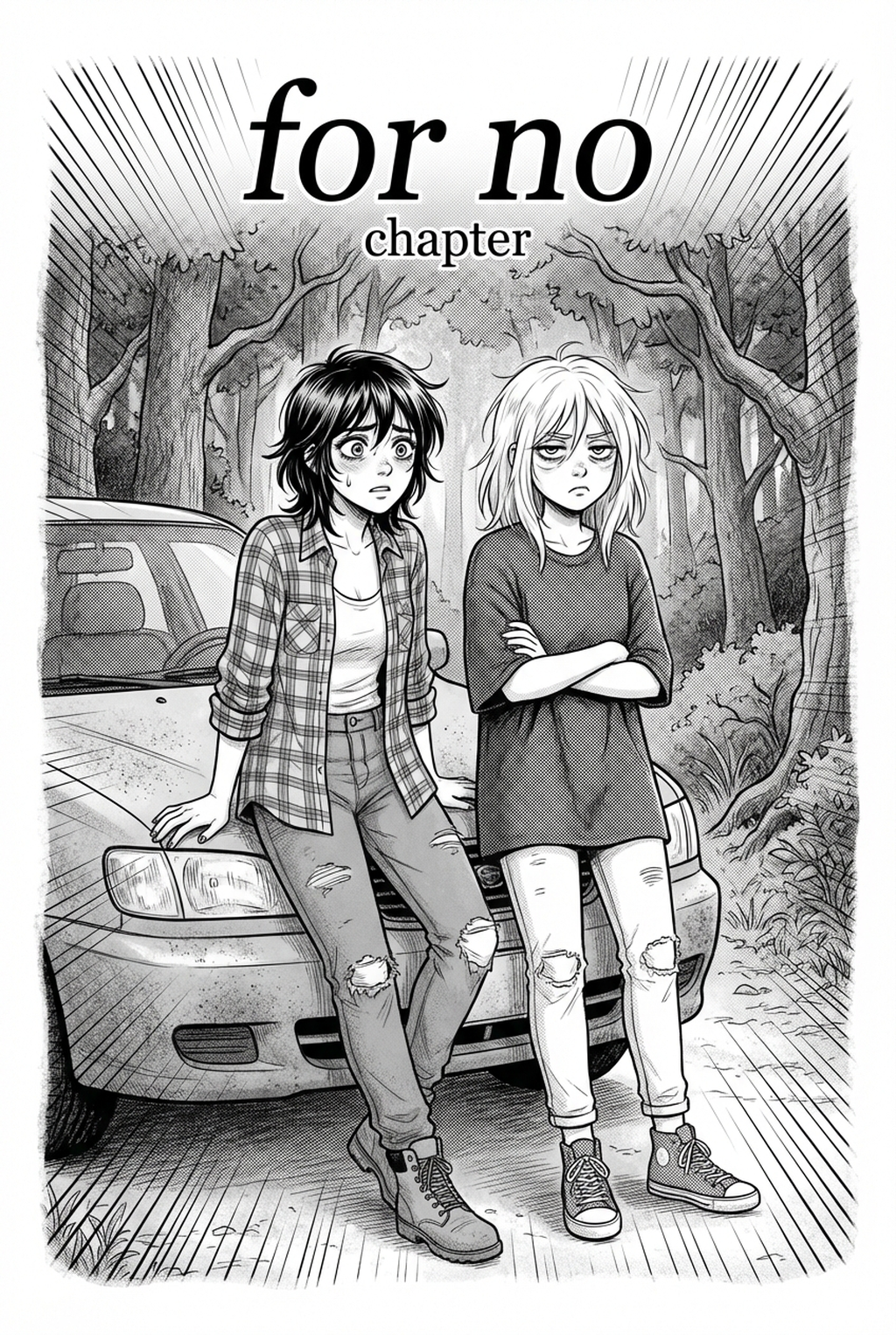
AI 4-Koma Strip Maker: Streamlining Your Strip Production
Automating the conversion of a core punchline idea into a complete storyboard allows you to bypass the most repetitive stages of the production process. When you use tools like the 4-koma manga with Mangaka for your drafts, you eliminate the risk of character-proportion drift between the first and last panel.
| Feature | Manual Production | AI-Assisted Production |
|---|---|---|
| Panel Layout | Hand-drawn/Customized | Automated Grid Alignment |
| Character Consistency | Requires manual reference sheets | Intelligent Model Retention |
| Script-to-Panel Time | 2-4 Hours per strip | Minutes per strip |
AI-driven tools act as a framework for your creative choices rather than a replacement for your artistic vision. By offloading the grid construction and base-level inking, you focus your energy on polishing the punchline or refining the specific expressions needed to make the twist hit harder. This division of labor ensures that your Ten" (twist) panel carries the necessary impact, as you have saved the hours of technical drawing time usually spent on background alignment or line-art cleanup.
Narrative Archetypes in Comedic Strips
Success in this format often stems from leaning into specific, repeatable tropes that allow your readers to form an immediate connection with your characters. This keeps the review focused on story intent, line weight, panel readability, and the export quality behind the final AI 4-Koma Strip Maker output.
- Assumption mismatch: This involves a setup where characters operate on conflicting information or motivations, building tension until the fourth panel reveals the irony. * Recurring personality quirks: By anchoring your humor in a character's predictable behavior, you reduce the time needed for exposition and jump straight into the situational comedy. * Observational irony: These strips leverage the brevity of the format to highlight mundane, relatable frustrations, often finding comedy in the rigid constraints of daily routines.
Launching Your First Series
To begin, identify a specific hook or 'setup-twist' dynamic that you can map to a recurring character archetype, ensuring that the joke is easily understood within seconds of scrolling. Creators can use each revision decision to clarify panel readability, character consistency, and export quality before publishing or sharing. Creative Decisions and Export Quality.
Creative Decisions and Export Quality
- Define your archetype: Select a character trait that provides a natural catalyst for conflict or misunderstandings in a four-panel span. 2. Translate the script: Input your raw punchline into a strip-making interface to generate the rough storyboard layout instantly, which prevents initial composition mistakes. 3. Refine the aesthetic: Adjust the character posing and expression for each panel to ensure the final output aligns with your target sub-genre, such as Seinen or slice-of-life. 4. Final Polish: Once the layout is solid, perform a final pass on the text placement and line weight to ensure the speech bubbles do not obscure essential visual details.
- Before Export. Creators should compare the generated line art with the original sketch and confirm that facial expressions, props, speed lines, and speech-bubble space still support the scene. A repeatable review pass should cover character consistency, panel readability, background clarity, and whether the final file is ready for coloring, lettering, or editor feedback. - For Longer Projects. Creators should save approved examples of line weight, face detail, clothing folds, and background density. Those references keep later chapters closer to the intended style. For collaboration, creators should mark which panels are final and which panels still need redraws. Clear status labels prevent an assistant, editor, or colorist from polishing the wrong version. - For Publishing. Creators should review the page at the actual reading size before export. Small screens expose crowded dialogue, weak silhouettes, and line details that looked fine while zoomed in. That extra context helps the reader connect the creative choice to character consistency, composition, speech-bubble space, and final file format.
Workflow Fit and Review Needs
Creators should compare the generated line art with the original sketch and confirm that facial expressions, props, speed lines, and speech-bubble space still support the scene. A repeatable review pass should cover character consistency, panel readability, background clarity, and whether the final file is ready for coloring, lettering, or editor feedback. For longer projects, creators should save approved examples of line weight, face detail, clothing folds, and background density.
Those references keep later chapters closer to the intended style. For collaboration, creators should mark which panels are final and which panels still need redraws. Clear status labels prevent an assistant, editor, or colorist from polishing the wrong version. Creators can evaluate AI 4-Koma Strip Maker workflow with Mangaka mid-workflow when they need the product path tied directly to review, refinement, and export. A real test should use the same sketch, character goal, or panel sequence that would otherwise need manual cleanup after generation. Those references keep later chapters closer to the intended style.
Validate Character References Before Generation
This checkpoint ties the creator scenario to genre intent, character reference, panel readability, and final file requirements. It prevents the article from becoming a flat list because each decision explains what must be true before the page is ready. The result is a cleaner path from rough idea to export, with fewer revisions caused by unclear references or mismatched page goals.
The Bottom Line
The 4-koma format remains the most effective way for mangaka to deliver high-impact humor in a fast-paced digital environment. By combining traditional narrative structures with advanced tools, you can reduce the technical friction of manual drawing and focus entirely on your unique creative voice. Leverage automated storyboarding to turn your ideas into publish-ready panels in minutes.
Related articles
Mastering the Manga Storyboard: A 2026 Creative Guide
Start Manga Storyboard Creation with AI – Try Mangaka 2026
Mastering AI Manga Storyboard Tips for Better Narrative
Frequently Asked Questions
Are there specific software requirements for 4-koma layouts?
Can 4-koma manga be serialized?
Does the punchline always have to be in the fourth panel?
How do I prevent character-proportion drift?
Master Ki-Sho-Ten-Ketsu Four-Panel Storytelling with Mangaka.app
Creating compelling 4-koma (Yonkoma) strips requires strict pacing, sharp comic timing, and consistent visual character models across every beat. Mangaka.app provides indie creators with a specialized sequential art workspace:
- Dedicated Yonkoma Layout Presets: Instantly generate classic 4-panel vertical grids with standardized gutters and print margins.
- Narrative Beat Architecture: Structure each scene effortlessly across Ki (Introduction), Sho (Development), Ten (Twist), and Ketsu (Conclusion).
- Persistent Character Turnarounds: Lock character hair, facial proportions, and costume details so your cast remains 100% consistent across every panel.
- Vertical Webtoon & Print Export: Export high-resolution (300/600 DPI) spreads for physical publications or vertical mobile feeds ready for social sharing.
Whether you are crafting slice-of-life gag strips, action vignettes, or webcomic serials, Mangaka.app delivers the tools you need to storyboard, ink, and publish professional 4-koma comics faster.