What Is AI Manga Character Designer for Horror Manga?
The Anime News Network feature on how manga is made describes manga as staged work from rough draft to finished page. That production context matters for Horror creators because AI assistance is useful only when the sketch, inking pass, and final page review stay connected.
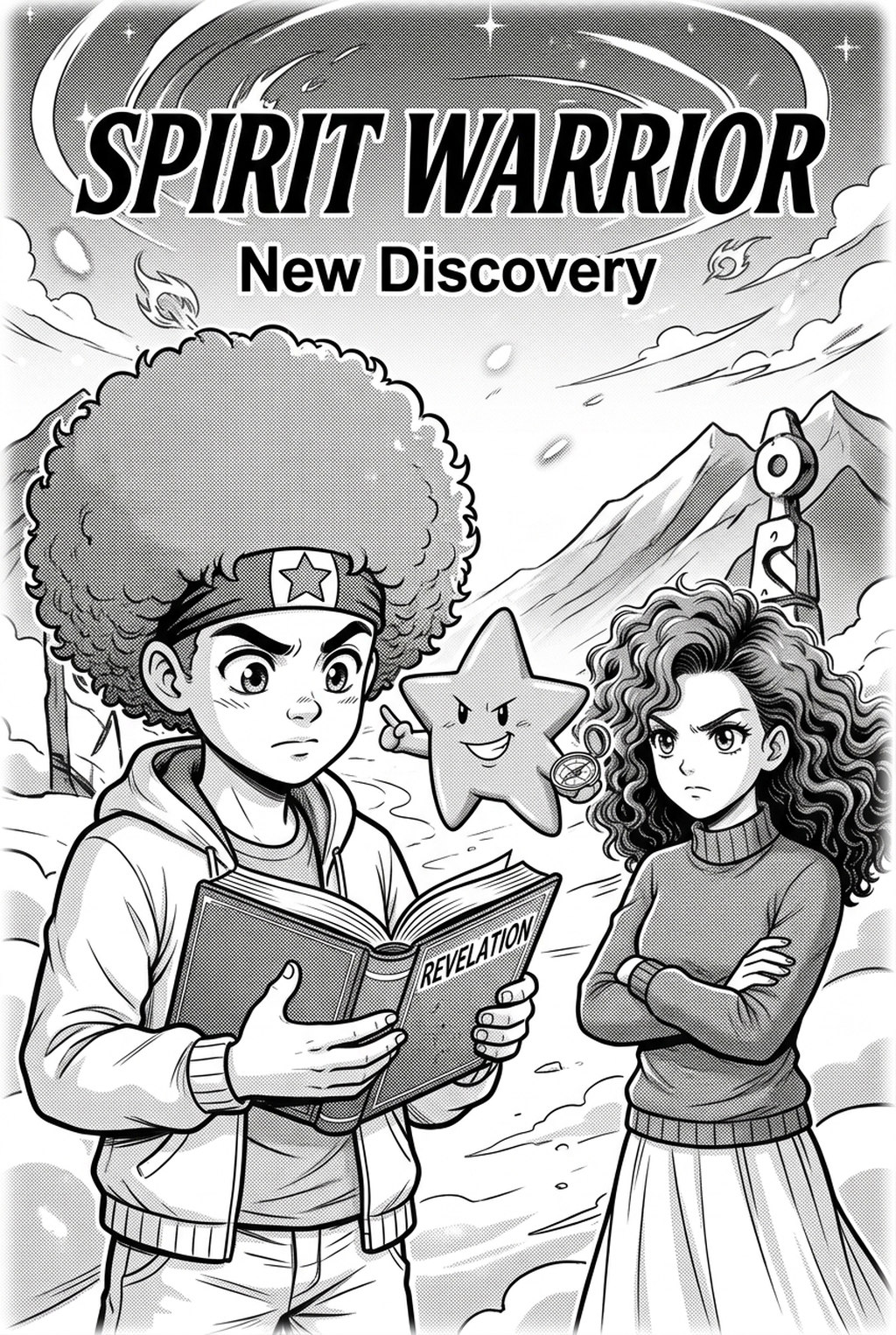
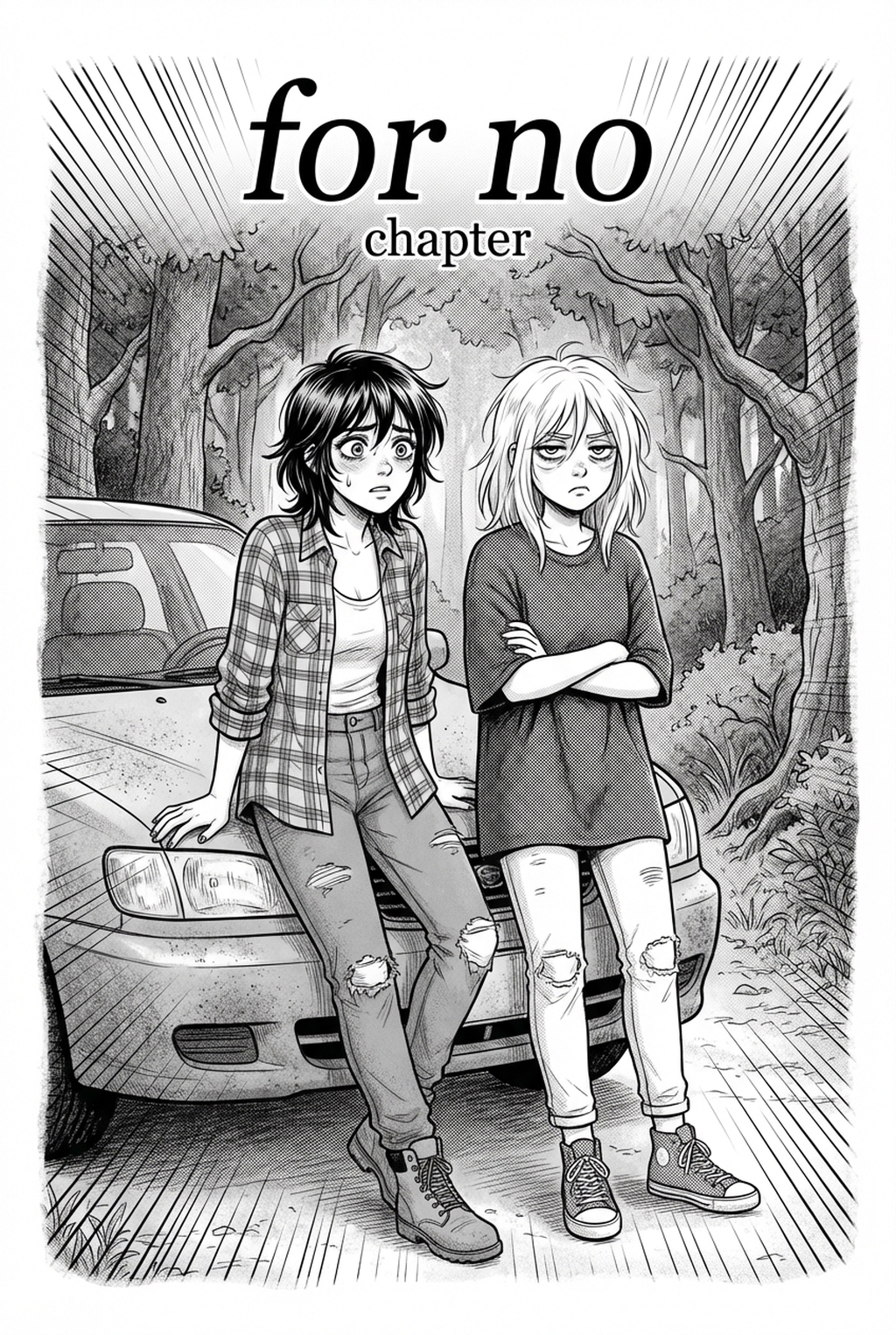
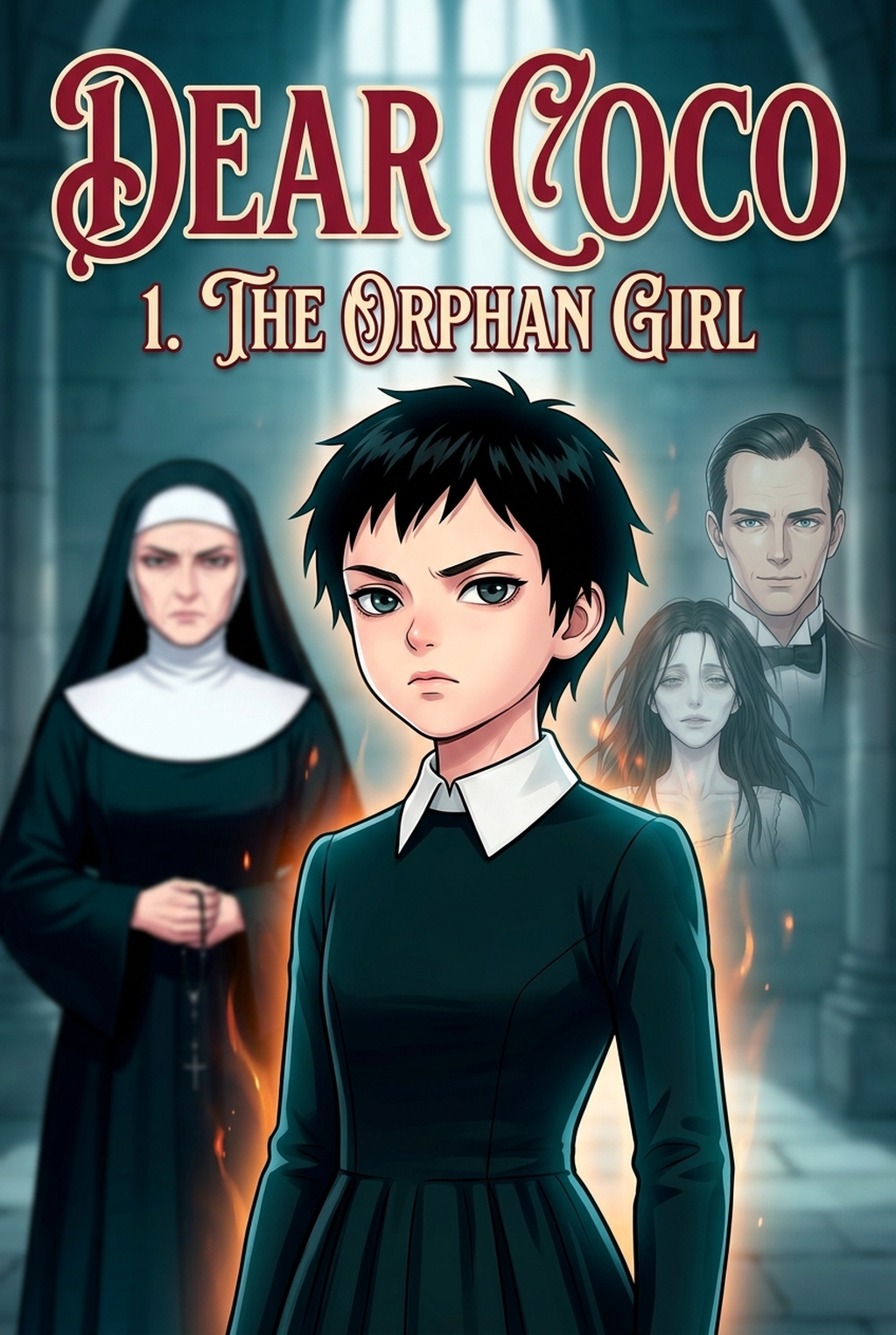
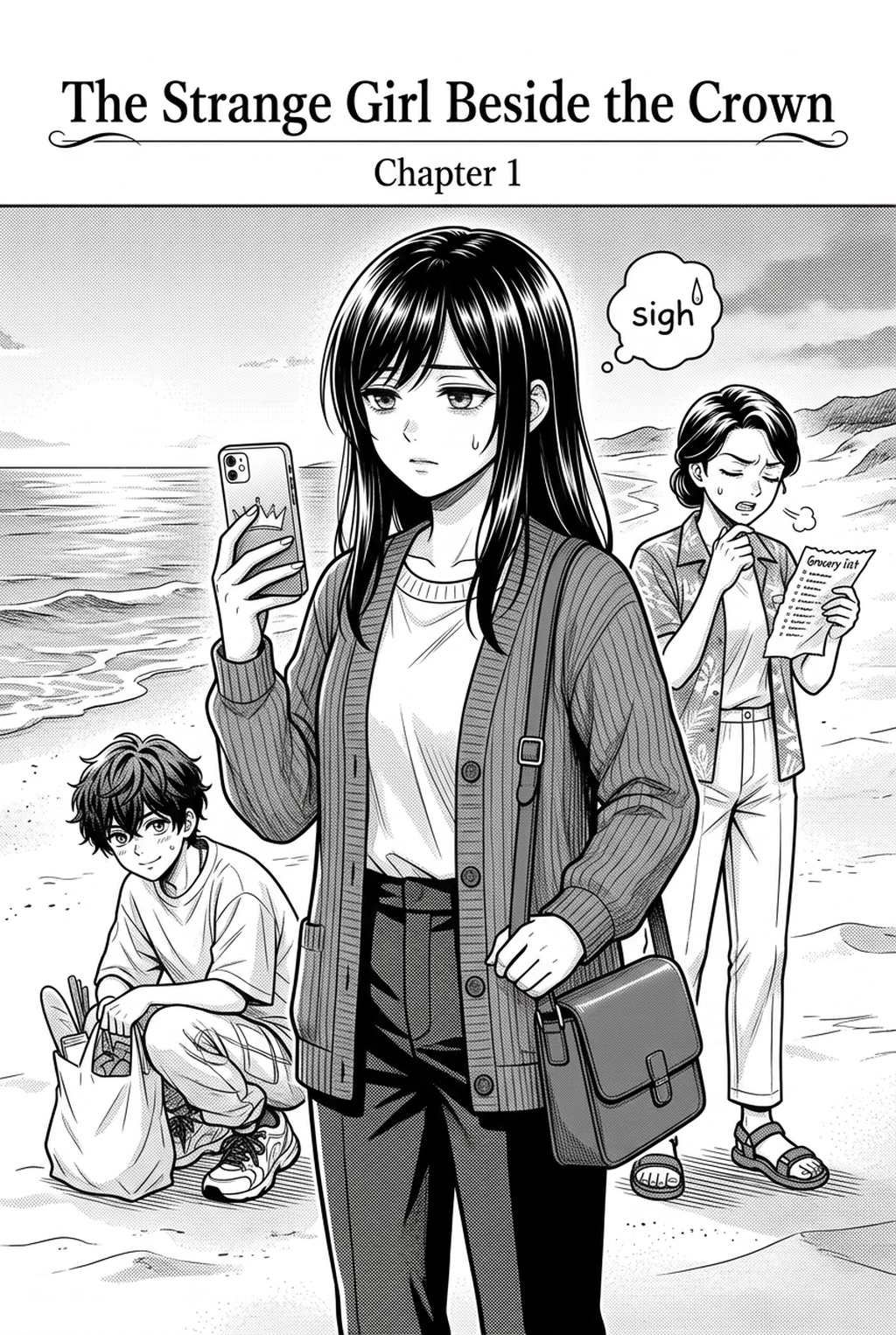
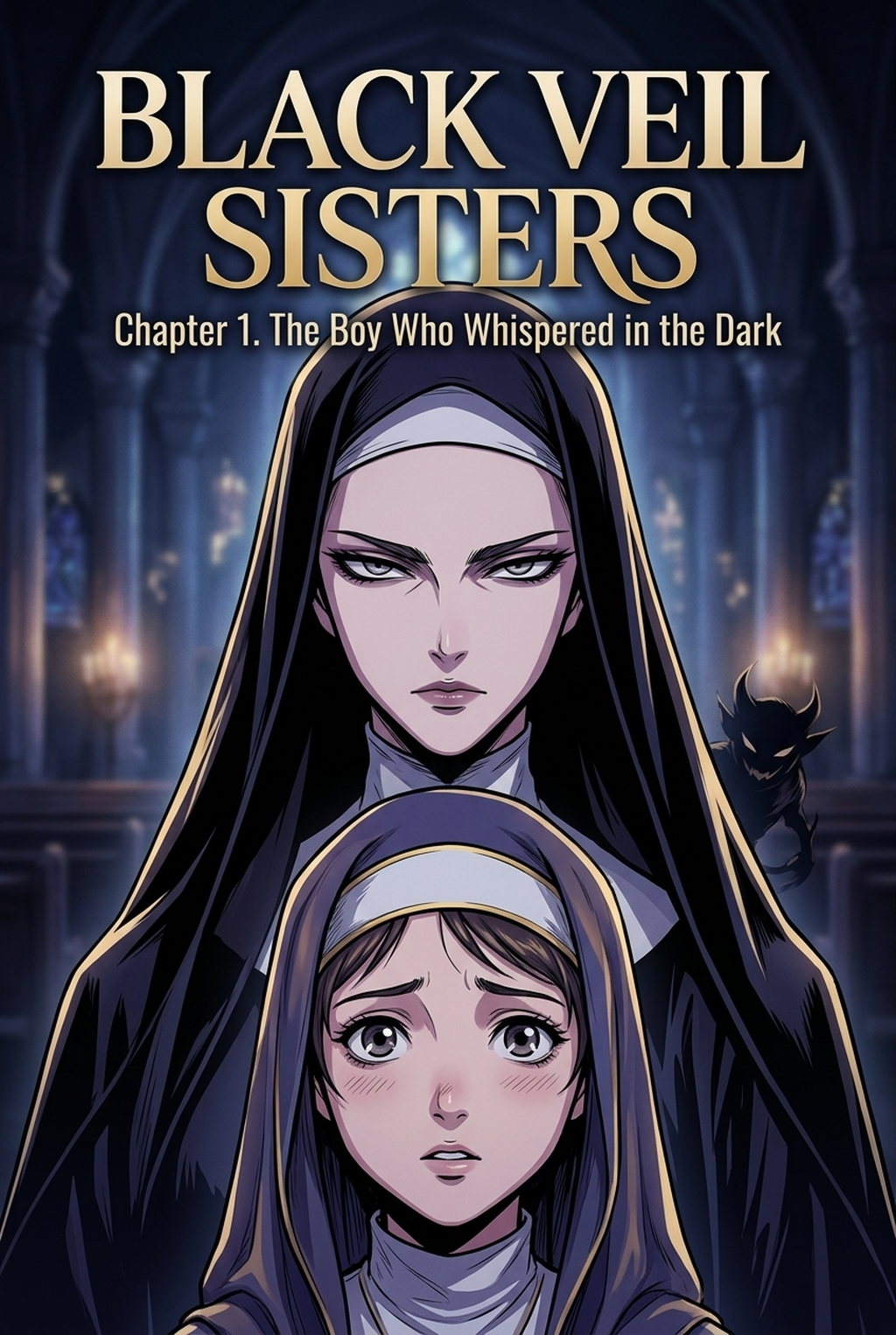
An AI Manga Character Designer is a specialized generative tool that learns specific character features—such as specific scars, unsettling eyes, or unique clothing—and preserves them across multiple poses and expressions. Unlike general image generators, these tools are built to respect the visual constraints of serialized comics, ensuring your antagonist looks just as haunting in a close-up as they do in a wide landscape shot.
Creative Goals and Style Context. When you work in horror, the visual "identity" of a monster or a victim is everything. If the character’s design shifts from panel to panel, the immersion breaks, and the dread dissipates. You can use tools like AI Manga Character Designer for Horror manga with Mangaka to lock in key traits so that your character’s features remain identical, regardless of the angle or lighting conditions you throw at them.
Horror vertical comic platforms rely on specific panel compositions, often featuring vertical scrolling and high-contrast color palettes. Character designers specialized for this format allow you to export assets that integrate seamlessly with your existing color workflow, maintaining the line weight and ink-style shading consistent with your project's art direction.
Why AI Manga Character Designer Matters for Horror in 2026
Creators in 2026 are no longer expected to choose between manual craftsmanship and production speed; they are expected to balance both to remain competitive in the digital space. For horror specifically, where the "uncanny valley" can be a design choice rather than a mistake, the ability to rapidly iterate on terrifying visual concepts allows you to experiment with more creative character silhouettes without sacrificing your production schedule.
The greatest pain point for an indie creator is spending hours redrawing a complex, demonic costume just to keep it accurate for one scene. By using automated character design, you shift your energy from mechanical redrawing to storyboarding, ensuring that your pacing—which is vital for horror—remains tight and suspenseful. This shift helps you avoid the common trap of rushing the actual story beats because you are too bogged down in technical maintenance.
How AI Manga Character Designer Works for Horror in Color Vertical Comic Platforms
You achieve a professional horror look by moving through a structured creative process that emphasizes character stability over random generation. By providing the engine with clear, descriptive parameters—such as "gaunt facial structure, pale skin, uneven pupils, and tattered dark robes"—you create a baseline that the software can reliably replicate.
- Define the Base Identity: Start by creating your master character sheet, focusing on the defining, unsettling features that make your horror character unique. 2. Generate Iterative Poses: Once the core design is set, request specific action poses, such as "hiding in shadows" or "distorted screaming expression," to see how the character translates into the specific needs of your script. 3. Refine and Integrate: Use your final character assets to build your panels, applying your standard color grading and lighting effects to ensure the character matches the atmosphere of your specific world.
In horror, the details matter; lighting is often used to obscure parts of a character to heighten fear. When generating characters, ensure your creative briefs explicitly mention consistent features that should never change, such as a signature necklace or a specific prosthetic, to prevent the AI from "drifting" in style. Always review your generated assets for Manga-style" integrity to ensure the line work doesn't clash with your existing hand-drawn backgrounds.
Use Cases for Horror Creators
Use cases are strongest when the story goal, genre expectation, visual risk, and final export format are clear. A useful example names the page detail a creator checks before the page moves into lettering, coloring, or publishing.
- Creating Unsettling Antagonists: Quickly generate multiple variations of a supernatural villain to find the most visually disturbing design that fits your plot's lore. * Maintaining Crowd Scenes: Use the tool to populate hallways or crowded streets with secondary characters who possess a unified, eerie visual style without having to hand-draw every background person. * Facial Expression Sheets: Build a library of "fear-response" faces for your protagonist, ensuring that their terror looks consistent throughout your series.
Step-By-Step Guide to Start with Mangaka
Start by preparing the creative brief, reference notes, character constraints, and export target before generation. The setup matters because a clearer brief gives the review pass something specific to judge: silhouette, expression, panel readability, and file readiness.
- Sign Up: Register for a free account to gain access to your personalized character design dashboard. 2. Input and Upload: Paste your detailed character descriptions or upload reference sketches to guide the engine on the specific look you need. 3. Generate and Download: Run your generations, refine the results, and download the consistent assets to drop directly into your vertical comic platforms panels.
Release cadence belongs in the production context for manga tools. For creators, the useful product question is whether pages stay readable when schedule pressure rises. Export quality depends on whether the creator can still adjust cleanup, line weight, and handoff settings after AI assistance. Wacom comic and manga creation guidance ties that point to drawing practice instead of broad AI-image claims.
Creators should define the scene goal, character references, page count, reading direction, and target Color vertical comic platforms. That gives AI Manga Character Designer enough context to support the story instead of producing disconnected panels. Creators should check line weight, facial expression, pose clarity, panel order, and space for dialogue before export. Those checks matter more for Horror pages because action beats and emotional pauses need to read quickly.
- Reader expectations. MyAnimeList manga news keeps genre expectations visible for readers who scan action, character acting, and page rhythm quickly. Shonen inking should preserve panel clarity, not just cleaner lines.
- Drawing practice. Wacom's comic and manga creation guide ties tool choice to brush control, cleanup effort, and export readiness. That keeps review grounded in creator workflow.
Design Spine-Chilling Horror Protagonists and Ghastly Entity Models with Mangaka.app
Horror character design requires unsettling facial distortion, hollow psychological gazes, and persistent macabre creature aesthetics across psychological terror sequences. Mangaka.app provides the dedicated sequential production engine built specifically for horror manga and comic creators:
- Distorted Anatomical Consistency: Maintain uncanny silhouettes, gaunt expressions, and eerie prosthetic details across multi-page jumpscare reveals.
- Shadow-Drenched Turnaround Sheets: Generate front, profile, and high-contrast dramatic down-angle reference sheets drenched in gritty crosshatching.
- Psychological Dread Expression Arrays: Render extreme expressions of panic, paralysis, and manic descent into madness without stylistic drift.
- 600 DPI Commercial Print Typography & Inking: Export publication-grade monochrome lineart matching commercial Japanese horror tankōbon standards.
The Bottom Line
A useful creator workflow keeps the story goal, visual style, and review step clear before export. AI Manga Character Designer gives creators a faster first pass without removing the final human review. This keeps the review focused on story intent, line weight, panel readability, and the export quality behind the final AI Manga Character Designer output.
Start creating with AI Manga Character Designer for Horror manga when you are ready to turn the reviewed idea into finished manga pages. Test it with one real page goal, one reference boundary, and one export requirement so the decision stays tied to production quality.